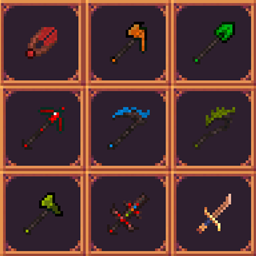
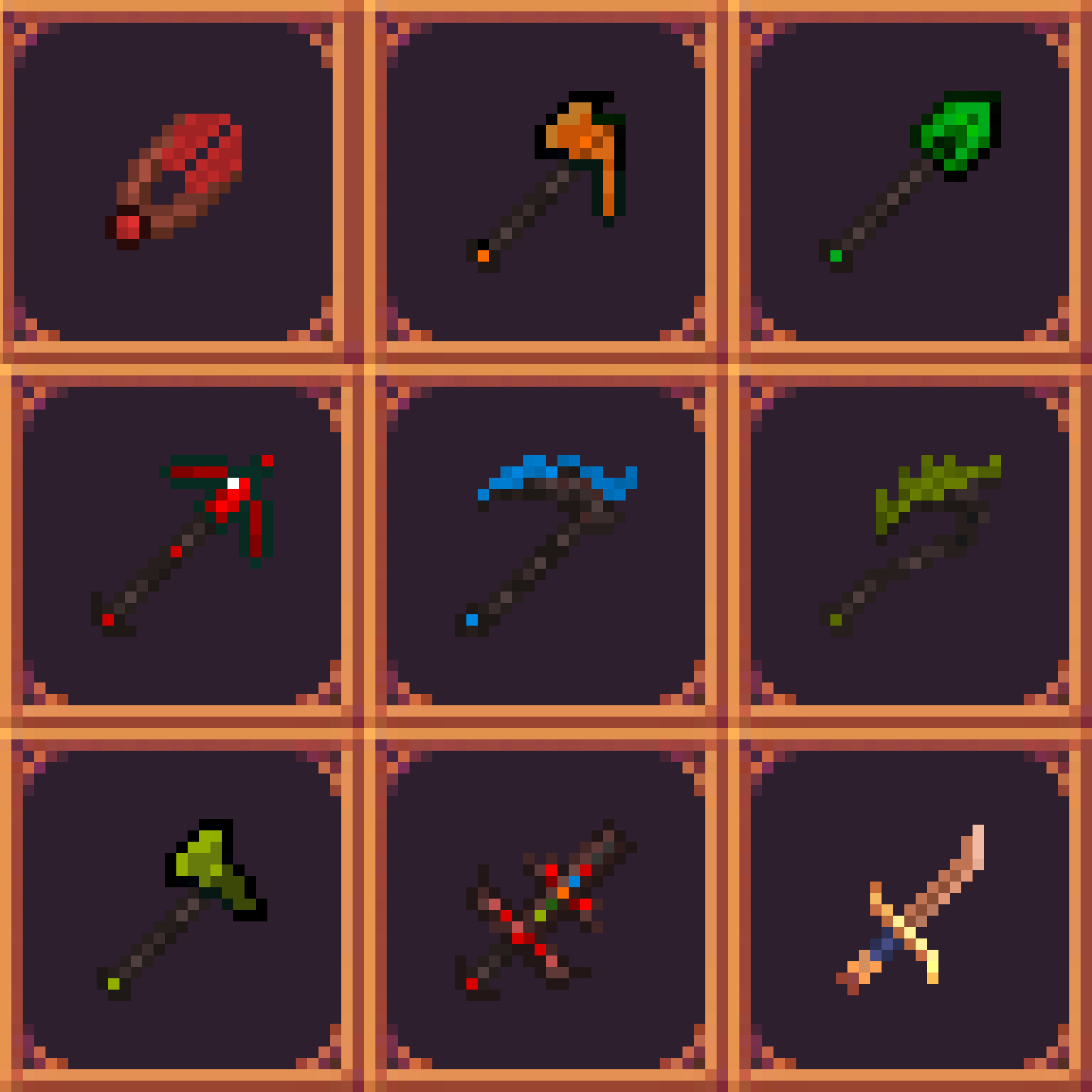
🌟 Mystical Agriculture Retextured Resource Pack 🌟
A work in progress that brings a touch of elegance to your favorite mod.
❕All these textures are made by me and no assets were taken from any mod❕
✨ What's Included?
- 🪓 New textures for all the armor sets and most of the tools/weapons!
- 🛠️ Ongoing updates to enhance even more items.
🖌️ Work in Progress (WIP):
- This resource pack is a labor of love!
- I started on this back on MC 1.18.2 while I was customizing a pack for me and my friends. Which is why it does not include everything from the recent mod versions YET.
🚀 How to Install:
- Download the resource pack.
- Open Minecraft and go to "Options."
- Click on "Resource Packs" and then "Open Resource Pack Folder."
- Drag and drop the downloaded resource pack into the folder.
- Select the resource pack in the game.
Or if you are using CurseForge then just download the pack directly from the client in your desired profile.
⚠️ 2 Versions:
- One version requires the mod MoreMcmeta (Forge) to display some textures properly.
- The version that requires MoreMcmeta has 2 armor sets animated:
- Awakned Supremium armor set
- Insanium armor set
🔍 Next on the list:
- Changing the texture of more items:
🚫Sickle
🚫Bow
🚫Crossbow
🚫Fishing rod
👥 Community Feedback:
I value your input! Share your thoughts, report issues, and stay updated on the latest developments. Your feedback helps shape the future of this resource pack!
✨ Thank you for choosing Mystical Agriculture Retextured! ✨