Mineuniverse
Resource Packs
Mystical Agriculture Renewal

Mystical Agriculture Renewal

RESOURCE PACK
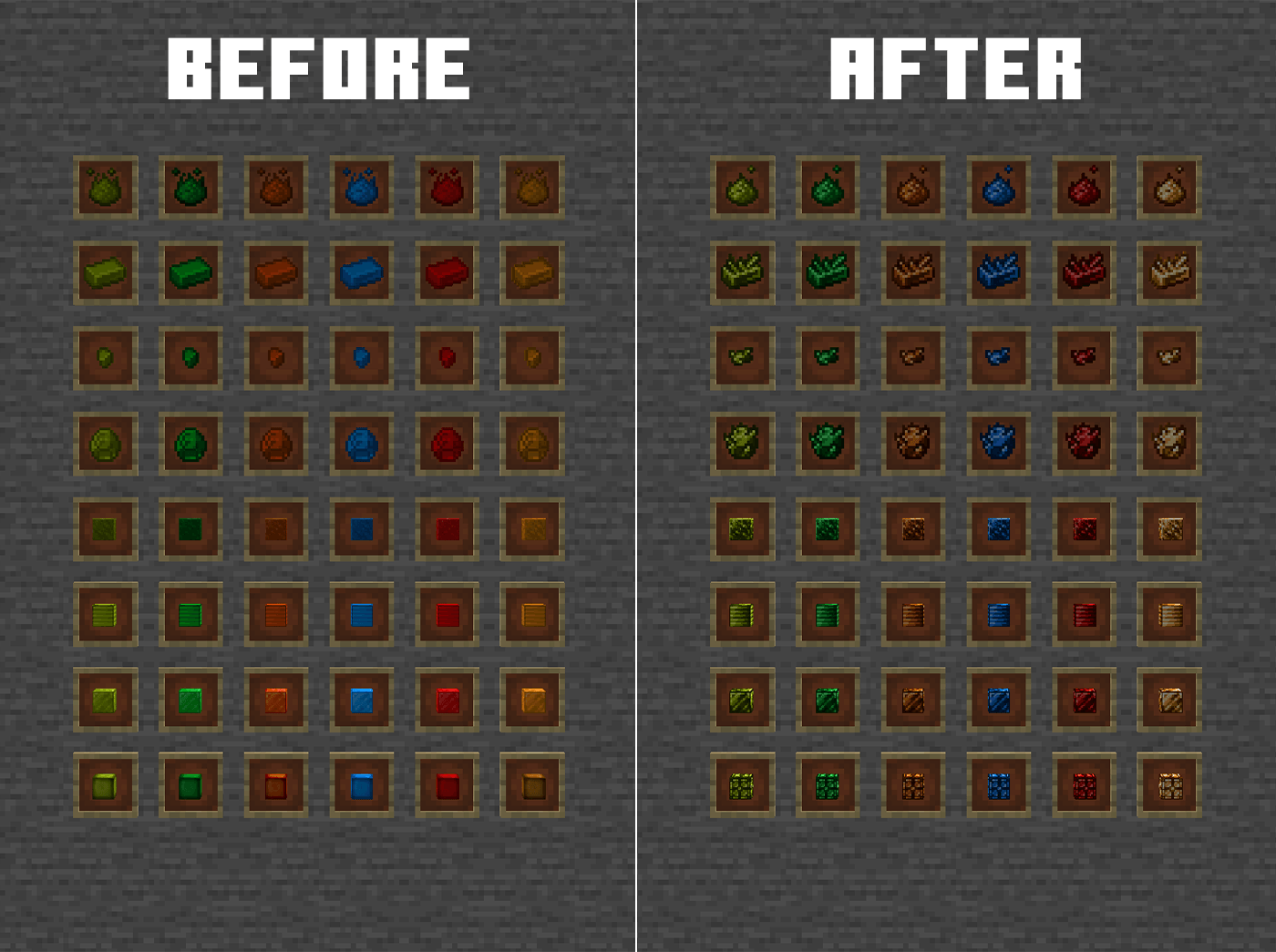
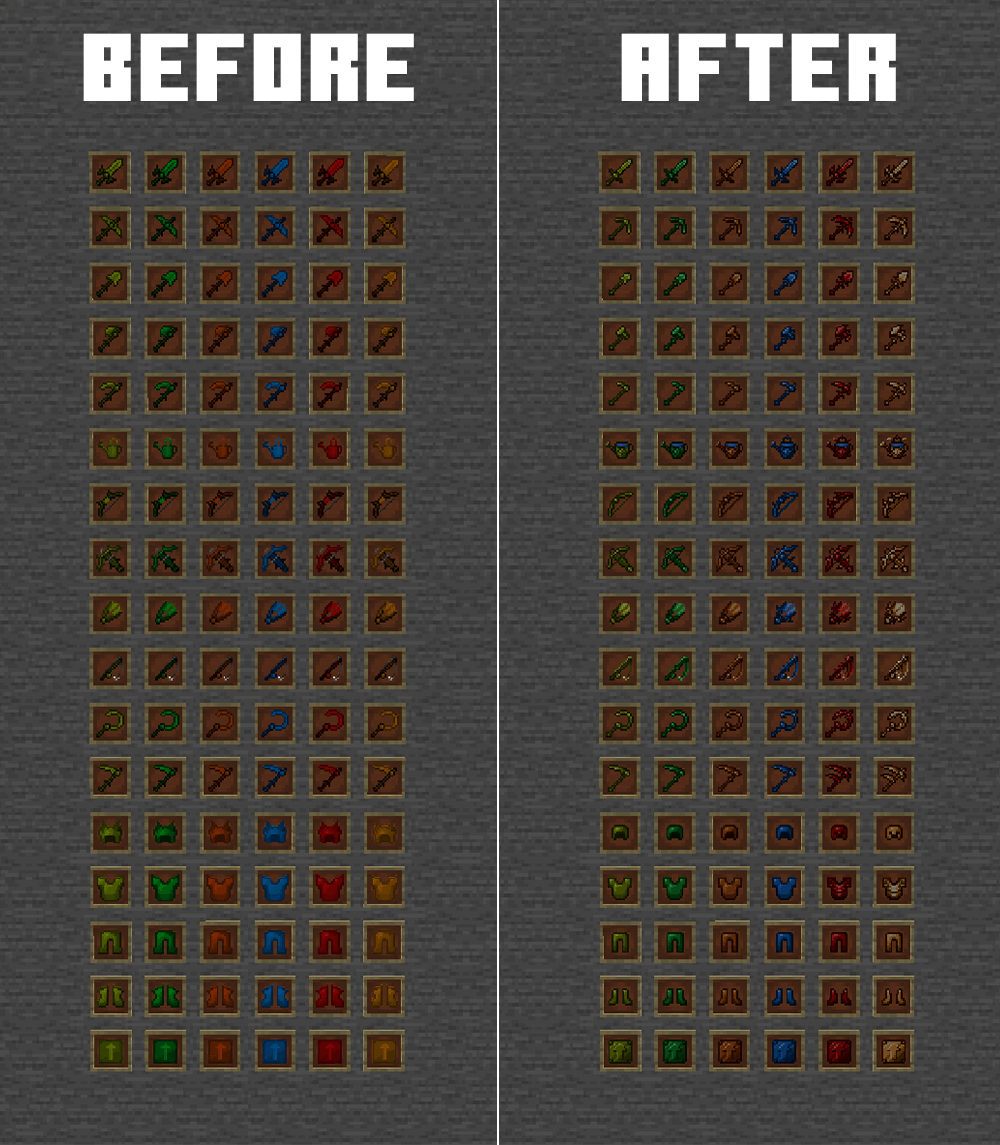
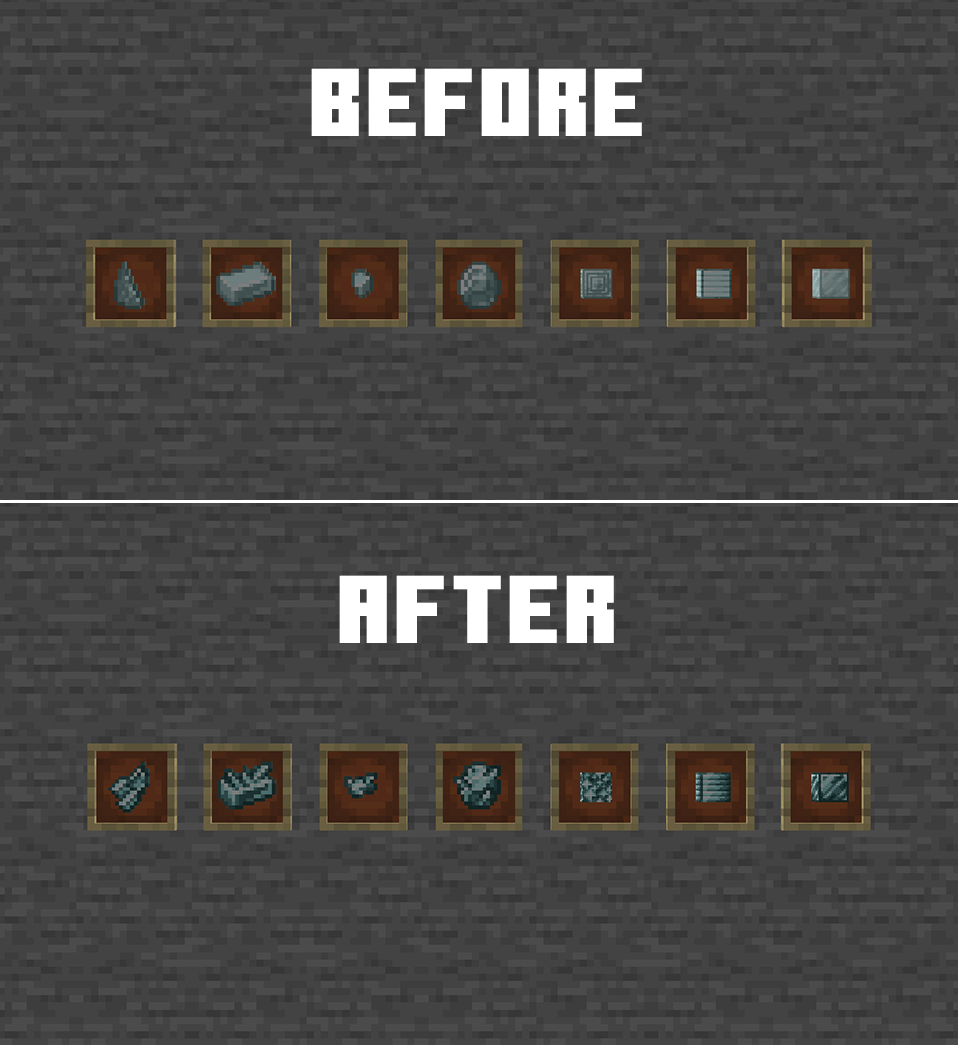
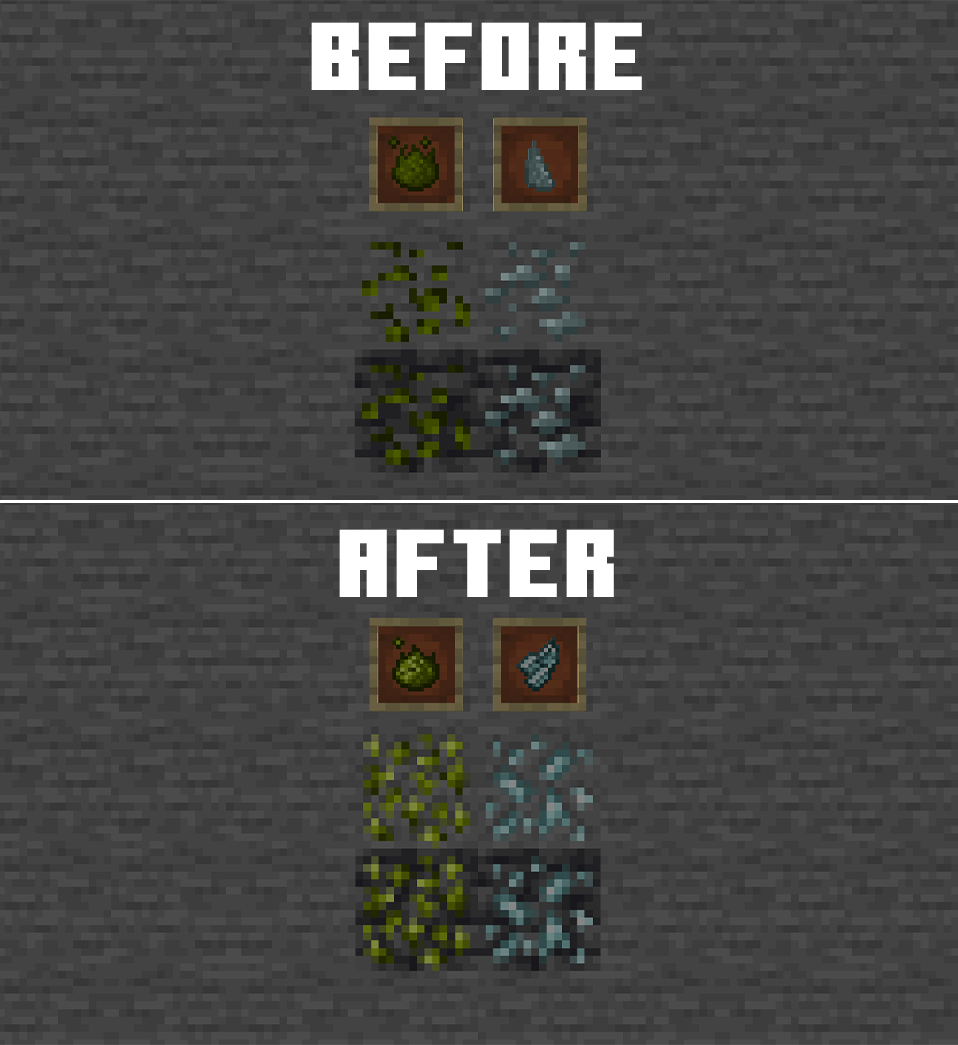
Full Mystical Agriculture mod retexture that fits to current visual standards. Currently work in progress.
by Enleey
Download Claim this project
Add a badge to your pageLink to Mystical Agriculture Renewal from a README, website or forum post.
Preview: Badge

Badges update automatically and link to the resource pack page on MineUniverse.

275 downloads
0 likes
0 followers
Updated Oct 14, 2026
0 hypes
Follow0
16x Animated Mod Support
Advertisement Remove ads with Premium →

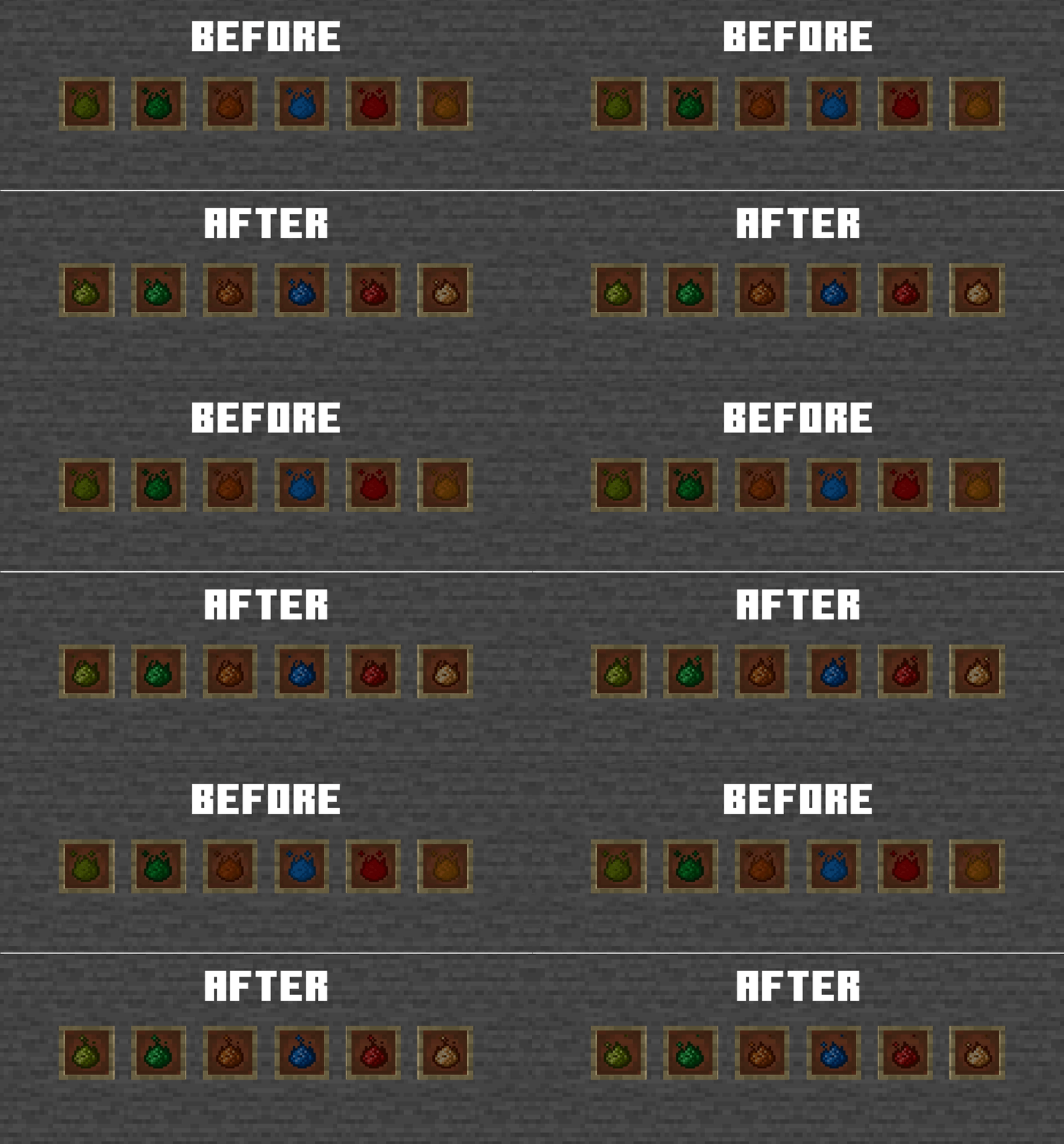
Mystical Agriculture needed a re-texture for a long time now… so here it is! I took things into my own hands and I want to show you guys how I see a renewed version of this mod.

Note that this pack is still unfinished and I’m working on it passively, so the current content might change! Below are sprites that have to be textured yet:

  • tool augments
  • *spears (newer versions)
  • agglomeratio
  • itemstate for the watering can (empty/filled with water)
  • prosperity block sounds -> to sound like amethyst block
  • farmlands
  • machine upgrades and inventories(slots must fit the items)
    • upgrades
    • inventory
  • infusion crystals
      • change infusion crystal color (if possible)
  • armor items and models
    • consistency
    • resprite
  • item essences
  • seeds
  • bonus color (light) for tools to make them shine more
  • animations

As soon as I finish the textures for the 1.20.1 version of the mod, I will start making files for the latest version and all the important ones in between.

Mystical Agriculture Renewal v0.2.zip
MC 1.20.1
Beta 2026-07-26 Get
Mystical Agriculture Renewal v0.1.zip
MC 1.21.1
Alpha 2026-07-08 Get

Requirements & install

How to use this resource pack in Minecraft
Resolution
16x
Minecraft
1.20.1 – 1.21.1
Install folder
.minecraft/resourcepacks

How to install resource packs

  1. Download the resource pack .zip file (do not extract it).
  2. In Minecraft open Options → Resource Packs → Open Pack Folder.
  3. Drop the .zip into the resourcepacks folder (.minecraft/resourcepacks).
  4. Move the pack to the Selected column and click Done.
Browse more: 16x resource packs 32x resource packs 64x resource packs 128x resource packs 256x resource packs 512x+ resource packs Resource Packs for 1.21.1 All resource packs

More from Enleey

Advertisement Remove ads with Premium →

You Might Also Like