Mineuniverse
Resource Packs
Mystic Craft

Mystic Craft

RESOURCE PACK
Resource Pack I work on from time to time.
by Shrouded_Guise
Download Claim this project
3,609 downloads
0 likes
Updated Oct 14, 2026
0 hypes
16x Miscellaneous
Advertisement Remove ads with Premium →

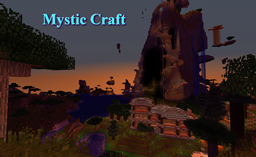
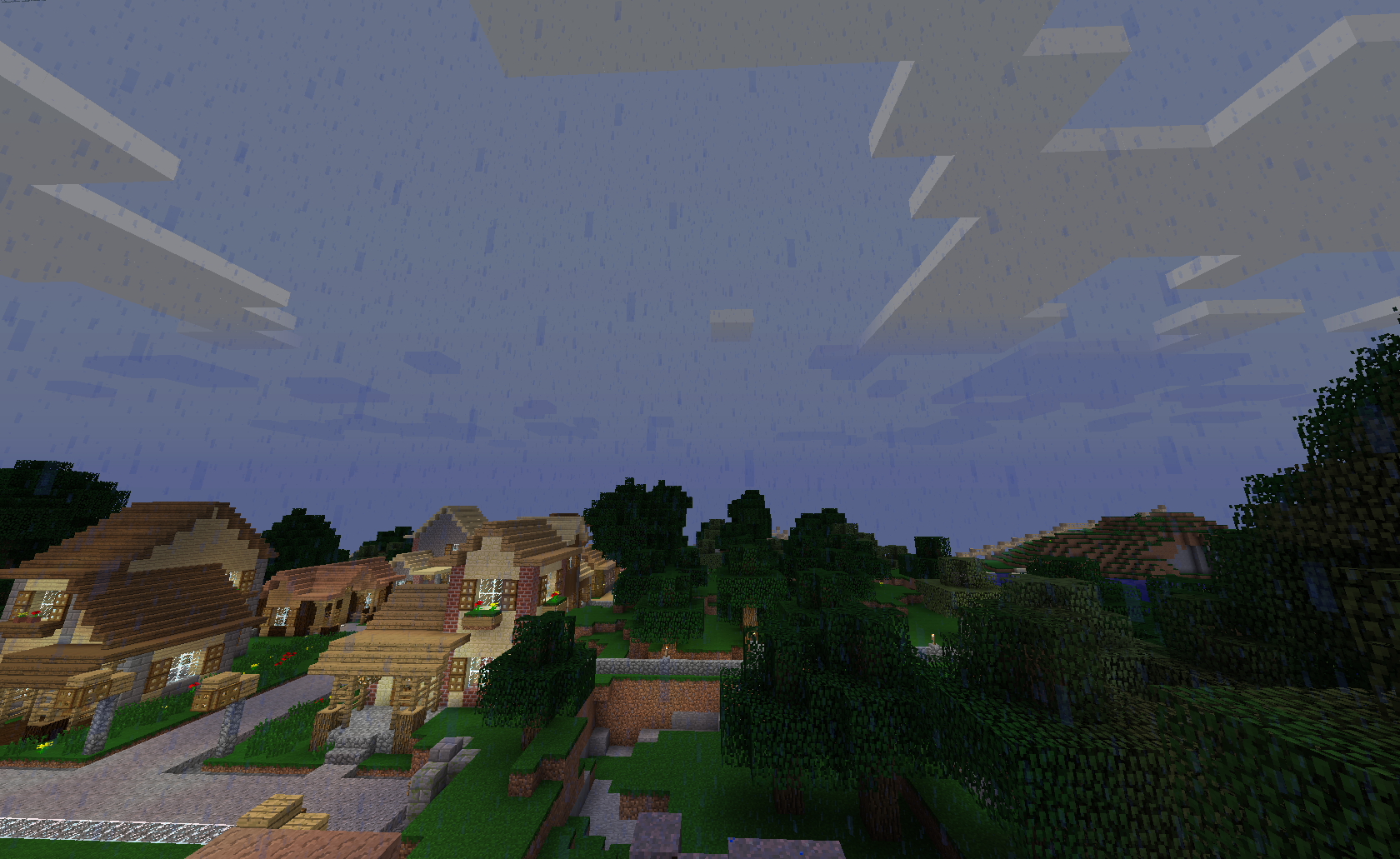
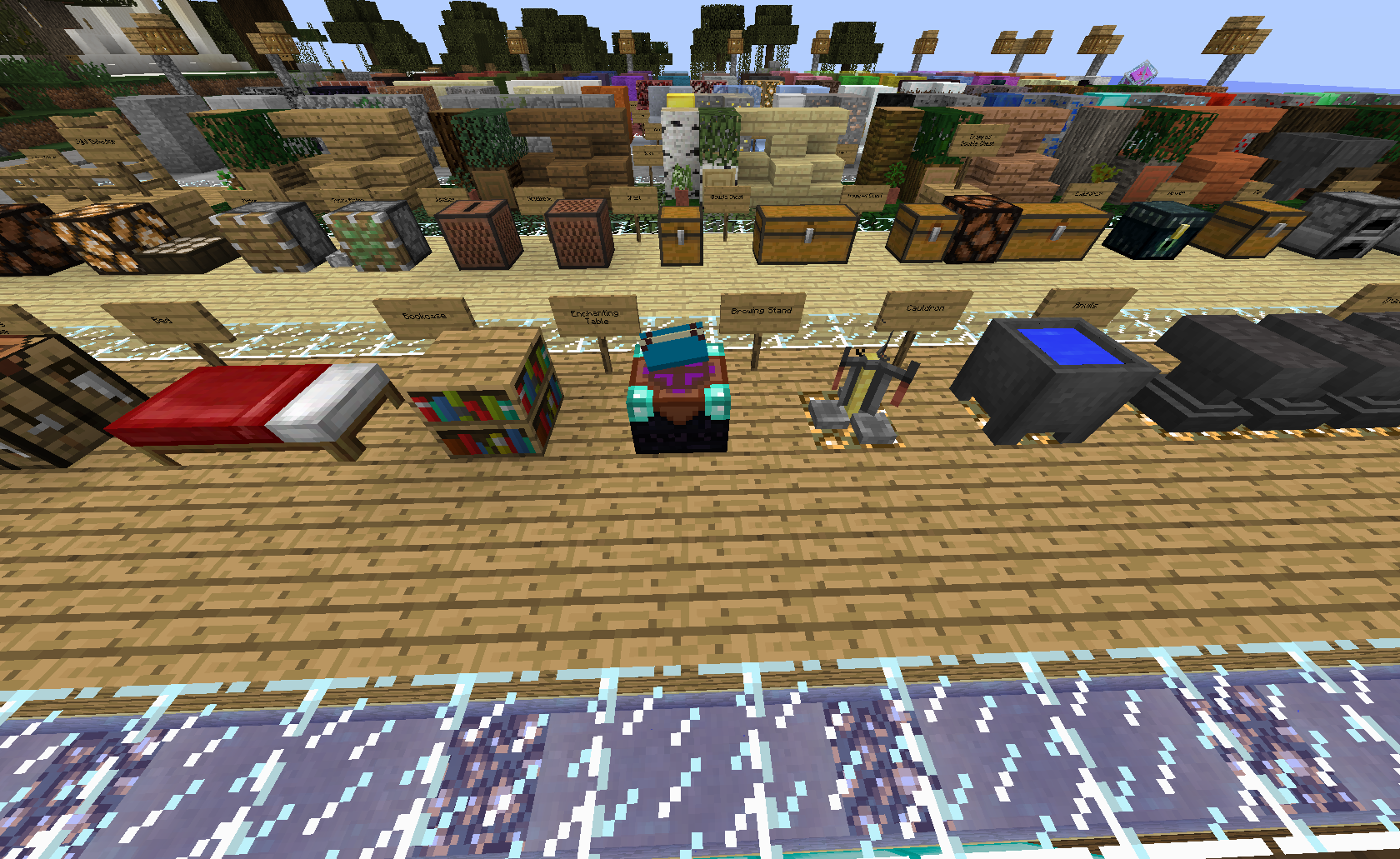
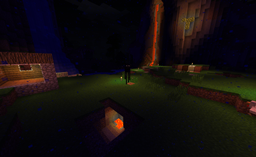
Mystic Craft is a resource pack I work on from time to time, whenever I get an idea or feel something could be improved over default I most likely will add it. Optifine or McPatcher are recommended to have access to all of the features. Criticism is welcome, as long as it is presented in an acceptable way (ex: This is what's wrong, here's how you could fix it)

Some of the features so far.

  • Greener grass and trees.
  • Nicer Rain.
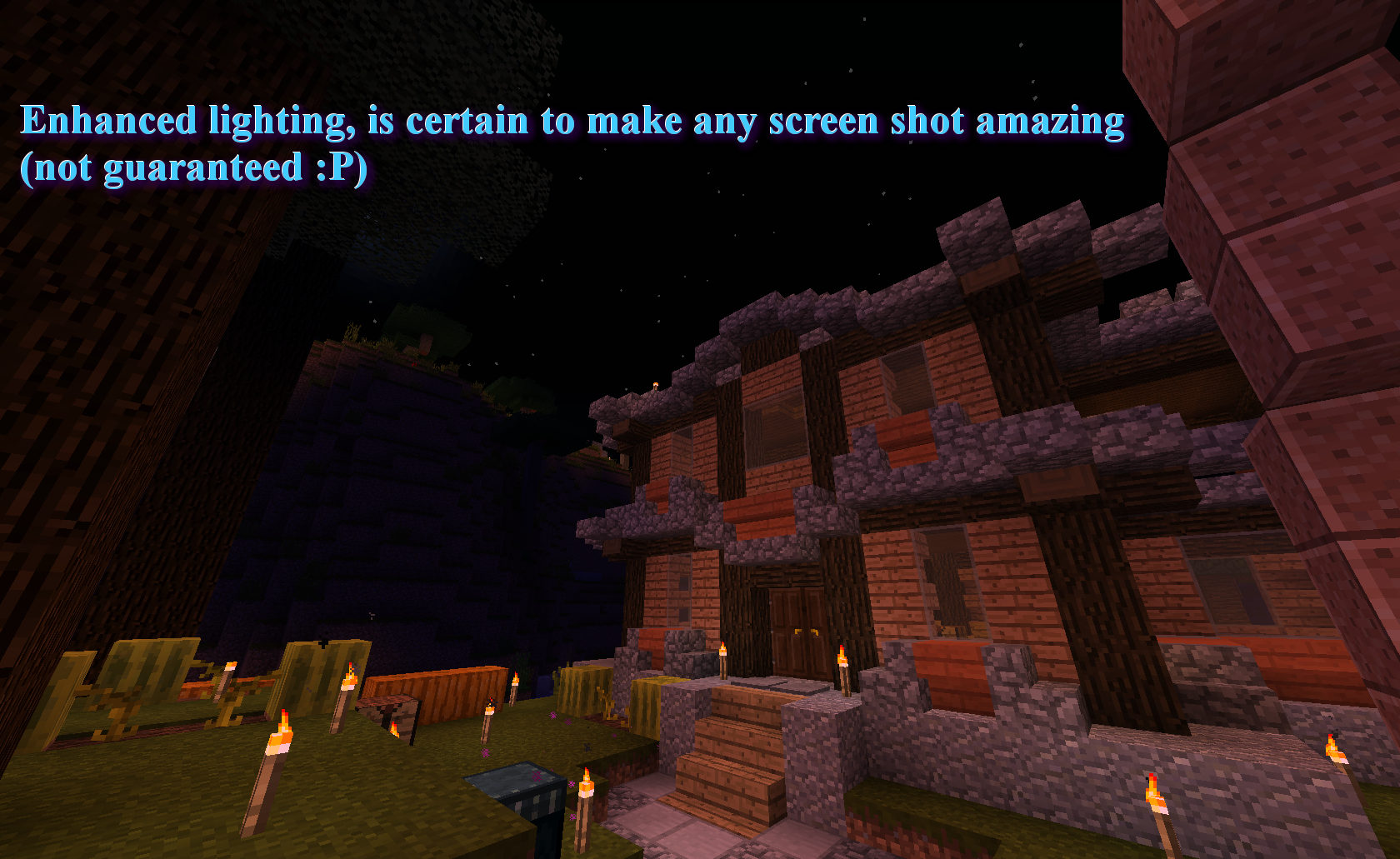
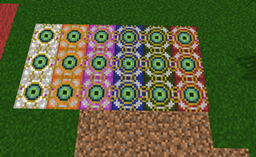
  • Custom lighting.
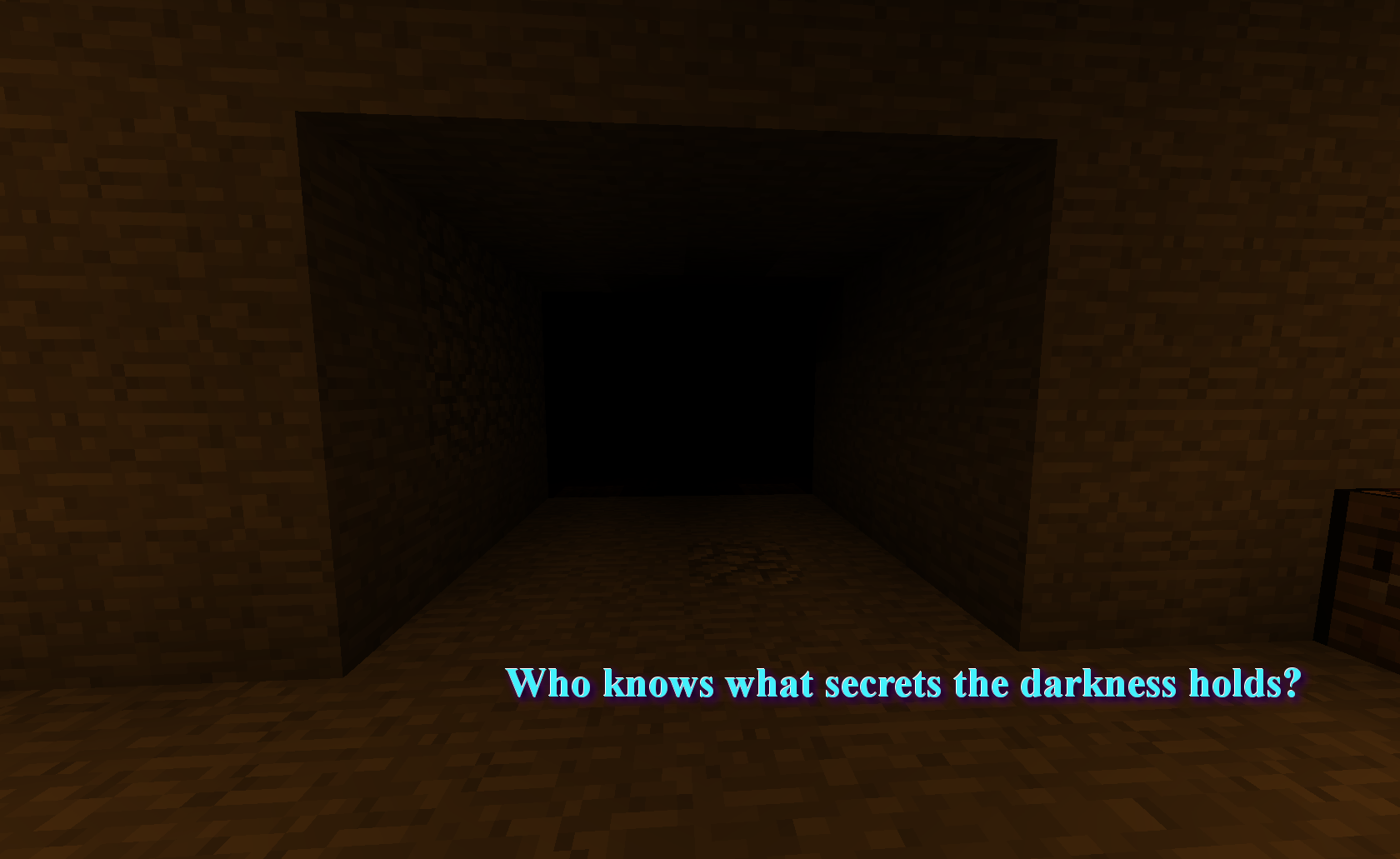
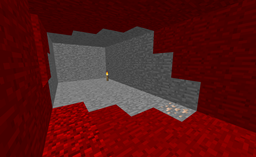
  • Caves pitch black, no matter what brightness unless lit.
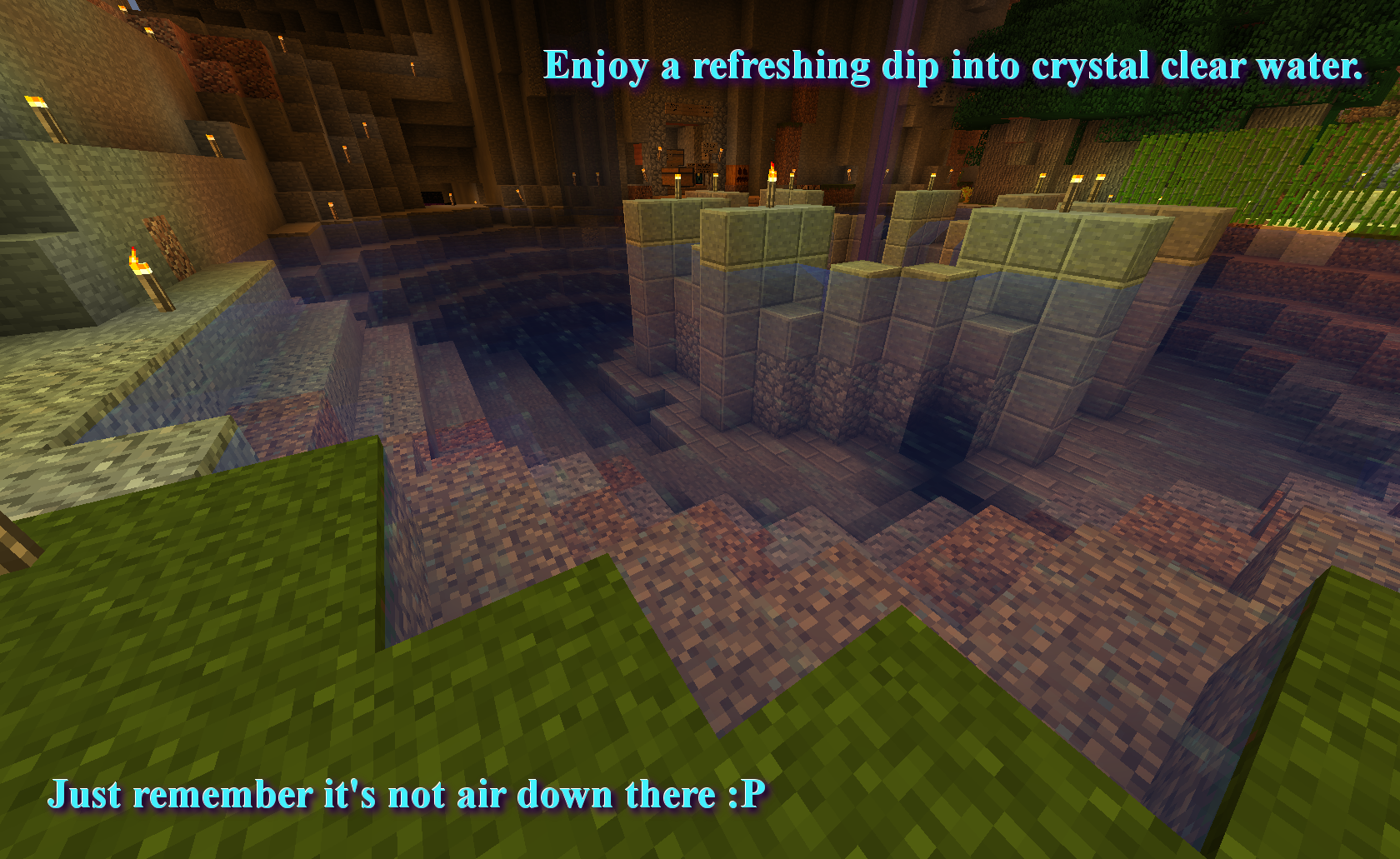
  • Clearer water.
  • Slightly Clearer glass with connected textures.
Mystic Craft.zip
MC 1.8, 1.8.1
Release 2014-12-30 Get
Mystic Craft.zip
MC 1.7.6, 1.7.4, 1.7.7, 1.7.5, 1.7.9, 1.7.2, 1.8-Snapshot, 1.7.8, 1.7.10, 1.8, 1.8.1
Release 2014-12-11 Get
Mystic Craft.zip
MC 1.7.6, 1.7.4, 1.7.7, 1.7.5, 1.7.9, 1.7.2, 1.8-Snapshot, 1.7.10, 1.8
Release 2014-11-22 Get
Mystic Craft.zip
MC 1.7.6, 1.7.4, 1.7.7, 1.7.5, 1.7.9, 1.7.2, 1.8-Snapshot, 1.7.8, 1.7.10, 1.8
Release 2014-11-11 Get

Requirements & install

How to use this resource pack in Minecraft
Resolution
16x
Minecraft
1.7.6 – 1.8.1
Install folder
.minecraft/resourcepacks

How to install resource packs

  1. Download the resource pack .zip file (do not extract it).
  2. In Minecraft open Options → Resource Packs → Open Pack Folder.
  3. Drop the .zip into the resourcepacks folder (.minecraft/resourcepacks).
  4. Move the pack to the Selected column and click Done.
Browse more: 16x resource packs 32x resource packs 64x resource packs 128x resource packs 256x resource packs 512x+ resource packs Resource Packs for 1.8.1 All resource packs

More from Shrouded_Guise

Advertisement Remove ads with Premium →

You Might Also Like