Mineuniverse
Resource Packs
Mute Dispensers and Droppers

Mute Dispensers and Droppers

RESOURCE PACK
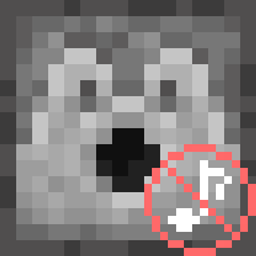
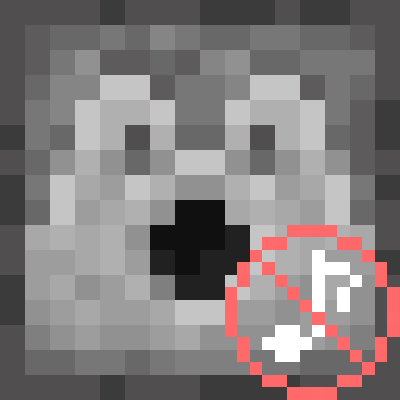
Mutes the sounds produced by Dispensers and Droppers.
by navzary
Download Claim this project
Add a badge to your pageLink to Mute Dispensers and Droppers from a README, website or forum post.
Preview: Badge

Badges update automatically and link to the resource pack page on MineUniverse.

2,629 downloads
0 likes
0 followers
Updated Oct 14, 2026
0 hypes
Follow0
Data Packs Miscellaneous
Advertisement Remove ads with Premium →

Mutes the sounds produced by Dispensers and Droppers, without affecting other sounds.


Version 1.9 and above supports changing sounds using json files, decreasing file sizes and increasing performance.

Versions below 1.9 use the only way to do this, a 0 seconds mute sound replacement and might require a game restart.


Click here or on the image above for the Quieter version


You might also want:

                   
Mute Pistons     Quieter Pistons


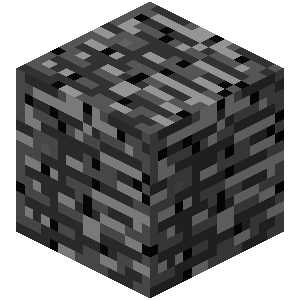
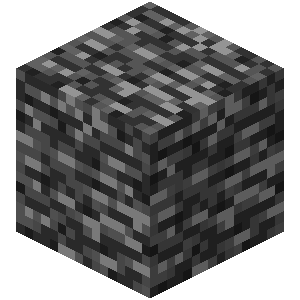
Old Water     Old Bedrock     New Bedrock


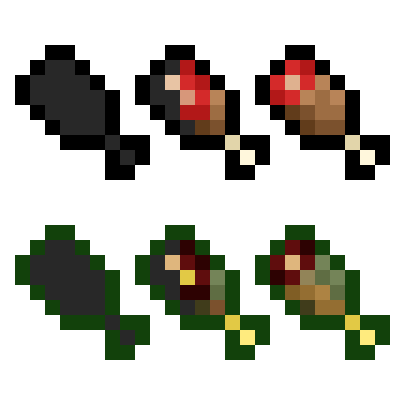
 Vanilla Hearts HUD     Vanilla Hunger HUD

Mute Dispensers and Droppers 1.21.9+
MC 1.21.9-snapshot, 1.21.9, 1.21.10, 1.21.11-snapshot, 1.21.11, 26.1-snapshot, 26.1, 26.1.1, 26.1.2, 26.2, 26.3-snapshot, 26.3
Release 2026-09-17 Get
Mute Dispensers and Droppers 1.21.8 and below
MC 1.16.3, 1.13.1, 1.9.3, 1.16-Snapshot, 1.17.1, 1.9.1, 1.21.2-Snapshot, 1.21, 1.21.6-snapshot, 1.15-Snapshot, 1.16.1, 1.18.1, 1.20.2-Snapshot, 1.20.5-Snapshot, 1.14.3, 1.15, 1.16
Release 2025-09-28 Get
Mute Dispensers and Droppers OLD
MC 1.16.3, 1.13.1, 1.9.3, 1.8.7, 1.7.4, 1.7.7, 1.7.6, 1.16-Snapshot, 1.17.1, 1.9.1, 1.21.2-Snapshot, 1.21, 1.21.6-snapshot, 1.15-Snapshot, 1.7.5, 1.6.1, 1.16.1, 1.18.1
Beta 2025-09-28 Get

Requirements & install

How to use this resource pack in Minecraft
Resolution
Not specified
Minecraft
1.21.11 – 26.3
Install folder
.minecraft/resourcepacks

How to install resource packs

  1. Download the resource pack .zip file (do not extract it).
  2. In Minecraft open Options → Resource Packs → Open Pack Folder.
  3. Drop the .zip into the resourcepacks folder (.minecraft/resourcepacks).
  4. Move the pack to the Selected column and click Done.
Browse more: 16x resource packs 32x resource packs 64x resource packs 128x resource packs 256x resource packs 512x+ resource packs Resource Packs for 26.3 All resource packs

More from navzary

Advertisement Remove ads with Premium →

You Might Also Like