Mineuniverse
Resource Packs
mullak99's Faithful [32x]

mullak99's Faithful [32x]

RESOURCE PACK
A variation of the Failthful 32x Resource Pack
by mullak99
Download Claim this project
Add a badge to your pageLink to mullak99's Faithful [32x] from a README, website or forum post.
Preview: Badge

Badges update automatically and link to the resource pack page on MineUniverse.

70,056 downloads
0 likes
0 followers
Updated Oct 14, 2026
0 hypes
Follow0
32x Miscellaneous Traditional
Advertisement Remove ads with Premium →

Description


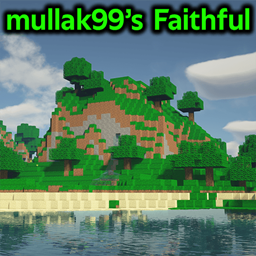
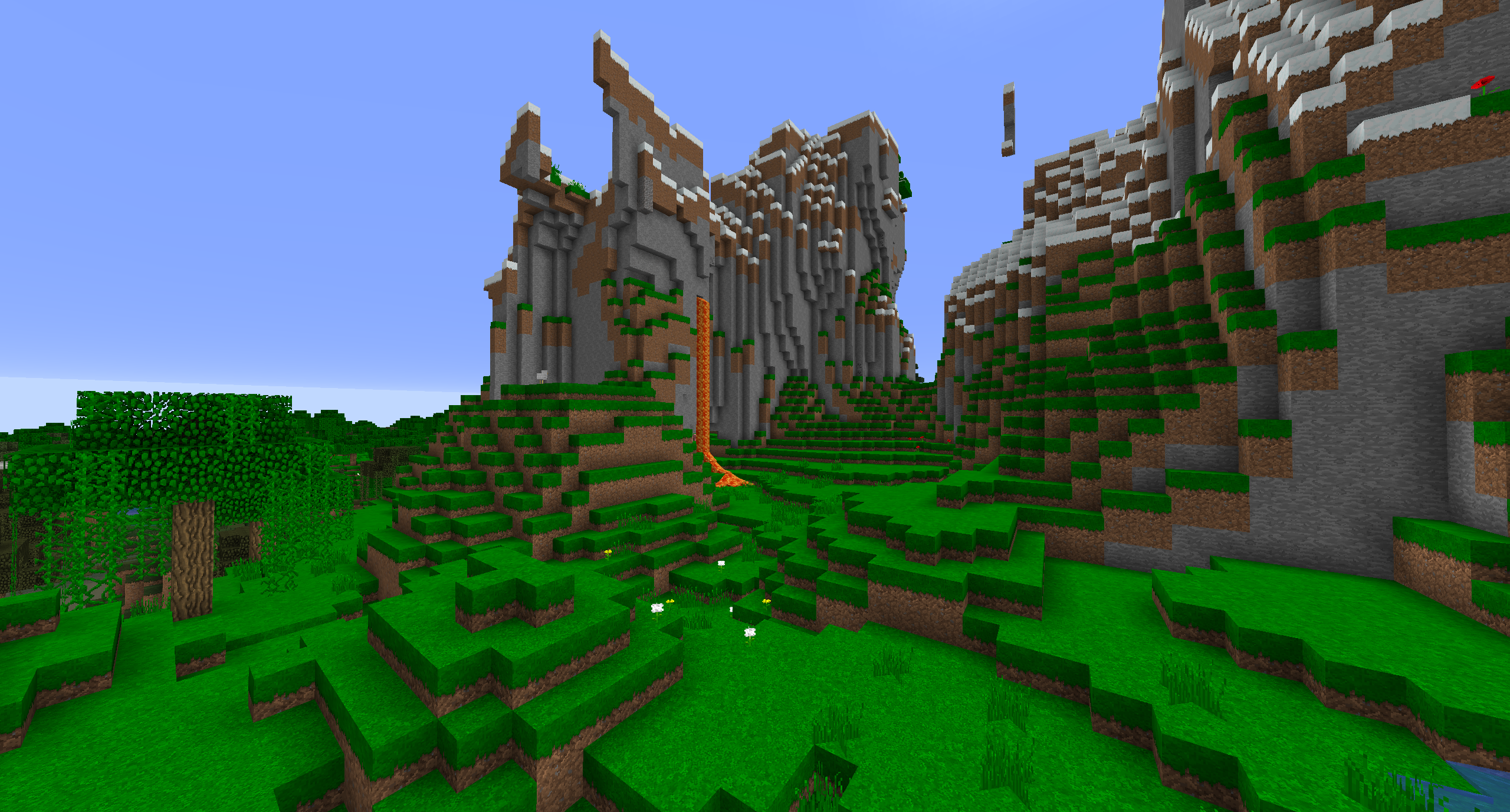
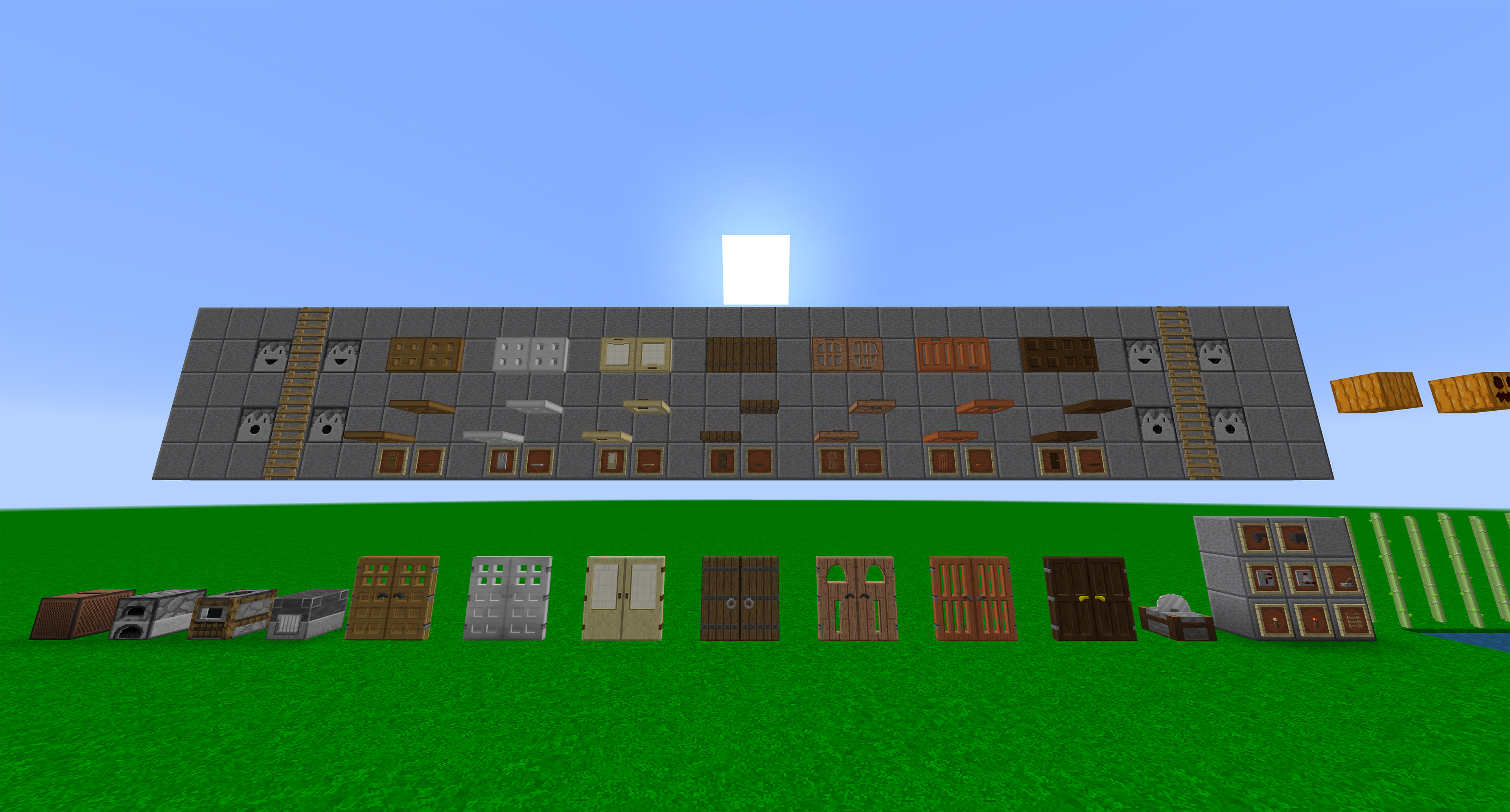
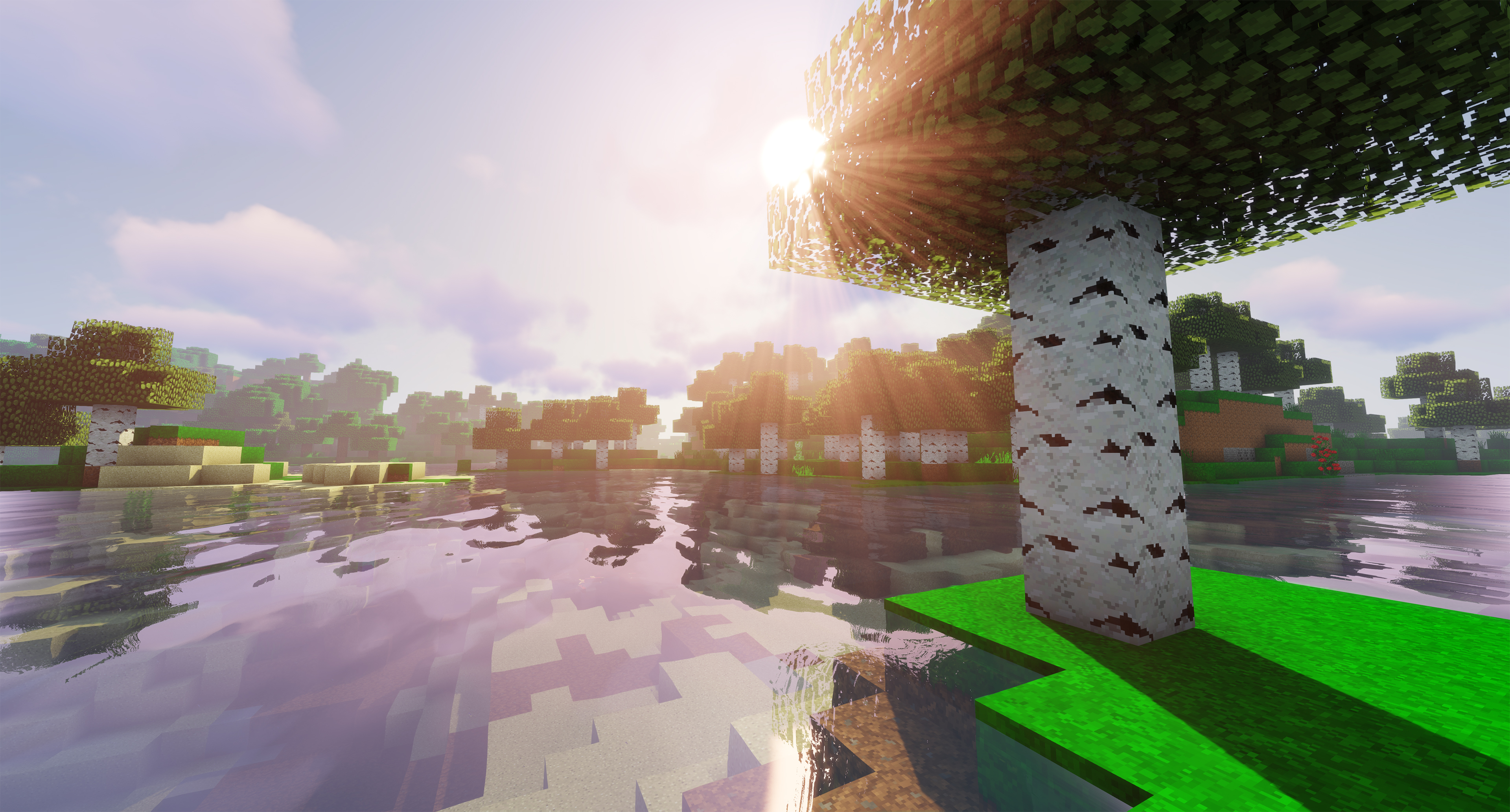
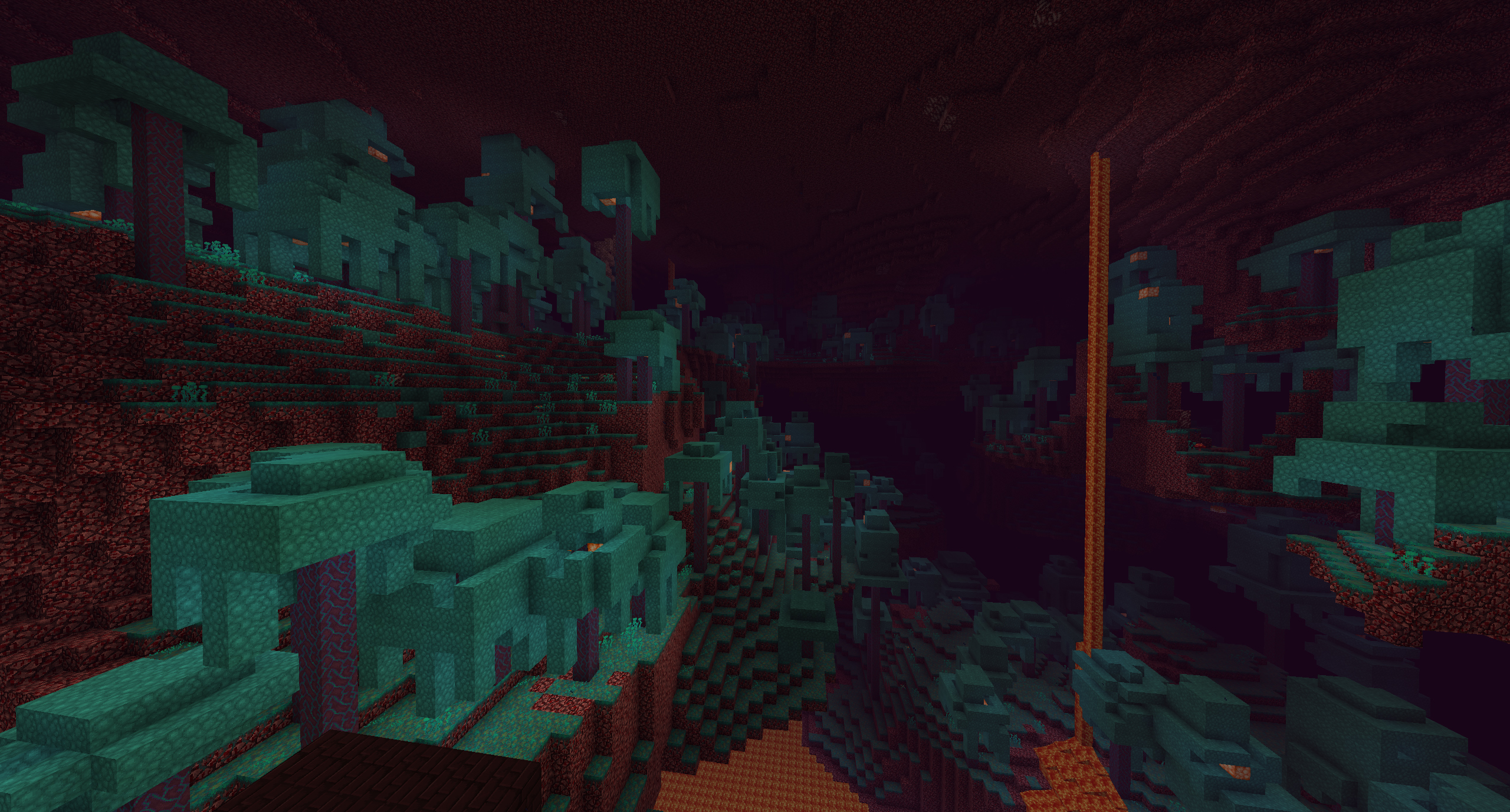
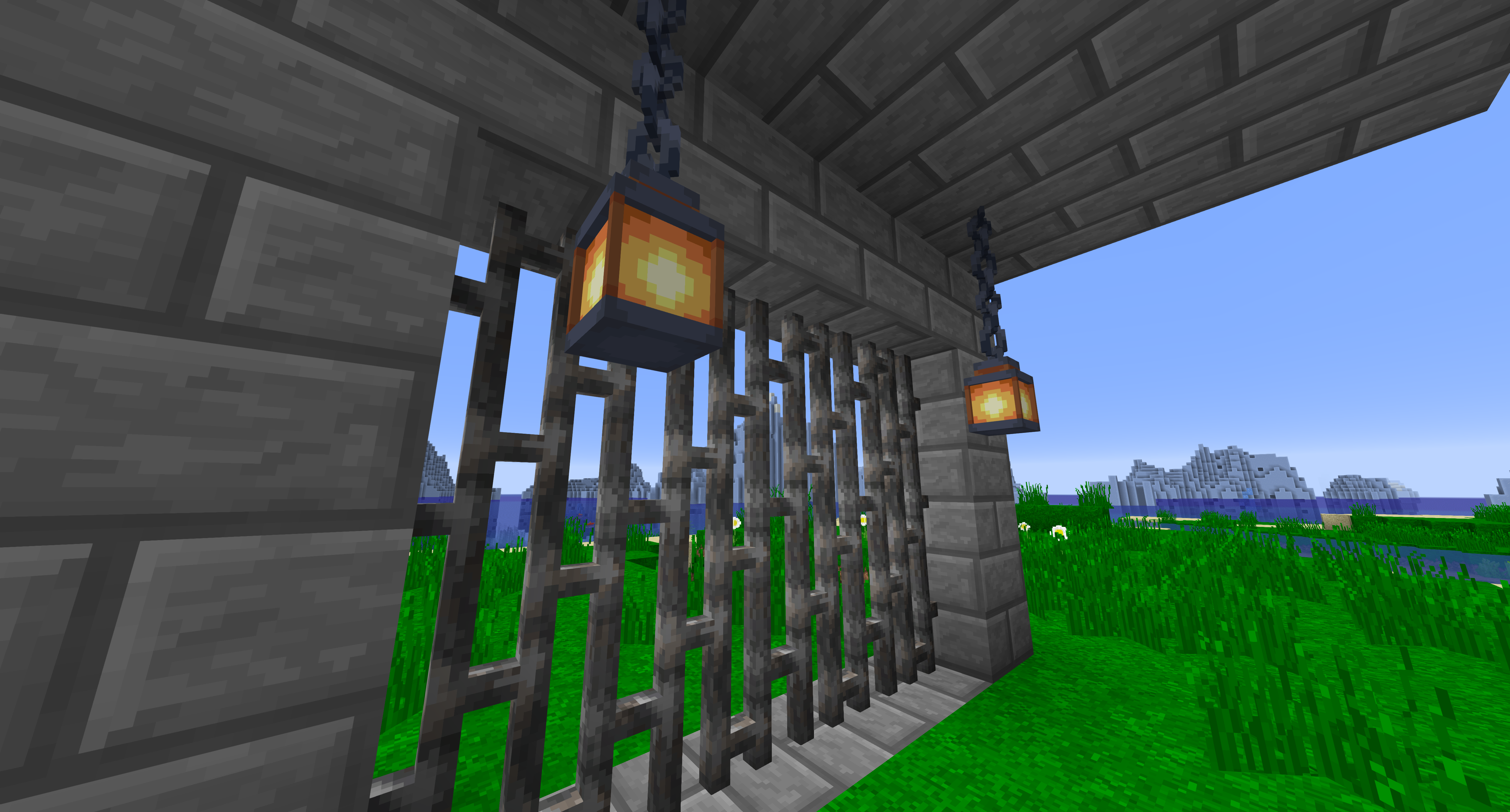
mullak99's Faithful is a variation of Vattic's Faithful 32x resource pack. It aims to remain close to its original style, with a few twists to suit my preferences.

Textures to blocks/items/entities/etc. from MC1.8 and prior are (mostly) from Vattic's Faithful, whereas MC1.9+ textures (mostly) use those from Classic Faithful 32x or Faithful 32x.

The pack aims to (loosly) follow the Pre-1.14/Prog-Art texture style, as well as following Vattic's original Faithful style.


Downloads


Recommended and Beta


The latest recommended and beta versions can be found within the CurseForge downloads.

Experimental / Dev

The absolute latest versions can be found on GitHub, however some versions may be uploaded to CurseForge as Alpha builds. The latest experimental builds may be missing some textures and/or 3D models, and may also contains WIP/non-final textures and/or models.

Download the latest version by changing the branch, clicking the green "Code" button, and then "Download ZIP". This zip will need extracting before being used as a resource pack.


Snapshot

The latest version of the pack compatible with the latest snapshots can be found on my personal server. They are typically Experimental builds (so may have the same issues as mentioned above) with the additional textures and models for the snapshot releases.

The latest snapshot versions can also be found within the CurseForge downloads. They will be marked as Alpha releases.


Addons

A full list of addons made specifically for mullak99's Faithful can be found on the GitHub repo.

Direct downloads can also be found here.

Legacy Versions

If you require a version older than 1.8, they can be found on the site listed below.


Typically, only the latest major Minecraft version is supported. Older (1.8+) versions may be updated to fix major issues or to add any missing textures.

Should anything major be broken in versions 1.8+, create an issue on the GitHub.


If you want an updated version releasing for a specific version, let me know, and I'll see if I can backport the latest textures and models.


All Downloads


Issues

If you notice any issues with any of the textures or models, please report them on the issue tracker linked above.


Official Links


Main Website (WIP, currently a redirect)

GitHub Repo

Modrinth

Direct Downloads


Credits


MC1.21-R1
MC 1.21, 1.21.8, 1.21.5, 1.21.4, 1.21.1, 1.21.6, 1.21.3, 1.21.7, 1.21.2, 1.21.9, 1.21.10, 1.21.11
Release 2026-09-02 Get
2026-R1
MC 26.1, 26.1.1, 26.1.2, 26.2
Release 2026-09-02 Get
MC1.21-R1_BETA3
MC 1.21, 1.21.8, 1.21.5, 1.21.4, 1.21.1, 1.21.6, 1.21.3, 1.21.7, 1.21.2, 1.21.9, 1.21.10, 1.21.11
Beta 2025-12-14 Get
MC1.20-R3
MC 1.20.2, 1.20.5, 1.20.1, 1.20, 1.20.6, 1.20.4, 1.20.3
Release 2025-11-15 Get
MC1.21-R1_BETA2
MC 1.21, 1.21.8, 1.21.5, 1.21.4, 1.21.1, 1.21.6, 1.21.3, 1.21.7, 1.21.2, 1.21.9, 1.21.10
Beta 2025-11-15 Get
MC1.20-R3_BETA1
MC 1.20.2, 1.20.5, 1.20.3, 1.20.1, 1.20, 1.20.6, 1.20.4
Beta 2024-09-07 Get
MC1.21-R1_BETA1
MC 1.21, 1.21.1
Beta 2024-09-07 Get
MC1.20-R2
MC 1.20.2, 1.20.3, 1.20.1, 1.20, 1.20.4
Release 2024-02-04 Get
MC1.20-R1
MC 1.20.2, 1.20.1, 1.20
Release 2023-10-30 Get
MC1.20-R1_RC2
MC 1.20.2, 1.20.1, 1.20
Beta 2023-10-23 Get
MC1.20-R1_RC1
MC 1.20.2, 1.20.1, 1.20
Beta 2023-10-11 Get
MC1.20-R1_BETA2
MC 1.20.2, 1.20.1, 1.20
Beta 2023-09-27 Get
MC1.20-R1_BETA1
MC 1.20.2, 1.20.1, 1.20
Beta 2023-09-23 Get
MC1.20-R1_ALPHA1
MC 1.20.1, 1.20
Alpha 2023-06-25 Get
MC1.19.4-R2
MC 1.19.4
Release 2023-06-10 Get
MC1.20-R1_DEV230610-1
MC 1.20
Alpha 2023-06-10 Get
MC1.19.3-R2
MC 1.19.3
Release 2023-03-20 Get
MC1.19.4-R1
MC 1.19.4
Release 2023-03-20 Get
MC1.19.3-R1
MC 1.19.3
Release 2022-12-12 Get
MC1.19-R1
MC 1.19.2, 1.19.1, 1.19
Release 2022-07-21 Get
MC1.19-R1_BETA2
MC 1.19.1, 1.19
Beta 2022-07-15 Get
MC1.19-R1_BETA1
MC 1.19.1, 1.19
Beta 2022-07-10 Get
MC1.19-R1_ALPHA3
MC 1.19
Alpha 2022-06-22 Get
MC1.19-R1_ALPHA2
MC 1.19
Alpha 2022-06-20 Get
MC1.8-R4
MC 1.8.7, 1.8.4, 1.8.8, 1.8.3, 1.8.6, 1.8, 1.8.2, 1.8.5, 1.8.9, 1.8.1
Release 2022-06-11 Get
MC1.9-R3
MC 1.9.1, 1.9.3, 1.9.4, 1.9.2, 1.9
Release 2022-06-11 Get
MC1.10-R5
MC 1.10.2, 1.10, 1.10.1
Release 2022-06-11 Get
MC1.11-R3
MC 1.11, 1.11.1, 1.11.2
Release 2022-06-11 Get
MC1.12-R4
MC 1.12.1, 1.12, 1.12.2
Release 2022-06-11 Get
MC1.13-R4
MC 1.13.1, 1.13, 1.13.2
Release 2022-06-11 Get
MC1.14-R4
MC 1.14.4, 1.14.1, 1.14.3, 1.14, 1.14.2
Release 2022-06-11 Get
MC1.15-R7
MC 1.15, 1.15.2, 1.15.1
Release 2022-06-11 Get
MC1.16-R16
MC 1.16.3, 1.16.1, 1.16, 1.16.5, 1.16.4, 1.16.2
Release 2022-06-11 Get
MC1.17-R9
MC 1.17.1, 1.17
Release 2022-06-11 Get
MC1.18-R4
MC 1.18.1, 1.18.2, 1.18
Release 2022-06-11 Get
MC1.19-R1_ALPHA1
MC 1.19
Alpha 2022-06-11 Get
MC1.18-R4_BETA2
MC 1.18.1, 1.18.2, 1.18
Beta 2022-04-12 Get
MC1.18-R4_BETA1
MC 1.18.1, 1.18.2, 1.18
Beta 2022-03-25 Get
MC1.8-R3
MC 1.8.7, 1.8.4, 1.8.8, 1.8.3, 1.8.6, 1.8, 1.8.2, 1.8.5, 1.8.9, 1.8.1
Release 2021-12-27 Get
MC1.9-R2
MC 1.9.1, 1.9.3, 1.9.4, 1.9.2, 1.9
Release 2021-12-27 Get
MC1.10-R4
MC 1.10.2, 1.10, 1.10.1
Release 2021-12-27 Get
MC1.11-R2
MC 1.11, 1.11.1, 1.11.2
Release 2021-12-27 Get
MC1.12-R3
MC 1.12.1, 1.12, 1.12.2
Release 2021-12-27 Get
MC1.13-R3
MC 1.13.1, 1.13, 1.13.2
Release 2021-12-27 Get
MC1.14-R4
MC 1.14.4, 1.14.1, 1.14.3, 1.14, 1.14.2
Release 2021-12-27 Get
MC1.15-R6
MC 1.15, 1.15.2, 1.15.1
Release 2021-12-27 Get
MC1.16-R15
MC 1.16.3, 1.16.1, 1.16, 1.16.5, 1.16.4, 1.16.2
Release 2021-12-27 Get
MC1.17-R8
MC 1.17.1, 1.17
Release 2021-12-27 Get
MC1.18-R3
MC 1.18.1, 1.18.2, 1.18
Release 2021-12-27 Get
MC1.8-R2
MC 1.8.7, 1.8.4, 1.8.8, 1.8.3, 1.8.6, 1.8, 1.8.2, 1.8.5, 1.8.9, 1.8.1
Release 2021-12-18 Get

Requirements & install

How to use this resource pack in Minecraft
Resolution
32x
Minecraft
1.21.8 – 26.2
Install folder
.minecraft/resourcepacks

How to install resource packs

  1. Download the resource pack .zip file (do not extract it).
  2. In Minecraft open Options → Resource Packs → Open Pack Folder.
  3. Drop the .zip into the resourcepacks folder (.minecraft/resourcepacks).
  4. Move the pack to the Selected column and click Done.
Browse more: 16x resource packs 32x resource packs 64x resource packs 128x resource packs 256x resource packs 512x+ resource packs Resource Packs for 26.2 All resource packs
Advertisement Remove ads with Premium →

You Might Also Like