Mineuniverse
Resource Packs
Mossip (16x) BedWars Pack

Mossip (16x) BedWars Pack

RESOURCE PACK
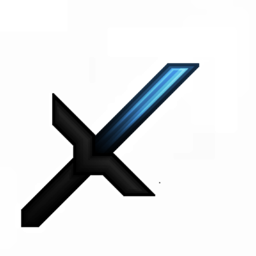
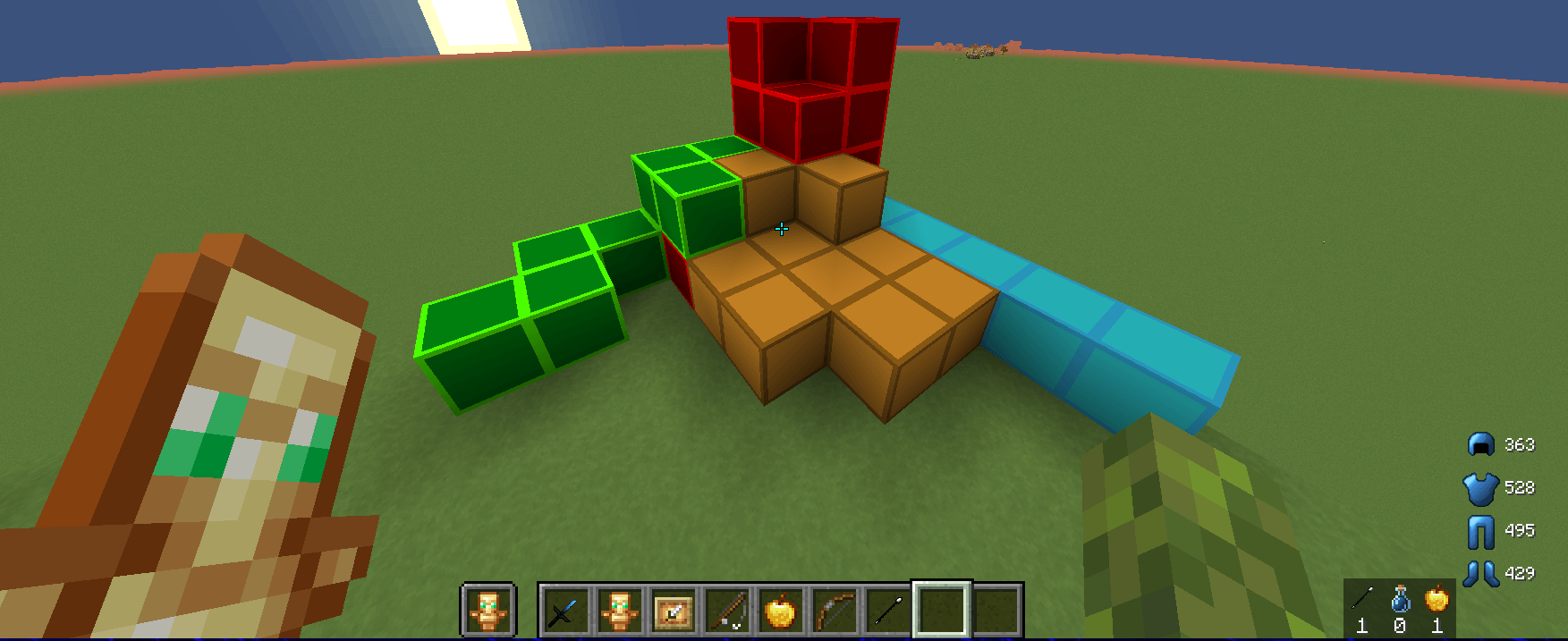
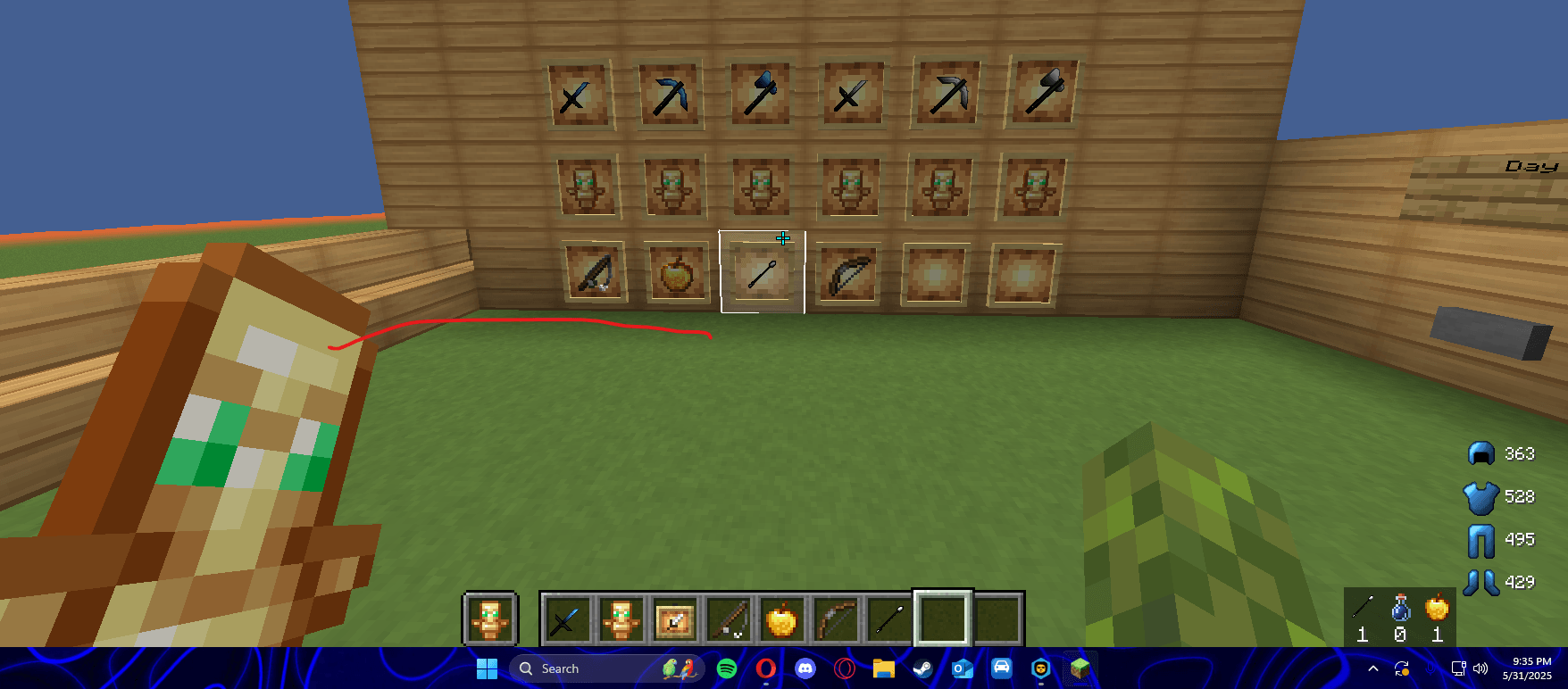
its a good bedwars pack with really good swords and items and its a little low quality fot the best of preformance
by ffrgold
Download Claim this project
61,916 downloads
0 likes
Updated Oct 14, 2026
0 hypes
16x Animated Modern Photo Realistic
Advertisement Remove ads with Premium →

🛑 MOSSIP 🛑

Mossip transforms your game with a sharp, clean, and punchy style that makes every block stand out. It’s bold. It’s different. It’s built to break the ordinary and stop the default. Whether you're building modern, retro, or anything in between — Mossip delivers a look that hits hard and stays sharp.


🚨 How to Install:

  1. 📥 First, download the Mossip Pack.

  2. 🖥️ Move it to your desktop for easy access.

  3. ⚙️ Open Minecraft > go to Settings > Options > Resource Packs.

  4. 📁 Click “Open Resource Pack Folder.”

  5. 🧊 Minimize Minecraft (don’t close it!).

  6. 🖱️ Drag the Mossip pack from your desktop into that folder.

  7. 🔄 Go back to Minecraft — you'll see Mossip in the list.

  8. ✅ Click the arrow to activate it, and you’re in.


🛑 Mossip stops the ordinary.
✨ Clean lines. Bold textures. Maximum impact.

Mossip (16x)
MC 1.21.5
Release 2025-06-01 Get

Requirements & install

How to use this resource pack in Minecraft
Resolution
16x
Minecraft
1.21.5
Install folder
.minecraft/resourcepacks

How to install resource packs

  1. Download the resource pack .zip file (do not extract it).
  2. In Minecraft open Options → Resource Packs → Open Pack Folder.
  3. Drop the .zip into the resourcepacks folder (.minecraft/resourcepacks).
  4. Move the pack to the Selected column and click Done.
Browse more: 16x resource packs 32x resource packs 64x resource packs 128x resource packs 256x resource packs 512x+ resource packs Resource Packs for 1.21.5 All resource packs

More from ffrgold

Advertisement Remove ads with Premium →

You Might Also Like