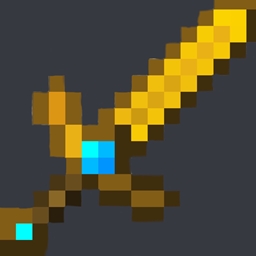
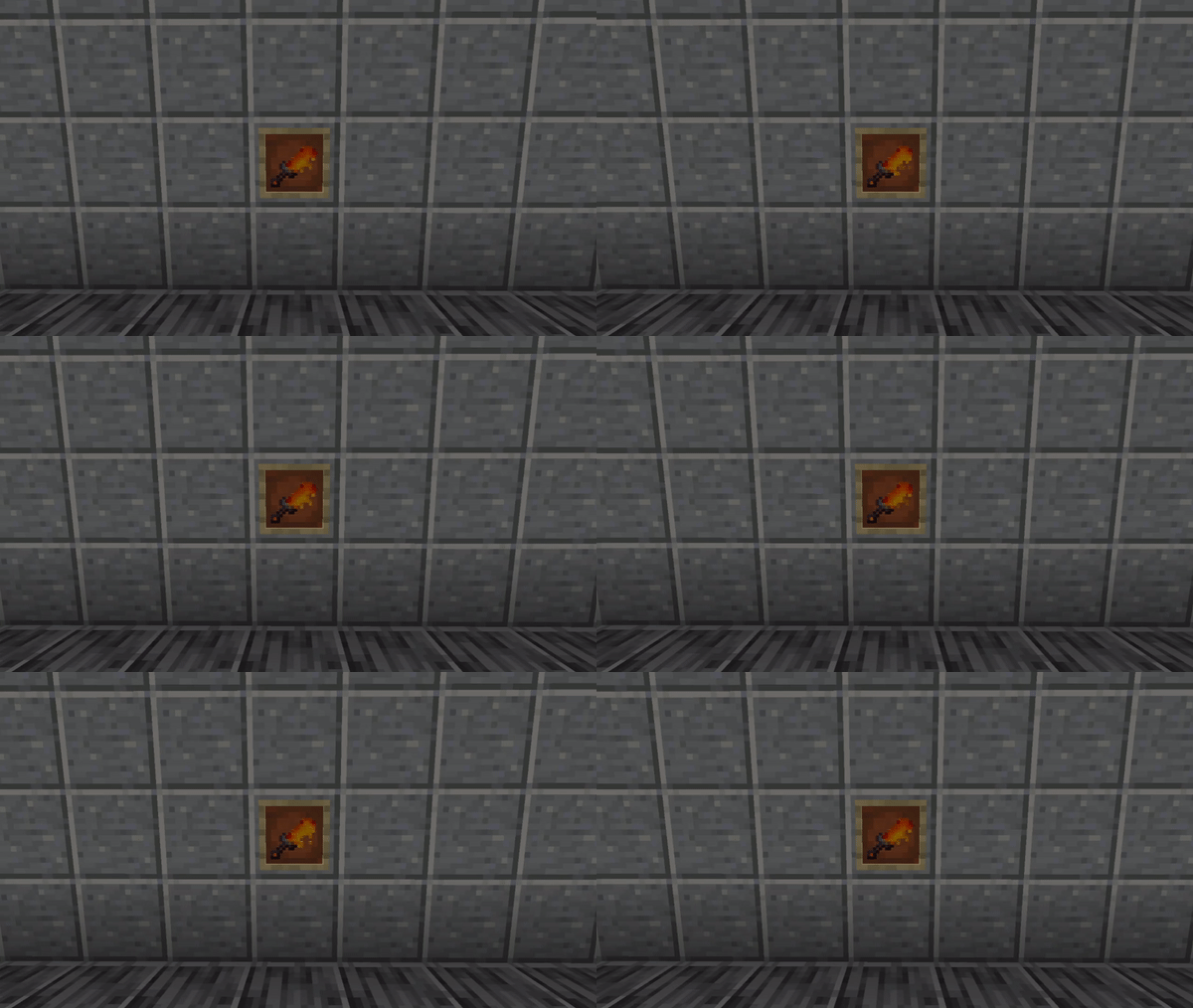
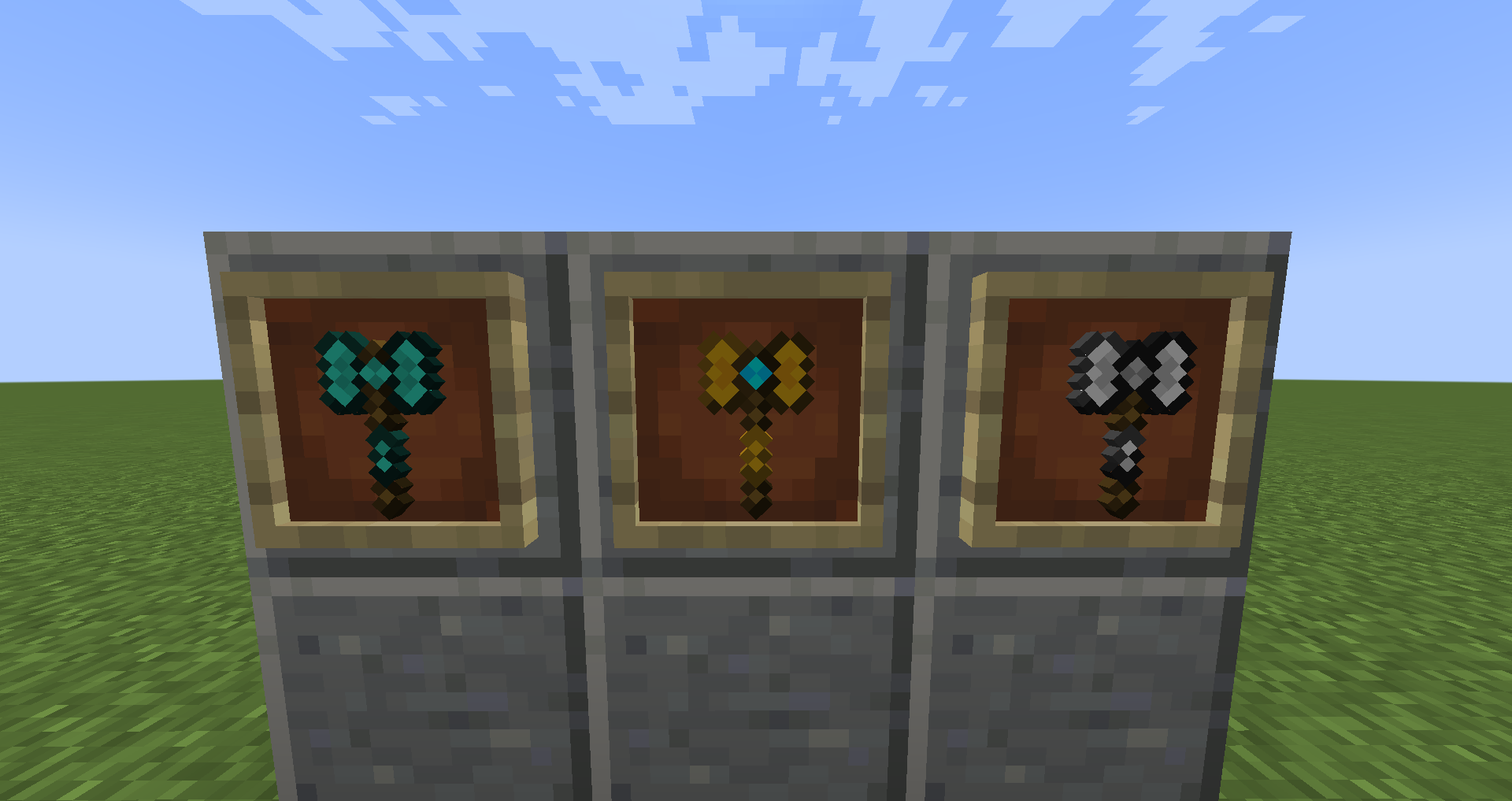
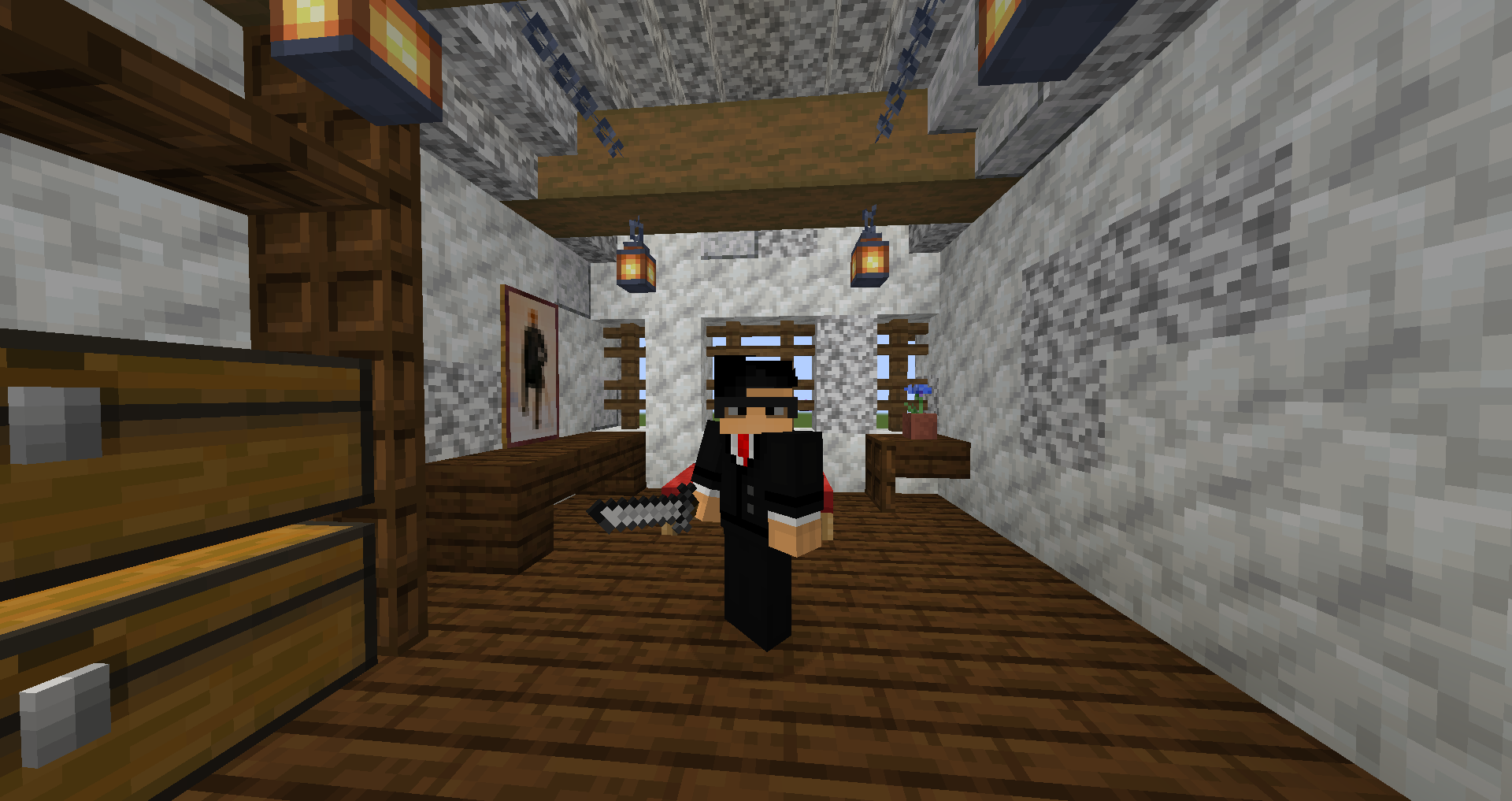
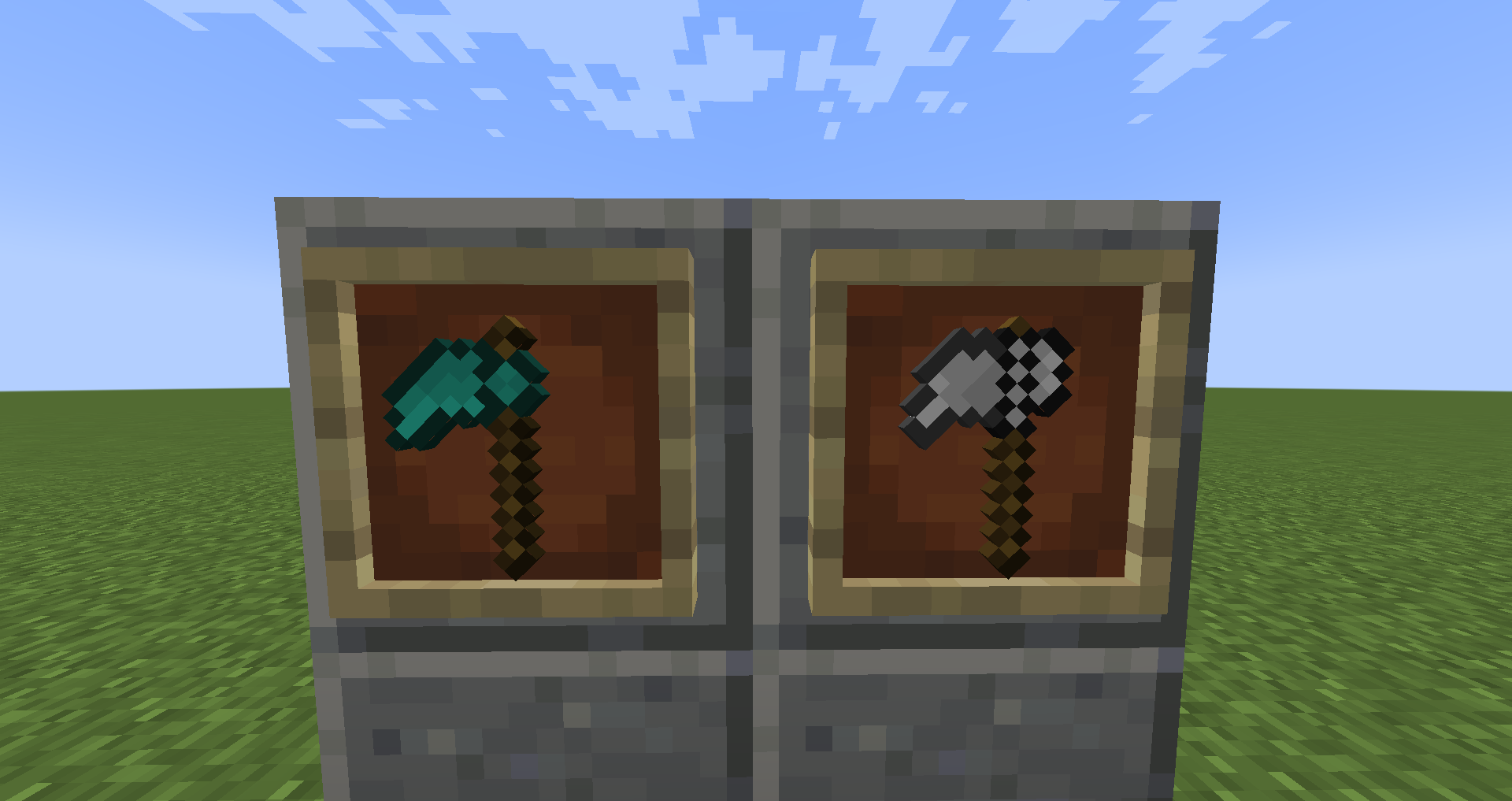
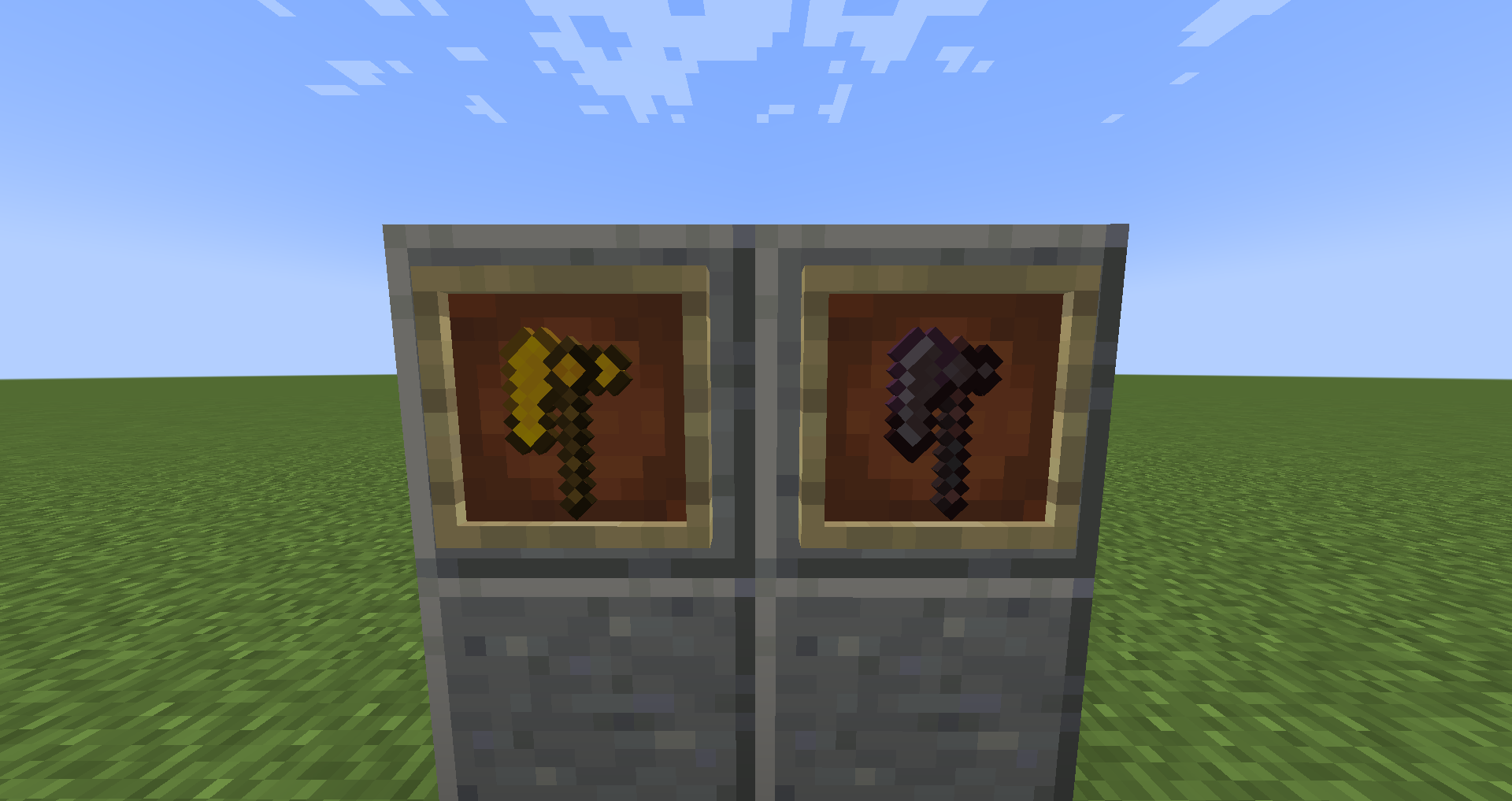
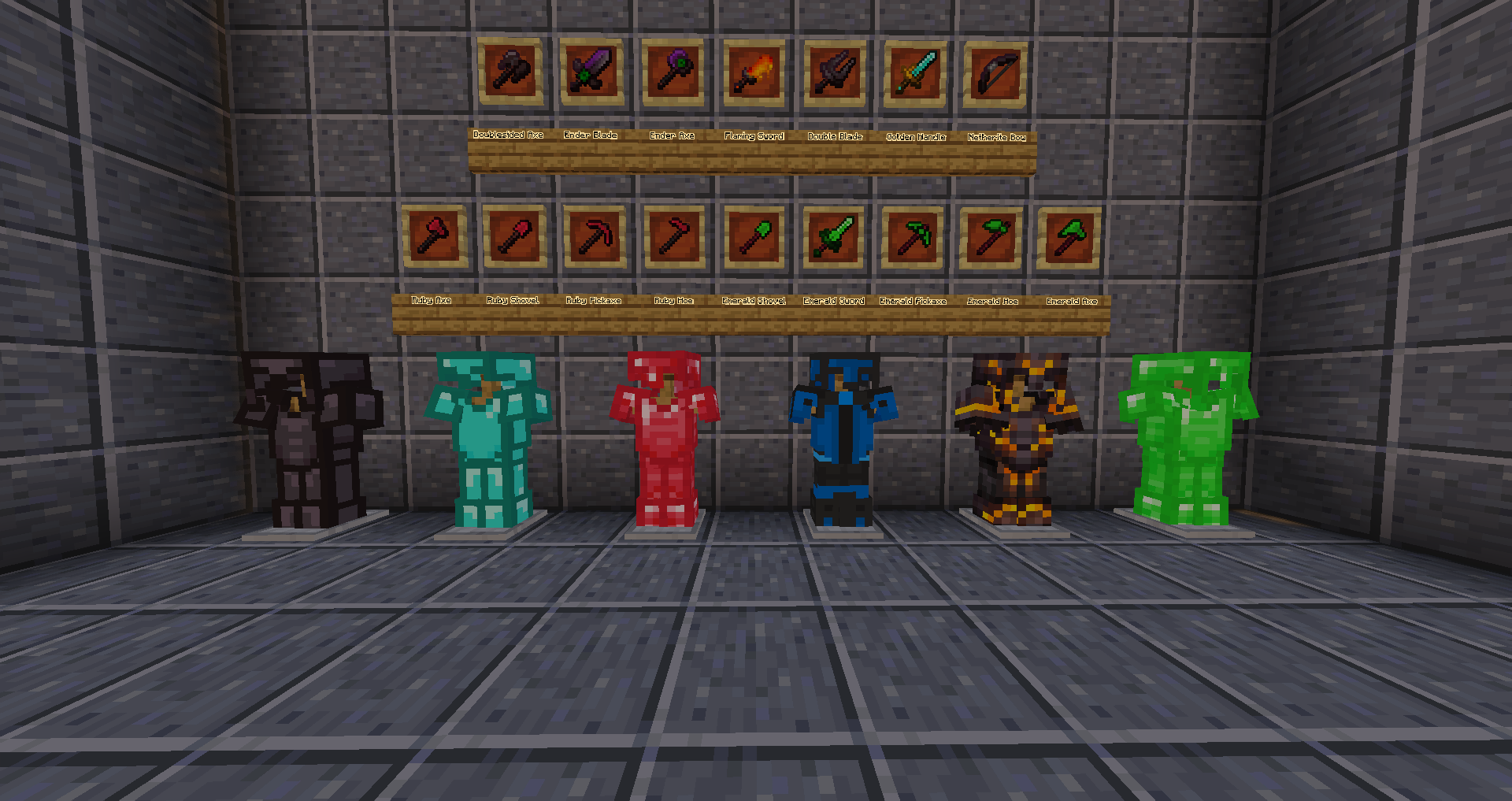
With this resource pack, you can rename items to certain names will give it a new look.
This pack doesn't actually add new items. Versions older than 1.21.5 require optifine. Versions that are 1.21.5 or newer work on vanilla minecraft, except for the armor which requires optifine.
To get these textures you need to rename certain items to certain names, an example is if you have a iron axe, you can rename it to Doublesided Axe and it will change it.
The renames are listed below the video
------------------------------------------
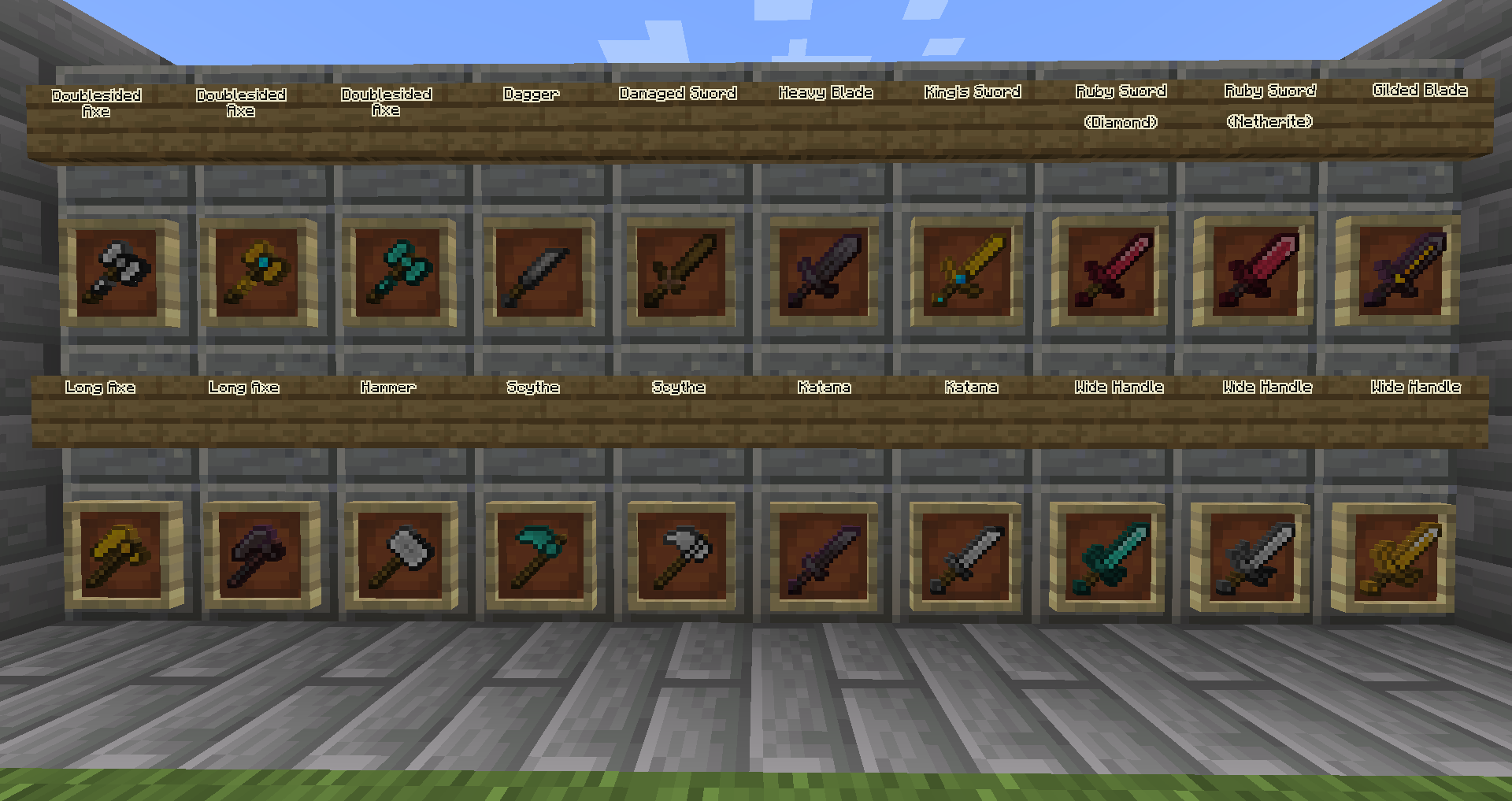
Gold Sword - Wide Handle
Iron Sword - Wide Handle
Diamond Sword - Wide Handle
Netherite Sword - Heavy Blade
Netherite Sword - Gilded Blade
Diamond Sword - Ruby Sword
Netherite Sword - Ruby Sword
Iron Axe - Hammer
Iron Axe - Doublesided Axe
Gold Axe - Doublesided Axe
Diamond Axe - Doublesided Axe
Gold Axe - Long Axe
Netherite Axe - Long Axe
Diamond Hoe - Scythe
Iron Hoe - Scythe
Gold Sword - King's Sword
Wooden Sword - Damaged Sword
Stone Sword - Dagger
Iron Sword - Katana
Netherite Sword - Katana
------------------------------------------
------------------------------------------
Armor Added
===========================
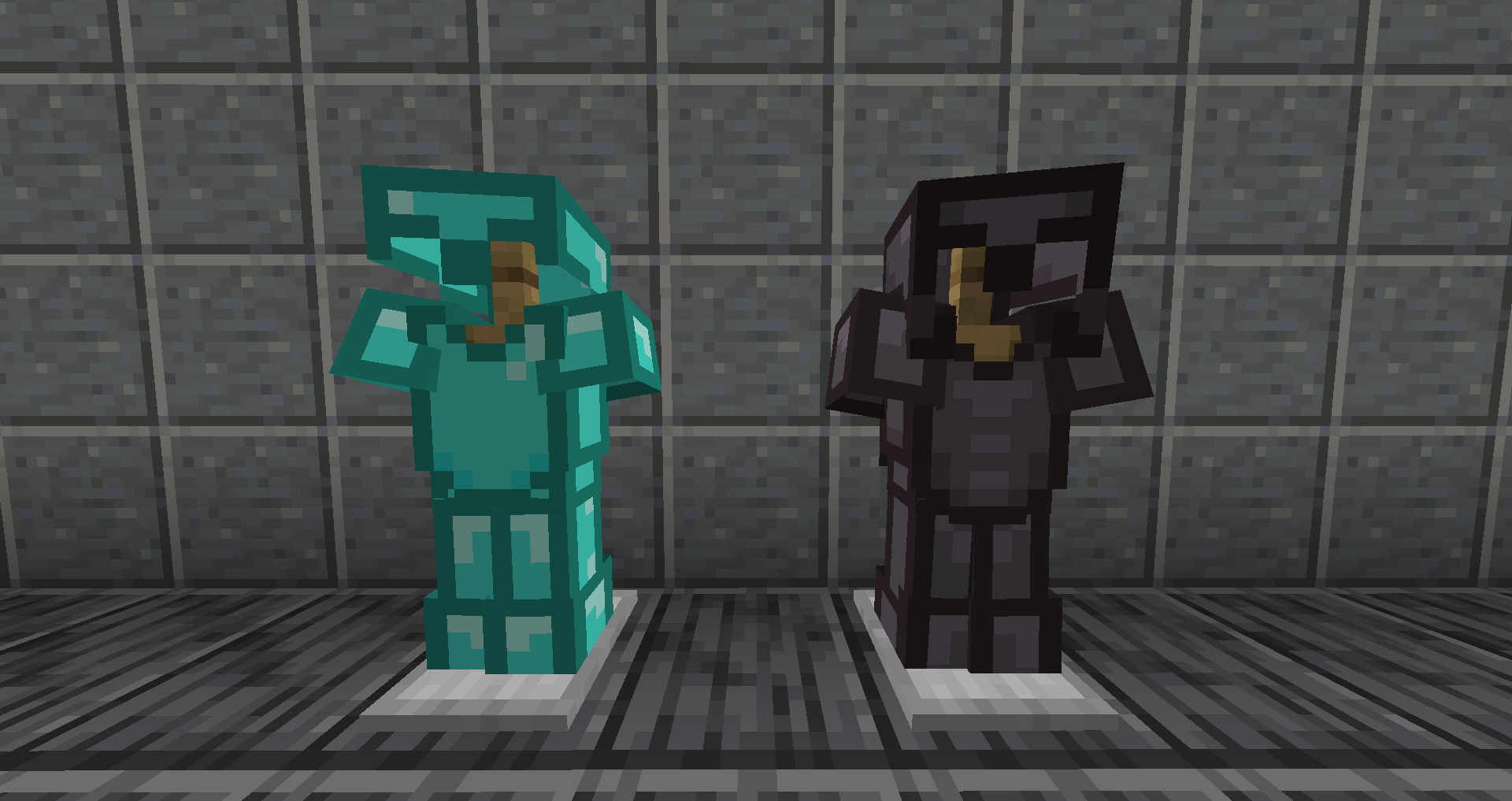
Netherite Armor - Plastic Armor
Diamond Armor - Plastic Armor
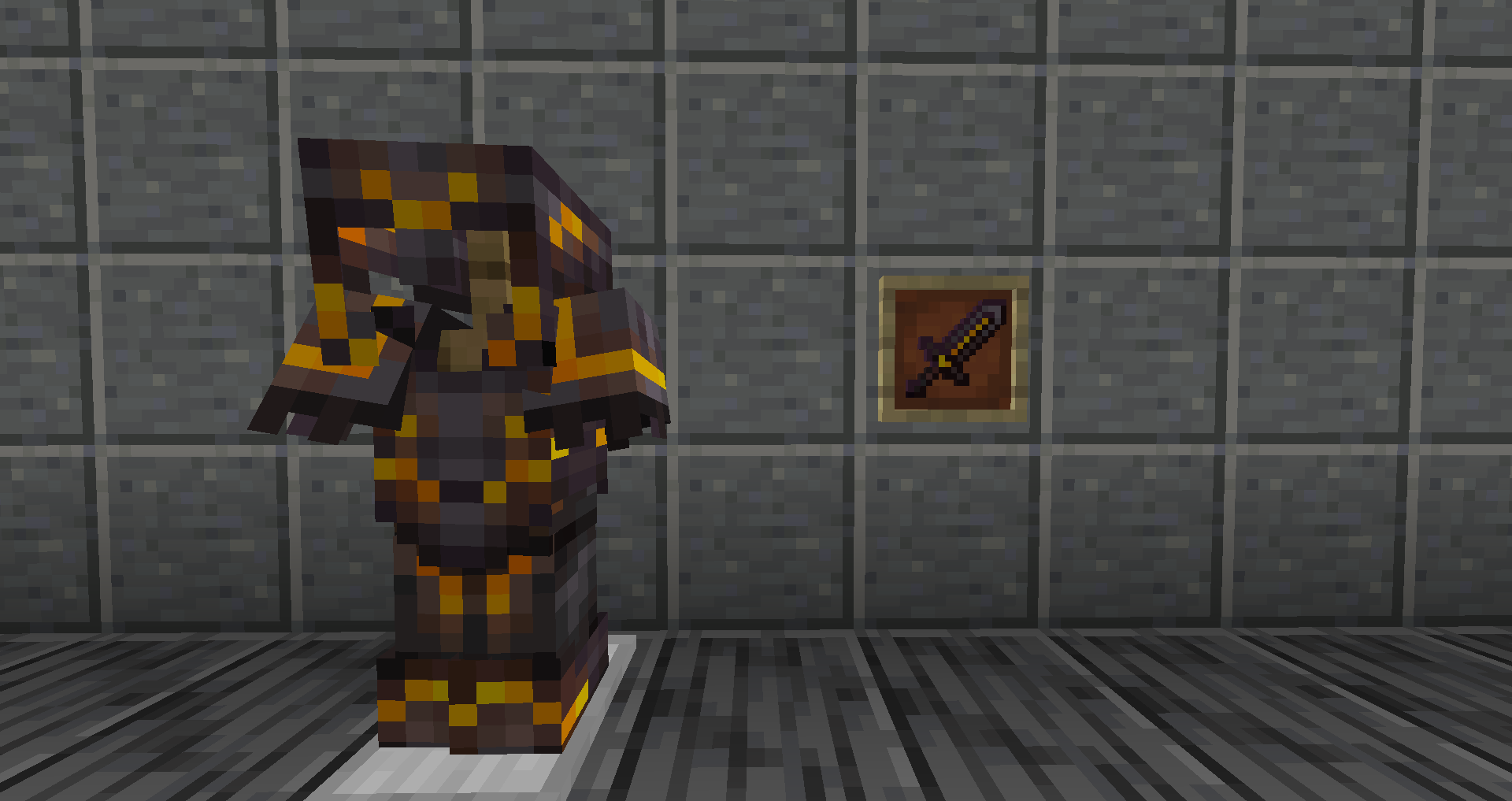
Netherite Armor - Gilded Armor
Diamond Armor - Warrior Armor
Diamond Armor - Ruby Armor
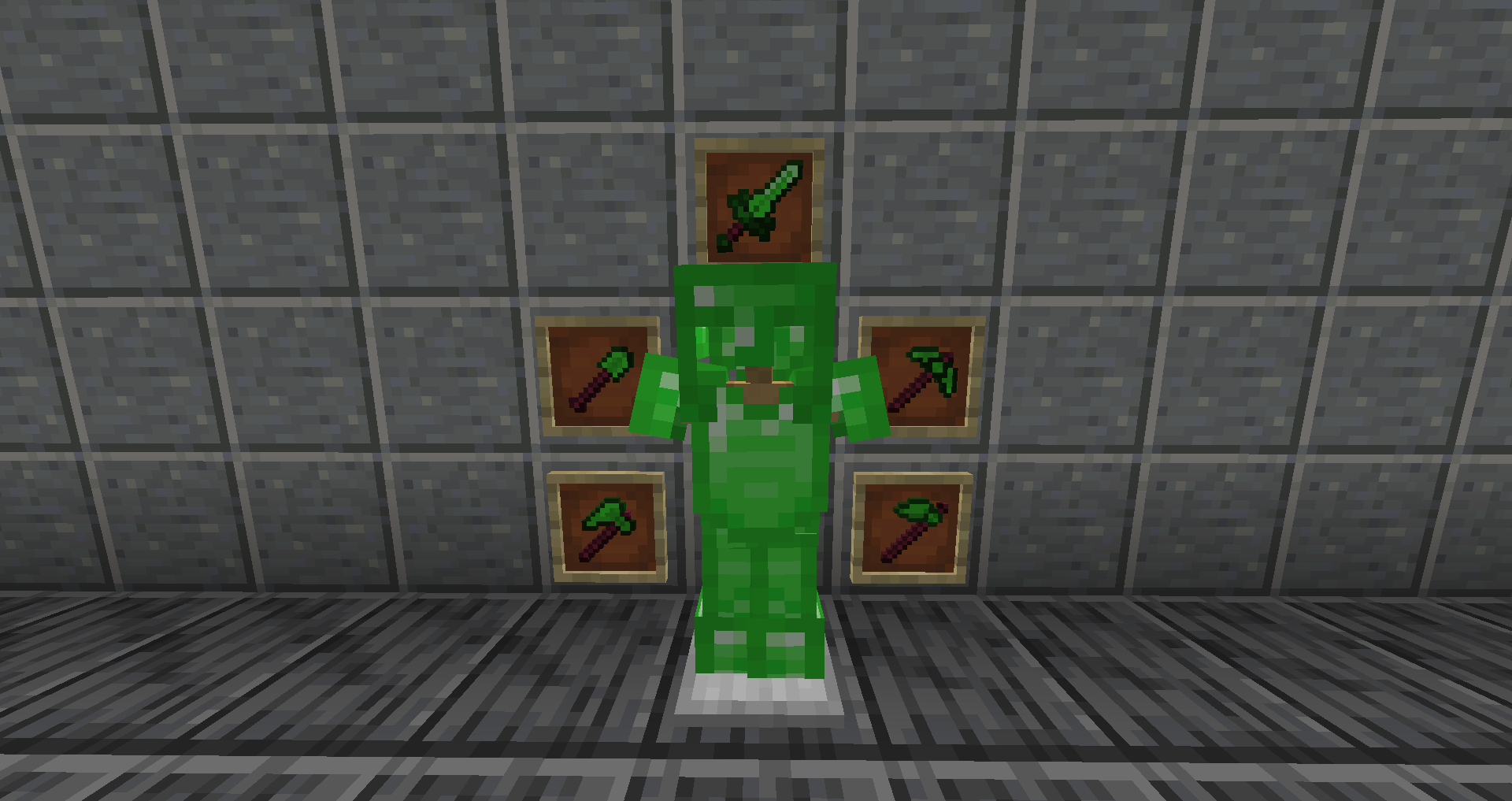
Diamond Armor - Emerald Armor
===========================
Tools Added
===========================
Diamond Tools - Ruby Tools
Diamond Tools - Emerald Tools
Netherite Axe - Doublesided Axe
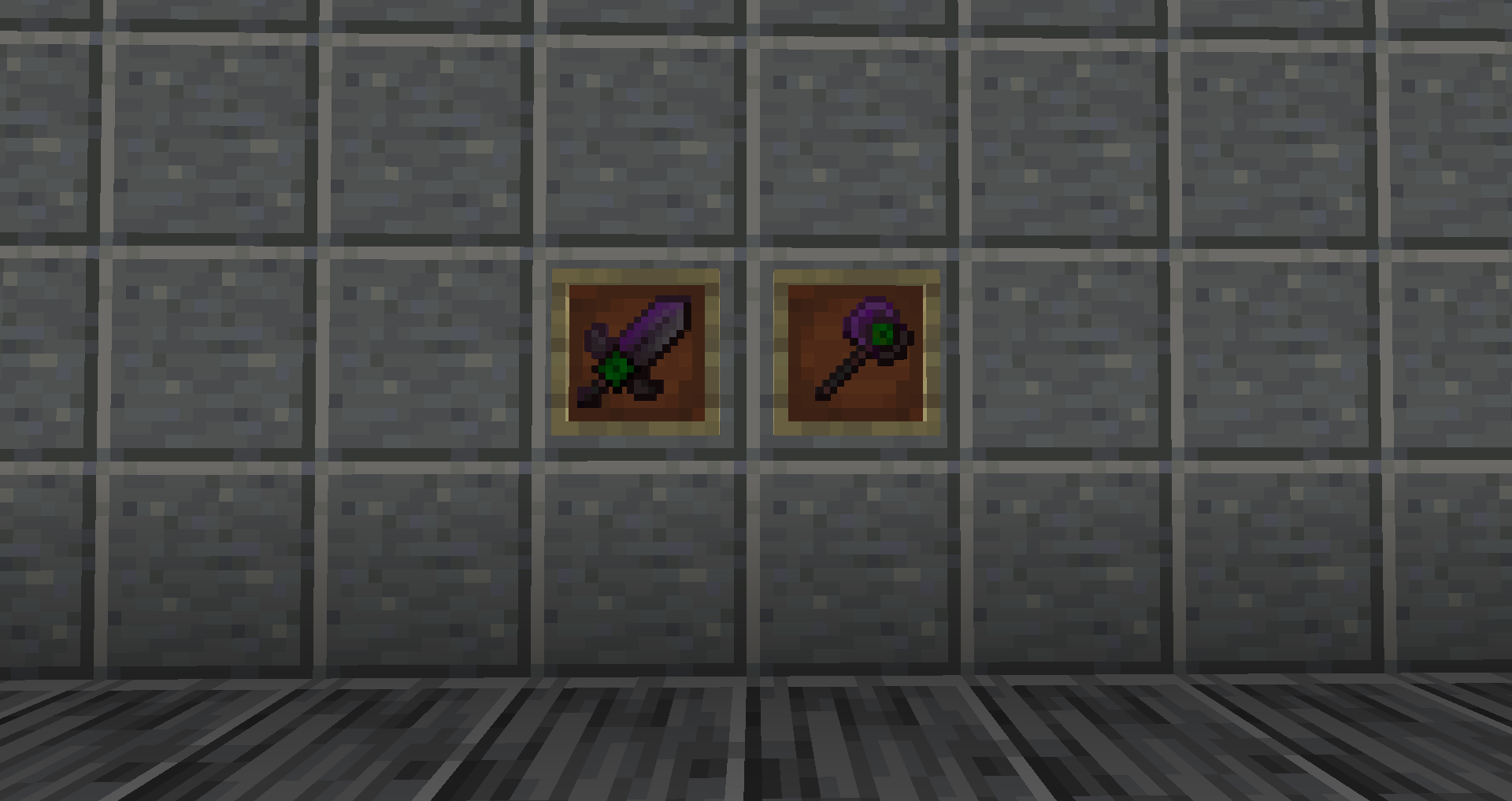
Netherite Axe - Ender Axe
Netherite Sword - Ender Sword
Netherite Sword - Flaming Sword
Netherite Sword - Double Blade
Bow - Netherite Bow
Diamond Sword - Golden Handle
===========================
===========================
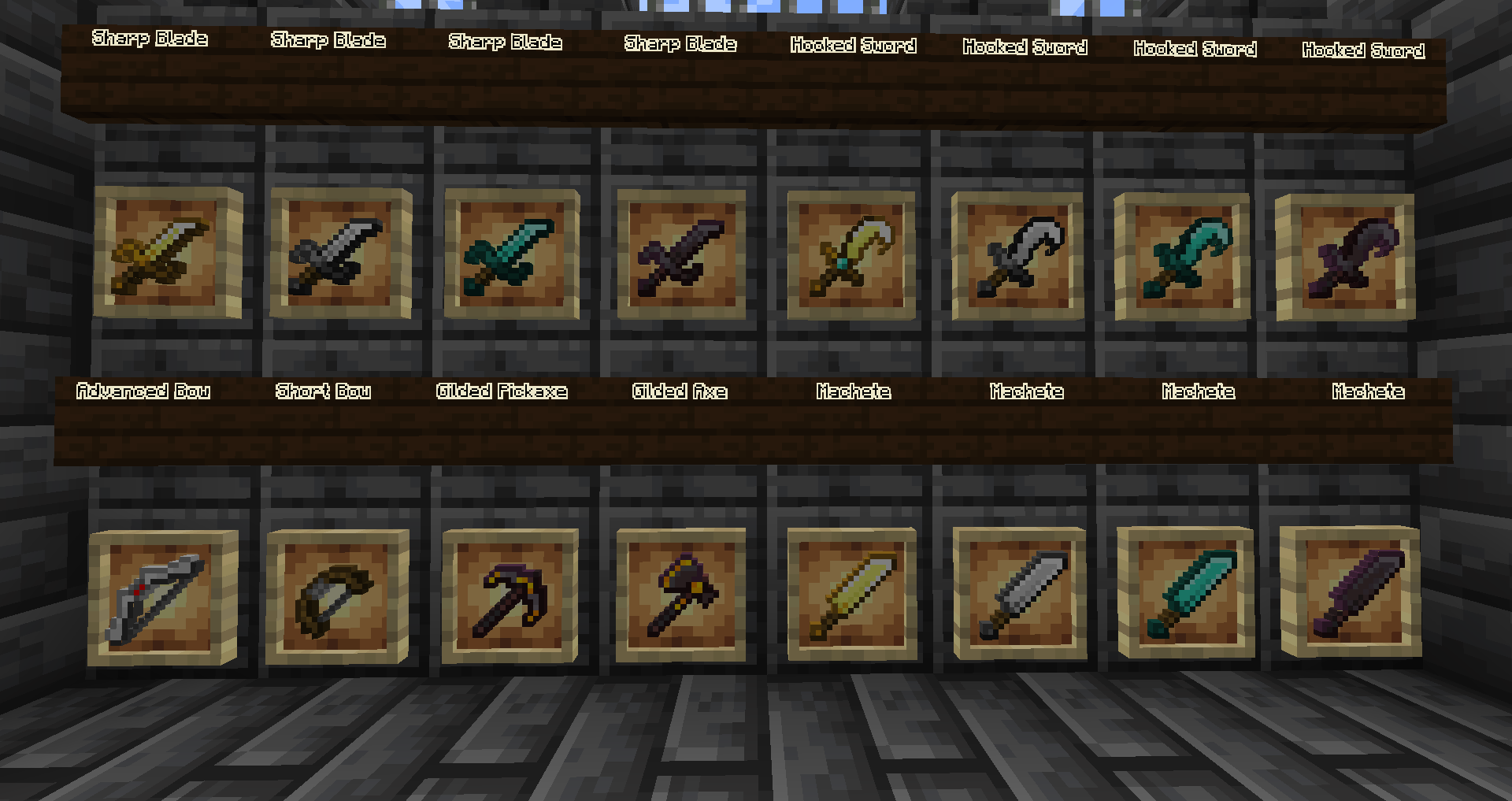
Golden Sword - Sharp Blade
Iron Sword - Sharp Blade
Diamond Sword - Sharp Blade
Netherite Sword - Sharp Blade
Golden Sword - Machete
Iron Sword - Machete
Diamond Sword - Machete
Netherite Sword - Machete
Golden Sword - Hooked Sword
Iron Sword - Hooked Sword
Diamond Sword - Hooked Sword
Netherite Sword - Hooked Sword
Bow - Short Bow
Bow - Advanced Bow
Netherite Pickaxe - Gilded Pickaxe
Netherite Axe - Gilded Axe
===========================
===========================
Copper Sword - Copper Machete
Copper Sword - Copper Sharp Sword
Copper Axe - Copper Doublesided Axe
Copper Axe - Copper Long Axe
Mace -Diamond Mace
Mace -Netherite Mace
Mace -Emerald Mace
Mace - Ruby Mace