Mineuniverse
Resource Packs
More Mob Variants

More Mob Variants

RESOURCE PACK
A resource pack that adds more variants of mobs, kind of like shinies in pokemon
by hugehugz
Download Claim this project
2,447 downloads
0 likes
0 followers
Updated Oct 14, 2026
0 hypes
Follow0
16x Miscellaneous
Advertisement Remove ads with Premium →

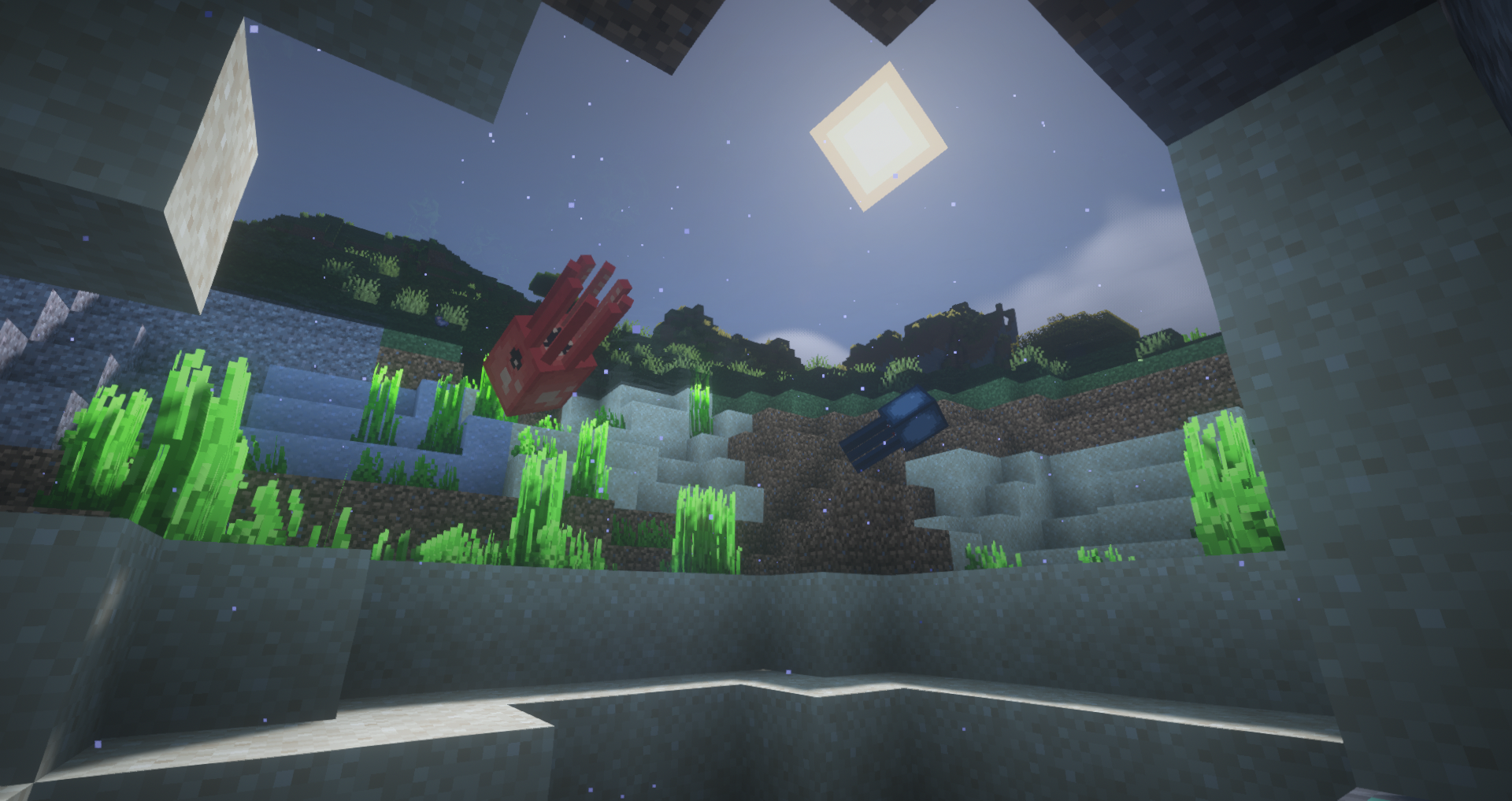
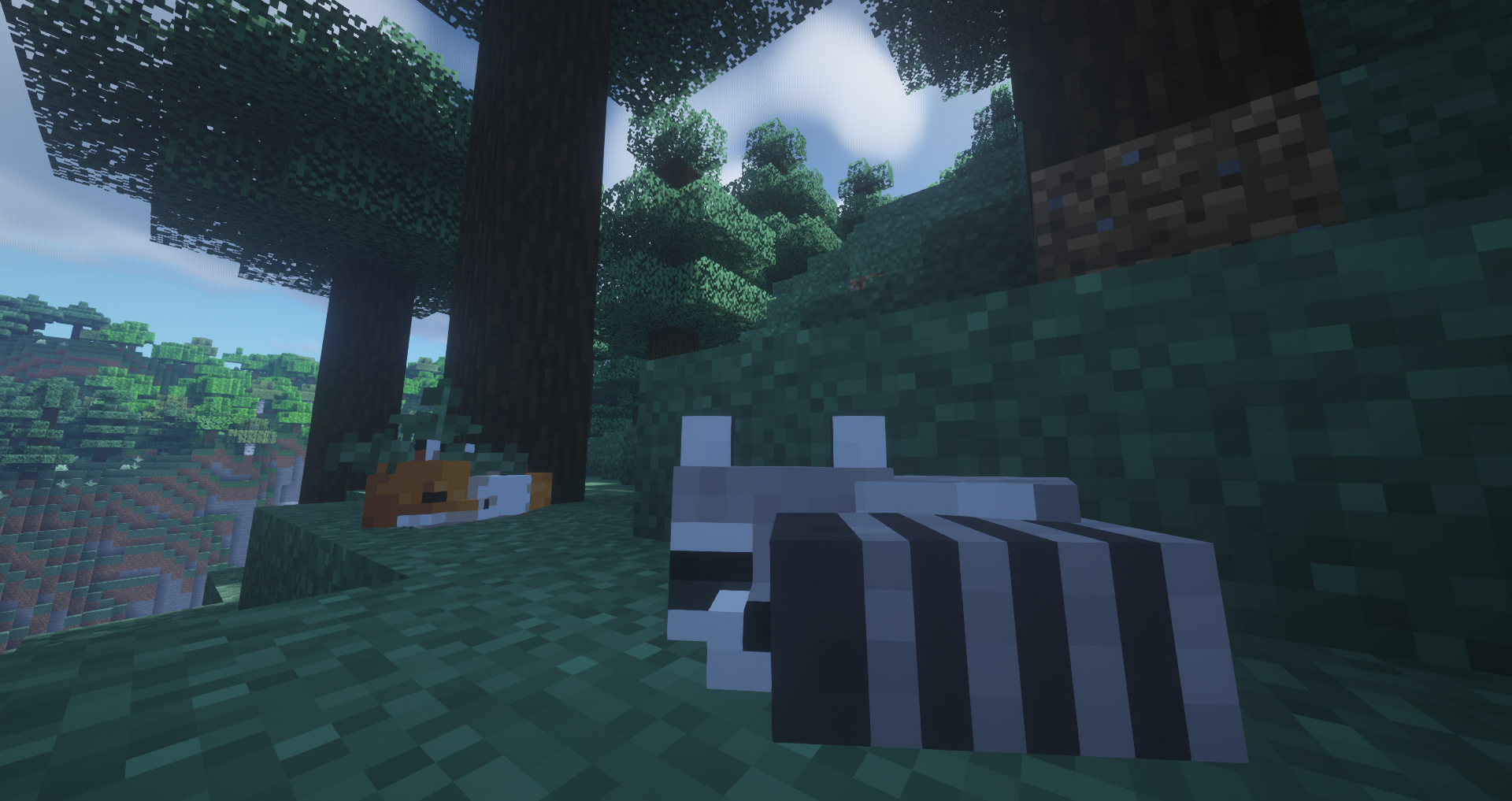
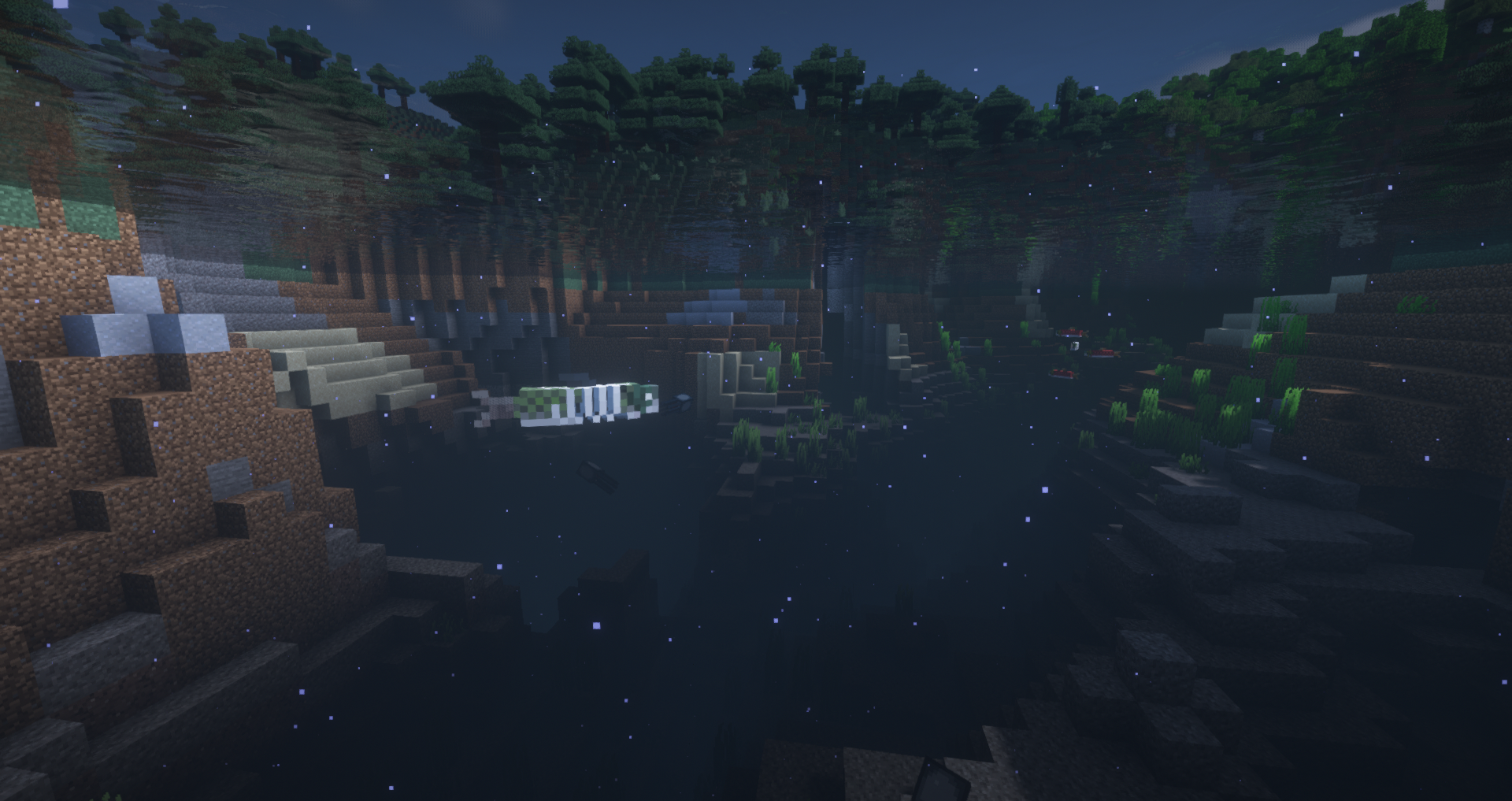
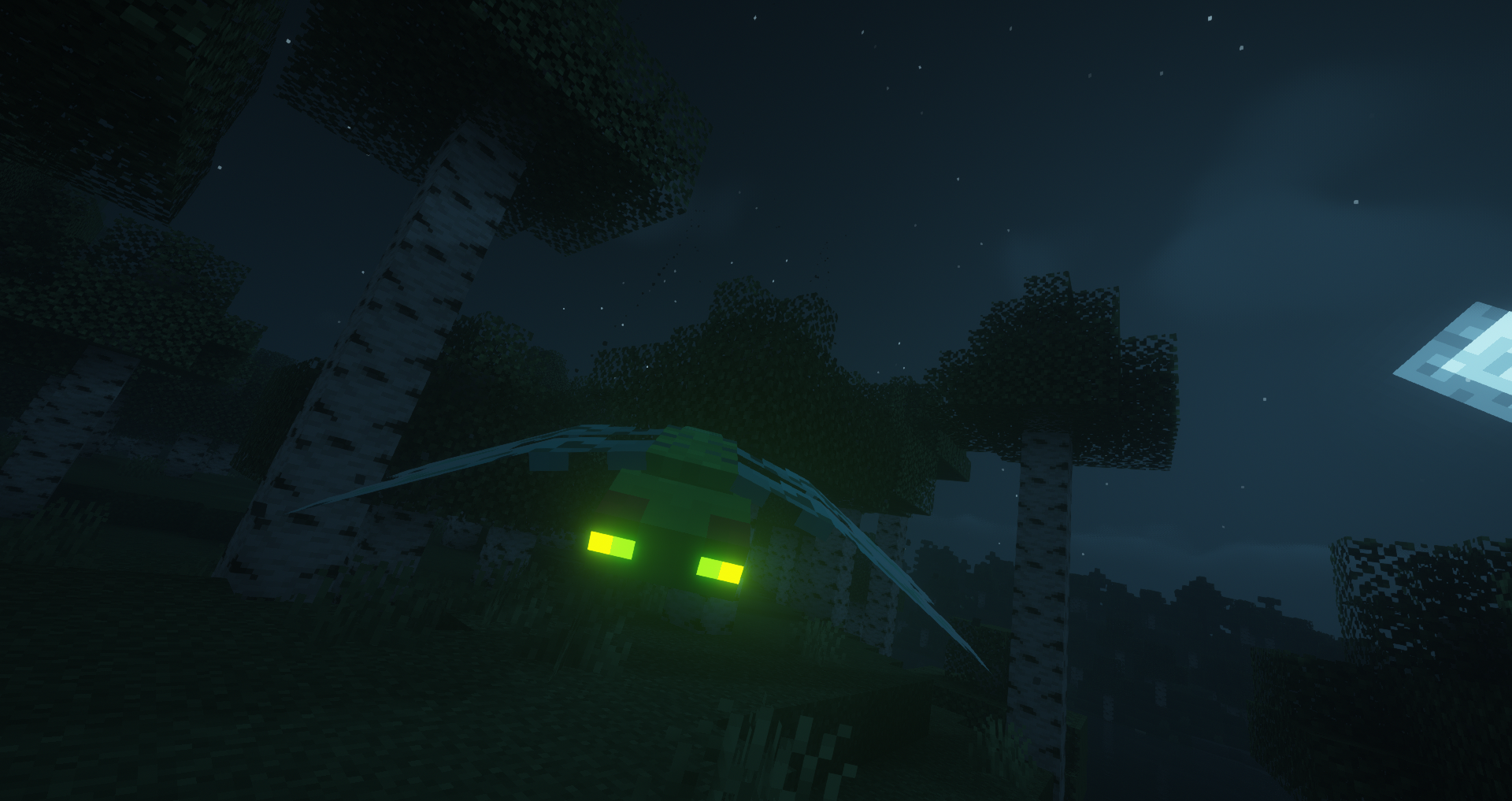
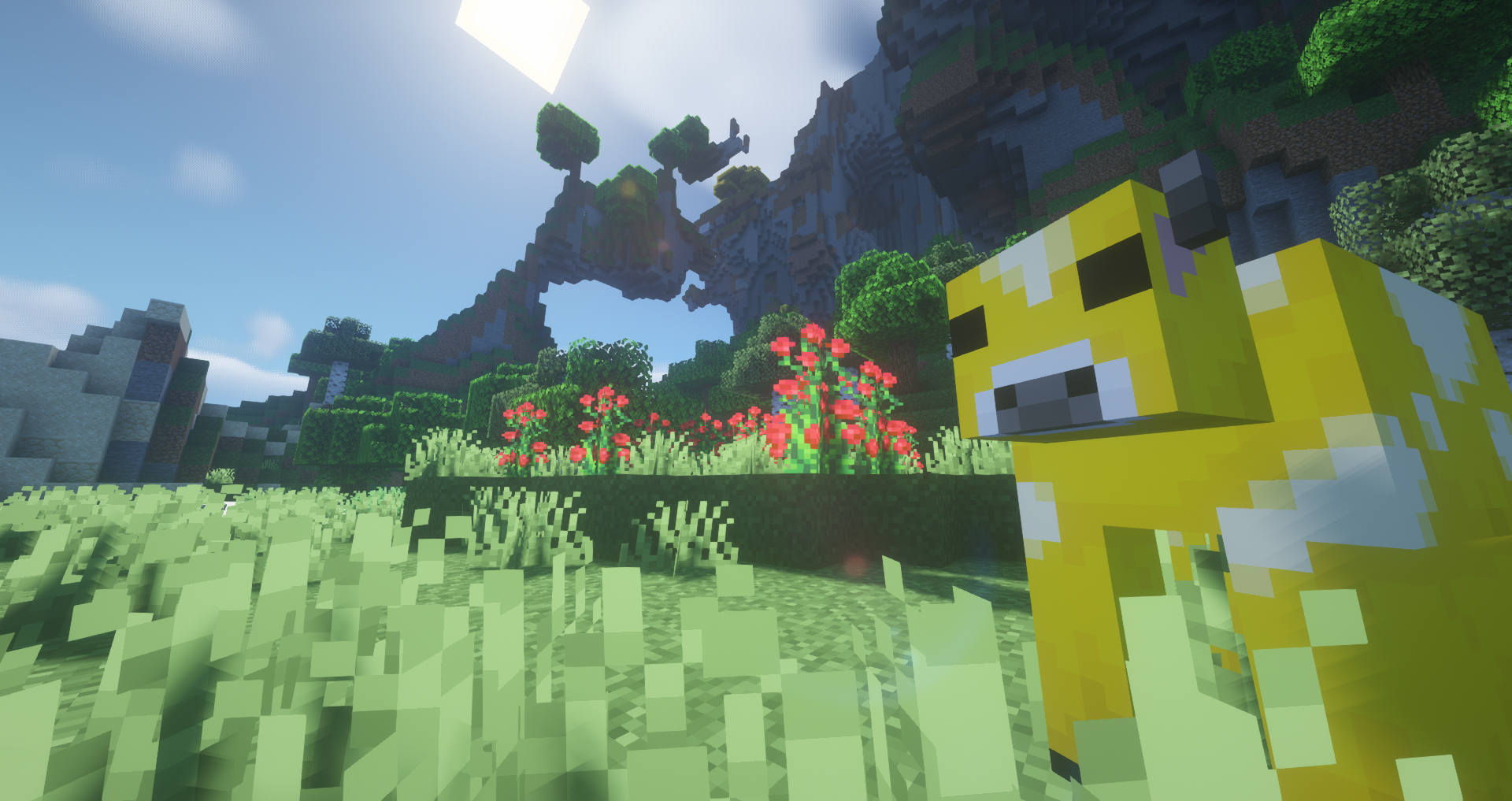
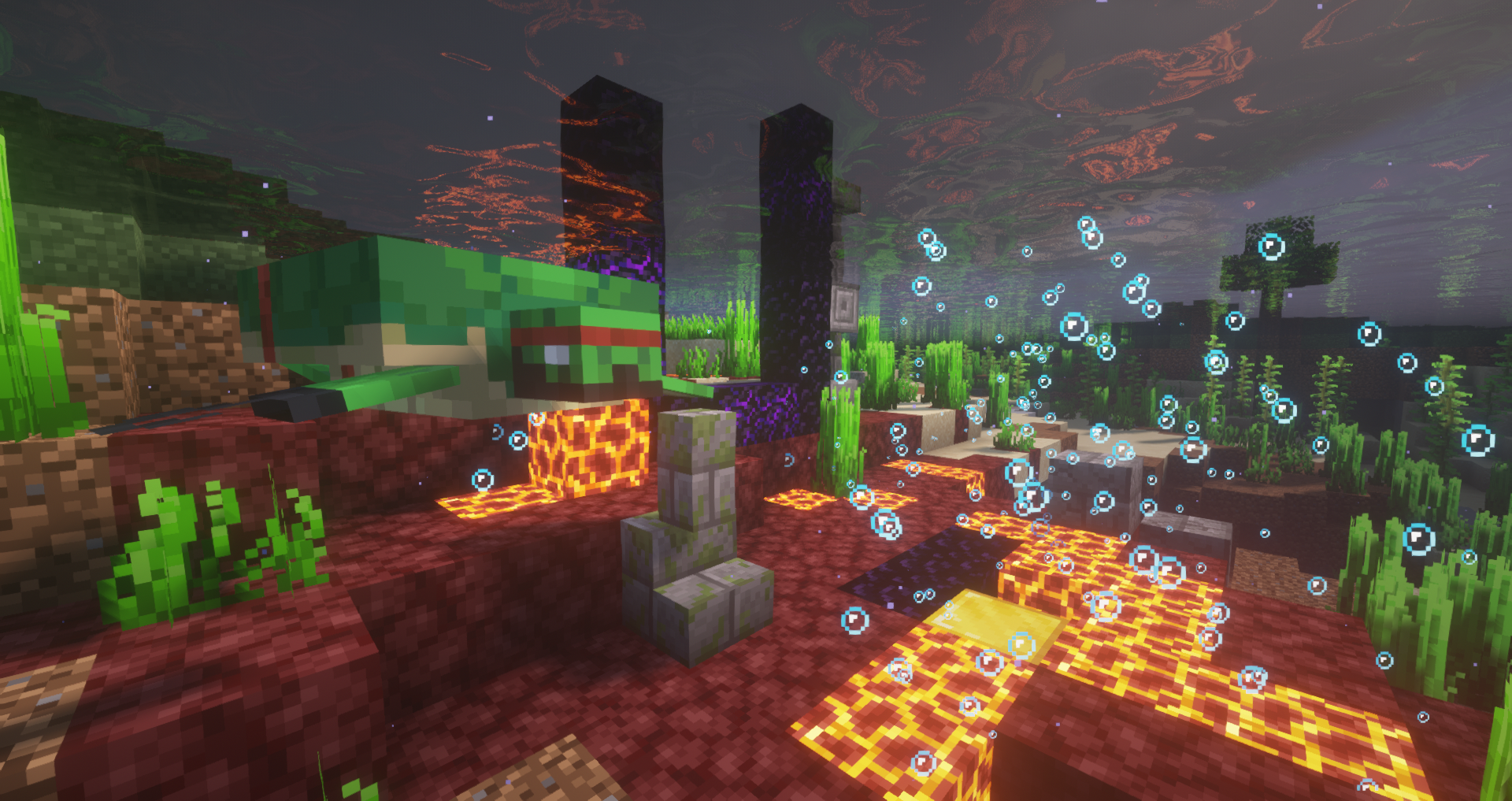
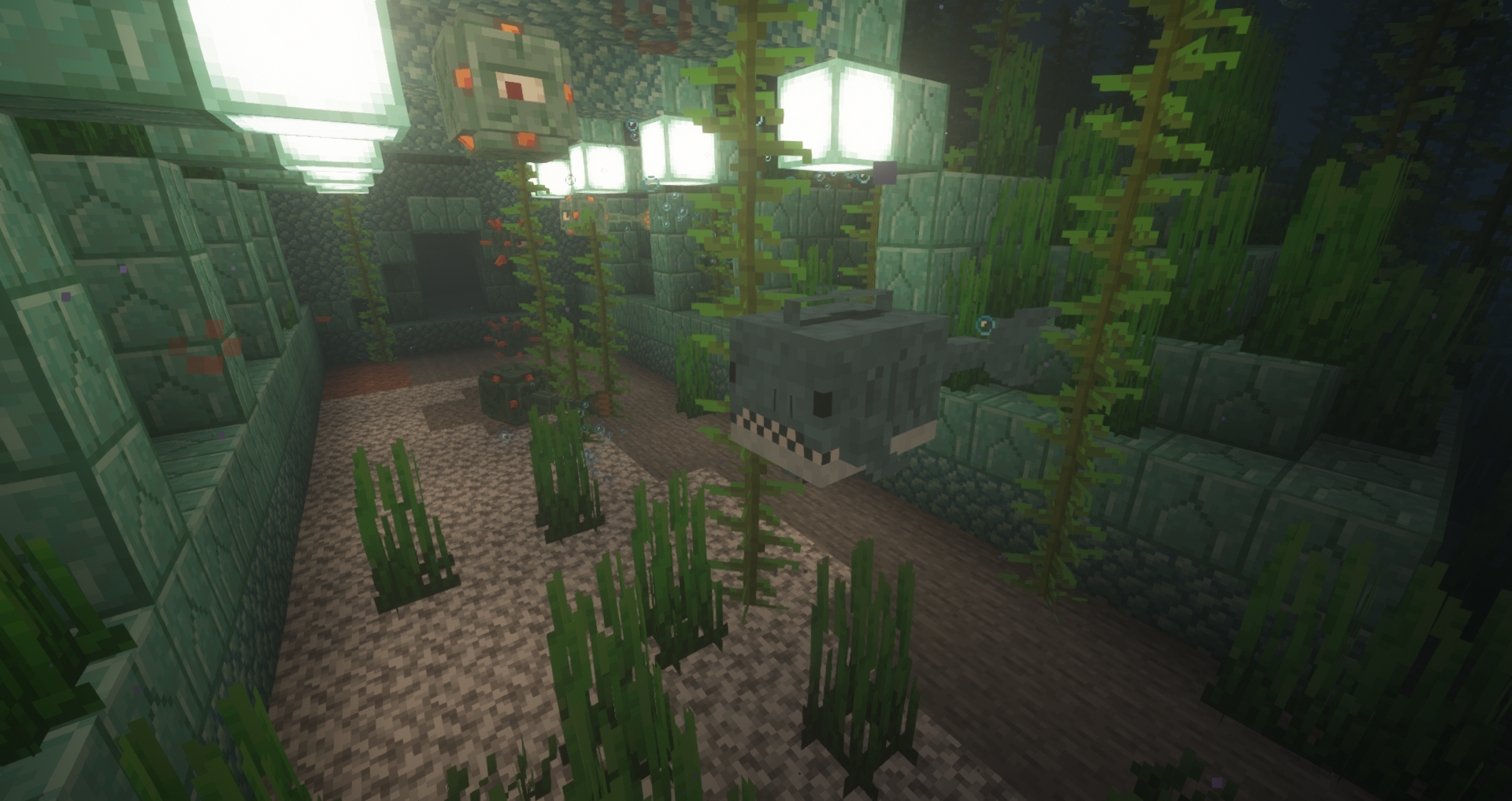
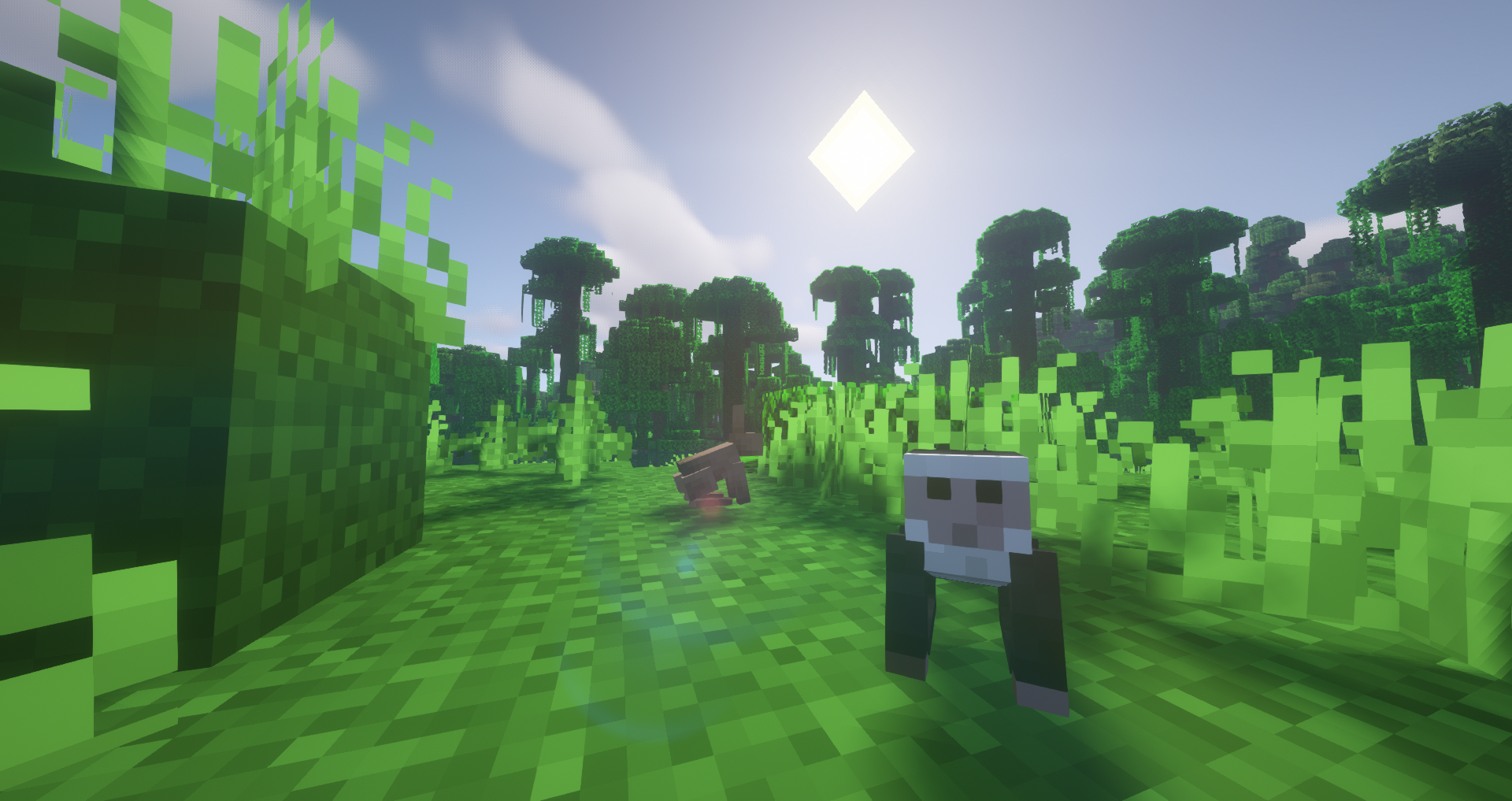
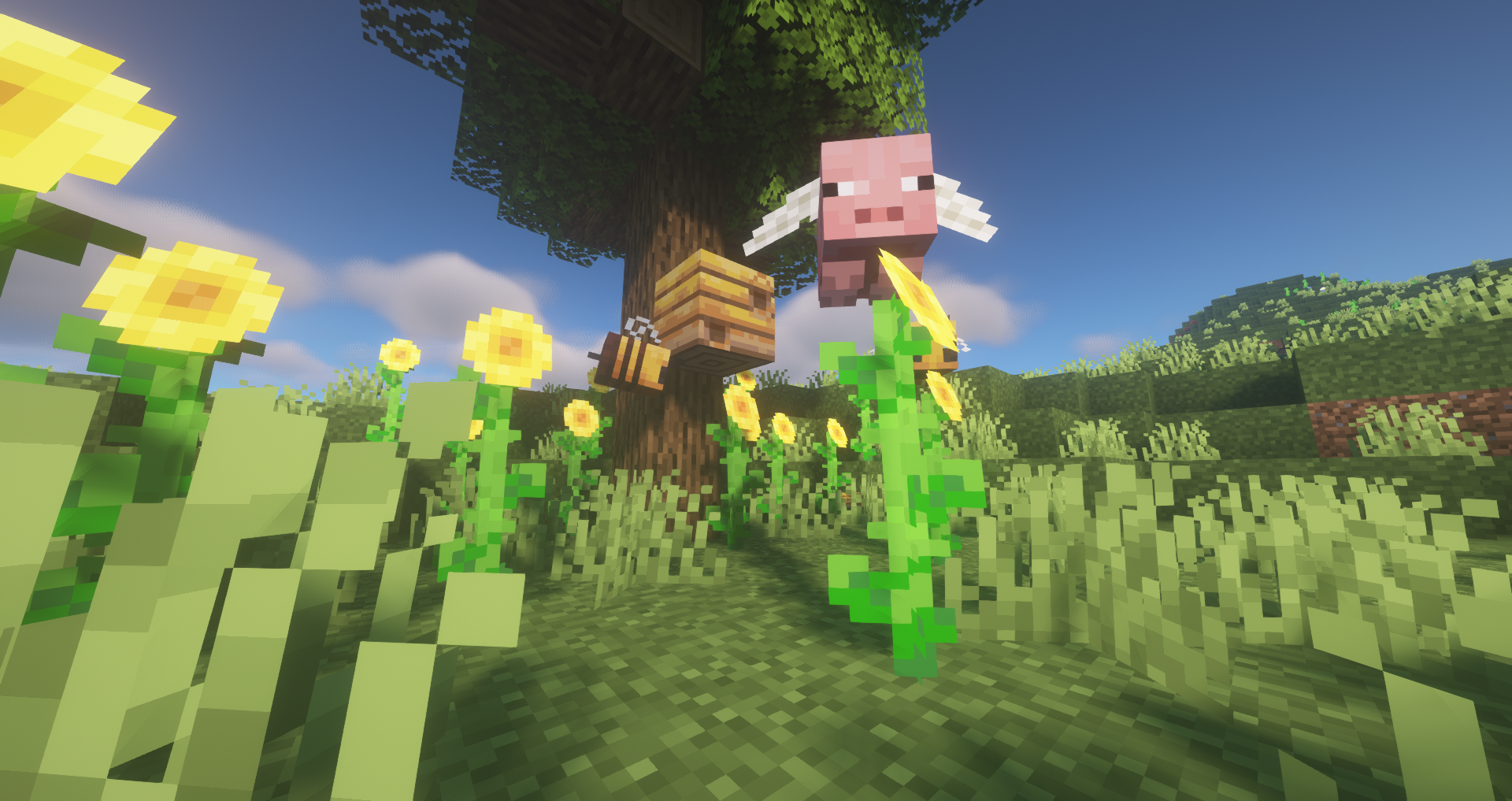
More Mob Variants is a resource pack that adds a new variant of each mob to the game. For example a raccoon for a fox, a dragonfly for a phantom, or a shark for a guardian.


  • Every mob has a small chance of spawning as its variant. A fox, for example, has a 1 in 16 chance of spawning as a raccoon. The chances for a variant spawning depend on how rare the mob is. So a cow will have a much lower chance of spawning as its variant. A variant is similar to a shiny in pokemon, it just has a much bigger chance of spawning.


  • The changes are only visual and don't affect gameplay. The extra variants are meant to add some more life to your world and give you unique experiences. If you add this resource pack to a server, everyone would see the same mobs as variants if they have optifine installed. 


  • To have the variants spawn randomly you will need optifine. If you don't have it there is also a version where the variants aren't randomized and every mob is permanently its variant. However, I do still recommend using optifine.


  • For this version, I only did the overworld mobs (38 mobs to be exact). I might make the nether and end variants if this post gets enough attention.


// If you want to use some files in this resource pack for your own project, please contact me first for permission. You can share and upload this resource pack anywhere but you must include a link to this page for the download and credit. //

More Mob Variants Main
MC 1.18.1, 1.19-Snapshot, 1.18.2, 1.19.2, 1.19.1, 1.18, 1.18-Snapshot, 1.19
Release 2022-10-19 Get
More Mob Variants No Optifine
MC 1.18.1, 1.19-Snapshot, 1.18.2, 1.19.2, 1.19.1, 1.18, 1.18-Snapshot, 1.19
Release 2022-10-19 Get

Requirements & install

How to use this resource pack in Minecraft
Resolution
16x
Minecraft
1.18-Snapshot – 1.19.2
Install folder
.minecraft/resourcepacks

How to install resource packs

  1. Download the resource pack .zip file (do not extract it).
  2. In Minecraft open Options → Resource Packs → Open Pack Folder.
  3. Drop the .zip into the resourcepacks folder (.minecraft/resourcepacks).
  4. Move the pack to the Selected column and click Done.
Browse more: 16x resource packs 32x resource packs 64x resource packs 128x resource packs 256x resource packs 512x+ resource packs Resource Packs for 1.19.2 All resource packs
Advertisement Remove ads with Premium →

You Might Also Like