Mineuniverse
Resource Packs
More Dogs Plus

More Dogs Plus

RESOURCE PACK
More Dogs Plus is a texture packs whit the bests dogs.
by d_de_diego_d
Download Claim this project
Add a badge to your pageLink to More Dogs Plus from a README, website or forum post.
Preview: Badge

Badges update automatically and link to the resource pack page on MineUniverse.

4,147 downloads
0 likes
0 followers
Updated Oct 14, 2026
0 hypes
Follow0
16x Animated Miscellaneous Modern Photo Realistic
Advertisement Remove ads with Premium →

More Dogs Plus

EN

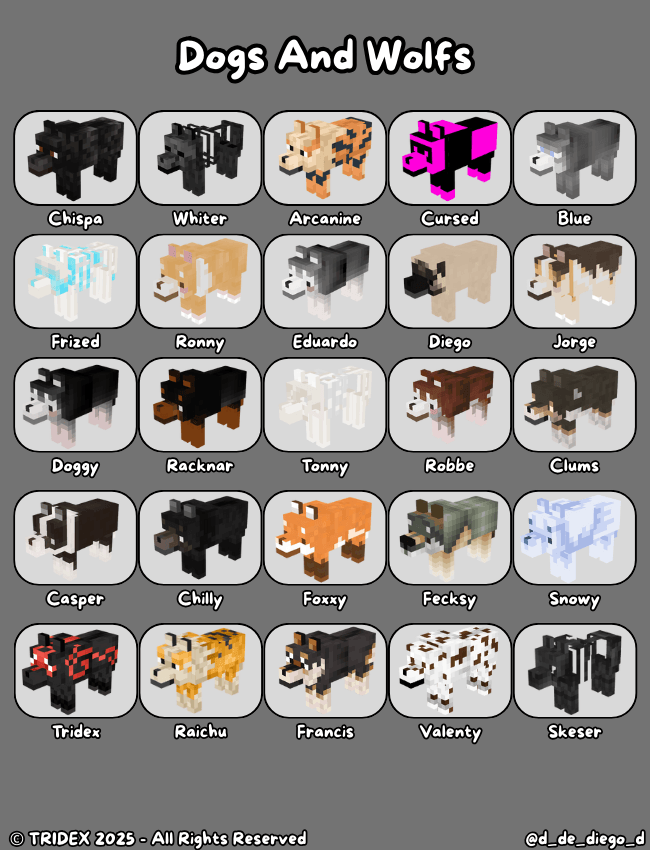
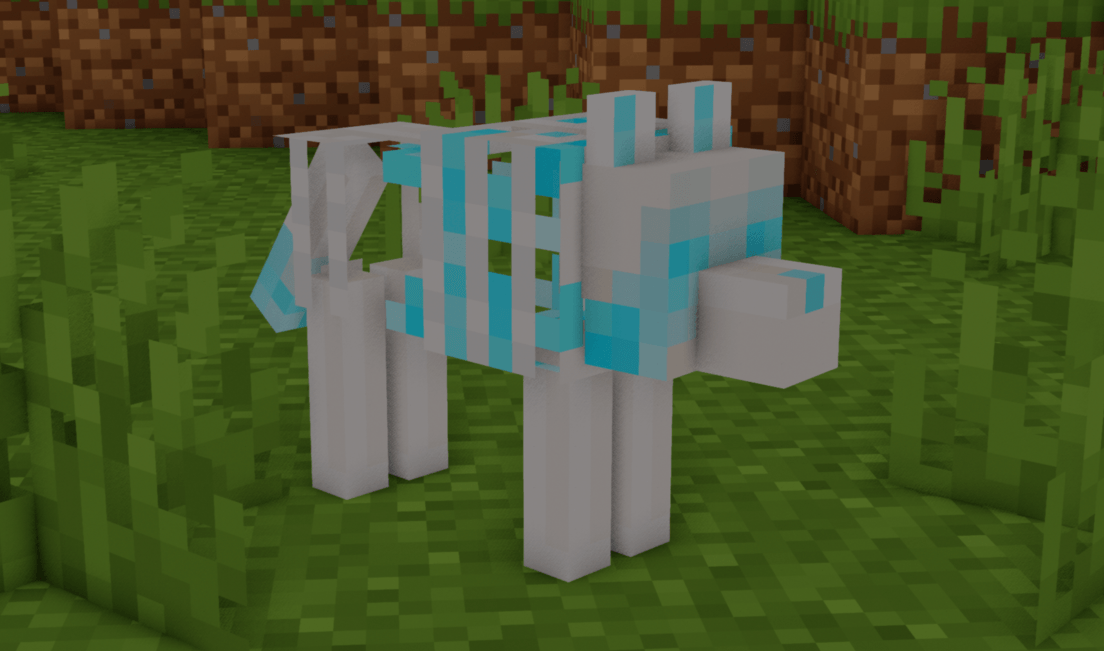
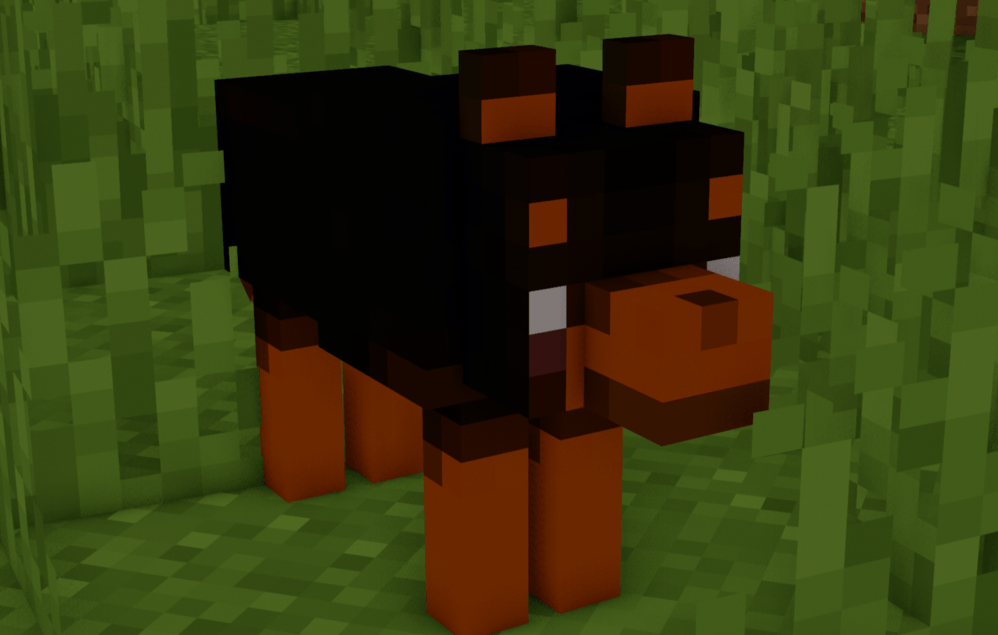
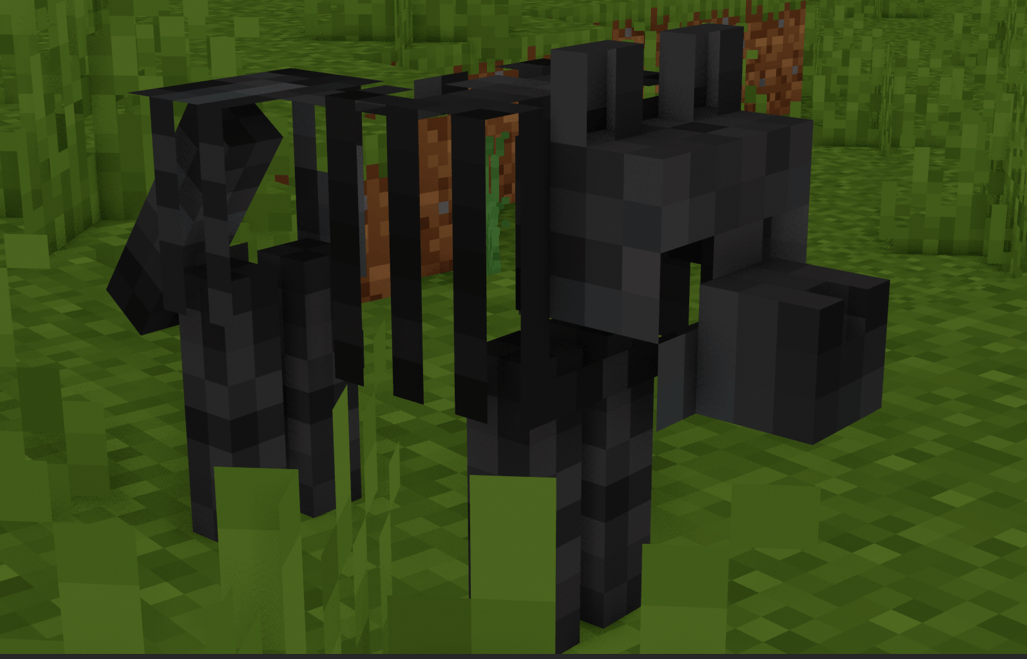
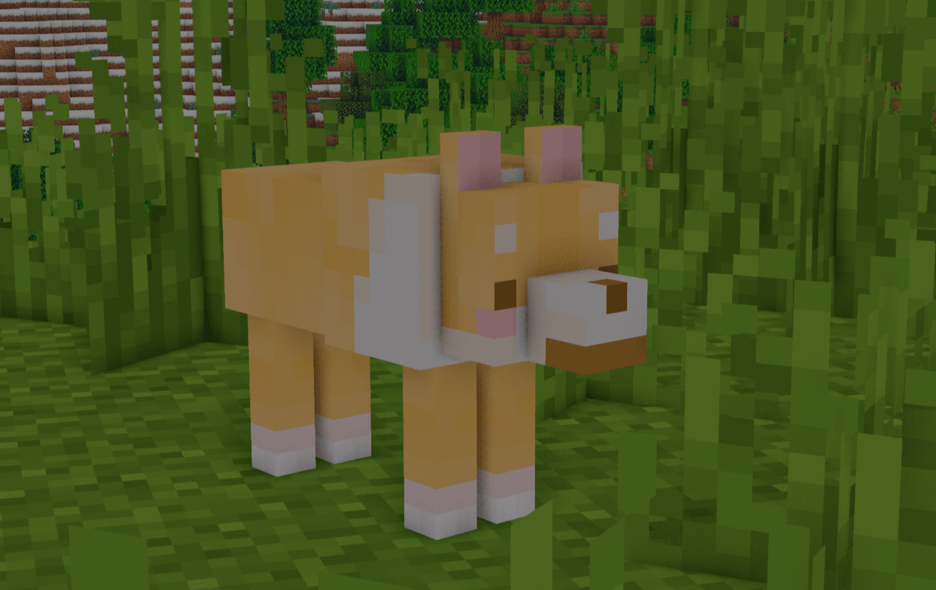
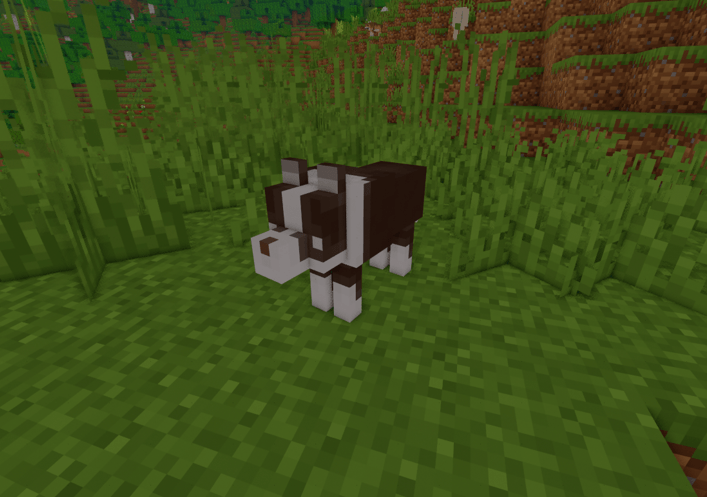
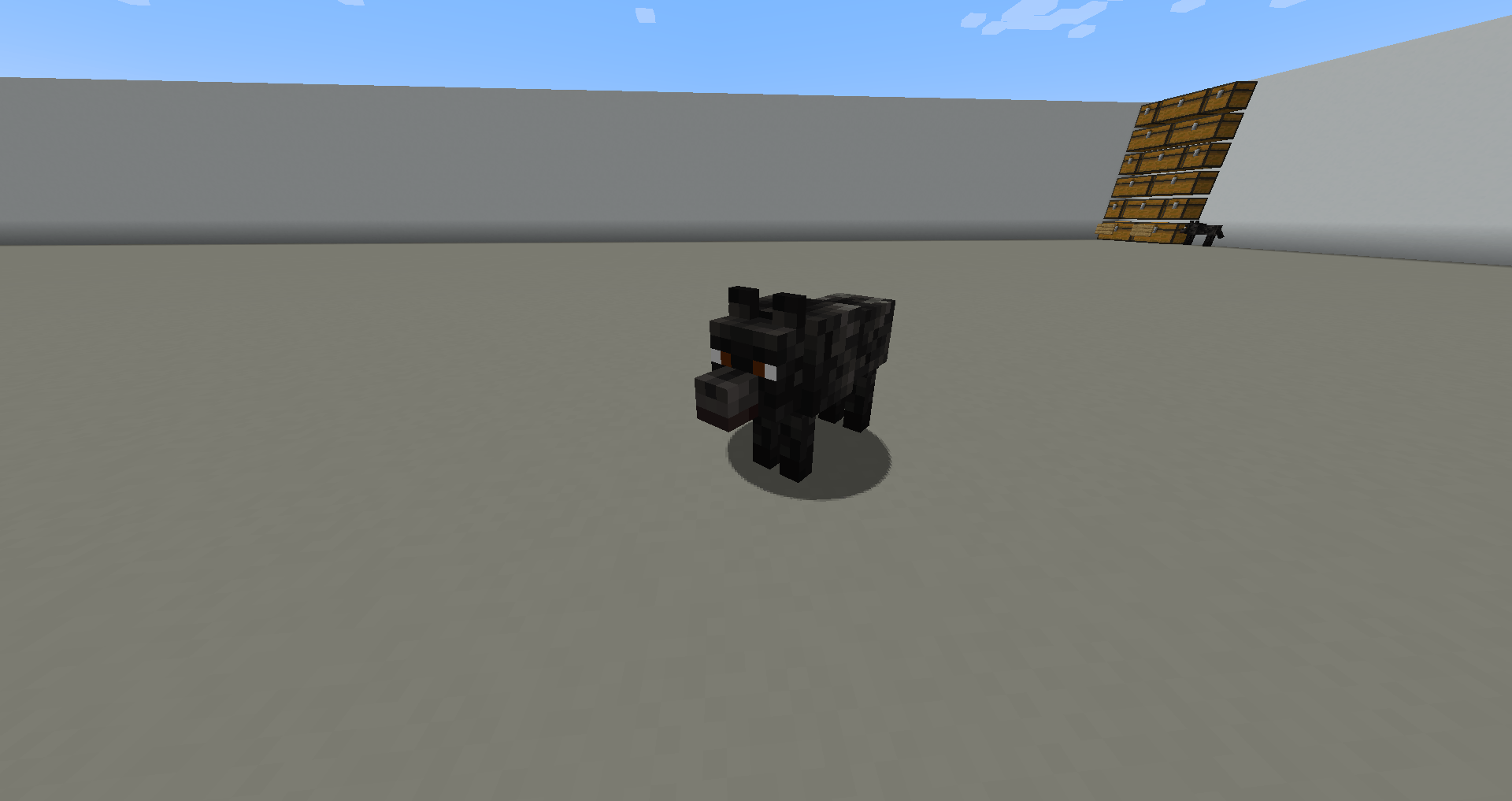
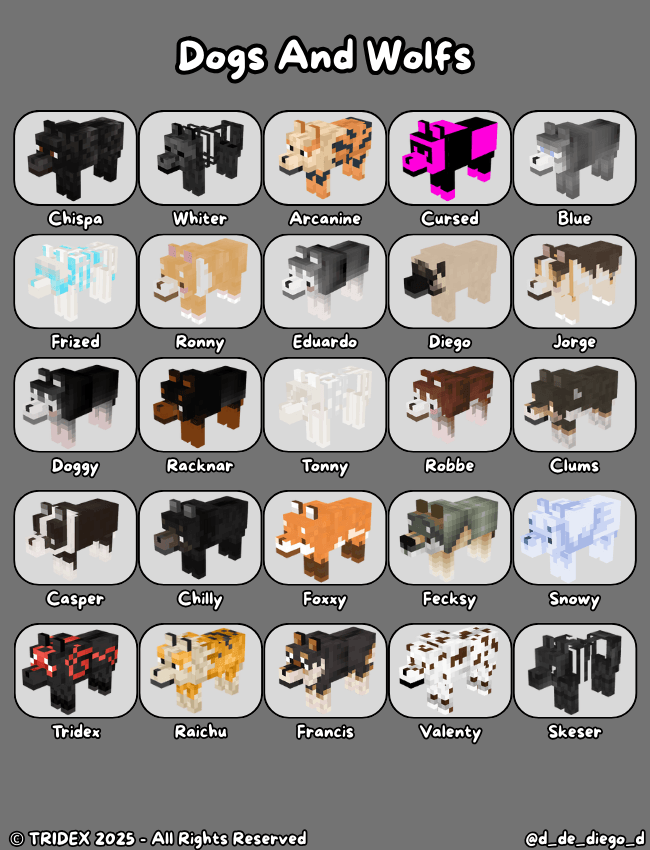
This texture pack contains new designs of dogs and wolves. There are +32 new wolf textures, and new ones are added every week!!!

Contains many breeds, invented dogs, fantastic animals and more, it also contains real dogs.

Wolves/dogs can appear naturally, in different biomes at random.


- Requires Optifine -

  By @d_de_diego_d

ES

Este texture pack contiene un nuevos diseños de perros y lobos. Son +32 texturas de lobos nuevas, y se añaden nuevas cada semana!!! 

Contiene muchas razas, perros inventados, animales fantasticos y mas, tambien contiene perros reales

Los lobos/perros pueden aparecer naturalmente, en diferentes biomas de manera aleatoria.

- Requiere Optifine -

By @d_de_diego_d
❤️ Support Me ❤️

Supplementaries Discord Support me on Patreon   Youtube Channel

                                                ⭐ Our Projects⭐

Haunted HarvestSnowy SpiritStorage LabelsGoatedMysyical Oak TreeCarpeted StairsMmmMmmMmmMmmMoyaiJeedBetter Lily PadsAdvancement FramesRandomiumSleep TightPolytoneHeartstoneMap AtlasesUniversal SawmillAmendments


© TRIDEX 2025 - All Rights Reserved

MORE DOGS PLUS
MC 1.17.1, 1.9.1, 1.16.3, 1.13.1, 1.9.3, 1.8.7, 1.19.3, 1.20.2, 1.21, 1.16.1, 1.18.1, 1.20.5, 1.21.5, 1.9.4, 1.9.2, 1.8.4, 1.14.4, 1.14.1, 1.12.1, 1.17, 1.12, 1.14.3, 1.15
Release 2025-04-22 Get

Requirements & install

How to use this resource pack in Minecraft
Resolution
16x
Minecraft
1.17 – 1.21.5
Install folder
.minecraft/resourcepacks

How to install resource packs

  1. Download the resource pack .zip file (do not extract it).
  2. In Minecraft open Options → Resource Packs → Open Pack Folder.
  3. Drop the .zip into the resourcepacks folder (.minecraft/resourcepacks).
  4. Move the pack to the Selected column and click Done.
Browse more: 16x resource packs 32x resource packs 64x resource packs 128x resource packs 256x resource packs 512x+ resource packs Resource Packs for 1.21.5 All resource packs

More from d_de_diego_d

Advertisement Remove ads with Premium →

You Might Also Like