Mineuniverse
Resource Packs
[Moonsu] Better GUI for Villagers!

[Moonsu] Better GUI for Villagers!

RESOURCE PACK
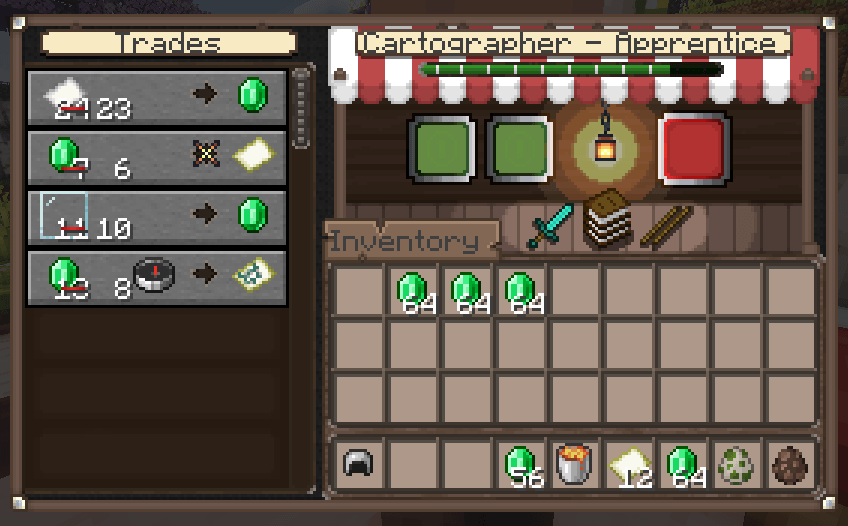
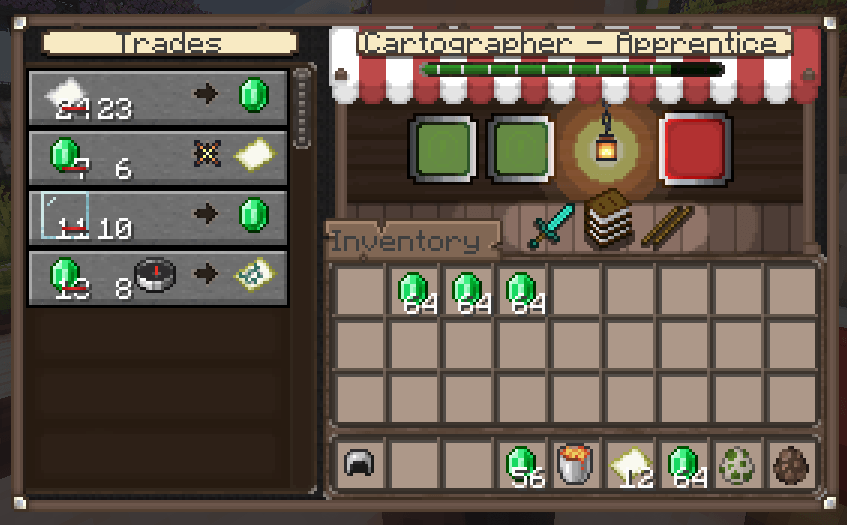
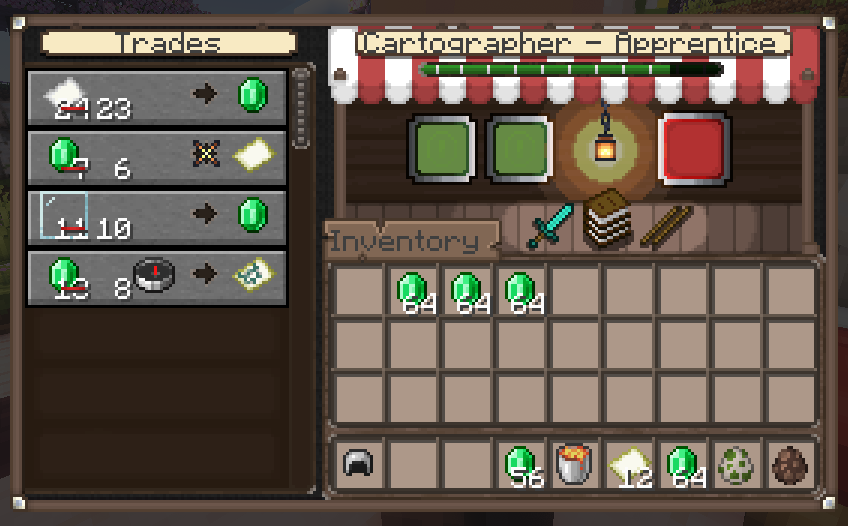
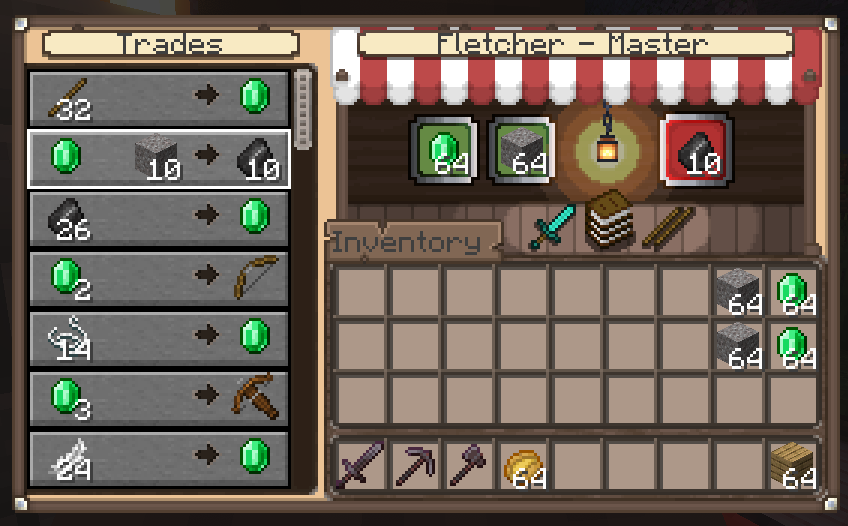
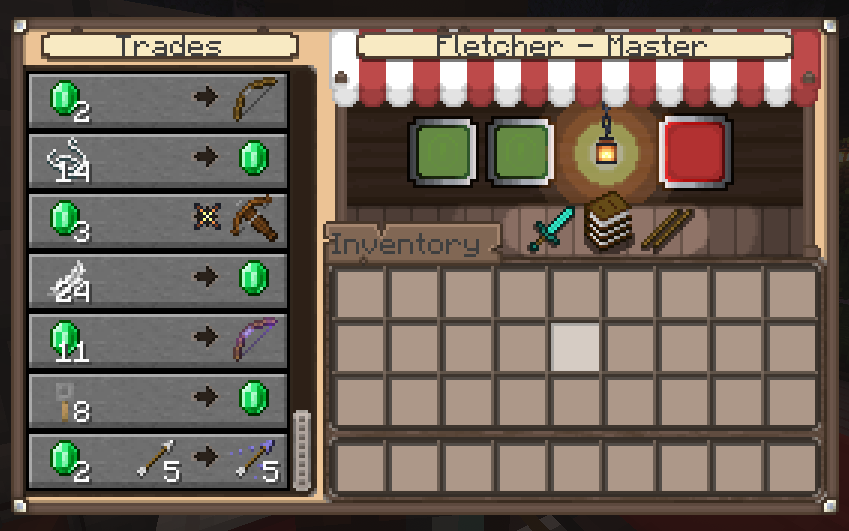
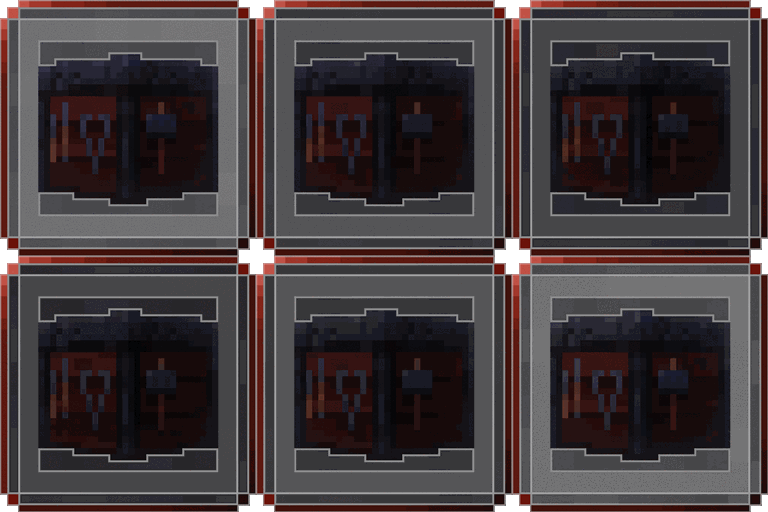
Revamp your Minecraft trading experience with our market-inspired interface: vibrant red awnings, rustic wooden structures, and authentic charm!
by Moongosu
Download Claim this project
Add a badge to your pageLink to [Moonsu] Better GUI for Villagers! from a README, website or forum post.
Preview: Badge

Badges update automatically and link to the resource pack page on MineUniverse.

312,747 downloads
0 likes
0 followers
Updated Oct 14, 2026
0 hypes
Follow0
16x Medieval Miscellaneous Traditional
Advertisement Remove ads with Premium →

Discover the revamped trading experience!


Embark on a new era of trading in Minecraft, where revamped interfaces immerse you in an engaging and uniquely charming experience.

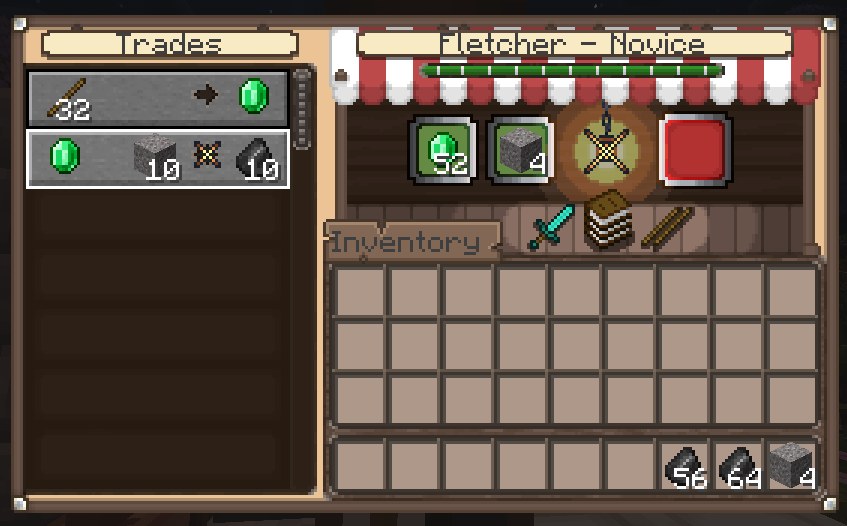
(Check the images tab for more info)
Better GUI for Villagers!


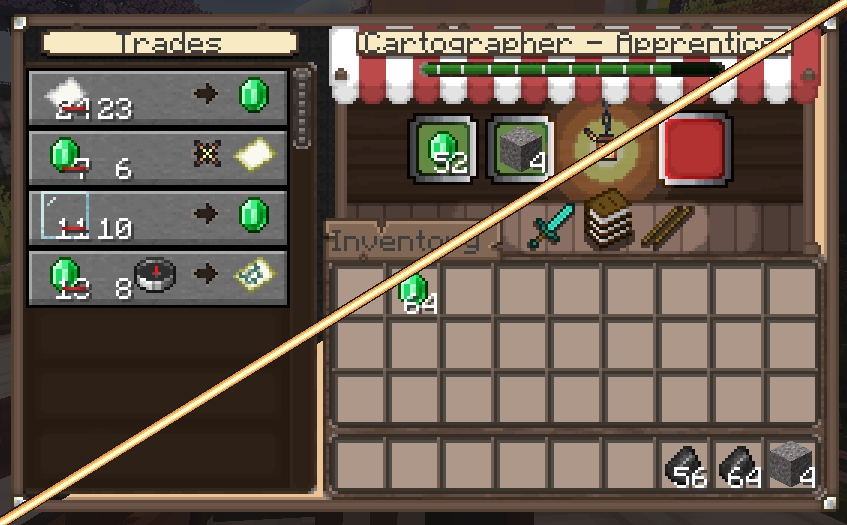
DARK BACKGROUND VERSION!
Dark Background version!


Can i use for my Modpack?
Sure! no problem, but I would appreciate if you could leave credits.

Any questions or suggestions can be left in the Official Discord: Discord!

[Moonsu][Dark Background] Better GUI for Villagers! 1.3
MC 1.20.5
Beta 2024-04-27 Get
[Moonsu] Better GUI for Villagers! 1.3
MC 1.20.5
Release 2024-04-27 Get
[Moonsu][Dark Background] Better GUI for Villagers 1.1
MC 1.17.1, 1.16.3, 1.19.3, 1.16.1, 1.18.1, 1.19.4-Snapshot, 1.17, 1.16, 1.19.4, 1.19-Snapshot, 1.16.5, 1.18.2, 1.19.2, 1.20.1, 1.20, 1.19.1, 1.20-Snapshot, 1.17-Snapshot, 1.18
Beta 2024-04-18 Get
[Moonsu] Better GUI for villagers 1.2
MC 1.20.2, 1.20.3-Snapshot, 1.20.3, 1.20.4
Release 2024-04-18 Get
[Moonsu][Dark Background] Better GUI for Villagers! 1.3
MC 1.20.2, 1.20.3-Snapshot, 1.20.3, 1.20.4
Beta 2024-04-18 Get
[Moonsu] Better GUI for Villagers! 1.0
MC 1.16-Snapshot, 1.17.1, 1.16.3, 1.19.3, 1.16.1, 1.18.1, 1.19.4-Snapshot, 1.17, 1.16, 1.19.4, 1.19-Snapshot, 1.16.5, 1.18.2, 1.19.2, 1.20.1, 1.20, 1.19.1, 1.20-Snapshot
Release 2024-04-13 Get

Requirements & install

How to use this resource pack in Minecraft
Resolution
16x
Minecraft
1.20-Snapshot – 1.20.5
Install folder
.minecraft/resourcepacks

How to install resource packs

  1. Download the resource pack .zip file (do not extract it).
  2. In Minecraft open Options → Resource Packs → Open Pack Folder.
  3. Drop the .zip into the resourcepacks folder (.minecraft/resourcepacks).
  4. Move the pack to the Selected column and click Done.
Browse more: 16x resource packs 32x resource packs 64x resource packs 128x resource packs 256x resource packs 512x+ resource packs Resource Packs for 1.20.5 All resource packs

More from Moongosu

Advertisement Remove ads with Premium →

You Might Also Like