Mineuniverse
Resource Packs
Moonlit

Moonlit

RESOURCE PACK
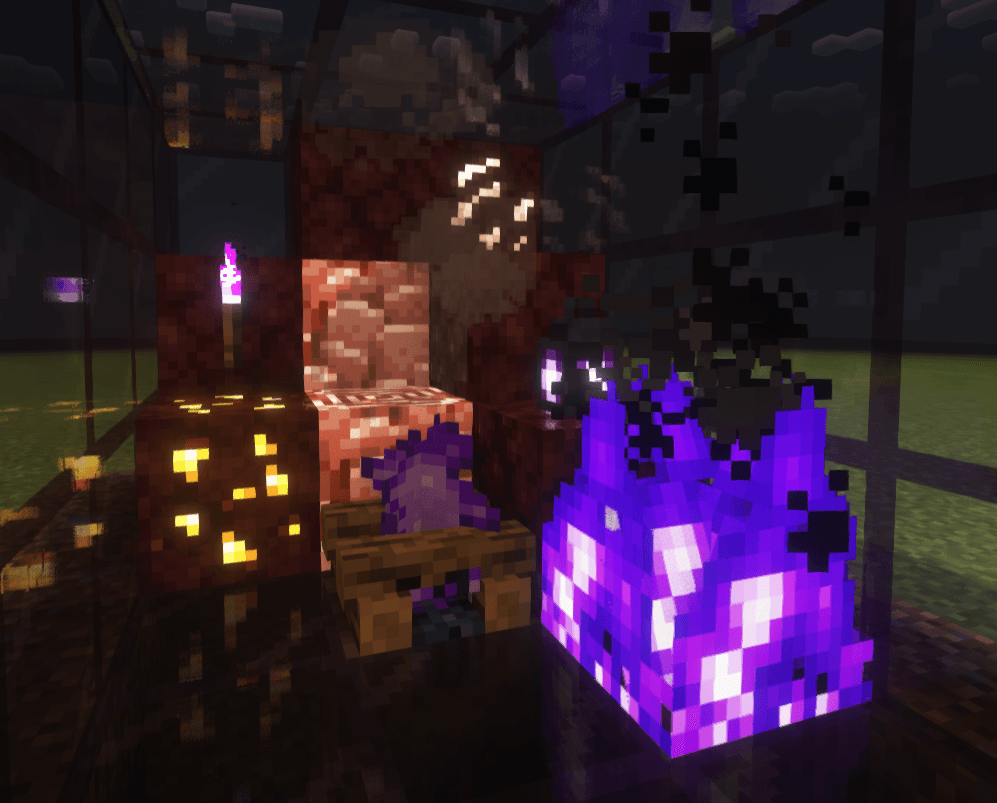
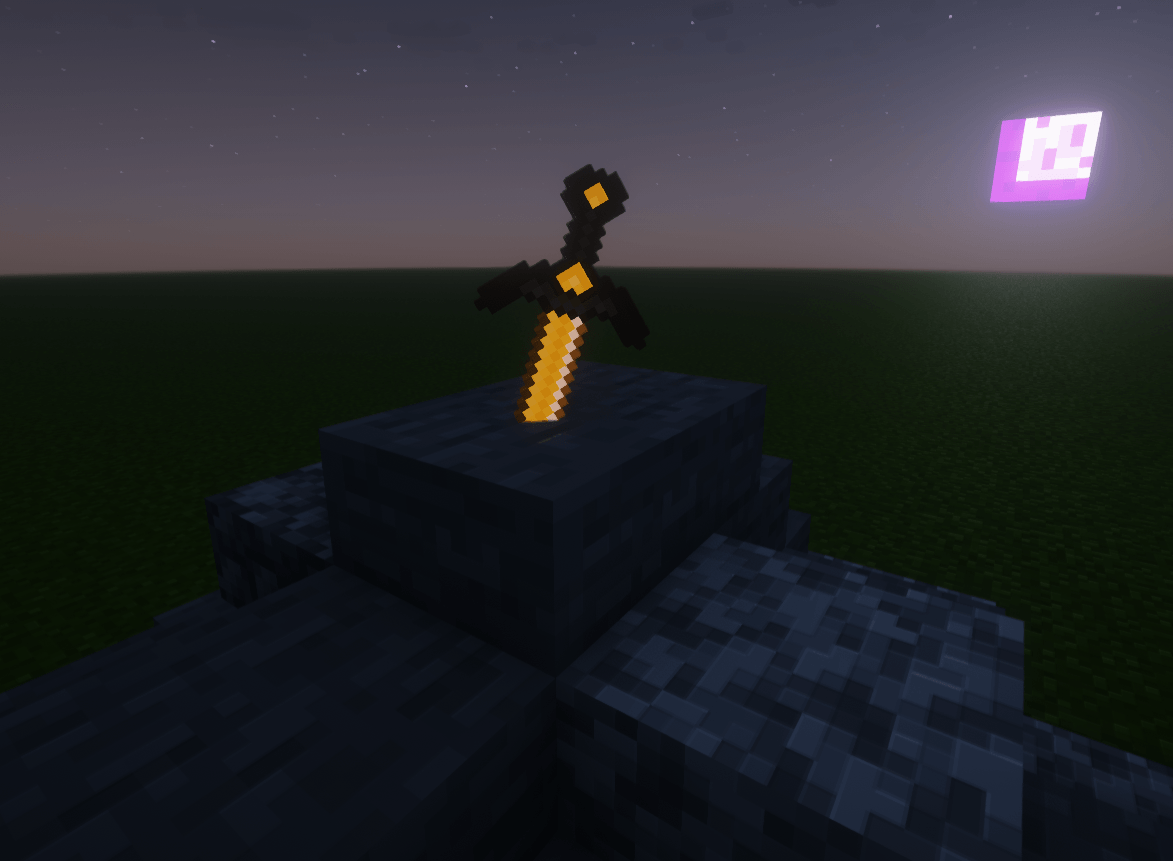
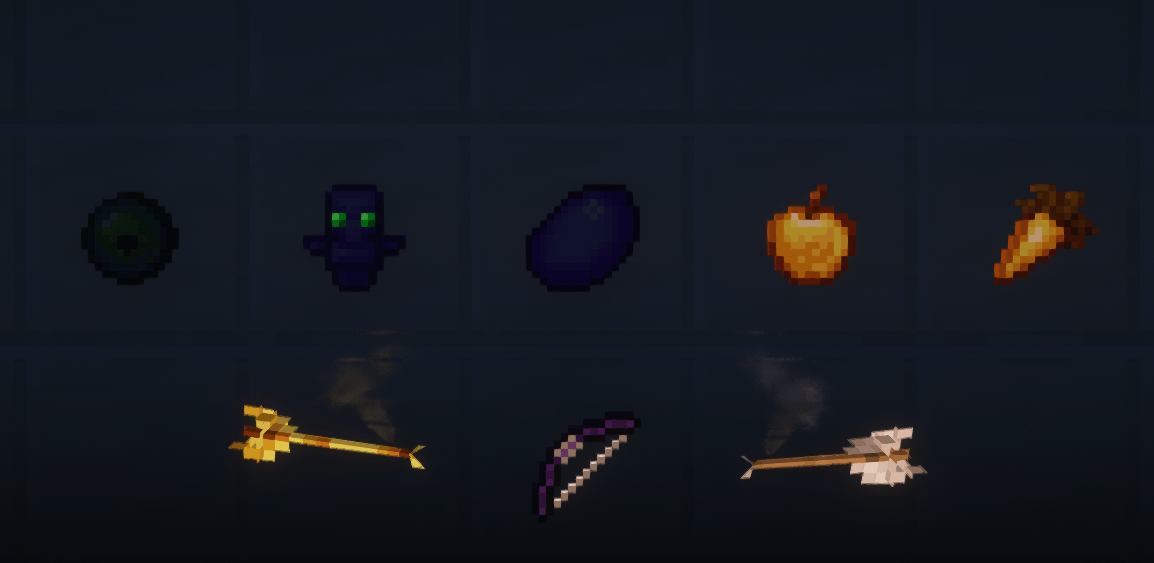
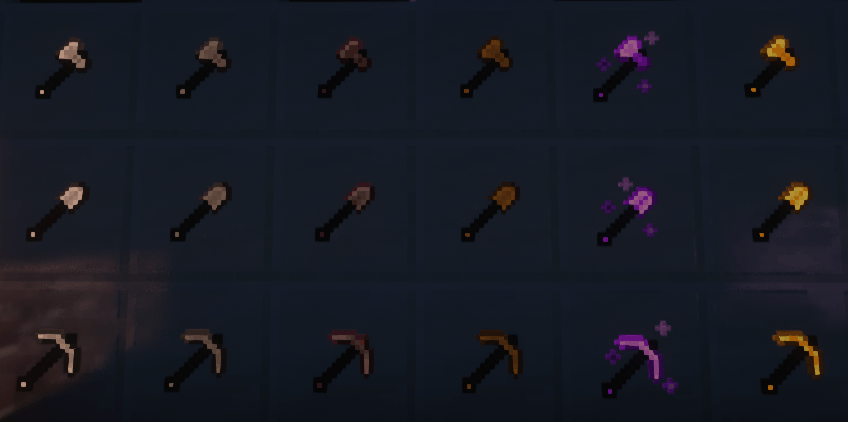
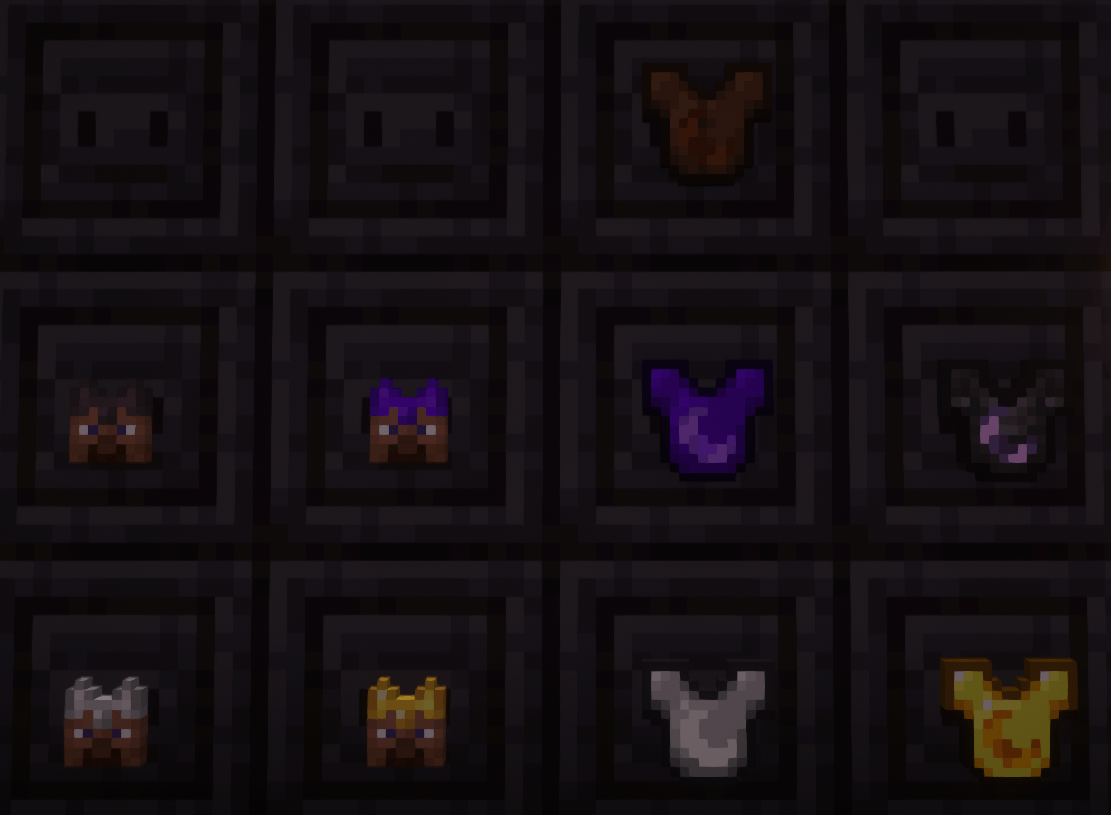
Moonlit is a visually enhanced resource pack that brings a unique glow to your Minecraft experience. It features emissive textures for weapons, tools, ores, armor, and beds, making them stand out even in the darkest environments.
by Exoquate
Download Claim this project
3,749 downloads
0 likes
Updated Oct 14, 2026
0 hypes
16x Animated Traditional
Advertisement Remove ads with Premium →

🌙✨ Moonlit Resource Pack ✨🌙

🌌 Step into a glowing, magical Minecraft experience! 🌌

Moonlit is a visually enhanced resource pack that adds a ✨ mystical touch to your world. With emissive textures 🌟 for weapons ⚔️, tools 🔧, ores ⛏️, armor 🛡️, and beds 🛏️ — everything softly glows in the dark, creating an atmosphere that’s truly otherworldly. 🌑💫

But the magic doesn’t stop there! 🎨
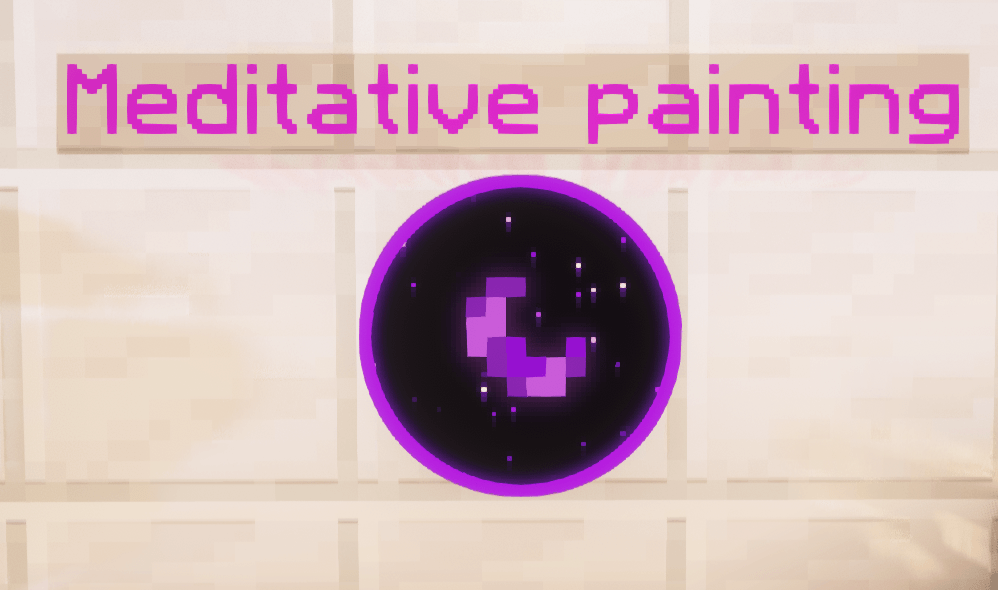
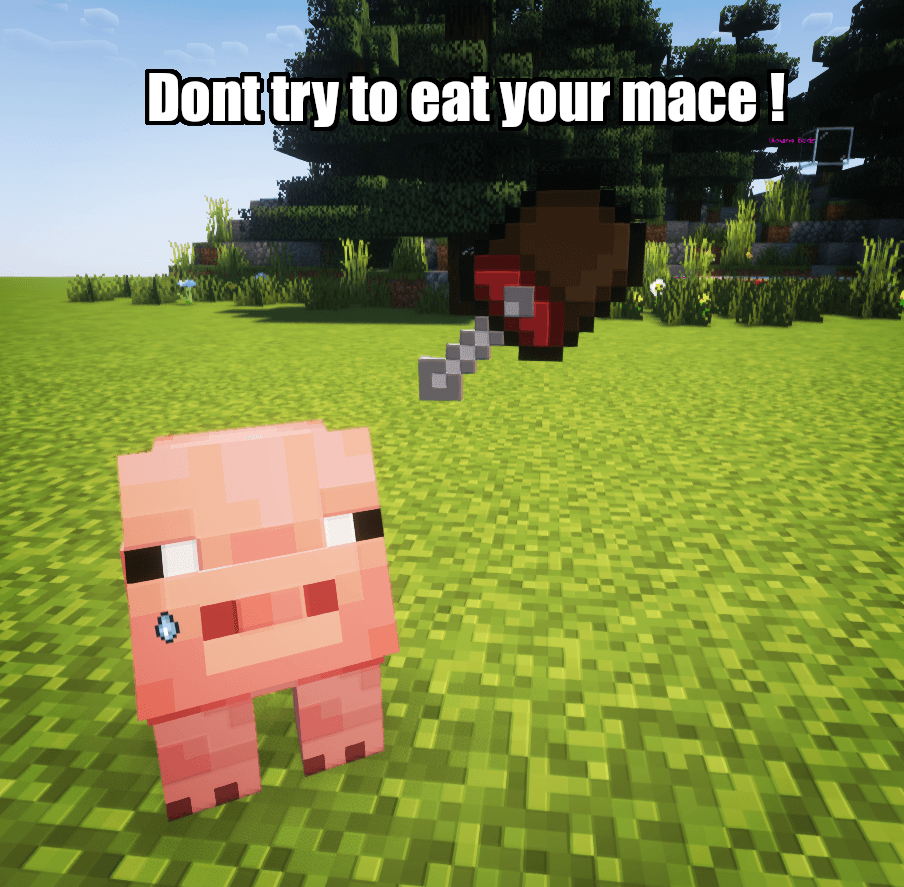
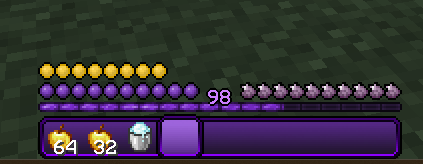
Moonlit also features a custom hotbar 🎛️, a unique hunger bar 🍗, and color-tinted GUI elements 🎮 for a UI that feels fresh, sleek, and immersive.

➕ Bonus Features:

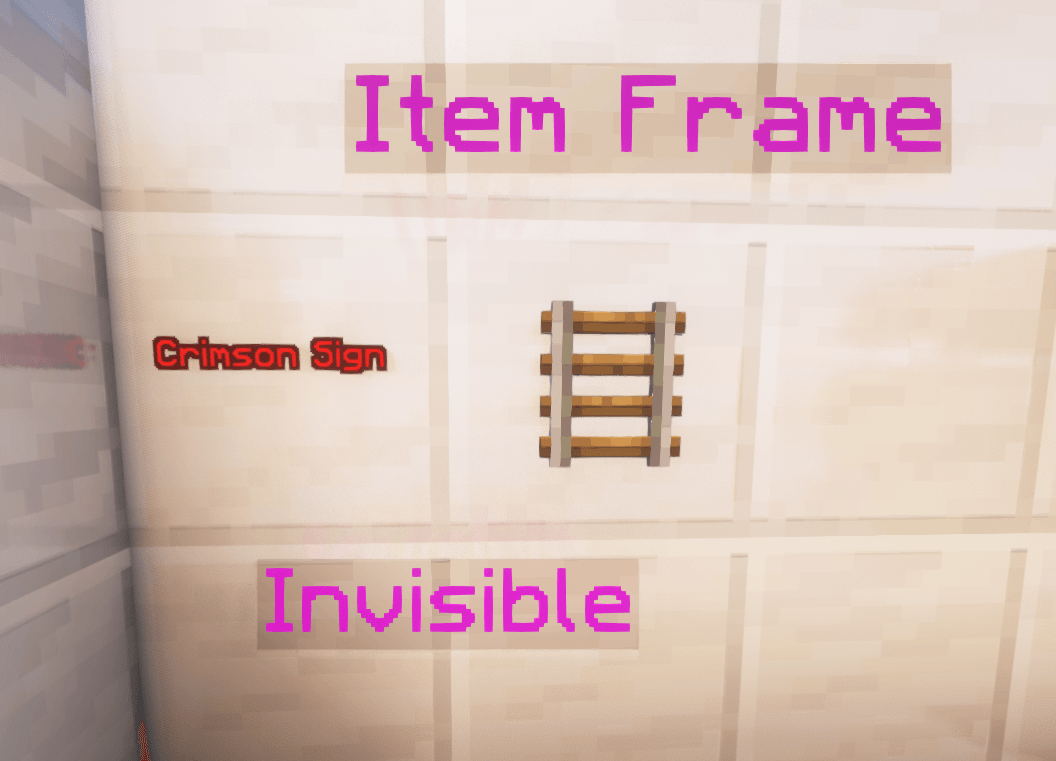
  • 🔍 Invisible Item Frames – Perfect for seamless decoration! 🖼️✨
  • 🪧 Invisible Crimson Signs – For a clean and modern look! 🏷️🔮

💜 Perfect for players who love a sleek, glowing, and atmospheric aesthetic! 🌠

OUTDATED PROJECT please follow my newest project down here 

   

Moonlit Resourcepack - The Copper Renaissance
MC 1.21.5, 1.21.8, 1.21.9, 1.21.10, 1.21.4, 1.21.3, 1.21.7, 1.21.1, 1.21.6, 1.21.2
Release 2025-10-11 Get
Moonlit Resourcepack - 3D Awakening
MC 1.21.8, 1.21.7, 1.21.6
Release 2025-08-05 Get
Moonlit - Polished Shadows
MC 1.21.8, 1.21.7, 1.21.6
Release 2025-07-27 Get
Moonlit Emissive Update - NoMods!
MC 1.21.5, 1.21.6
Release 2025-06-23 Get
Moonlit - Refined & Enchanted
MC 1.21.5, 1.21.6
Release 2025-06-16 Get
Moonlit Resourcepack Veil of Moonlight
MC 1.21.5
Release 2025-06-11 Get
Moonlit Resourcepack 1.21.4
MC 1.21.4
Release 2025-03-29 Get
Moonlit Resourcepack 1.21.3 The Emissive Update
MC 1.21.3
Release 2025-02-20 Get

Requirements & install

How to use this resource pack in Minecraft
Resolution
16x
Minecraft
1.21.3 – 1.21.10
Install folder
.minecraft/resourcepacks

How to install resource packs

  1. Download the resource pack .zip file (do not extract it).
  2. In Minecraft open Options → Resource Packs → Open Pack Folder.
  3. Drop the .zip into the resourcepacks folder (.minecraft/resourcepacks).
  4. Move the pack to the Selected column and click Done.
Browse more: 16x resource packs 32x resource packs 64x resource packs 128x resource packs 256x resource packs 512x+ resource packs Resource Packs for 1.21.10 All resource packs

More from Exoquate

Advertisement Remove ads with Premium →

You Might Also Like