Mineuniverse
Resource Packs
Modern textures in old versions 1.8 and 1.12

Modern textures in old versions 1.8 and 1.12

RESOURCE PACK
The new minecraft textures in version 1.8.8 and 1.12 for Eaglercraft to get the new minecraft feel in an older version
by darker0665
Download Claim this project
Add a badge to your pageLink to Modern textures in old versions 1.8 and 1.12 from a README, website or forum post.
Preview: Badge

Badges update automatically and link to the resource pack page on MineUniverse.

7,677 downloads
0 likes
0 followers
Updated Oct 14, 2026
0 hypes
Follow0
16x Miscellaneous Traditional
Advertisement Remove ads with Premium →

### PLEASE MAKE SURE YOU CLICK ON "FILES" TO SELECT YOUR CORRECT GAME VERSION ###


Pack works in eaglercraft and java minecraft

The pack is native to 1.12.x and 1.8.8 but works perfectly in any version below 1.12.2

Examples/Images - sites.google.com/view/texturepackexamples 

Message me in discord for bugs and requests -
darker0665

Eaglercraft - Main eaglercraft website, think vanilla minecraft

https://eaglercraft.com

Resent client - Top eaglercraft client, buffs performance, has most features and allows you to join hypixel

https://resent5.pages.dev/

Common FAQ -
Q - Can you view textures of blocks and items added after the version you are playing on (like netherite) on via version servers?
A - Not with a texture pack alone, use Modern or Tuff client (linked above). This is very buggy, I would still recomend using my texture pack along with these clients
Q - What bugs come with this pack
A - 1.8.8 boat, redstone torch and spawn eggs these may be fixed in future
Q - Will other bugs be fixed in the future
A - Yes! Please DM me in discord at darker0665 about bugs, and they will be fixed!
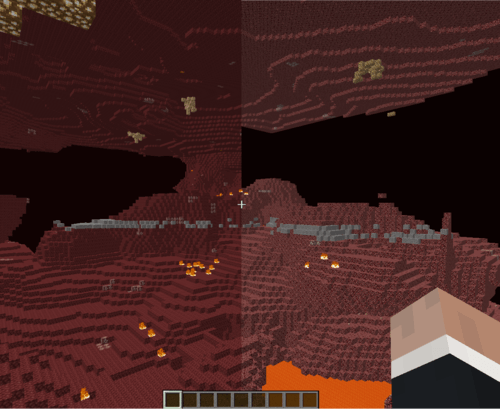
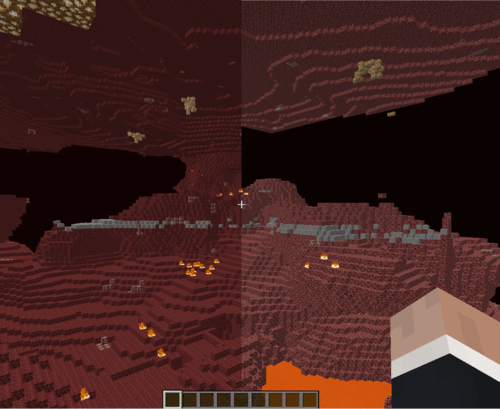
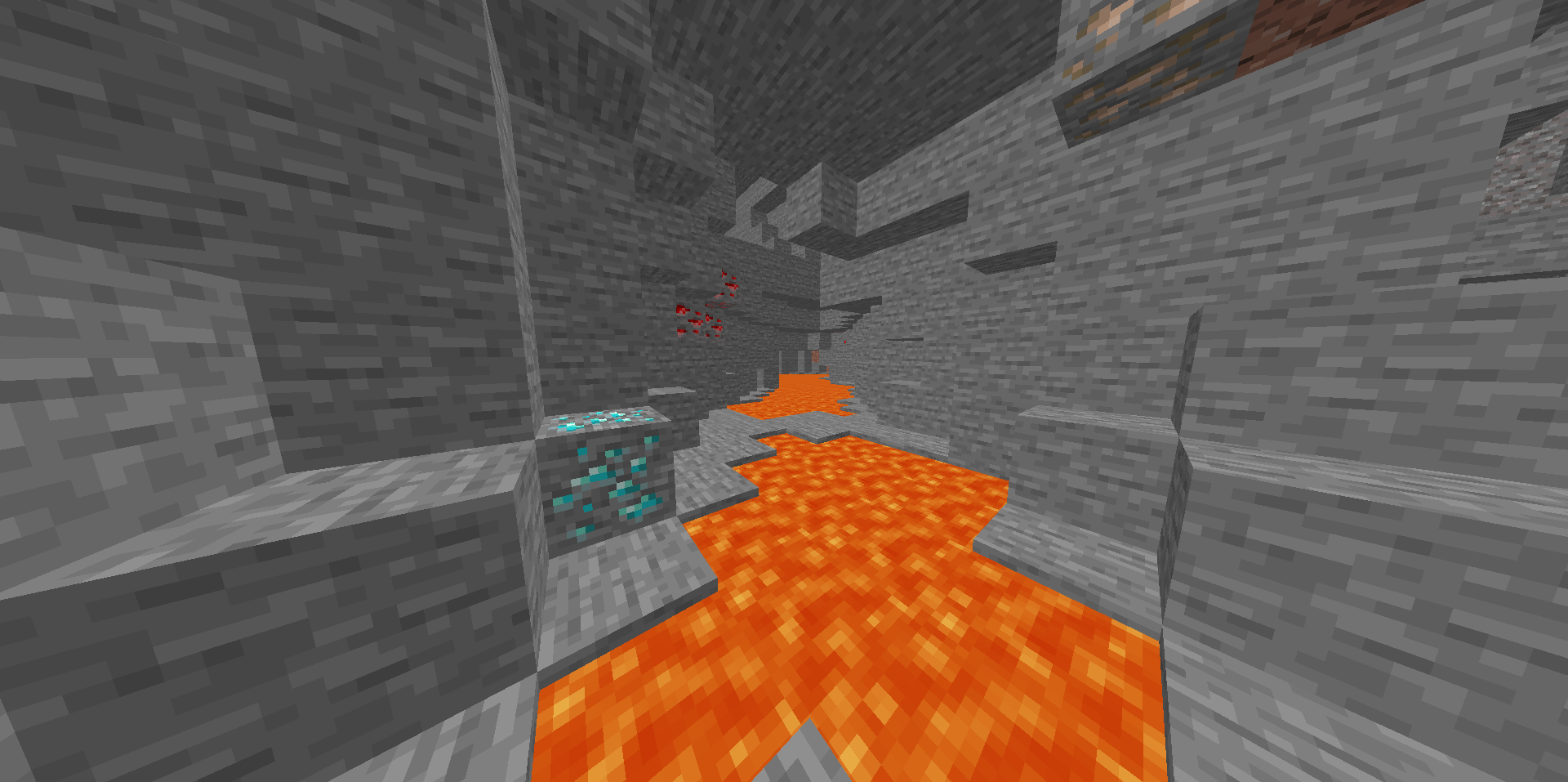
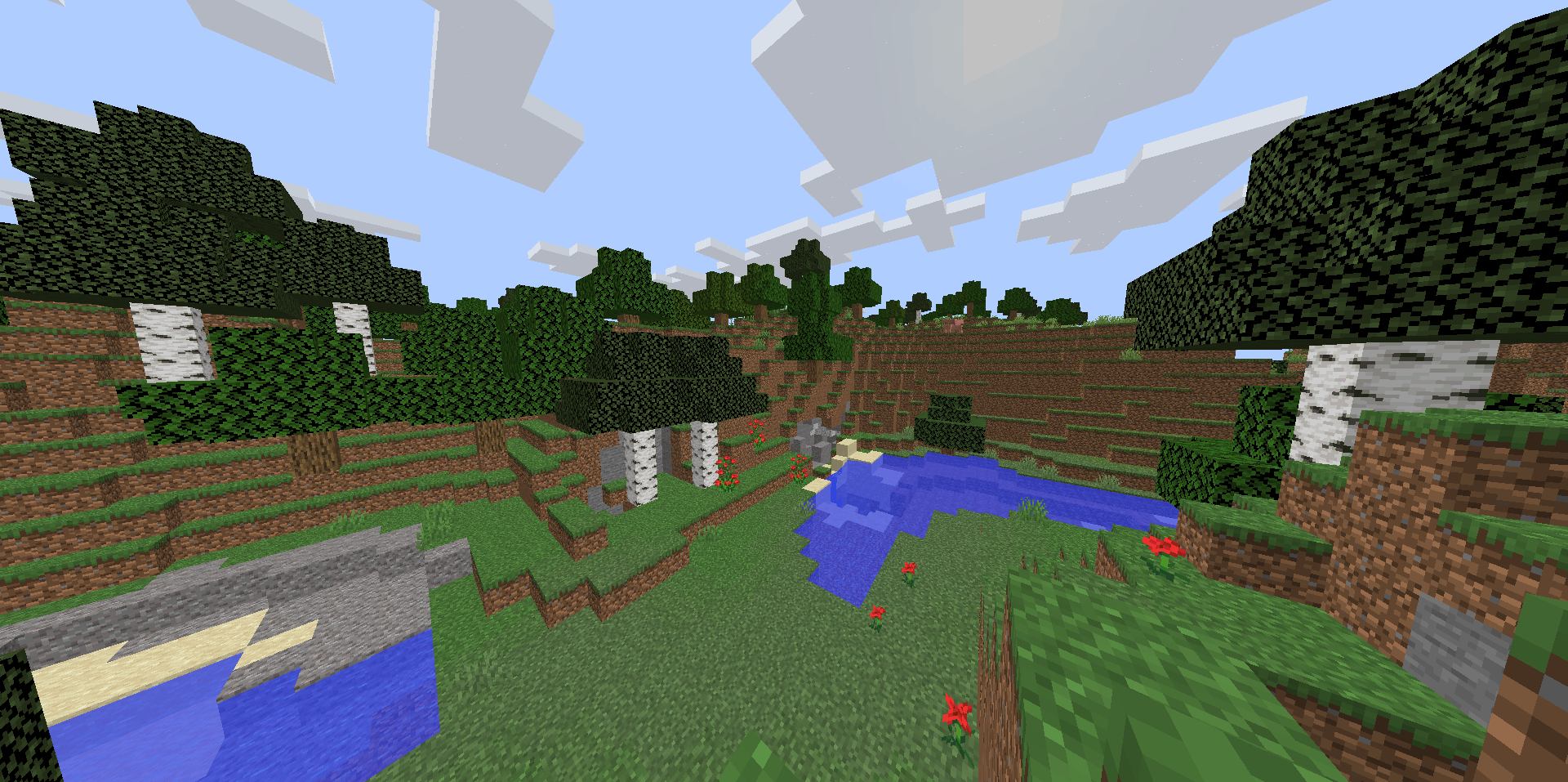
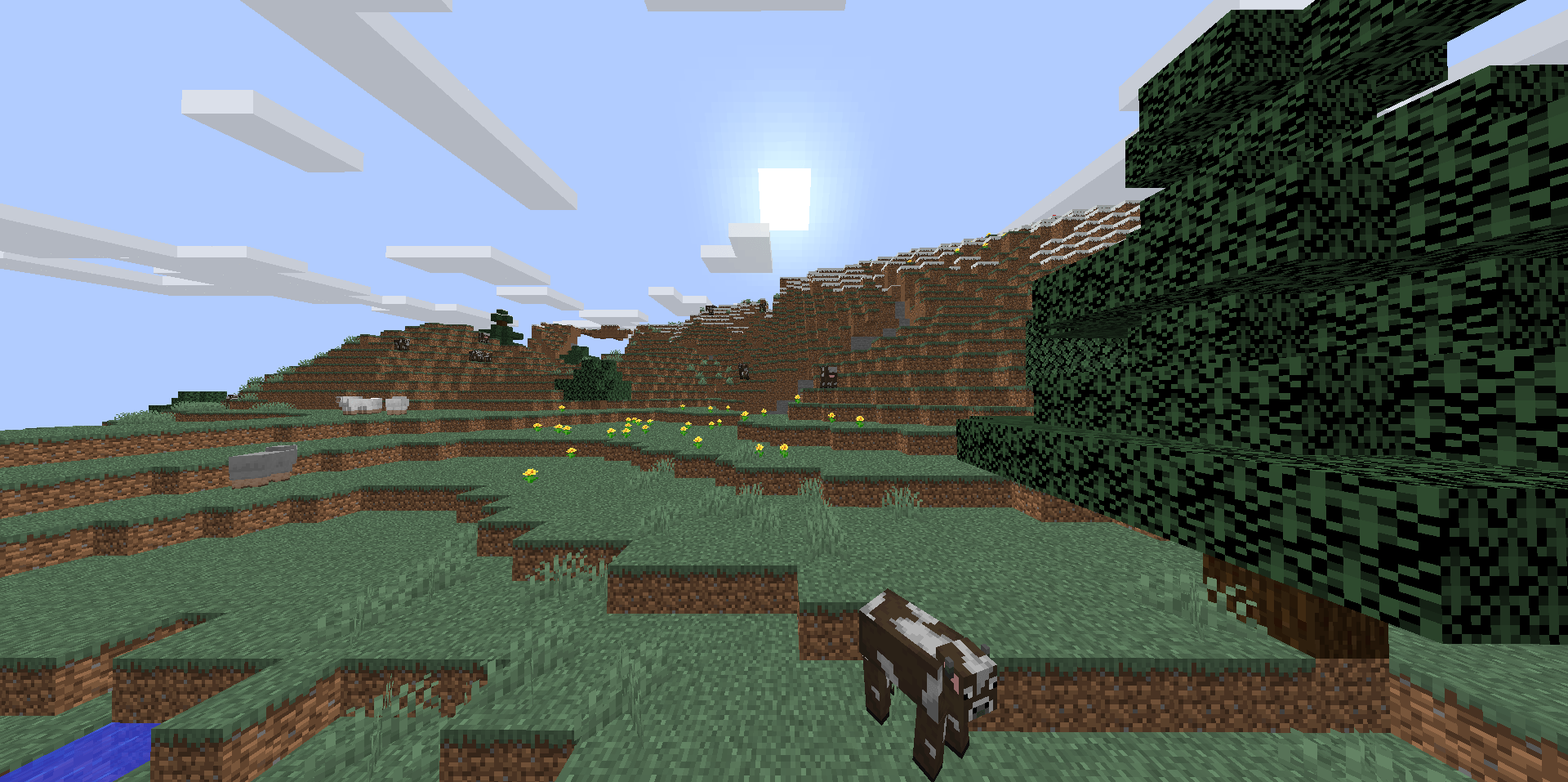
Left - with texture pack  - Right - without texture pack

Latest changes 

1.12 version 1.3

  • Boat inventory textures (fixed)
  • Tripwire hook inventory texture (fixed) 
  • Jack O lantern block + inventory texture (fixed)
  • Observer block + inventory texture (fixed)
  • Door inventory texture (fixed)

1.12 version 1.4

  • Popped chorus fruit inventory texture (fixed)
  • Tipped arrows inventory textures (fixed)
  • Spectral arrow inventory texture (fixed)
  • All fish inventory textures (fixed)
  • Redstone torch (in progress)
  • Sugar cane inventory texture (fixed)
  • Lingering potion inventory texture (fixed)
Updated_Textures_1.12_v1.4
MC 1.12, 1.12.2
Release 2026-03-08 Get
Updated_Textures-in_1.8.8_v1.7.2
MC 1.8.8
Release 2026-01-04 Get
Updated-Textures-in-1.8.8_v1.7 OUTDATED
MC 1.8.8
Release 2025-12-12 Get
Updated-Textures-in-1.12_v1.2 OUTDATED
MC 1.12.2
Release 2025-12-12 Get

Requirements & install

How to use this resource pack in Minecraft
Resolution
16x
Minecraft
1.8.8 – 1.12.2
Install folder
.minecraft/resourcepacks

How to install resource packs

  1. Download the resource pack .zip file (do not extract it).
  2. In Minecraft open Options → Resource Packs → Open Pack Folder.
  3. Drop the .zip into the resourcepacks folder (.minecraft/resourcepacks).
  4. Move the pack to the Selected column and click Done.
Browse more: 16x resource packs 32x resource packs 64x resource packs 128x resource packs 256x resource packs 512x+ resource packs Resource Packs for 1.12.2 All resource packs
Advertisement Remove ads with Premium →

You Might Also Like