A clean, minimal, modern GUI overhaul for Minecraft Java Edition.
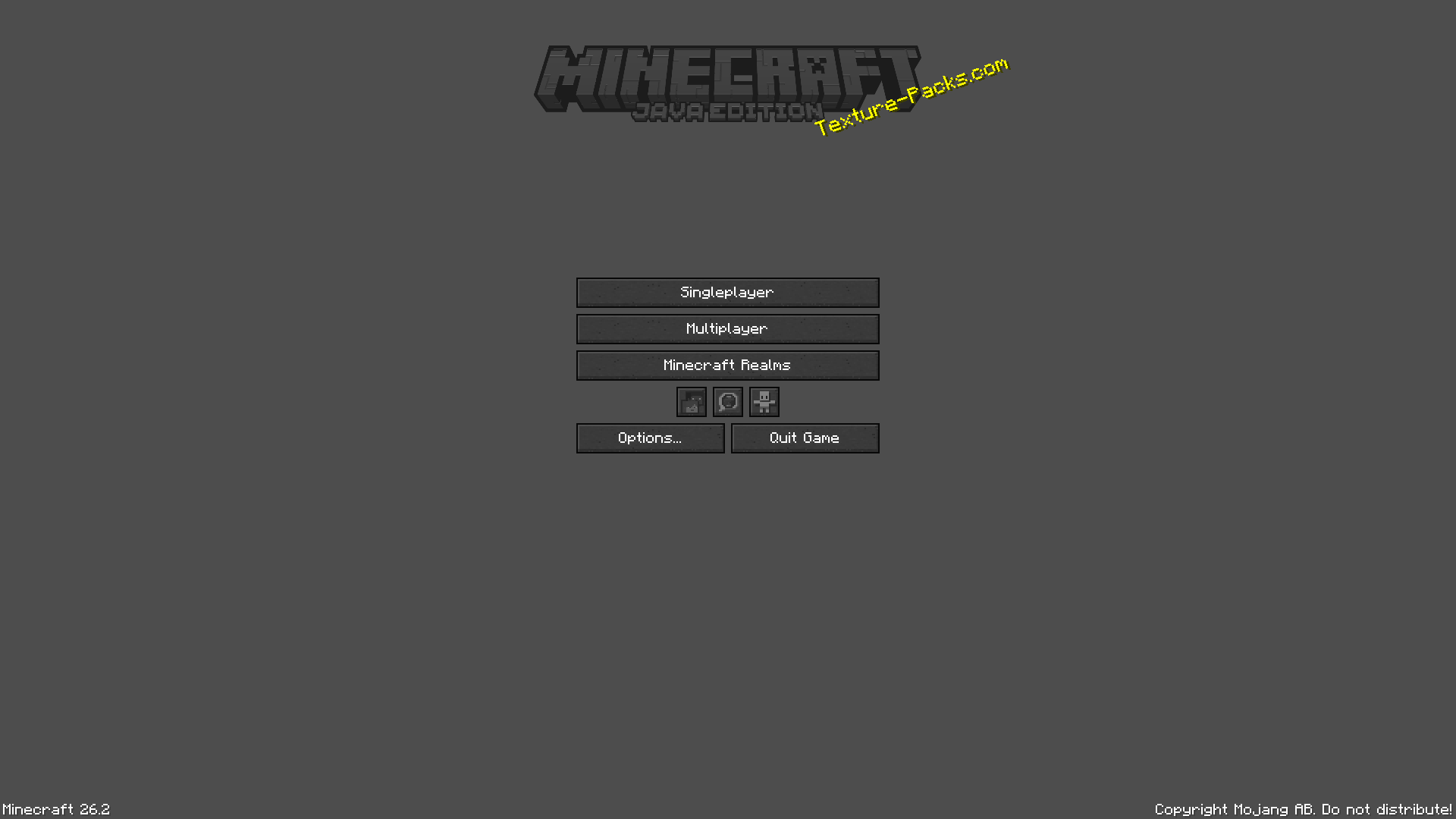
Modern GUI reimagines Minecraft's interface with a sleek and refined visual design while preserving the familiar Minecraft aesthetic.
The goal is simple:
Make Minecraft's GUI feel modern without losing what makes it Minecraft.
A redesigned GUI focused on clarity, consistency, and simplicity.
Buttons are a key part of the Modern GUI experience.
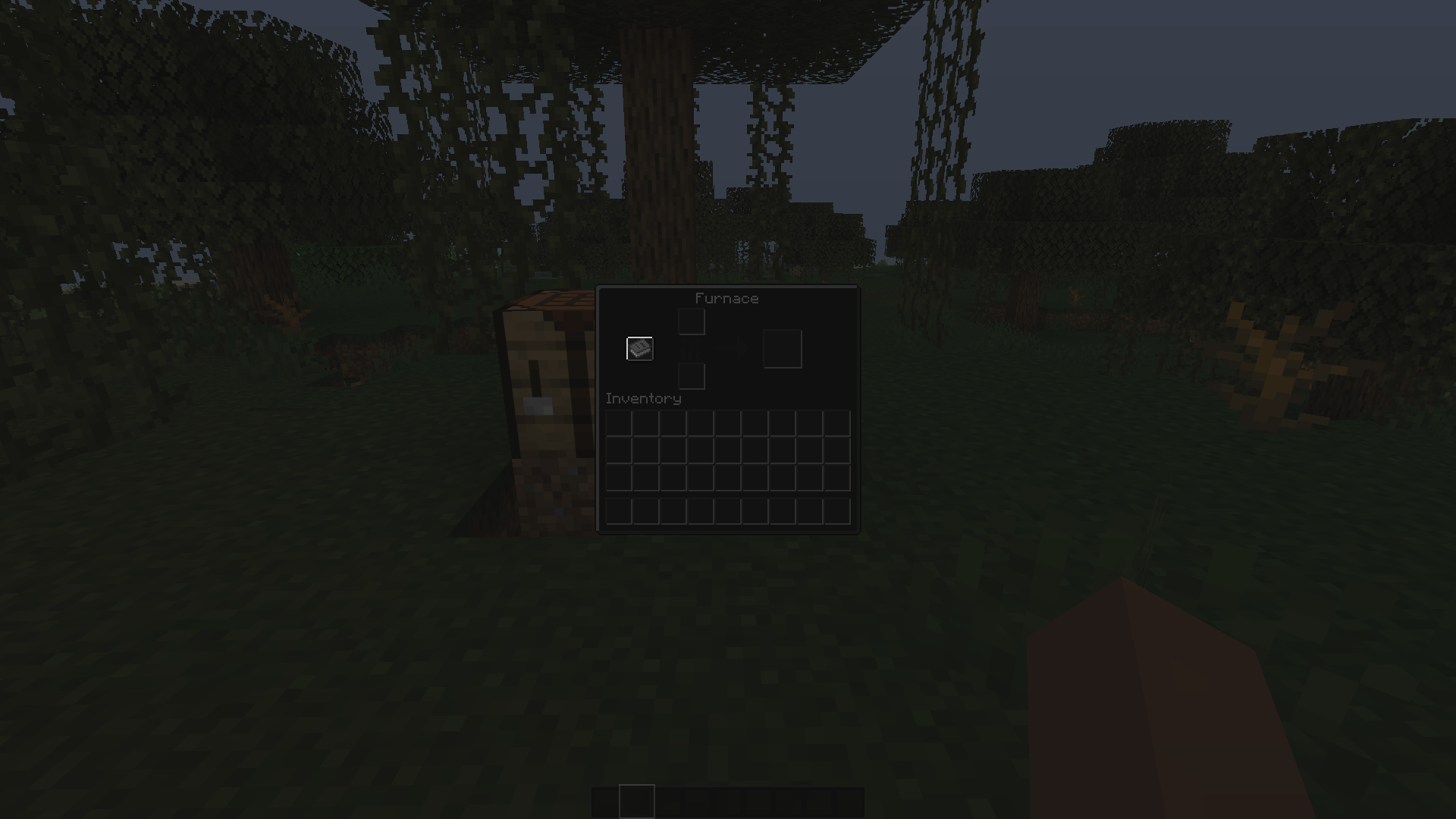
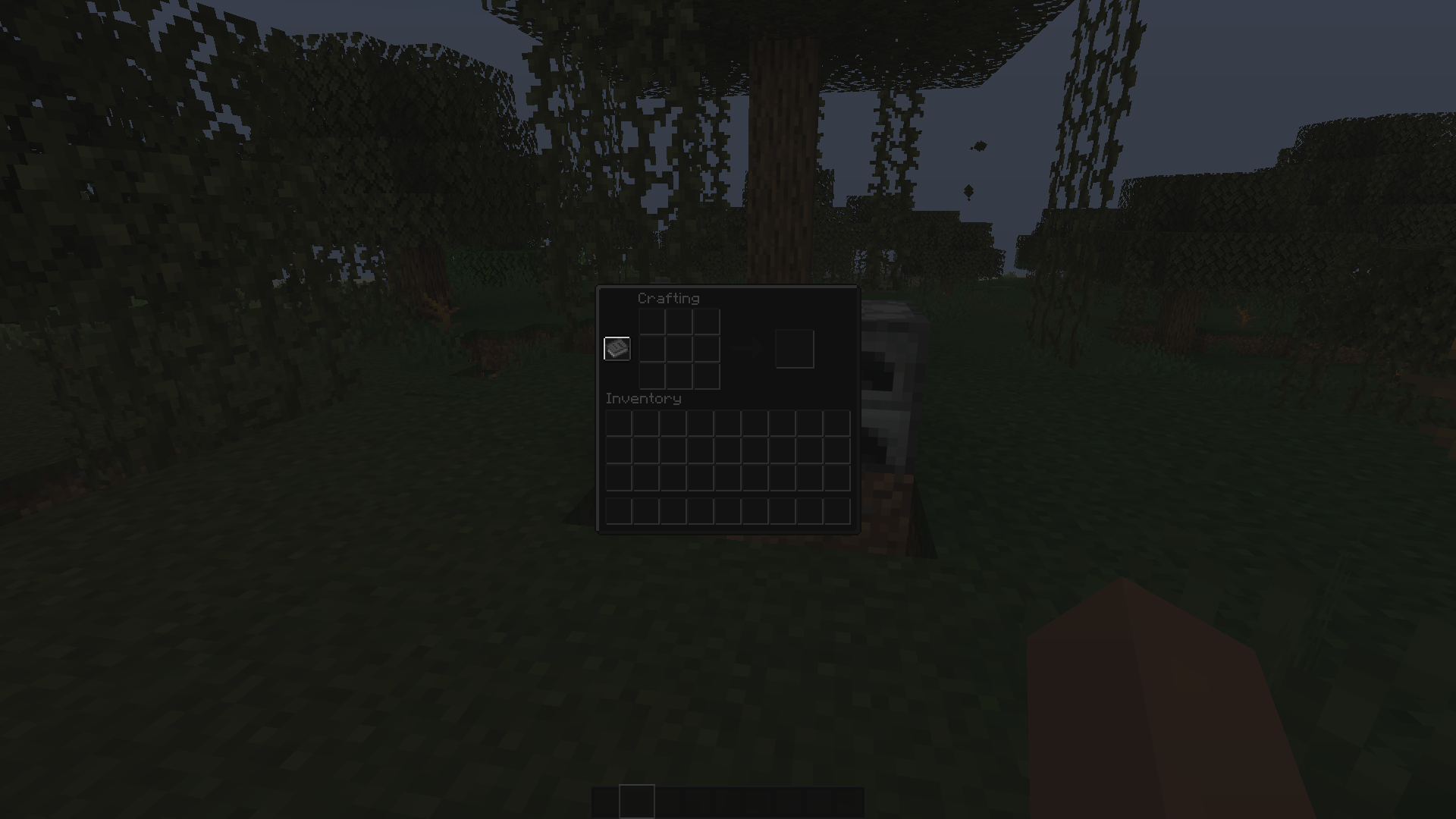
Modern GUI enhances Minecraft's container interfaces, including:
The modern GUI removes unnecessary visual clutter while keeping important information easy to recognise.
Every element feels like part of the same interface.
Simple. Clean. Consistent.
The modern GUI isn't designed to replace Minecraft's identity.
Instead, it takes the familiar Minecraft interface and gives it a more contemporary visual language.
The result is a GUI that feels:
Modern · Minimal · Clean · Refined · Minecraft
Minecraft Java Edition 26.2
The pack is designed around the modern Minecraft resource-pack system and is actively developed alongside the project.
Download the latest Modern GUI release.
Open Minecraft Java Edition.
Go to Options → Resource Packs.
Open the Resource Pack folder.
Place the .zip file inside.
Enable Modern GUI.
Do not extract the ZIP.
Modern GUI is an evolving project.
Future updates may expand and refine:
Found something that looks incorrect?
Bug reports and suggestions are welcome.
If you enjoy the project:
⭐ Follow the project
⭐ Leave a rating
⭐ Report bugs
⭐ Share screenshots
⭐ Suggest improvements
Every bit of feedback helps improve future versions.
Minecraft's interface, redesigned.