Mineuniverse
Resource Packs
MLGImposter's PBR x16

MLGImposter's PBR x16

RESOURCE PACK
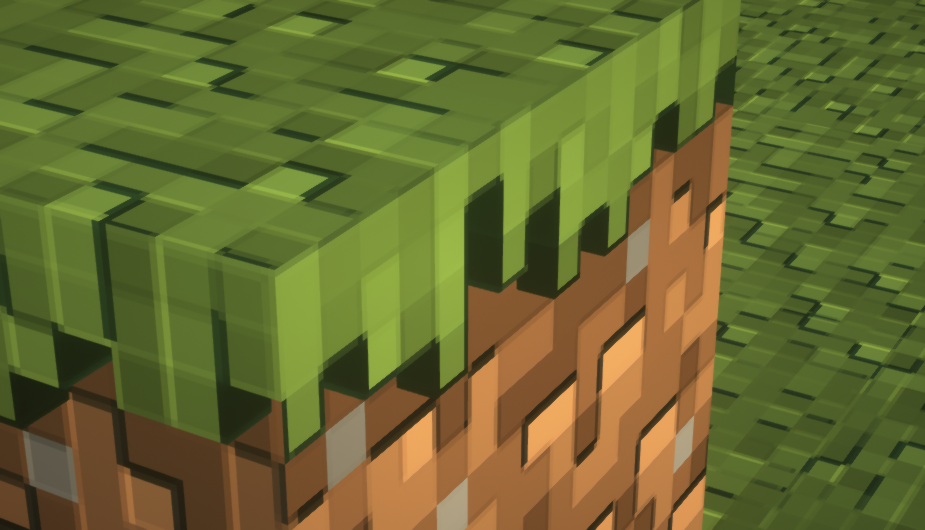
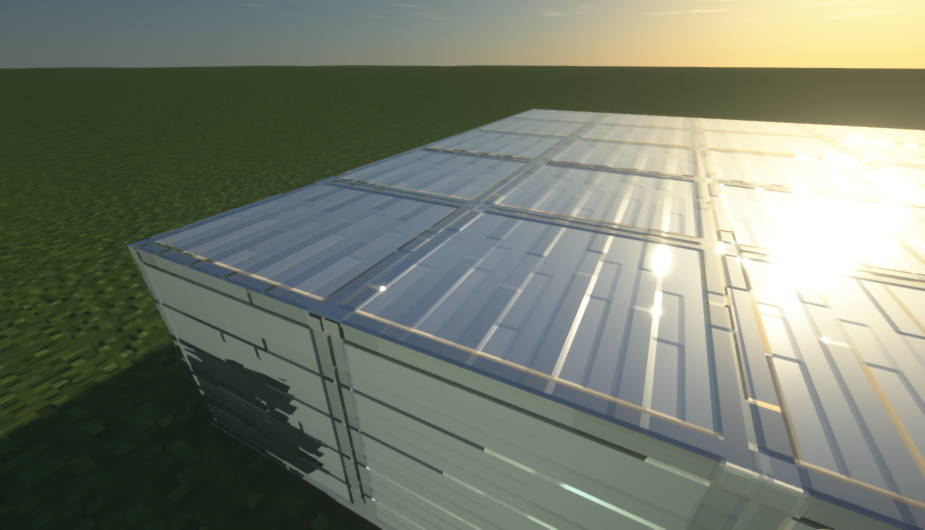
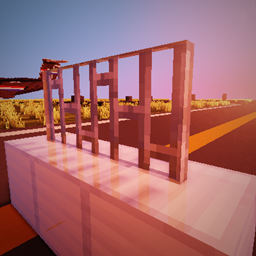
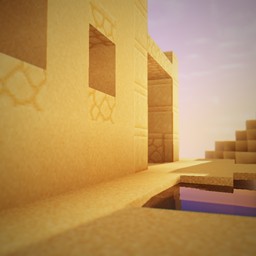
An extremely detailed PBR pack, which doesn't affect performance
by mlgimposter
Download Claim this project
7,849 downloads
0 likes
0 followers
Updated Oct 14, 2026
0 hypes
Follow0
16x Modern
Advertisement Remove ads with Premium →

REMEMBER TO ENABLE PARALLAX OCCLUSION MAPPING (POM) IN THE SHADER

Welcome to PBR x16


What's PBR x16?


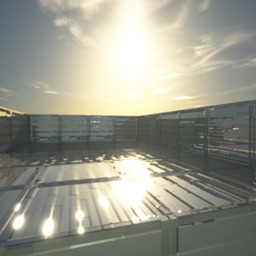
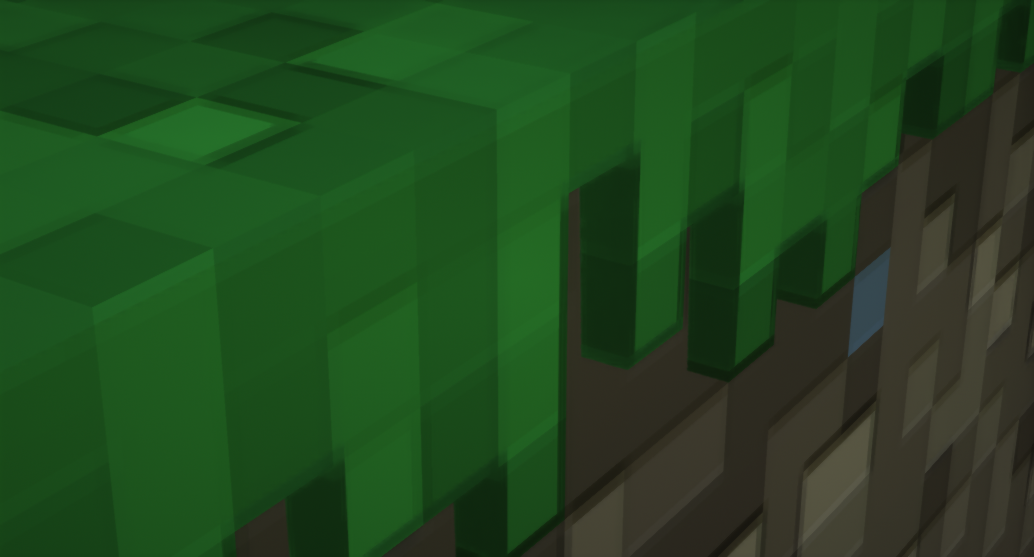
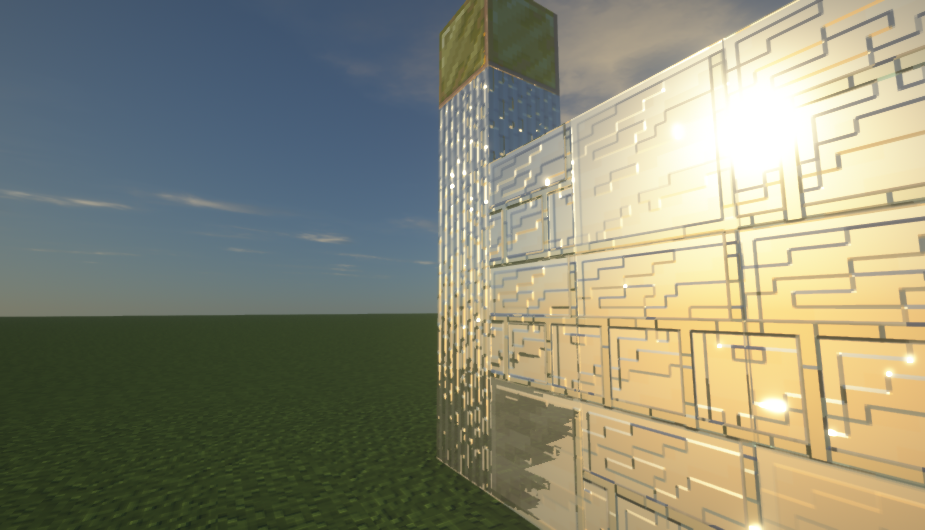
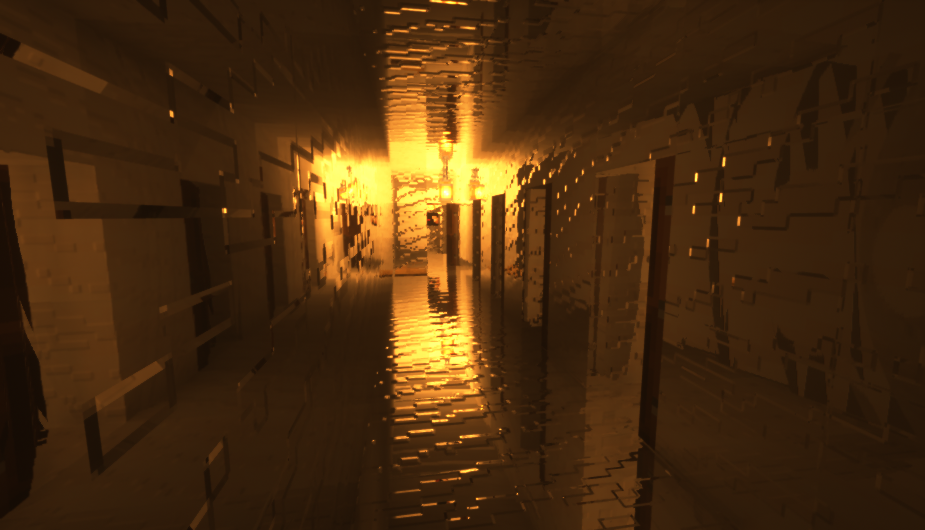
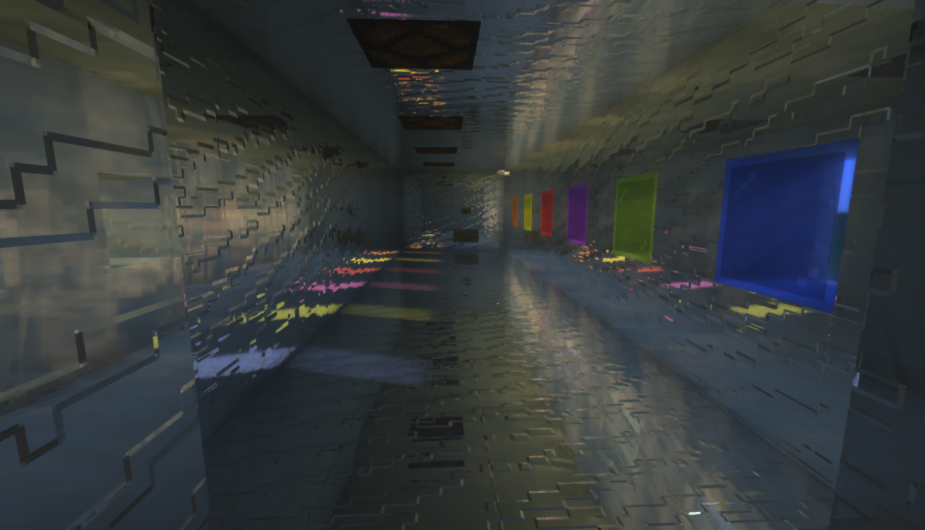
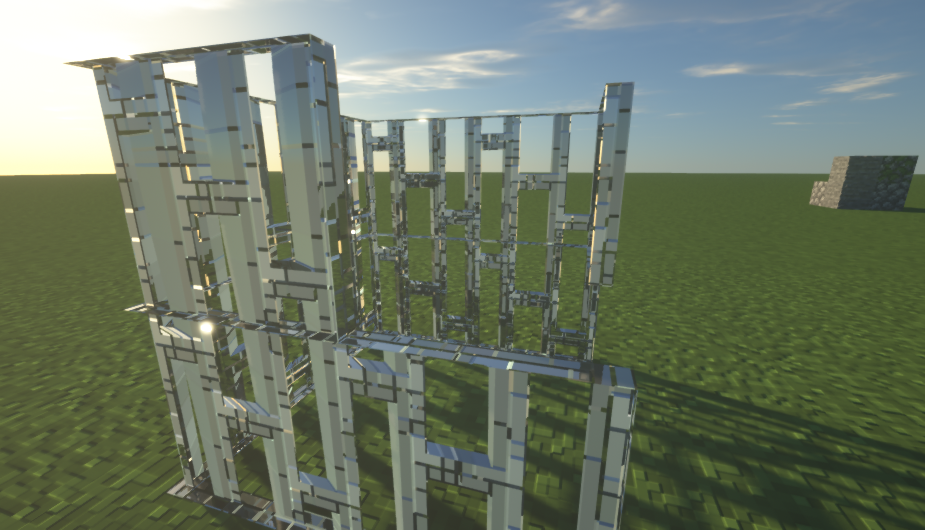
It's a PBR pack that doesn't affect performance, and has emissive light support. It contains Normal map textures, Specular map textures and emissive textures

This project is new, and still W.I.P.


Which are the emissive blocks? And what are emissive textures?


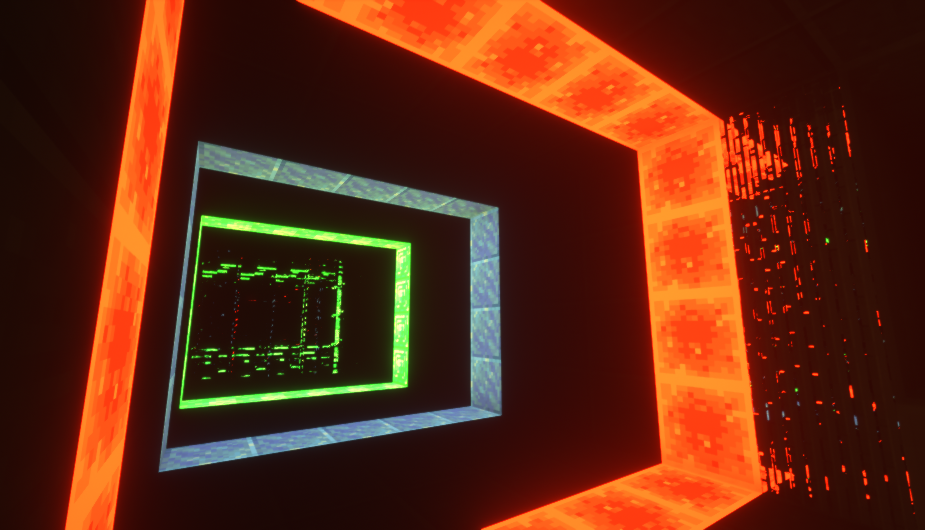
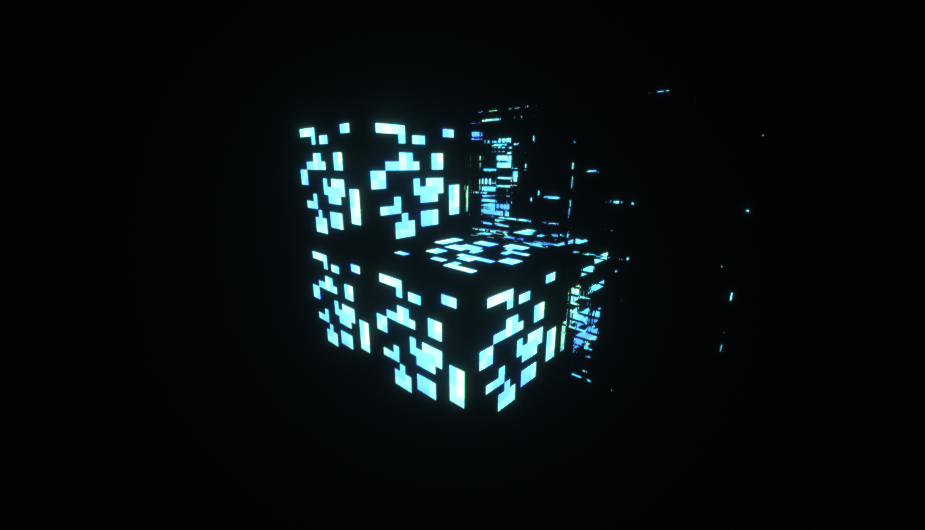
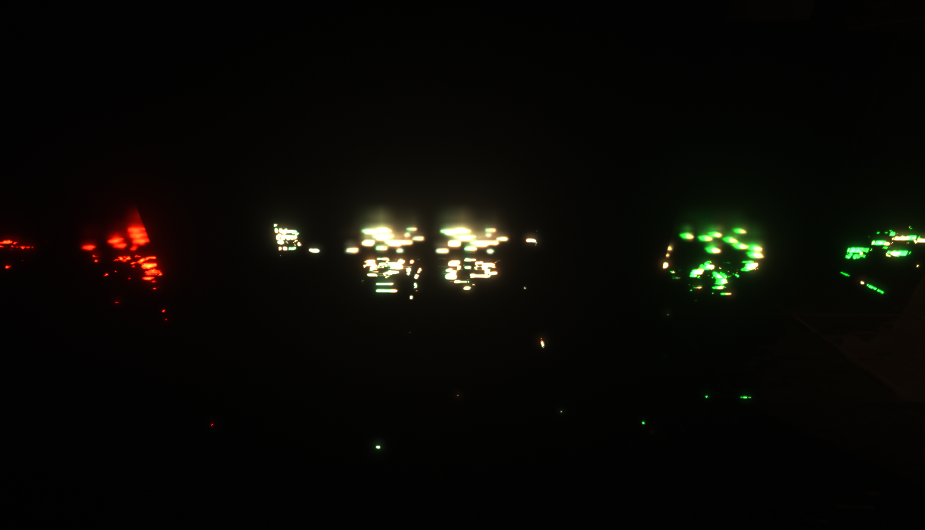
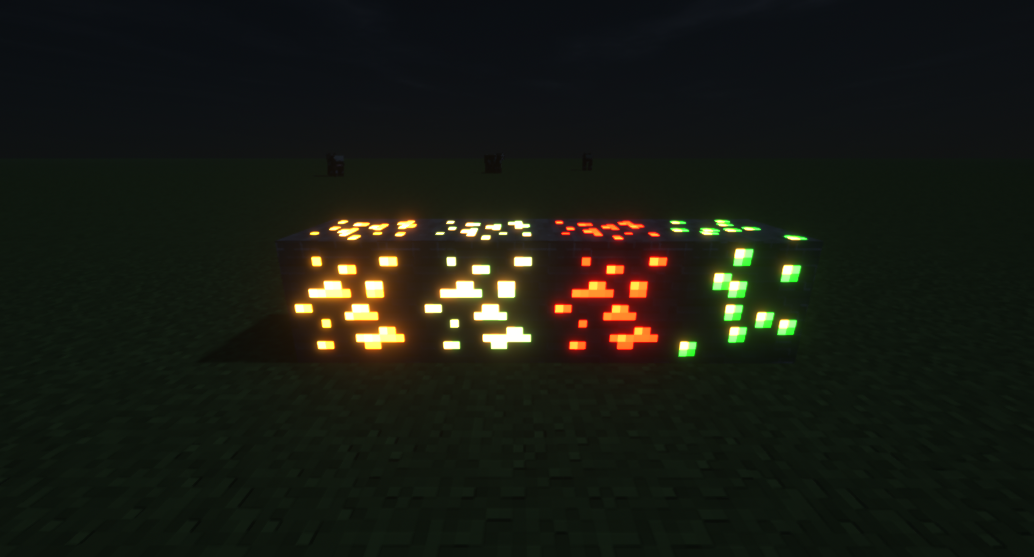
Emissive textures are textures which require optifine for work. They just make the textured pixels of the block glow, like in SEUS PTGI

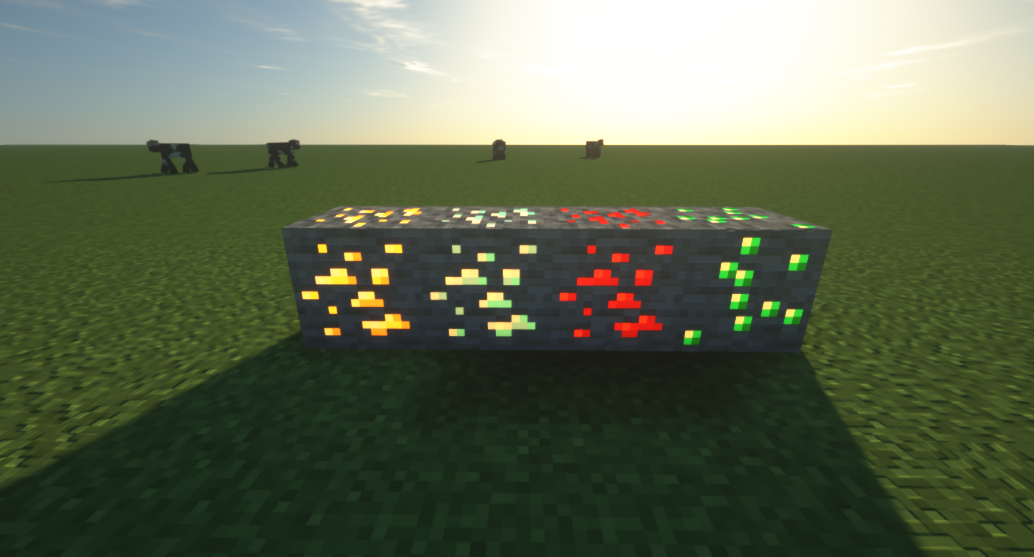
For now, Emerald ore, Golden Ore, Redstone ore and Diamond ore are the emissive blocks


What shaderpacks do i need for make the pack work properly? And why i need shaders?


This pack needs a shaderpack that supports labPBR and Parallax Occlusion Mapping (For reflections, 3D surfaces and decent emissive light)

Here's a list of the best shaders you can use for this pack:


Recommended: SEUS Renewed v1.0.1


Minimal: Wisdom - Xonkapic - RedHat (Doesn't have POM) - Spectrum (Doesn't have POM) - Beyond Belief Legacy


What are the system requirements?


System Requirements for PBR x16 + SEUS Renewed v1.0.1


  • Graphics Processing Unit (GPU): GT 730 2GB


  • Central Processing Unit (CPU): Intel i5 3rd/4th Generation


  • Random Access Memory (RAM): 1GB


System Requirements for PBR x16 + Beyond Belief Legacy

 

  • Graphics Processing Unit (GPU): GT 710 2GB


  • Central Processing Unit (CPU): Intel Celeron N3450


  • Random Access Memory (RAM): 512MB


V1
MC 1.16.5, 1.16.4
Release 2021-04-06 Get
v1.1
MC 1.16.3, 1.16.5, 1.16.4, 1.16.2
Release 2021-04-06 Get

Requirements & install

How to use this resource pack in Minecraft
Resolution
16x
Minecraft
1.16.2 – 1.16.5
Install folder
.minecraft/resourcepacks

How to install resource packs

  1. Download the resource pack .zip file (do not extract it).
  2. In Minecraft open Options → Resource Packs → Open Pack Folder.
  3. Drop the .zip into the resourcepacks folder (.minecraft/resourcepacks).
  4. Move the pack to the Selected column and click Done.
Browse more: 16x resource packs 32x resource packs 64x resource packs 128x resource packs 256x resource packs 512x+ resource packs Resource Packs for 1.16.5 All resource packs

More from mlgimposter

Advertisement Remove ads with Premium →

You Might Also Like