Mineuniverse
Resource Packs
[MLC] Better Gear

[MLC] Better Gear

RESOURCE PACK
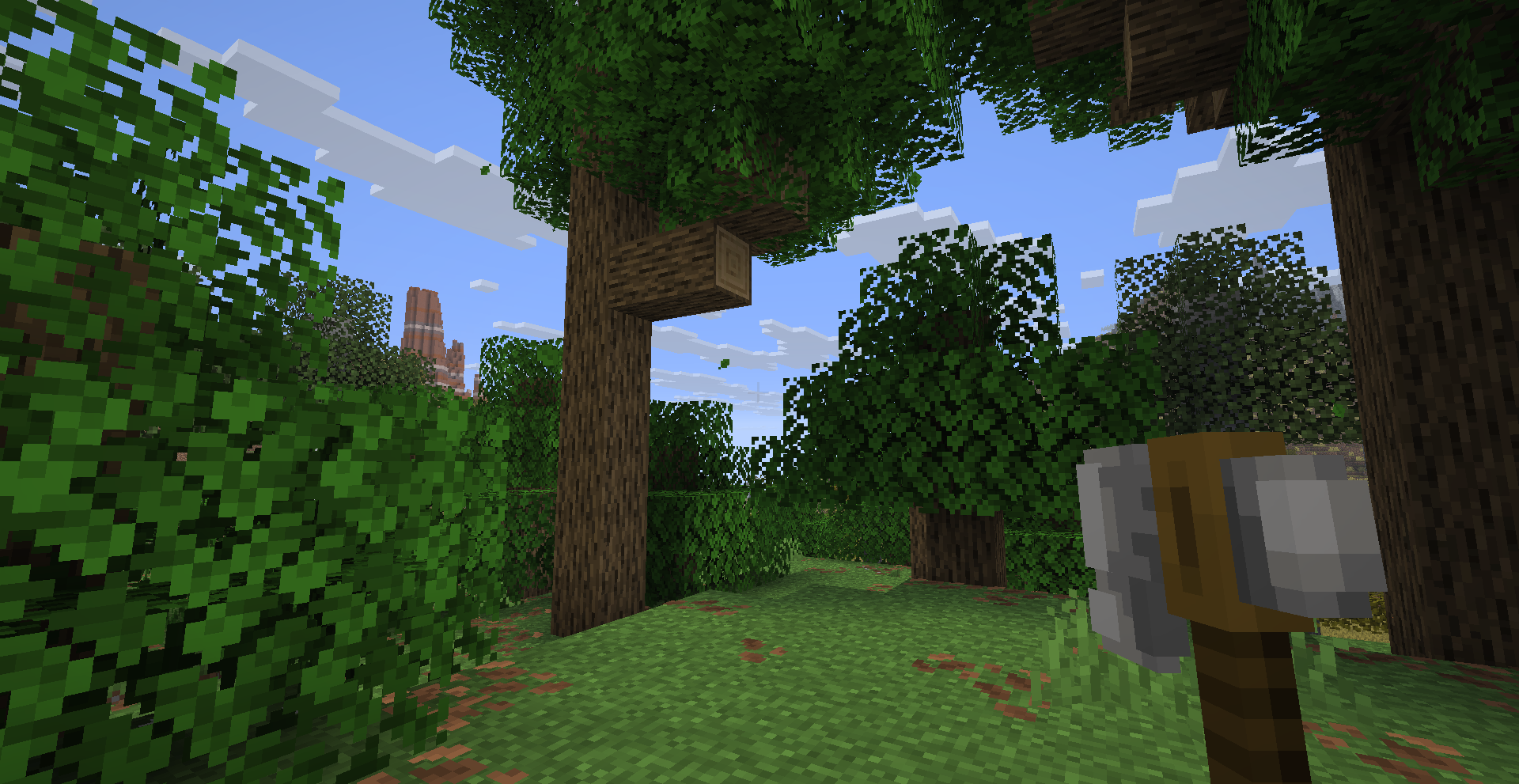
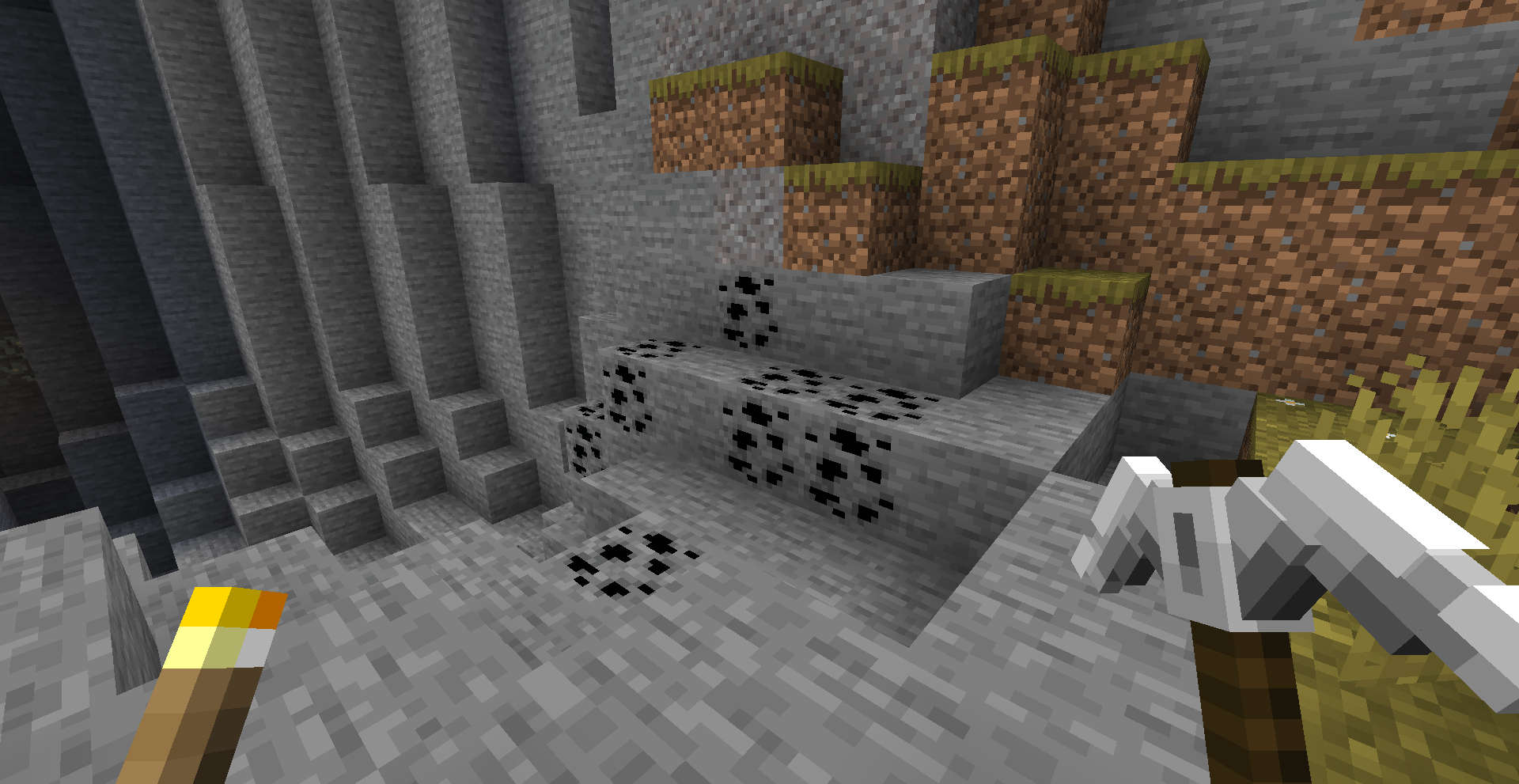
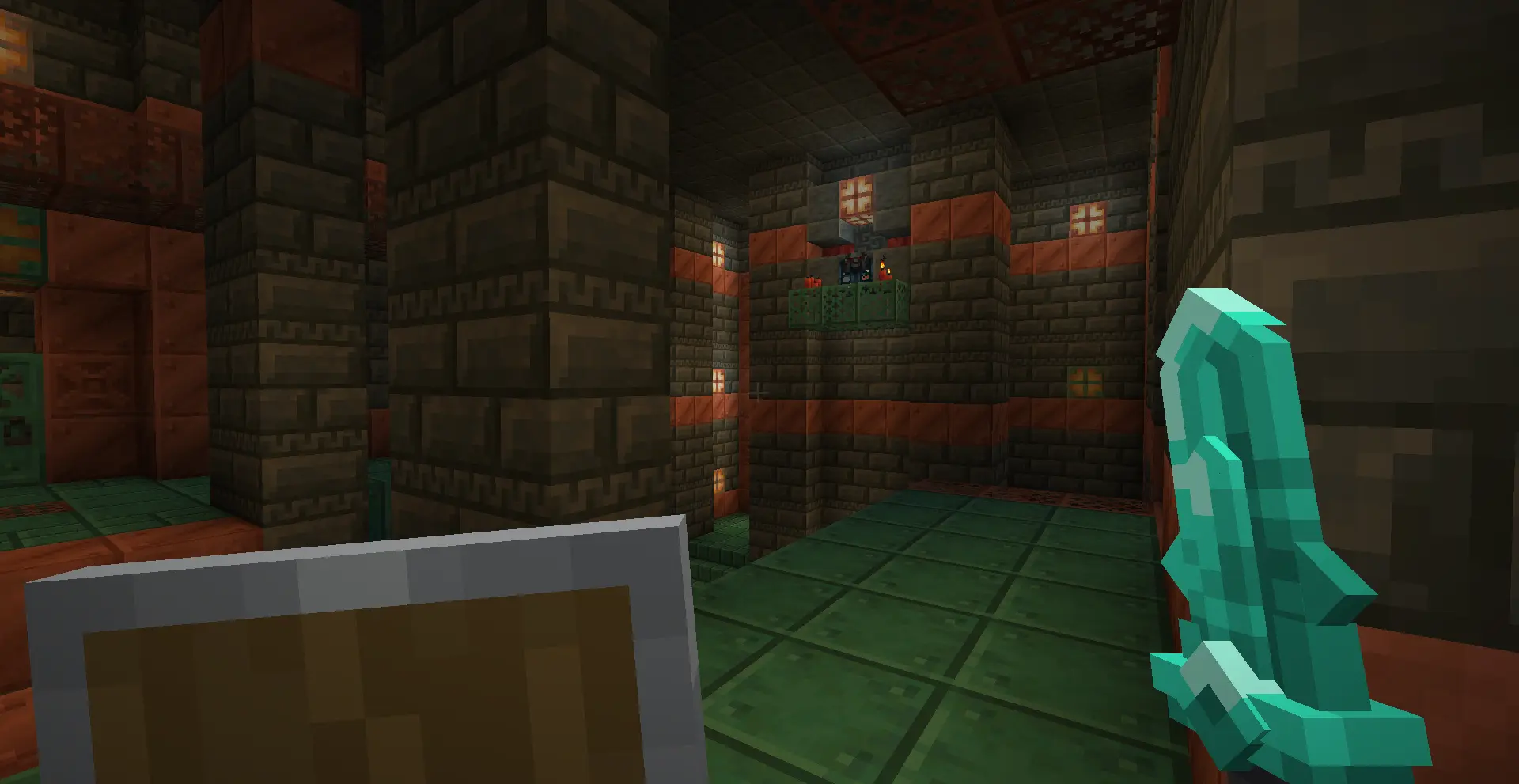
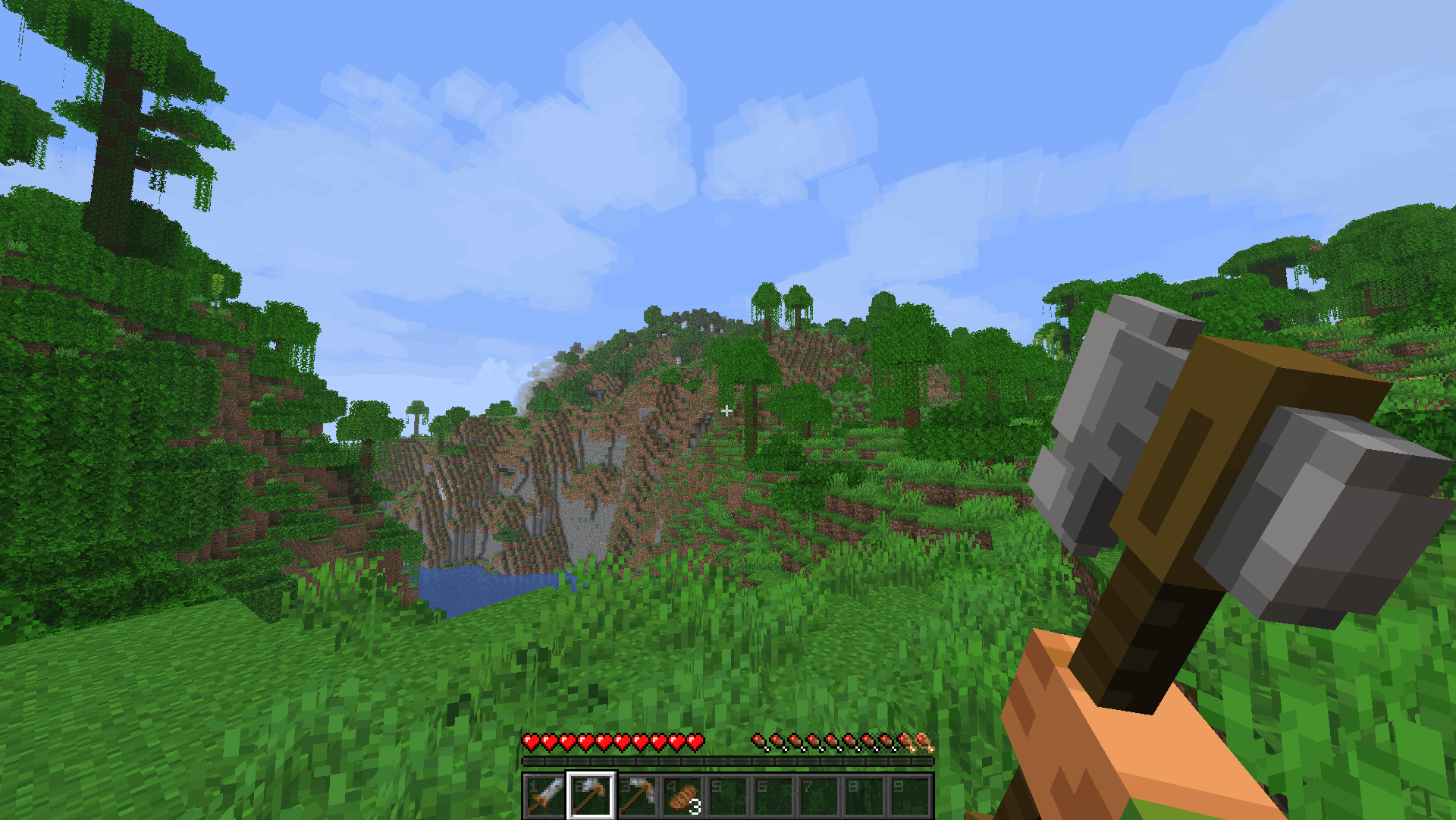
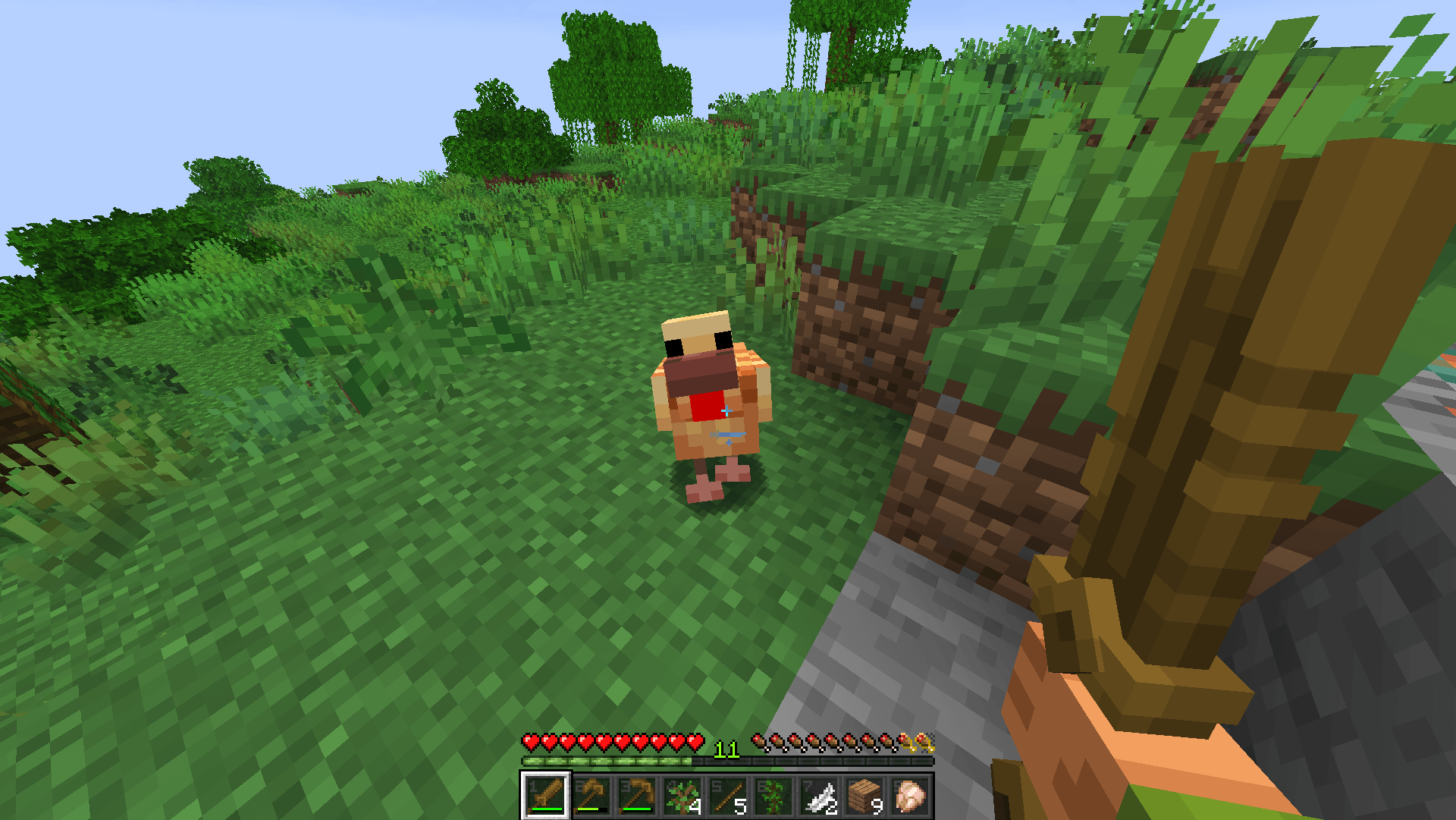
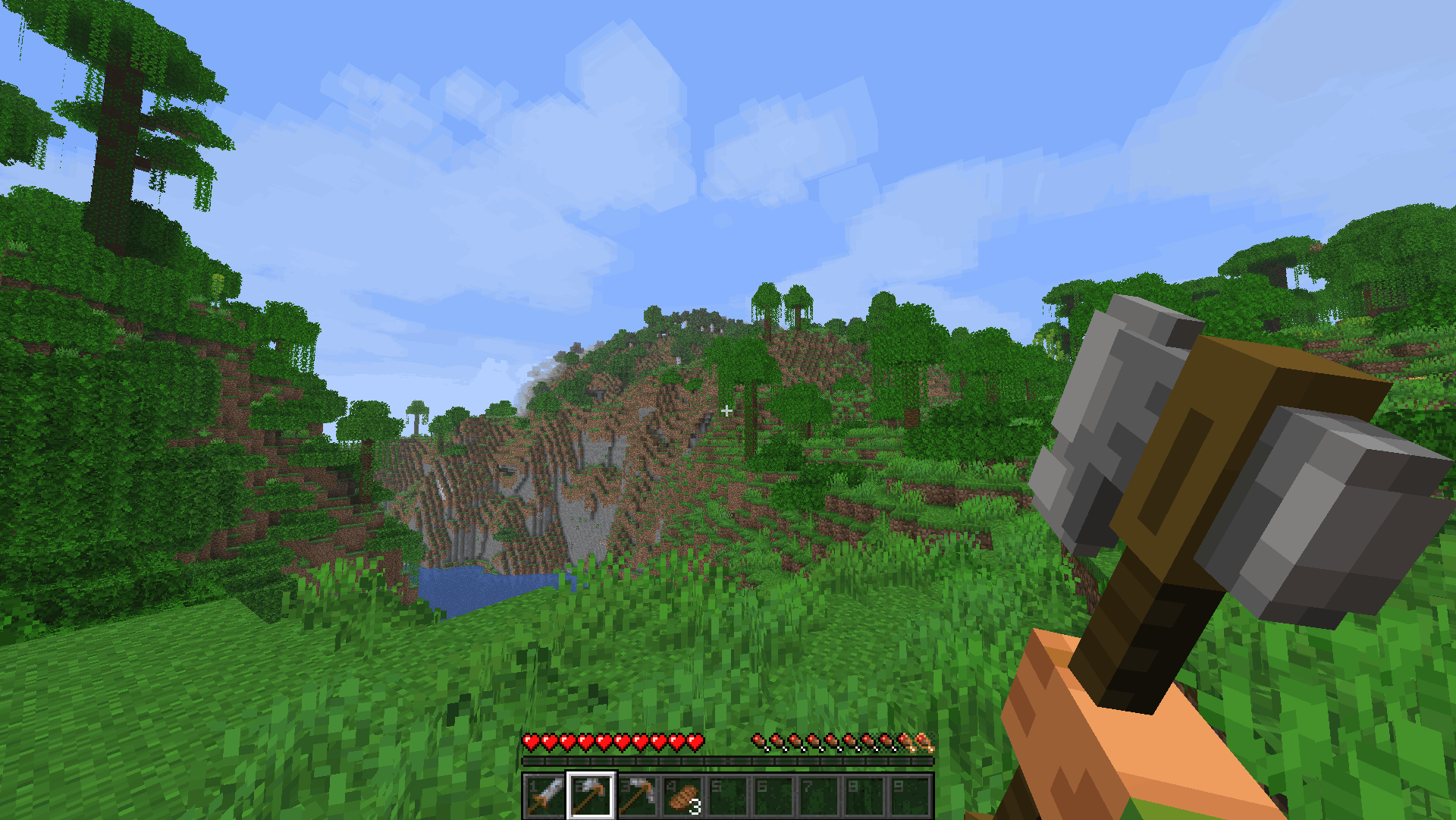
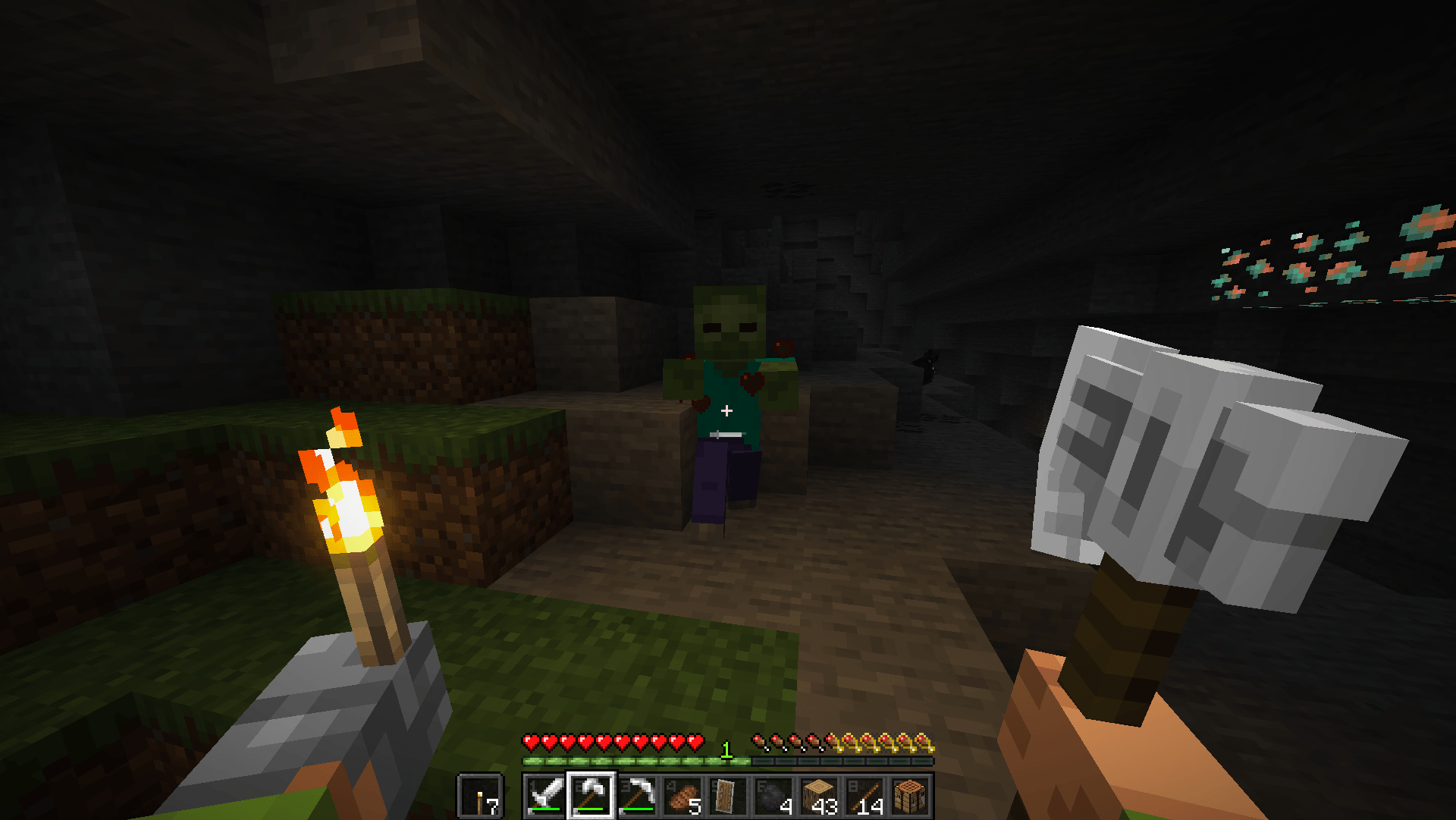
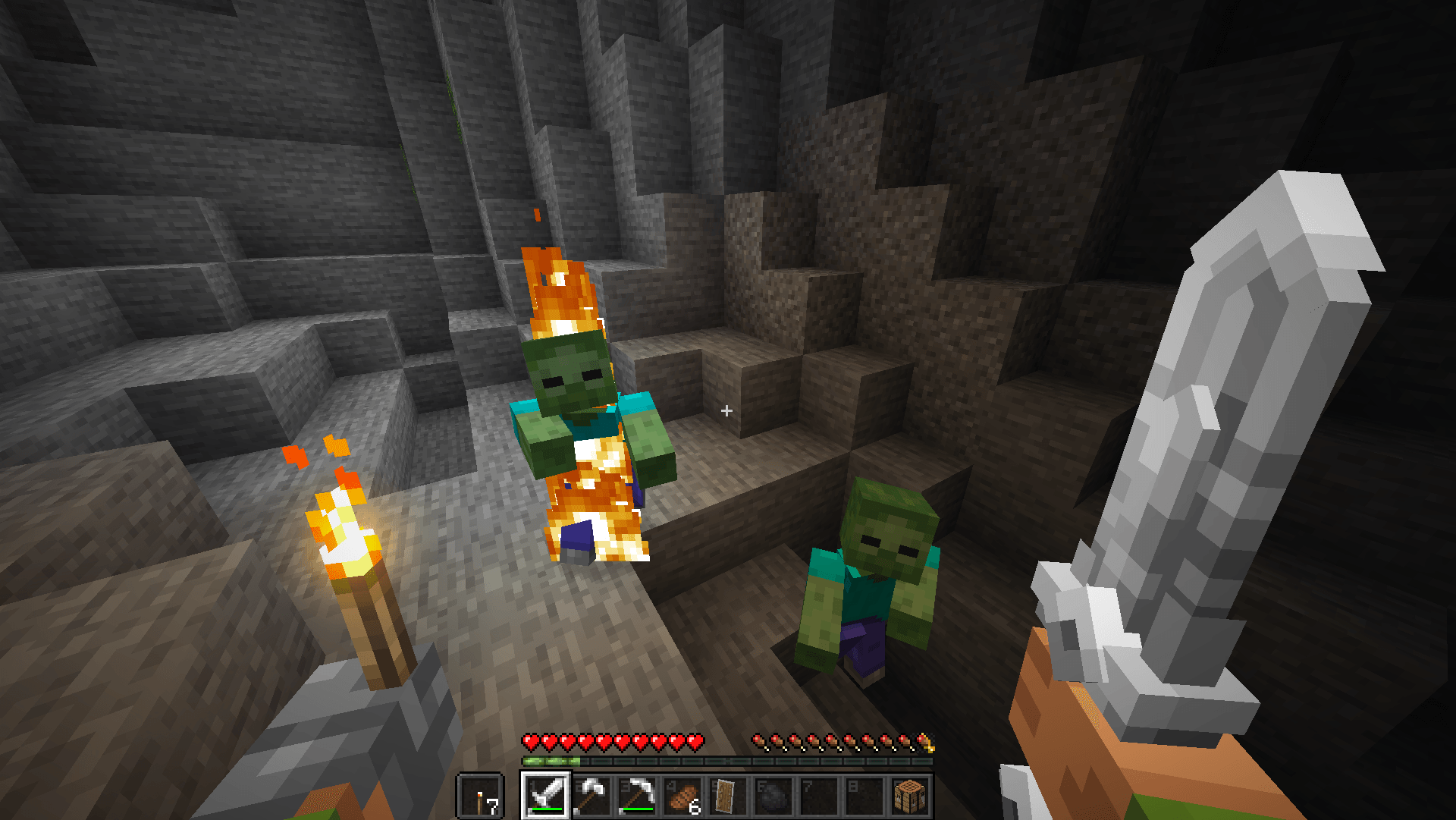
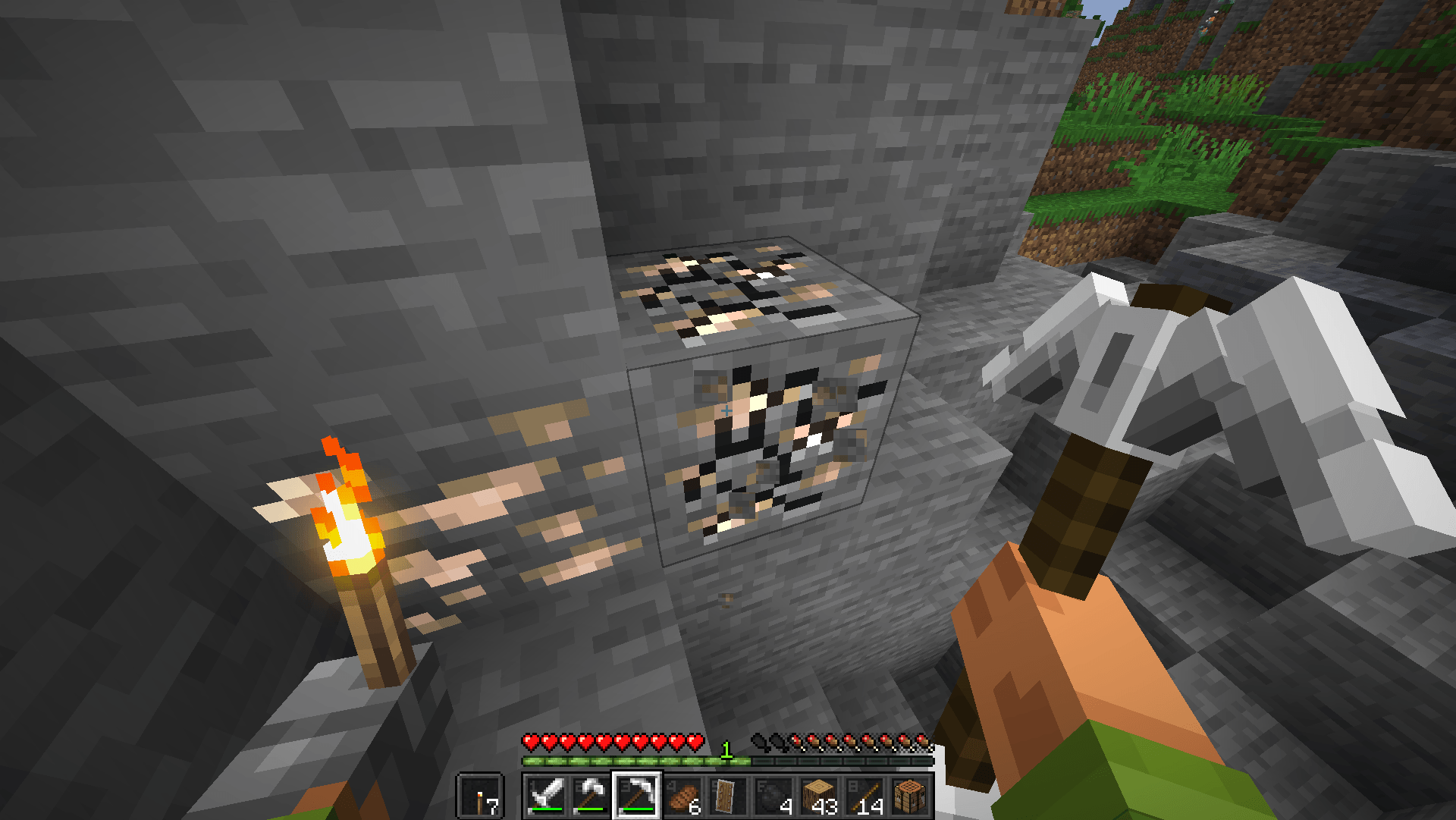
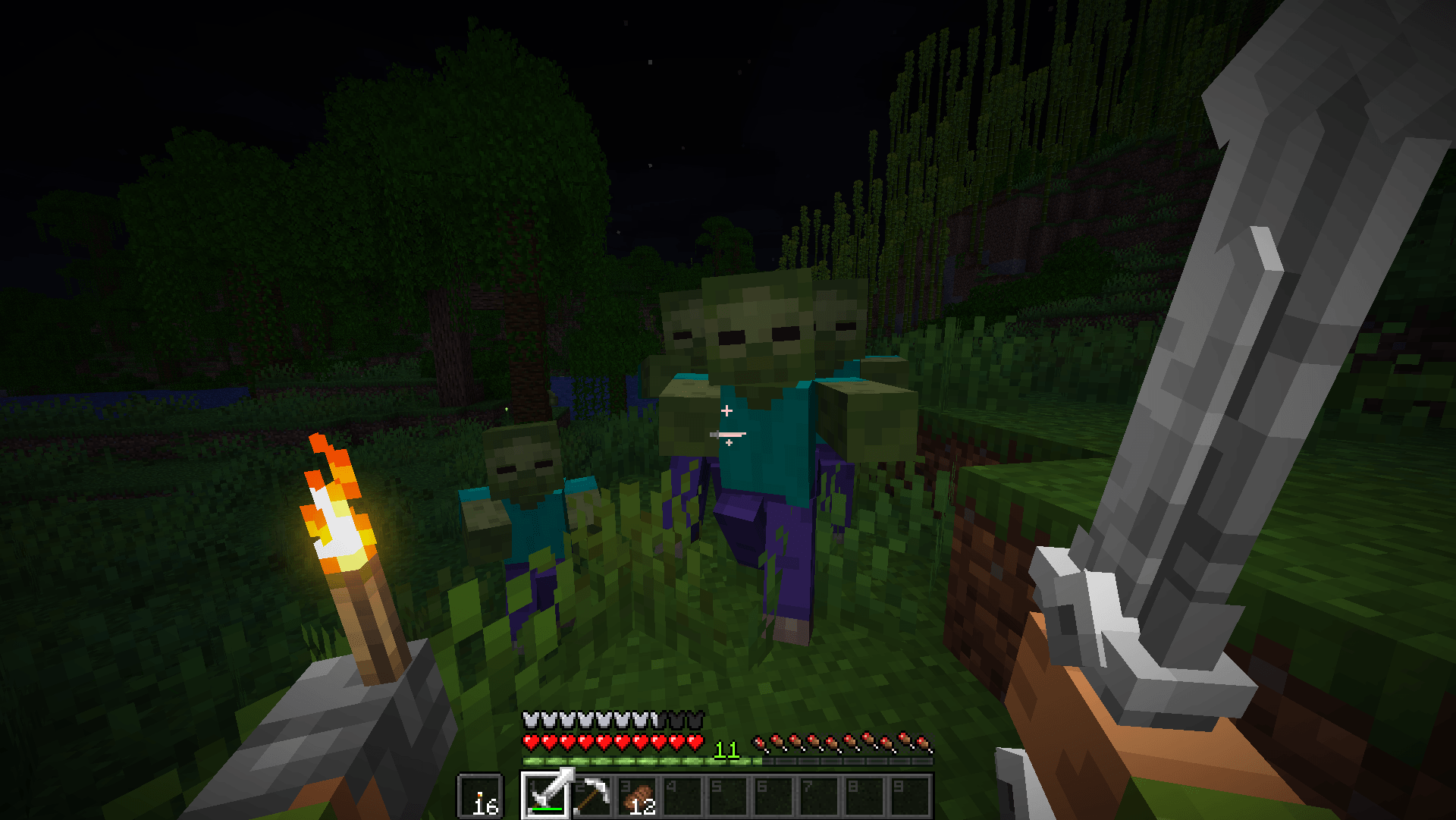
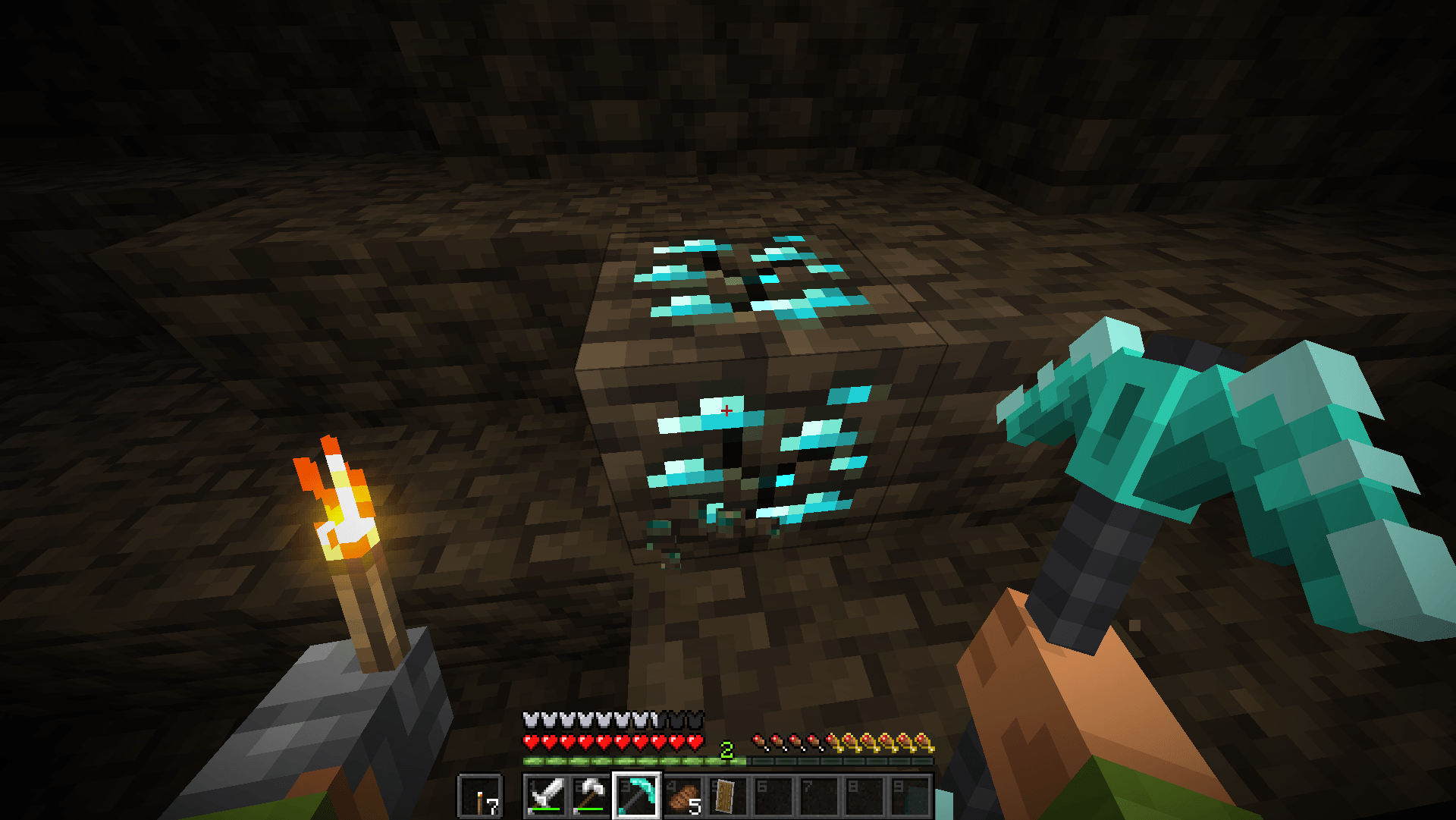
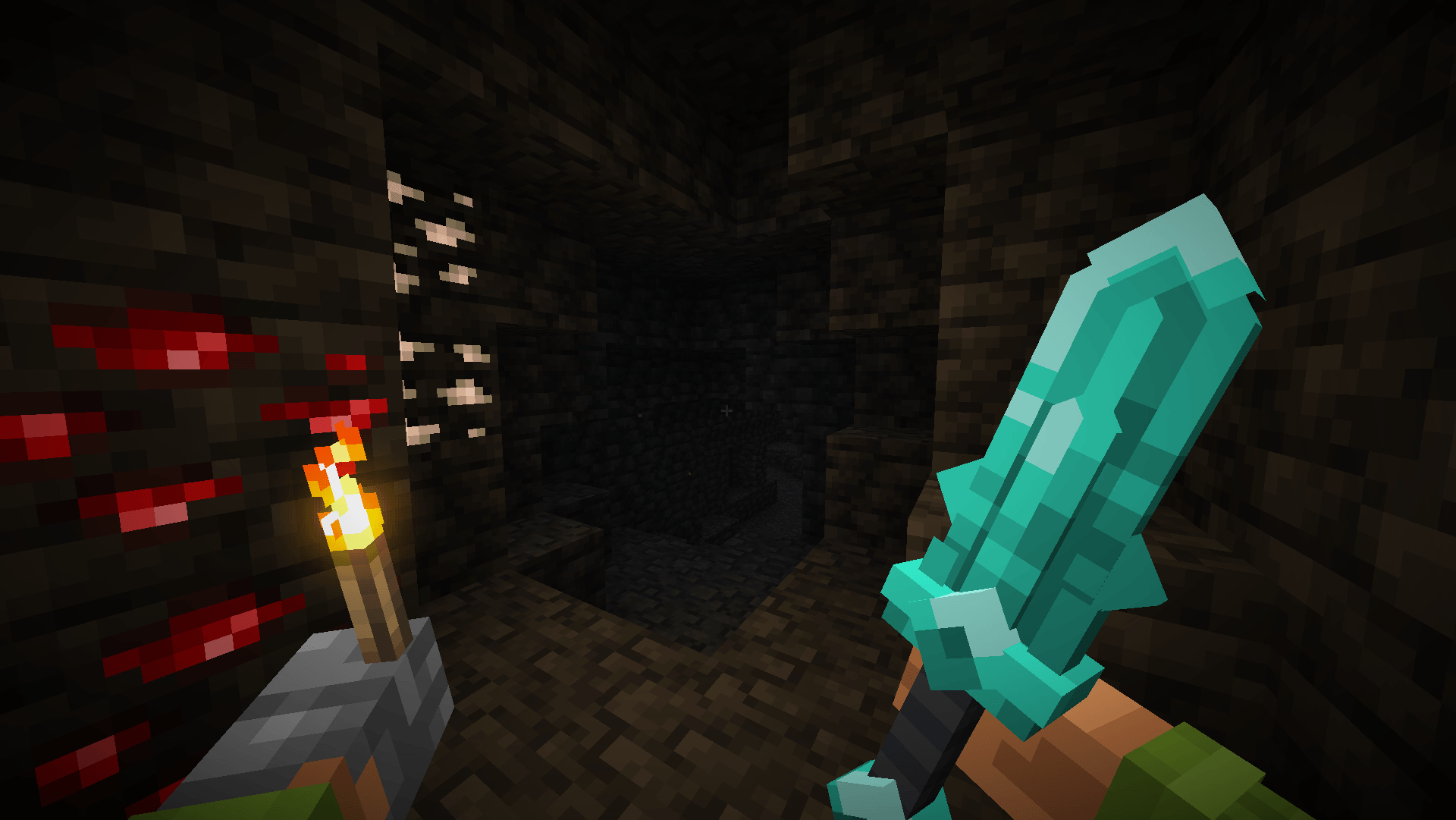
Your tools and weapons are now presented as 3D models with visual enchantment display.
by ModLiCube
Download Claim this project
3,087 downloads
0 likes
Updated Oct 14, 2026
0 hypes
16x Animated Miscellaneous
Advertisement Remove ads with Premium →

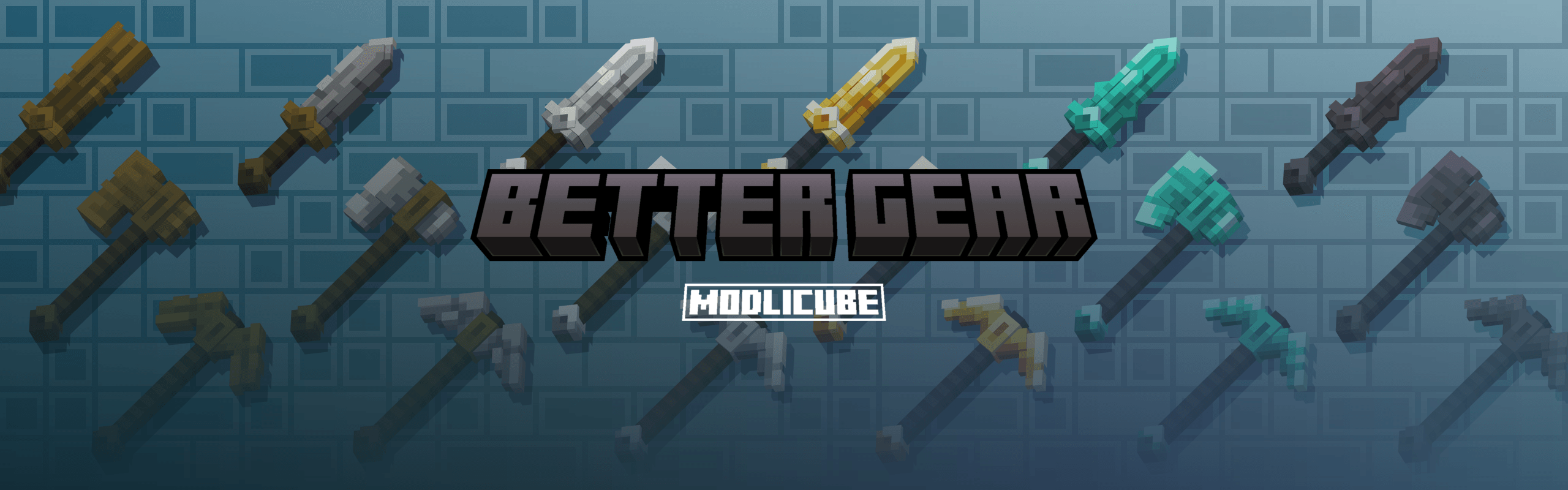
better gear title

Modrinth Curseforgeㅤ Discord Telegram VKㅤ DALink


Better Gear is a resource pack designed to make your interaction with items more intuitive and enjoyable. It adds:

  • ✨ 3D Models for weapons and tools.
  • 🌟 Visual display of enchantments directly on the items.

Troubleshooting / Customization:

If you are playing with the Hold My Items mod and dislike how much screen space items take up in your hands, please follow these steps:
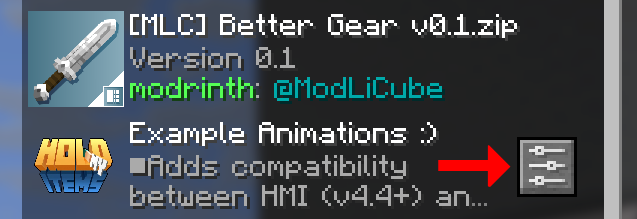
  • Ensure you have the Respackopts mod installed.
  • Go to the Resource Packs…
  • Click on the settings button for the Hold My Items resource pack, as shown in the screenshot.

RP settings

  • Adjust the Z Offset and X Offset values to your preference. Approximate values for a good result are:
    • Z Offset around -0.2000
    • X Offset around 0.1000

If you discover a visual bug in the resource pack, please join our Discord server and report the issue in the #bugs channel.


Developer Support

We would appreciate it if you support the continued development of the resource pack!
DALink donate


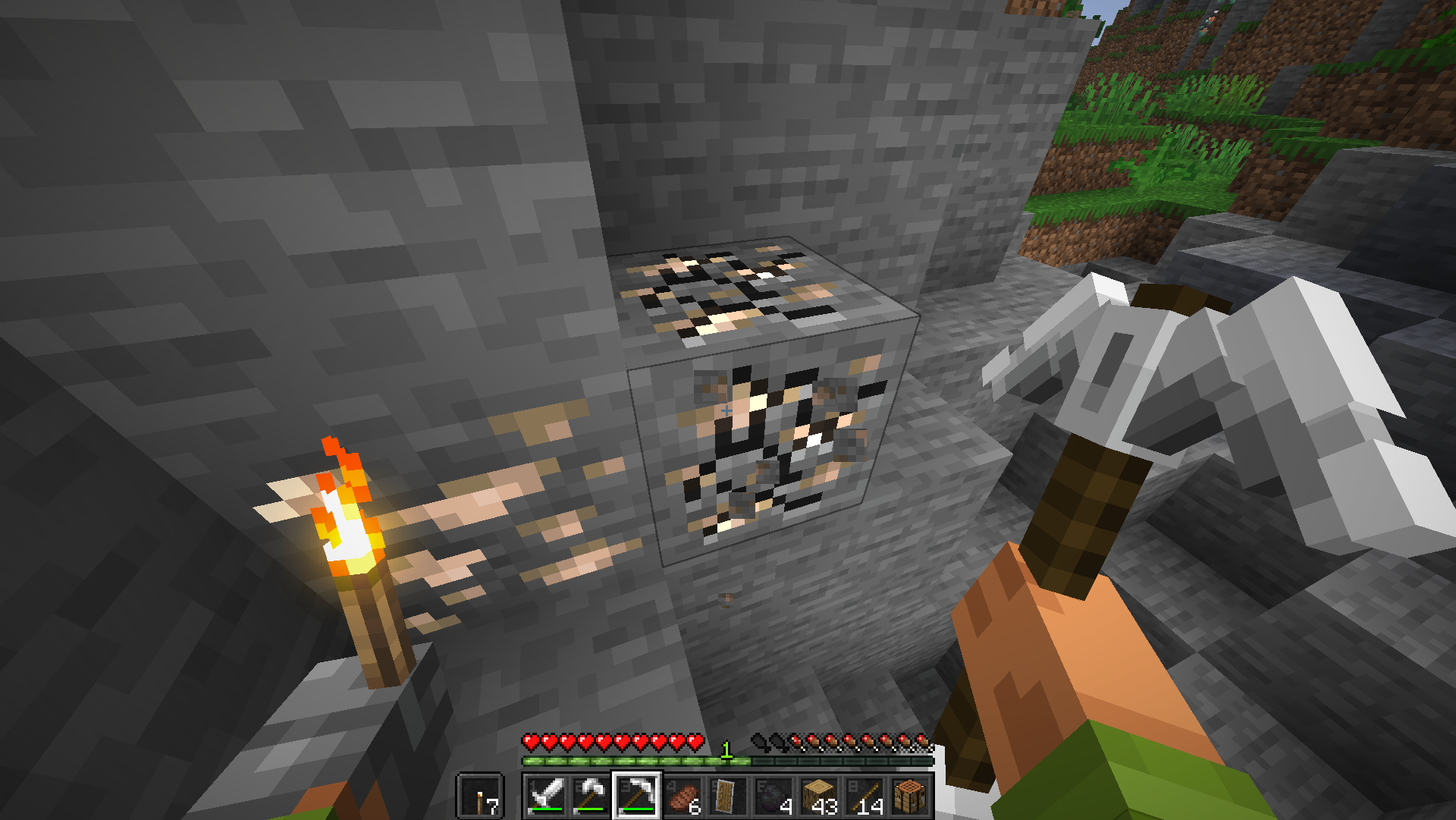
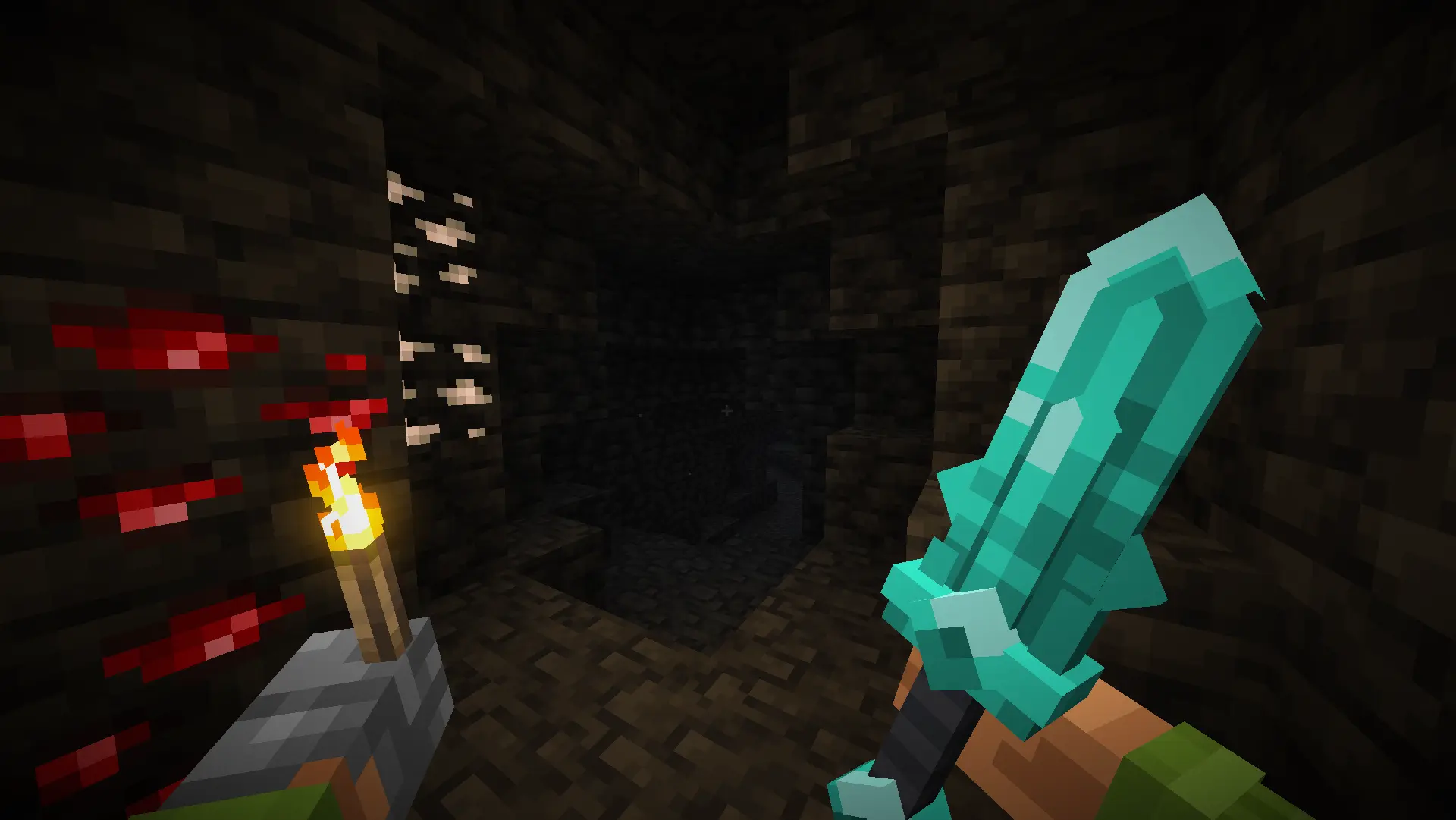
Examples of what awaits you:

Vannila:

stone axeiron pickaxediamond sword

With the mod: Hold My Items:

stone axeiron pickaxediamond sword

Better Gear x HMI v0.1a
MC 1.21.6-snapshot, 1.21.5, 1.21.8, 1.21.9, 1.21.10, 1.21.7, 1.21.6, 1.21.9-snapshot
Release 2025-10-11 Get
Better Gear v0.1
MC 1.21.6-snapshot, 1.21.5, 1.21.8, 1.21.9, 1.21.10, 1.21.7, 1.21.6, 1.21.9-snapshot
Beta 2025-10-09 Get

Requirements & install

How to use this resource pack in Minecraft
Resolution
16x
Minecraft
1.21.5 – 1.21.10
Install folder
.minecraft/resourcepacks

How to install resource packs

  1. Download the resource pack .zip file (do not extract it).
  2. In Minecraft open Options → Resource Packs → Open Pack Folder.
  3. Drop the .zip into the resourcepacks folder (.minecraft/resourcepacks).
  4. Move the pack to the Selected column and click Done.
Browse more: 16x resource packs 32x resource packs 64x resource packs 128x resource packs 256x resource packs 512x+ resource packs Resource Packs for 1.21.10 All resource packs
Advertisement Remove ads with Premium →

You Might Also Like