Mineuniverse
Resource Packs
MisterGriimm's Accurate Woodcutter's Axes

MisterGriimm's Accurate Woodcutter's Axes

RESOURCE PACK
Vanilla friendly axe models to give them a Vanilla+ feel!
by MisterGriimm
Download Claim this project
Add a badge to your pageLink to MisterGriimm's Accurate Woodcutter's Axes from a README, website or forum post.
Preview: Badge

Badges update automatically and link to the resource pack page on MineUniverse.

558 downloads
0 likes
0 followers
Updated Oct 14, 2026
0 hypes
Follow0
32x Miscellaneous
Advertisement Remove ads with Premium →

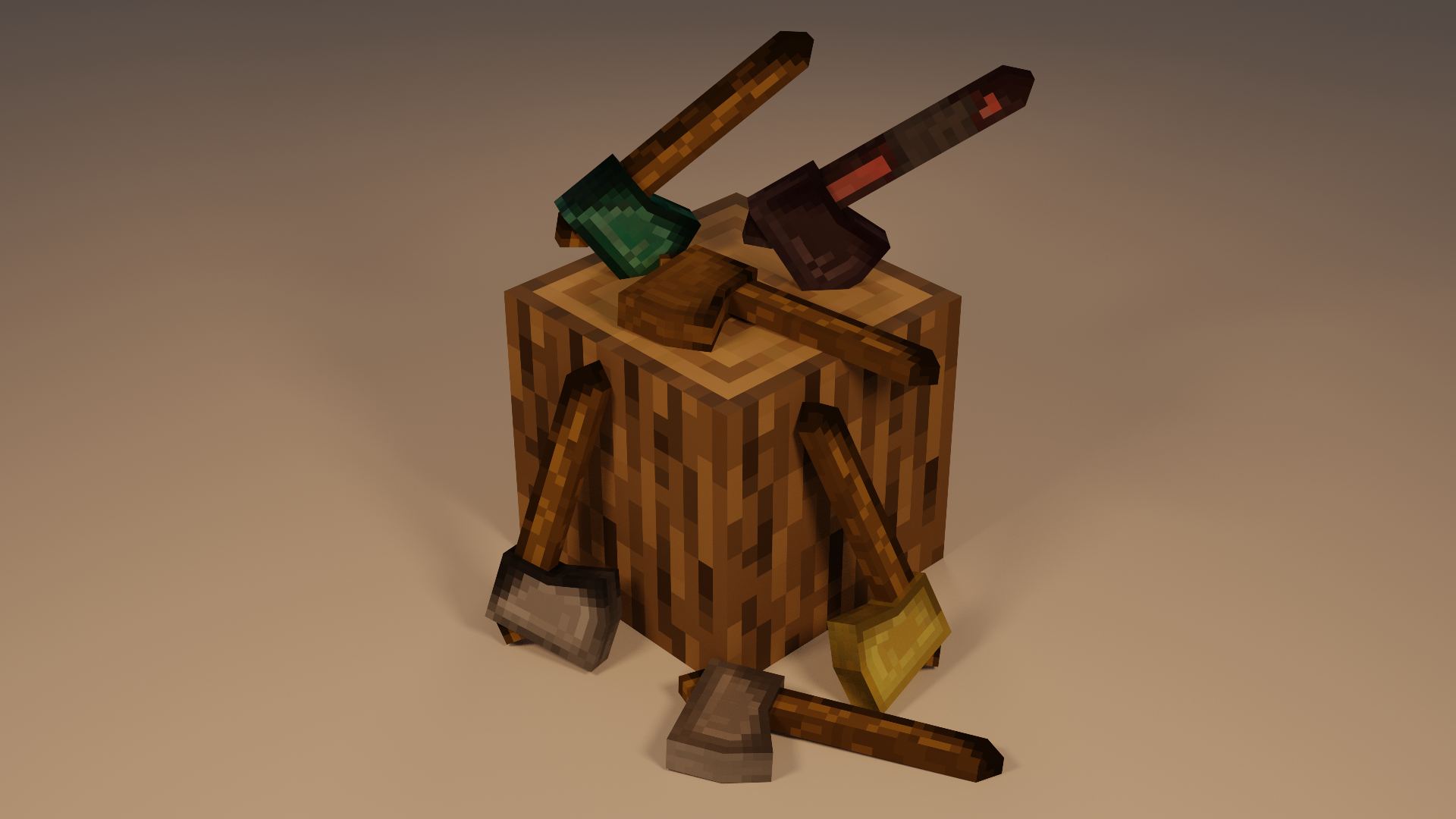
I've never really been a fan of the vanilla axes in Minecraft. So I decided to make some more accurate "woodcutting" axes.
I used Blockbench to make the models in a relatively vanilla (plus) style so it doesn't feel too much like a different game.


The 16x texture on the model looked like straight garbage, so I changed to a 32x and I was much happier with that.


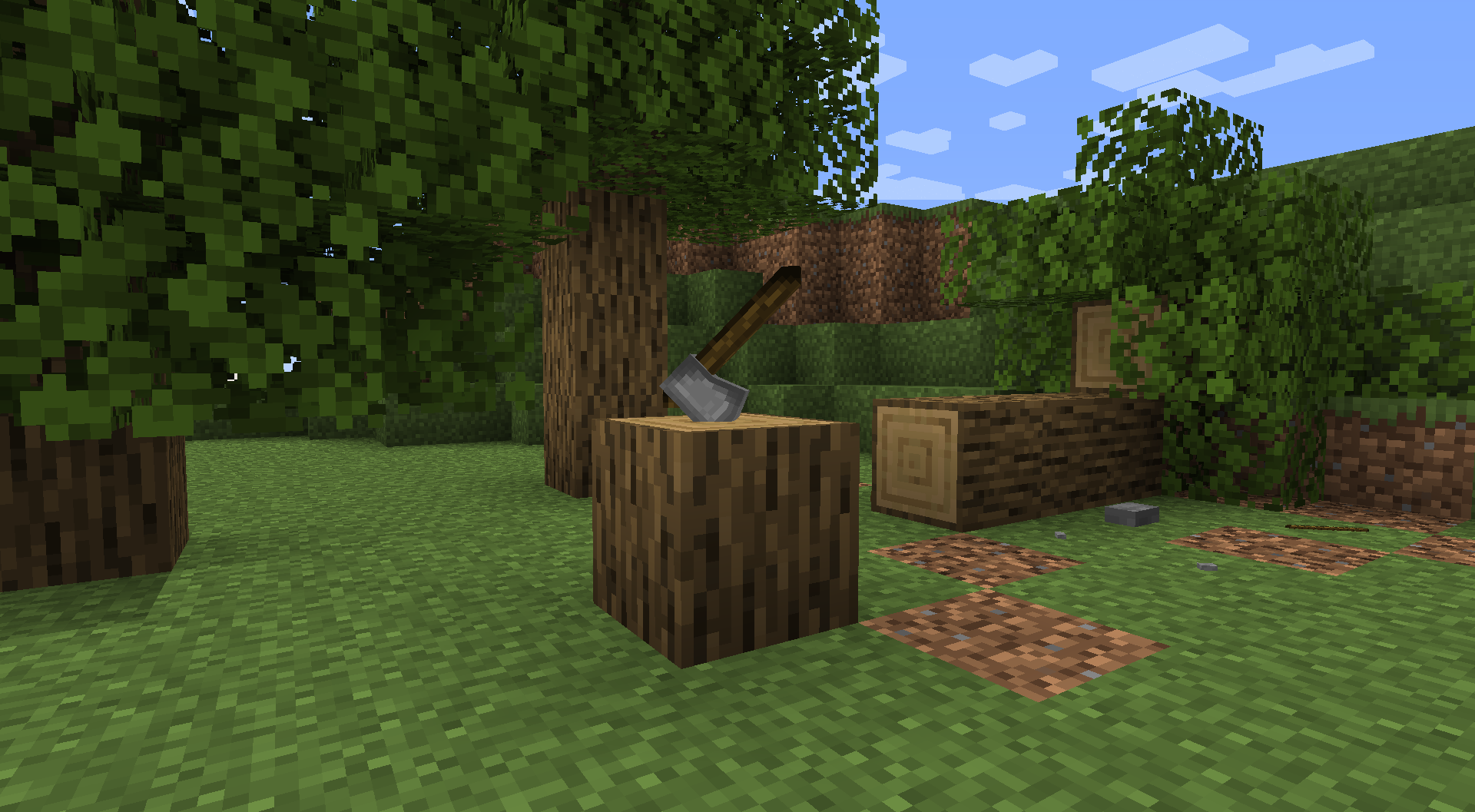
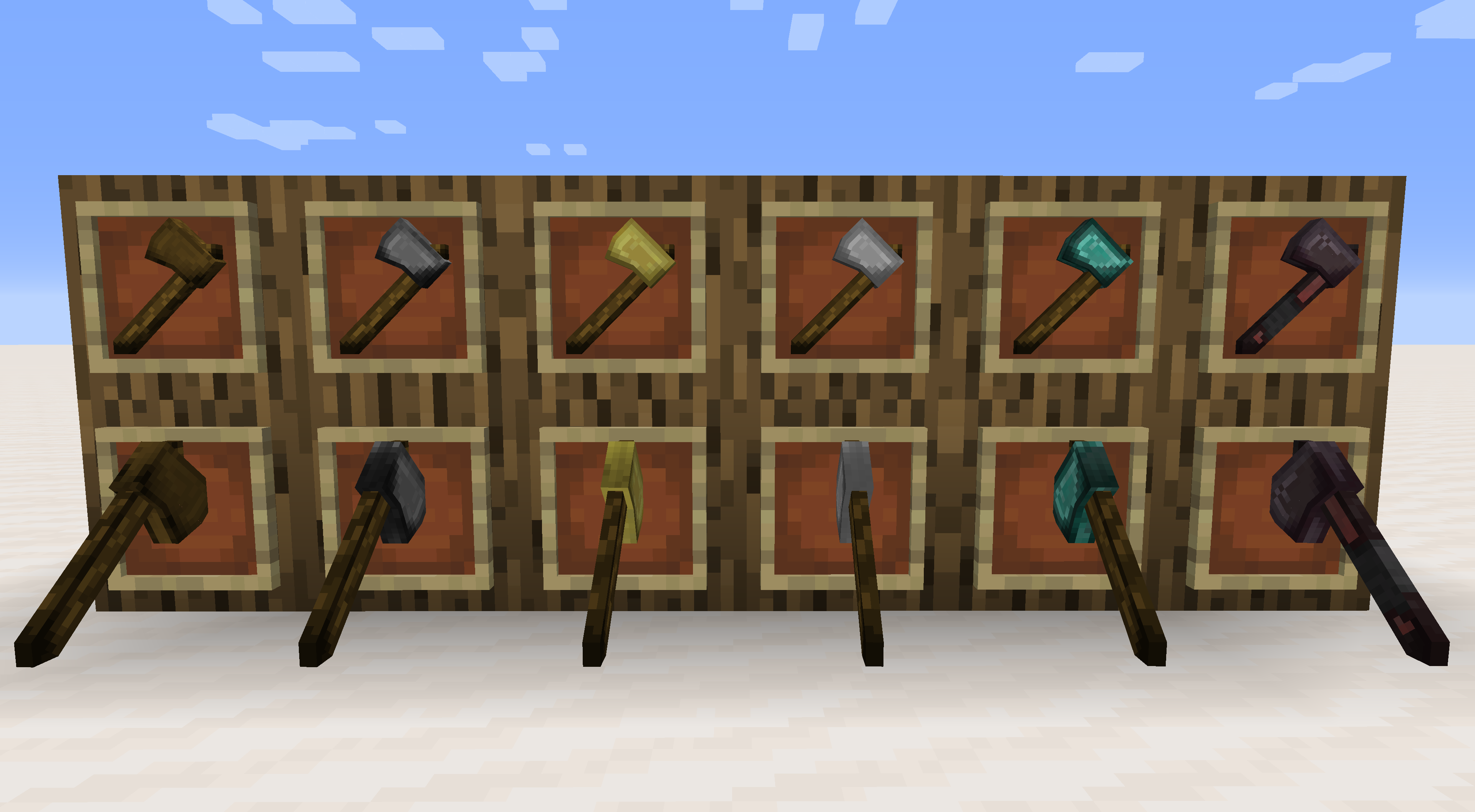
As shown in the photos above there are two options for placement in item frames. The default wall placement is available and usable in survival mode. The second orientation where the axe is stuck in the chopping position can only be achieved by using commands (listed below).

I am considering the possibility of adding alternate models for more weapon-based models (rather than tool/utility).
Let me know in the comments what kind of axes you'd like to see!

These models are all Vanilla Friendly - OPTIFINE NOT REQUIRED

To get the custom orientation axes you will need to enter the following command:
If you want other types then just replace the material with what you want (i.e. stone for diamond, or gold, etc.)

/give @p stone_axe{CustomModelData:1000}

GriimmCraft_Axes_v0.3.zip
MC 1.17, 1.15, 1.16, 1.14
Release 2021-06-08 Get

Requirements & install

How to use this resource pack in Minecraft
Resolution
32x
Minecraft
1.14 – 1.17
Install folder
.minecraft/resourcepacks

How to install resource packs

  1. Download the resource pack .zip file (do not extract it).
  2. In Minecraft open Options → Resource Packs → Open Pack Folder.
  3. Drop the .zip into the resourcepacks folder (.minecraft/resourcepacks).
  4. Move the pack to the Selected column and click Done.
Browse more: 16x resource packs 32x resource packs 64x resource packs 128x resource packs 256x resource packs 512x+ resource packs Resource Packs for 1.17 All resource packs
Advertisement Remove ads with Premium →

You Might Also Like