Mineuniverse
Resource Packs
MIP Default

MIP Default

RESOURCE PACK
16x Default Edit! By casualfork
by casualfork
Download Claim this project
184 downloads
0 likes
Updated Oct 14, 2026
0 hypes
16x Modern
Advertisement Remove ads with Premium →

MIP stands for: Made In Paint. 

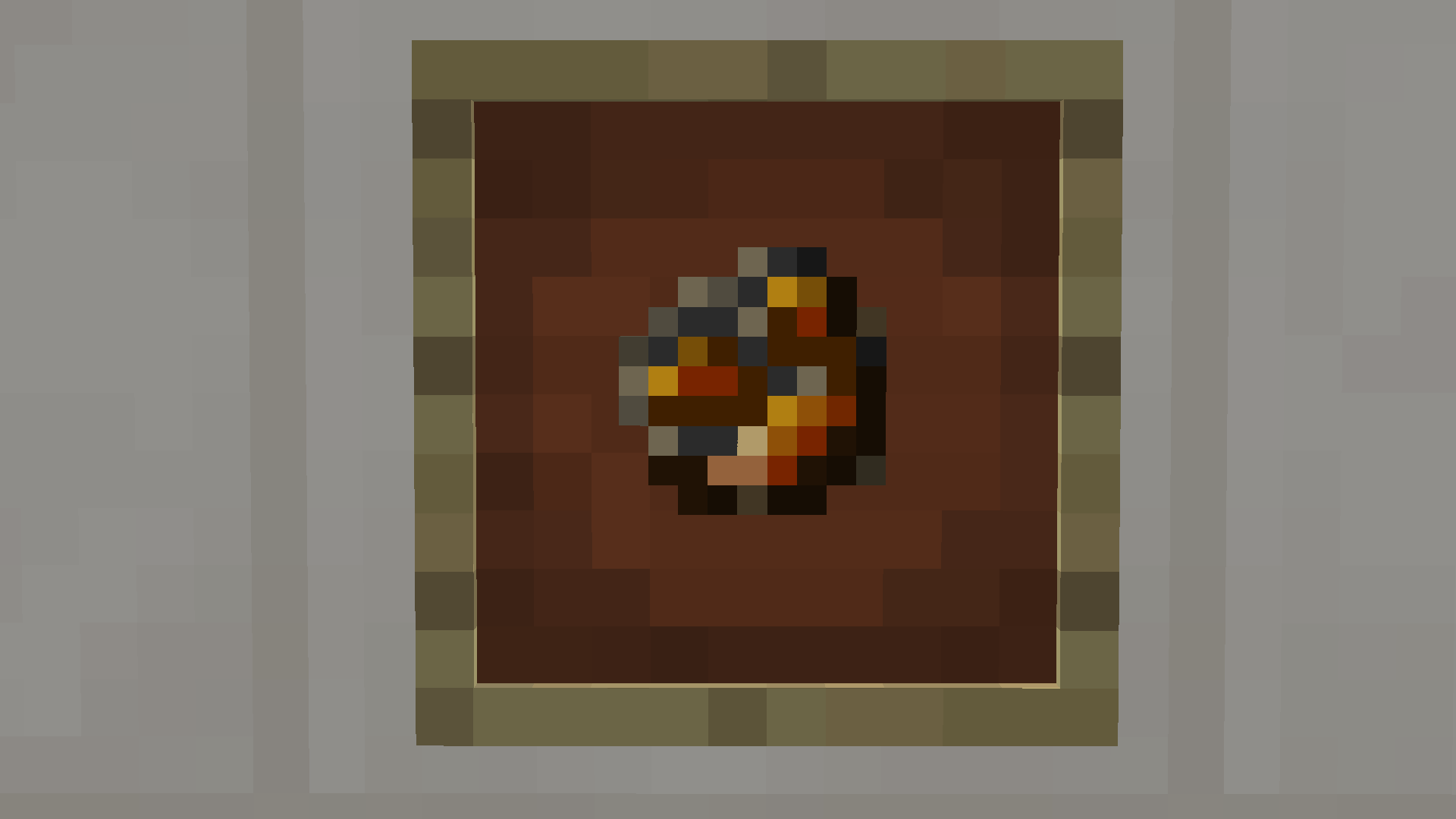
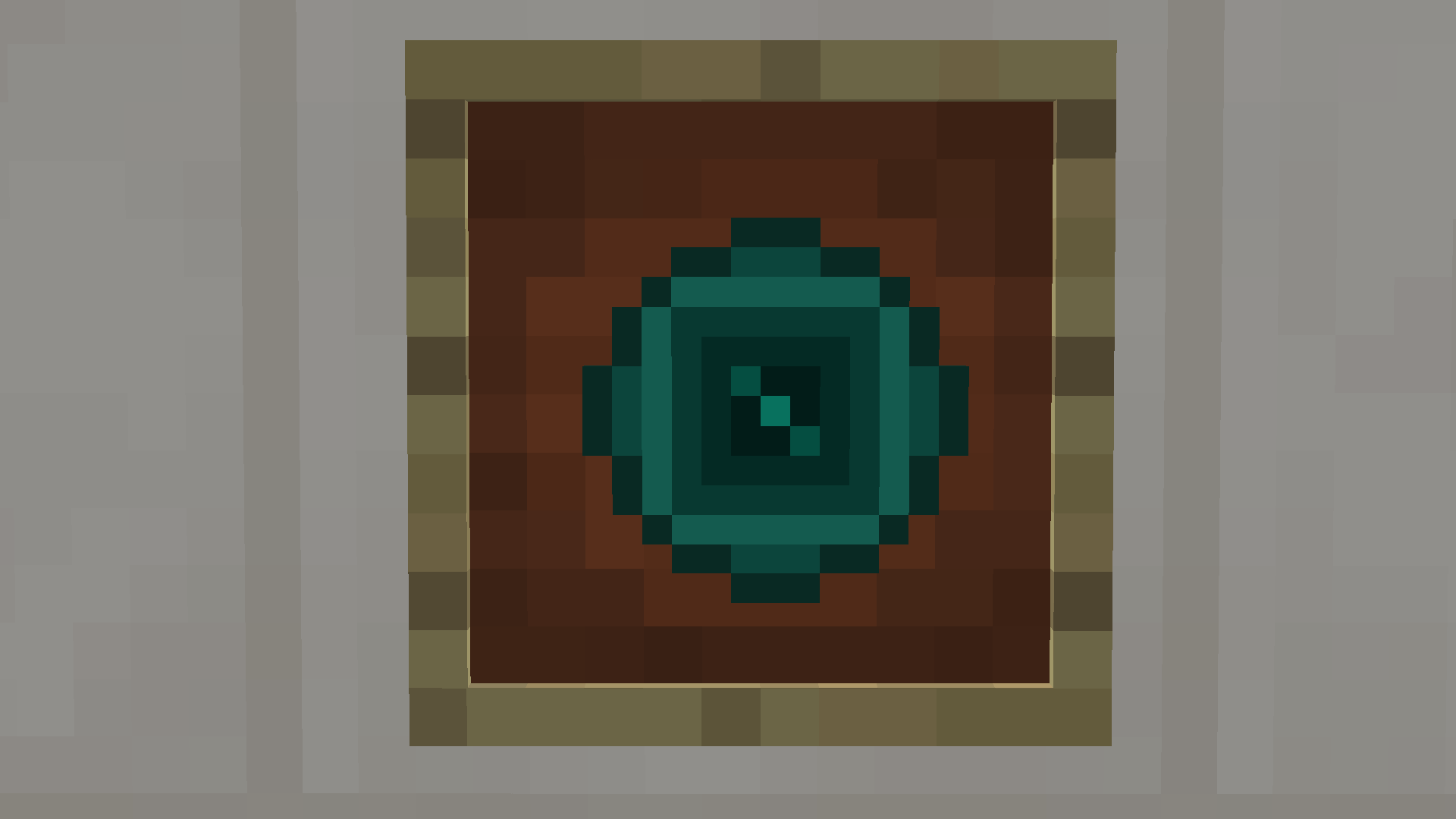
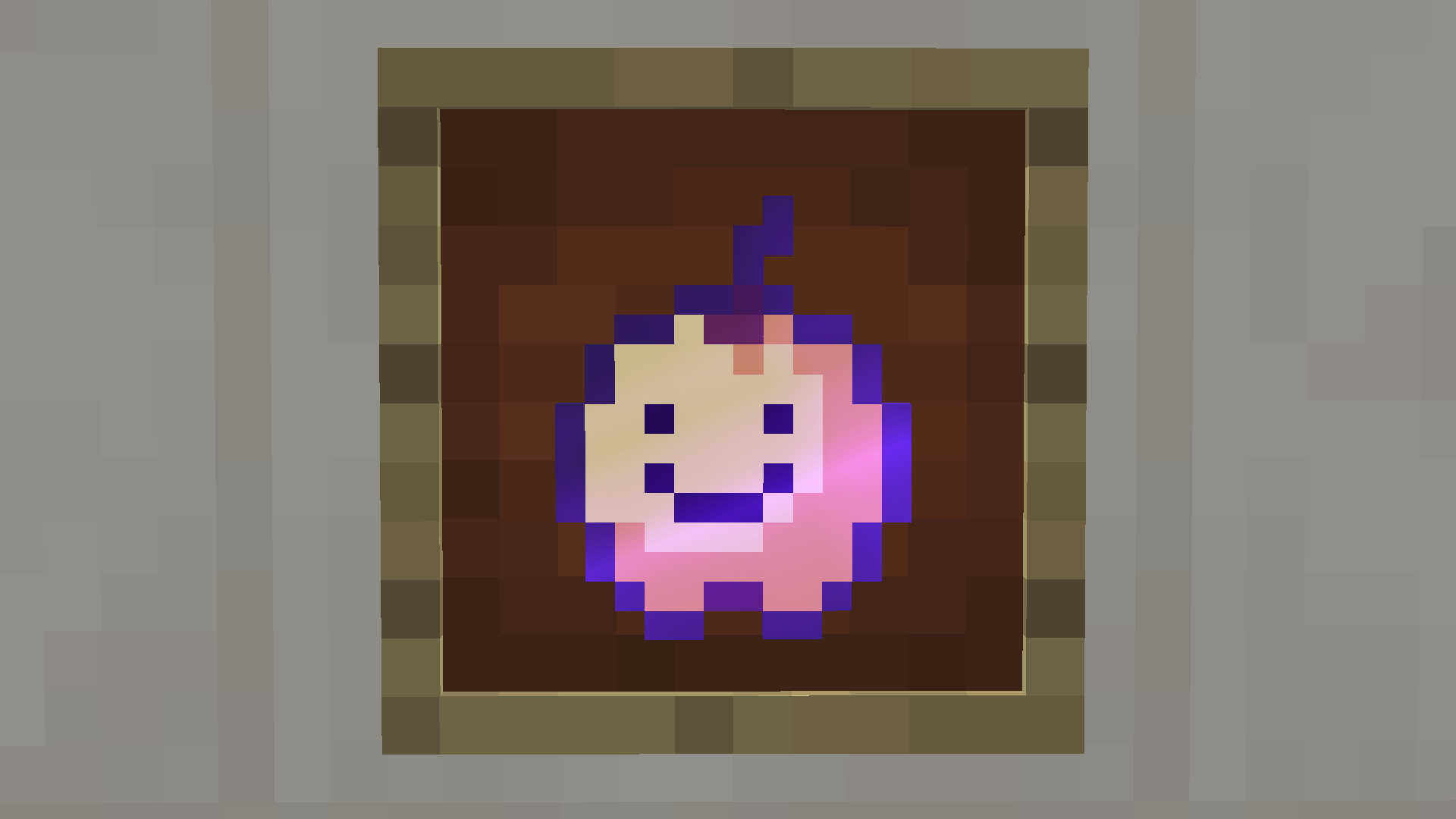
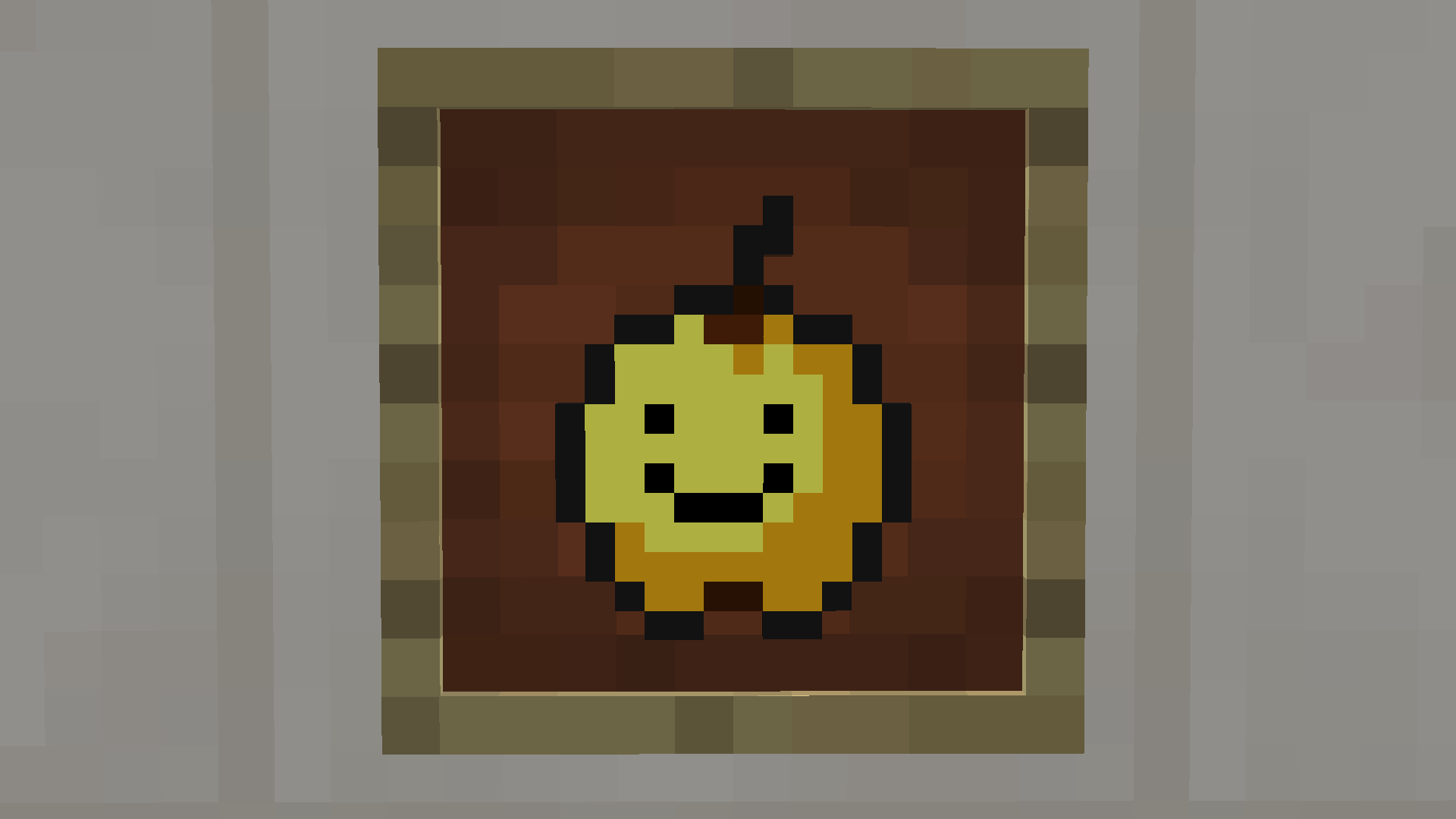
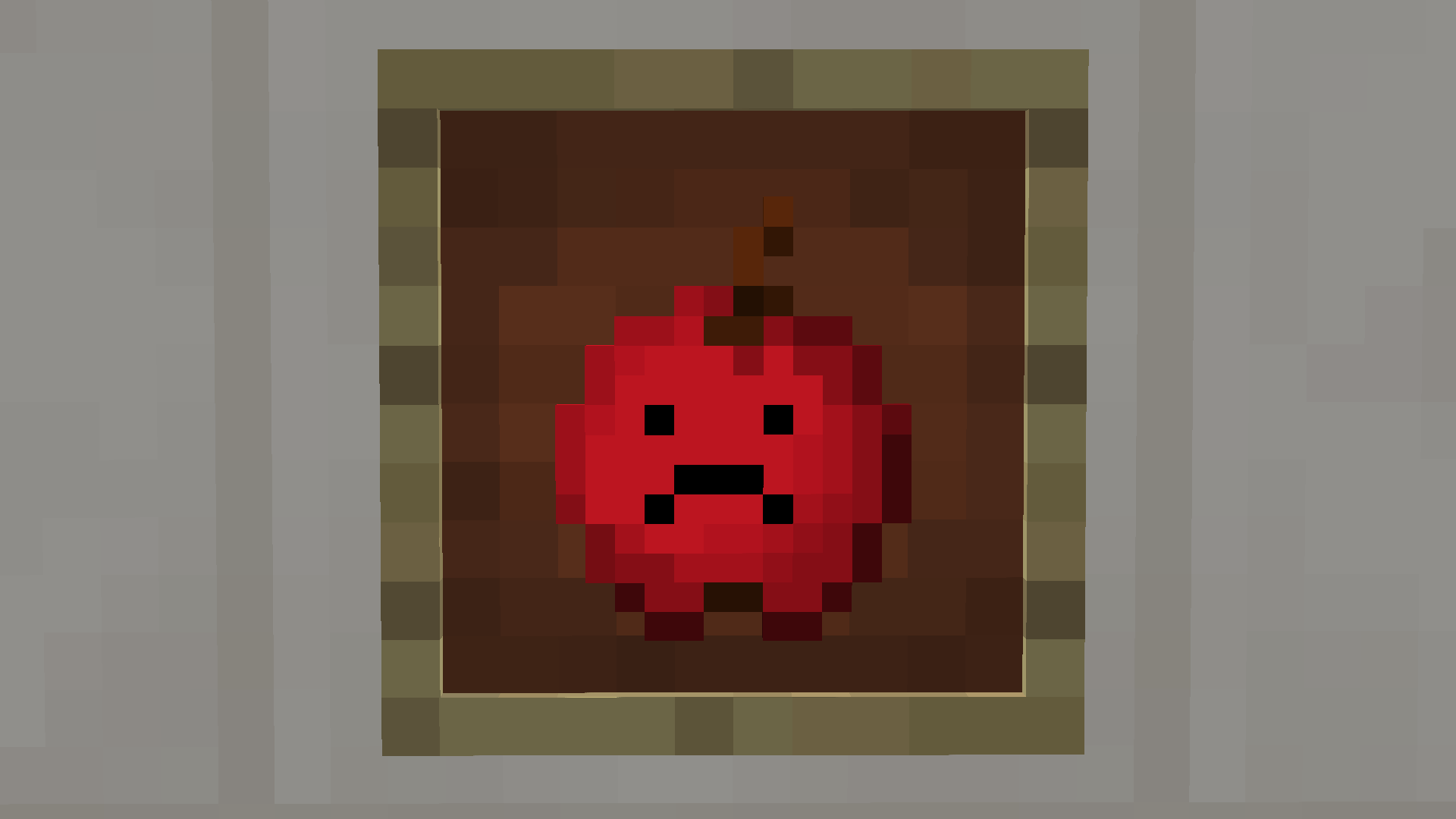
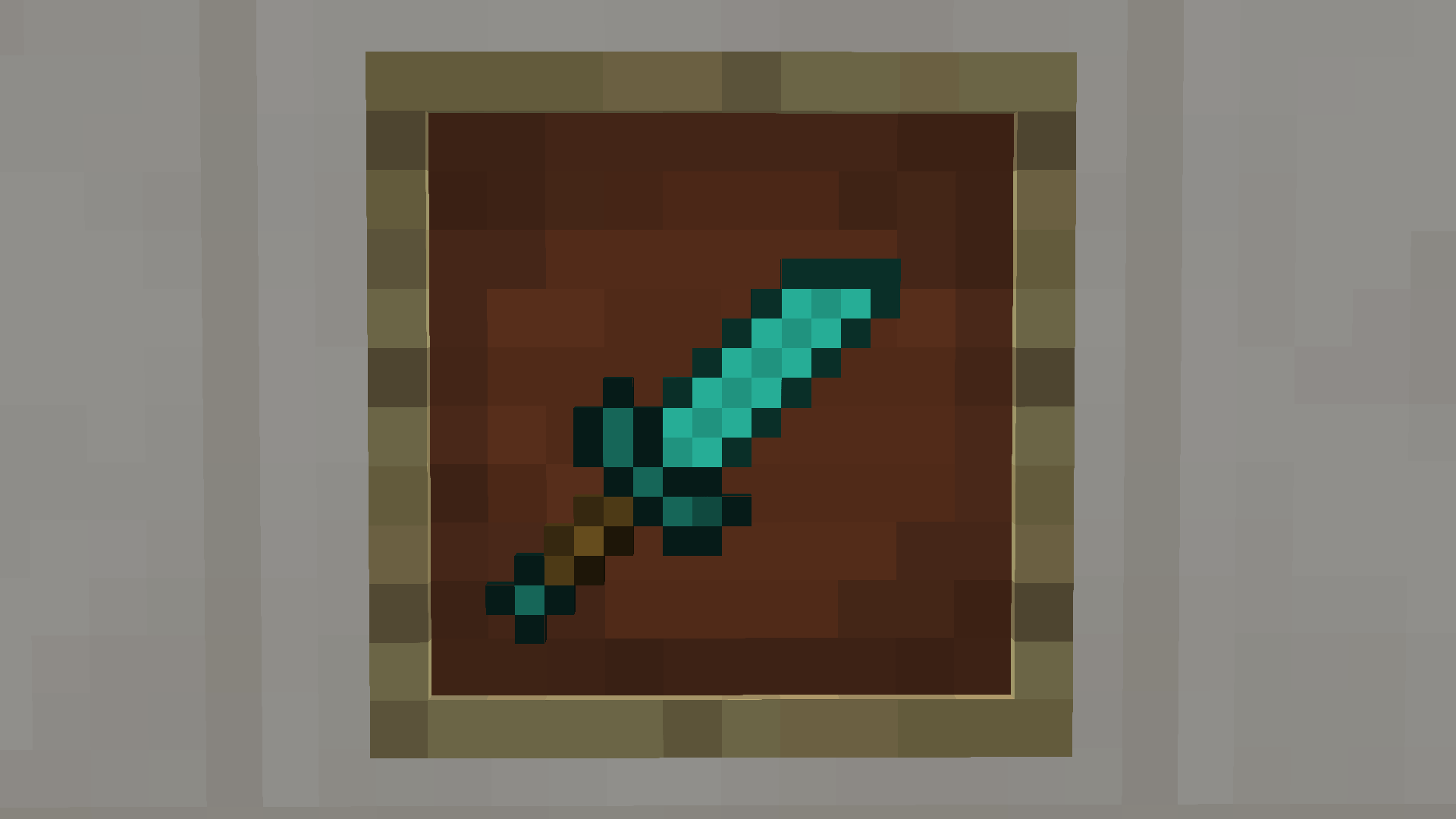
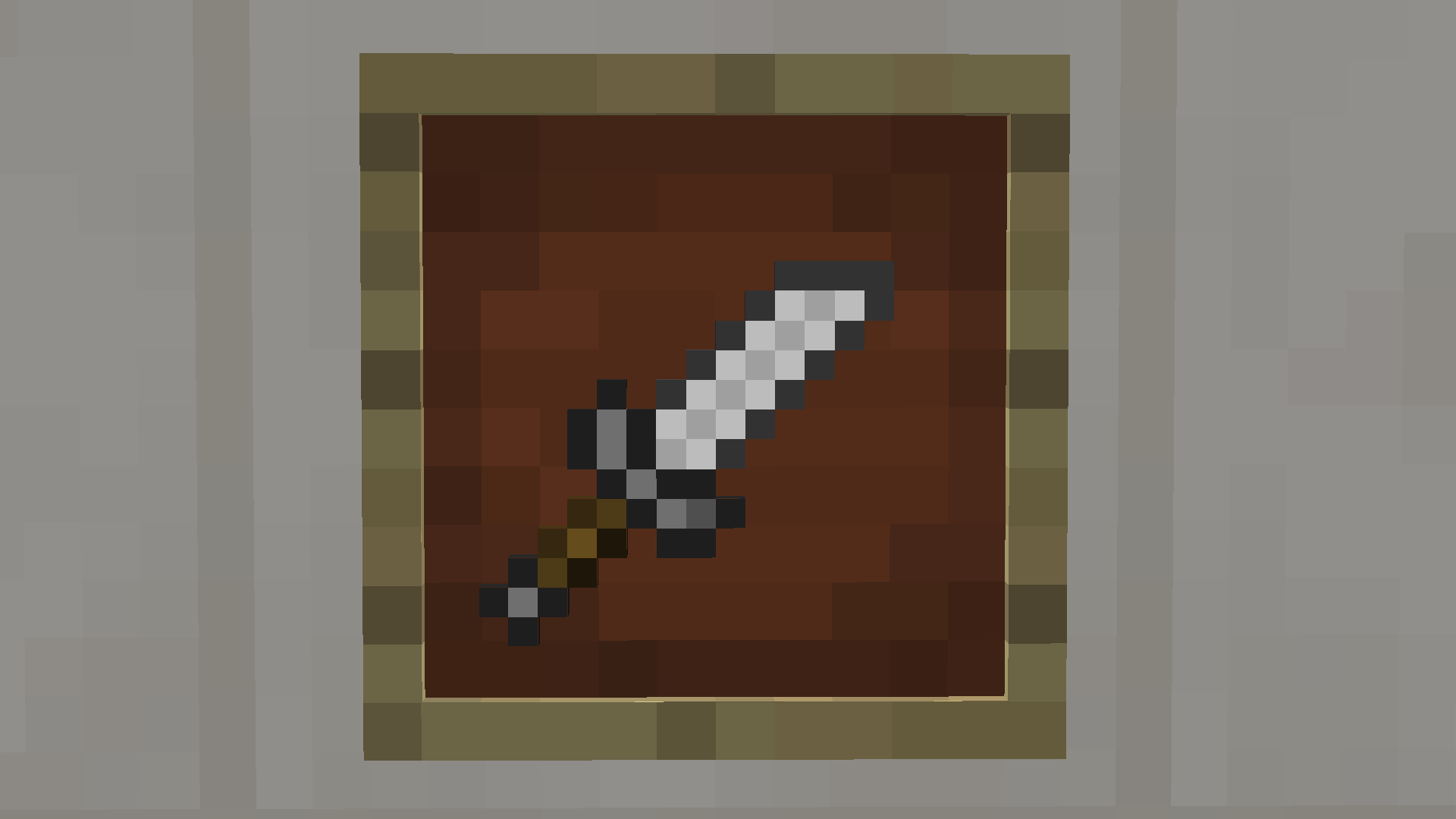
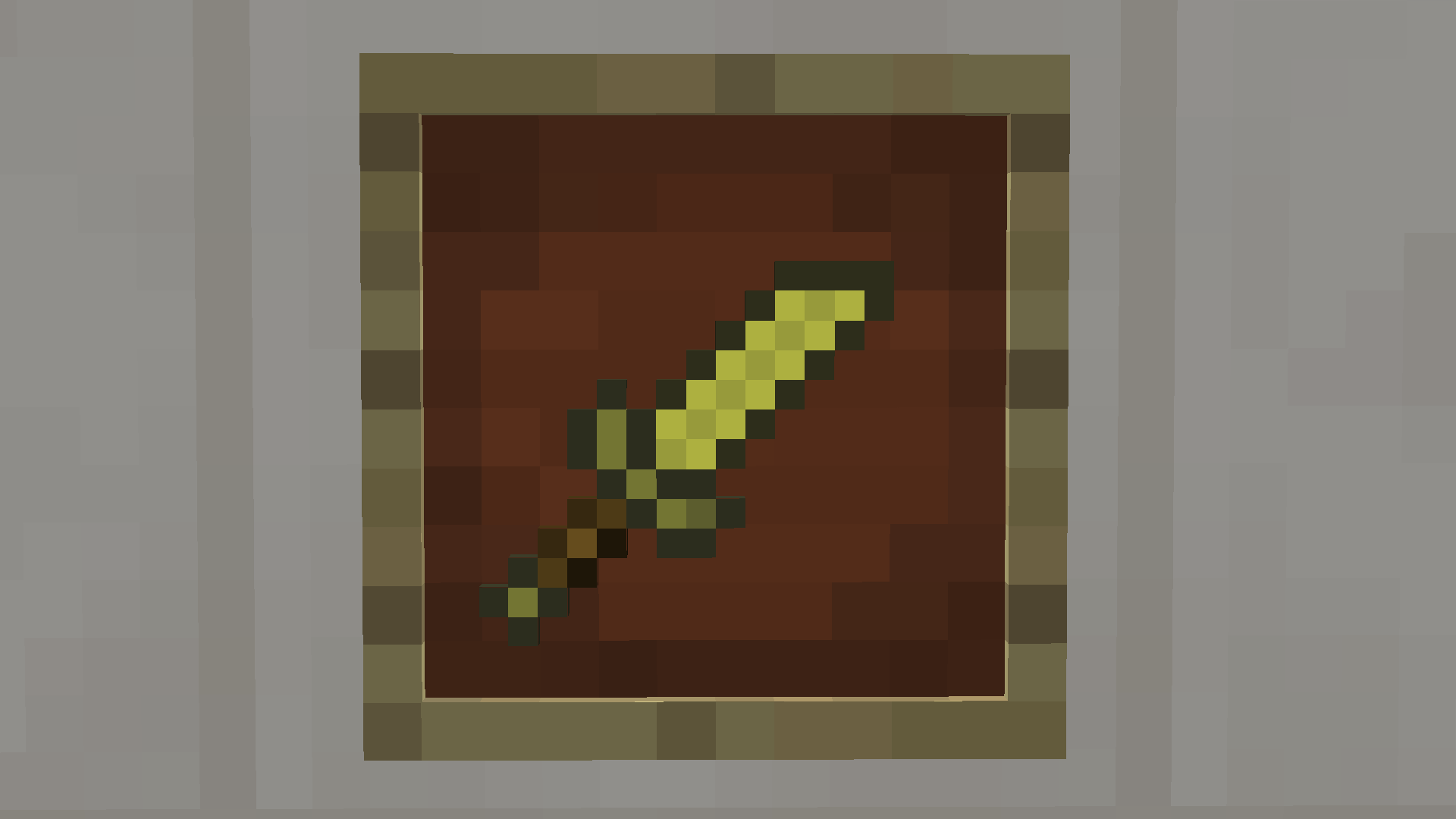
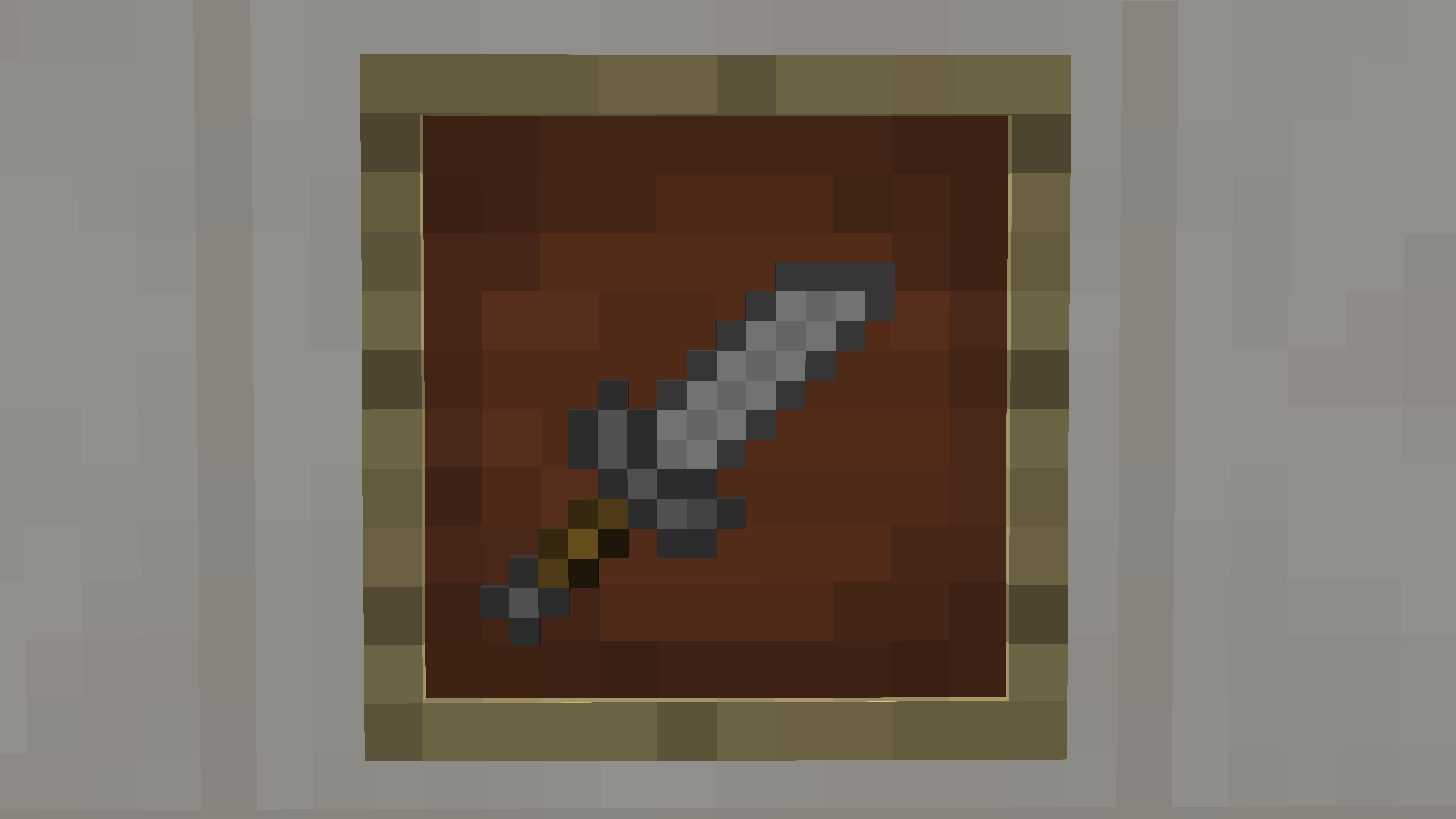
In this pack I changed the swords to look shorter and sharper for better PVP, I also changed the wool blocks to have a transparent outline and made the ender pearl look more simple.

It's a default pack so the feel of "original" Minecraft stays. No particles changed, no armour changed and no blocks other than the wool has changed in this pack.

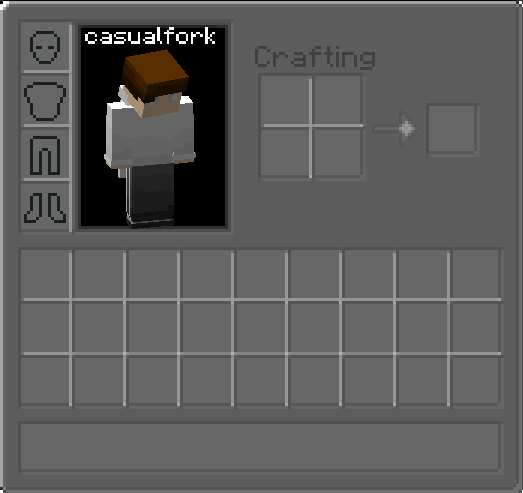
The GUI is a bit darker and the Hotbar is more transparent and also a bit darker. Try the pack out and give me some suggestions on how to make the pack even better.


Thanks for possibly downloading my pack, I really appreciate it.

 

MIP-Default_16x_Final.zip
MC 1.8.9
Release 2021-03-17 Get
MIP Default
MC 1.8.9
Release 2021-03-17 Get

Requirements & install

How to use this resource pack in Minecraft
Resolution
16x
Minecraft
1.8.9
Install folder
.minecraft/resourcepacks

How to install resource packs

  1. Download the resource pack .zip file (do not extract it).
  2. In Minecraft open Options → Resource Packs → Open Pack Folder.
  3. Drop the .zip into the resourcepacks folder (.minecraft/resourcepacks).
  4. Move the pack to the Selected column and click Done.
Browse more: 16x resource packs 32x resource packs 64x resource packs 128x resource packs 256x resource packs 512x+ resource packs Resource Packs for 1.8.9 All resource packs

More from casualfork

Advertisement Remove ads with Premium →

You Might Also Like