Mineuniverse
Resource Packs
Minimalista - LabPBR

Minimalista - LabPBR

RESOURCE PACK
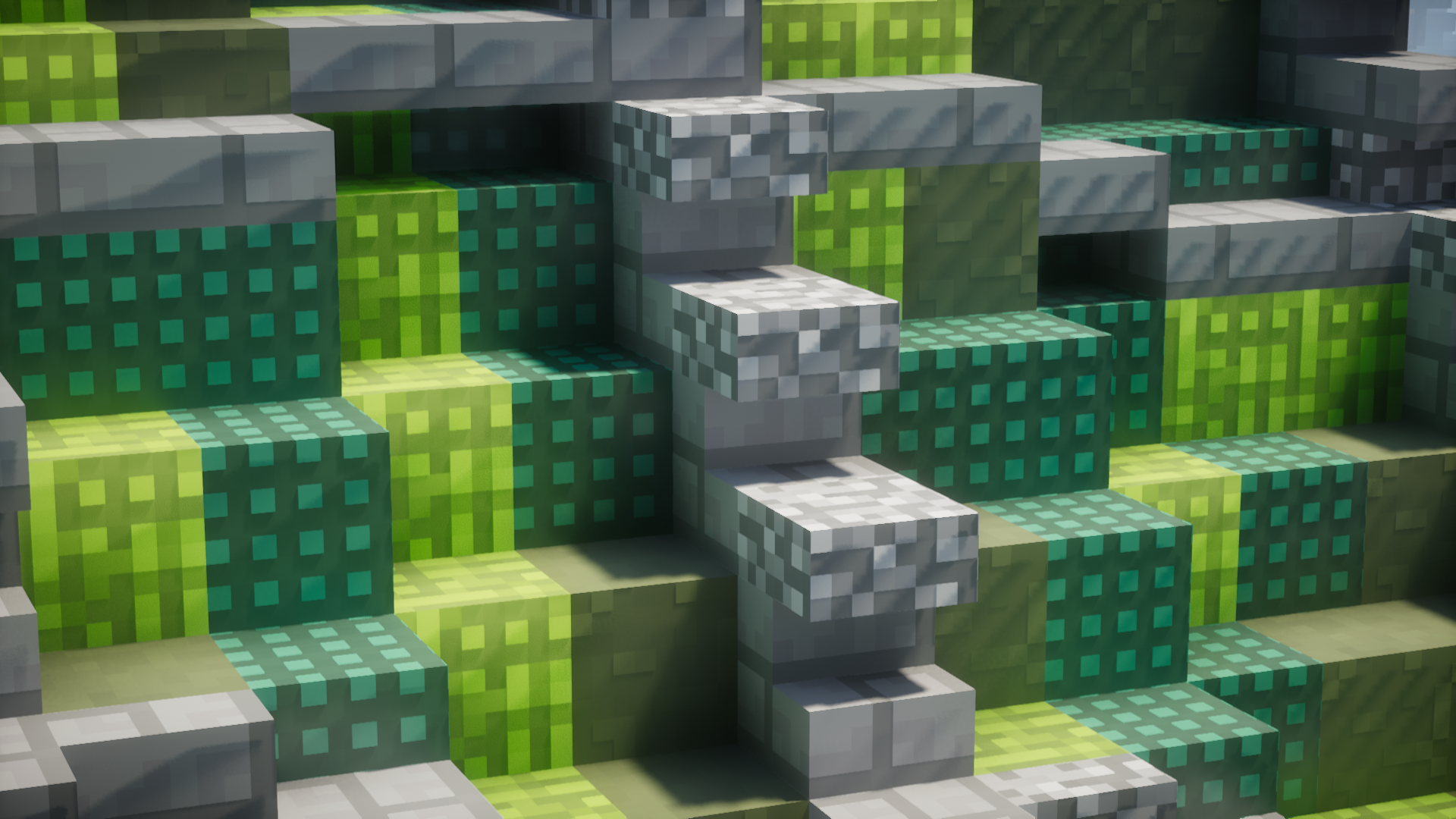
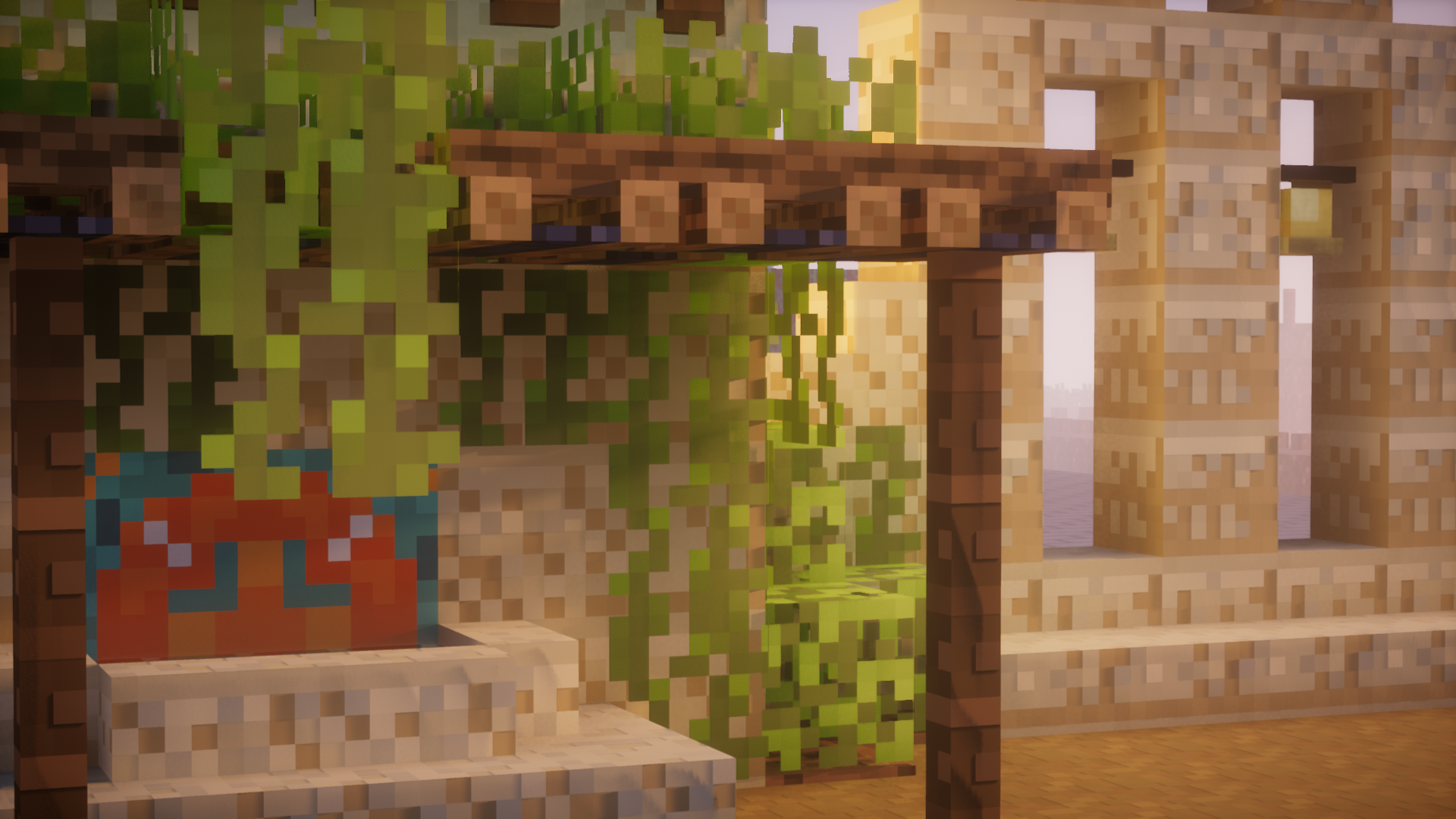
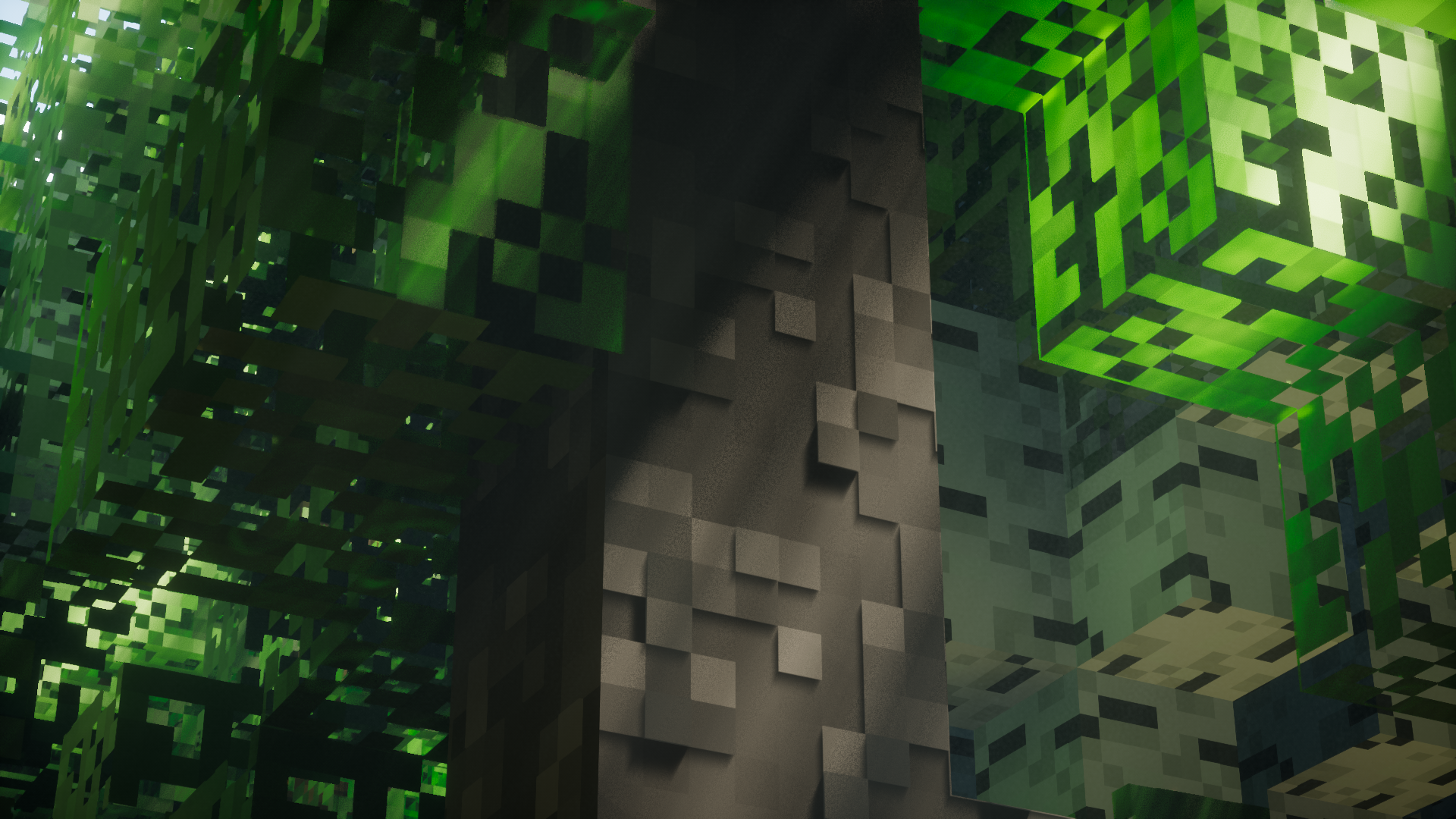
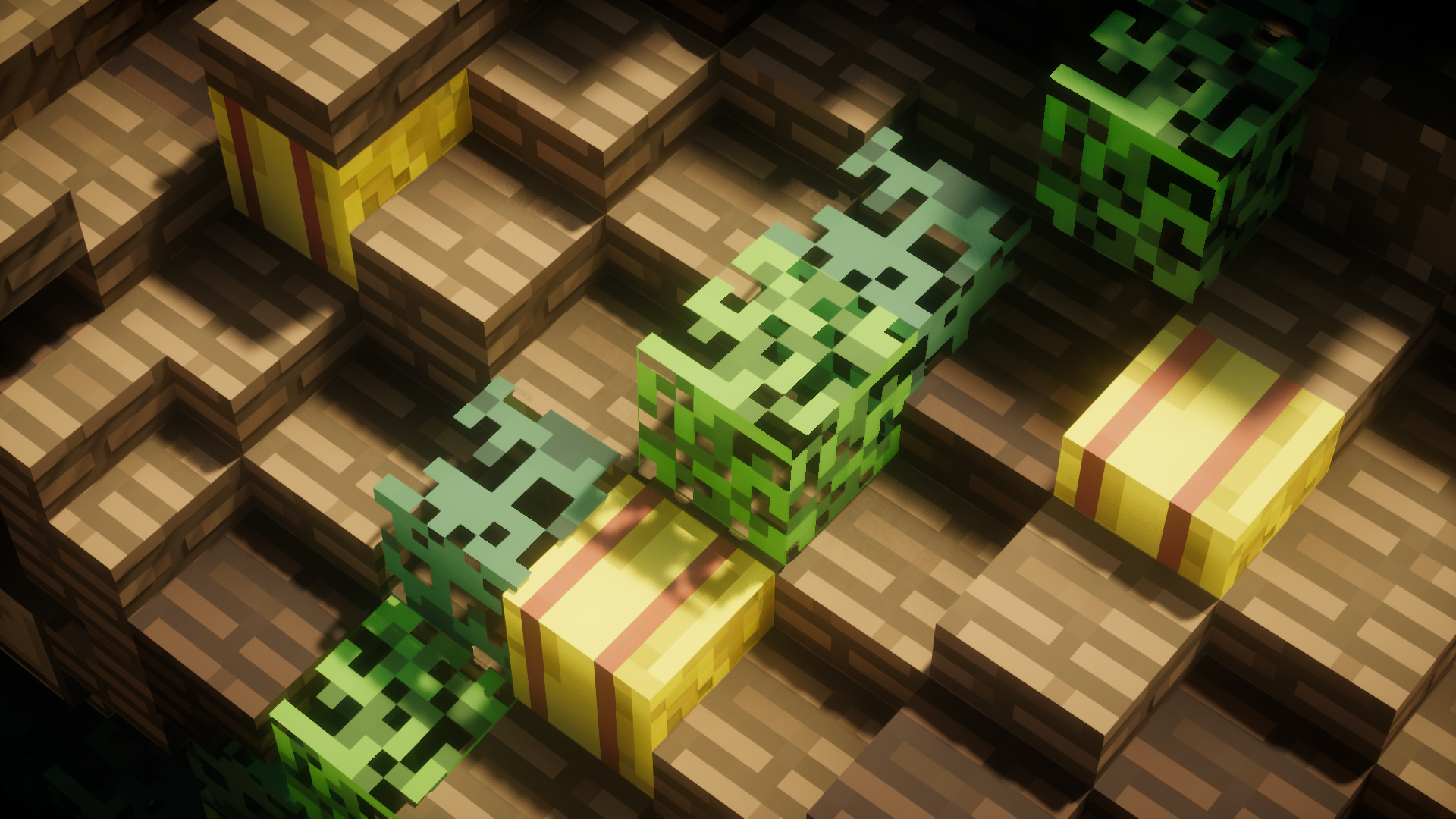
A 8x version of Simplista making the textures look super cute and everything more vibrant.
by Shivamzter
Download Claim this project
18,990 downloads
0 likes
Updated Oct 14, 2026
0 hypes
16x Miscellaneous Modern Traditional
Advertisement Remove ads with Premium →

Website: https://www.shivamzter.com/
Gumroad: https://store.shivamzter.com/
Patreon: https://www.patreon.com/shivamzter

What is Minimalista?
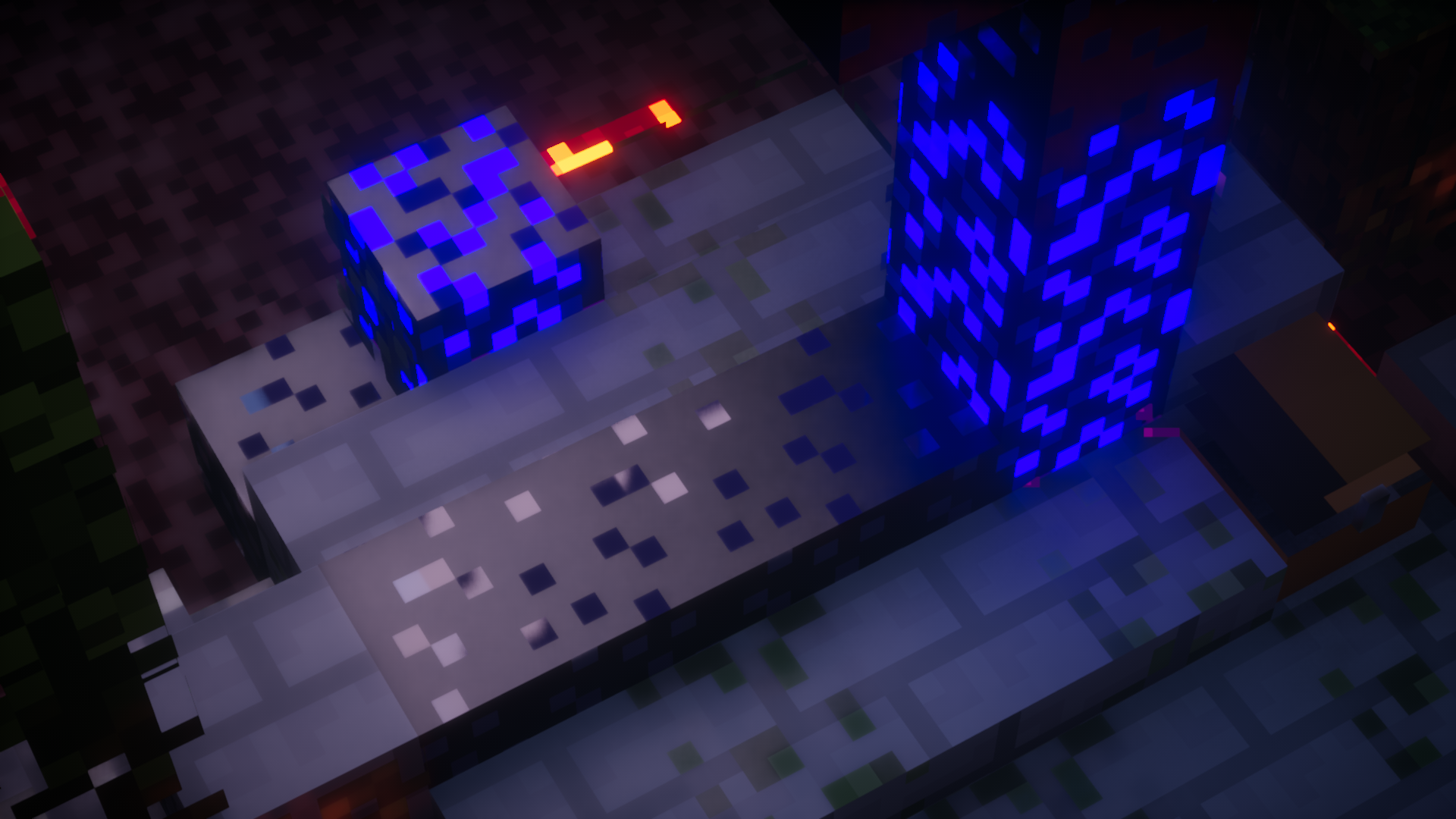
Minimalista is a fully LabPBR compliant super cute minimalistic style resource pack.

What are the core features?
Minimalista is a fully LabPBR compliant resource pack, Minimalista is also made by keeping both Iris and Optifine compatibility in mind and the aim is full texture pack completion.

How do I install?
There's a full installation guide available to help you with the installation, If you still have any further questions or issues, please join the Discord server and ask on the #support channel where either someone from the community or I will be happy to help you out!

It is Recommended to use a LabPBR compliant shader to get the most out of Simplista, We recommend Nostalgia/NostalgiaVX Shaders by Rre36.

You are not allowed to make commercial use of this texture pack, Redistribute or Claim it as your own in any way. You are allowed to make videos with the texture pack as long as you link the website https://www.shivamzter.com/ in the videos' description.

Minimalista R2
MC 1.16.3, 1.16-Snapshot, 1.17.1, 1.16.1, 1.18.1, 1.20.2-Snapshot, 1.20.5-Snapshot, 1.16, 1.19-Snapshot, 1.16.5, 1.19.3, 1.20.2, 1.19.4, 1.17, 1.19.4-Snapshot, 1.17-Snapshot, 1.18
Release 2024-01-07 Get
Minimalista R1
MC 1.16-Snapshot, 1.17.1, 1.16.3, 1.19.3, 1.16.1, 1.18.1, 1.17, 1.16, 1.19-Snapshot, 1.16.5, 1.18.2, 1.19.2, 1.19.1, 1.17-Snapshot, 1.18, 1.16.4, 1.18-Snapshot, 1.16.2, 1.19
Release 2023-01-25 Get

Requirements & install

How to use this resource pack in Minecraft
Resolution
16x
Minecraft
1.19.1 – 1.20.5-Snapshot
Install folder
.minecraft/resourcepacks

How to install resource packs

  1. Download the resource pack .zip file (do not extract it).
  2. In Minecraft open Options → Resource Packs → Open Pack Folder.
  3. Drop the .zip into the resourcepacks folder (.minecraft/resourcepacks).
  4. Move the pack to the Selected column and click Done.
Browse more: 16x resource packs 32x resource packs 64x resource packs 128x resource packs 256x resource packs 512x+ resource packs Resource Packs for 1.20.5-Snapshot All resource packs

More from Shivamzter

Advertisement Remove ads with Premium →

You Might Also Like