Mineuniverse
Resource Packs
Minimalist dArk GUI (Dark Mode)

Minimalist dArk GUI (Dark Mode)

RESOURCE PACK
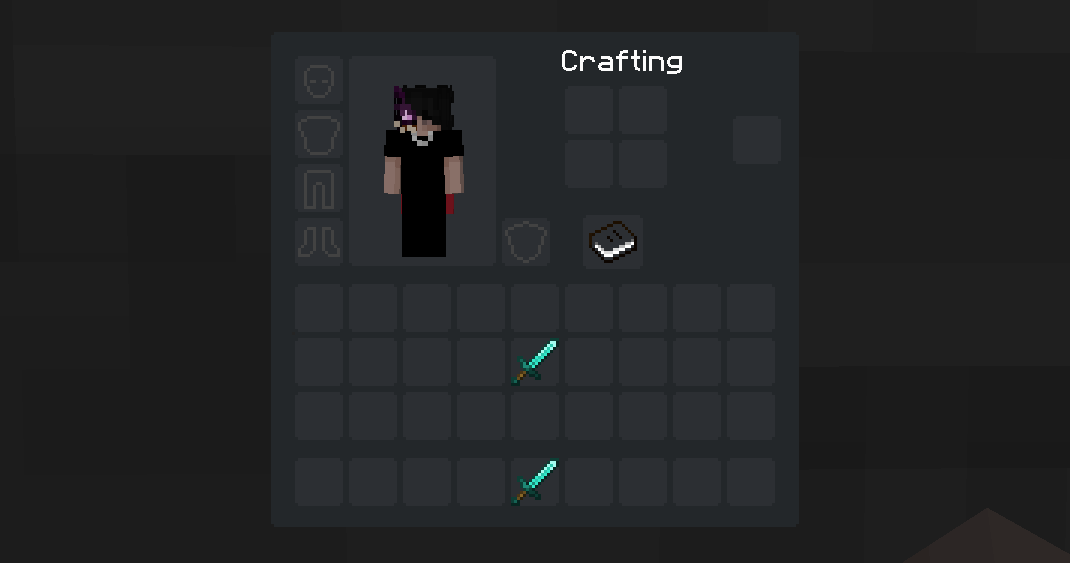
A minimalist GUI with dark theme for Minecraft
by arkadyaaa
Download Claim this project
77,311 downloads
0 likes
0 followers
Updated Oct 14, 2026
0 hypes
Follow0
32x Miscellaneous
Advertisement Remove ads with Premium →

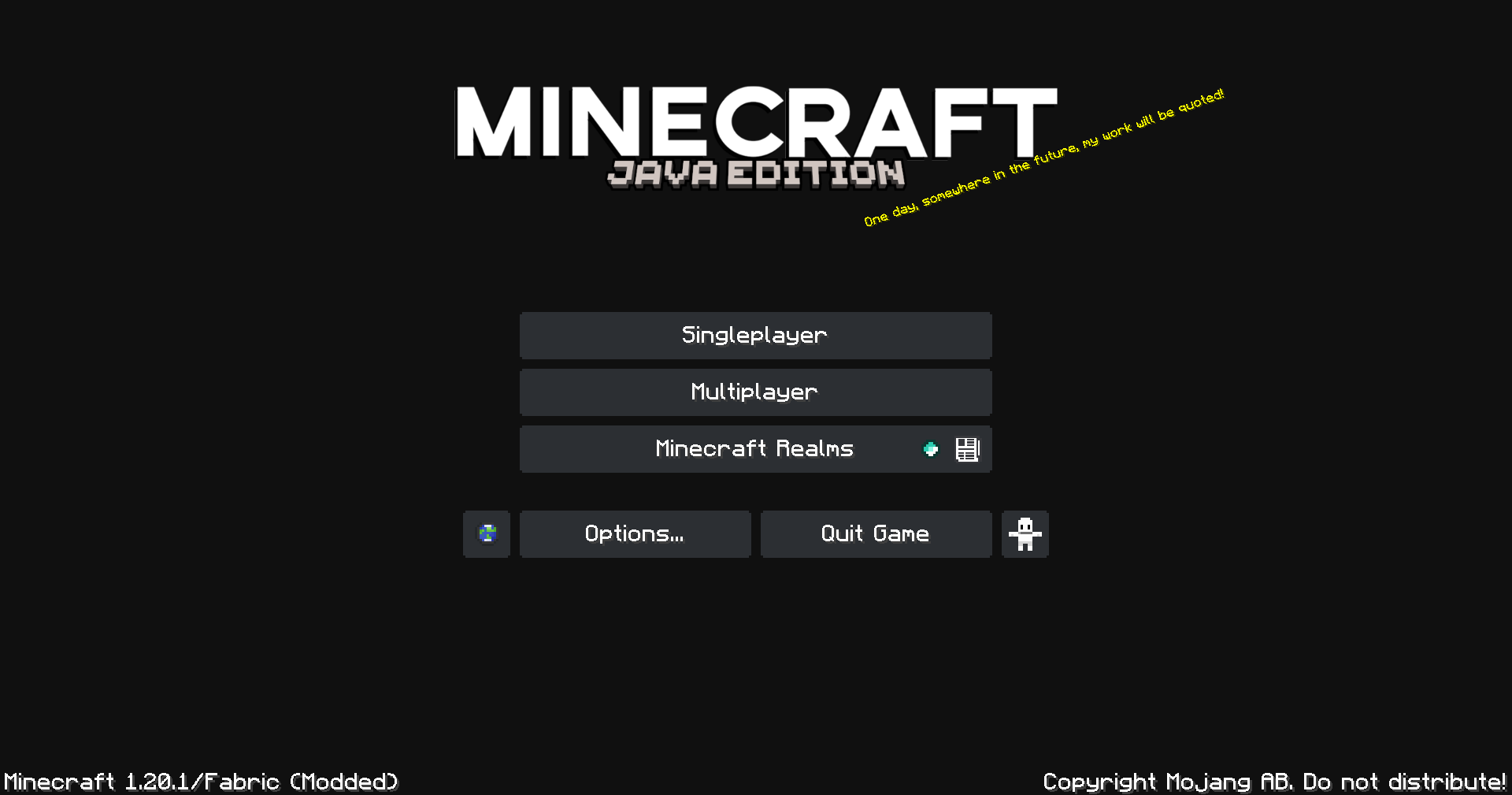
A pack that gives the GUI a simplistic dark mode look.

This pack also supports ModMenu and adds dark mode texture to it's buttons


The dark mojang loading screen only works on Optifine


If you dont like the plain gray background, you can use my panorama pack with a night version of the default panorama
Pack link here


This pack supports some mods with custom GUI Elements. If you want me to add support for another mod, feel free to leave a comment below.

List of supported mods:

  • Inmis
  • Trinkets (This includes all trinket mods that I know of, namely elytra trinkets, charm of undying, inmis,etc)
  • ModMenu
  • RP Renames
  • Appleskin
  • Inventory Profiles Next
  • Just Enough Items (JEI)
    * Feel free to leave a comment if you want a mod to be supported by this pack.
dArk GUI [1.21] version 2
MC 1.21.2-Snapshot, 1.21, 1.20.5, 1.21.1-Snapshot, 1.20.6, 1.21-Snapshot, 1.21.1
Release 2024-09-23 Get
dArk GUI [1.21].zip
MC 1.21, 1.21-Snapshot
Release 2024-07-04 Get
dArk GUI [1.20.4-1].zip
MC 1.20.5, 1.20.4
Release 2024-05-06 Get
dArk GUI [1.20.4].zip
MC 1.20.5, 1.20.4
Release 2024-04-28 Get
dArk GUI [1.20].zip
MC 1.20.1, 1.20
Release 2023-06-13 Get
dArk GUI [1.19].zip
MC 1.19.3, 1.19.2, 1.19.1, 1.19
Release 2022-11-12 Get
dArk GUI.zip
MC 1.17.1, 1.16.3, 1.16.1, 1.17, 1.16, 1.16.5, 1.16.4, 1.16.2
Release 2021-09-05 Get

Requirements & install

How to use this resource pack in Minecraft
Resolution
32x
Minecraft
1.20.4 – 1.21.2-Snapshot
Install folder
.minecraft/resourcepacks

How to install resource packs

  1. Download the resource pack .zip file (do not extract it).
  2. In Minecraft open Options → Resource Packs → Open Pack Folder.
  3. Drop the .zip into the resourcepacks folder (.minecraft/resourcepacks).
  4. Move the pack to the Selected column and click Done.
Browse more: 16x resource packs 32x resource packs 64x resource packs 128x resource packs 256x resource packs 512x+ resource packs Resource Packs for 1.21.2-Snapshot All resource packs

More from arkadyaaa

Advertisement Remove ads with Premium →

You Might Also Like