Mineuniverse
Resource Packs
Minimal Armor Pack

Minimal Armor Pack

RESOURCE PACK
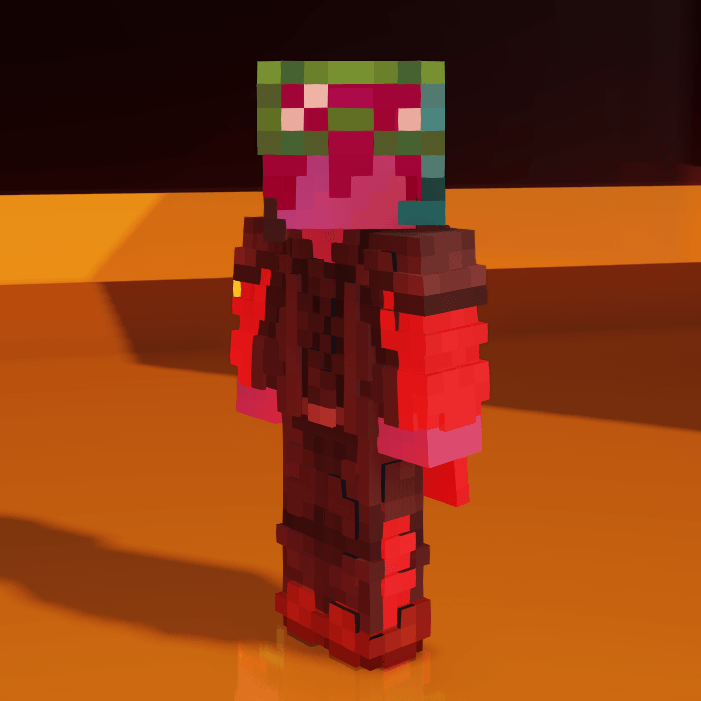
Shorted emissive armor textures for the better view on players' skins.
by ShivaKlans
Download Claim this project
7,393 downloads
0 likes
0 followers
Updated Oct 14, 2026
0 hypes
Follow0
16x Medieval Traditional
Advertisement Remove ads with Premium →

   Lintktree

Heads Up:


Choose the correct file for your Minecraft version! From 1.21.2 onward, armor textures are stored differently, so this pack has separate versions for compatibility.

For emissive textures ETF is required!

About the Resource Pack:


This pack was created to minimize armor textures without removing them entirely. If you’re tired of the standard armor models and prefer seeing more players' skins, this pack is a perfect fit.

However, helmet textures (except for the turtle shell) have been removed, as I couldn’t think of a design that didn’t rely on overly generic ideas like turning helmets into crowns. I also left gold, leather, and chainmail armor untouched since these are less commonly used by players...

...and I am lazy
 

What’s Changed?


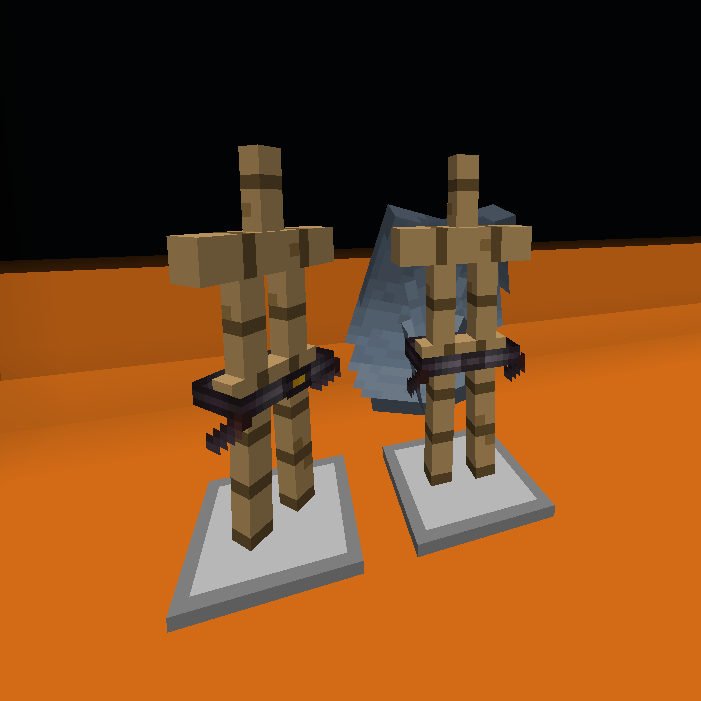
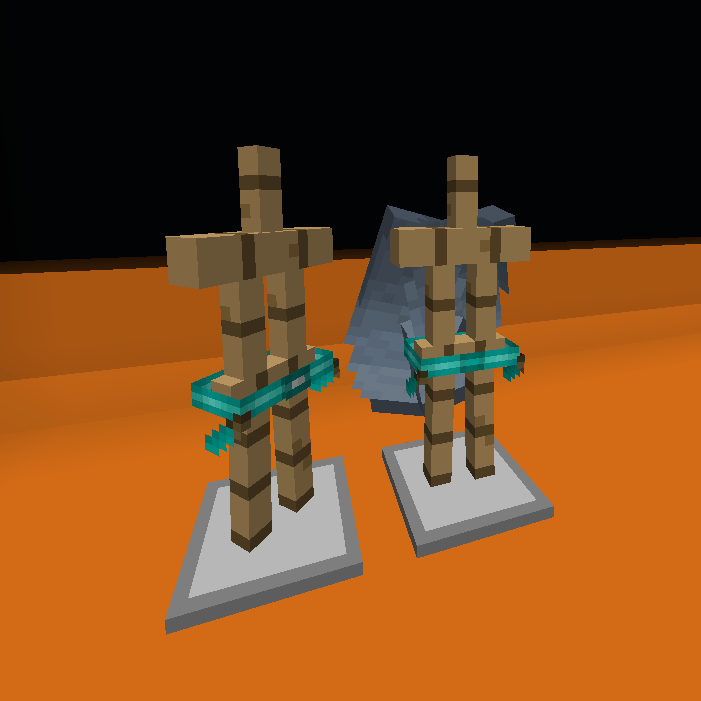
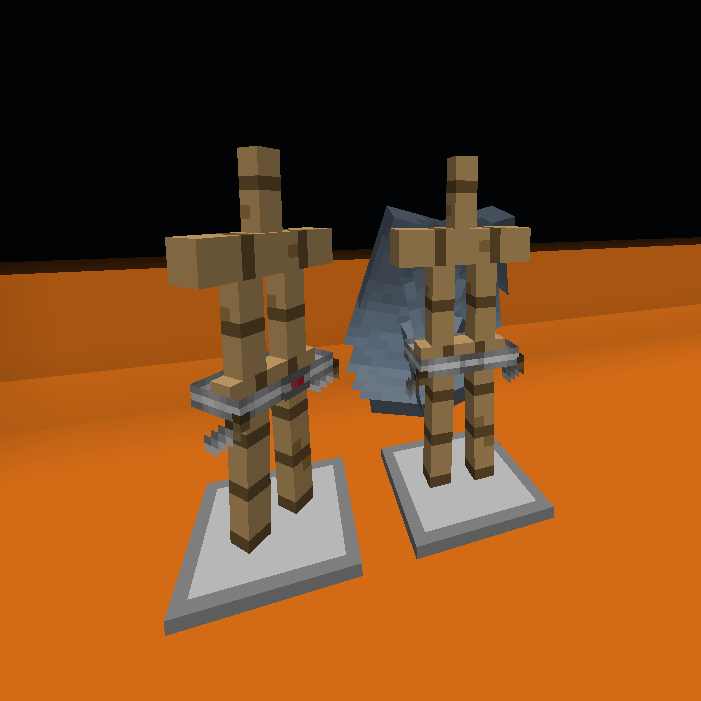
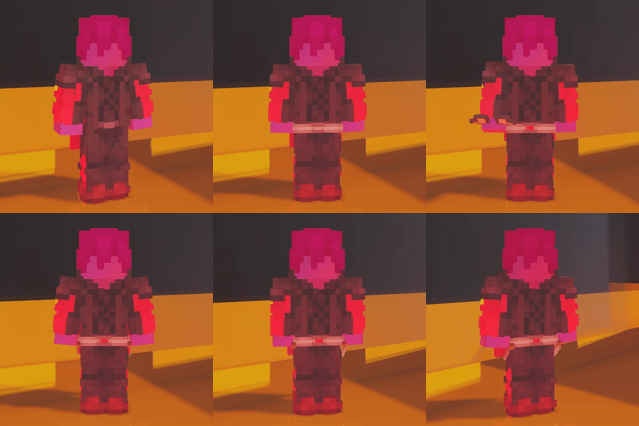
  • Leggings → Belt
  • Chestplate → Buckle
  • Boots → Belt Daggers


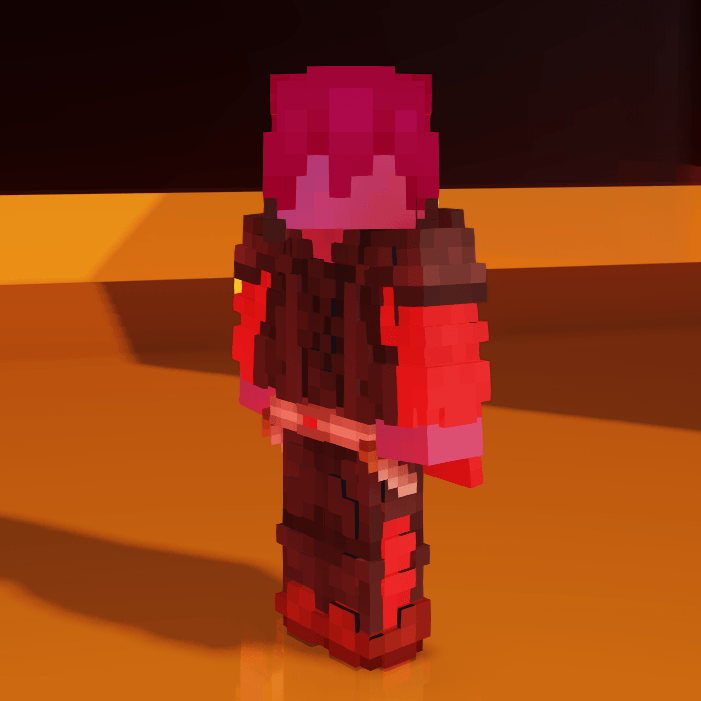
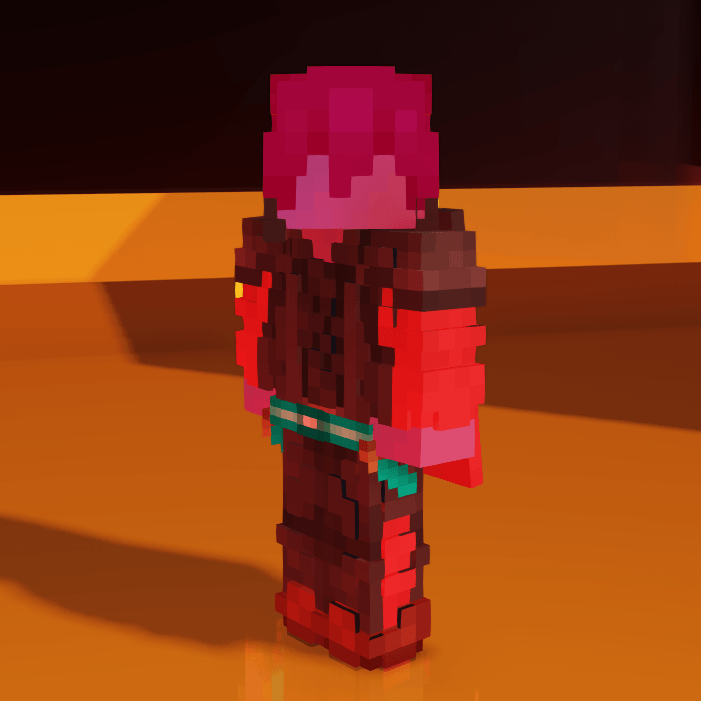
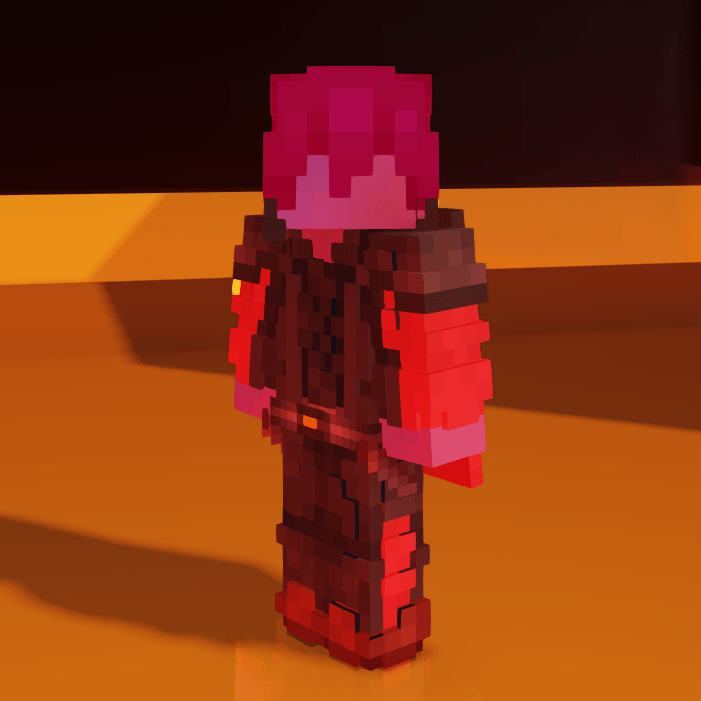
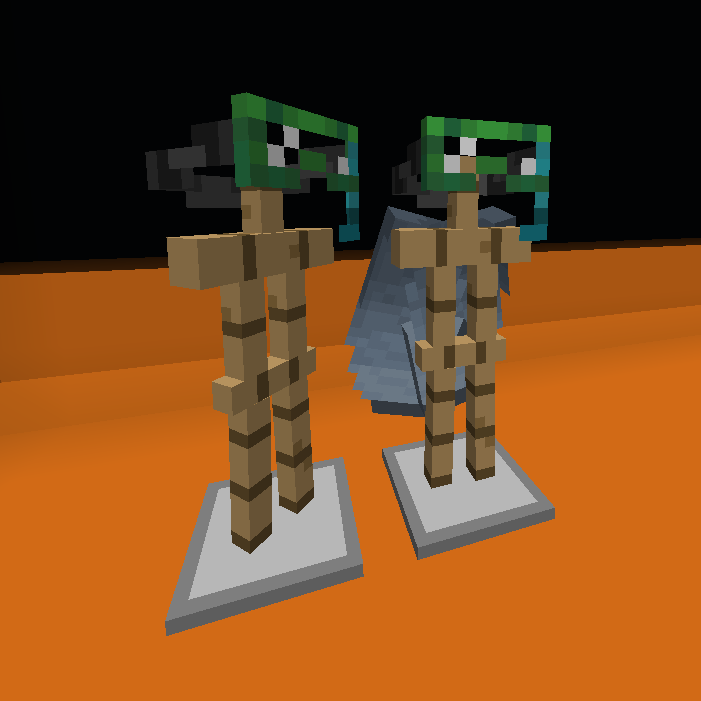
Here’s how the new textures look:


Netherite:

Diamond:

Iron:

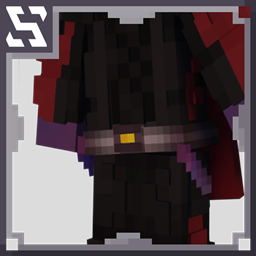
Turtle shell:

ShivaKlans' minimal armor (1.21.1 AND LOWER)
MC 1.20.2, 1.21, 1.20.5, 1.20.3, 1.20.1, 1.20, 1.20.6, 1.20.4, 1.21.1
Release 2025-01-08 Get
ShivaKlans' minimal armor (1.21.2 - 1.21.4)
MC 1.21.8, 1.21.5, 1.21.4, 1.21.6, 1.21.3, 1.21.7, 1.21.2, 1.21.9, 1.21.10, 1.21.11
Release 2025-01-08 Get
ShivaKlans' minimal armor (1.21.1 AND LOWER)
MC 1.20.2, 1.21, 1.20.5, 1.20.2-Snapshot, 1.20.5-Snapshot, 1.21.1-Snapshot, 1.20.3-Snapshot, 1.20.3, 1.20.1, 1.20, 1.20.6, 1.20.4, 1.21-Snapshot, 1.21.1
Release 2025-01-03 Get
ShivaKlans' minimal armor (1.21.2 - 1.21.4)
MC 1.21.4, 1.21.3, 1.21.2
Release 2025-01-03 Get

Requirements & install

How to use this resource pack in Minecraft
Resolution
16x
Minecraft
1.21.4 – 1.21.11
Install folder
.minecraft/resourcepacks

How to install resource packs

  1. Download the resource pack .zip file (do not extract it).
  2. In Minecraft open Options → Resource Packs → Open Pack Folder.
  3. Drop the .zip into the resourcepacks folder (.minecraft/resourcepacks).
  4. Move the pack to the Selected column and click Done.
Browse more: 16x resource packs 32x resource packs 64x resource packs 128x resource packs 256x resource packs 512x+ resource packs Resource Packs for 1.21.11 All resource packs

More from ShivaKlans

Advertisement Remove ads with Premium →

You Might Also Like