Mineuniverse
Resource Packs
Mini World

Mini World

RESOURCE PACK
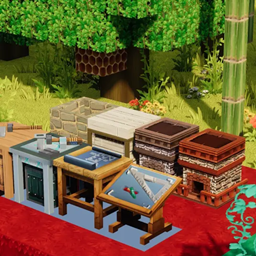
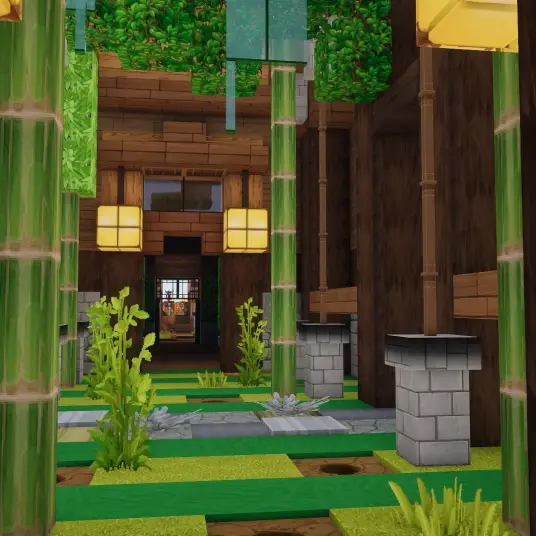
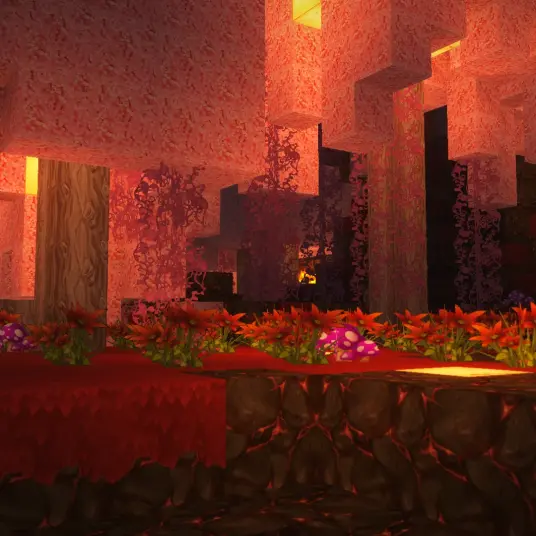
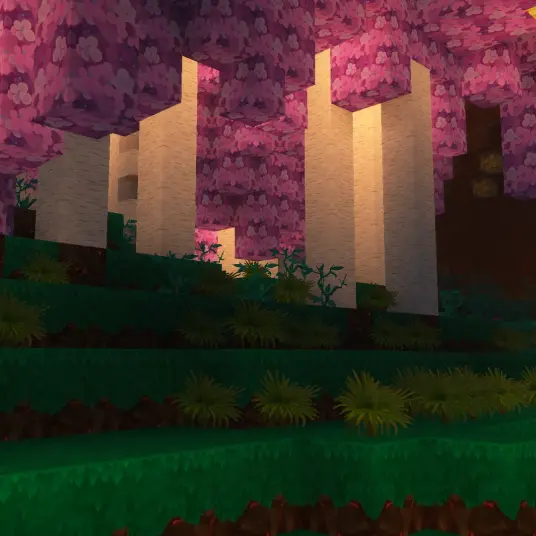
This resource pack revives the classic textures of old Mini World, evoking nostalgia for fans of retro block-style gaming. Version 1.0 focuses on recreating the charm of old-school block textures, with item textures still in progress and creature textures
by LingMowen
Download Claim this project
2,225 downloads
0 likes
Updated Oct 14, 2026
0 hypes
128x Medieval Miscellaneous Photo Realistic Traditional
Advertisement Remove ads with Premium →

High-Quality Replica Resource Pack of Mini World v0.44.2

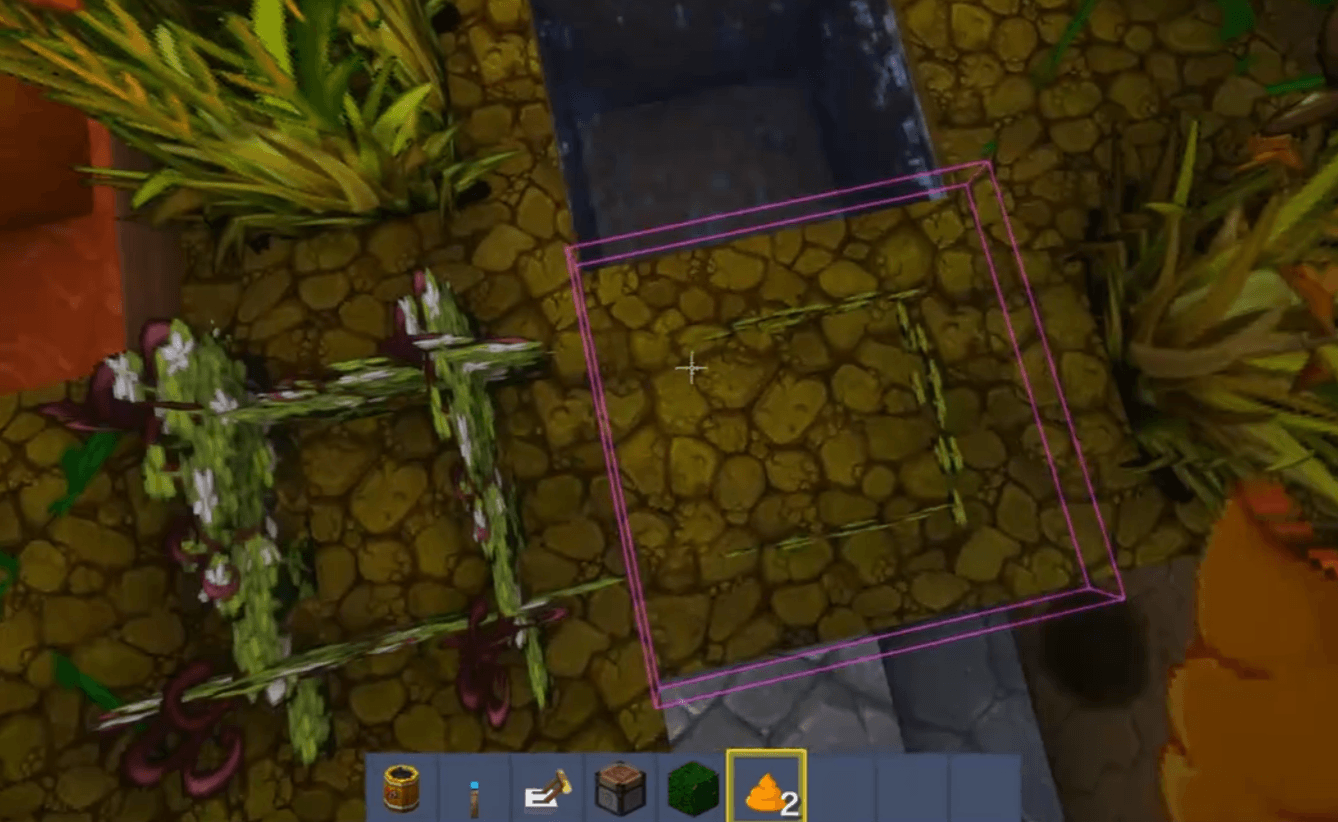
This resource pack focuses on recreating the visual style of Mini World's version 0.44.2, aiming to bring players a cross-game nostalgic experience.

Core Restoration Content:

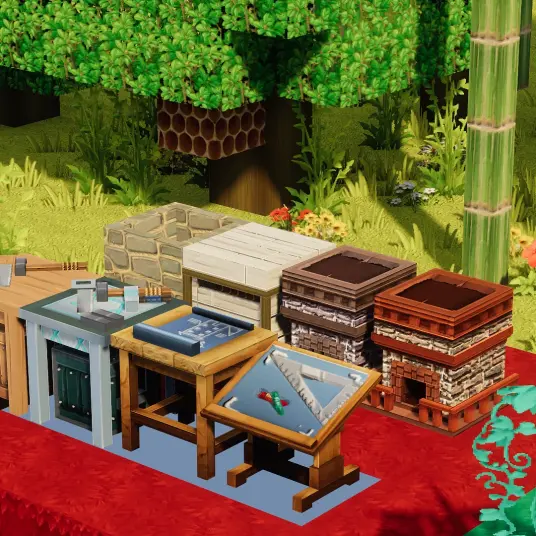
  • Custom Textures: Redrawn strictly based on the block and item textures from Mini World v0.44.2, including terrain blocks, tools, weapons, and basic props. Supplementary textures (for elements missing in the original Mini World version) maintain consistent styling.
  • Unique Models: Restored iconic item models (beds, storage boxes, etc.) using OptiFine's custom model features. OptiFine of the corresponding version must be installed; otherwise, models may display incorrectly.
  • Interfaces & Sound Effects: Recreated the old Mini World GUI layout, font styles, and classic scene sound effects to enhance immersion.

Important Notes:

  1. Compatibility: Supports Minecraft versions 1.12 to 1.18.2 (automatic pack_format adaptation). Texture misalignment may occur in other versions.
  2. Dependency Requirement: Must install OptiFine of the same Minecraft version to prevent color abnormalities in birch leaves, fir leaves, and other textures.
  3. Content Disclosure: Some music materials are sourced from other games (due to insufficient original Mini World music files), and some textures are stylized supplements, not directly extracted.

Future Plans:

  • Complete creature model restoration
  • Optimize compatibility for low-end devices
  • Expand sound effect coverage for more scenes

If you encounter model glitches or texture abnormalities, please first check your OptiFine installation status.

I will fix issues as soon as possible. Enjoy reliving the classics in the blocky world!

Mini World.zip
MC 1.20.1, 1.20, 1.20-Snapshot
Release 2025-08-20 Get
Mini World.zip
MC 1.13.1, 1.15-Snapshot, 1.14.4, 1.14.1, 1.14.3, 1.15, 1.13, 1.15.2, 1.14, 1.14.2, 1.13-Snapshot, 1.14-Snapshot, 1.13.2, 1.15.1
Release 2025-08-14 Get
Mini World.zip
MC 1.12.1, 1.12, 1.12.2, 1.12-Snapshot
Release 2025-08-14 Get
Mini World.zip
MC 1.16-Snapshot, 1.17.1, 1.16.3, 1.19.3, 1.16.1, 1.18.1, 1.19.4-Snapshot, 1.17, 1.16, 1.19.4, 1.19-Snapshot, 1.16.5, 1.18.2, 1.19.2, 1.19.1, 1.20-Snapshot, 1.17-Snapshot, 1.18
Release 2025-08-12 Get

Requirements & install

How to use this resource pack in Minecraft
Resolution
128x
Minecraft
1.19.1 – 1.20.1
Install folder
.minecraft/resourcepacks

How to install resource packs

  1. Download the resource pack .zip file (do not extract it).
  2. In Minecraft open Options → Resource Packs → Open Pack Folder.
  3. Drop the .zip into the resourcepacks folder (.minecraft/resourcepacks).
  4. Move the pack to the Selected column and click Done.

Packs from 128x upwards need more video memory: install a performance mod such as Sodium for smooth frame rates.

Browse more: 16x resource packs 32x resource packs 64x resource packs 128x resource packs 256x resource packs 512x+ resource packs Resource Packs for 1.20.1 All resource packs
Advertisement Remove ads with Premium →

You Might Also Like