Mineuniverse
Resource Packs
MineRooms - Backrooms Blocks

MineRooms - Backrooms Blocks

RESOURCE PACK
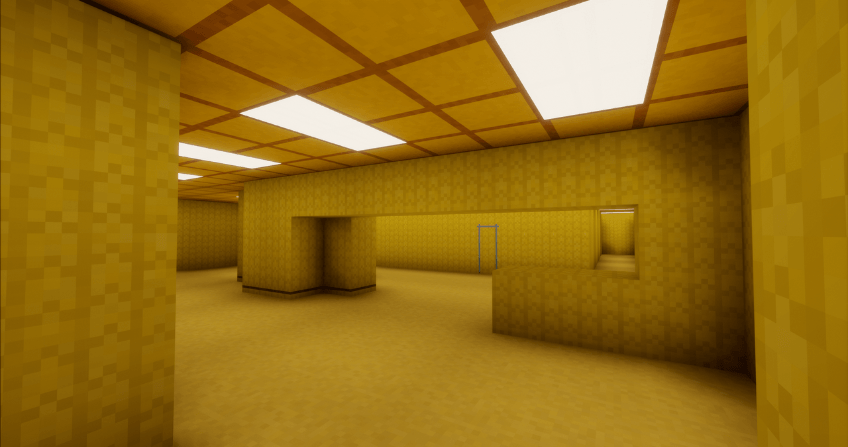
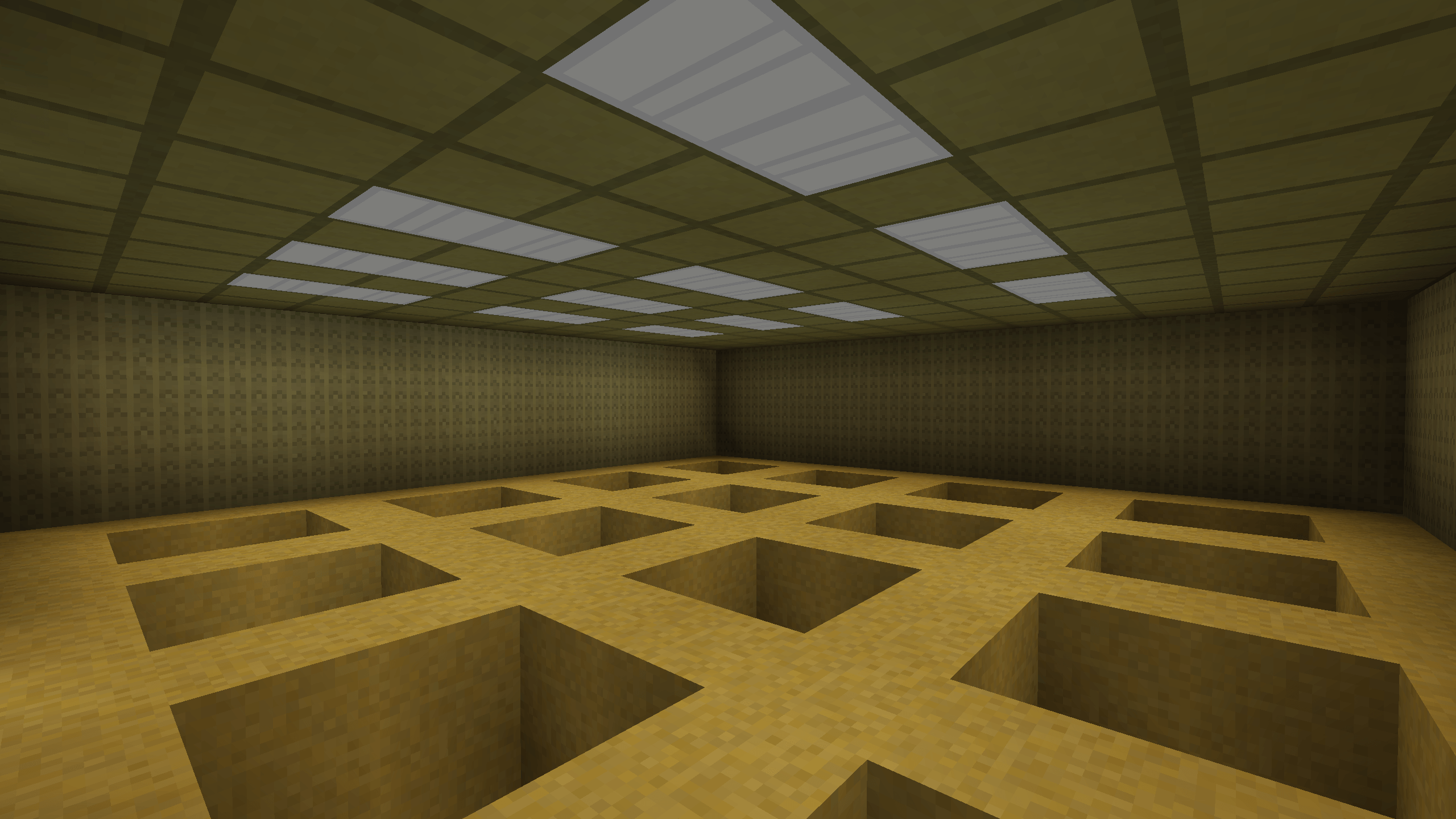
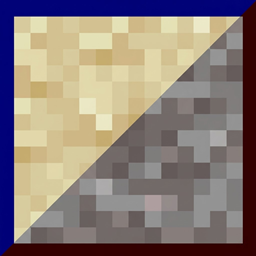
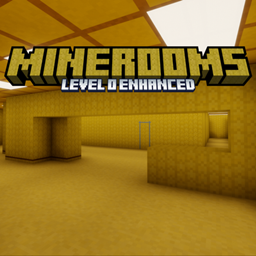
This Resource Pack reskins some blocks to Backrooms-styled blocks for use in maps or builds!
by AlexMuseMatrix
Download Claim this project
11,555 downloads
0 likes
0 followers
Updated Oct 14, 2026
0 hypes
Follow0
16x Traditional
Advertisement Remove ads with Premium →

MineRooms: Level 0 Enhanced

After almost a year, the update is finally here! Level 0 Enhanced has added many exciting features and texture updates, so here are some of the new features:

- Enhanced Backrooms Wall Texture
- Backrooms Trims and Tabletops
- Backrooms Wall with Blue Tape
- Improved Tile Texture
The Backrooms Wall Texture has been improved, to make it slightly yellow-ish and more true to the originial image. Backrooms Trims and Backrooms Tabletop Walls have been added to add a bit of flavor to the builds. The tile texture was also improved.
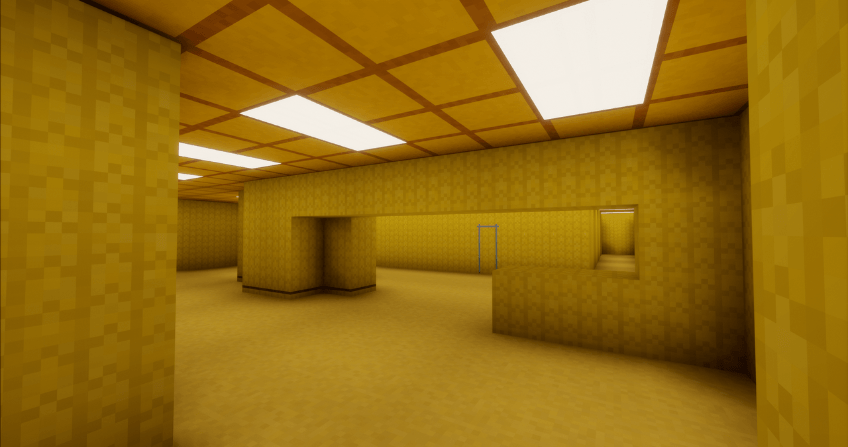


All Blocks So Far:

Level 0 Carpet (Yellow Wool)
Level 0 Walls (Bamboo and Birch Wood Set)
Level 0 Walls with Trims
Level 0 Walls with Surfaces
Level 0 Tiles (Polished Diorite Set)
Office Tiles (Polished Granite Set
Flickering Fluorescent Light (Sea Lantern)
Blank Walls (Birch Planks)
Blank Walls with Blue Tape Door (Stripped Bamboo and Bamboo)
Level 0 Walls with Blue Tape Door (Bamboo Planks and Bamboo Mosaic)
Vents (Iron Trapdoor)
Flurocent Sky Light (Ochre Froglight)
And more to come in next secret update 🤫

MineRooms - Level 0 Enhanced - 1.21.2 + 1.21.3
MC 1.21.3, 1.21.2
Release 2026-08-12 Get
MineRooms - Level 0 Enhanced - 1.21.1
MC 1.21, 1.21.1
Release 2026-08-08 Get
Level 0 - Version 88 [26.2]
MC 26.2
Release 2026-06-23 Get
Level 0 - Version 84 [26.1]
MC 26.1
Release 2026-03-25 Get
Level 0 - Version 18
MC 1.20.2
Release 2026-02-14 Get
Level 0 - Version 22
MC 1.20.4, 1.20.3
Release 2026-02-14 Get
Level 0 - Version 32
MC 1.20.5, 1.20.6
Release 2026-02-14 Get
Level 0 - Version 34
MC 1.21, 1.21.1
Release 2026-02-14 Get
Level 0 - Version 42
MC 1.21.3, 1.21.2
Release 2026-02-14 Get
Level 0 - Version 46
MC 1.21.4
Release 2026-02-14 Get
Level 0 - Version 55
MC 1.21.5
Release 2026-02-14 Get
Level 0 - Version 63
MC 1.21.6
Release 2026-02-14 Get
Level 0 - Version 64
MC 1.21.8, 1.21.7
Release 2026-02-14 Get
Level 0 - Version 69
MC 1.21.9, 1.21.10
Release 2026-02-14 Get
Level 0 - Version 75 [1.21.11]
MC 1.21.11
Release 2026-02-14 Get
Level 0 - Version 13
MC 1.19.4
Release 2026-02-11 Get
Level 0 - Version 15
MC 1.20.1, 1.20
Release 2026-02-11 Get
Level 0 - Version 9
MC 1.19.1, 1.19.2, 1.19
Release 2026-02-09 Get
Level 0 - Version 12
MC 1.19.3
Release 2026-02-09 Get

Requirements & install

How to use this resource pack in Minecraft
Resolution
16x
Minecraft
1.21.6 – 26.2
Install folder
.minecraft/resourcepacks

How to install resource packs

  1. Download the resource pack .zip file (do not extract it).
  2. In Minecraft open Options → Resource Packs → Open Pack Folder.
  3. Drop the .zip into the resourcepacks folder (.minecraft/resourcepacks).
  4. Move the pack to the Selected column and click Done.
Browse more: 16x resource packs 32x resource packs 64x resource packs 128x resource packs 256x resource packs 512x+ resource packs Resource Packs for 26.2 All resource packs

More from AlexMuseMatrix

Advertisement Remove ads with Premium →

You Might Also Like