Mineuniverse
Resource Packs
mineRail

mineRail

RESOURCE PACK
Resource Pack of rail
by 3KE3
Download Claim this project
Add a badge to your pageLink to mineRail from a README, website or forum post.
Preview: Badge

Badges update automatically and link to the resource pack page on MineUniverse.

1,292 downloads
0 likes
0 followers
Updated Oct 14, 2026
0 hypes
Follow0
16x Animated
Advertisement Remove ads with Premium →

Support for mods is currently in progress at 1.18!!!!!!!!

A conforming version is required.

You need to select the required version from "Files".

If a resource pack doesn't have any updates, the latest pack will work with the current version of Minecraft, if you're using an older version of Minecraft, use a matching or close version.

 minerail

1.1.0 Update!!

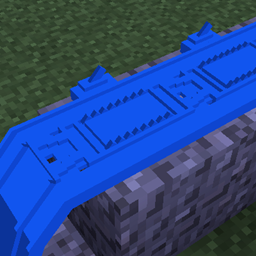
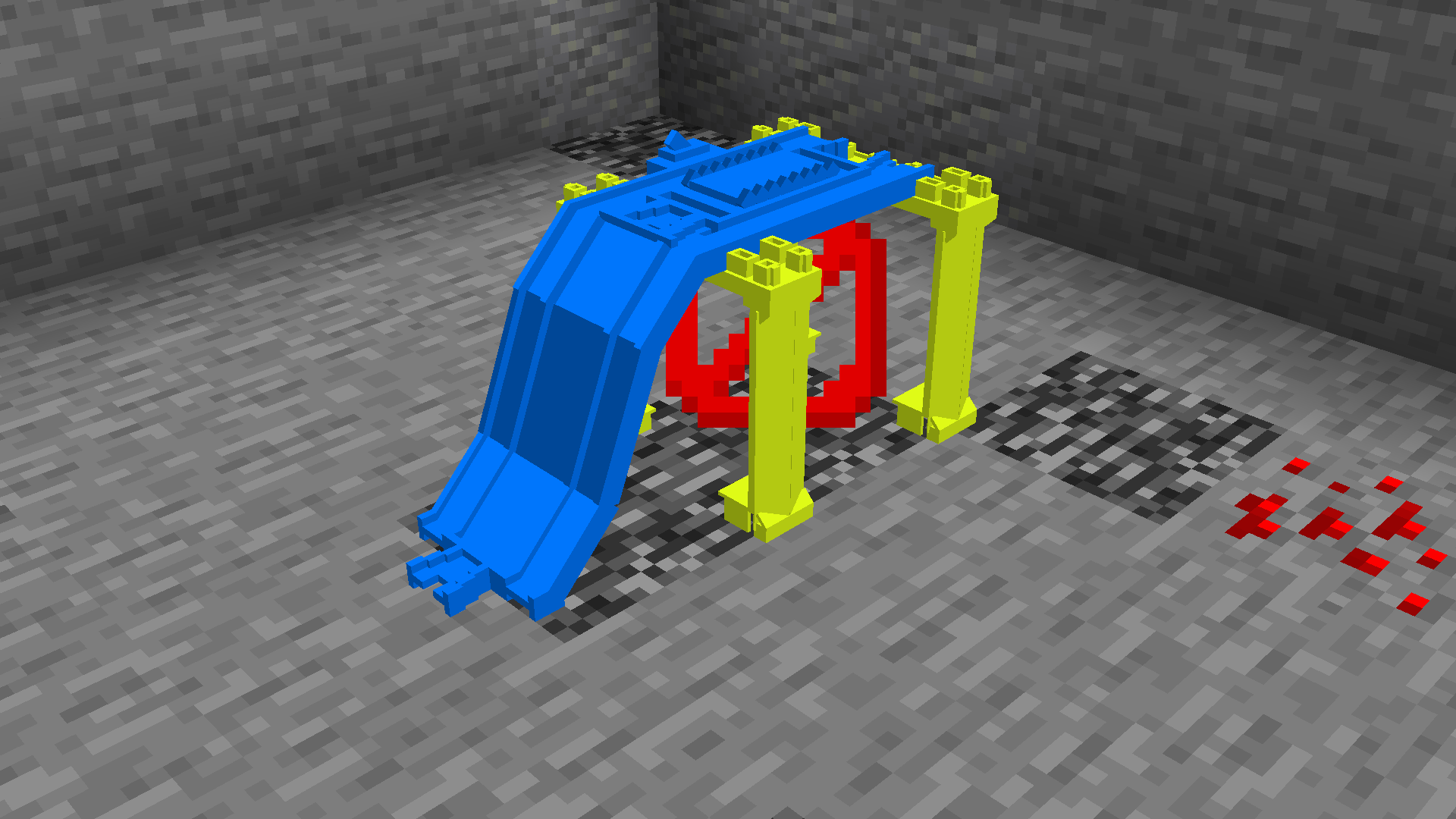
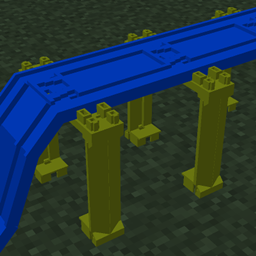
When installed on barrier blocks or slime blocks, various flat rails display the pier!!


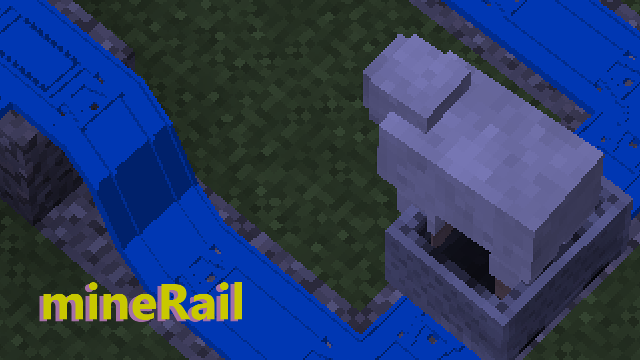
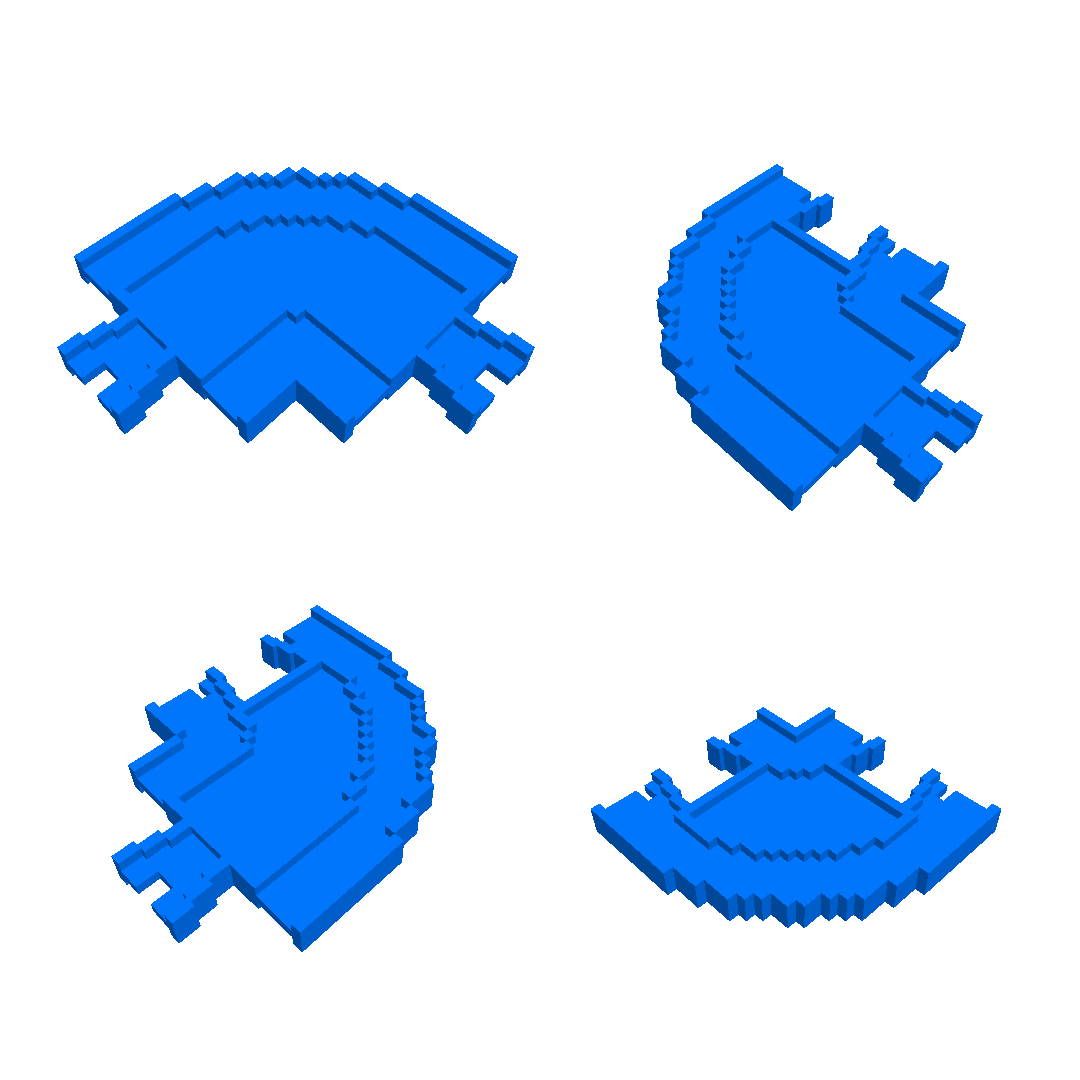
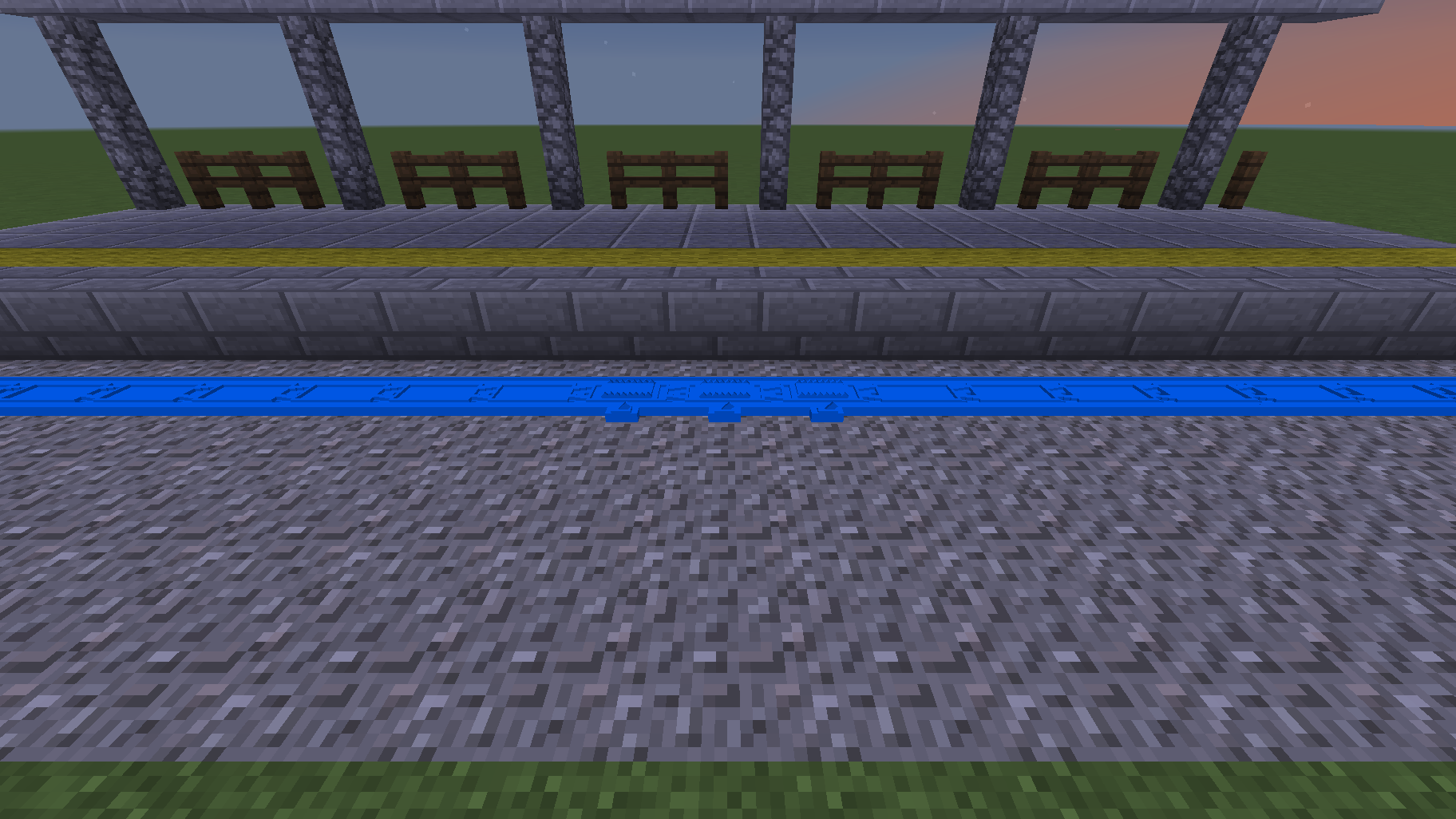
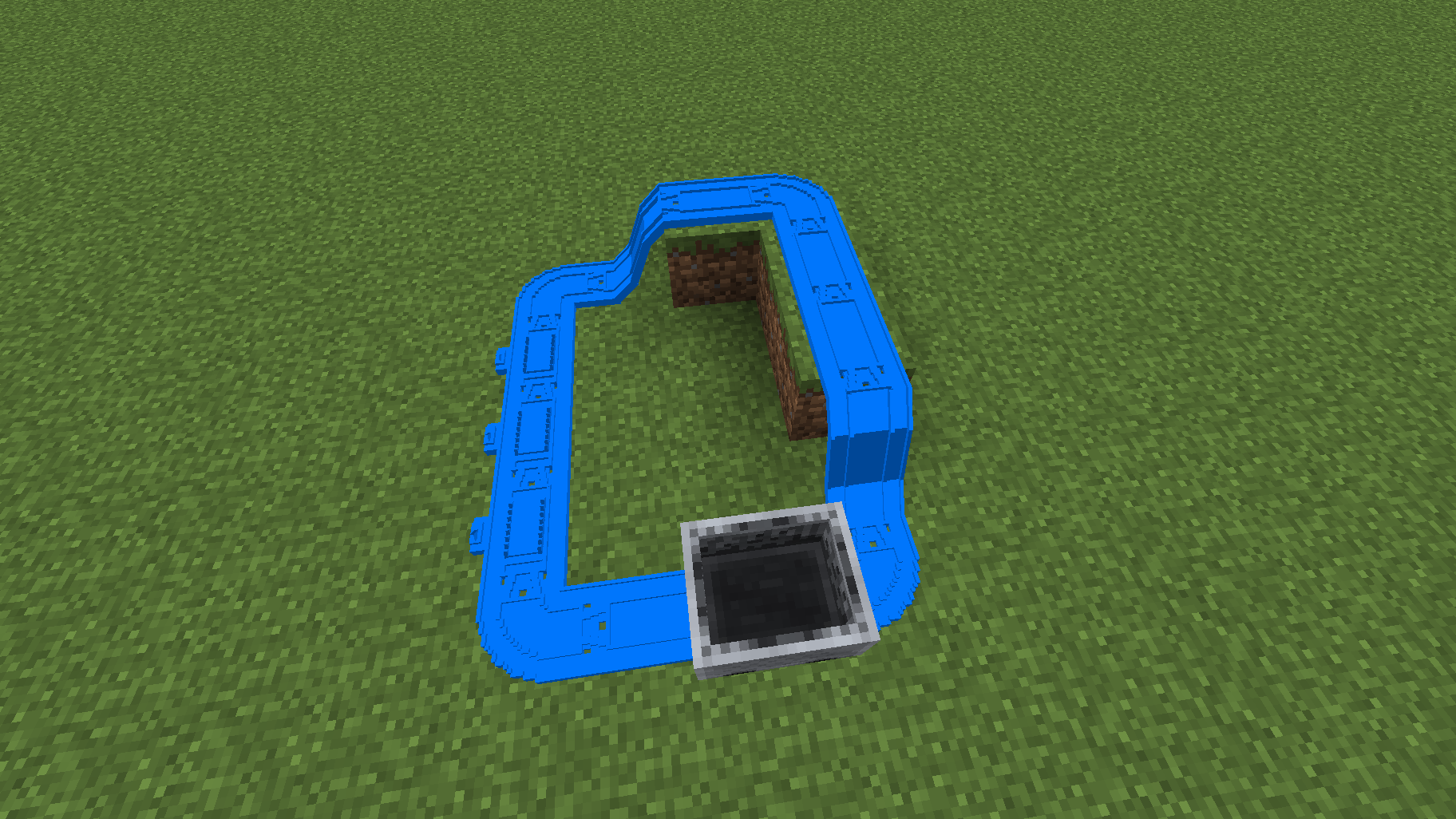
This pack changes to rails like toys that Japanese boys know.

Designed to blend naturally with Vanilla Minecraft.

Change block list:

-Rail

-Powered Rail

-Activator Rail

-Detector Rail

Note:Some rails may be the same model as regular rails.

This pack used BDCraft.

mineRail+v1.1.1+MC1.18+vanilla.zip
MC 1.19.3, 1.20.2, 1.21.2-Snapshot, 1.21, 1.21.6-snapshot, 1.18.1, 1.20.5, 1.21.5, 1.19.4, 1.21.1-Snapshot, 1.21.4, 1.21.5-Snapshot, 1.18.2, 1.19.2, 1.20.3, 1.20.1, 1.20, 1.20.6
Release 2022-01-04 Get
mineRail+v1.1.1+MC1.16.2-1.17.zip
MC 1.16.3, 1.17, 1.16.5, 1.17-Snapshot, 1.16.4, 1.16.2
Release 2021-06-13 Get
mineRail+v1.1.0+MC1.16.2.zip
MC 1.16.3, 1.16.5, 1.16.4, 1.16.2
Release 2020-10-13 Get
mineRail+v1.1.0+MC1.8-1.12.zip
MC 1.9.1, 1.9.3, 1.8.7, 1.10-Snapshot, 1.9.4, 1.9.2, 1.8.4, 1.12.1, 1.12, 1.8.8, 1.10.2, 1.8.3, 1.11, 1.8.6, 1.10, 1.10.1, 1.8, 1.9-Snapshot, 1.8.2, 1.11.1, 1.11.2, 1.9, 1.8.5
Release 2020-04-30 Get
mineRail+v1.1.0+MC1.13-1.14.zip
MC 1.13.1, 1.14.4, 1.14.1, 1.14.3, 1.13, 1.14, 1.14.2, 1.14-Snapshot, 1.13.2
Release 2020-04-30 Get
mineRail+v1.1.0+MC1.15-1.16.zip
MC 1.16.1, 1.15, 1.16, 1.15.2, 1.15.1
Release 2020-04-30 Get

Requirements & install

How to use this resource pack in Minecraft
Resolution
16x
Minecraft
1.20.6 – 1.21.6-snapshot
Install folder
.minecraft/resourcepacks

How to install resource packs

  1. Download the resource pack .zip file (do not extract it).
  2. In Minecraft open Options → Resource Packs → Open Pack Folder.
  3. Drop the .zip into the resourcepacks folder (.minecraft/resourcepacks).
  4. Move the pack to the Selected column and click Done.
Browse more: 16x resource packs 32x resource packs 64x resource packs 128x resource packs 256x resource packs 512x+ resource packs Resource Packs for 1.21.6-snapshot All resource packs

More from 3KE3

Advertisement Remove ads with Premium →

You Might Also Like