Mineuniverse
Resource Packs
MineLoL 2.0 [32x]

MineLoL 2.0 [32x]

RESOURCE PACK
One of Many Realistic Looks. Made for you to enjoy!
by Caspero_A
Download Claim this project
573 downloads
0 likes
0 followers
Updated Oct 14, 2026
0 hypes
Follow0
32x Medieval Photo Realistic Traditional
Advertisement Remove ads with Premium →

ALL video showcases of this pack is outdated, so there's currently no video I can show you. So if you make a video showcase of this pack, let me know. =)


----------------------HOW TO USE-------------------------
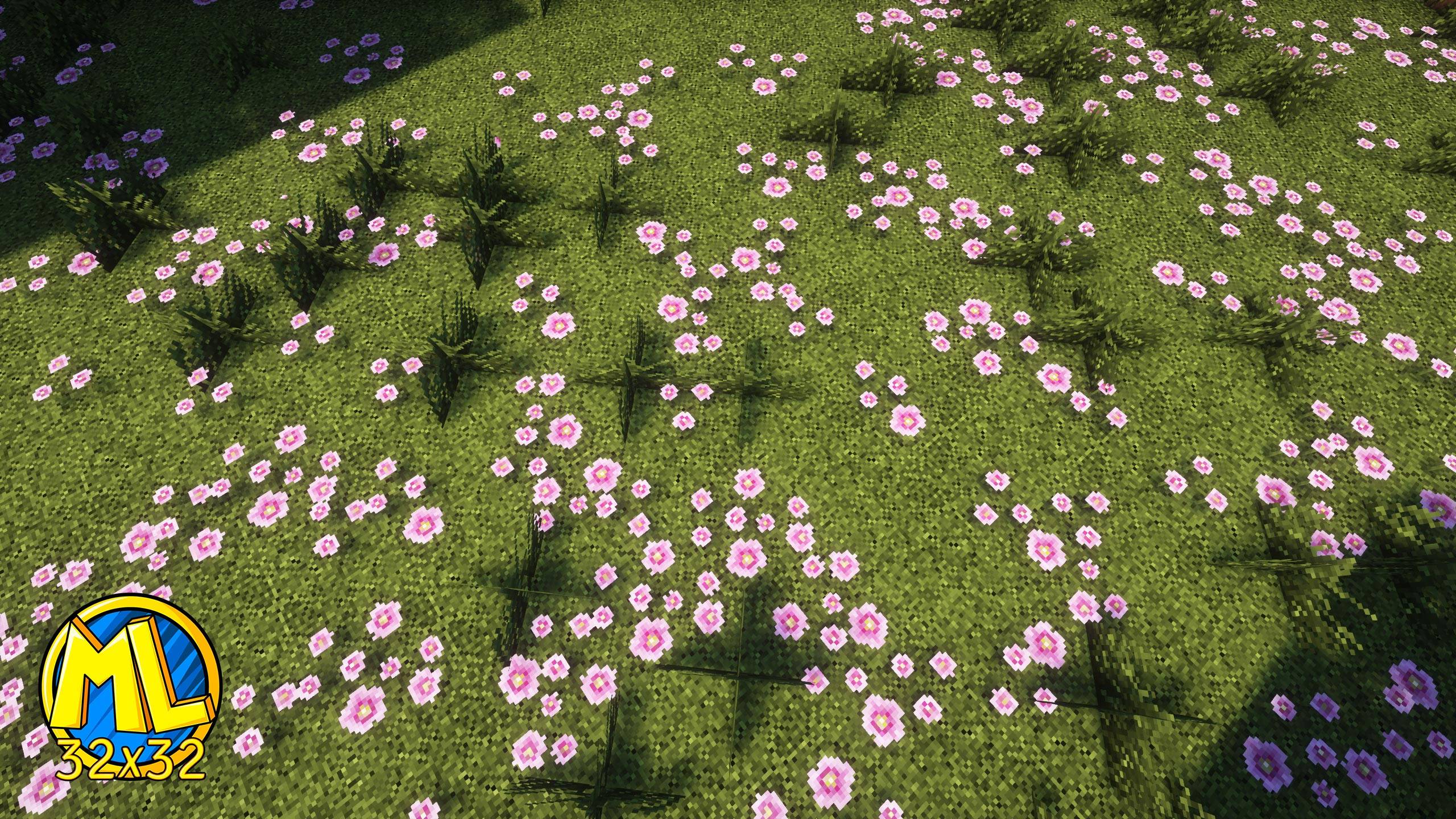
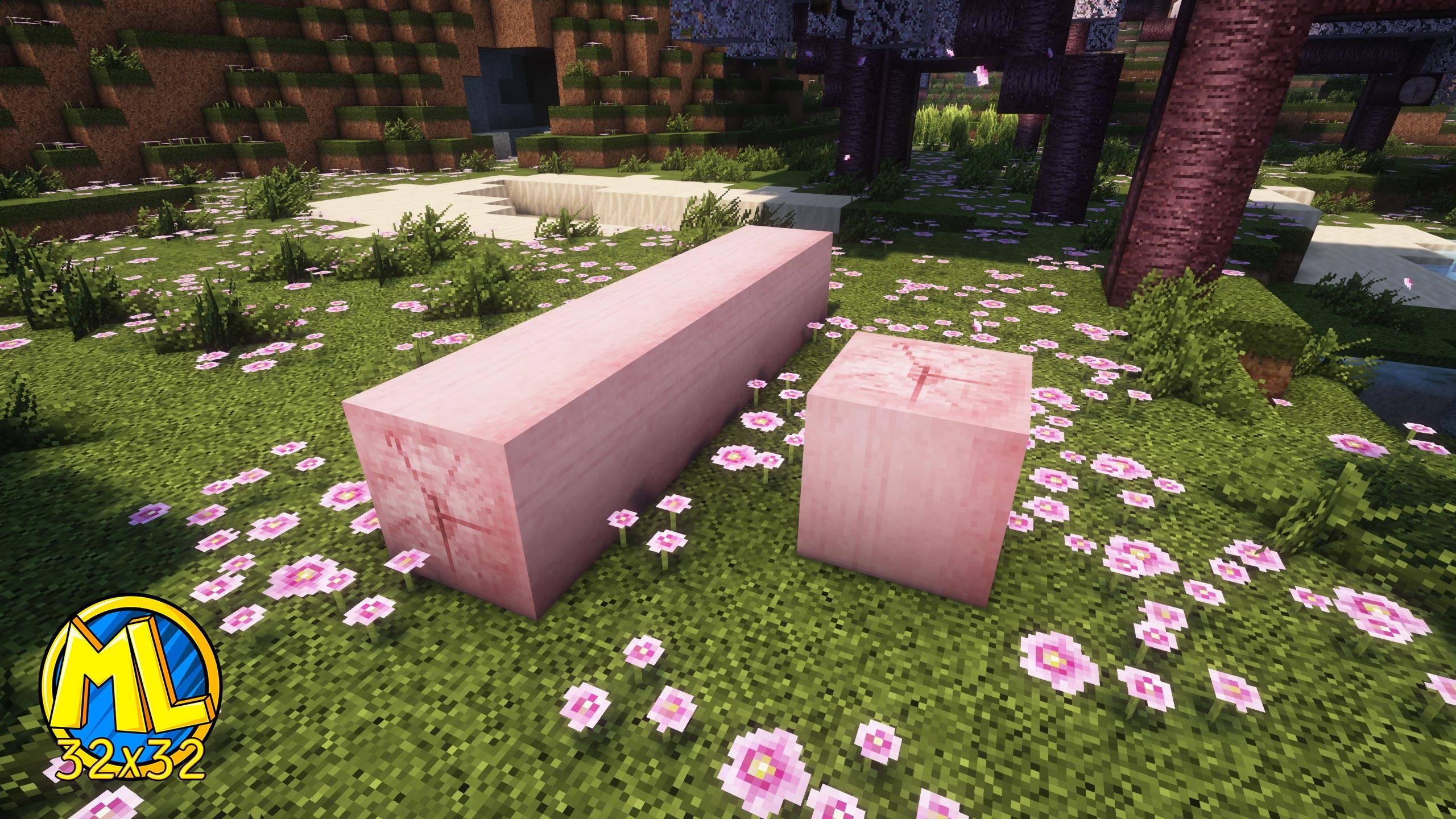
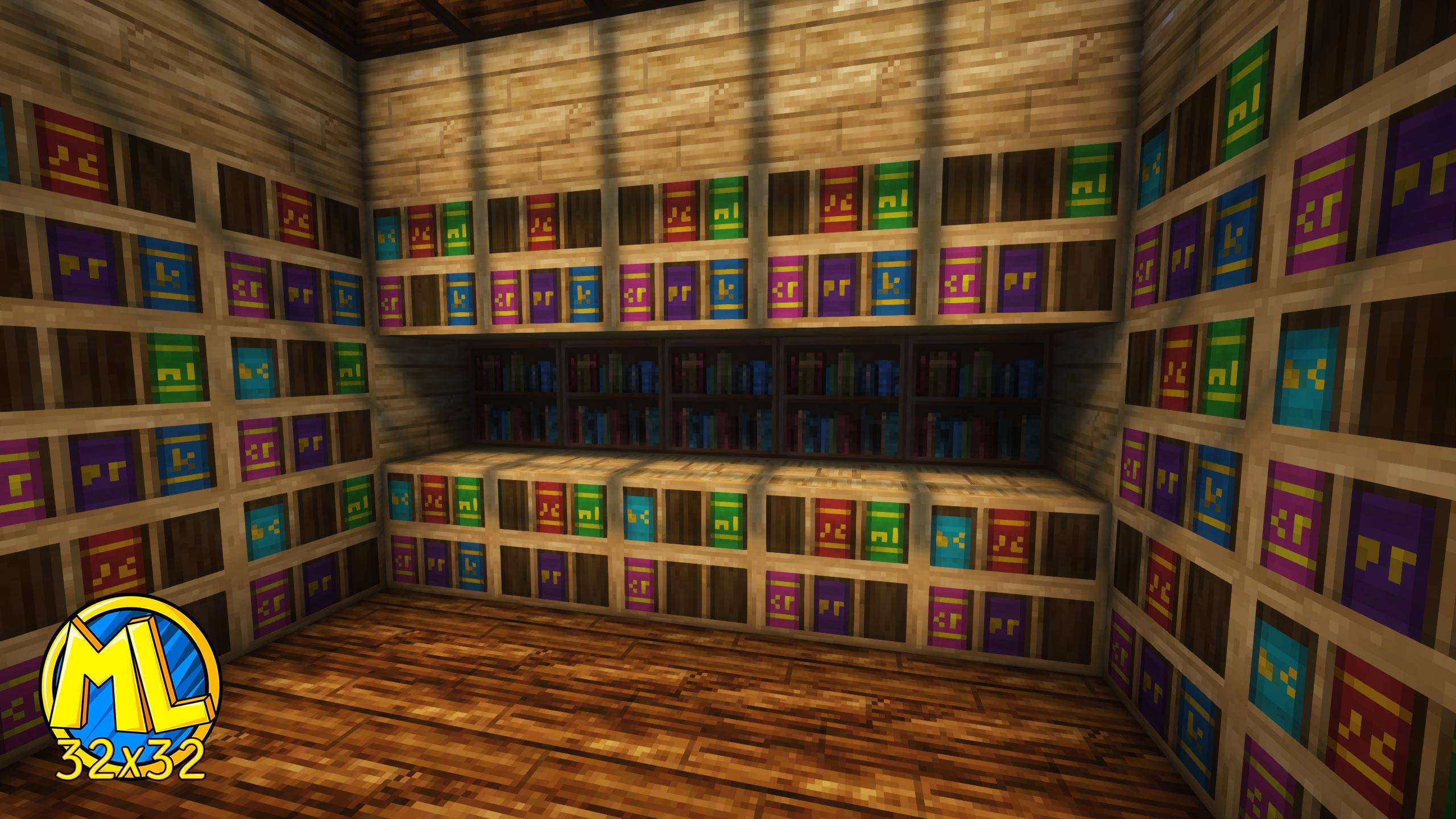
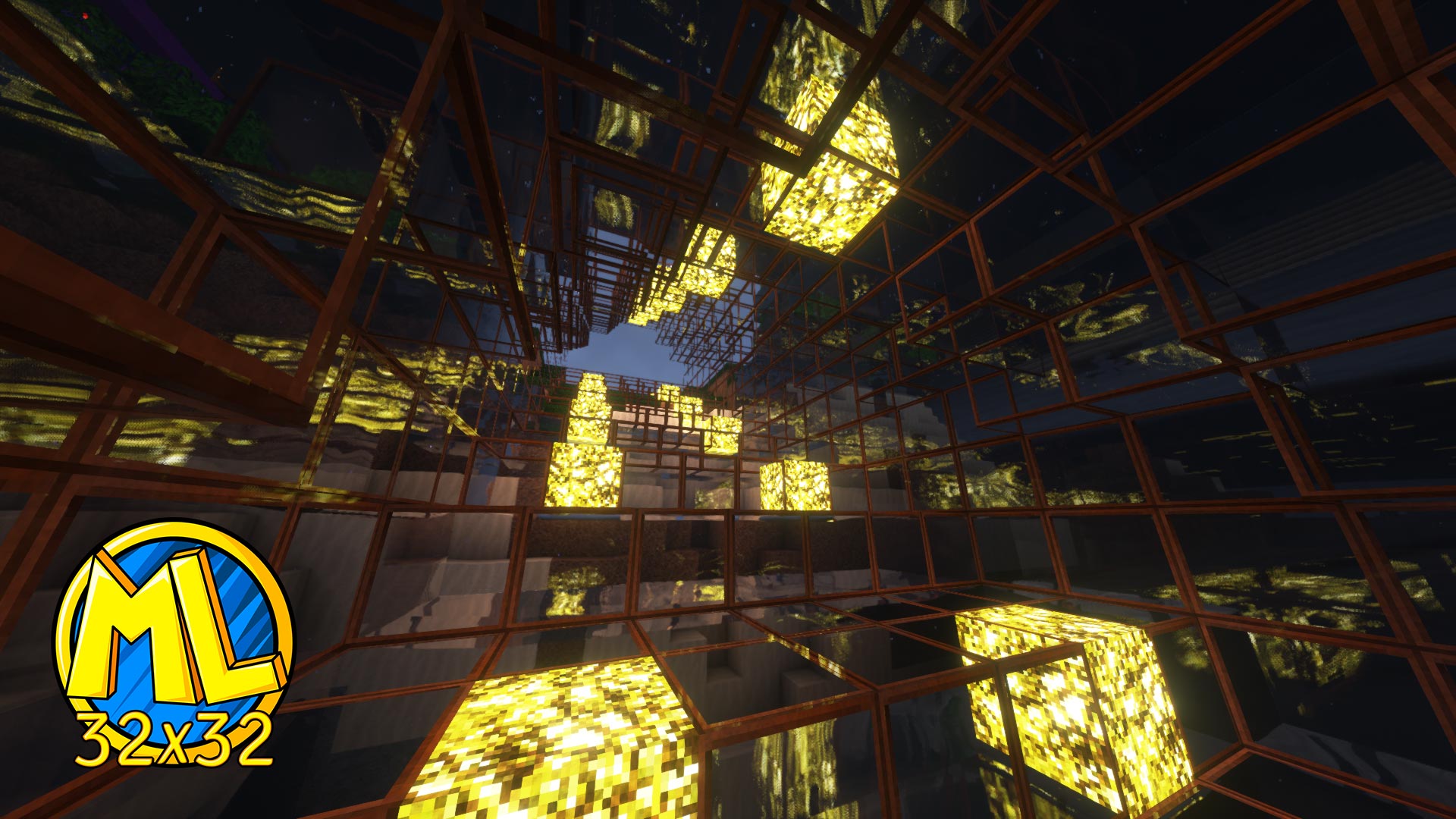
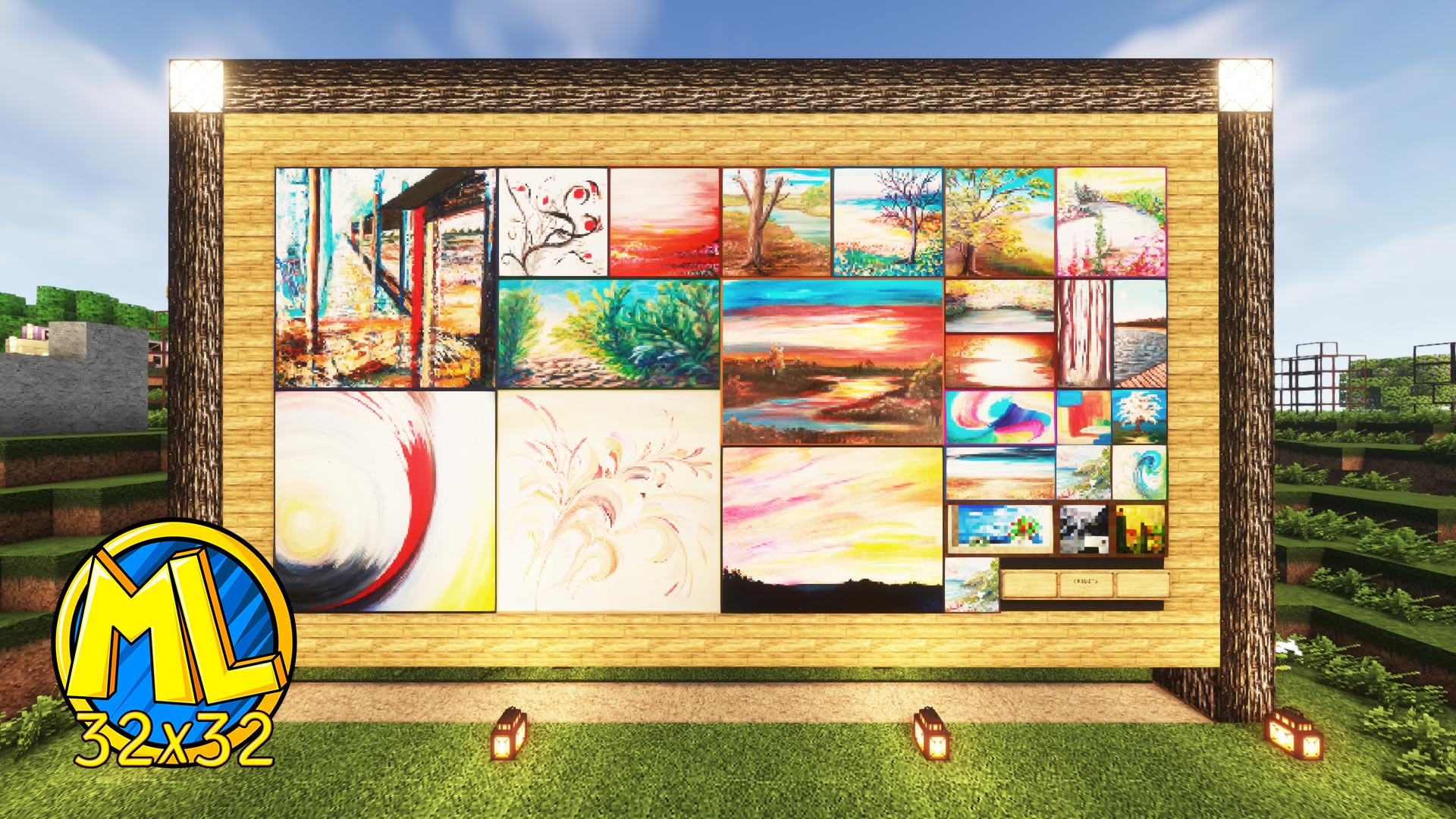
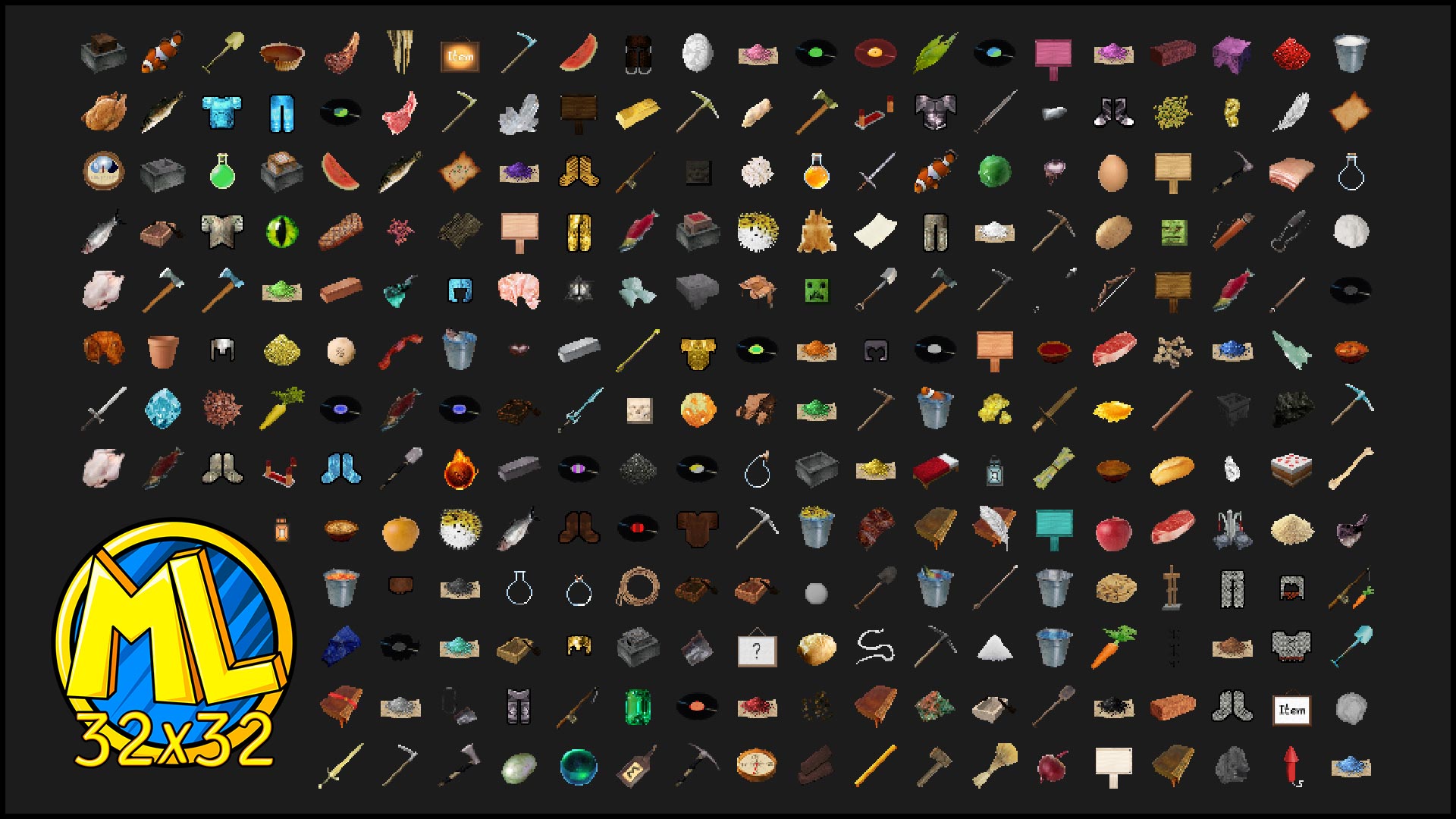
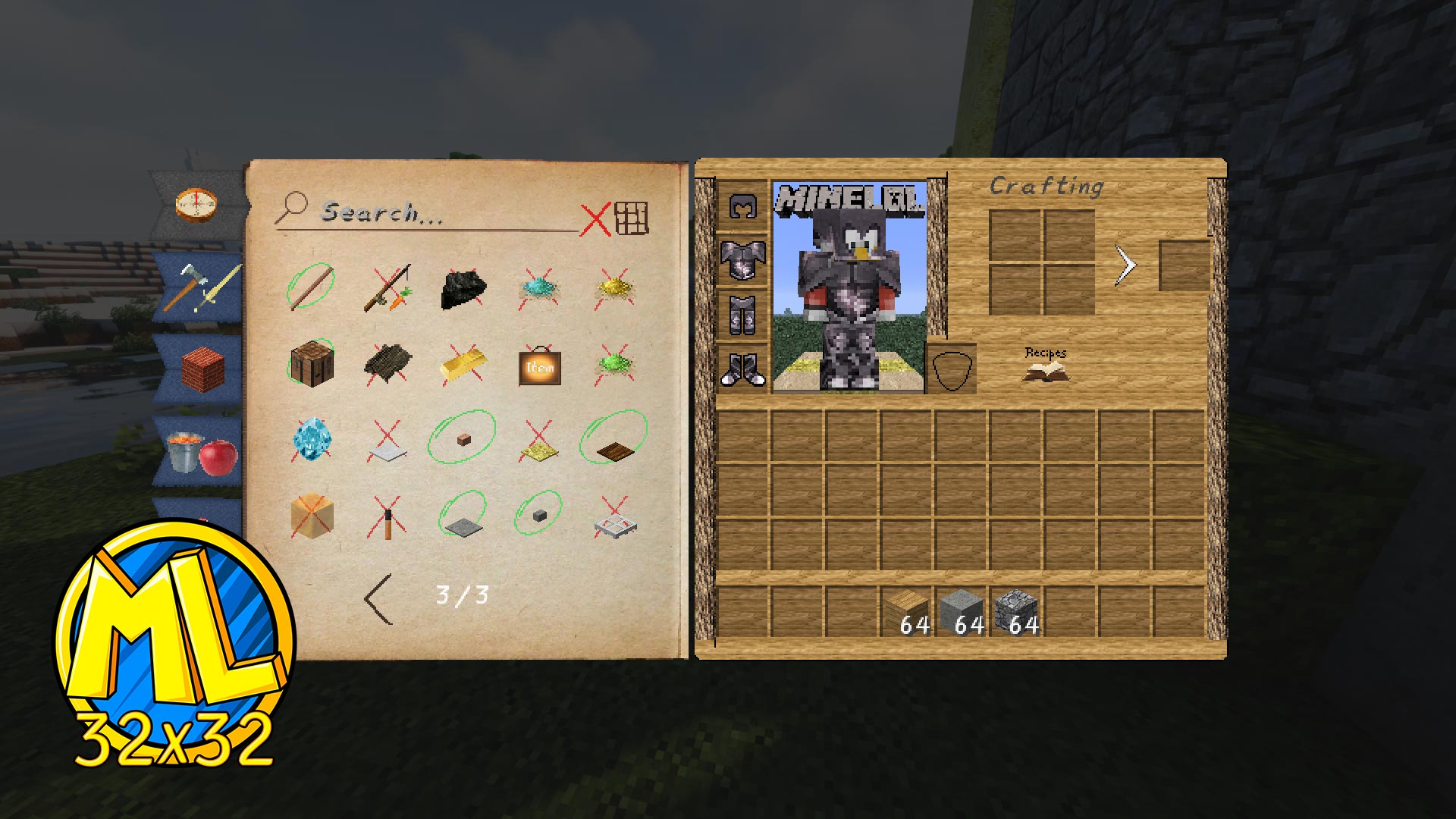
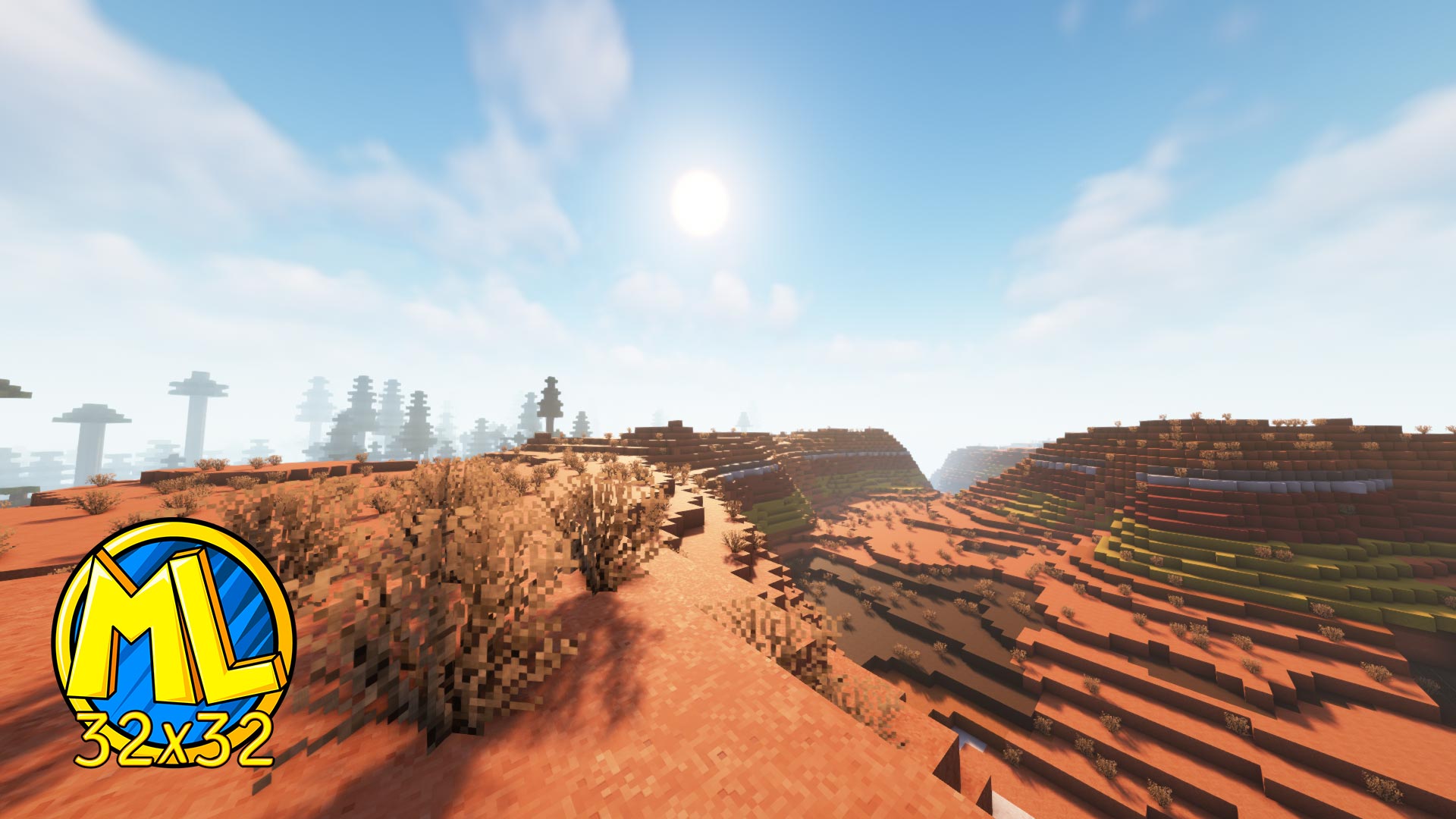
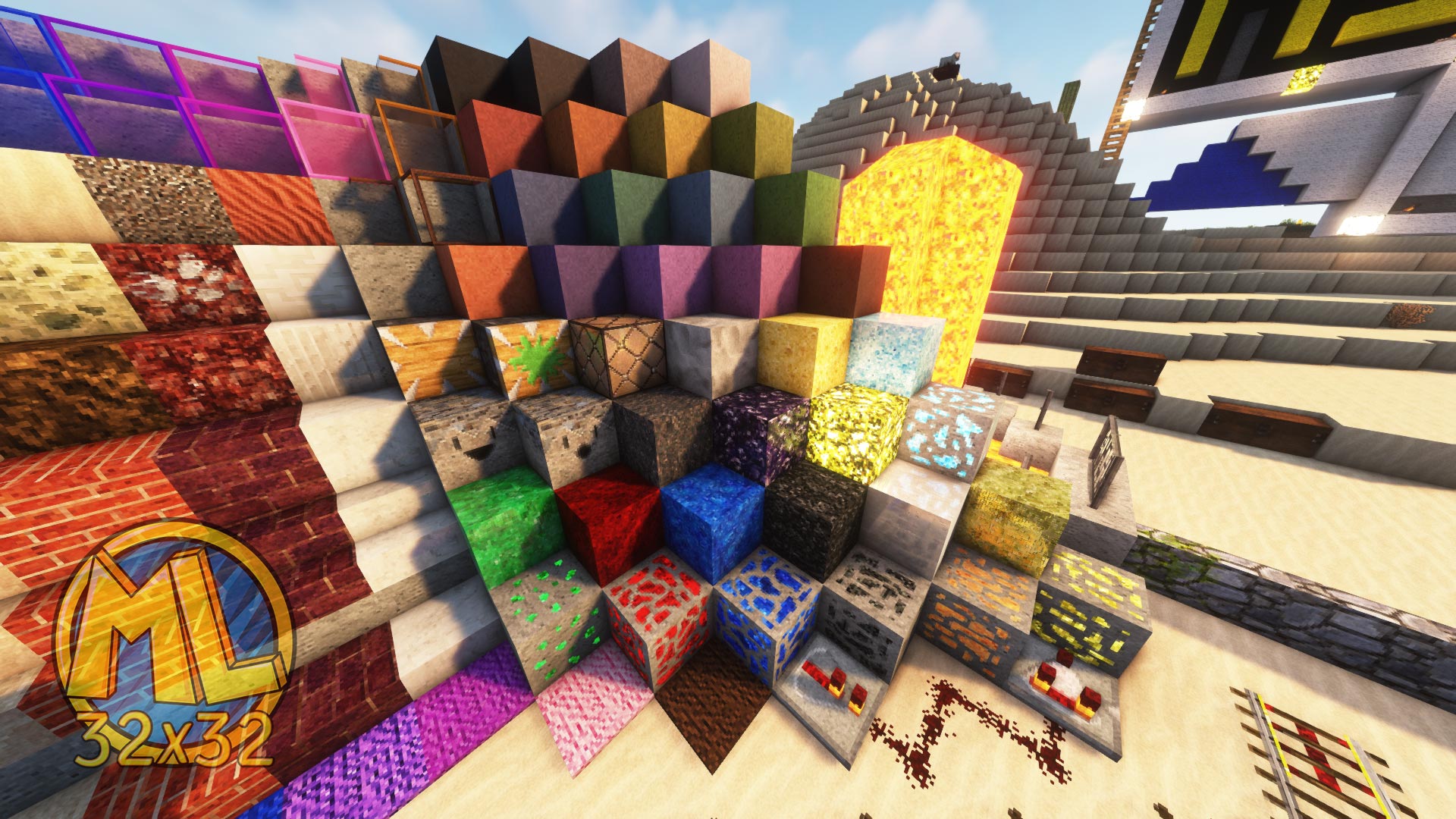
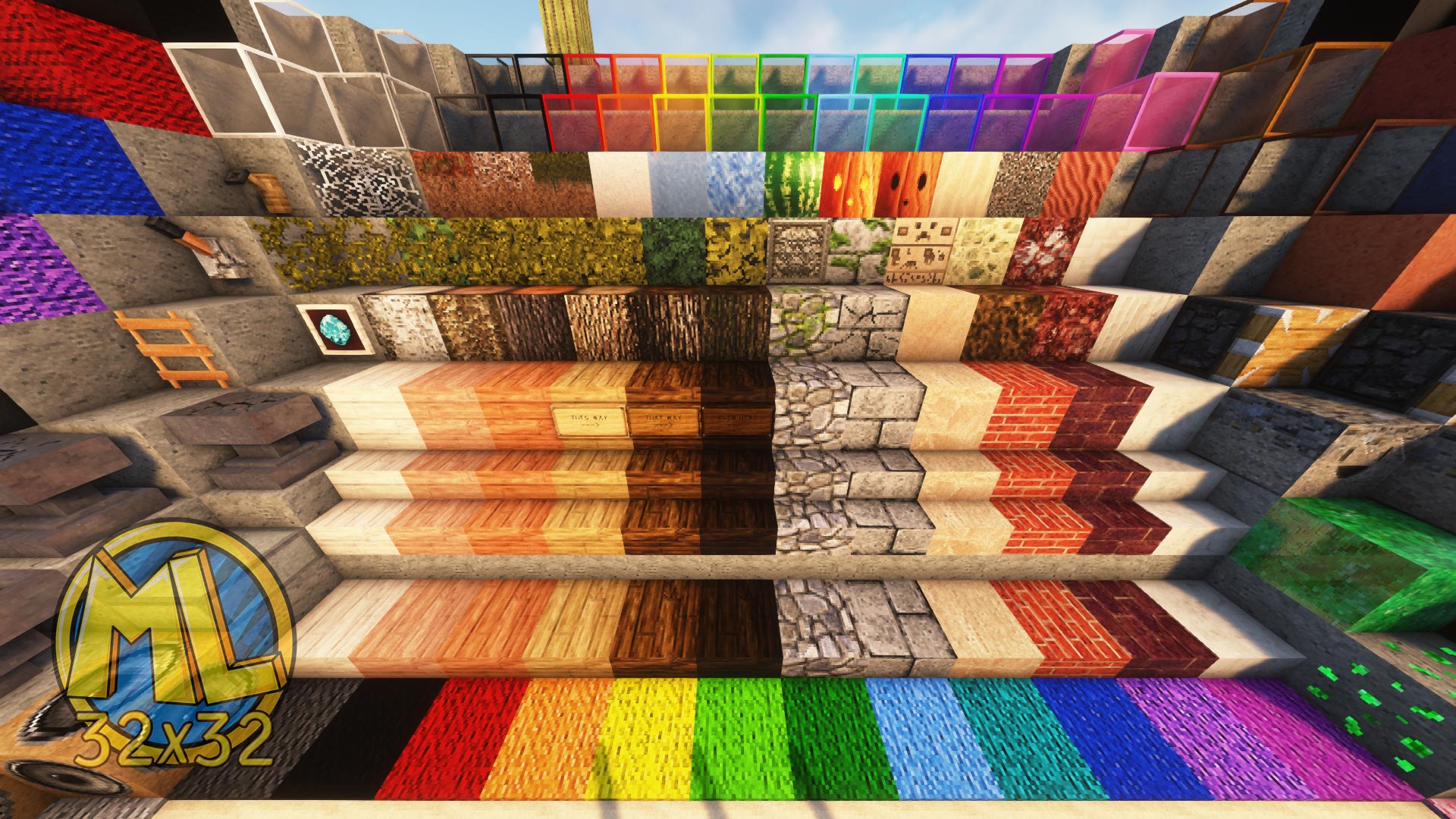
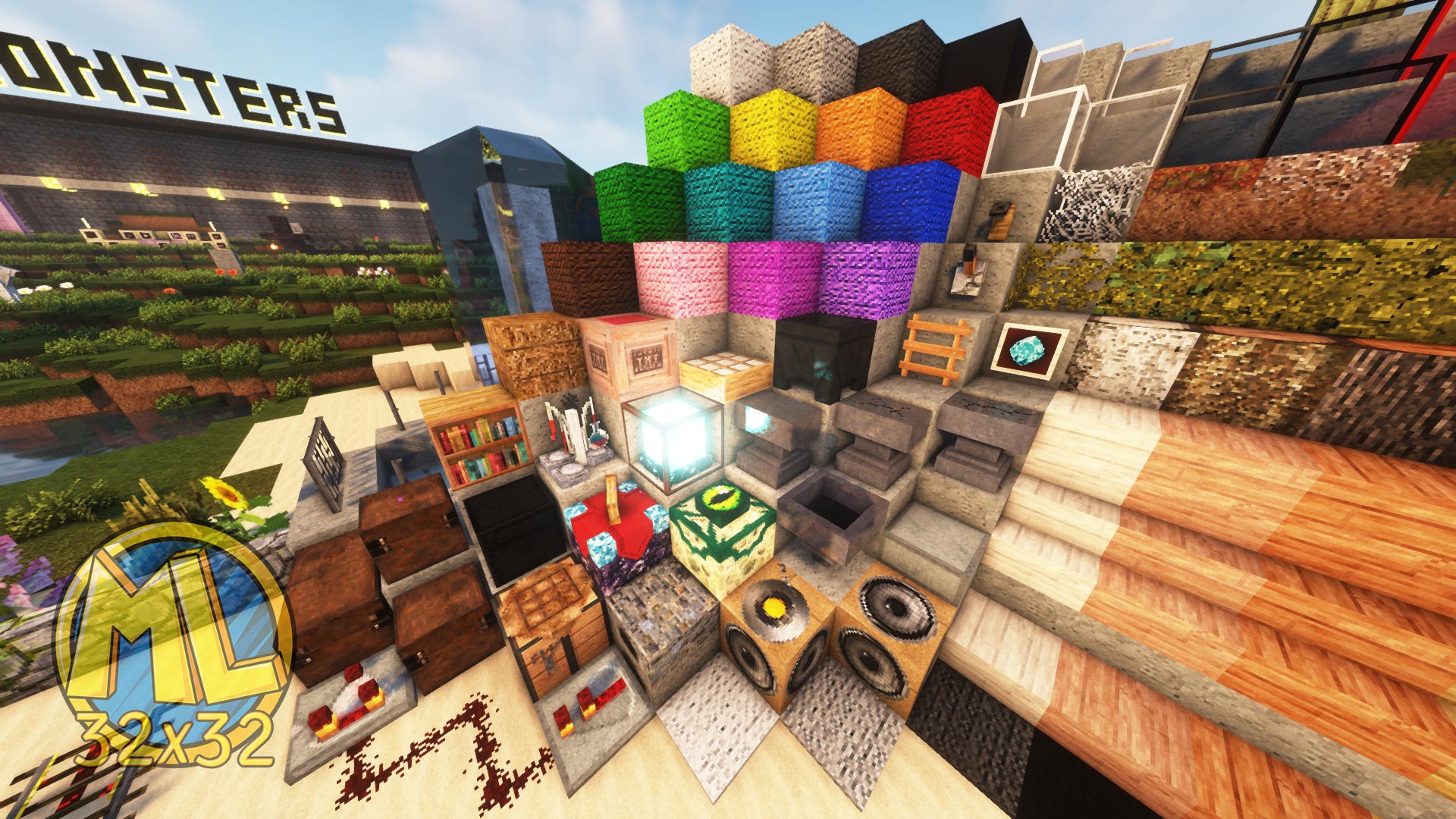
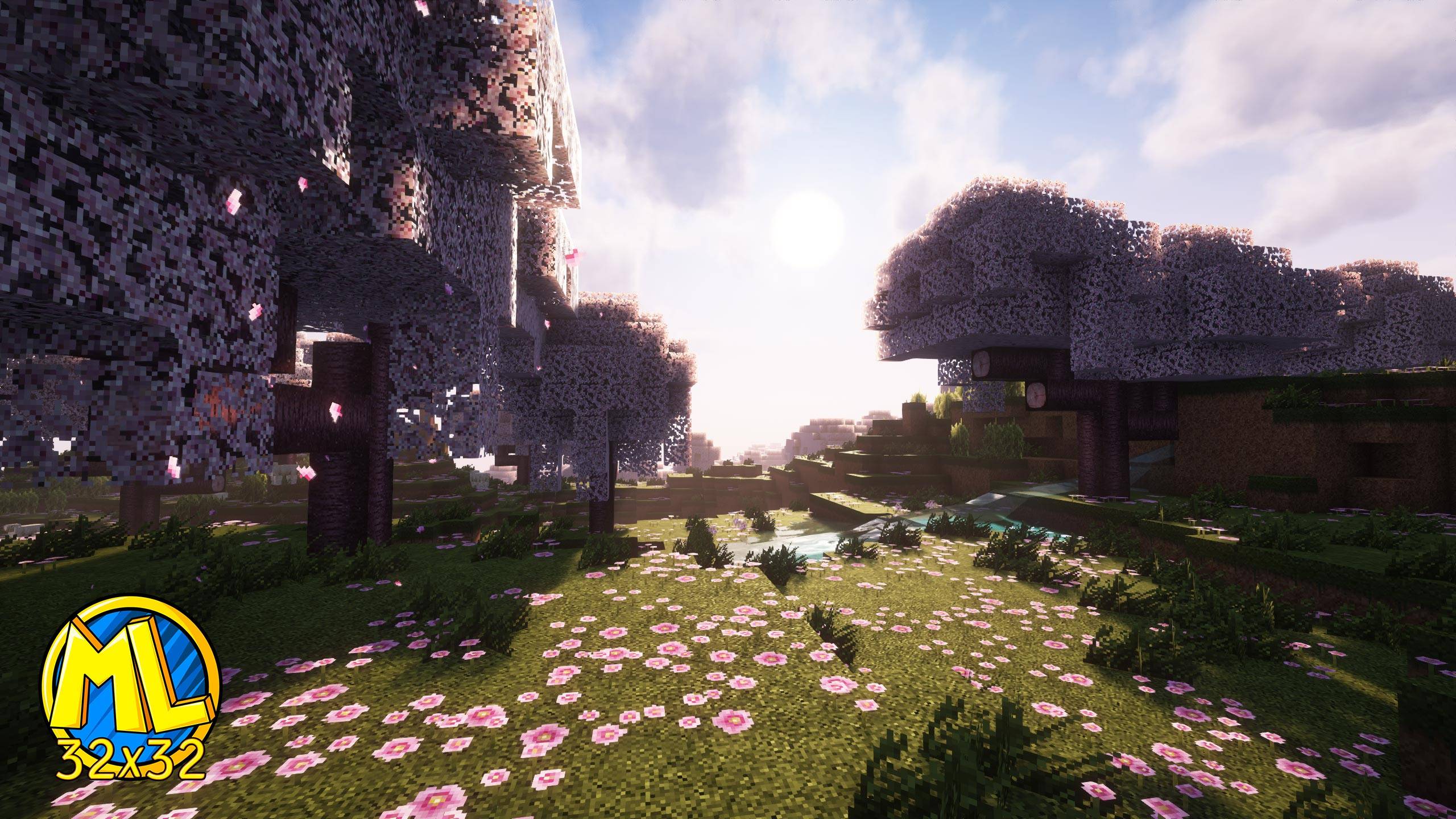
If you want it too look just as the pictures:

INSTALL: Iris Shaders (to run shader packs) also helps your Minecraft run smoother

Shader Pack - Complementary shaders pack

SETTINGS: Make sure RP support is set to Integrated PBR+:
Go to shader pack settings: ESC>Options>Video Settings..>Shader Packs...>Shader Pack Settings...'


Then press on 'RP Support:' until it says: 'Integrated PBR+' Then hit 'APPLY' and you're all set!



---------------PATREON--------------------
This 32x32 version will be kept free as it has always been. =)

Also have a second Resource Pack project I'm very excited about! A 512x Realistic PBR Pack, take a look by clicking here

For those who are interested in getting access to all my packs (up to 512x).. Go to my Patreon here for more info: https://www.patreon.com/CaspersTextures

A peak doesn't hurt ;D


------------------Feedback-----------------
If you have any feedback suggestions or need help, go join the Discord Server. or comment below.


-----------Thank You!-------------
Lastly I just wanna say thank you for Everyone who has supported me throughout the years, no matter how small and that I can't wait to share this new journey with you. =D

MineLoL 1.20.4+ v0.15 [32x].zip
MC 1.20.3, 1.20.4
Release 2024-04-11 Get
MineLoL 1.20.4+ v0.13 [32x].zip
MC 1.20.3, 1.20.4
Release 2024-02-10 Get

Requirements & install

How to use this resource pack in Minecraft
Resolution
32x
Minecraft
1.20.3 – 1.20.4
Install folder
.minecraft/resourcepacks

How to install resource packs

  1. Download the resource pack .zip file (do not extract it).
  2. In Minecraft open Options → Resource Packs → Open Pack Folder.
  3. Drop the .zip into the resourcepacks folder (.minecraft/resourcepacks).
  4. Move the pack to the Selected column and click Done.
Browse more: 16x resource packs 32x resource packs 64x resource packs 128x resource packs 256x resource packs 512x+ resource packs Resource Packs for 1.20.4 All resource packs

More from Caspero_A

Advertisement Remove ads with Premium →

You Might Also Like