Mineuniverse
Resource Packs
MineBright

MineBright

RESOURCE PACK
Ressource pack which make your texture better for PVP, build, survival and other.
by Reddarck
Download Claim this project
Add a badge to your pageLink to MineBright from a README, website or forum post.
Preview: Badge

Badges update automatically and link to the resource pack page on MineUniverse.

363 downloads
0 likes
0 followers
Updated Oct 14, 2026
0 hypes
Follow0
16x Miscellaneous Traditional
Advertisement Remove ads with Premium →

Minebright Ressource pack :

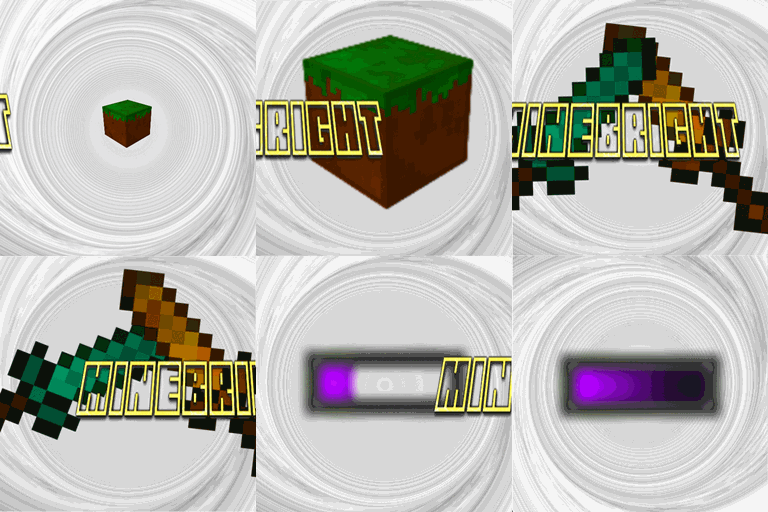
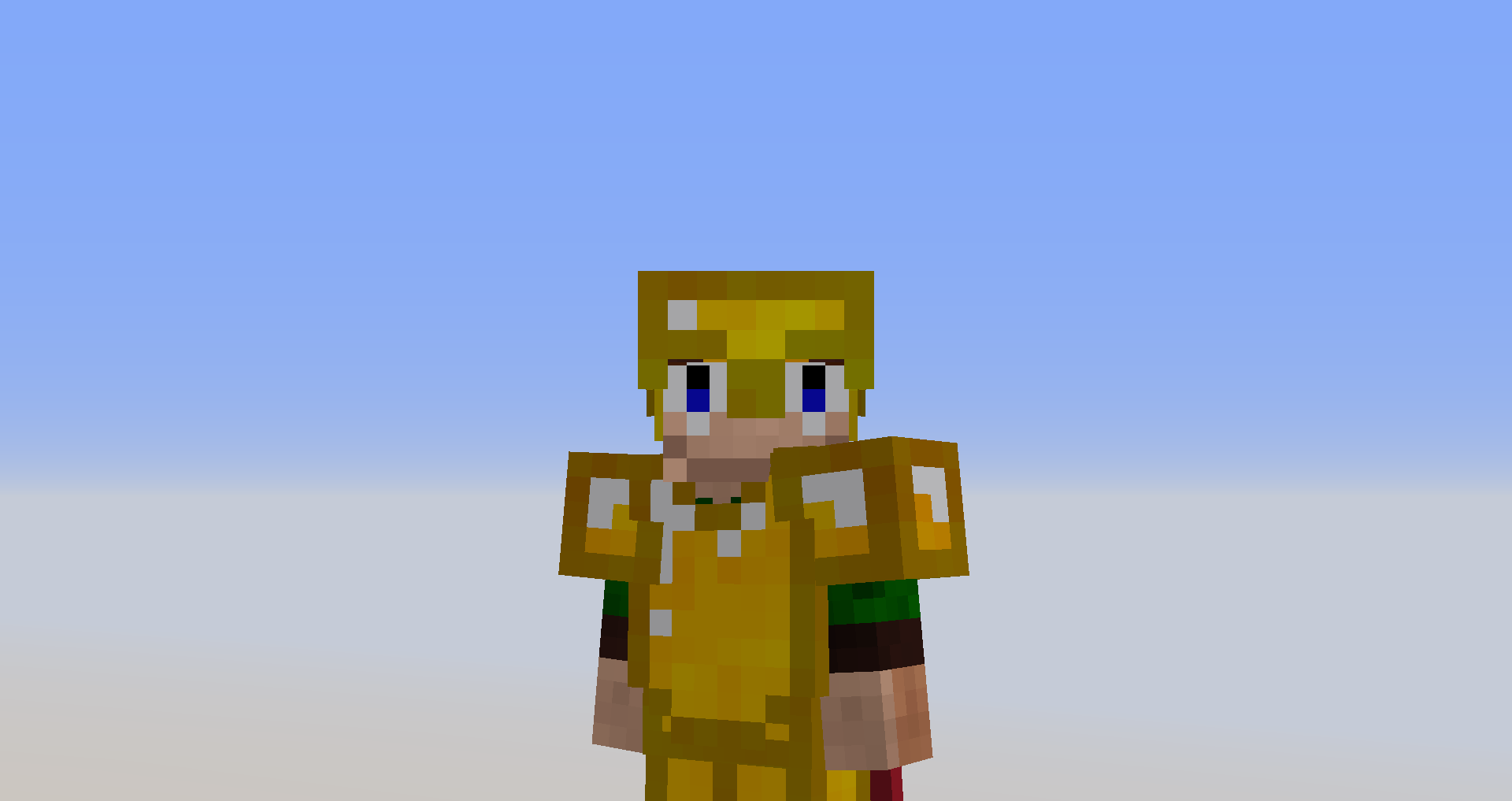
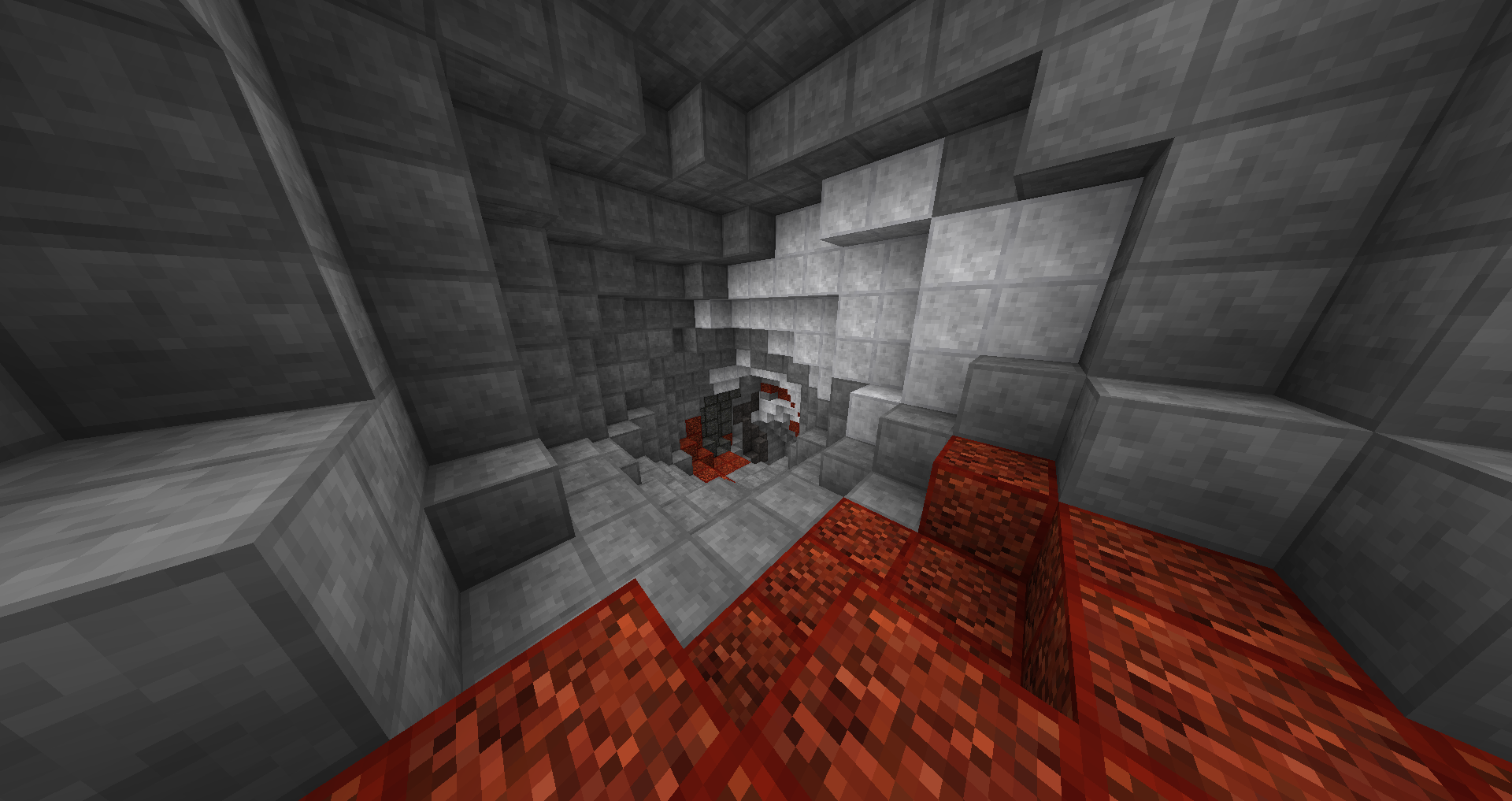
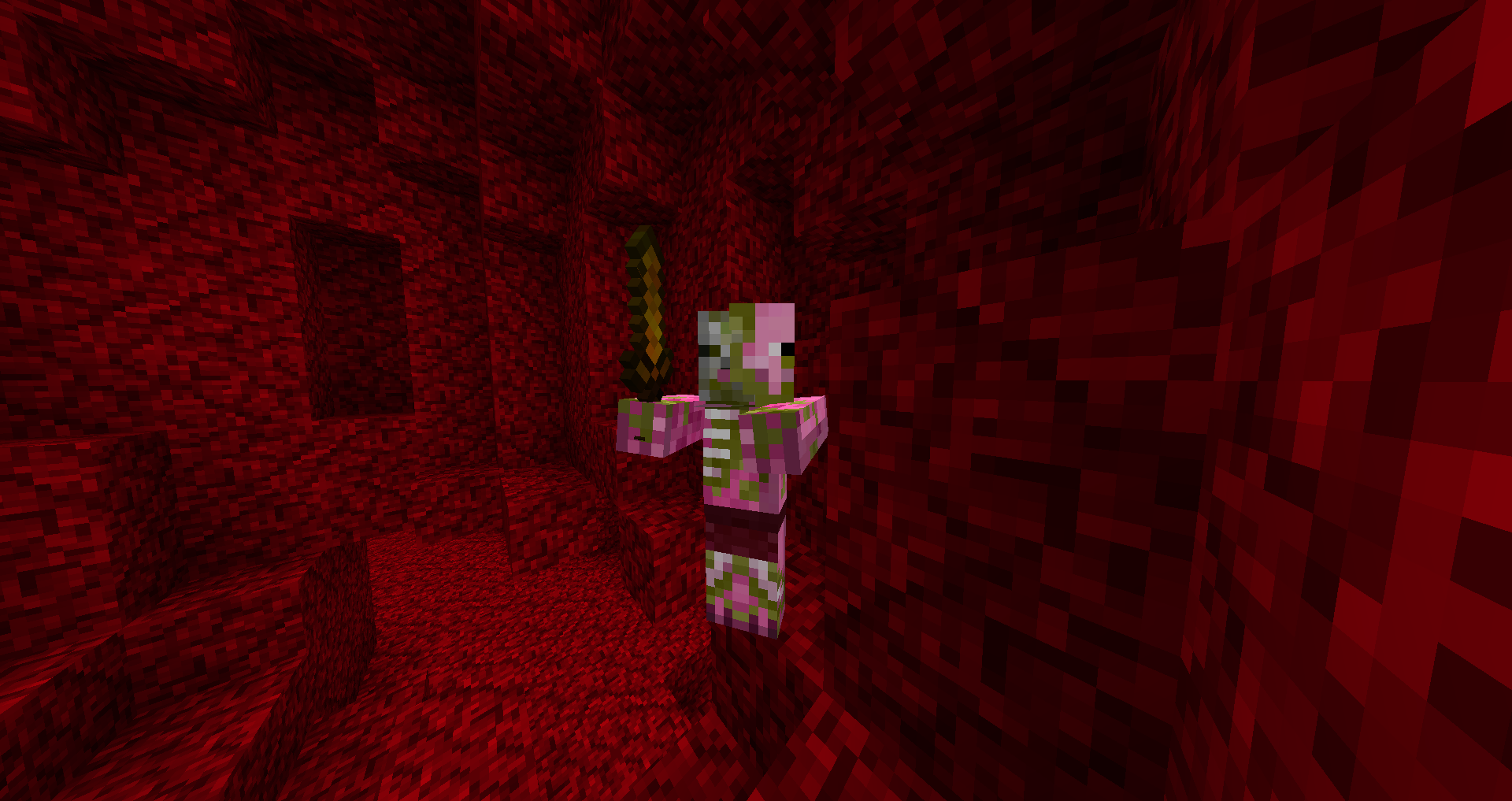
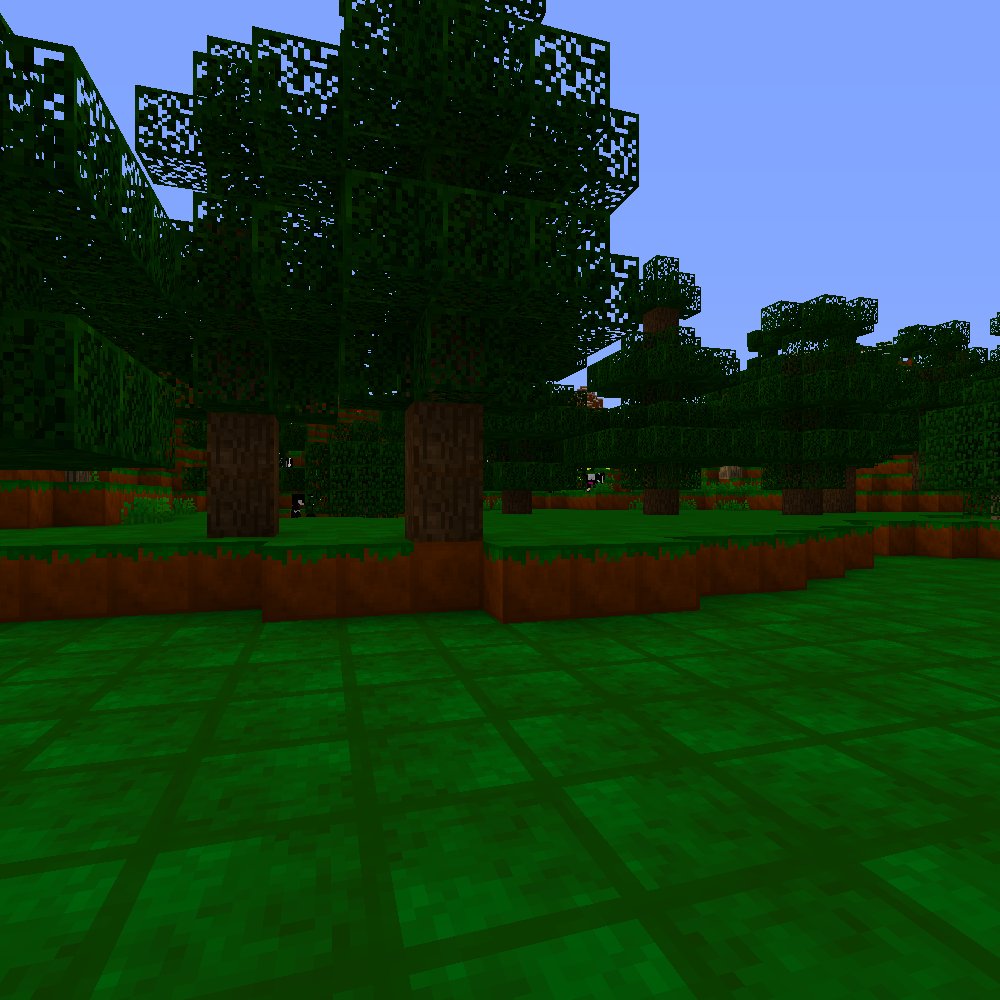
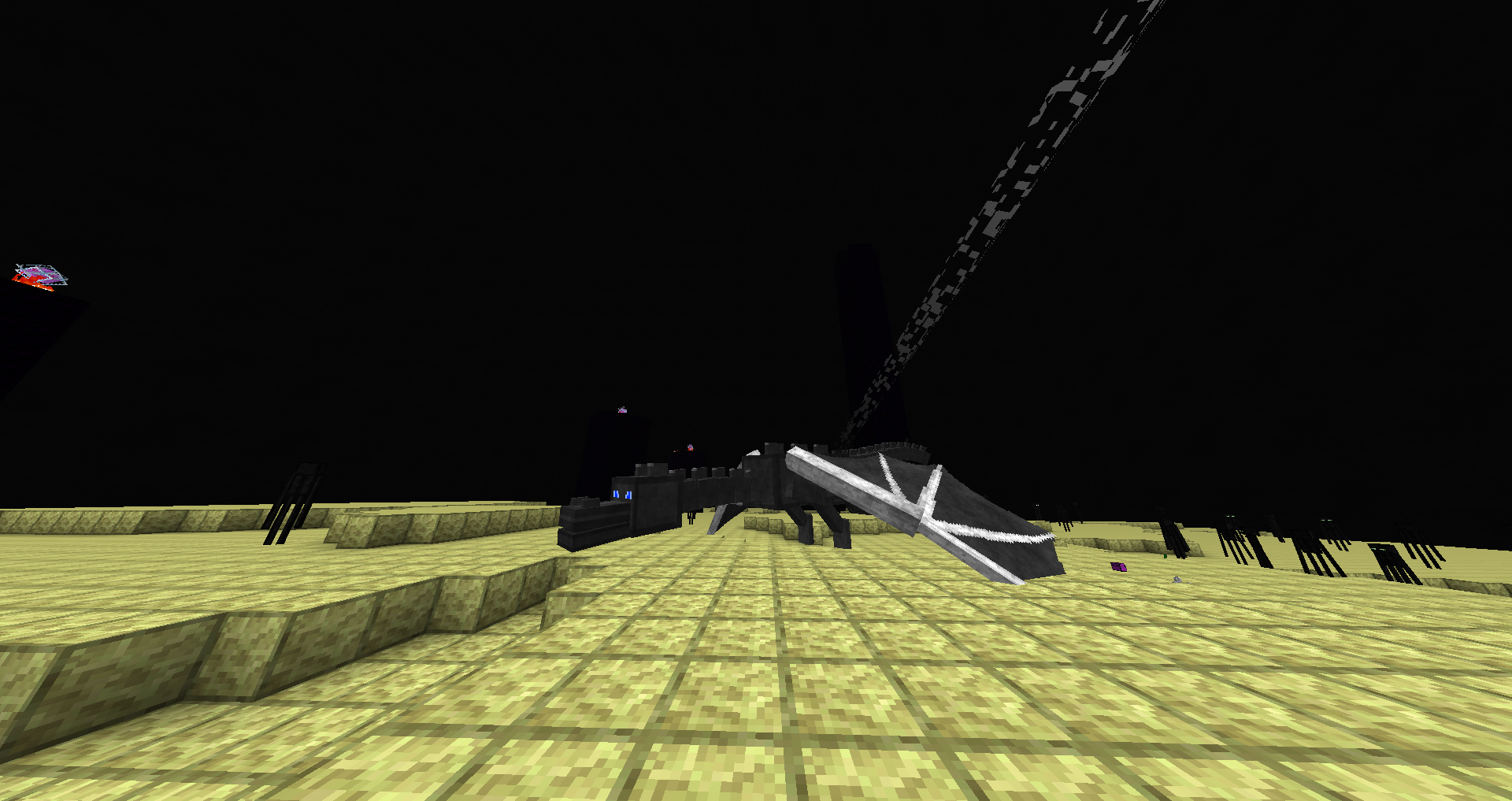
Hello him Reddarck (https://www.youtube.com/channel/UCFkegwG-v4BEx1WeypB-1GA) and today i'm happy to present you my ressource pack : MineBright.This ressource pack change every texture of Minecraft including blocks, items, gui and mobs.

It make the colour lighter and colourfull. 
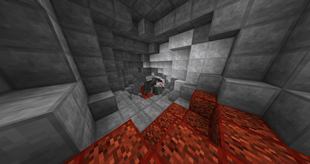
It make the sword smallest for PVP 

And the bow more beautiful

It put a dark contour on block 
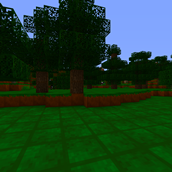
nd change all the entities
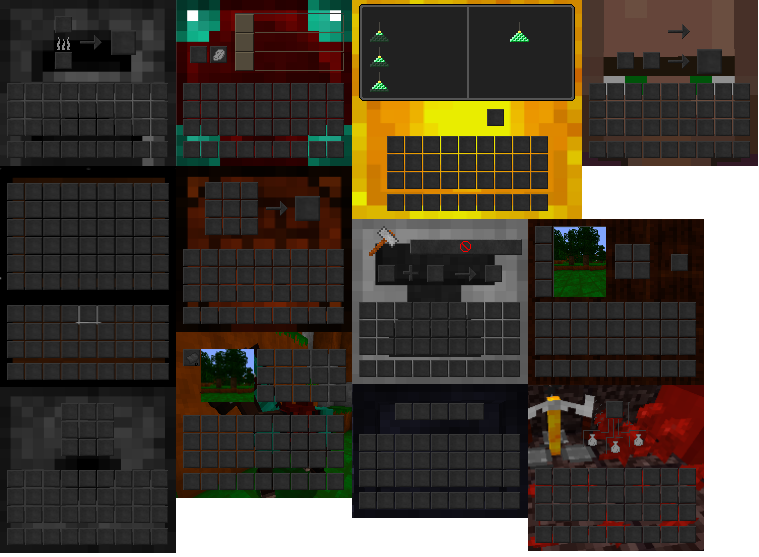
In fact it change the interface to they corresponding to their utilisation :
§cMineBright.zip
MC 1.7.6, 1.8.7, 1.7.4, 1.7.7, 1.7.5, 1.6.1, 1.8.4, 1.7.9, 1.8.8, 1.7.3, 1.7.2, 1.8-Snapshot, 1.8.3, 1.8.6, 1.7.8, 1.6.4, 1.7.10, 1.8, 1.8.2, 1.8.5, 1.8.9, 1.8.1, 1.6.2
Release 2022-02-06 Get

Requirements & install

How to use this resource pack in Minecraft
Resolution
16x
Minecraft
1.8.2 – 1.8.9
Install folder
.minecraft/resourcepacks

How to install resource packs

  1. Download the resource pack .zip file (do not extract it).
  2. In Minecraft open Options → Resource Packs → Open Pack Folder.
  3. Drop the .zip into the resourcepacks folder (.minecraft/resourcepacks).
  4. Move the pack to the Selected column and click Done.
Browse more: 16x resource packs 32x resource packs 64x resource packs 128x resource packs 256x resource packs 512x+ resource packs Resource Packs for 1.8.9 All resource packs

More from Reddarck

Advertisement Remove ads with Premium →

You Might Also Like