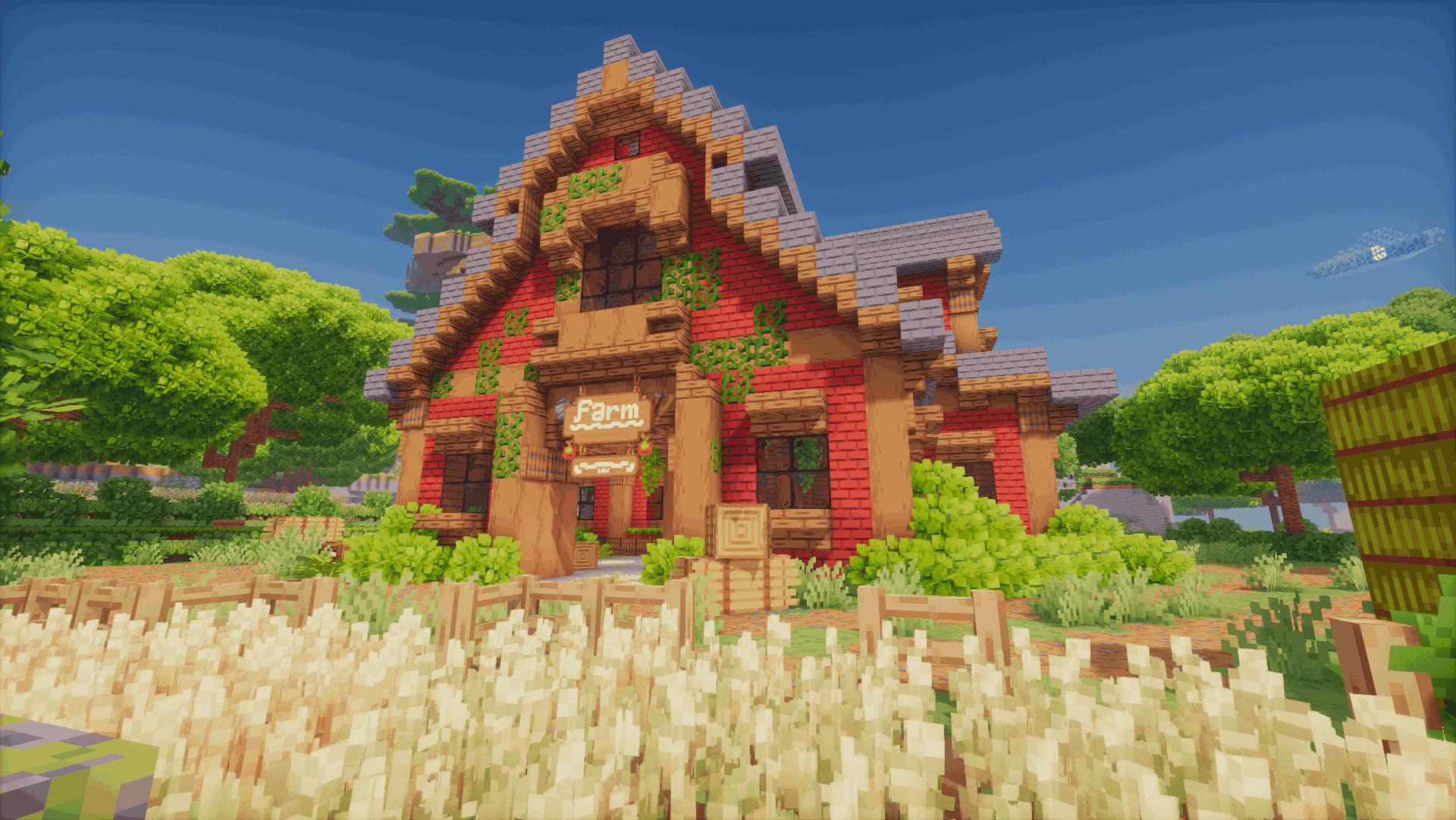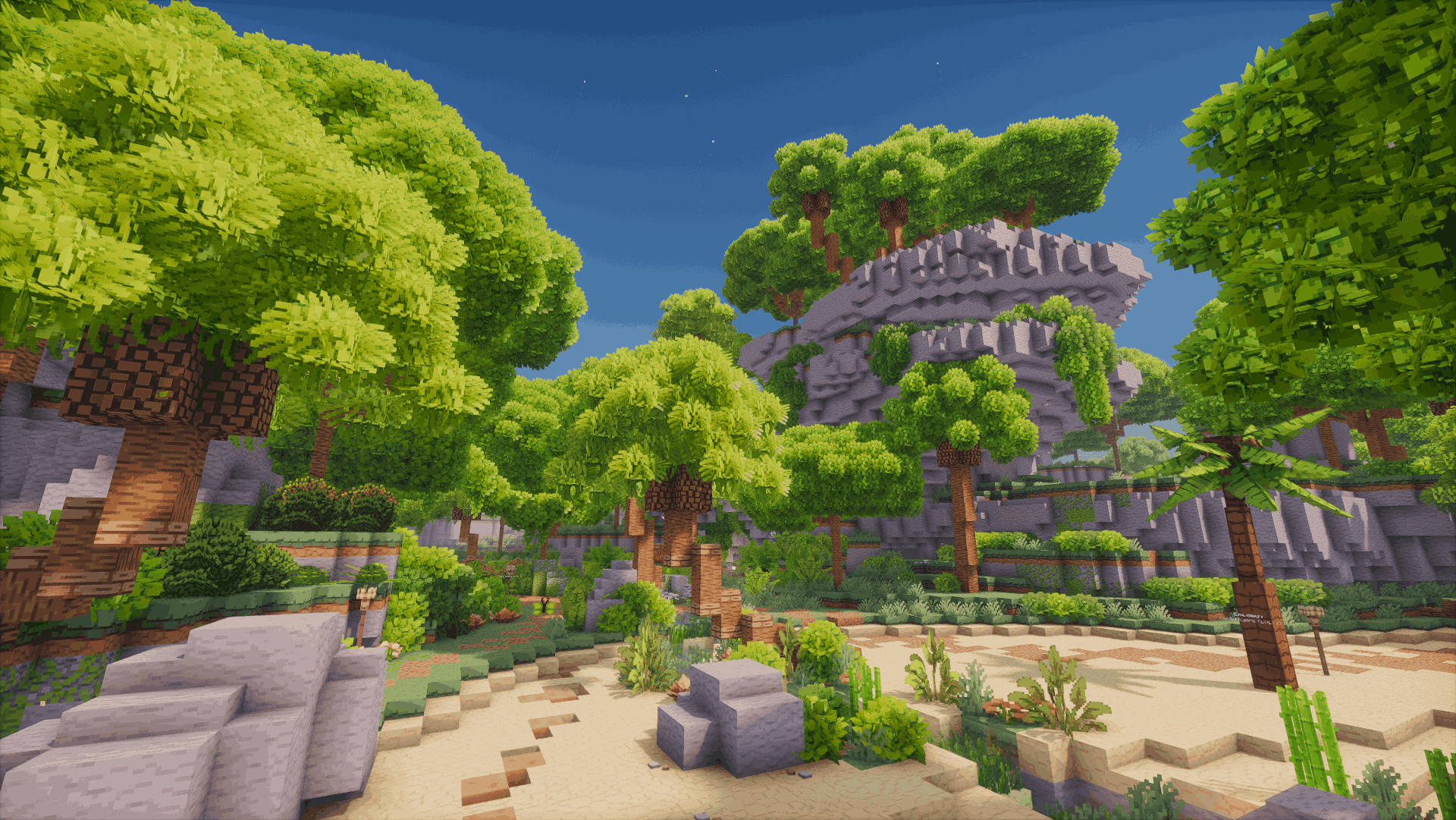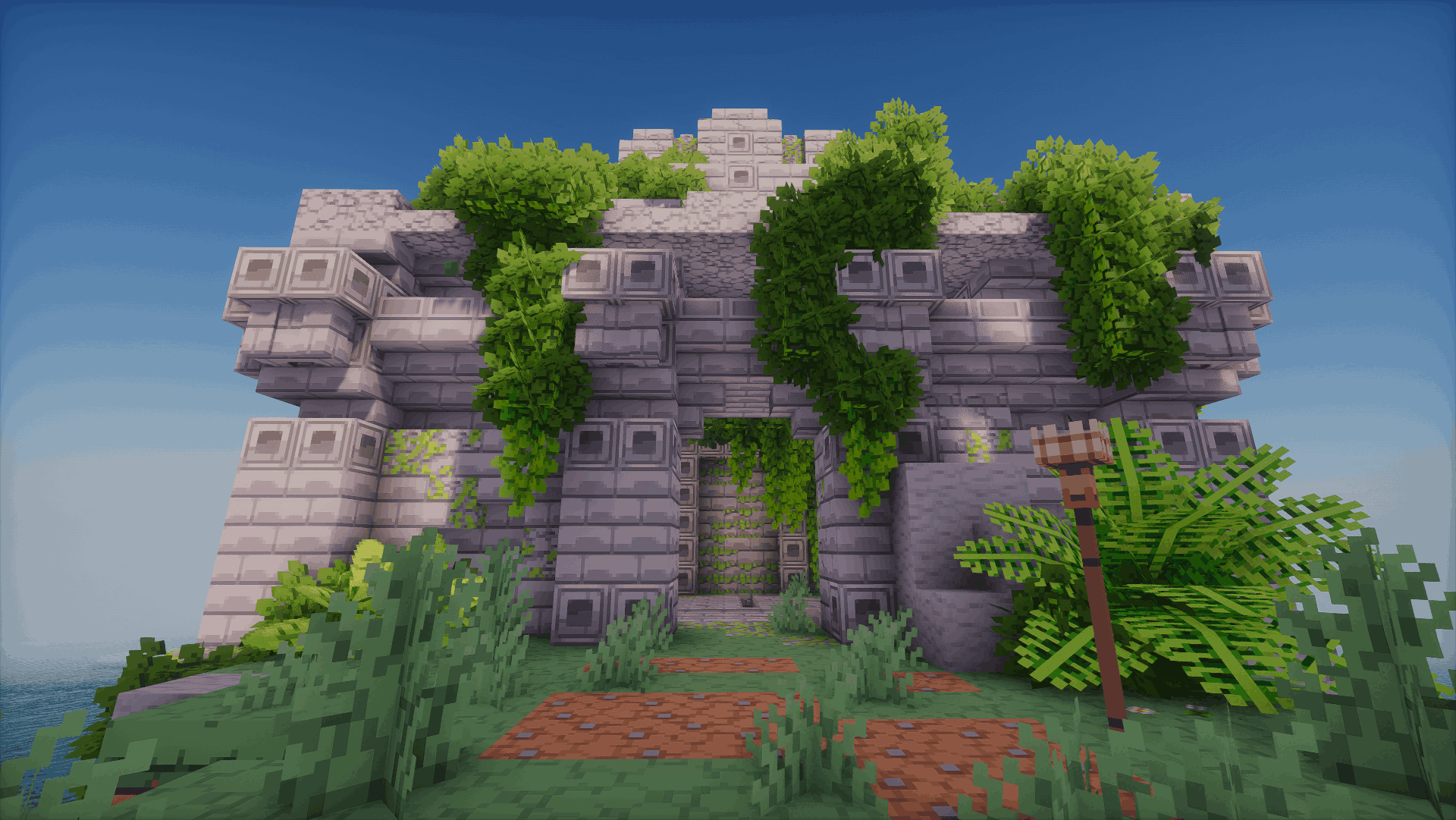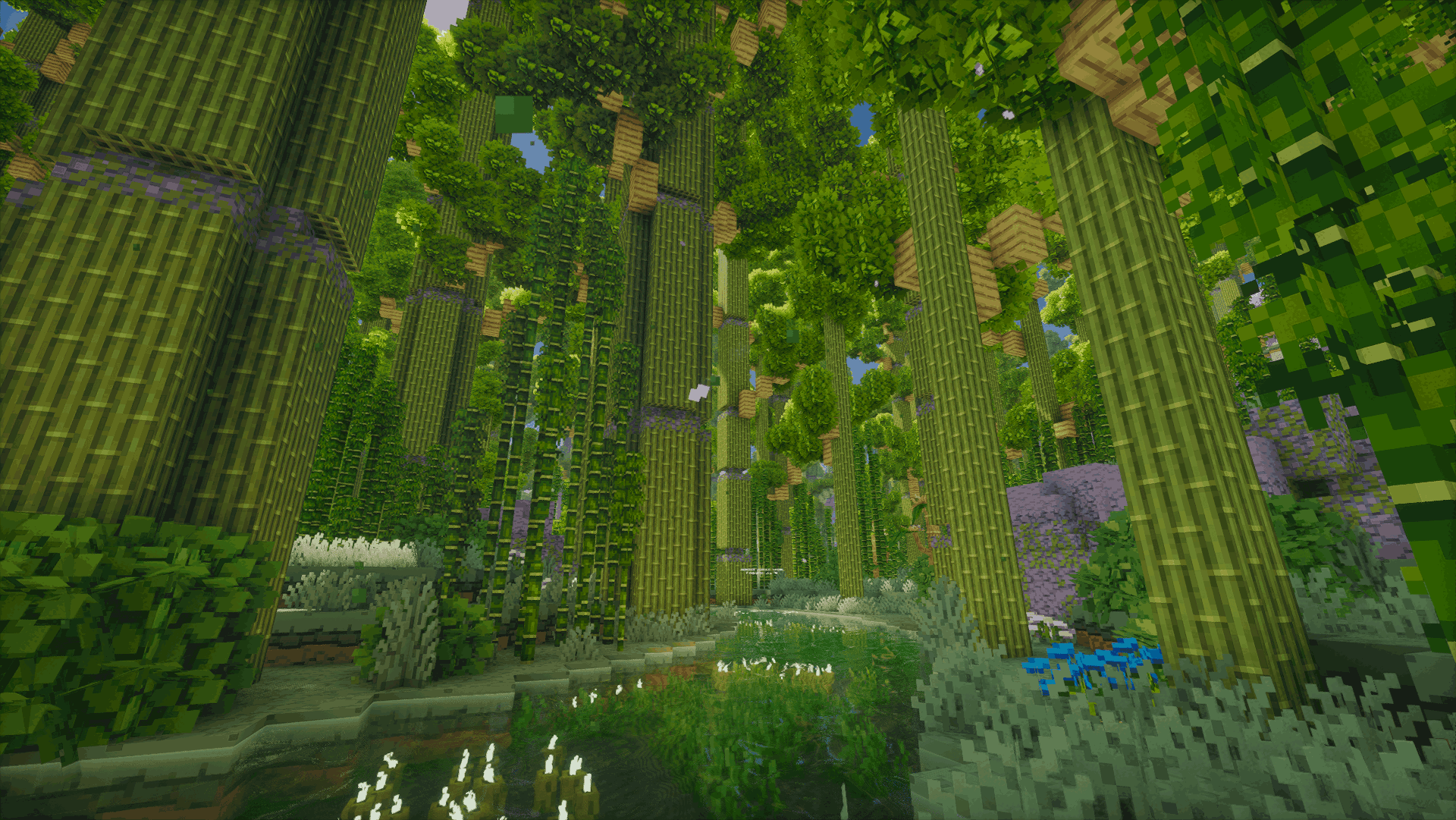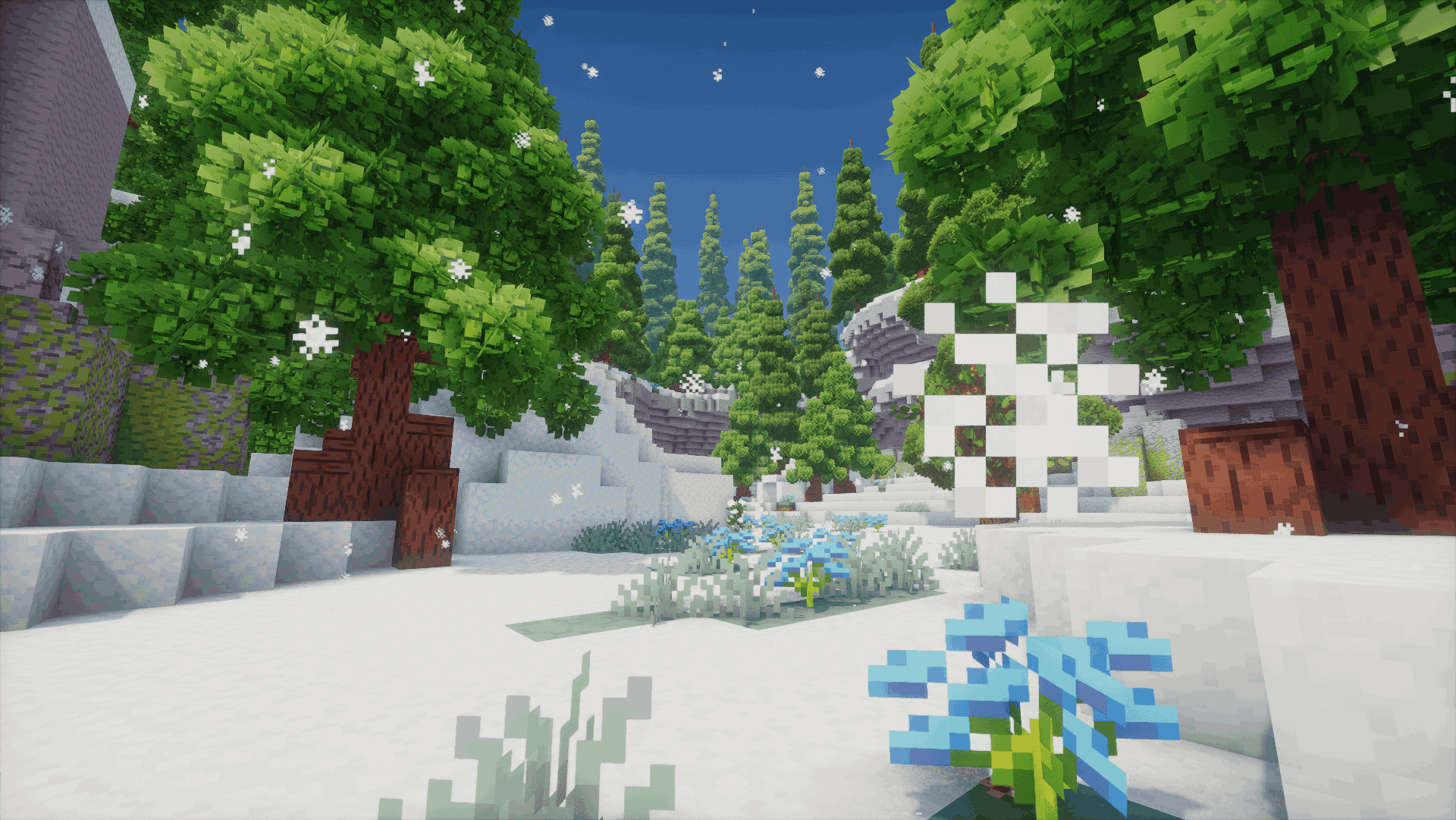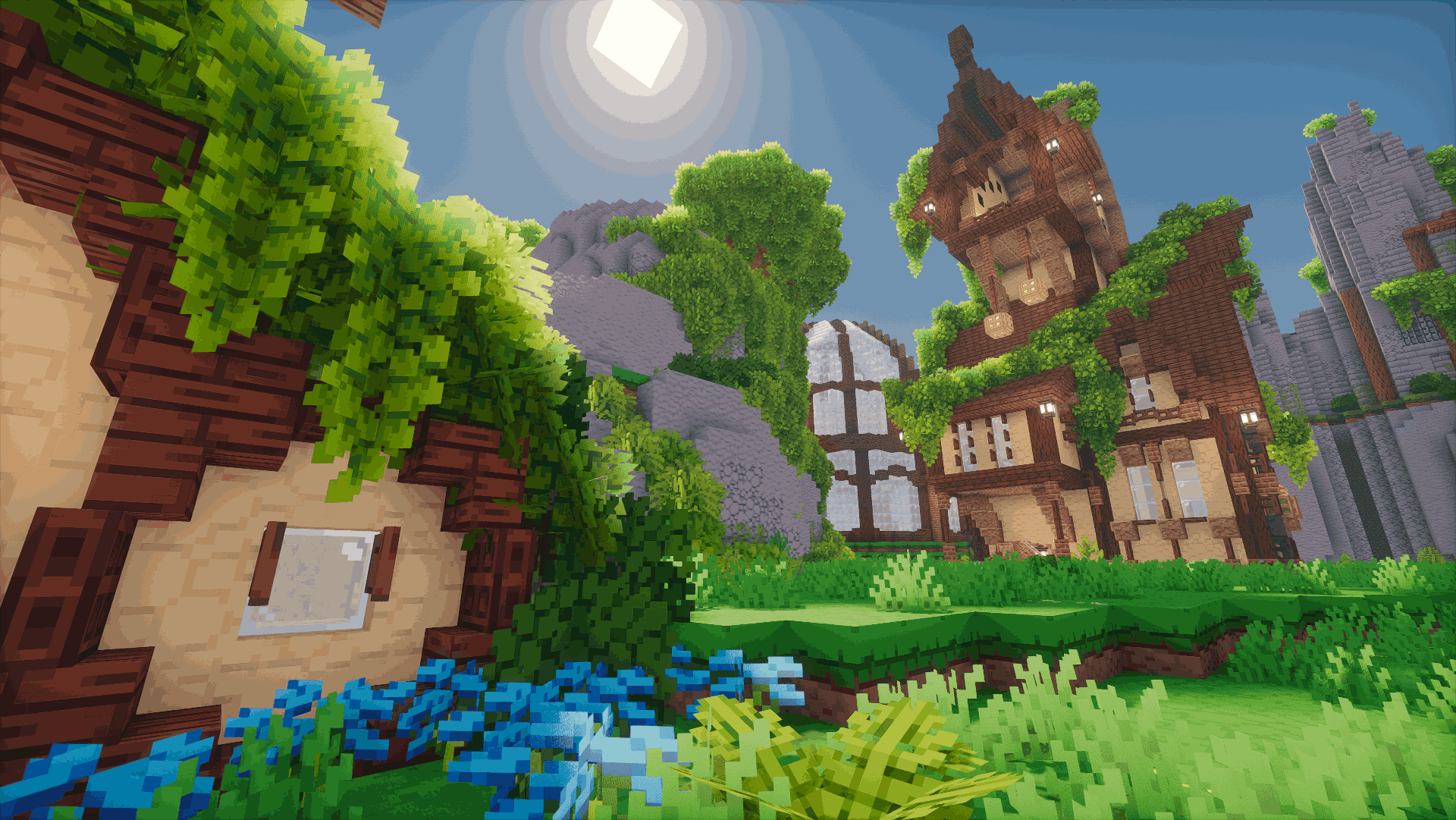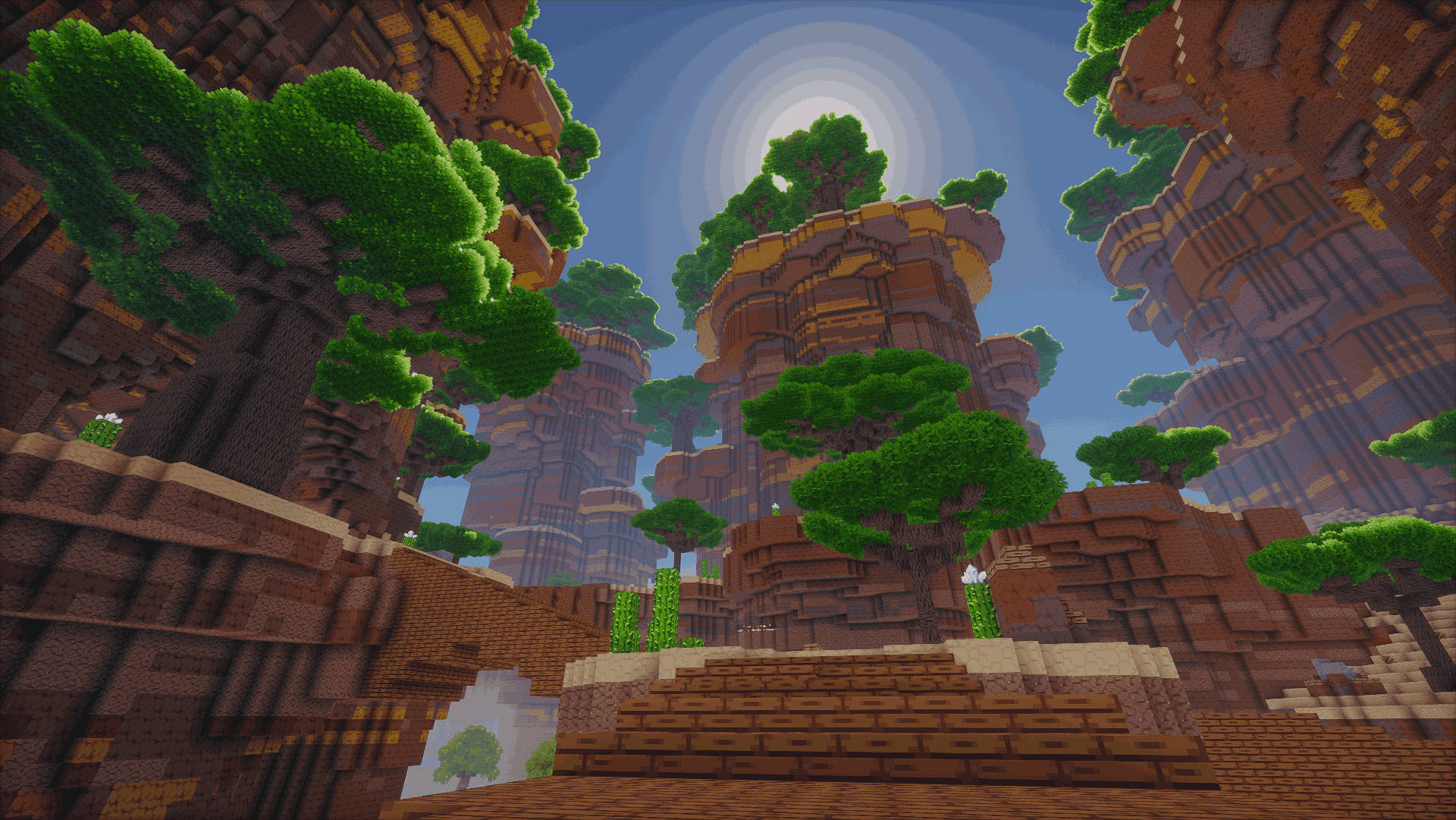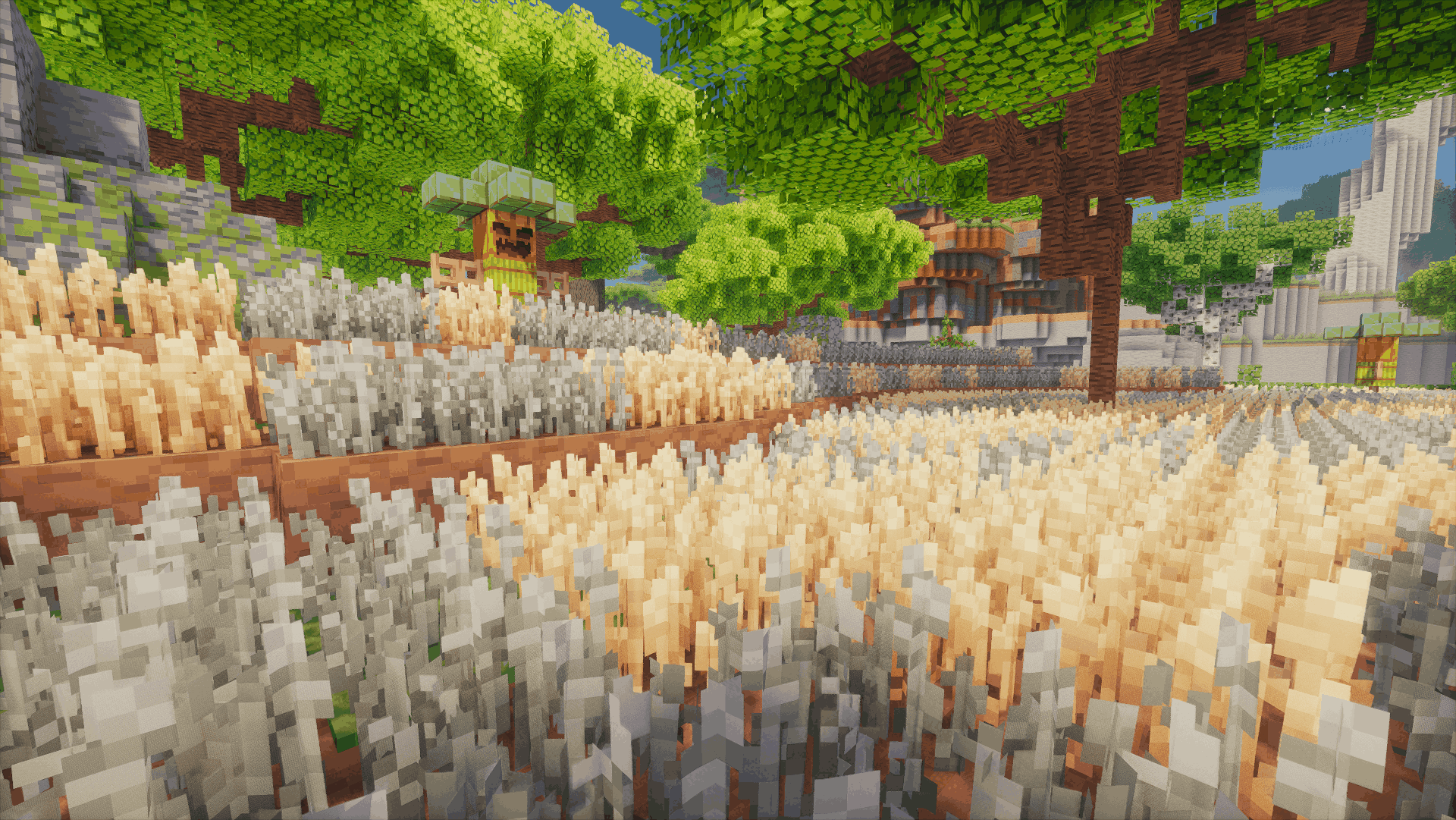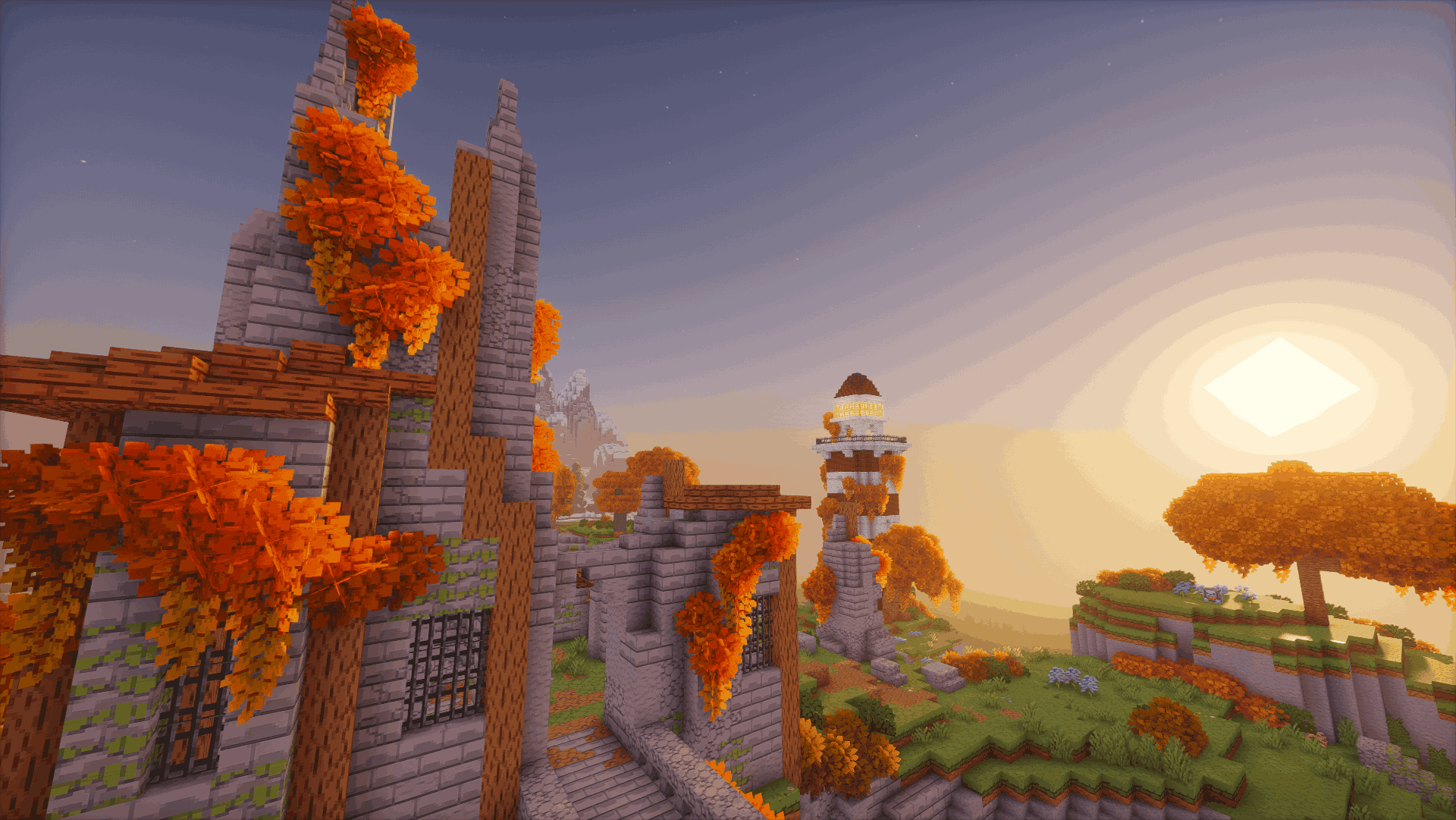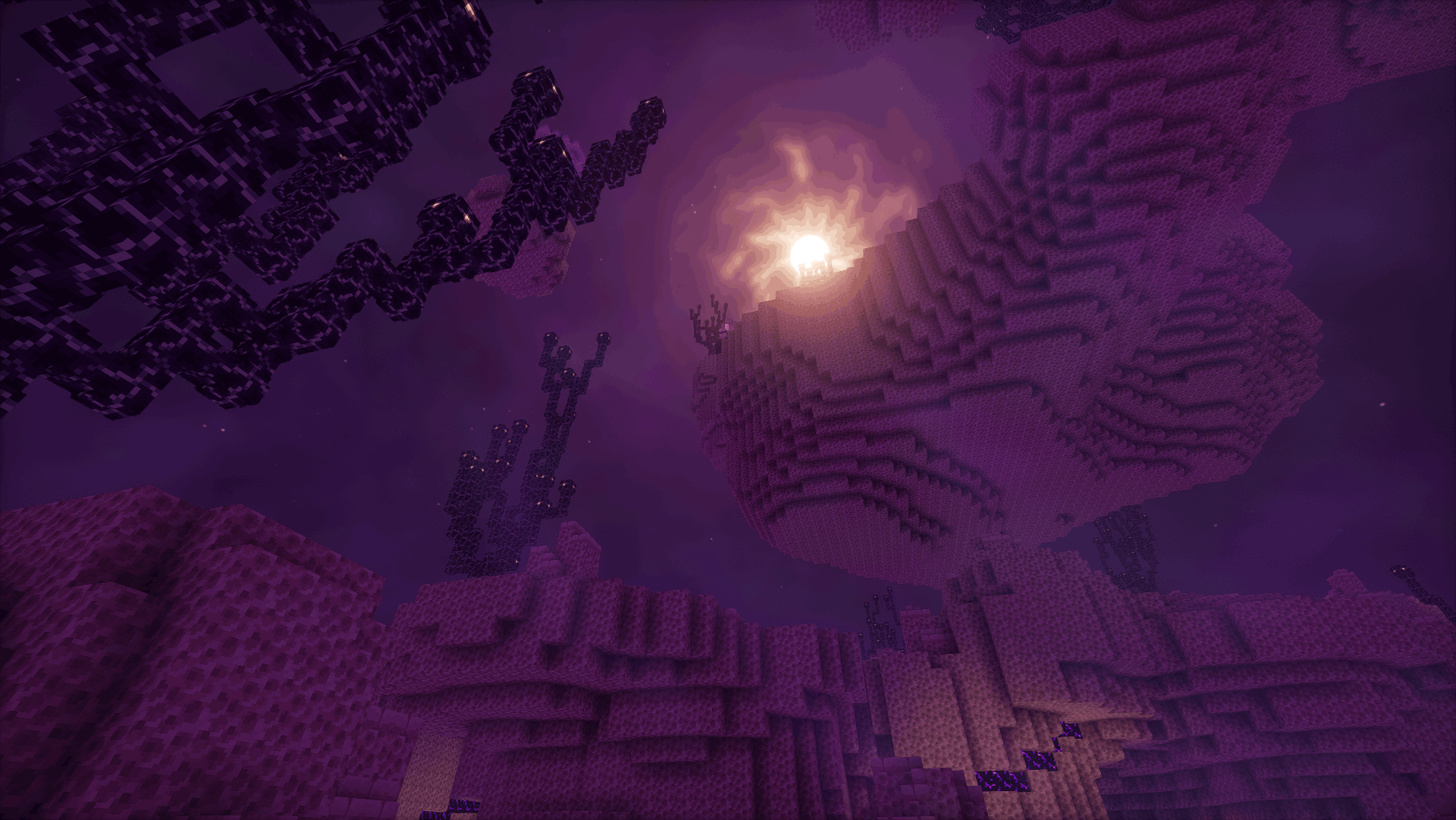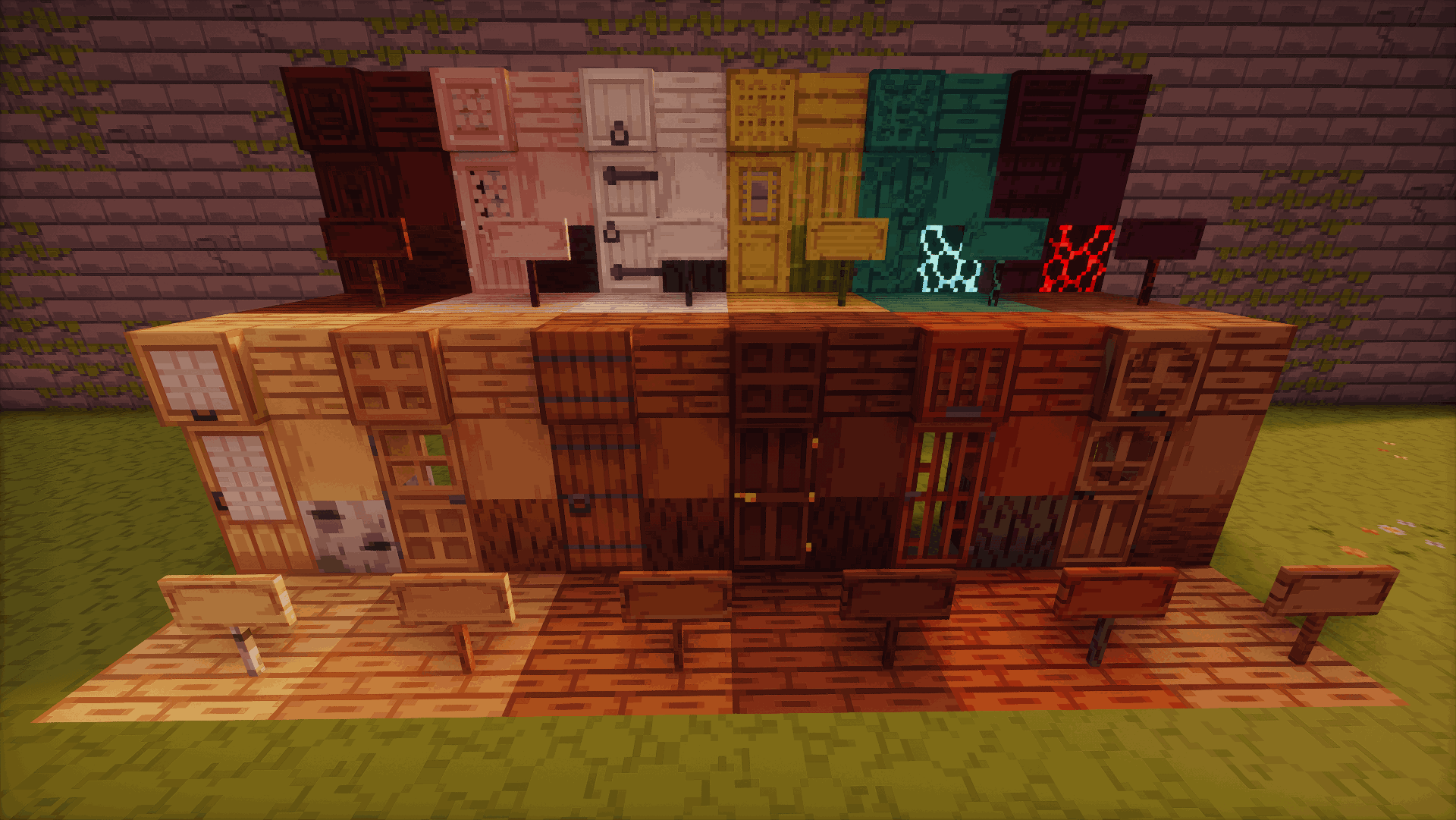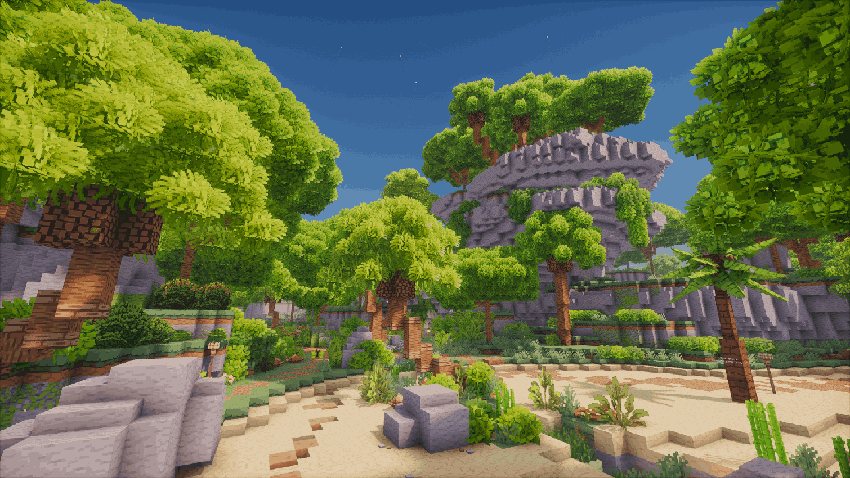
Minebox Plus is a comprehensive resource pack designed to enhance the visual experience of Minecraft by introducing a cohesive, detailed, and polished art style inspired by the world of Minebox.
It reimagines a wide range of vanilla textures — from lush vegetation and unique cave environments to redstone components and natural blocks — while maintaining a familiar Minecraft feel.
When used together with the Respackopts Mod, Minebox Plus unlocks advanced customization settings directly in-game.
These settings allow players to adjust visual elements to their liking and include built-in support for the following integrated add-ons:
This pack must override the server resource pack using a tool such as the Server Pack Unlocker or Serverpack Priority mod in order to function correctly when used on servers.
🌐 Language Support
All configuration menus and in-game settings included in this add-on are fully available in English (EN), Polish (PL), and French (FR).
The language is automatically selected based on your Minecraft settings, ensuring a seamless and intuitive experience for all players.
Each translation is carefully prepared to match the tone and terminology used across the Minebox ecosystem.
🌐 Minebox Server (Server Page)
Minebox combines MMORPG, Skyblock gameplay into a unique experience.
Explore uncharted islands, gather rare materials, and battle powerful creatures — all while discovering a world full of secrets and adventure.🌍 Minebox Community
Want to explore more community-driven projects, add-ons, and useful systems for Minebox?
Visit mineboxcommunity.com — a central hub for everything related to Minebox.
There you’ll find a growing collection of resources, guides, and packs created by both developers and players, all aimed at enhancing and expanding the Minebox experience.