Mineuniverse
Resource Packs
Mimi by KeiraMoka

Mimi by KeiraMoka

RESOURCE PACK
Mimi's Texture for Minecraft java
by KeiraMoka
Download Claim this project
Add a badge to your pageLink to Mimi by KeiraMoka from a README, website or forum post.
Preview: Badge

Badges update automatically and link to the resource pack page on MineUniverse.

132 downloads
0 likes
0 followers
Updated Oct 14, 2026
0 hypes
Follow0
16x
Advertisement Remove ads with Premium →

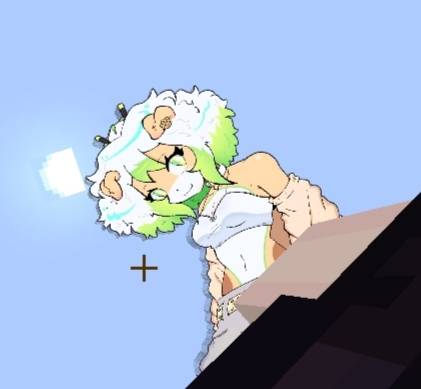
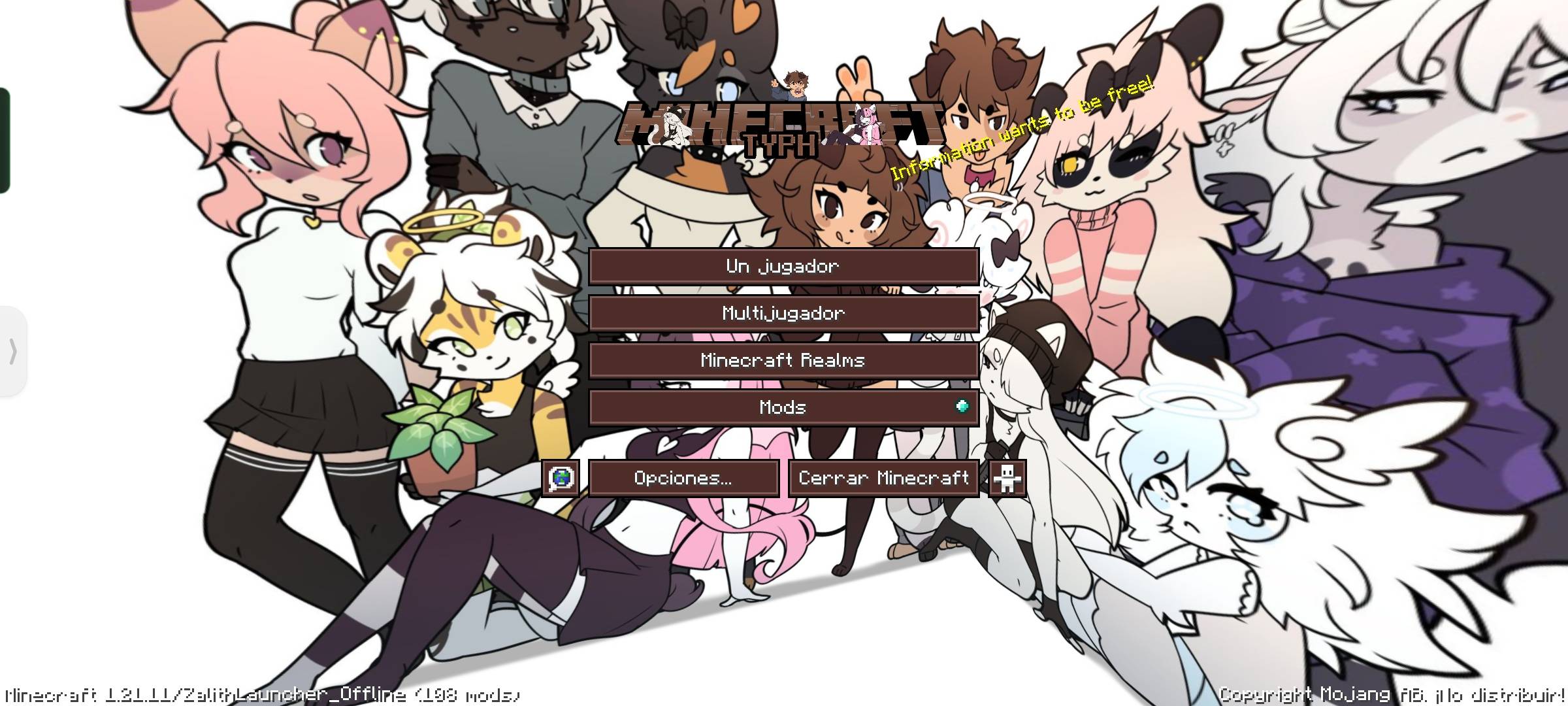
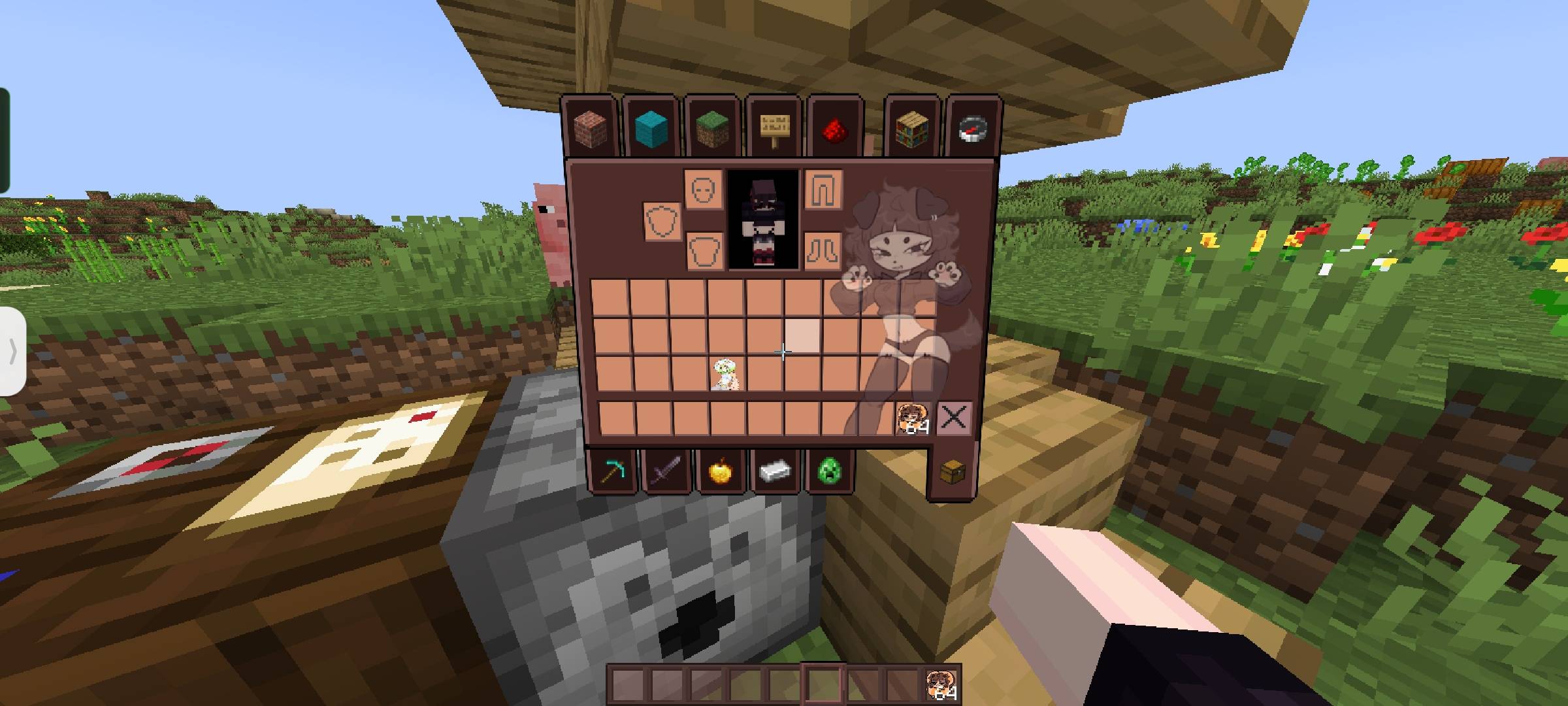
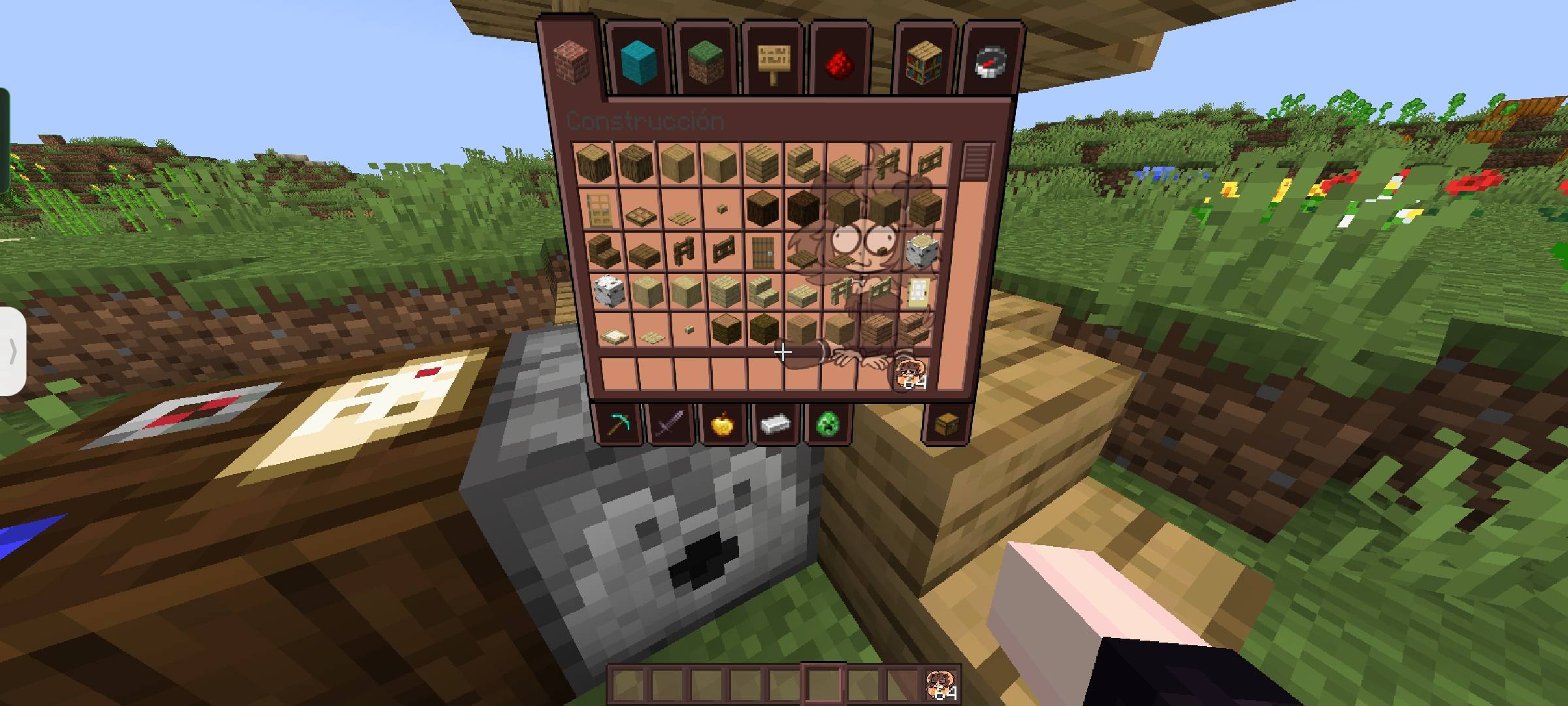
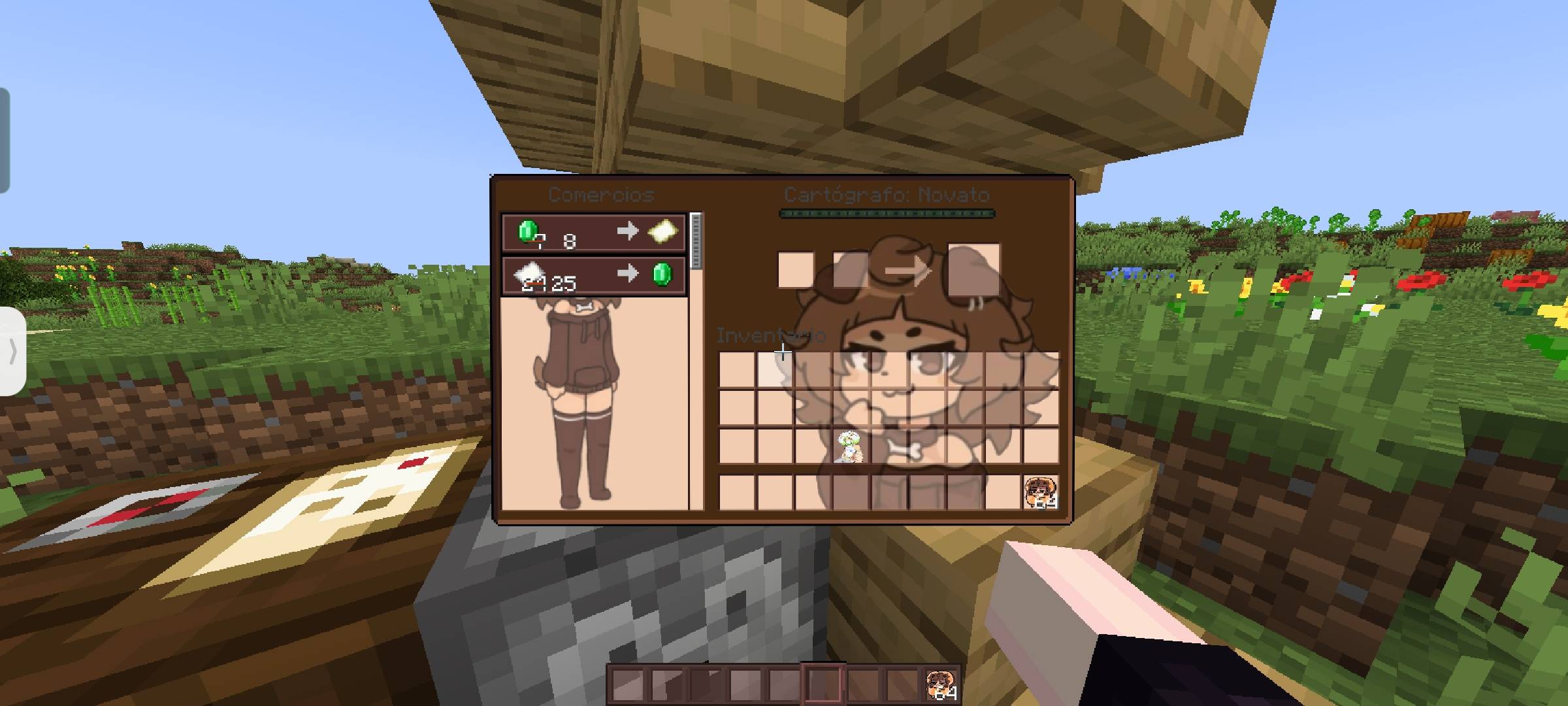
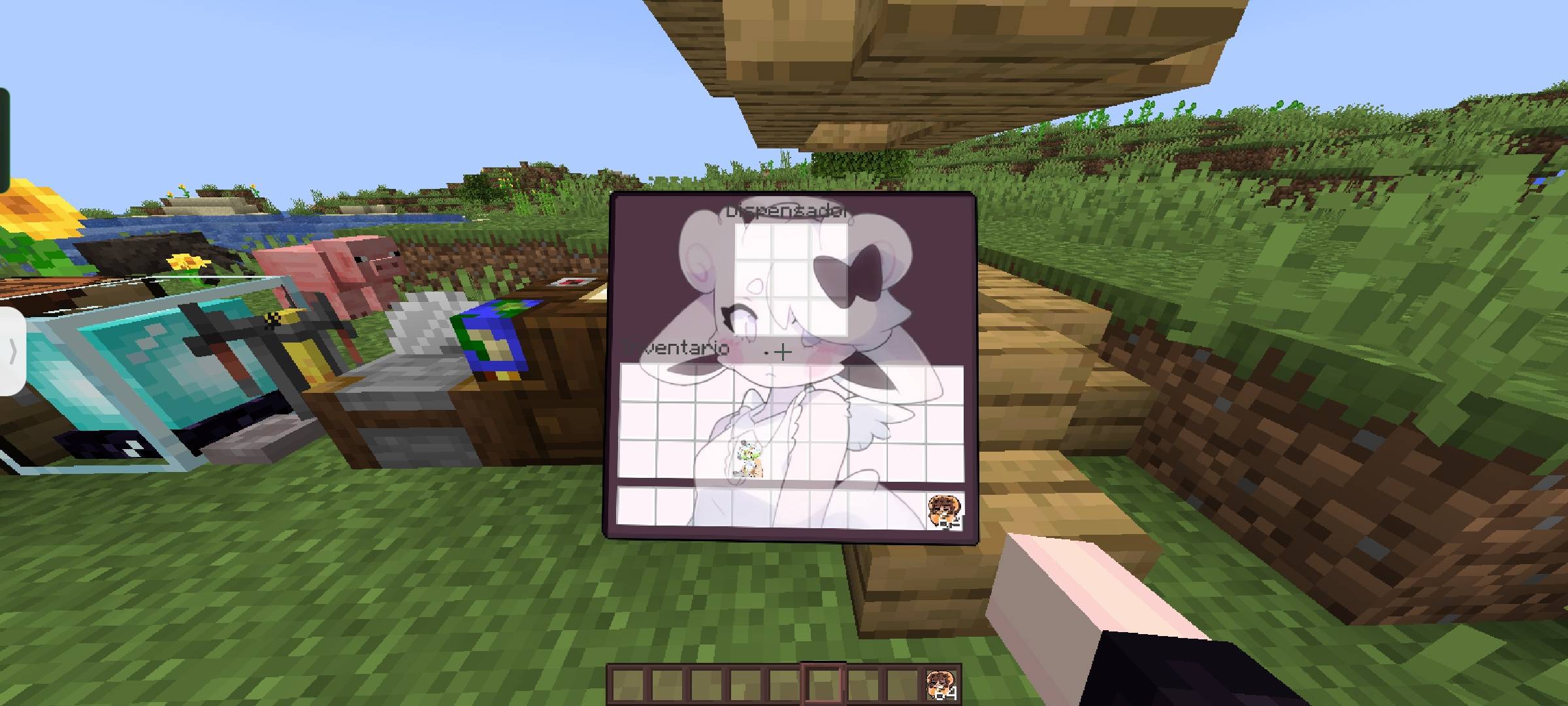
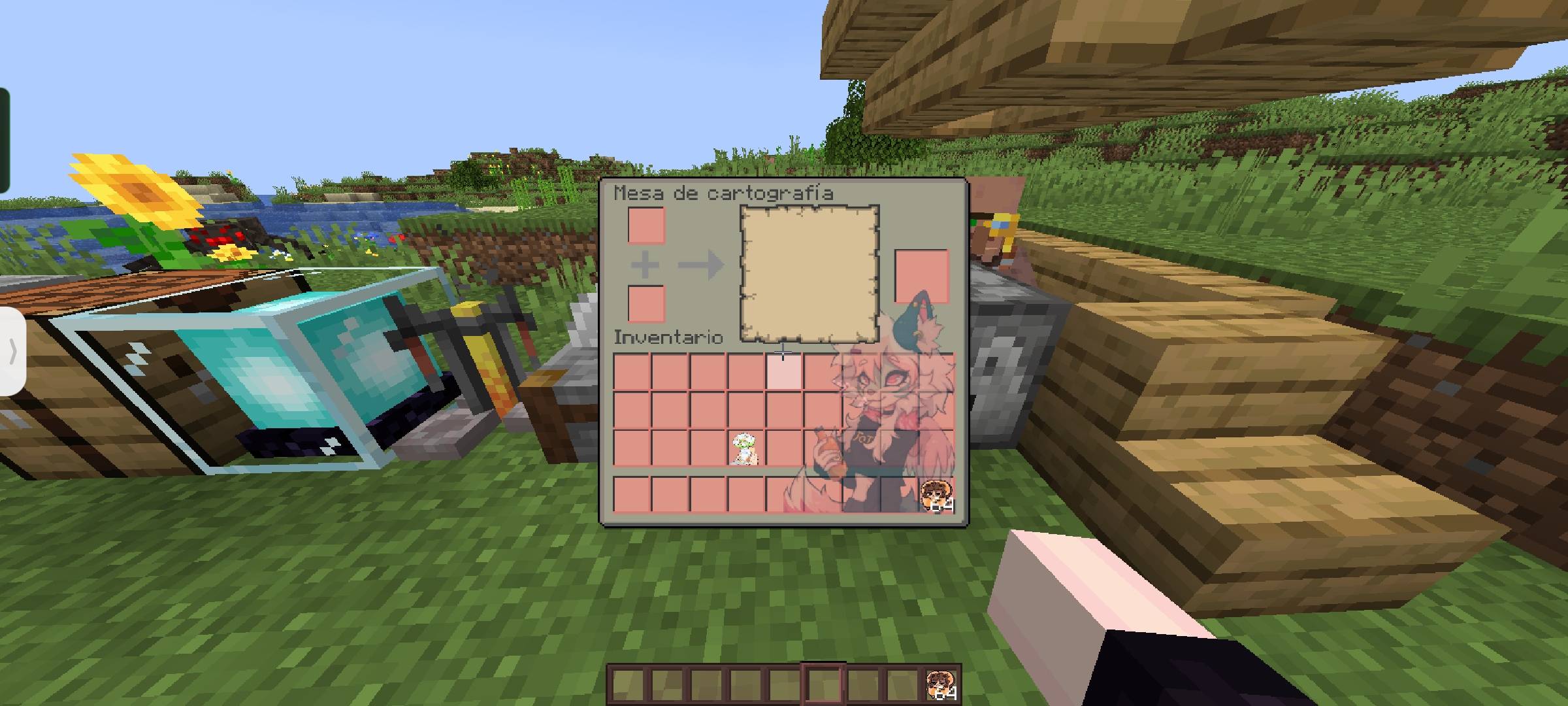
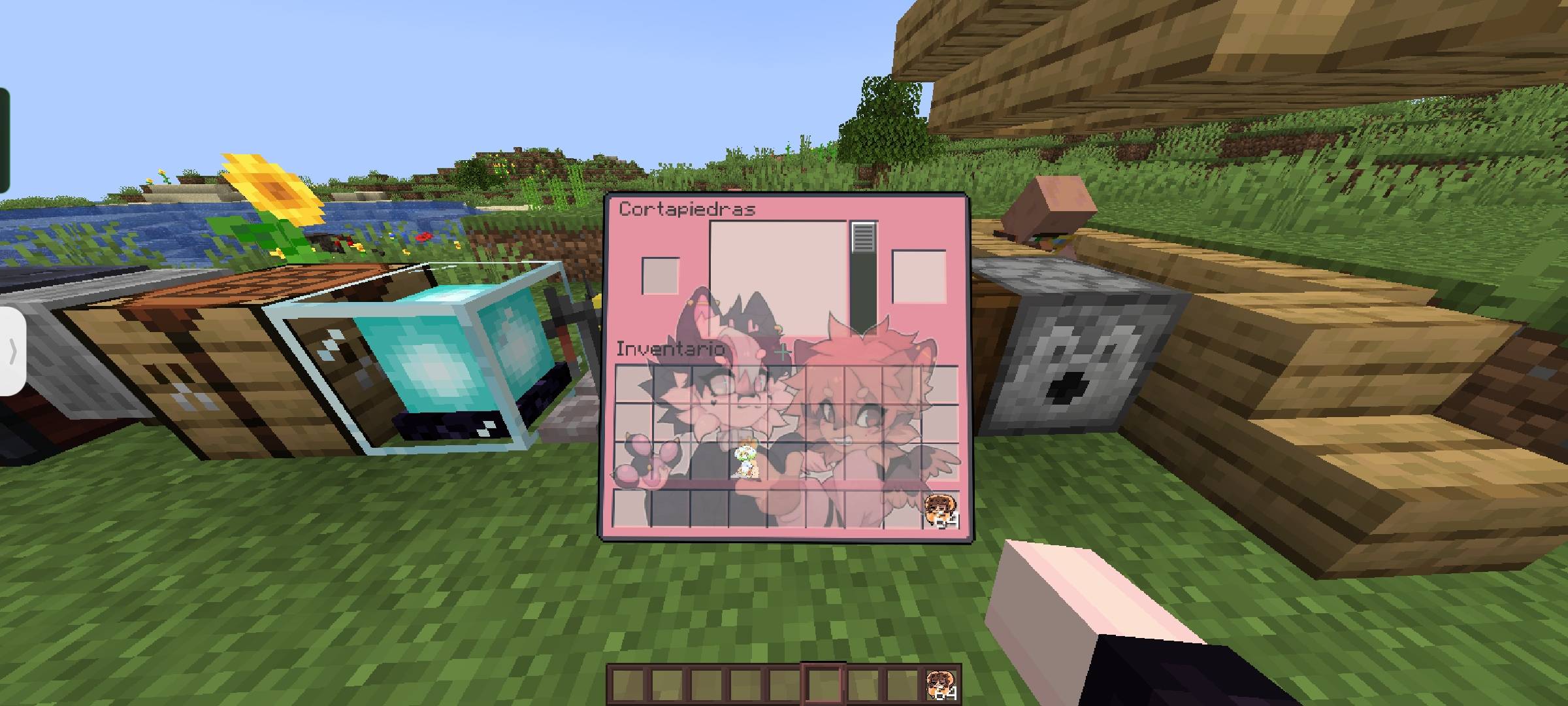
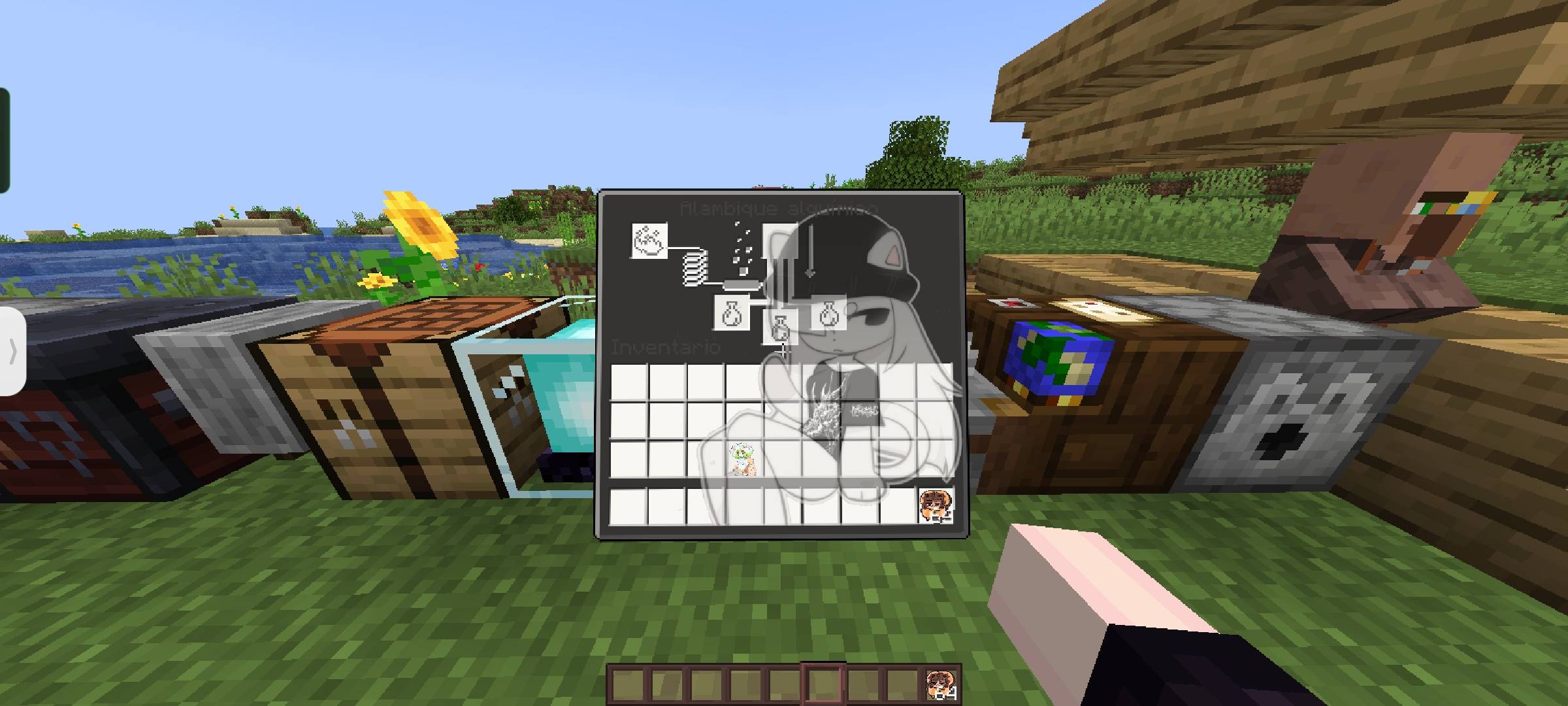
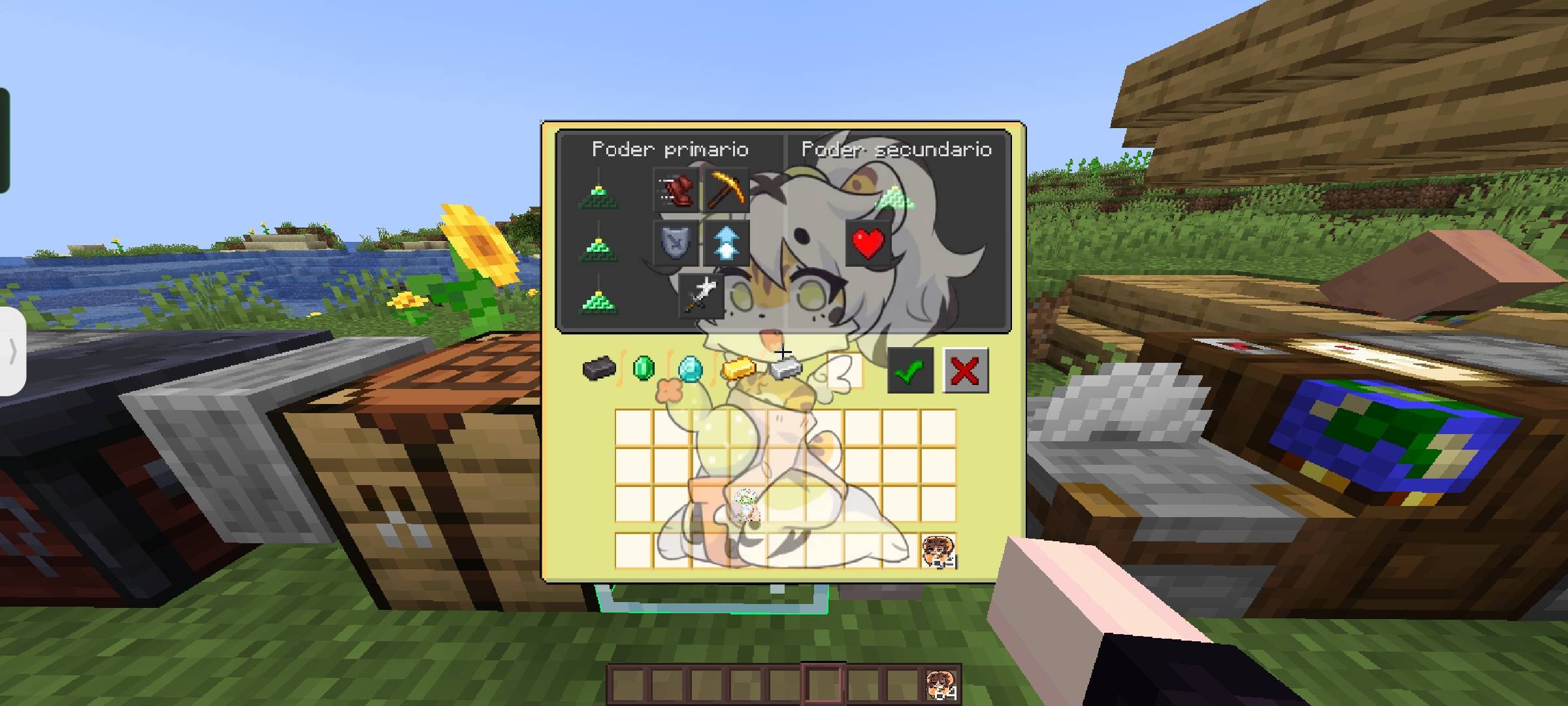
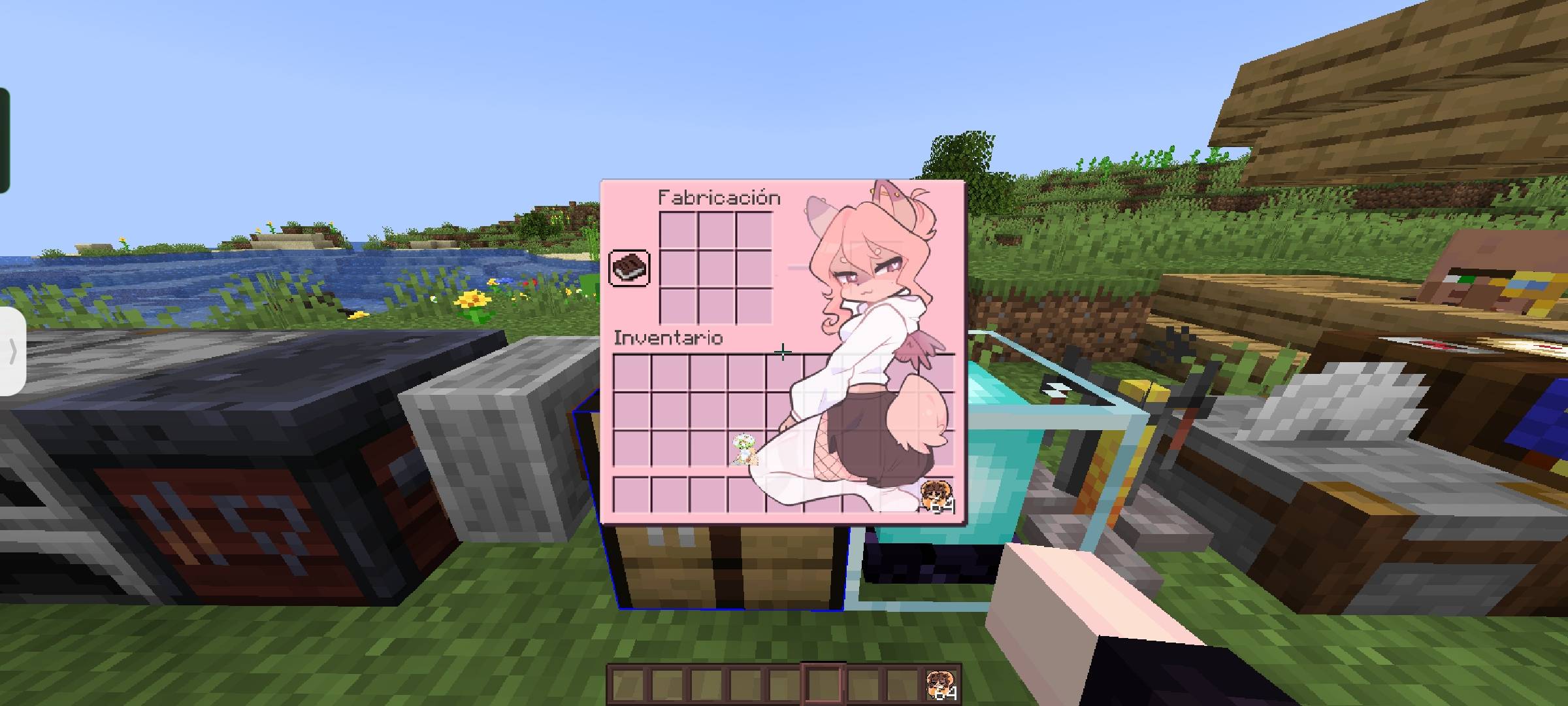
Minecraft Java resource pack featuring characters from CrispyTyph and Lunuary, along with some fan art of Mimi. Includes textures inspired by these characters and designs, adapted for use on in-game items and interfaces

Credits

Fan art:

@yuriledario (TikTok)

 @grammyntth (TikTok)


Images and characters:

@crispytyph (Twitter)

@lunuarycita (TikTok)

@kaory_nix1 (TikTok)

All credit goes to the respective creators. Compatible version: Minecraft Java 26.1.2 The project is currently in the beta phase, so some interfaces may not yet be redesigned.

Paquete de recursos para Minecraft Java con personajes de CrispyTyph, Lunuary y algunos fanarts de Mimi


Incluye texturas inspiradas en estos personajes y diseños, adaptadas para usar dentro de Minecraft en elementos e interfaces.


Créditos

Fanarts:

- @yuriledario (TikTok)

- @grammyntth (TikTok)


Imágenes y personajes:

- @crispytyph (Twitter)

- @lunuarycita (TikTok)

- @kaory_nix1 (TikTok)


Todos los créditos pertenecen a sus respectivos creadores.


Versión compatible: Minecraft Java 26.1.2


El proyecto aún está en fase beta, por lo cual puede haber interfaces no rediseñadas

Typh_Beta-0.4.zip
MC 1.21.11
Release 2026-09-29 Get
Typh_Beta-0.4.zip
MC 26.1.2
Release 2026-09-29 Get
Typh_Beta-0.3.zip
MC 26.1.2
Release 2026-09-03 Get
Typh_beta-0.2.zip
MC 26.1.2
Release 2026-08-13 Get
Typh_Beta-0.1.zip
MC 1.18.1, 1.18, 1.18.2
Release 2026-08-12 Get

Requirements & install

How to use this resource pack in Minecraft
Resolution
16x
Minecraft
1.18 – 26.1.2
Install folder
.minecraft/resourcepacks

How to install resource packs

  1. Download the resource pack .zip file (do not extract it).
  2. In Minecraft open Options → Resource Packs → Open Pack Folder.
  3. Drop the .zip into the resourcepacks folder (.minecraft/resourcepacks).
  4. Move the pack to the Selected column and click Done.
Browse more: 16x resource packs 32x resource packs 64x resource packs 128x resource packs 256x resource packs 512x+ resource packs Resource Packs for 26.1.2 All resource packs
Advertisement Remove ads with Premium →

You Might Also Like