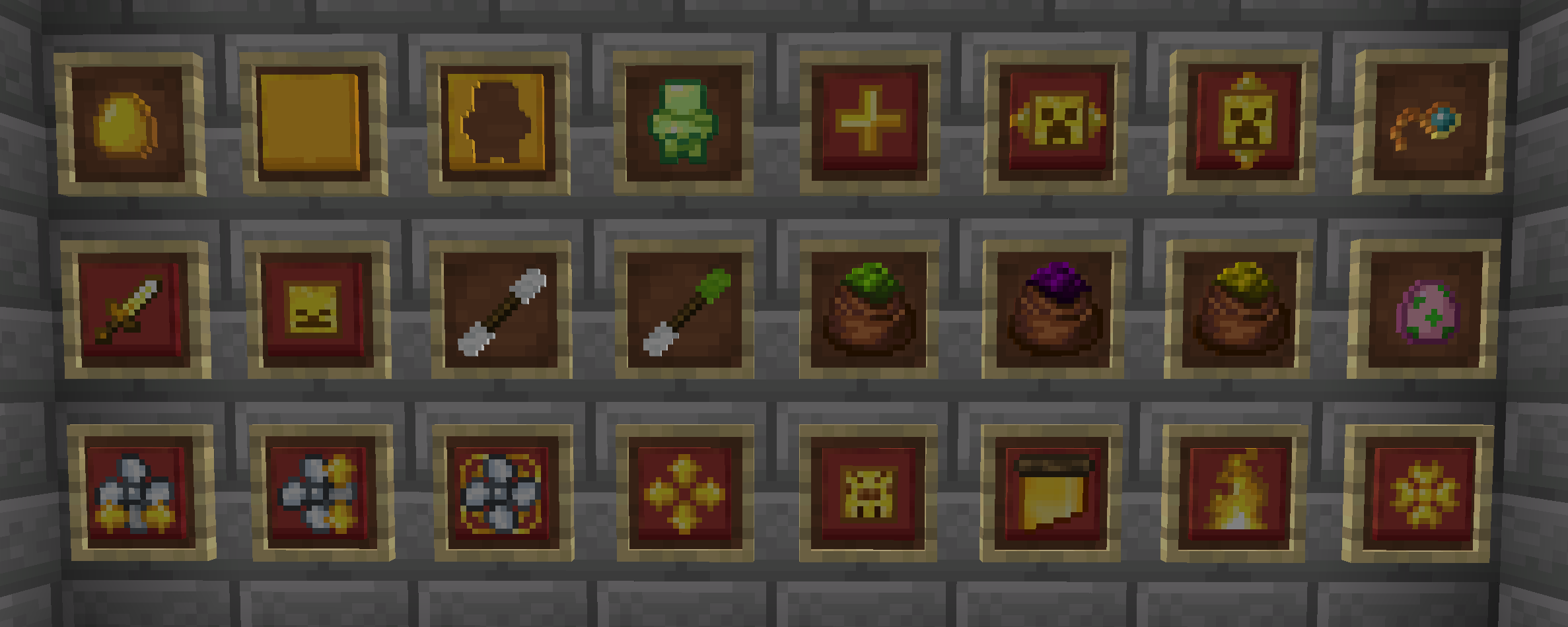
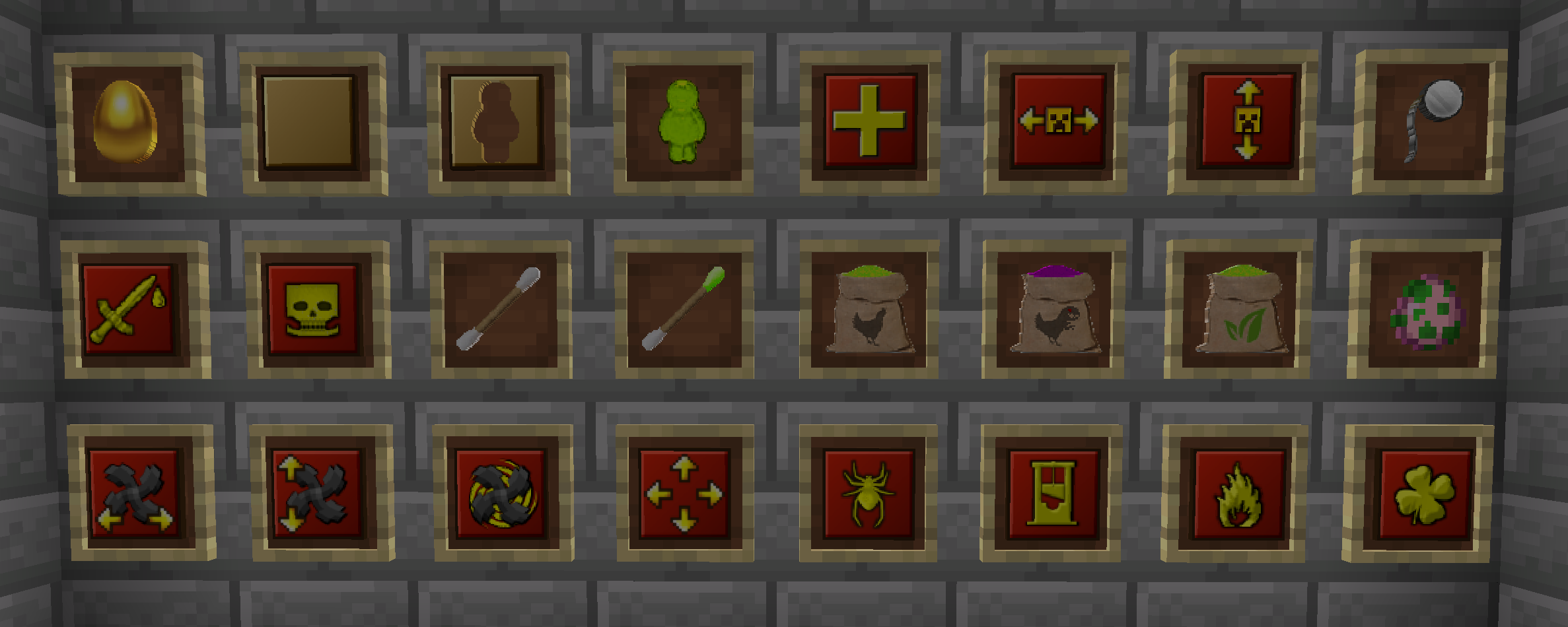
I was browsing JEI and for some reason got really bothered by the Golden Egg texture from Mob Grinding Utils, so I decided to make a 16x version of it, you know, to match the Rotten Egg texture. Then I got a bit carried away and ended up retexturing nearly all the other items as well. Oops.
I'm no texture artist, as you might be able to tell from the fact I basically ripped the Bundle texture to use for the feeds lol. I'm also sad I couldn't fit the evil dino into the Cursed Feed texture :-(
Overall, I'm pretty happy with the results, aside from the monocle which looks a bit too big when you're wearing it, and the Beheading upgrade which isn't fully golden so it breaks the pattern a bit.
Note: None of the blocks are retextured, as I'm not that bothered by them. The only two items I didn't retexture were the XP Bucket and the creative sword, as both were already 16x.
This pack was made for Mob Grinding Utils 1.19, and you can safely ignore any version check erros e.g. "This pack was made for an older version of Minecraft and may no longer work correctly".
It should work for older versions as well, so if you try, let me know if there are any issues.
Made by yours truly by basically mashing vanilla textures in Photoshop until I got something I liked.