Mineuniverse
Resource Packs
Metals Ultra

Metals Ultra

RESOURCE PACK
Handcrafted PBR textures for Minecraft & mod metals!
by MrUltra
Download Claim this project
16,295 downloads
0 likes
Updated Oct 14, 2026
0 hypes
16x Mod Support Traditional
Advertisement Remove ads with Premium →


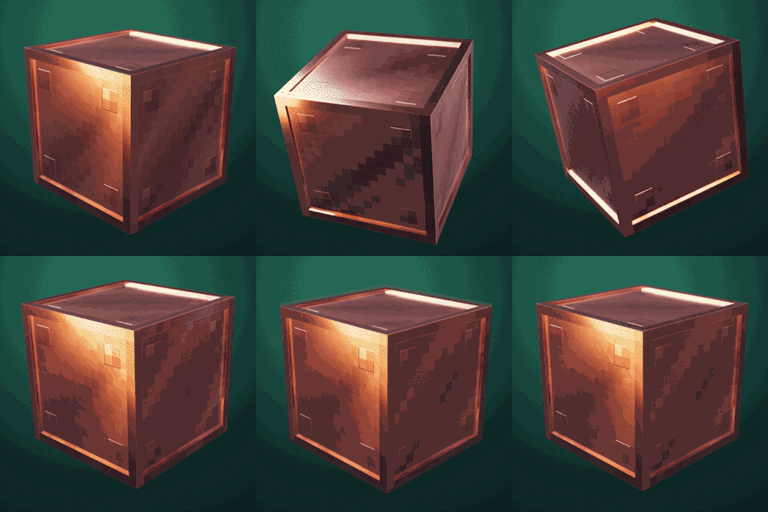
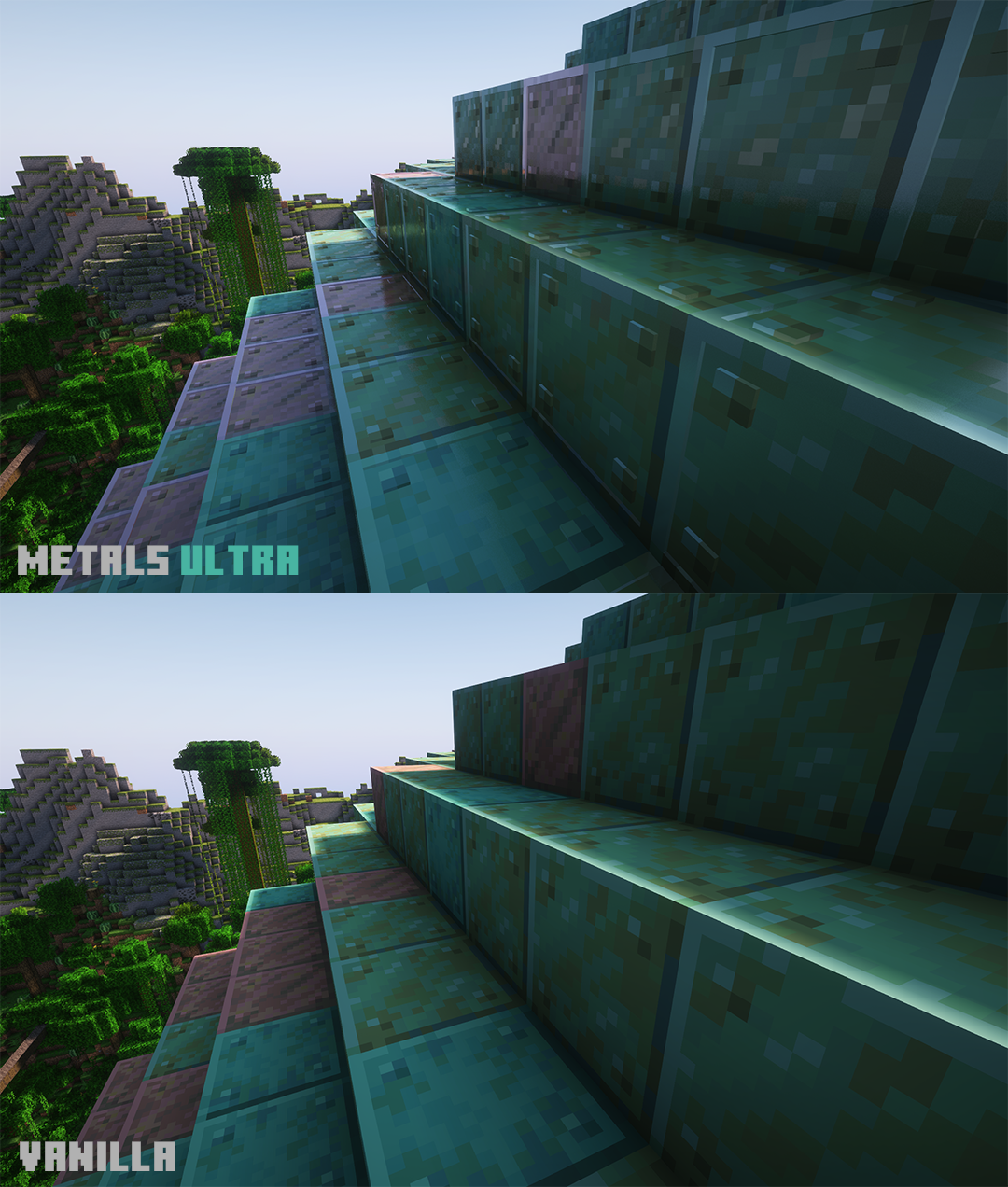
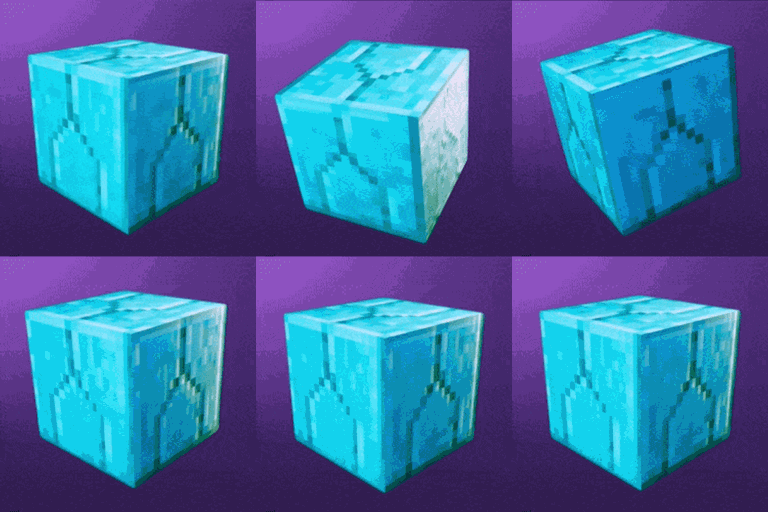
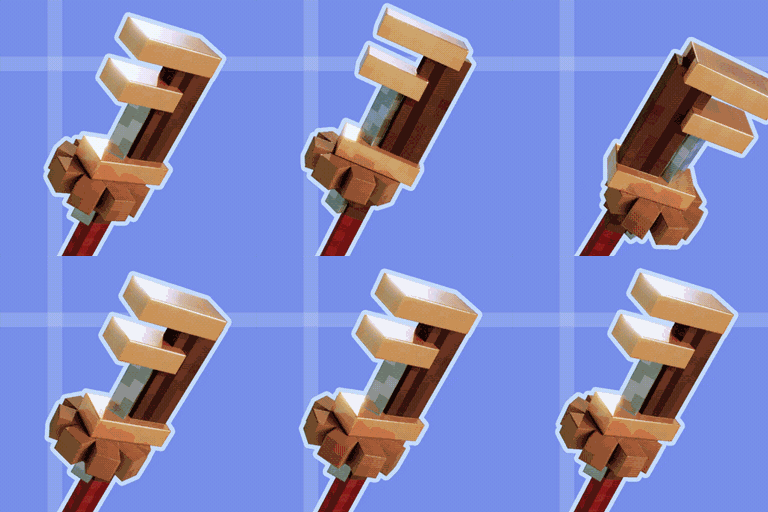
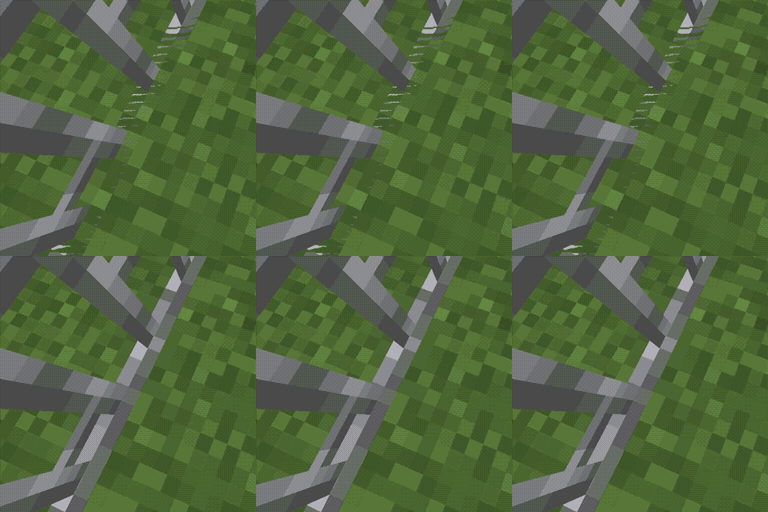
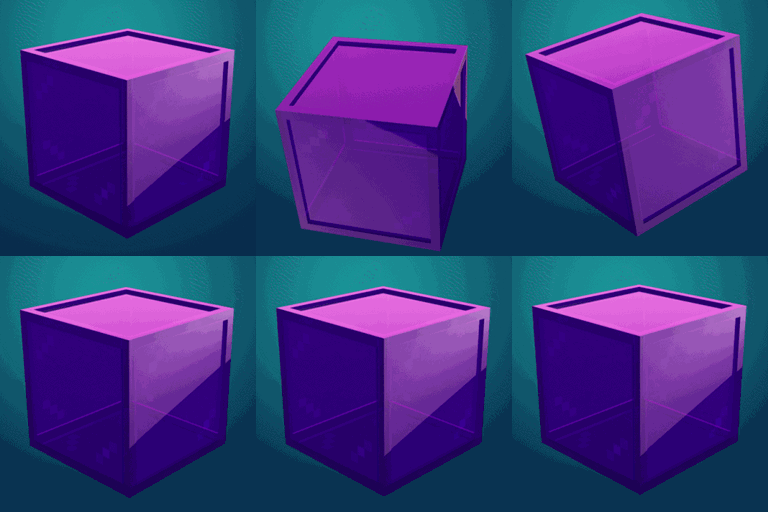
This pack features handcrafted PBR & POM textures for Minecrafts metals, as well as continuously growing support for all your shiny mod metals!

Currently supported mods:

- Oxidized (all blocks and Copper Golem)

- Charm (cut iron, weathered and oxidized iron and gold blocks)

- Immersive Weathering (cut iron, plate iron, iron doors, trapdoors and iron bars)

- Decorative Blocks (bar panel, big chain, brazier)

- Golden Hopper

- Trash Cans


How to use: 


Make sure Iris or Optifine (if you're not sure which one to use, choose Iris) and the latest Complementary Reimagined (or Rethinking Voxels) is installed and go to Options… -> Video Settings… -> Shader Packs… -> click on desired shader.zip -> Shader Pack Settings… -> set "RP Support" to labPBR.

If your PC can handle it, also set "Block Reflection Quality" to high in Performance Settings. I recommend to use a pack like Embrace Pixels below Metals Ultra.


Should be compatible with every Minecraft version starting 1.8, the "incompatible" warning is safe to ignore. Make sure to position this pack ABOVE every other resource pack that alters blocks included in this pack! Please note that this pack only adds textures for shader support. If you don't play with shaders, it won't do a thing!




MetalsUltra_V1.3.zip
MC 1.16.3, 1.13.1, 1.16-Snapshot, 1.17.1, 1.15-Snapshot, 1.16.1, 1.18.1, 1.20.2-Snapshot, 1.20.5-Snapshot, 1.14.3, 1.15, 1.16, 1.13, 1.19-Snapshot, 1.16.5, 1.19.3, 1.20.2, 1.19.4
Release 2024-03-26 Get

Requirements & install

How to use this resource pack in Minecraft
Resolution
16x
Minecraft
1.17.1 – 1.20.5-Snapshot
Install folder
.minecraft/resourcepacks

How to install resource packs

  1. Download the resource pack .zip file (do not extract it).
  2. In Minecraft open Options → Resource Packs → Open Pack Folder.
  3. Drop the .zip into the resourcepacks folder (.minecraft/resourcepacks).
  4. Move the pack to the Selected column and click Done.
Browse more: 16x resource packs 32x resource packs 64x resource packs 128x resource packs 256x resource packs 512x+ resource packs Resource Packs for 1.20.5-Snapshot All resource packs

More from MrUltra

Advertisement Remove ads with Premium →

You Might Also Like