Mineuniverse
Resource Packs
Mercury's Assets

Mercury's Assets

RESOURCE PACK
Tweaks & Fixes for the Mercury's Odyssey Modpack
by xLevtus
Download Claim this project
256 downloads
0 likes
0 followers
Updated Oct 14, 2026
0 hypes
Follow0
16x Miscellaneous Mod Support Traditional
Advertisement Remove ads with Premium →

Mercury's Odyssey Assets Full Banner


This is a collection of a few resources and patches specifically made for the Mercury's Odyssey modpack. Tweaks include:

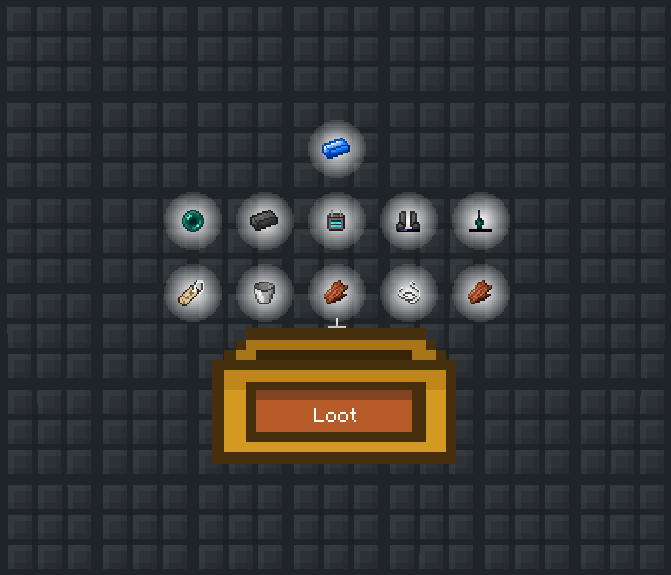
  - Retexturing of the Betterquesting Quest Book, Loot Chest, and Loot Chest opening GUI 

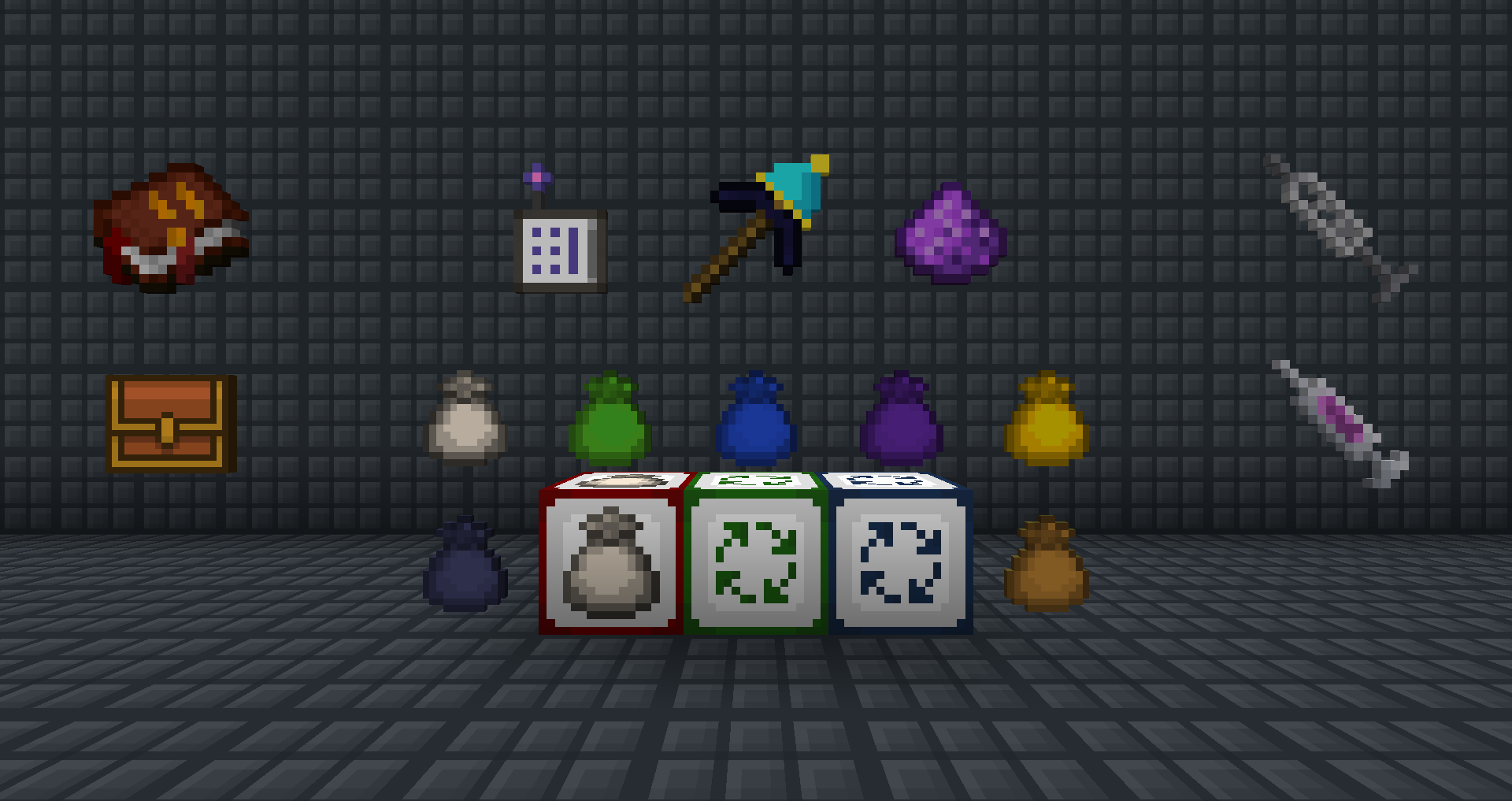
  - Retexturing of the WCT Wireless Universal Terminal for AE2

  - Retexturing of a number of Draconic Evolution items 

  - Retexturing of the RFTools Syringe

  - Retexturing of the Party Pickaxe

  - Changes to several ProjectE items, including the Project E guide book, red matter armor, and more

With more features to come in the future.


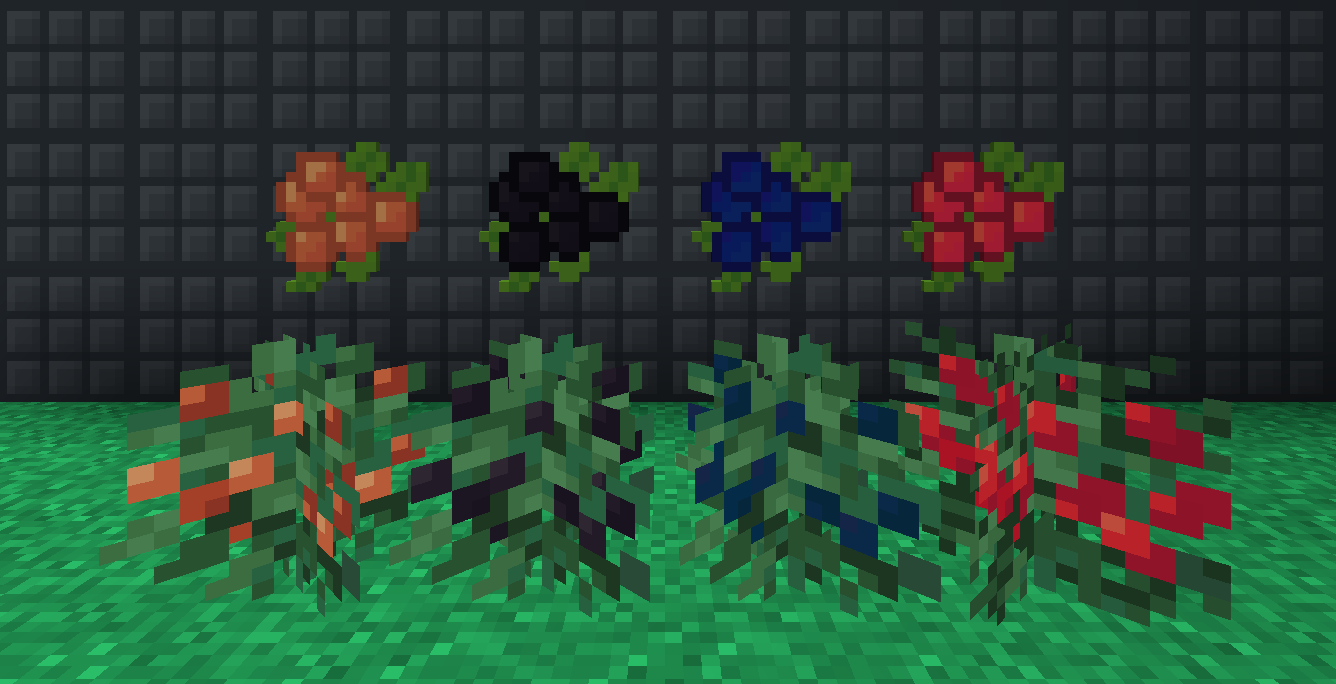
As you can tell, Mercury's Assets is a small resource pack meant to be unintrusive yet useful. Quite simply, it fixes many minor texture annoyances I have found in common mods. If you're interested, the images tab features a showcase of many of the changes that have been made to default textures in this pack. After reviewing the changes, go ahead and download it if any of the alterations I've made are to your liking. If there is something you don't like, feel free to remove it from inside the pack folder.


TL;DR, Mercury's Assets is a small yet useful Quality of Life pack for modpacks.



[1.12.X] Mercury's Assets v1.2
MC 1.12.1, 1.12, 1.12.2
Release 2021-04-22 Get
[1.12.X] Mercury's Assets v1.1
MC 1.12.1, 1.12, 1.12.2
Release 2021-04-21 Get
[1.12.X] Mercury's Assets v1.0
MC 1.12.1, 1.12, 1.12.2
Release 2021-04-18 Get

Requirements & install

How to use this resource pack in Minecraft
Resolution
16x
Minecraft
1.12 – 1.12.2
Install folder
.minecraft/resourcepacks

How to install resource packs

  1. Download the resource pack .zip file (do not extract it).
  2. In Minecraft open Options → Resource Packs → Open Pack Folder.
  3. Drop the .zip into the resourcepacks folder (.minecraft/resourcepacks).
  4. Move the pack to the Selected column and click Done.
Browse more: 16x resource packs 32x resource packs 64x resource packs 128x resource packs 256x resource packs 512x+ resource packs Resource Packs for 1.12.2 All resource packs
Advertisement Remove ads with Premium →

You Might Also Like