Mineuniverse
Resource Packs
Mekanism:More Thermal Evaporation CTM Addon

Mekanism:More Thermal Evaporation CTM Addon

RESOURCE PACK
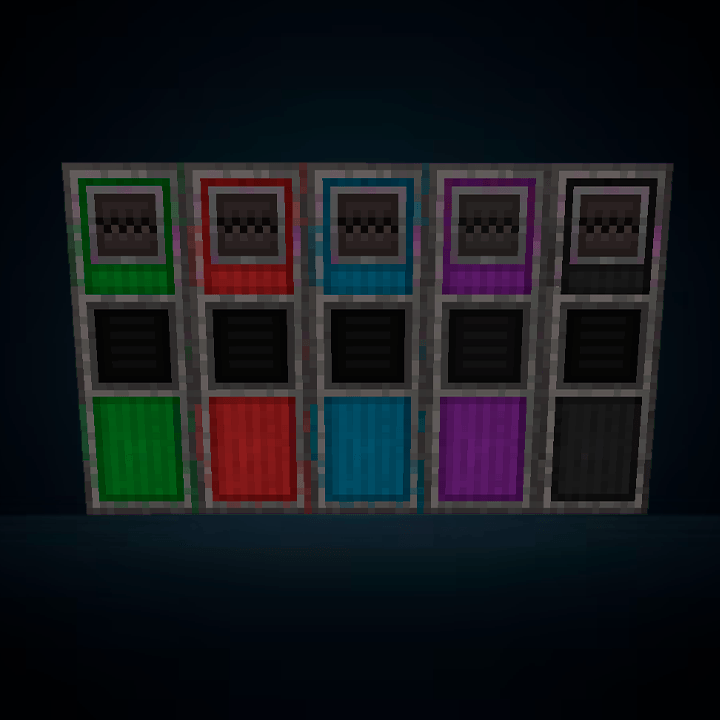
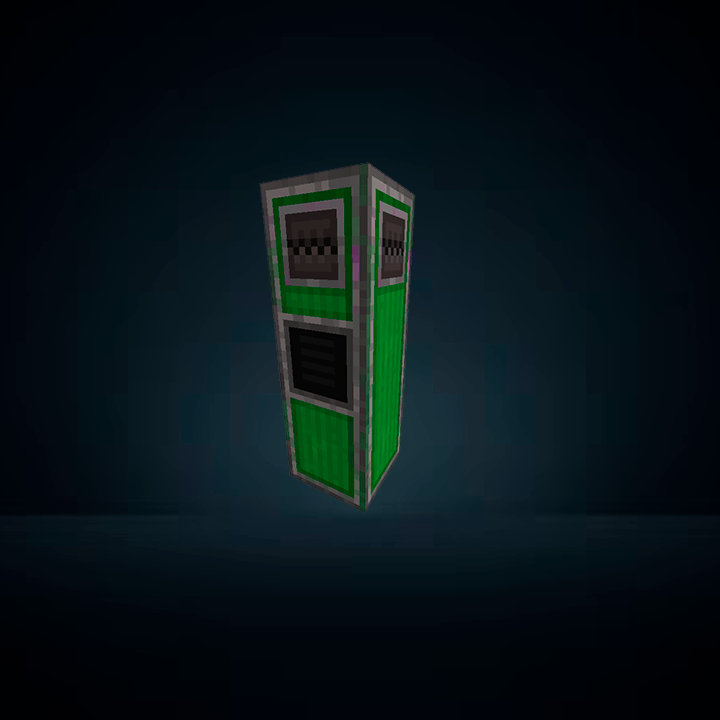
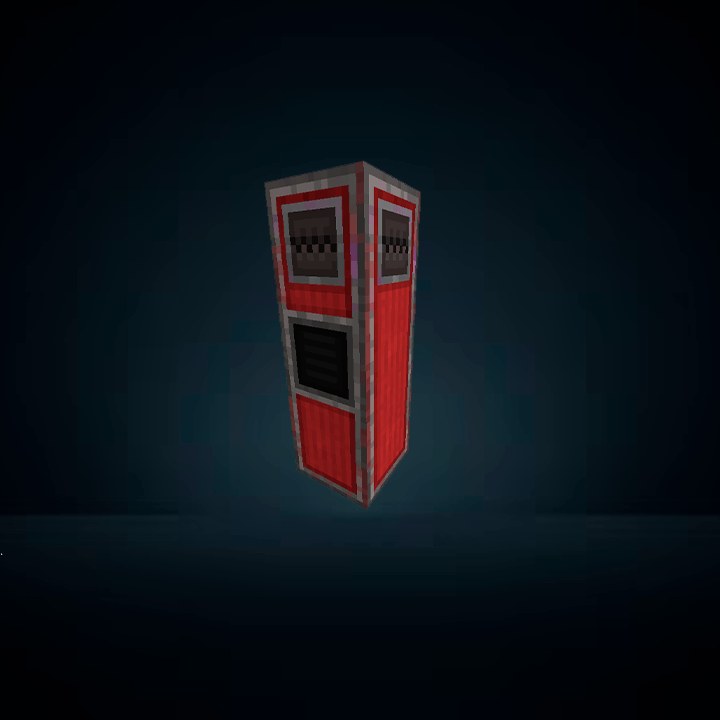
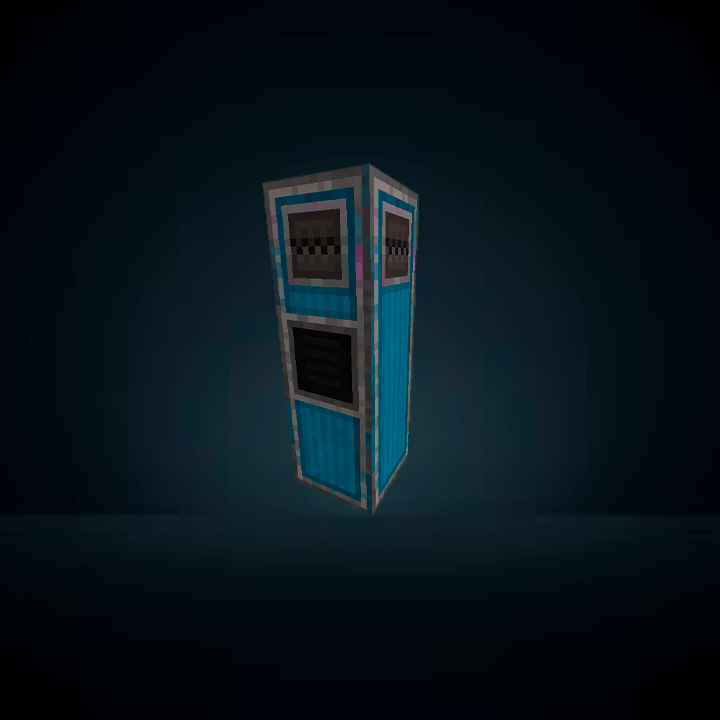
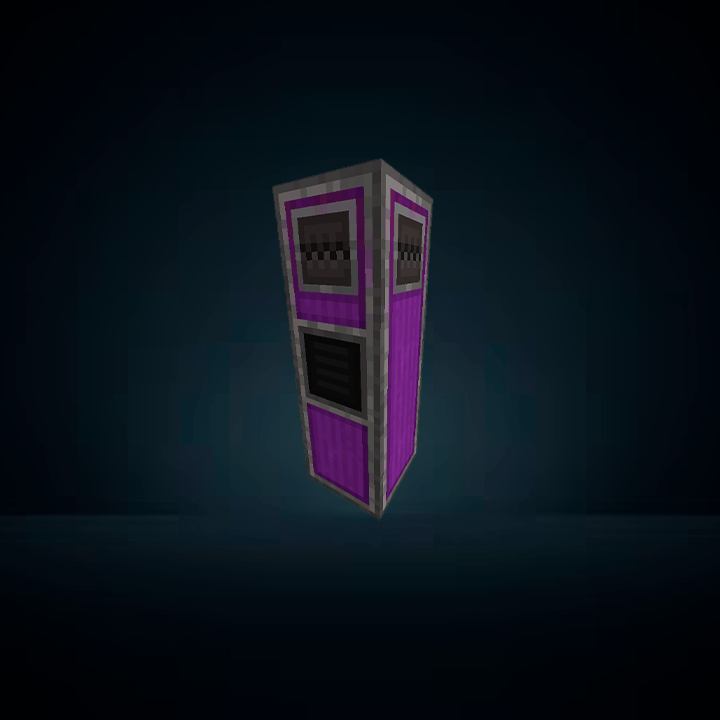
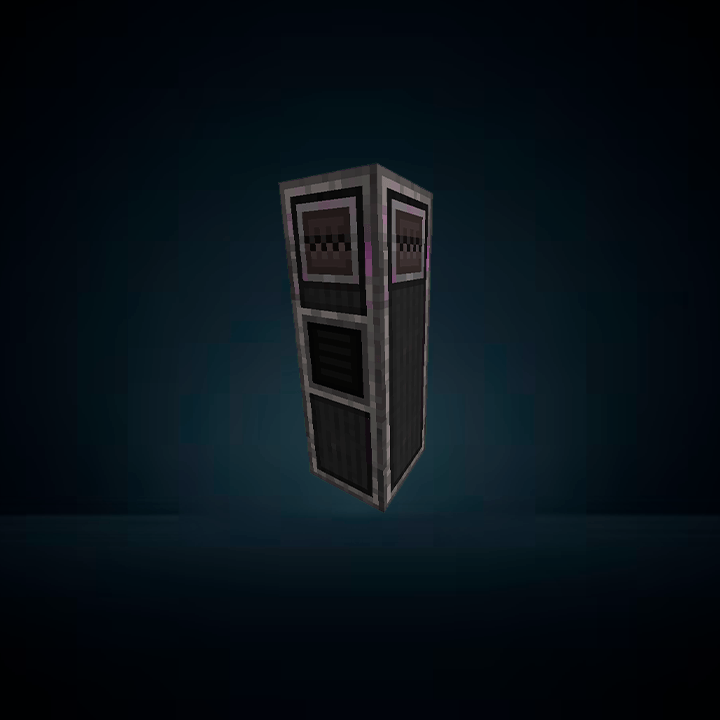
Connected CTM visuals for More Thermal Evaporation towers using Fusion. Adds seamless, tier-based textures (Basic, Advanced, Elite, Ultimate) matching Mekanism CTM style for a cleaner and more immersive factory look.
by Lukkinhas
Download Claim this project
Add a badge to your pageLink to Mekanism:More Thermal Evaporation CTM Addon from a README, website or forum post.
Preview: Badge

Badges update automatically and link to the resource pack page on MineUniverse.

126 downloads
0 likes
0 followers
Updated Oct 14, 2026
0 hypes
Follow0
16x Mod Support
Advertisement Remove ads with Premium →

Description

Enhance your Mekanism experience with fully connected CTM-style Thermal Evaporation Towers for all progression tiers: Basic, Advanced, Elite, and Ultimate.

This resource pack replaces the default Thermal Evaporation visuals from More Thermal Evaporation with custom seamless textures and Fusion-based connected models, creating a clean and immersive industrial look consistent with Mekanism CTM aesthetics.

Each tier has its own distinct visual progression, allowing better visual feedback and a more polished factory experience.

Dependencies

This resource pack requires the following mods and resource packs:

  • Mekanism
  • Mekanism Generators
  • More Thermal Evaporation
  • Mekanism CTM (Fusion-based CTM pack)
  • Fusion (CTM / Connected Textures support)

Notes

  • Must be placed above Mekanism CTM in the resource pack order
  • Designed for Forge / NeoForge 1.20.1
  • Only affects Thermal Evaporation Towers from More Thermal Evaporation
  • Does not modify gameplay, only visuals
MTE CTM Addon.zip
MC 1.20.1
Release 2026-06-04 Get

Requirements & install

How to use this resource pack in Minecraft
Resolution
16x
Minecraft
1.20.1
Install folder
.minecraft/resourcepacks

How to install resource packs

  1. Download the resource pack .zip file (do not extract it).
  2. In Minecraft open Options → Resource Packs → Open Pack Folder.
  3. Drop the .zip into the resourcepacks folder (.minecraft/resourcepacks).
  4. Move the pack to the Selected column and click Done.
Browse more: 16x resource packs 32x resource packs 64x resource packs 128x resource packs 256x resource packs 512x+ resource packs Resource Packs for 1.20.1 All resource packs

More from Lukkinhas

Advertisement Remove ads with Premium →

You Might Also Like