Mineuniverse
Resource Packs
Medieval Loading Screens

Medieval Loading Screens

RESOURCE PACK
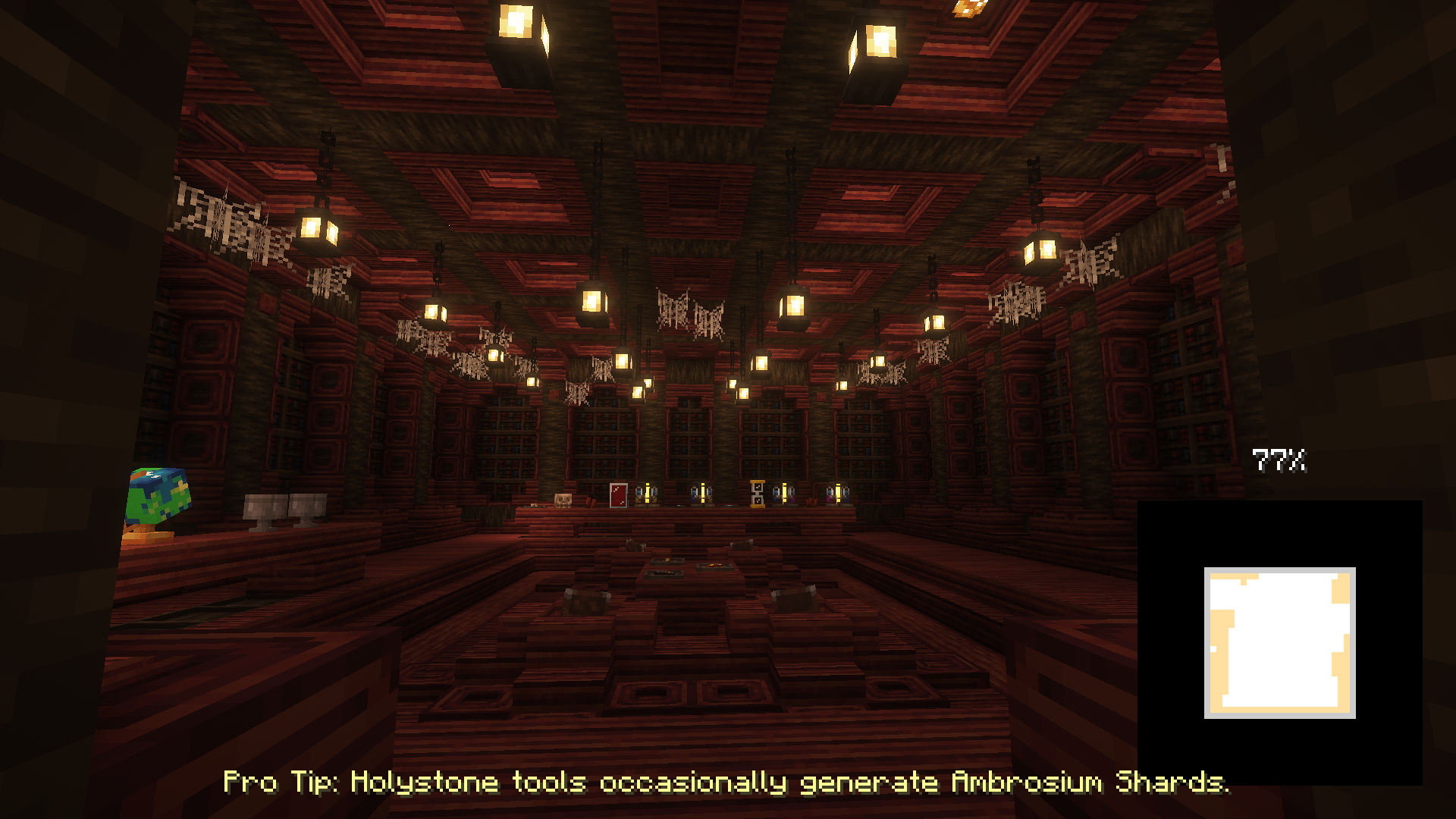
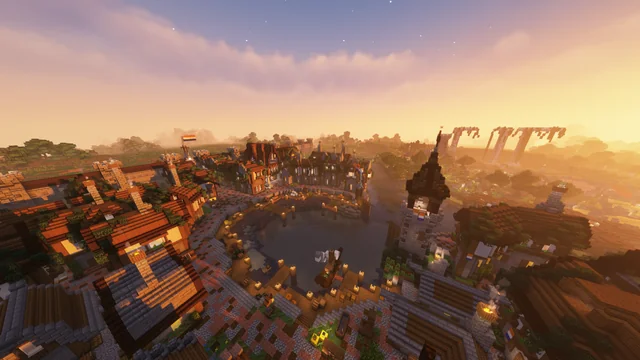
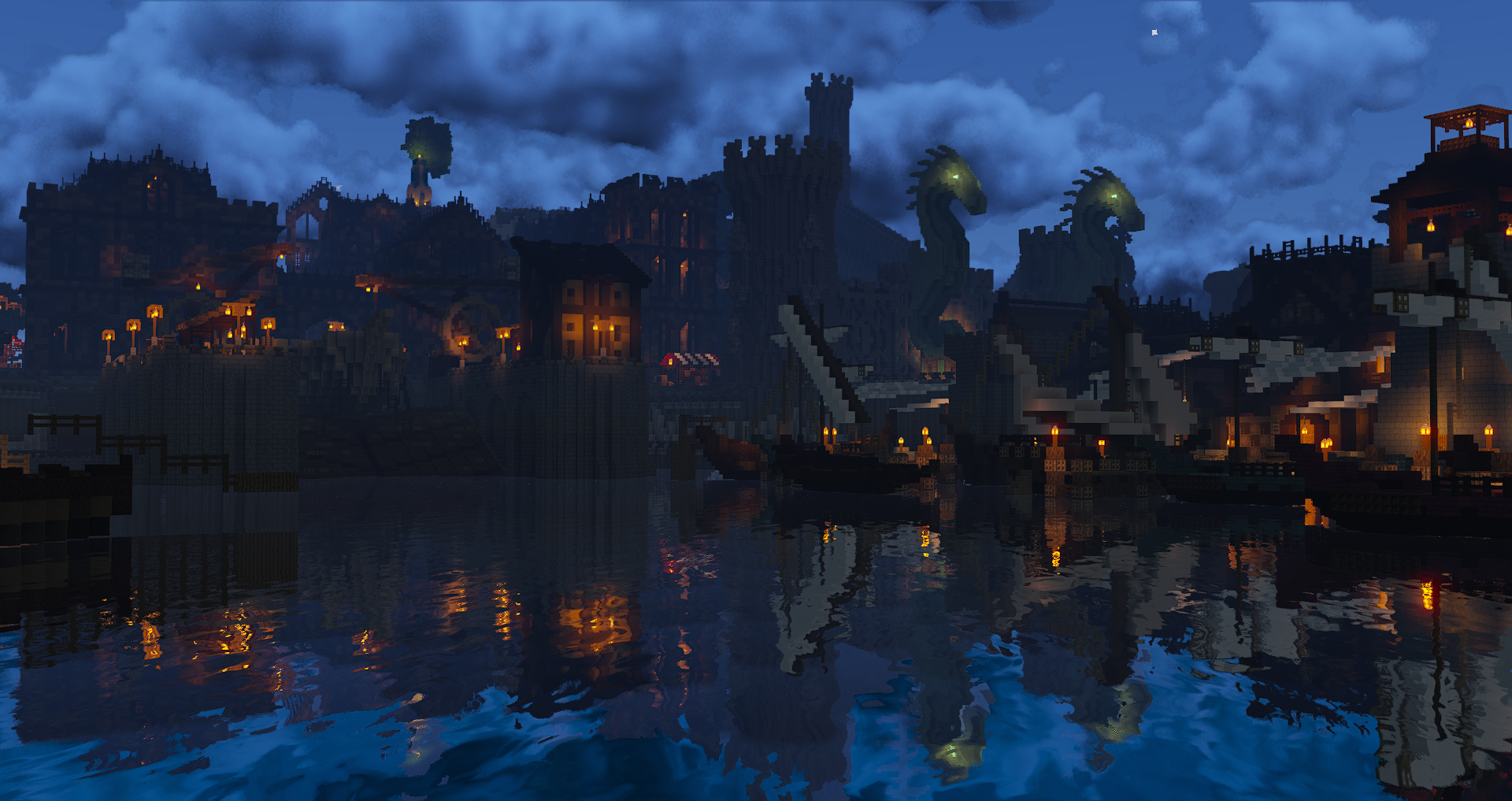
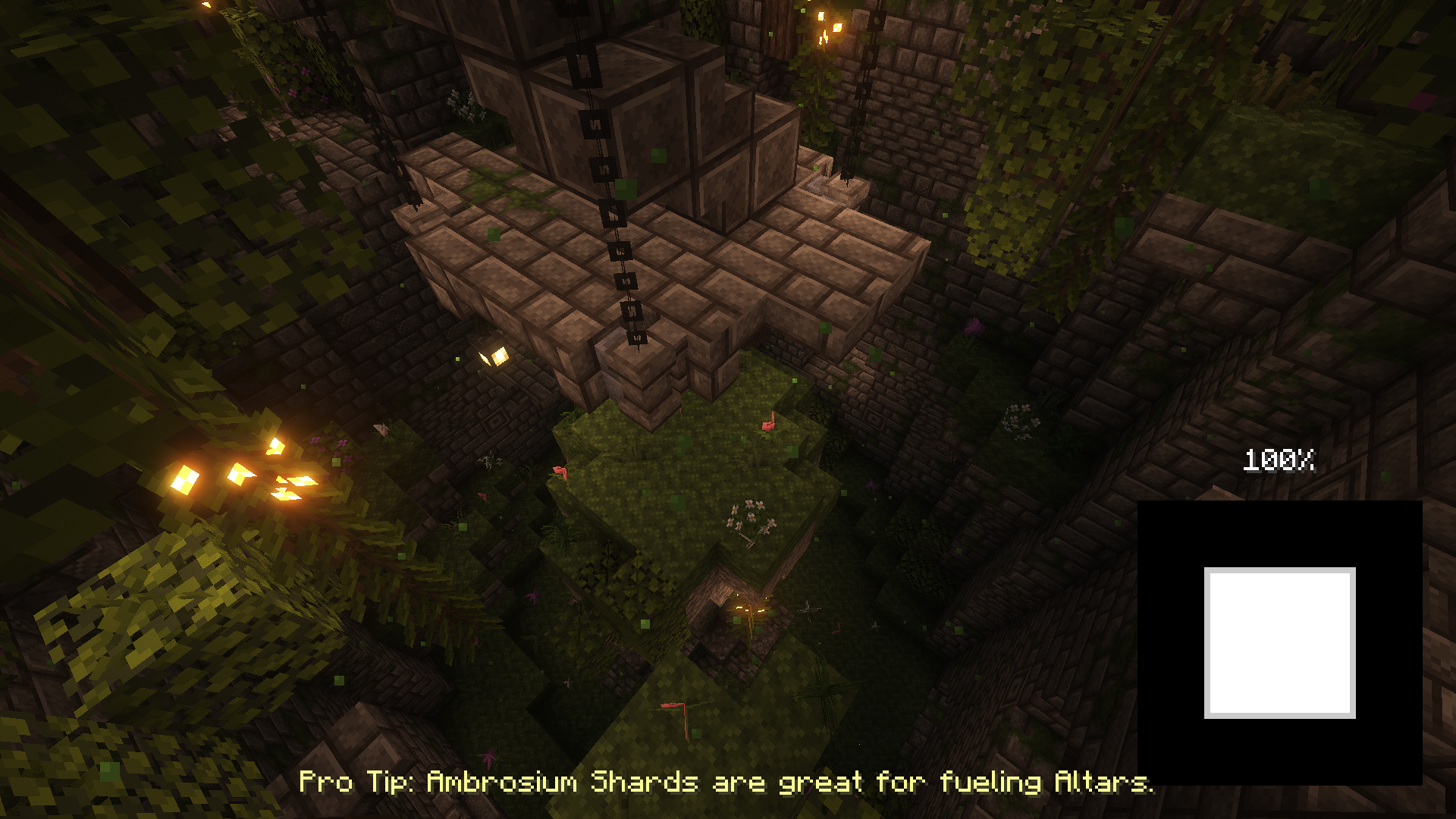
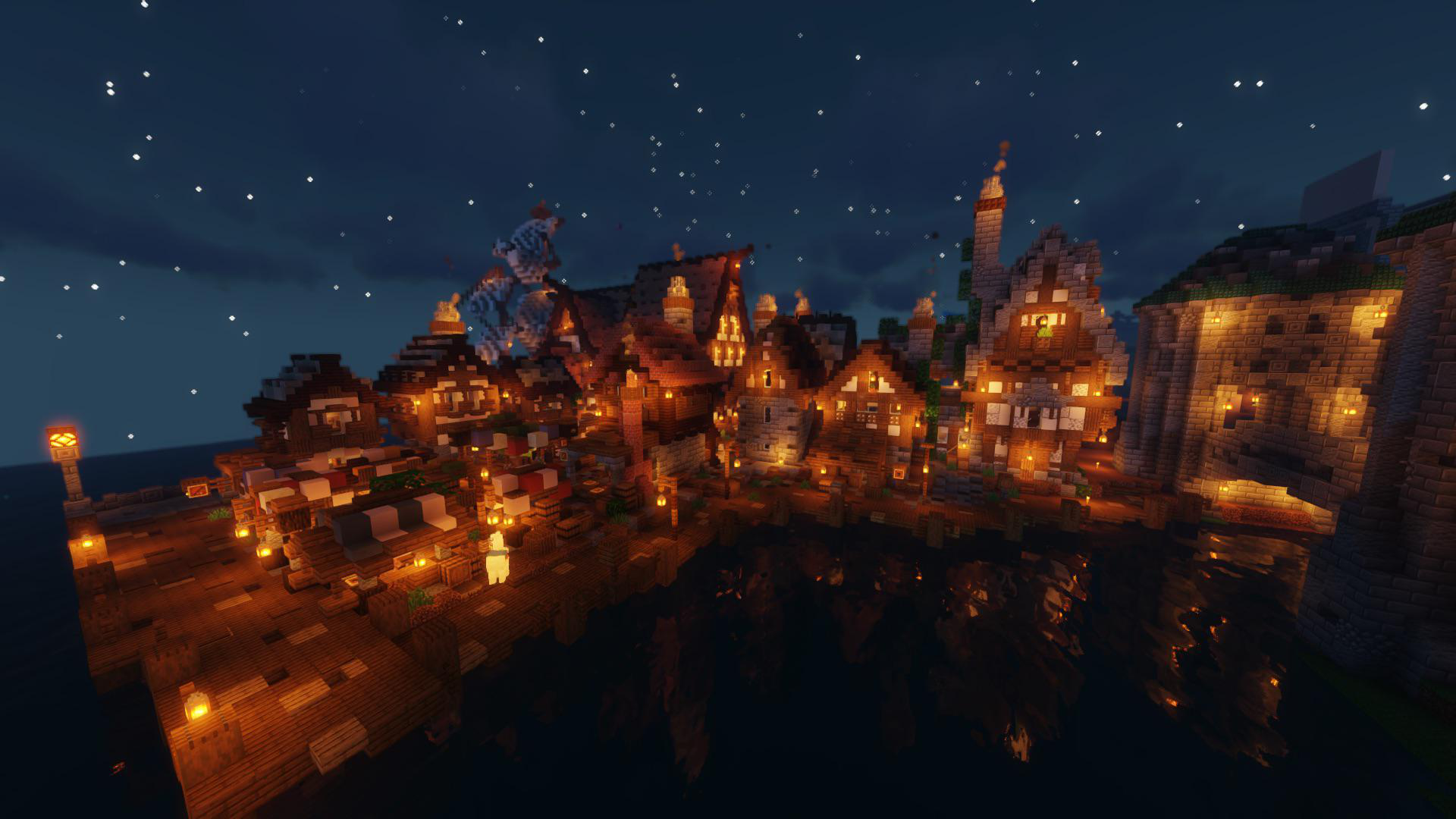
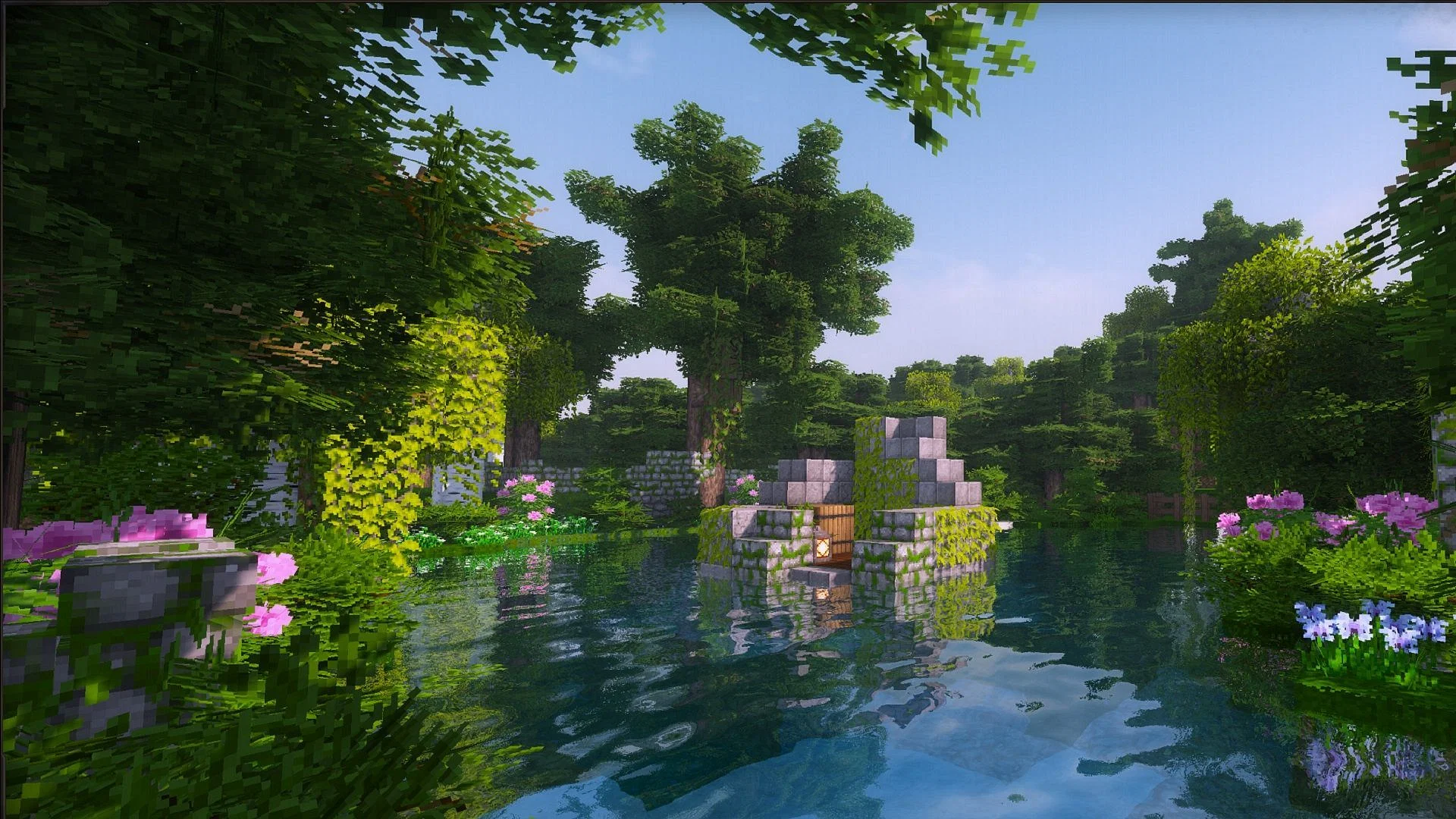
Instead of the basic and boring loading screens we know and see so often they have been replaced by high quality medieval minecraft views, enjoy!
by Color0011
Download Claim this project
6,073 downloads
0 likes
Updated Oct 14, 2026
0 hypes
16x Medieval Photo Realistic Steampunk
Advertisement Remove ads with Premium →

Loading Screens - Medieval

This is a resourcepack for the Loading Backgrounds Mod. This resourcepack adds many medieval themed images to your background when loading up your minecraft worlds.

Requires the mod: Loading Backgrounds

Can this be used on a server? Yes, it works on servers.

Patreon: https://www.patreon.com/Swaix Ko-Fi: https://ko-fi.com/swaix Support Server: https://discord.gg/FwC2c6u3Jt

MLS 7.0.0
MC 1.21, 1.20.2, 1.21.8, 1.20.5, 1.21.5, 1.21.4, 1.20.1, 1.20, 1.20.6, 1.21.1, 1.21.6, 1.21.3, 1.21.7, 1.20.4, 1.20.3, 1.21.2, 1.21.9, 1.21.10, 1.21.11, 26.1, 26.1.1, 26.1.2
Release 2026-06-02 Get
MLS 8.0.0
MC 1.21, 1.20.2, 1.21.8, 1.20.5, 1.21.5, 1.21.4, 1.20.1, 1.20, 1.20.6, 1.21.1, 1.21.6, 1.21.3, 1.21.7, 1.20.4, 1.20.3, 1.21.2, 1.21.9, 1.21.10, 1.21.11, 26.1, 26.1.1, 26.1.2
Release 2026-06-02 Get
MLS 6.0.0
MC 1.21, 1.20.2, 1.21.8, 1.20.5, 1.21.5, 1.21.4, 1.20.1, 1.20, 1.20.6, 1.21.1, 1.21.6, 1.21.3, 1.21.7, 1.20.4, 1.20.3, 1.21.2, 1.21.9, 1.21.10, 1.21.11
Release 2026-01-12 Get
MLS 5.0.0
MC 1.21, 1.20.2, 1.21.8, 1.20.5, 1.21.5, 1.21.4, 1.20.1, 1.20, 1.20.6, 1.21.1, 1.21.6, 1.21.3, 1.21.7, 1.20.4, 1.20.3, 1.21.2, 1.21.9, 1.21.10
Release 2025-11-15 Get
MLS 4.0.0
MC 1.21, 1.20.2, 1.21.8, 1.20.5, 1.21.5, 1.21.4, 1.20.1, 1.20, 1.20.6, 1.21.1, 1.21.6, 1.21.3, 1.21.7, 1.20.4, 1.20.3, 1.21.2, 1.21.9, 1.21.10
Release 2025-07-19 Get

Requirements & install

How to use this resource pack in Minecraft
Resolution
16x
Minecraft
1.21.7 – 26.1.2
Install folder
.minecraft/resourcepacks

How to install resource packs

  1. Download the resource pack .zip file (do not extract it).
  2. In Minecraft open Options → Resource Packs → Open Pack Folder.
  3. Drop the .zip into the resourcepacks folder (.minecraft/resourcepacks).
  4. Move the pack to the Selected column and click Done.
Browse more: 16x resource packs 32x resource packs 64x resource packs 128x resource packs 256x resource packs 512x+ resource packs Resource Packs for 26.1.2 All resource packs

More from Color0011

Advertisement Remove ads with Premium →

You Might Also Like