Mineuniverse
Resource Packs
MCR Locomotive Pack

MCR Locomotive Pack

RESOURCE PACK
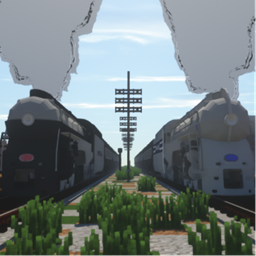
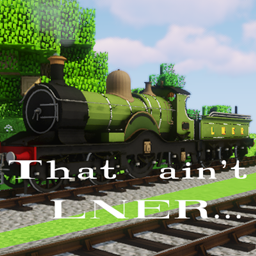
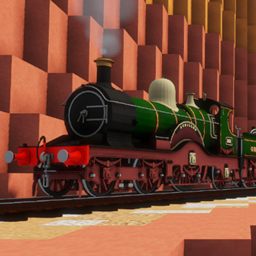
Fictional locomotives of steam, diesel, and electric power for Immersive Railroading.
by Furry_Norf
Download Claim this project
Add a badge to your pageLink to MCR Locomotive Pack from a README, website or forum post.
Preview: Badge

Badges update automatically and link to the resource pack page on MineUniverse.

1,661 downloads
0 likes
0 followers
Updated Oct 14, 2026
0 hypes
Follow0
32x Miscellaneous
Advertisement Remove ads with Premium →

Currently this pack contains:
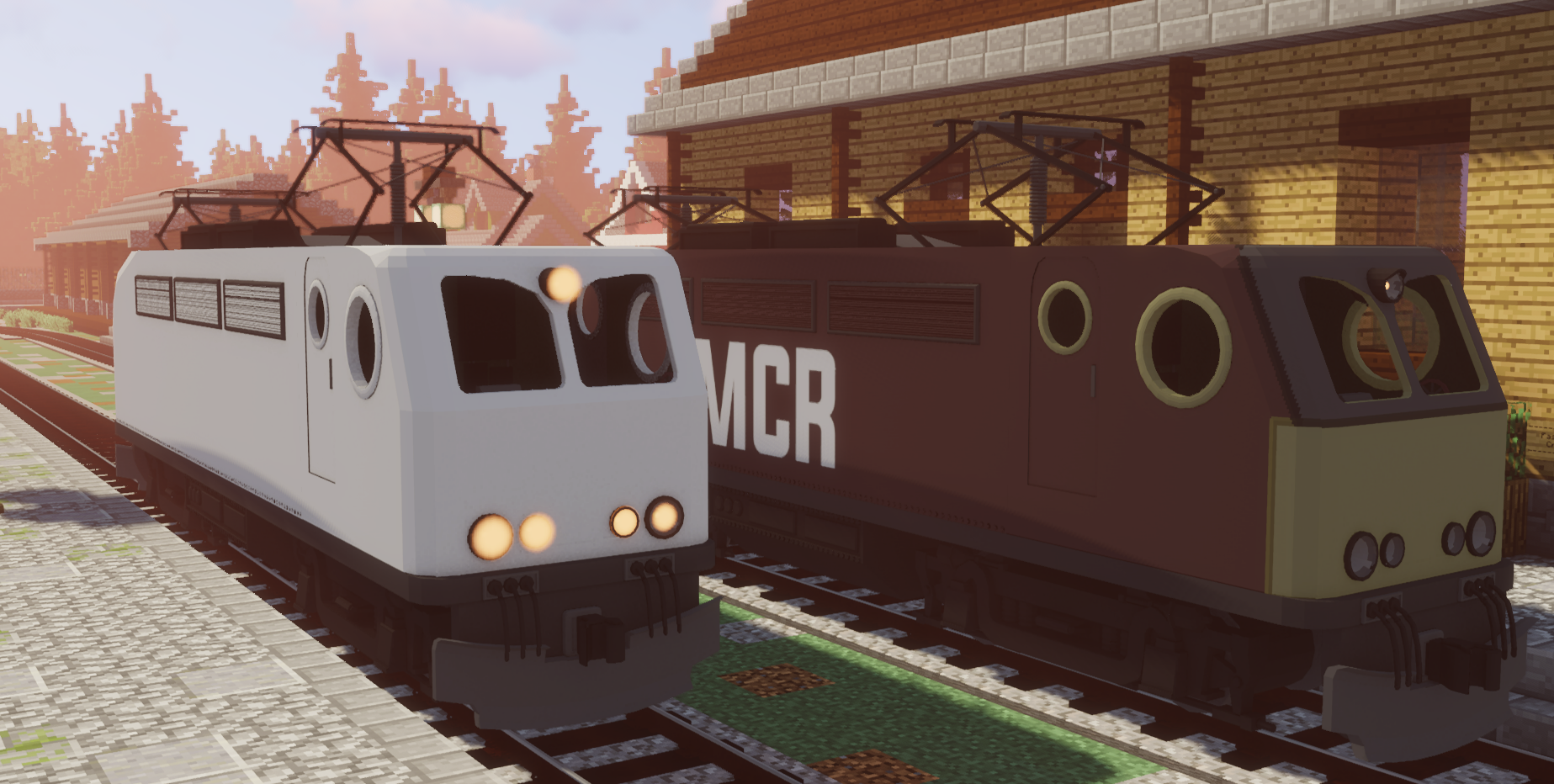
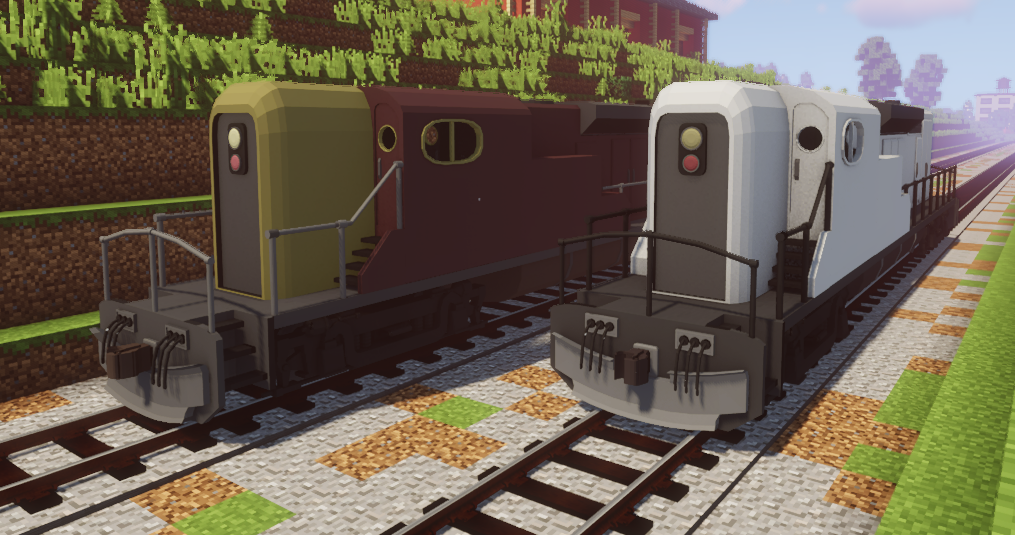
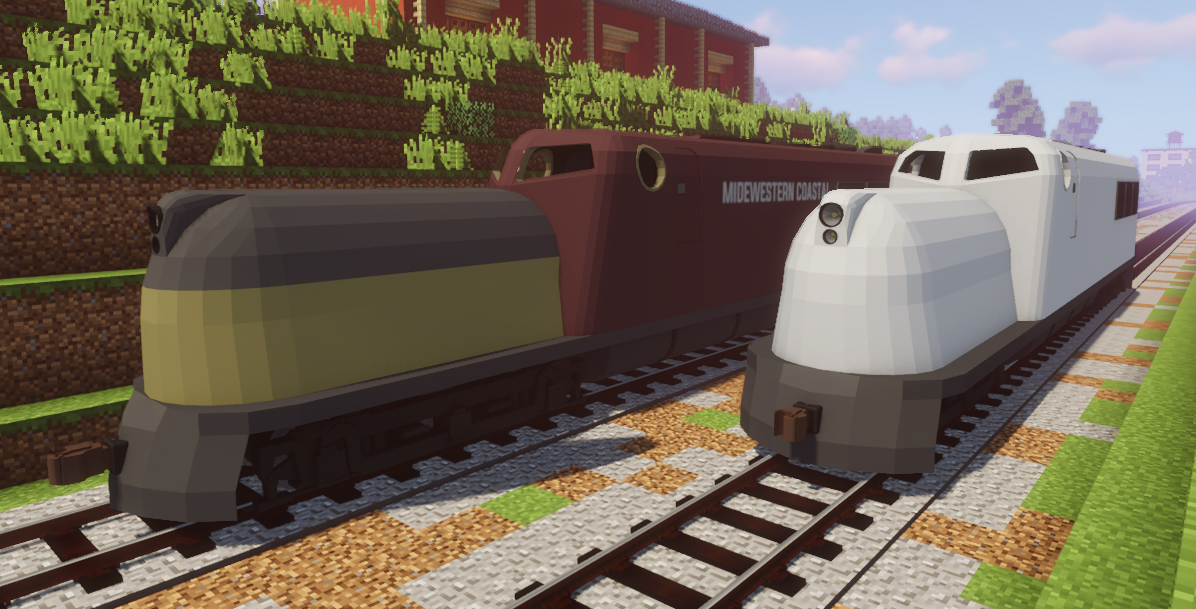
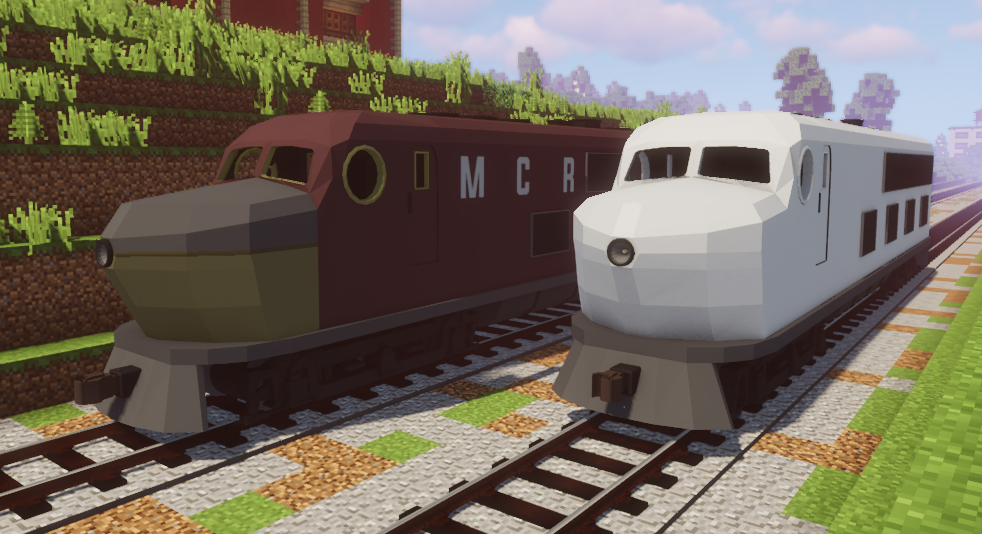
SDE66-P, a streamlined cab unit for passenger work.

SDE66-F, a streamlined cab unit for freight work.

SDE44-F, a high-hood diesel for freight work.

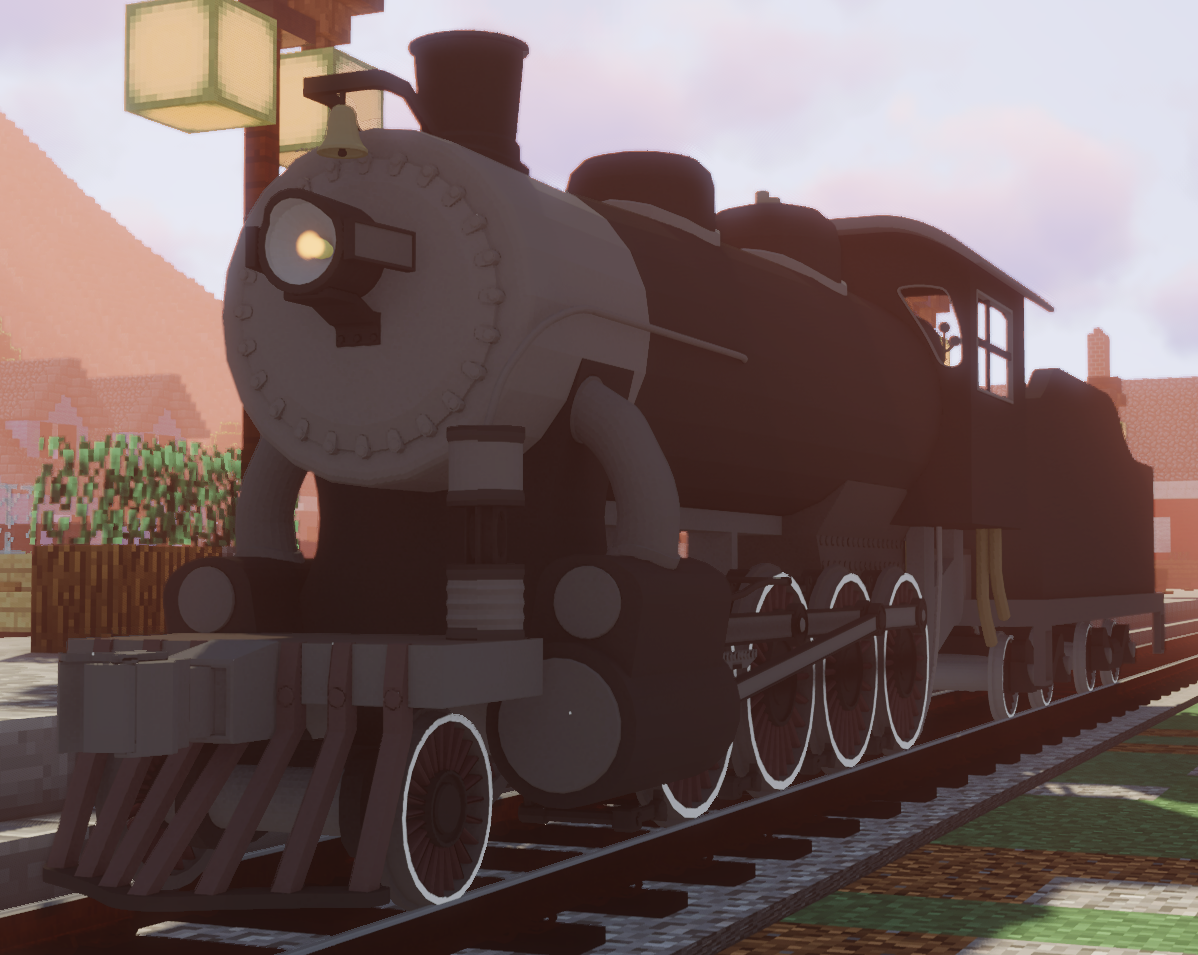
SS4-SW, an old, cheaply made switcher from the 1890s.

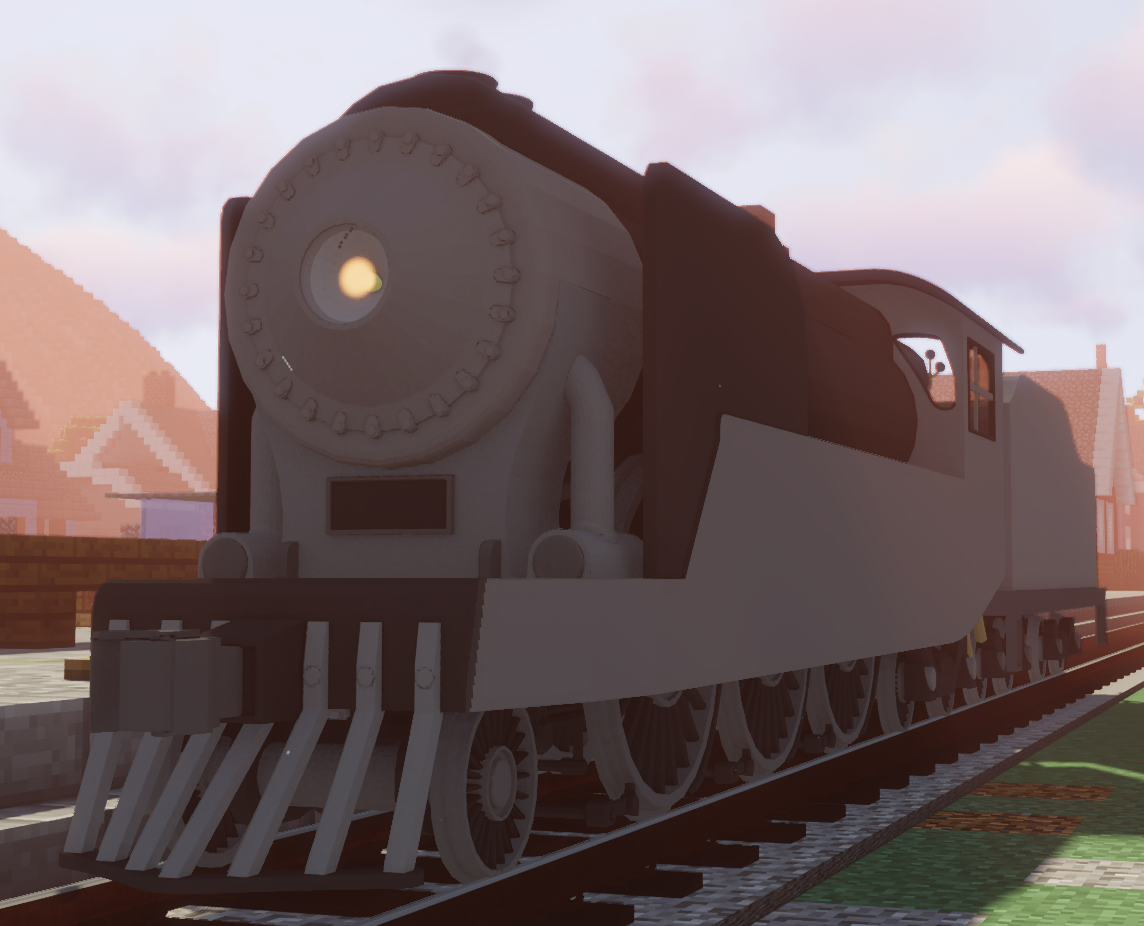
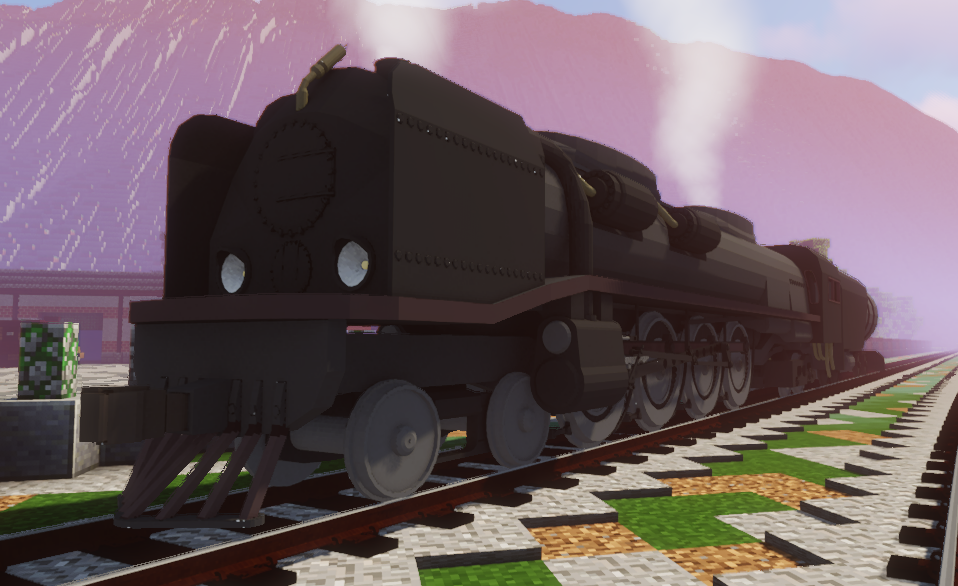
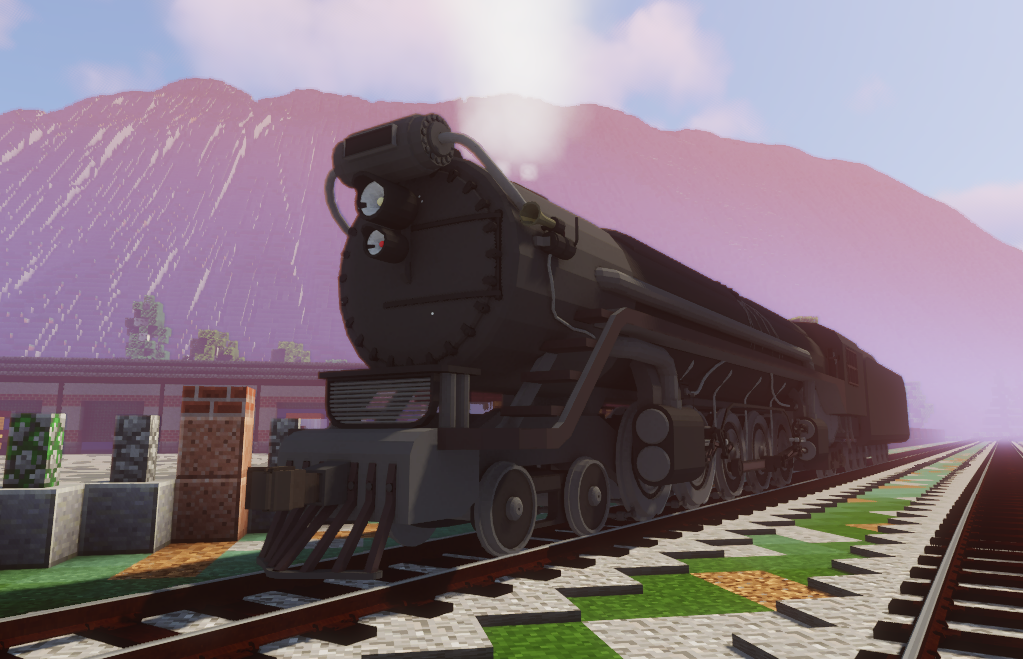
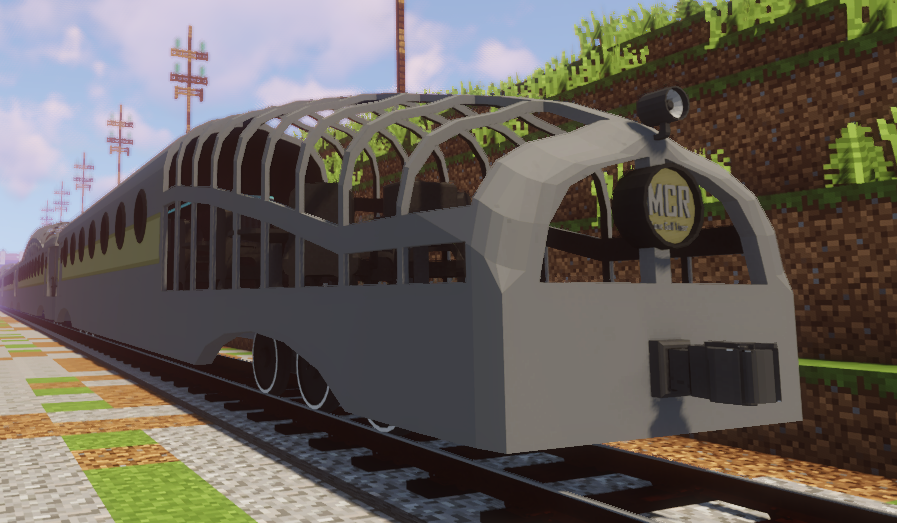
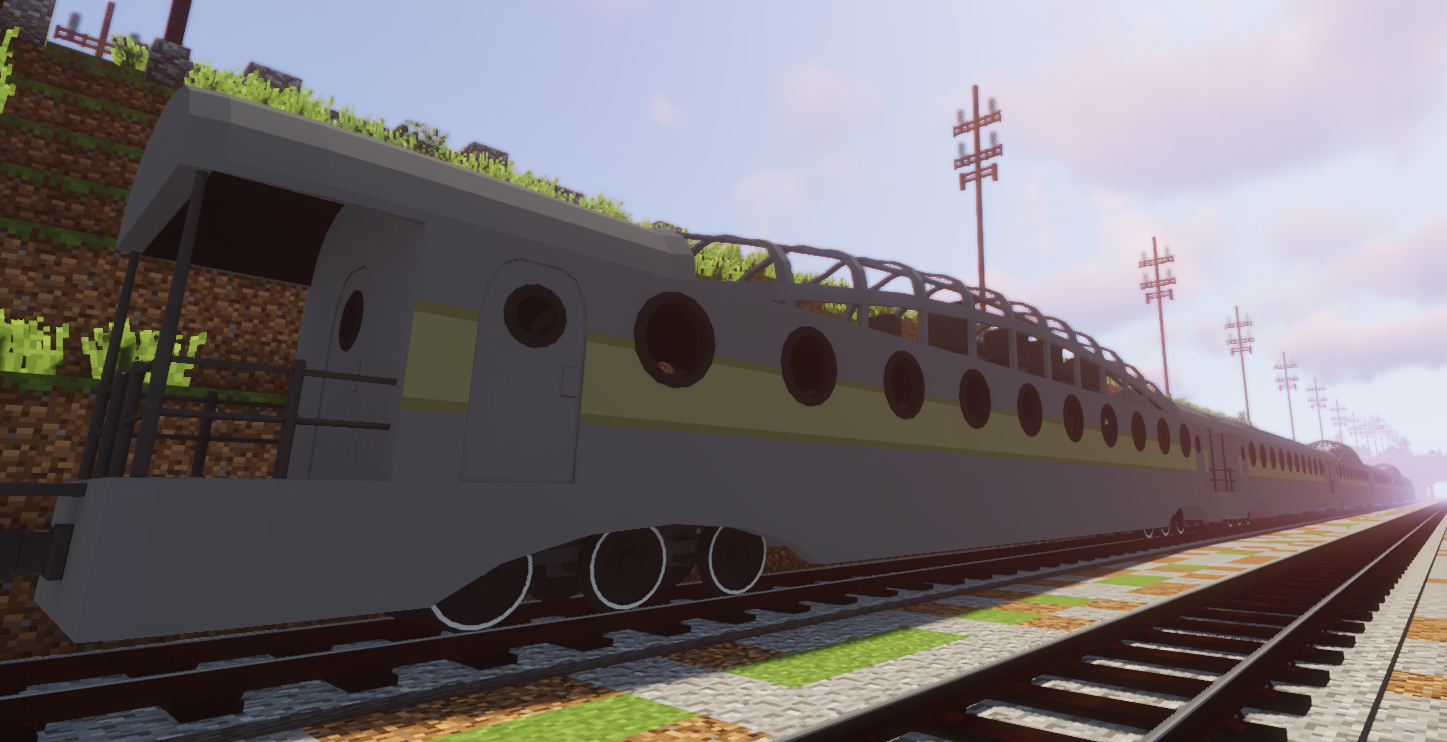
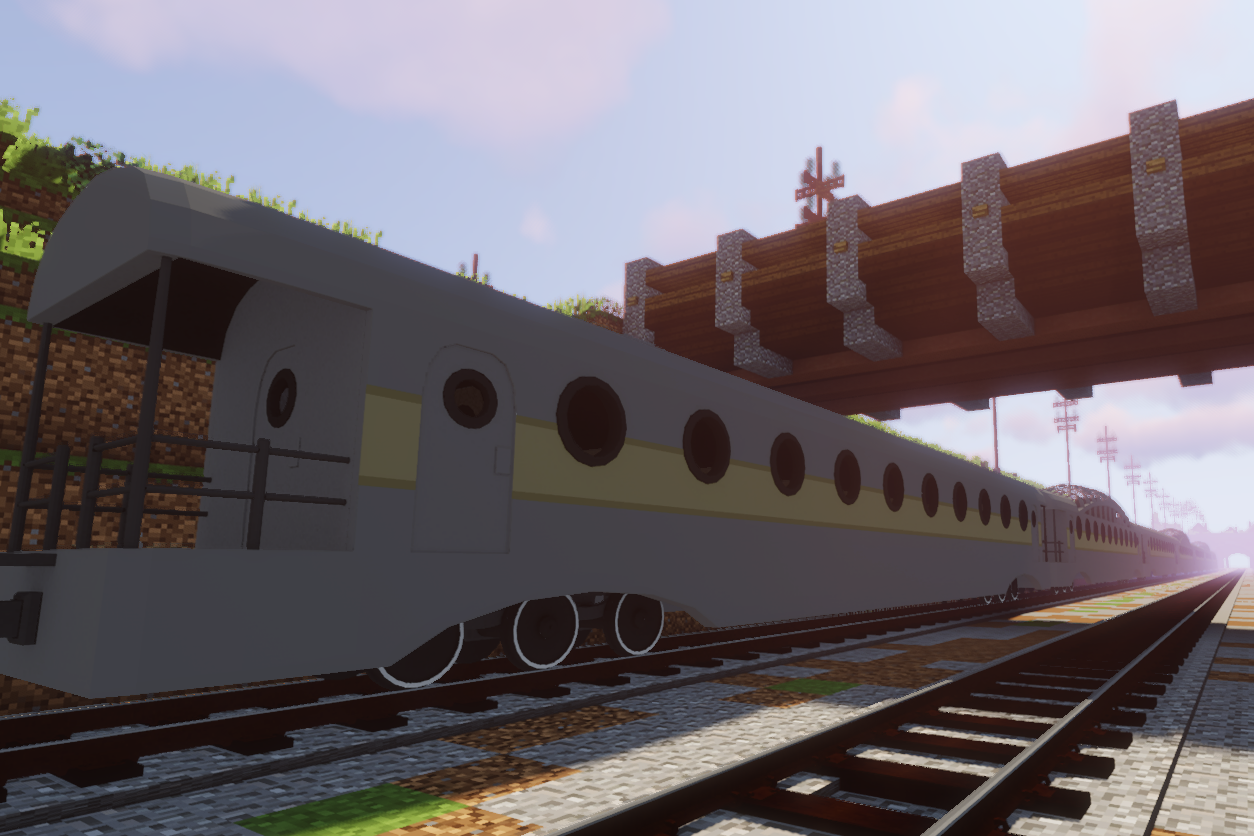
SS44-SE, a streamlined duplex complete with an aux tender and custom coaches.

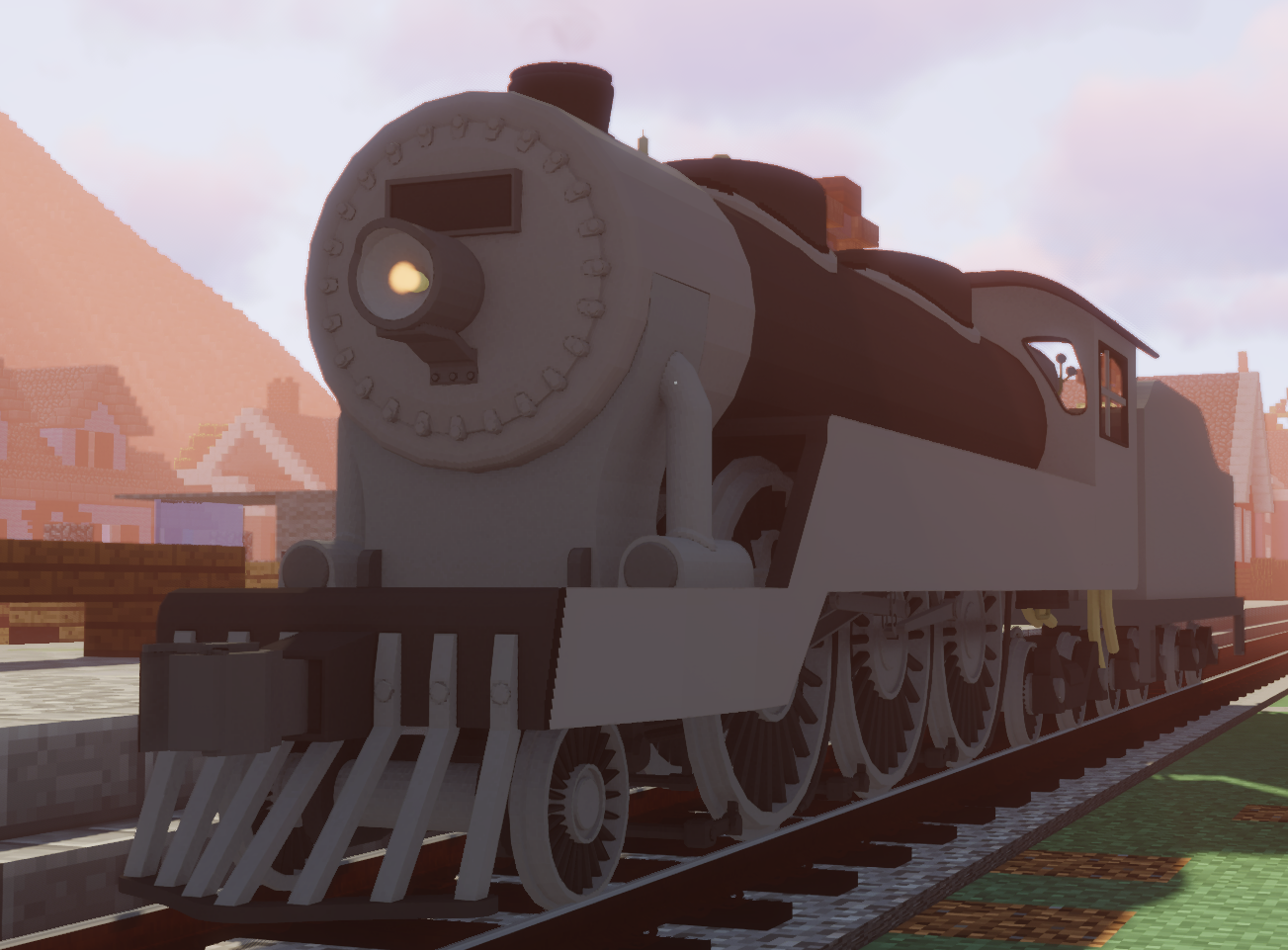
SS46-F, a large heavy freight duplex.

SS8-X, an experimental high-pressure 4-8-4 sporting the Franco-Crosti boiler design.

SS8-F, a 2-8-0 freight locomotive from 1910.

SS6-P, a 2-6-4 passenger locomotive from 1900.

SS6-P (Late), a variant of the SS6-P from 1931.

SE44-F, an electric freight locomotive from the 1960s.


NOTE: All packs for Immersive railroading work for all versions of Minecraft, regardless of what version it says it's for. This pack says it's built for 1.12.2, but would work just as well in 1.16.5.

MCR Locomotive Pack Turn of the Century Update
MC 1.16.5, 1.12.2
Release 2022-10-04 Get
MCR Locomotive Pack Hotfix
MC 1.14.4, 1.16.5, 1.11, 1.15.2, 1.10, 1.7.10, 1.12.2
Release 2022-09-24 Get
MCR Locomotive Pack Heavy Freight Update
MC 1.16.5, 1.12.2
Release 2022-09-21 Get
MCR Locomotive Pack Lone Gulf Liner Update
MC 1.16.5, 1.12.2
Release 2022-09-05 Get
MCR Locomotive Pack V2.0
MC 1.12.2
Release 2022-06-25 Get
MCR Locomotive Pack V1.0
MC 1.12.2
Release 2022-06-08 Get

Requirements & install

How to use this resource pack in Minecraft
Resolution
32x
Minecraft
1.7.10 – 1.16.5
Install folder
.minecraft/resourcepacks

How to install resource packs

  1. Download the resource pack .zip file (do not extract it).
  2. In Minecraft open Options → Resource Packs → Open Pack Folder.
  3. Drop the .zip into the resourcepacks folder (.minecraft/resourcepacks).
  4. Move the pack to the Selected column and click Done.
Browse more: 16x resource packs 32x resource packs 64x resource packs 128x resource packs 256x resource packs 512x+ resource packs Resource Packs for 1.16.5 All resource packs

More from Furry_Norf

Advertisement Remove ads with Premium →

You Might Also Like