Mineuniverse
Resource Packs
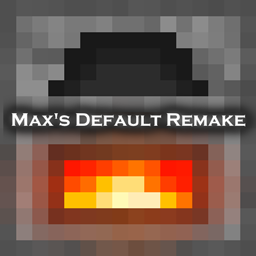
Max's Default Remake

Max's Default Remake

RESOURCE PACK
Animated textures, Dynamic Seaons, Changed Sounds
by Maxmos
Download Claim this project
699 downloads
0 likes
Updated Oct 14, 2026
0 hypes
16x Animated Traditional
Advertisement Remove ads with Premium →

Hello there !


So this ressource pack is basically a remake of most blocks/items from the game in my own style, tho that's not only it.

This pack has:

-Numerous animated textures

-Edited sounds (which includes old sounds (except rain lol) and new lightning sounds)

-Dynamic Seasons (every 40 min, the season will change, which can be noticed from the leaves and grass's changing colors)

 Order of the seasons: Summer, Autumn, Winter, Spring (it will always start this way whenever you laod the game, the season isn't "saved")


It's not fully complete yet, but I had to remake all the textures because the old ones I made were REALLY bad, but i've fixed that :P


There's not much to say about it, so check the pictures, they will speak for themselves ! ^^

I really hope you guys will enjoy it !


SCREENSHOTS :


Maxs Default Remake [1.14].zip
MC 1.15-Snapshot, 1.14.4, 1.14.1, 1.14.3, 1.15, 1.15.2, 1.14, 1.14.2, 1.14-Snapshot, 1.15.1
Release 2020-02-22 Get

Requirements & install

How to use this resource pack in Minecraft
Resolution
16x
Minecraft
1.14.1 – 1.15.2
Install folder
.minecraft/resourcepacks

How to install resource packs

  1. Download the resource pack .zip file (do not extract it).
  2. In Minecraft open Options → Resource Packs → Open Pack Folder.
  3. Drop the .zip into the resourcepacks folder (.minecraft/resourcepacks).
  4. Move the pack to the Selected column and click Done.
Browse more: 16x resource packs 32x resource packs 64x resource packs 128x resource packs 256x resource packs 512x+ resource packs Resource Packs for 1.15.2 All resource packs

More from Maxmos

Advertisement Remove ads with Premium →

You Might Also Like