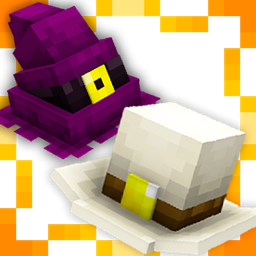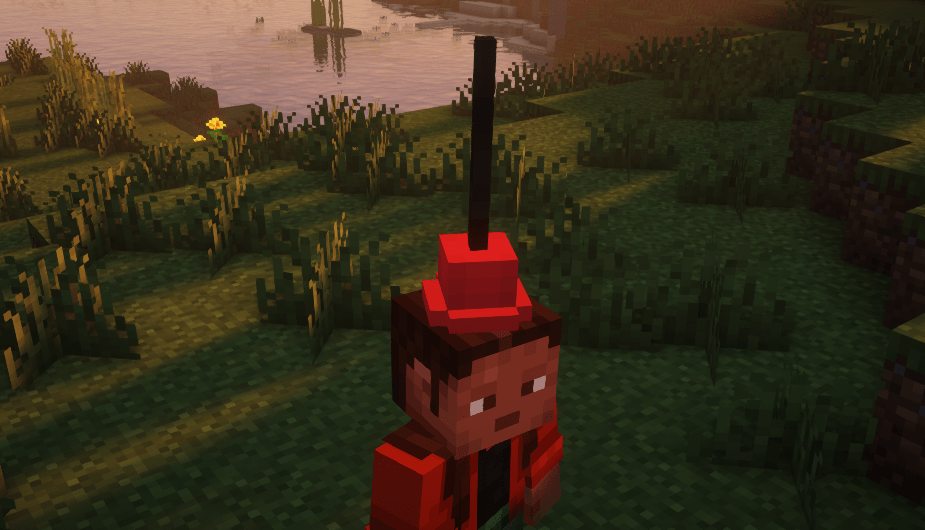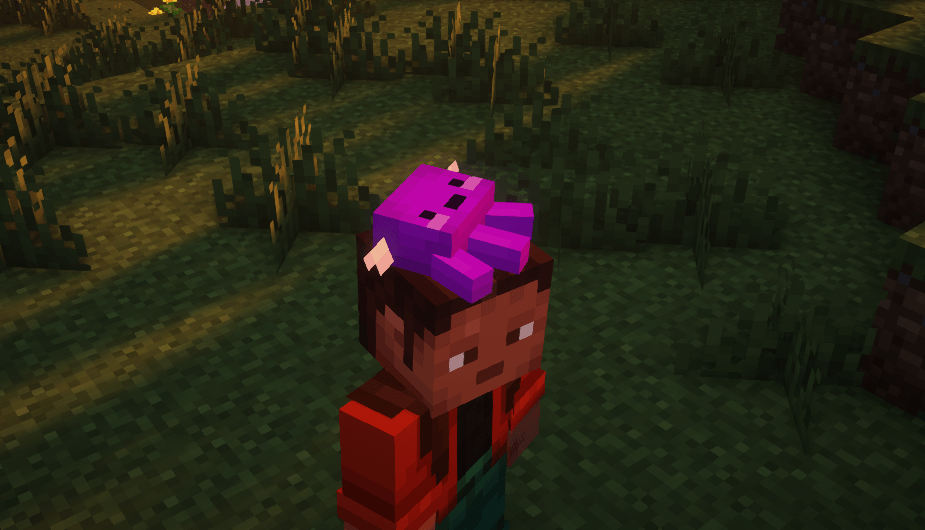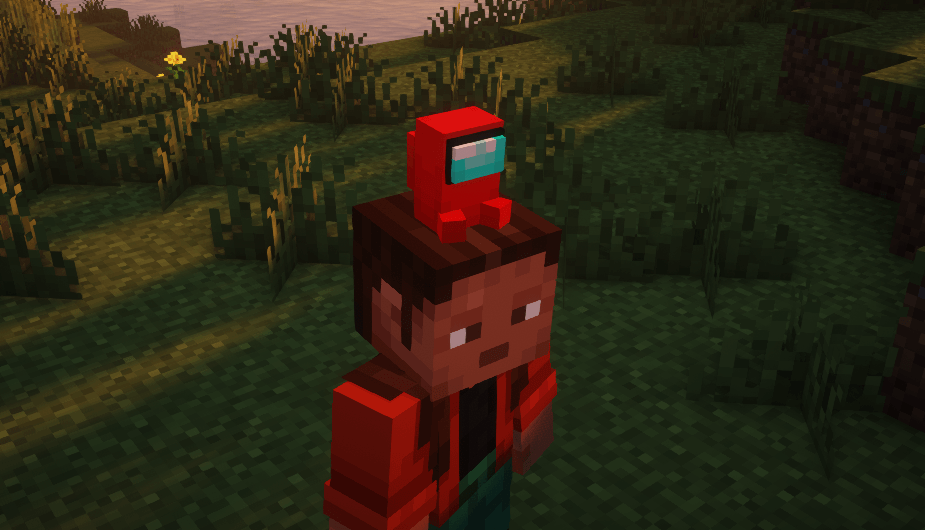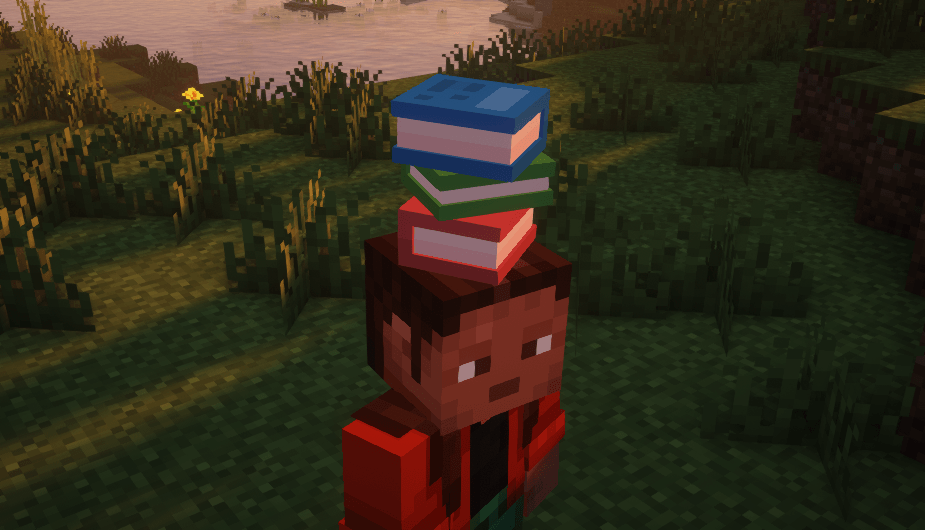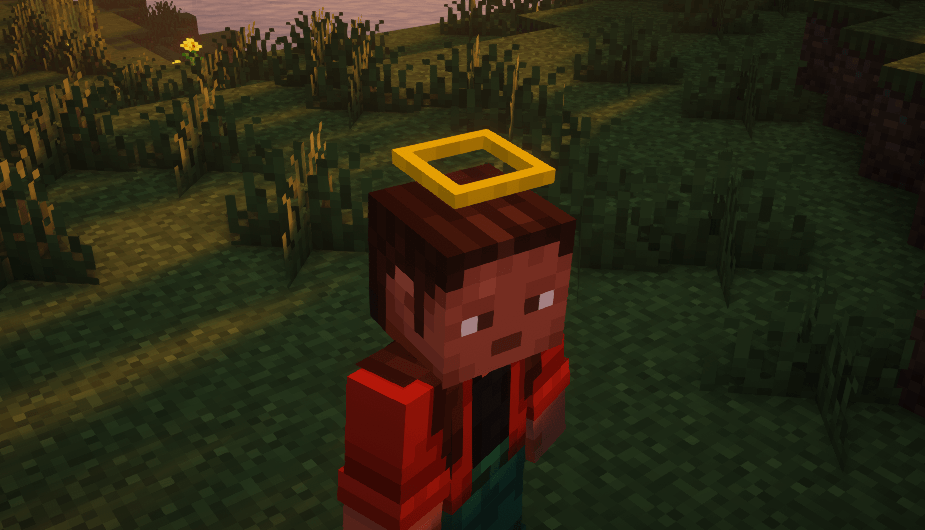
Transform your Minecraft experience with the Many Hats texture pack! This amazing pack adds 20 unique and fun hats, allowing you to creatively and stylishly customize your character. Inspired by iconic accessories and featuring references to pop culture, like Among Us, this pack brings a special and playful touch to your game.
How it works:
To get the desired hat, simply rename a carved pumpkin in an anvil using the corresponding name of the hat you want. Once equipped, the renamed pumpkin will transform into the selected hat!
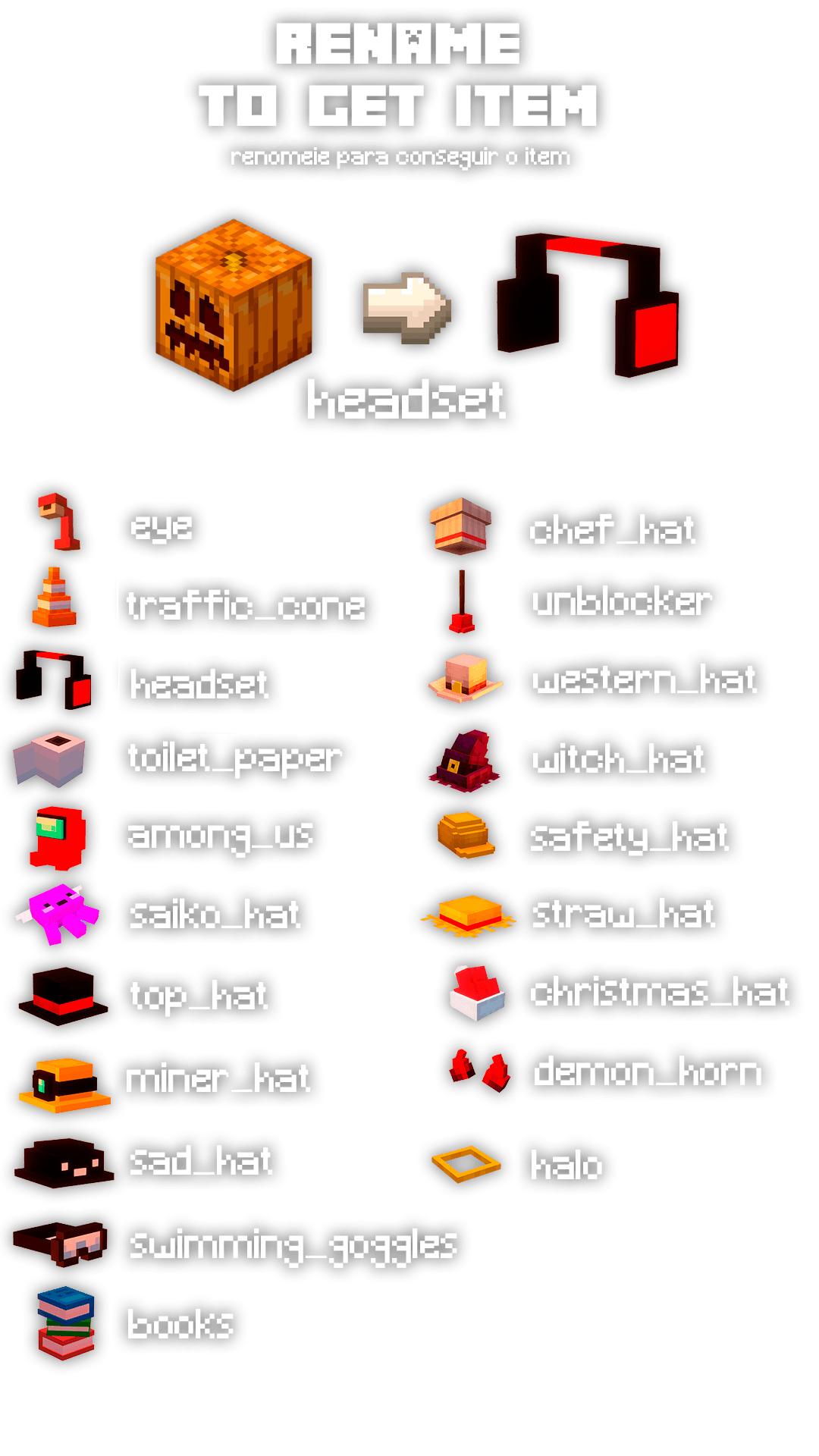
List of available hats:
- eye - A stylish and creative eye.
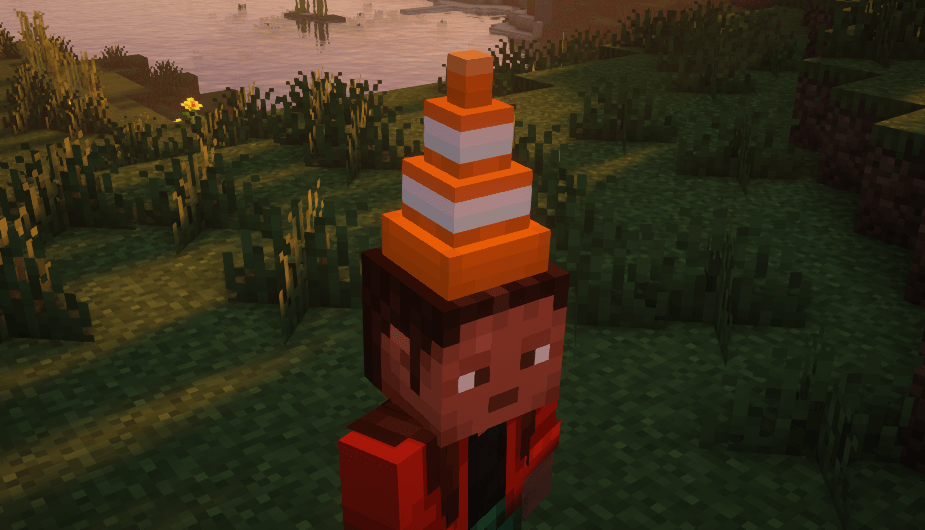
- traffic_cone - An iconic traffic cone.
- headset - A headset, perfect for gamers.
- toilet_paper - A hilarious toilet paper roll hat.
- among_us - A reference to the famous crewmate from Among Us.
- saiko_hat - A hat inspired by the kawaii universe.
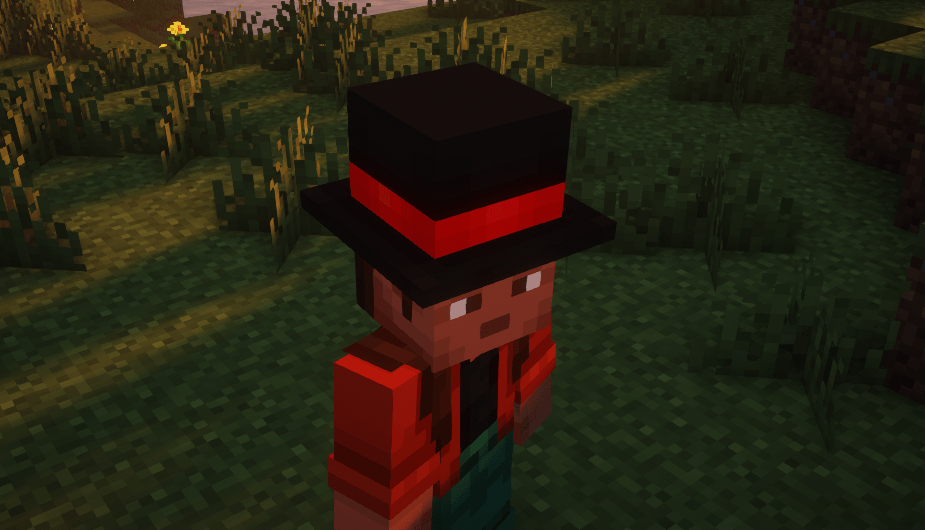
- top_hat - An elegant top hat.
- miner_hat - A miner's helmet with a light.
- sad_hat - A hat for more introspective days.
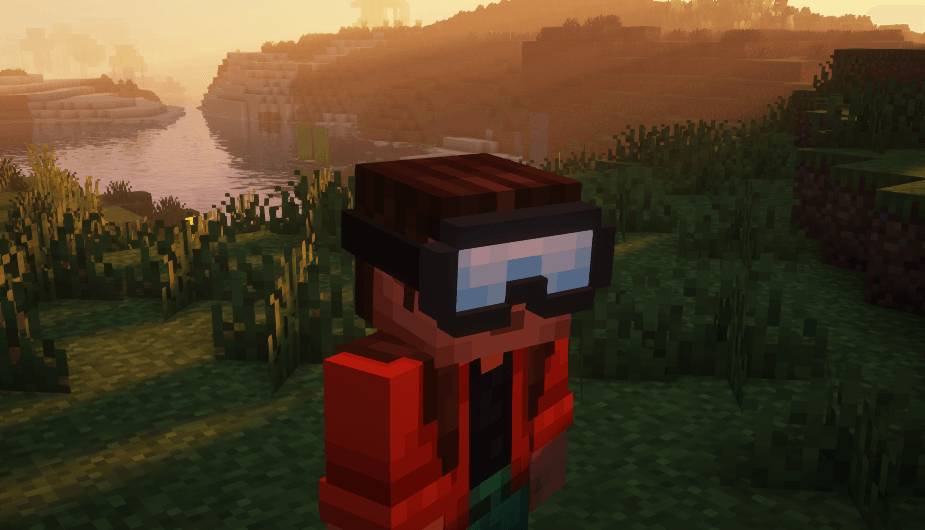
- swimming_goggles - Swimming goggles.
- books - A stack of books on top of your head.
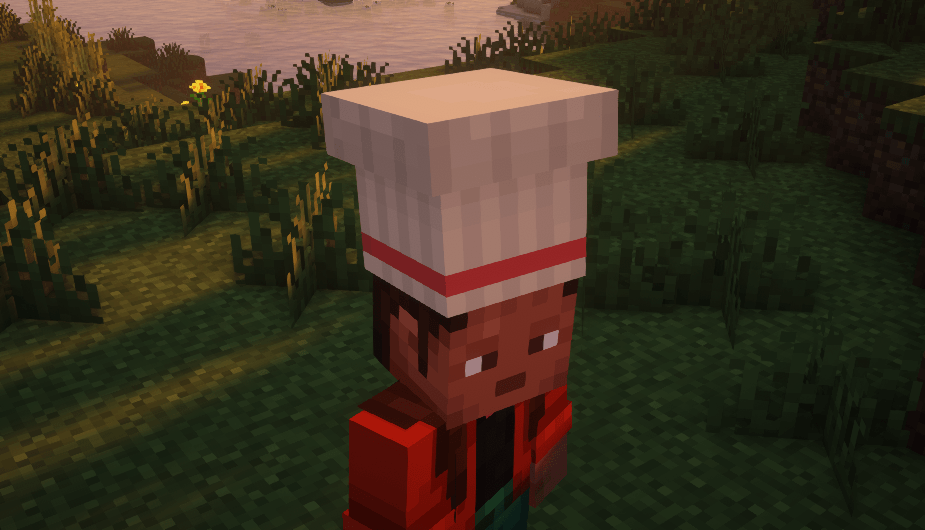
- chef_hat - A chef's hat for kitchen masters.
- unblocker - A hilarious plunger hat.
- western_hat - A wild west-style hat.
- witch_hat - A witch’s hat, perfect for magic.
- safety_hat - A safety helmet for engineers and builders.
- straw_hat - A straw hat for a rustic look.
- christmas_hat - A Christmas hat to get into the festive spirit.
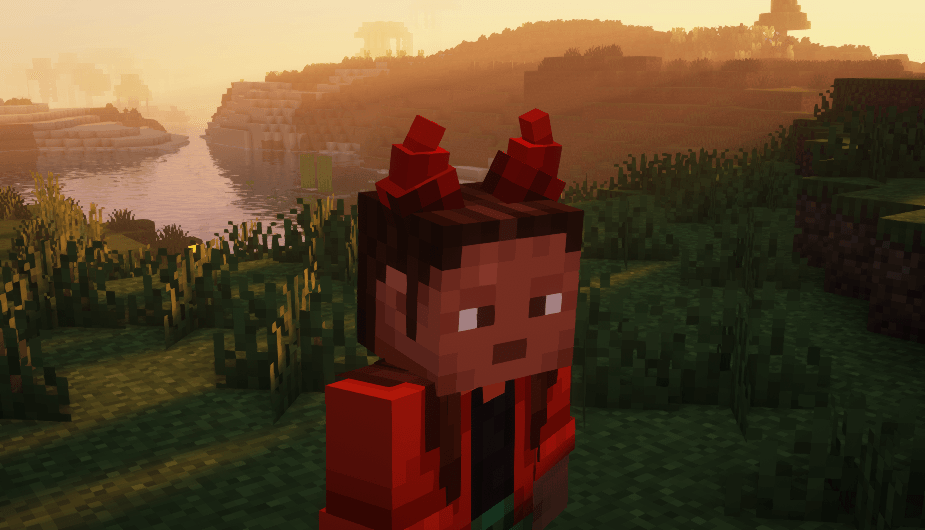
- demon_horn - Demon horns for a spooky vibe.
- halo - A celestial halo for angelic looks.
Why choose Many Hats?
With Many Hats, you can add even more personality to your game and stand out in your Minecraft world! Whether you're playing with friends, creating stories in creative mode, or simply exploring the game universe with a unique look, this texture pack is perfect for you.
Note: This pack is compatible with all recent Minecraft versions and works by renaming the carved pumpkin in an anvil.
Download it now and bring style and creativity to your Minecraft experience with Many Hats! 🎩✨