Badges update automatically and link to the resource pack page on MineUniverse.
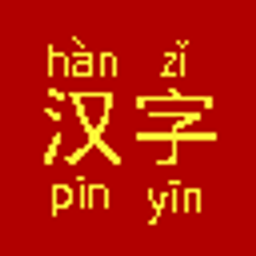
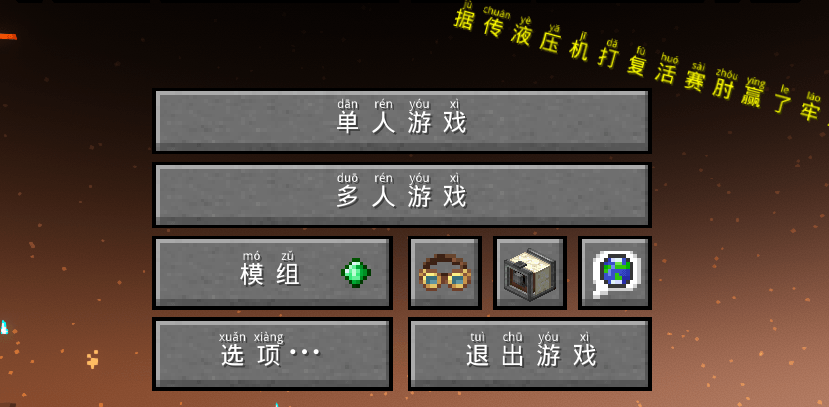
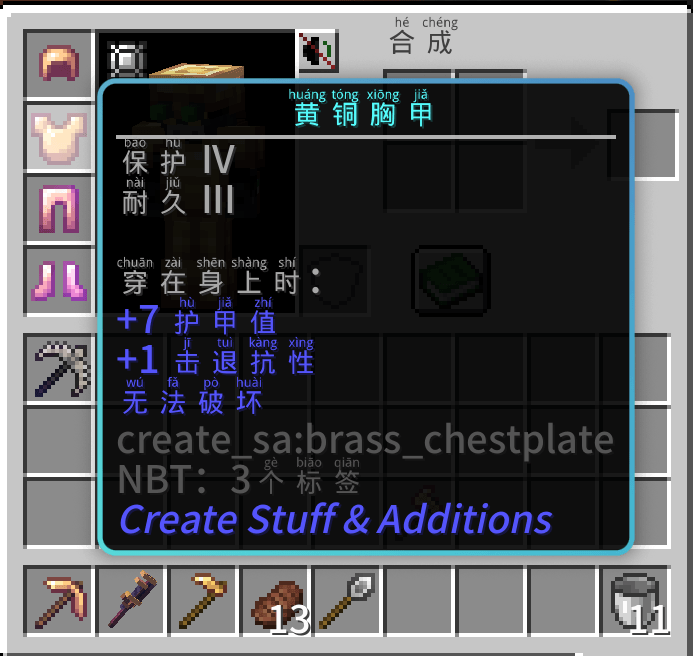
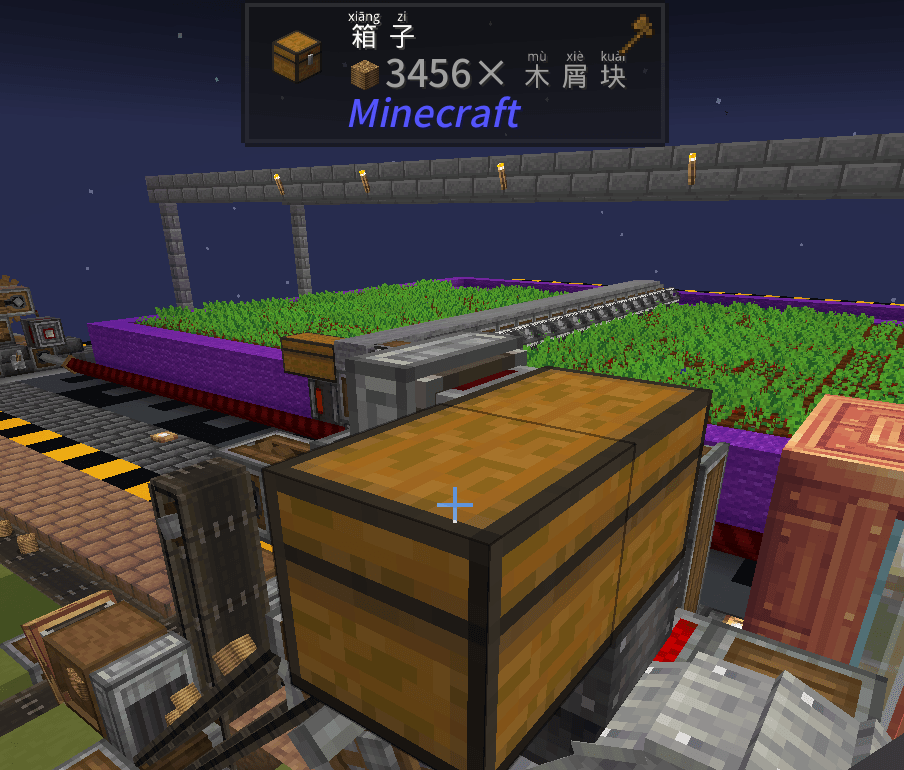
Would you like Pinyin glosses above your Chinese characters? This very simple resource pack does just that. It takes the "Hanzi Pinyin" font developed by parlr on GitHub, and makes it the default simplified Chinese font. Just install this pack, drag it into your currently active packs, and switch your language to simplified Chinese.
Intermediate and advanced learners of Chinese who are trying to immerse themselves in the language. The Chinese you see in Minecraft is going to be very different from what you learn in school, and it's easy to get overwhelmed, fast. With this mod, you can at least see how every character is pronounced, which makes it quicker to pick up new vocabulary.
Typically, you are going to want to use a very large GUI size, and a mod like ModernUI to make everything comfortable to read. With ModernUI, you can also scale up the amount of space the font takes on buttons, and get rid of unnecessary margins.
Your GUI will probably be comically large. That's okay. Keep in mind that Chinese characters are complex to read already, and now there's a bunch of teeny-tiny pinyin squished on top that you also want to be able to read. All non-Chinese text (e.g., numbers, mod IDs) will look very large by comparison.
The more you get used to the new vocabulary, the more you can decrease the scale of your GUI to make the pinyin harder to read, which should help you focus more on the characters.
Yes. That is exactly what I created it for. I was playing the Brass Concerto and found it stupidly tedious to bring up my phone, grab Google Translate, take a picture of each term to extract it with OCR, and then either decipher the pinyin with 'Listen' or Google the definition in Chrome.
While there are some Minecraft pinyin packs that put the pinyin after the word (much more comfortable to read), these rely on hand-editing language files, and result in most of the pack going untranslated. With this pack, every single character will have pinyin.
You'll still probably need to use Google Translate's OCR to understand some of the really flowery and math-heavy quest descriptions, though. The Brass Concerto already includes ModernUI.
There are some characters like 了, 得, 乐, 还, etc which are pronounced differently depending on how they are used. Since this pack simply installs a font, and there's no code in the background analyzing grammatical structure to change around the pinyin. That means for a few characters, only the most common pinyin will ever be shown. Still, it's a lot easier to immerse yourself in Chinese Create the Brass Concerto when you don't have to look up 100 characters you've never seen before in your life to chat with a Chinese-speaking buddy, and just have to remember a handful of shape-changers.
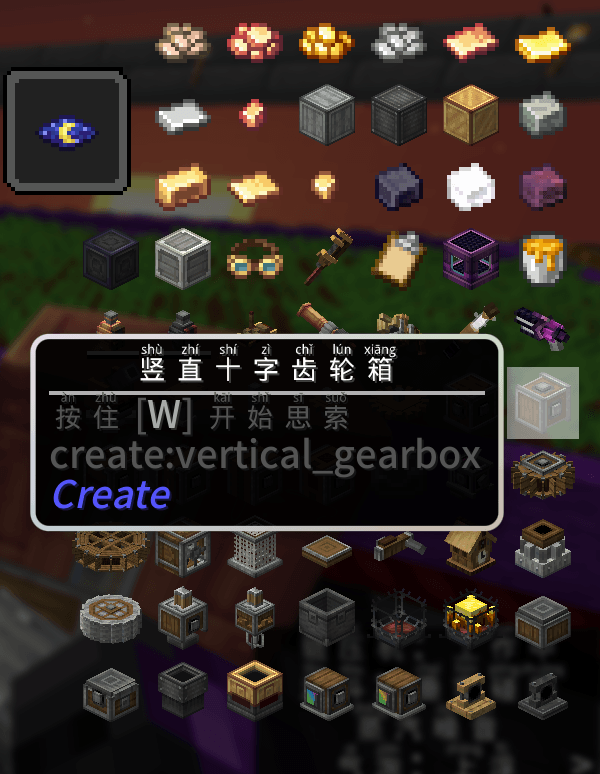
JEI also allows you to look up items with pinyin automagically, which can help you accustom yourself to new vocab items even if you're playing solo.