Mineuniverse
Resource Packs
Malkazar's Fantasy Villager Pack

Malkazar's Fantasy Villager Pack

RESOURCE PACK
A villager resource pack focused on fantasy
by Malkazar
Download Claim this project
Add a badge to your pageLink to Malkazar's Fantasy Villager Pack from a README, website or forum post.
Preview: Badge

Badges update automatically and link to the resource pack page on MineUniverse.

5,136 downloads
0 likes
0 followers
Updated Oct 14, 2026
0 hypes
Follow0
16x Medieval Miscellaneous
Advertisement Remove ads with Premium →

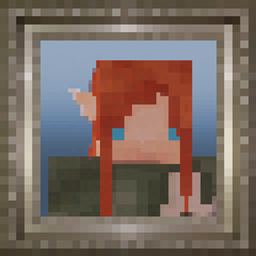
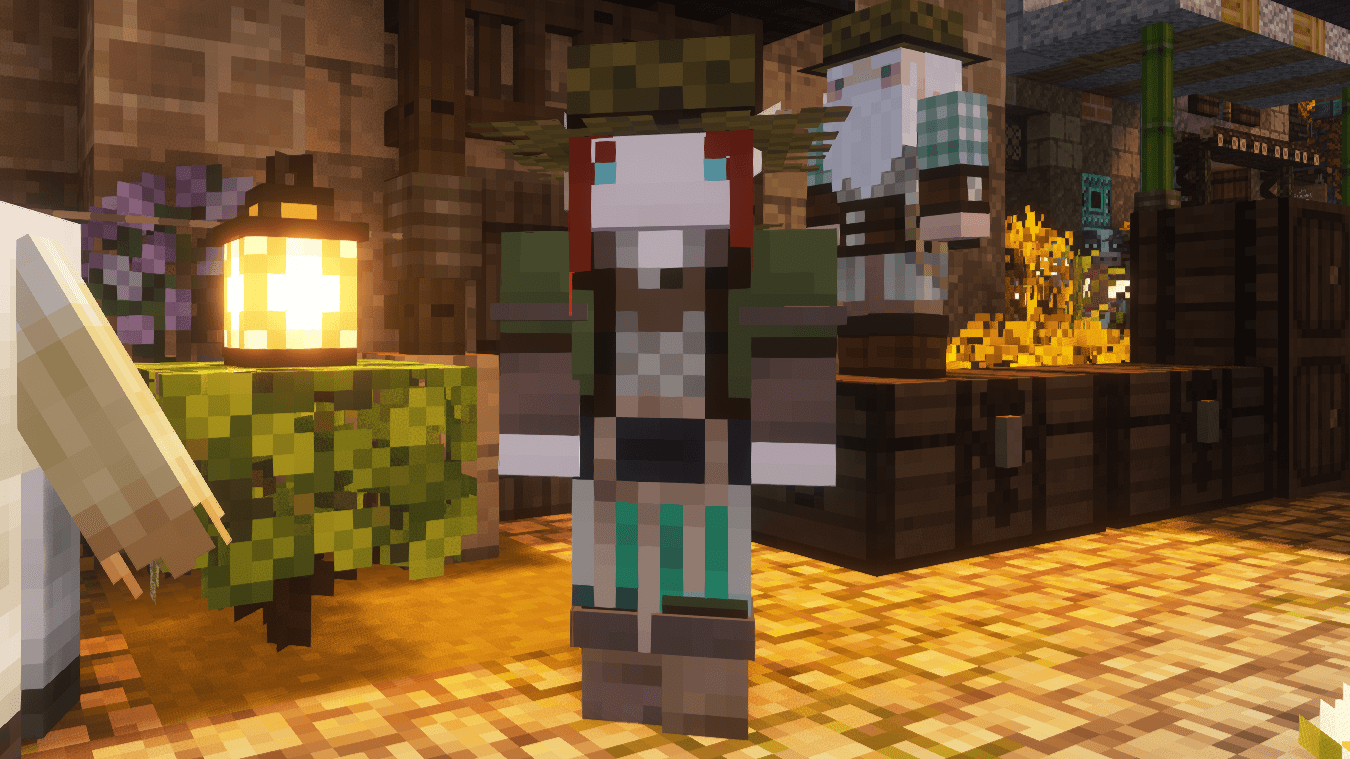
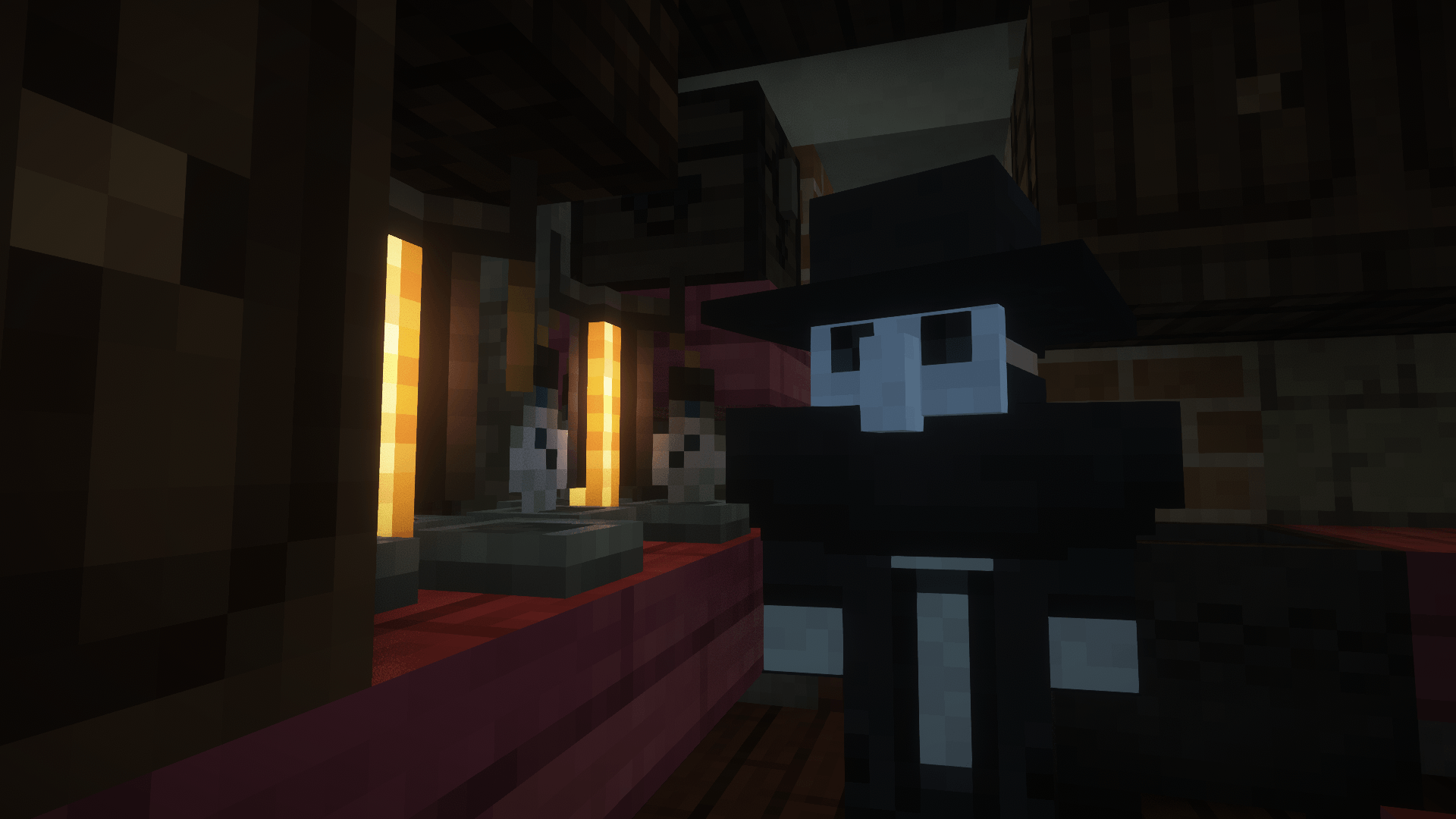
I want to showcase a custom fantasy villager pack I created! This resource pack changes the vanilla villager with custom fantasy races which I want to use in my survival world to create a rich fantasy world. The villagers are biome dependant, where different races spawn in different biomes. The biomes and race combination are as followed:


Vanilla villagers: savanna, desert

Humans: Plains

Dwarves: Taigas and snowy biomes

Wood elfs: forests and jungles

Dark elfs: Dark forest and swamps

High Elves: Cherry Groves and Birch Forests

https://youtu.be/7RlIxU2aN2I

https://www.youtube.com/watch?v=hDUsayTa4Io


This resource pack requires optifine or ETF & EMF


This project used MyPowerBob's resource pack as a base, check it out!

https://www.curseforge.com/minecraft/texture-packs/mypowerbobs-fantasy-villagers


You are free to use this in a project (non paid) or modify it, just link back to this page and remember to give credit. 


Features planned:

Modded profession skins: RPG series, other mods

Custom golems that fit with the races

Zombie villagers

More villager skins

Malkazar's Fantasy Villager Pack.zip
MC 1.21.1
Release 2026-03-15 Get
Malkazar's Fantasy Villager Pack.zip
MC 1.21.1
Release 2025-05-29 Get
Malkazar's Fantasy Villager Pack.zip
MC 1.21.1
Release 2025-03-15 Get

Requirements & install

How to use this resource pack in Minecraft
Resolution
16x
Minecraft
1.21.1
Install folder
.minecraft/resourcepacks

How to install resource packs

  1. Download the resource pack .zip file (do not extract it).
  2. In Minecraft open Options → Resource Packs → Open Pack Folder.
  3. Drop the .zip into the resourcepacks folder (.minecraft/resourcepacks).
  4. Move the pack to the Selected column and click Done.
Browse more: 16x resource packs 32x resource packs 64x resource packs 128x resource packs 256x resource packs 512x+ resource packs Resource Packs for 1.21.1 All resource packs

More from Malkazar

Advertisement Remove ads with Premium →

You Might Also Like