Mineuniverse
Resource Packs
Magrootoo's Pack

Magrootoo's Pack

RESOURCE PACK
A Minecraft resource pack based on my liking
by Magrootoo
Download Claim this project
176 downloads
0 likes
0 followers
Updated Oct 14, 2026
0 hypes
Follow0
16x Miscellaneous Traditional
Advertisement Remove ads with Premium →

I made this texture pack for fun and never expected to post it, so be warned by the quality of it all. I still hope that yall like it :)


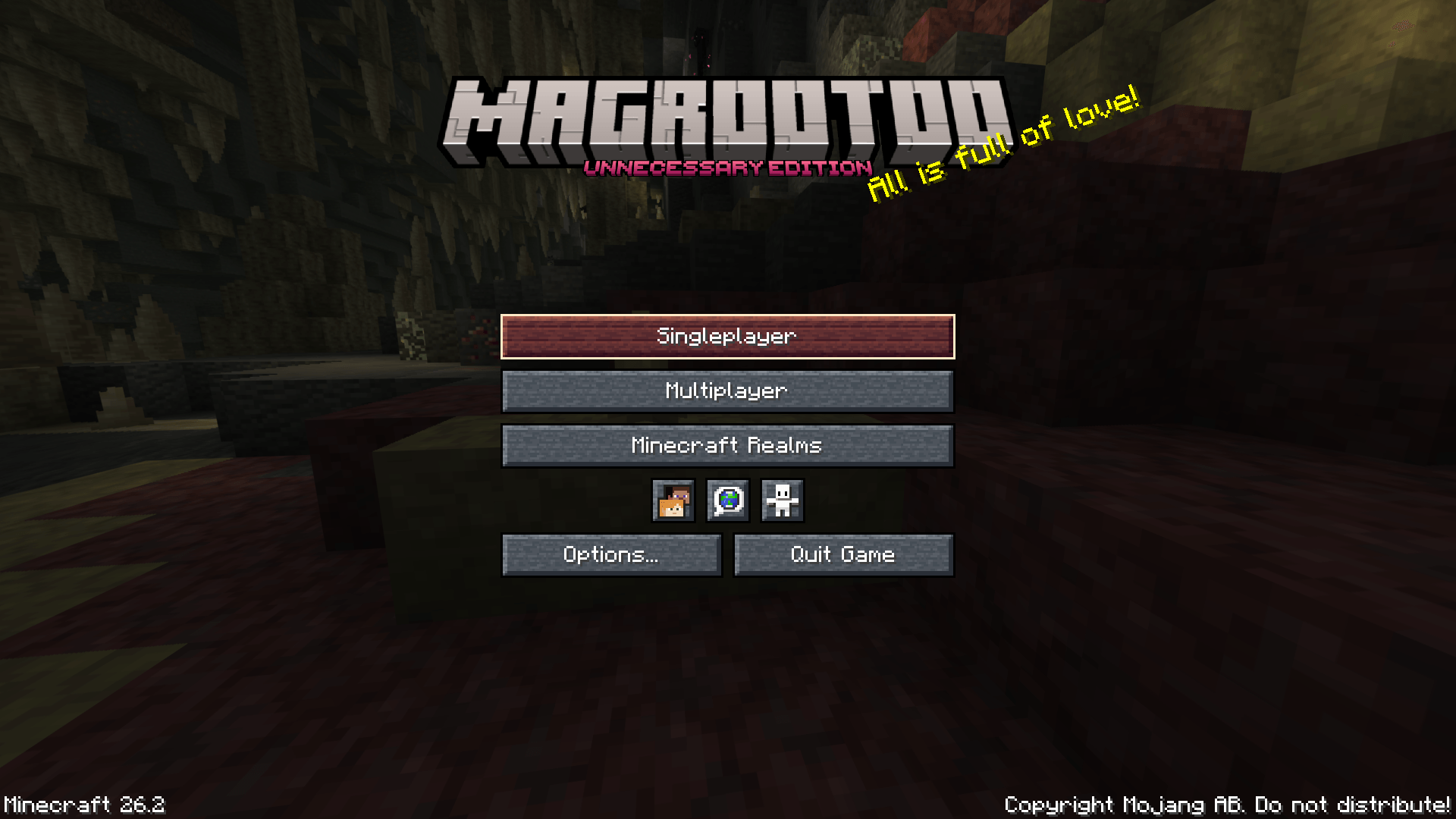
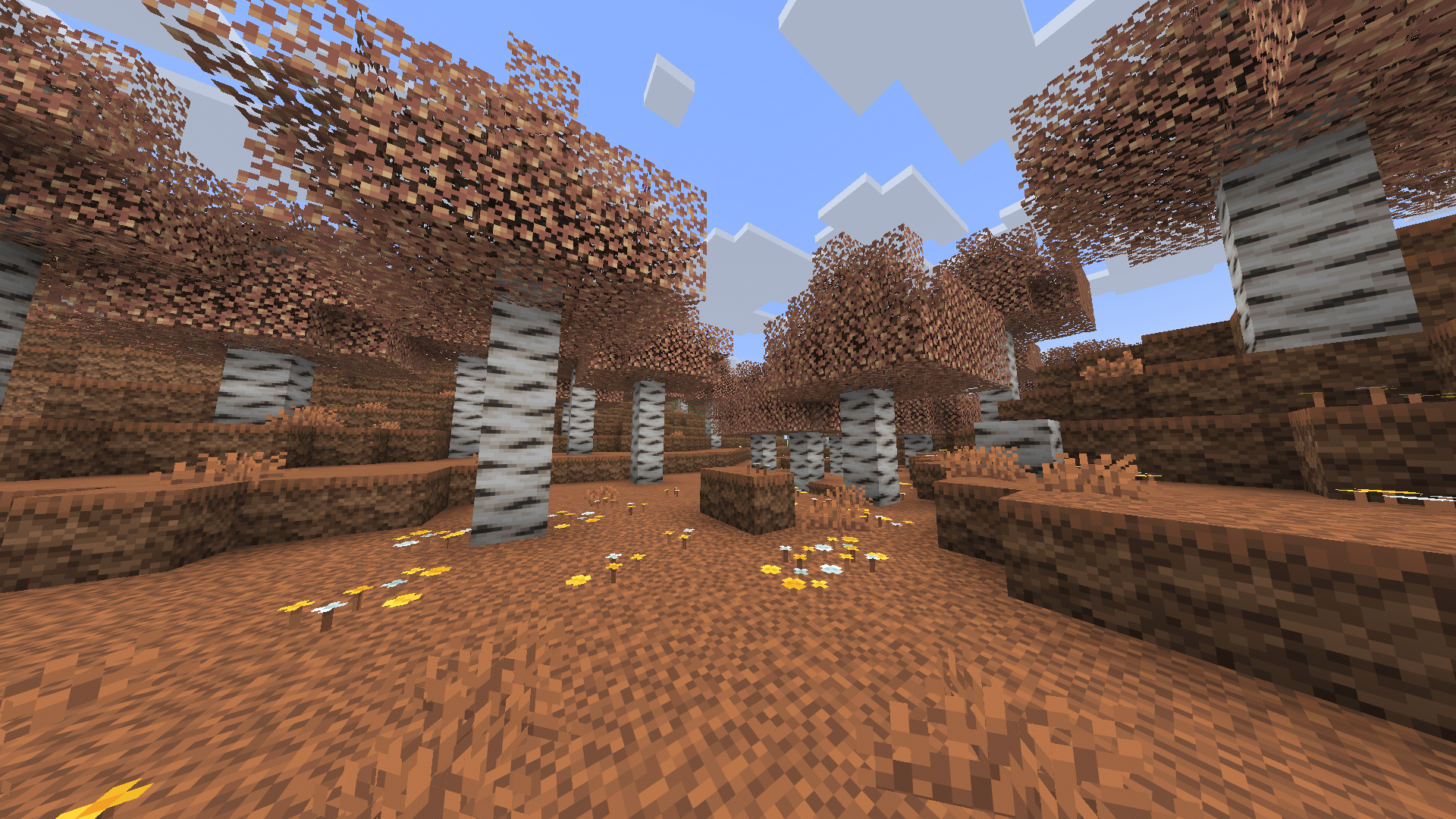
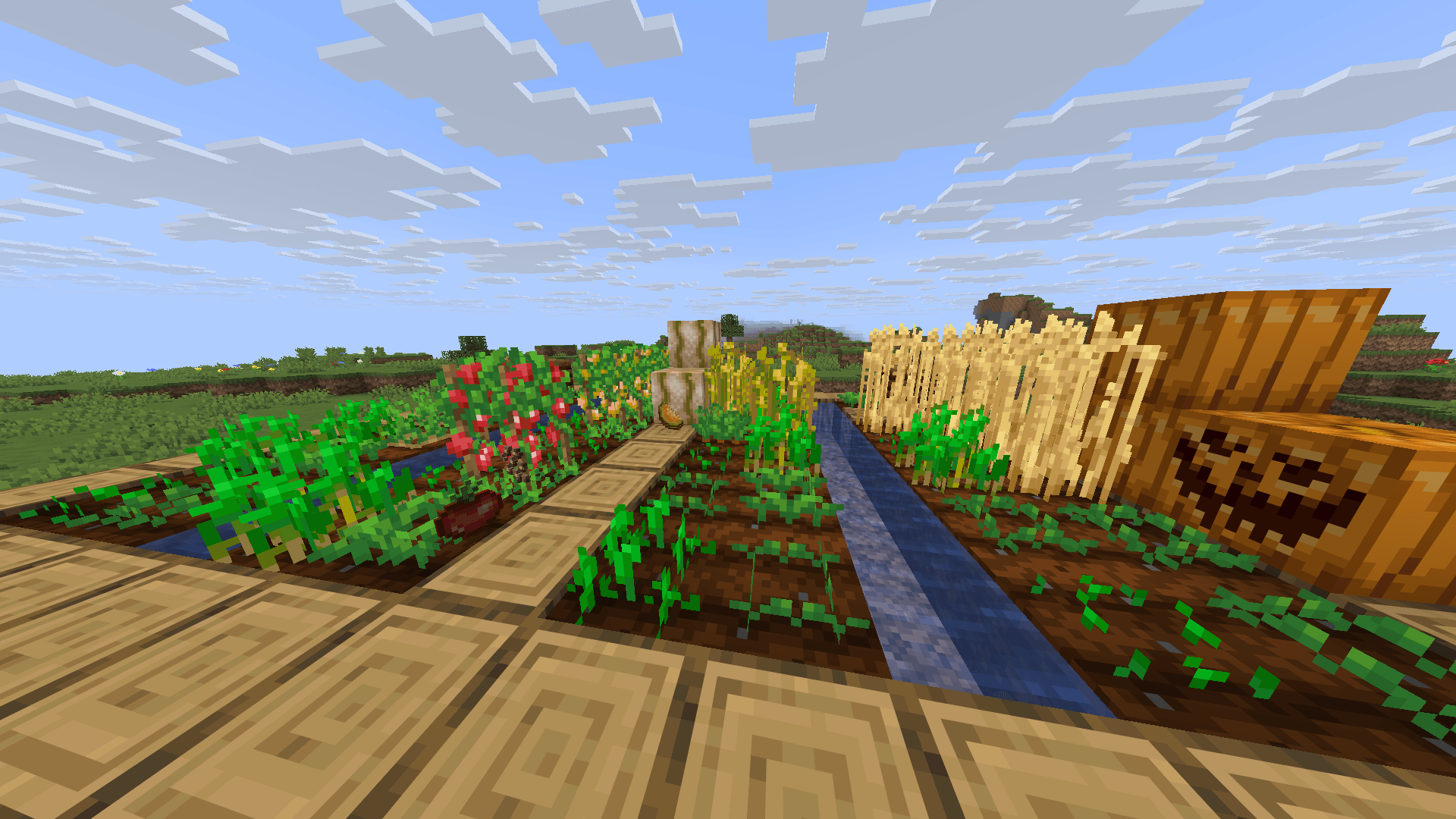
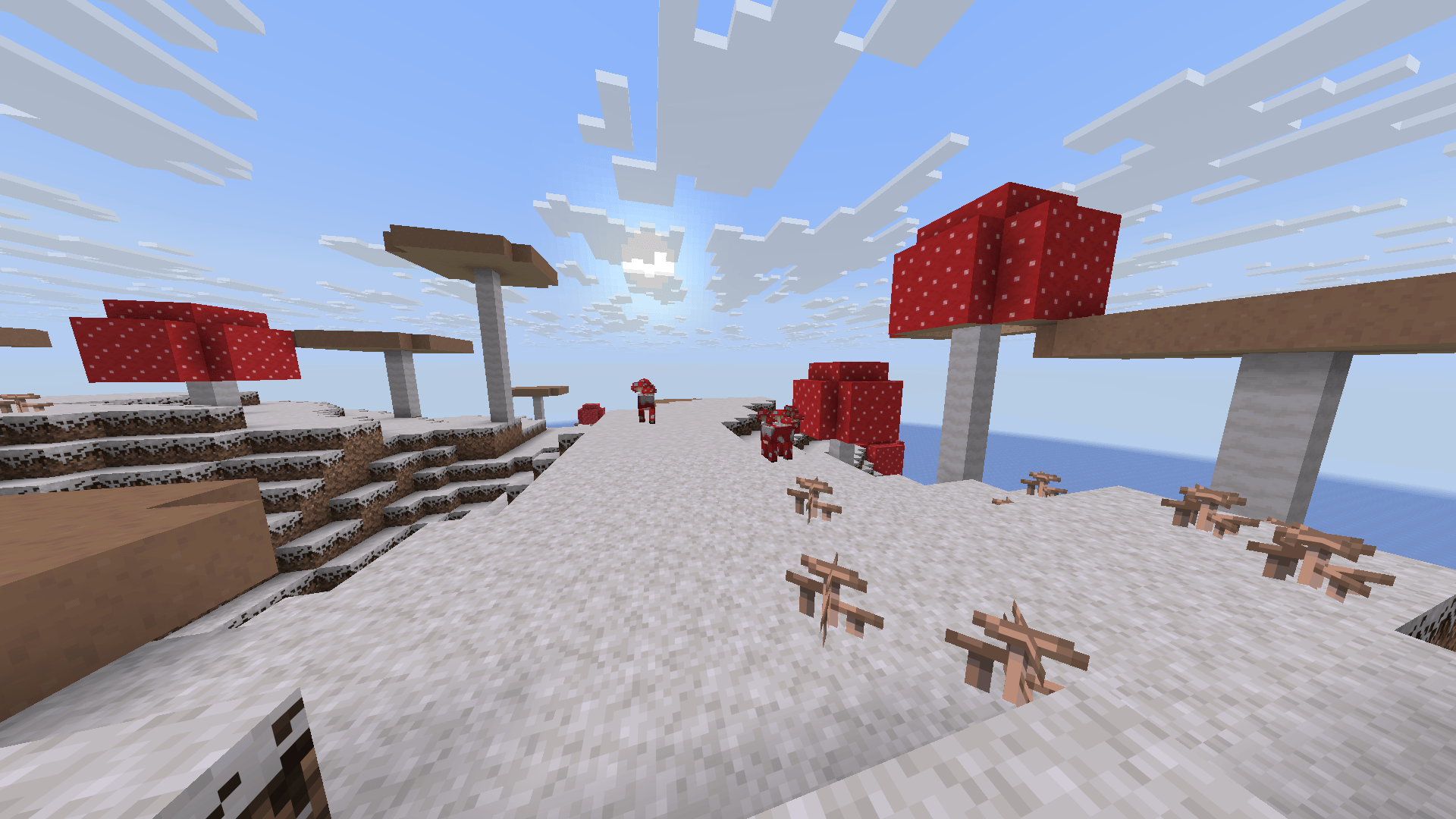
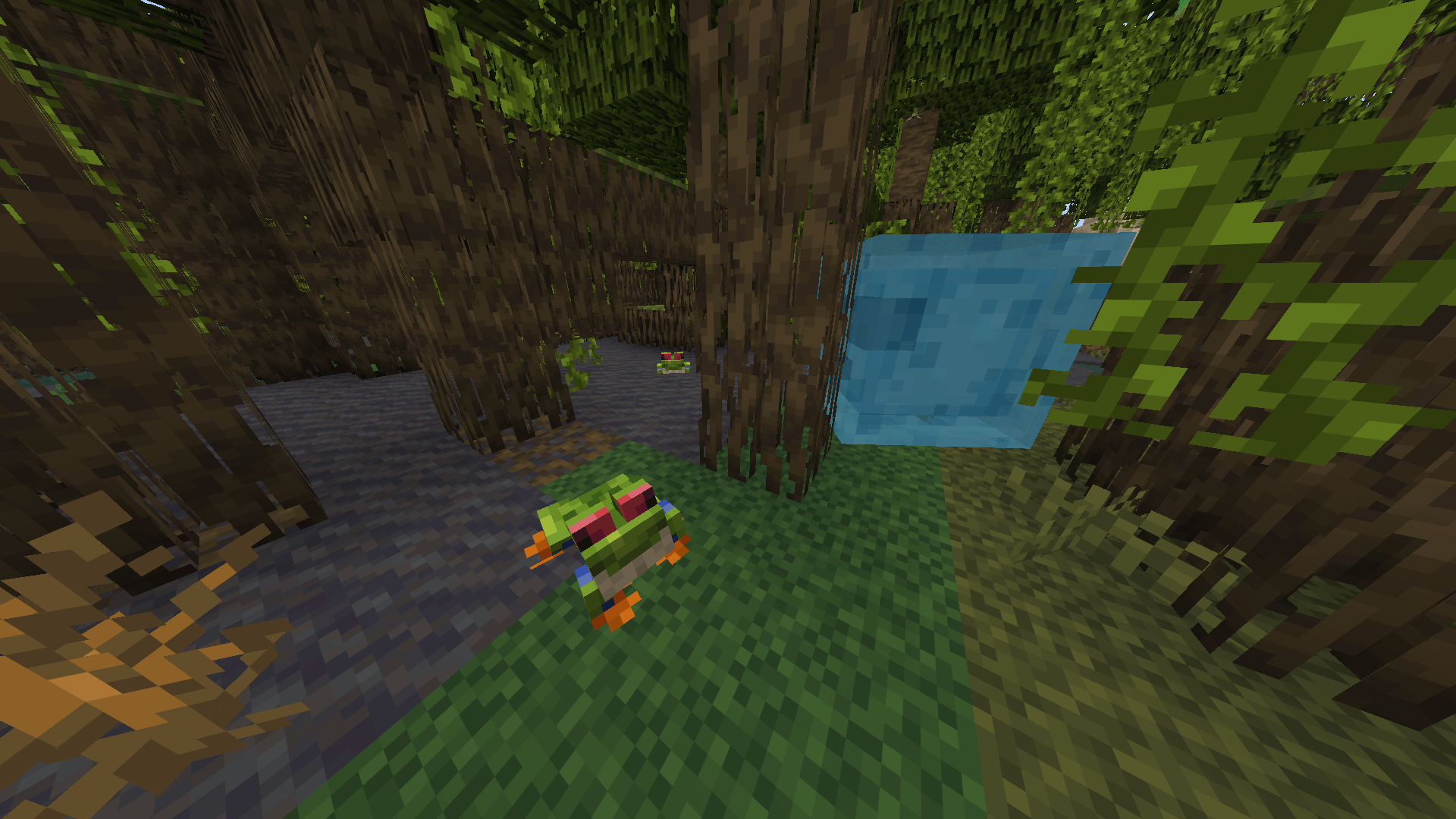
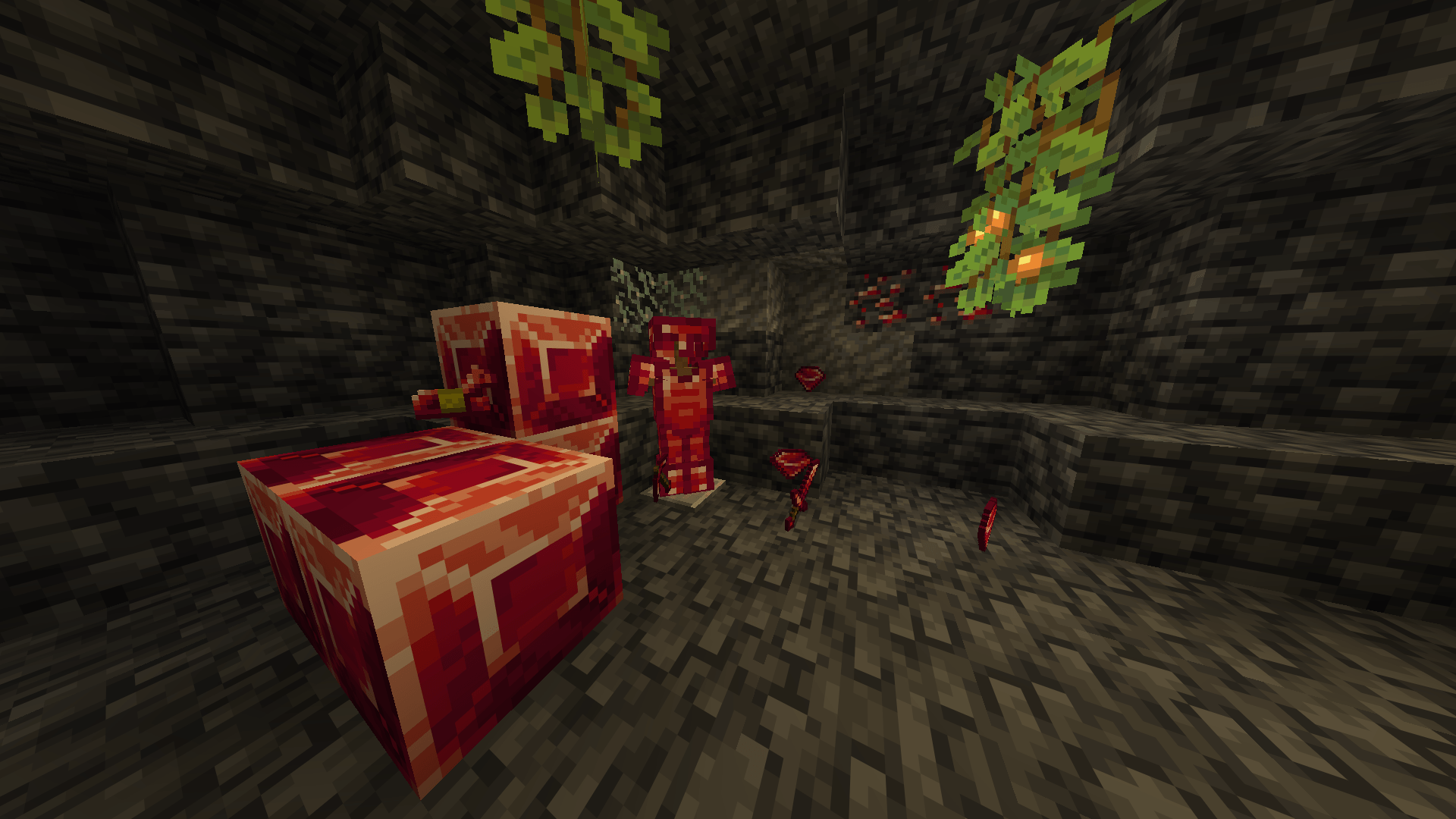
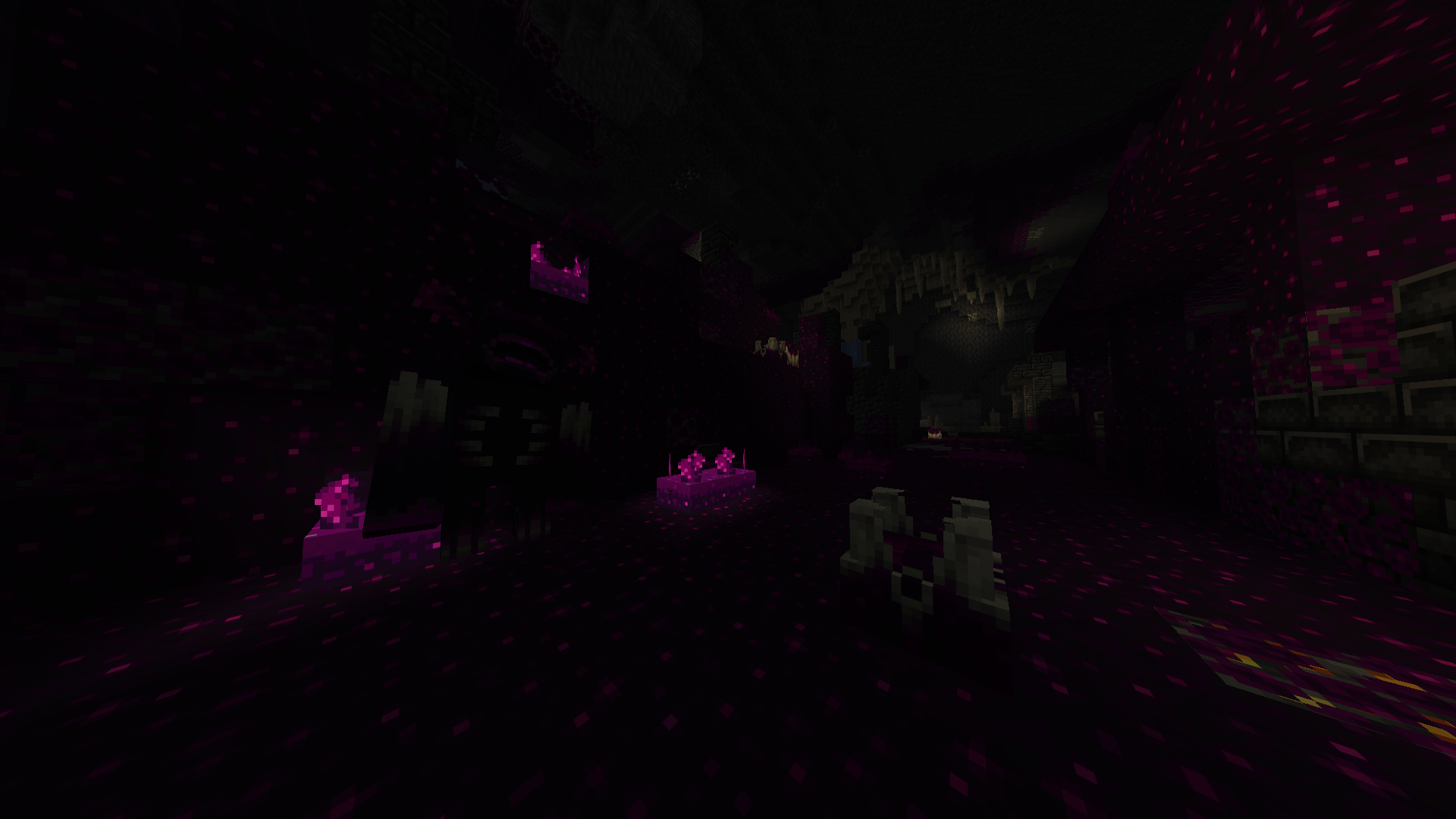
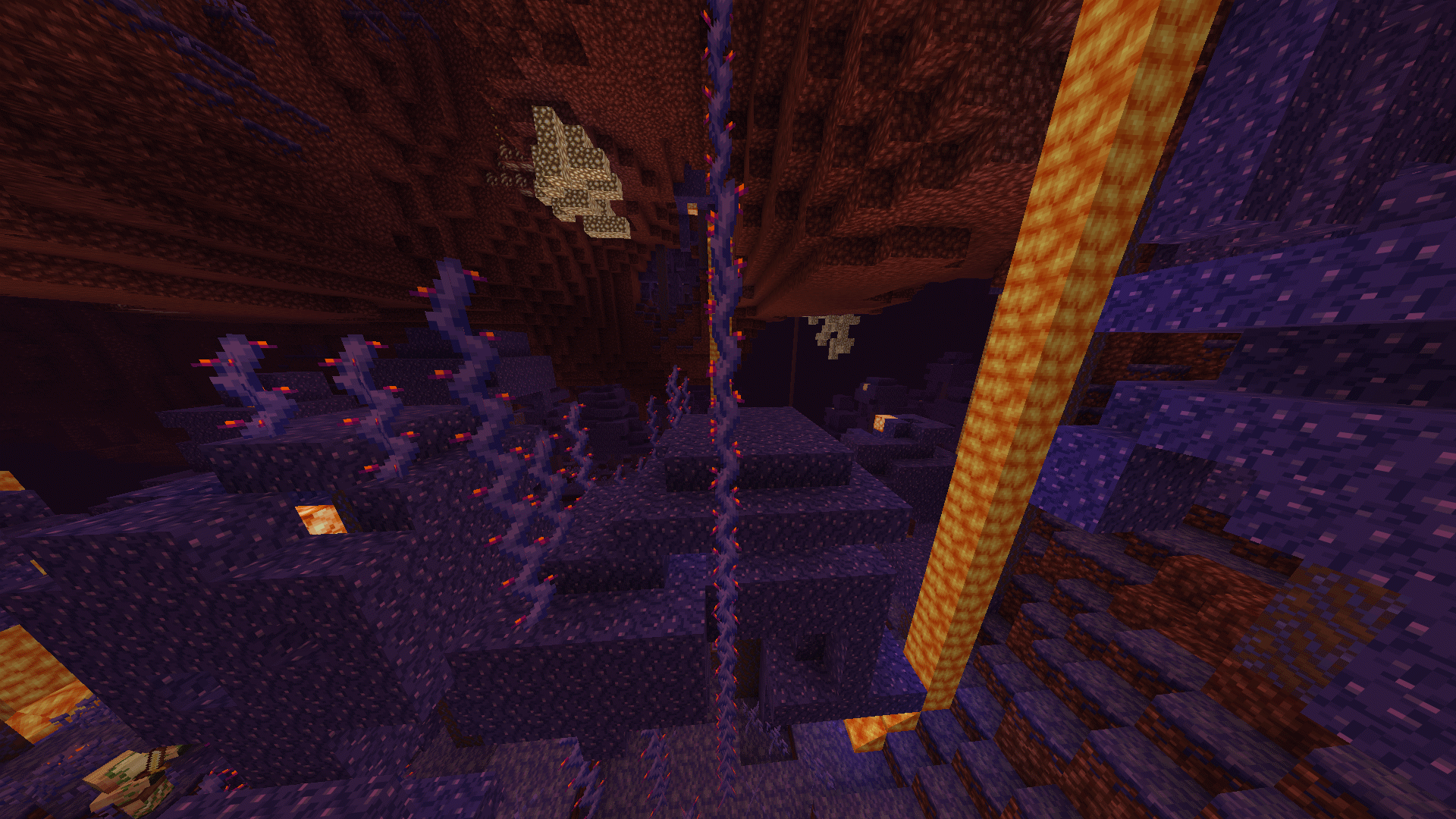
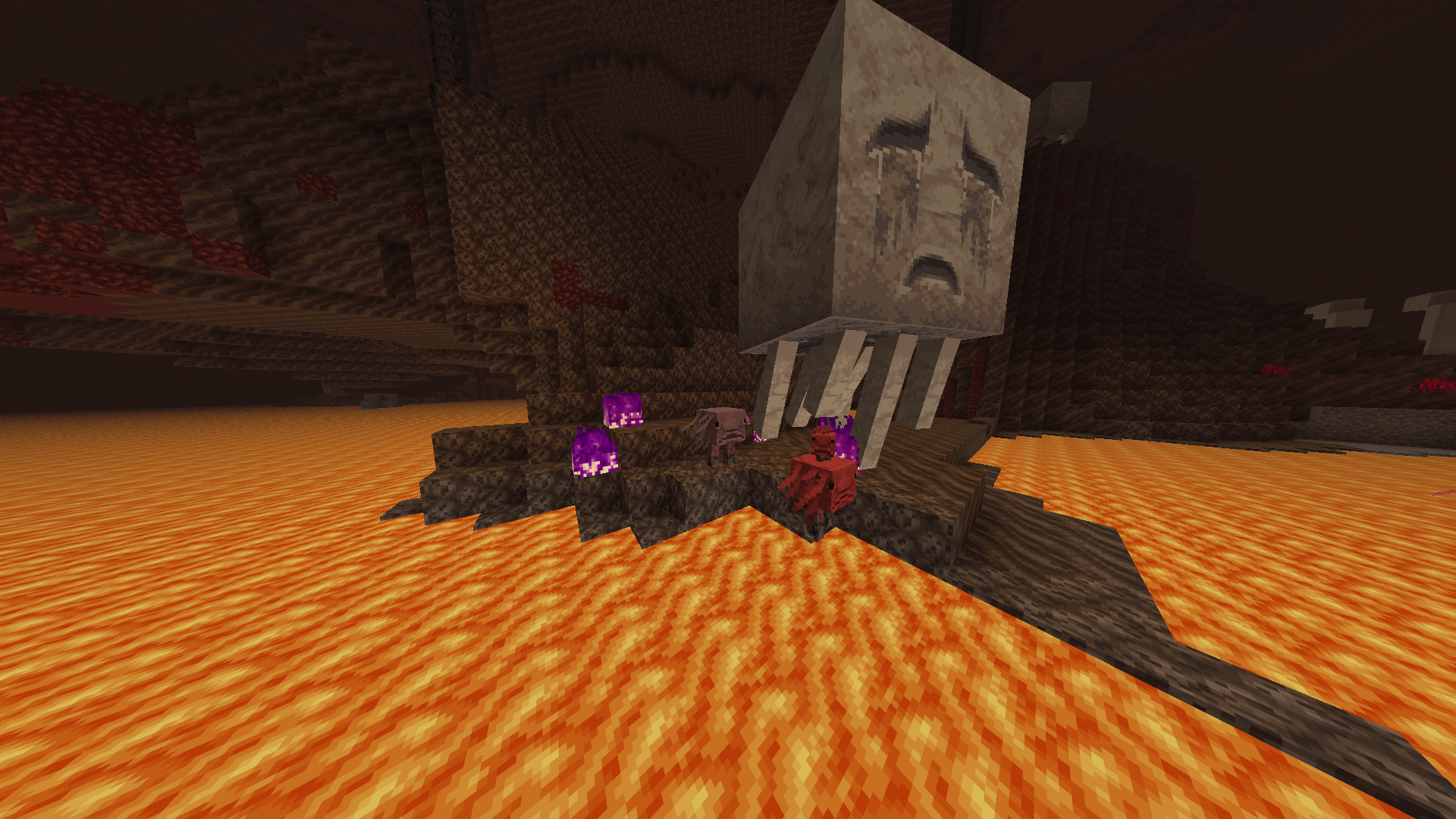
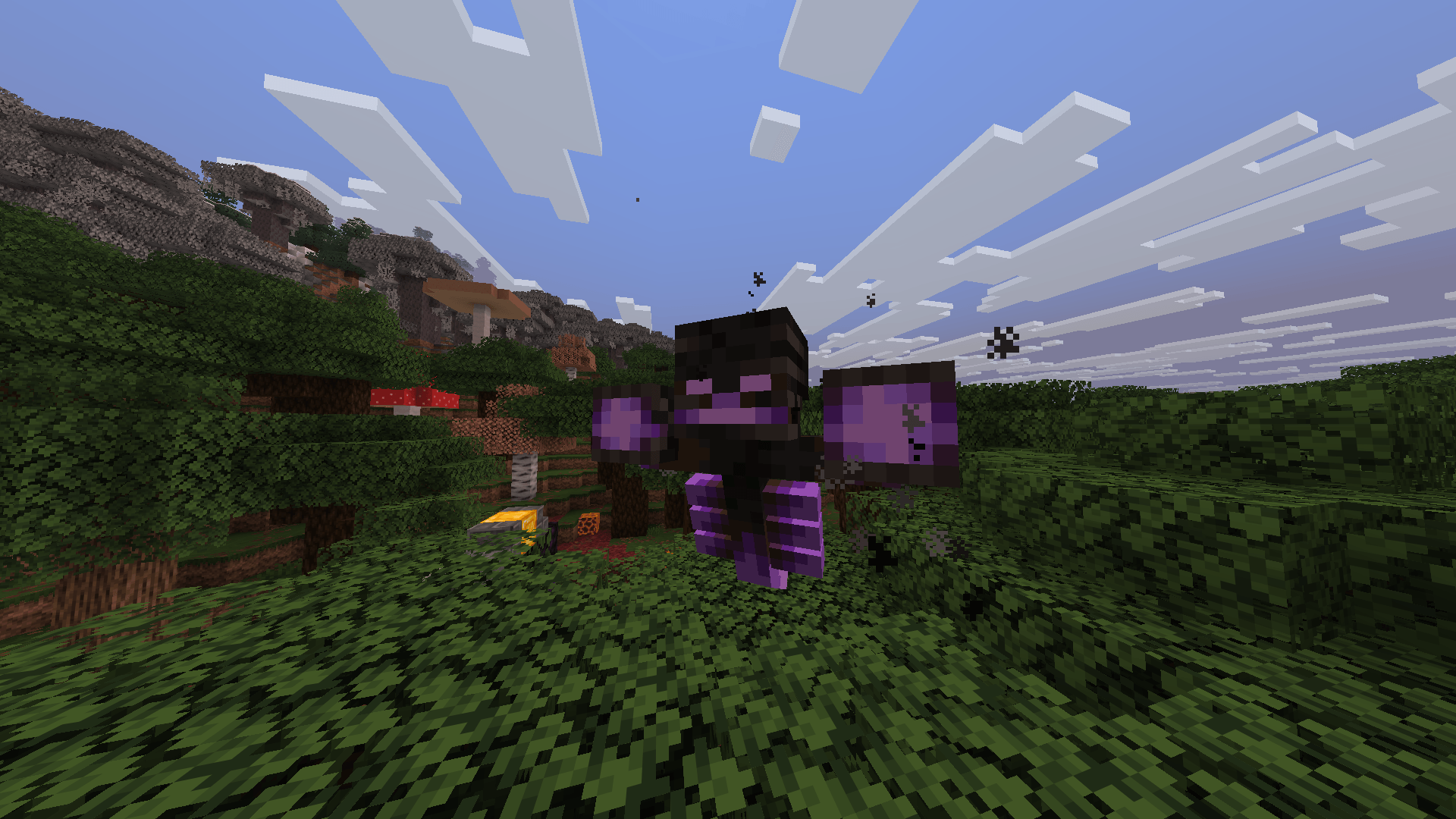
This Minecraft texure pack consists of mostly recolors -purple warped forests, purple sculk, red diamonds (rubies), green end dimension (to reference the old enderman texture), autumn birch biome, etc...- BUT, even if some things don't change much, most of the textures do, and they are modified textures or made from scratch - Red dragon elytra (to reference and old scrapped feature), cassettes replace discs, tomatoes replace beetroots, crash bandicoot TNT boxes, all potions are changed to viles vials etc... 

Some models and names change (very few) like diamonds are named rubies and purpur blocks are now celadon (not being purple anymore), wheat and beetroots are taller, also, some thing are luminescent like ores and some particles in the nether forests.

language support
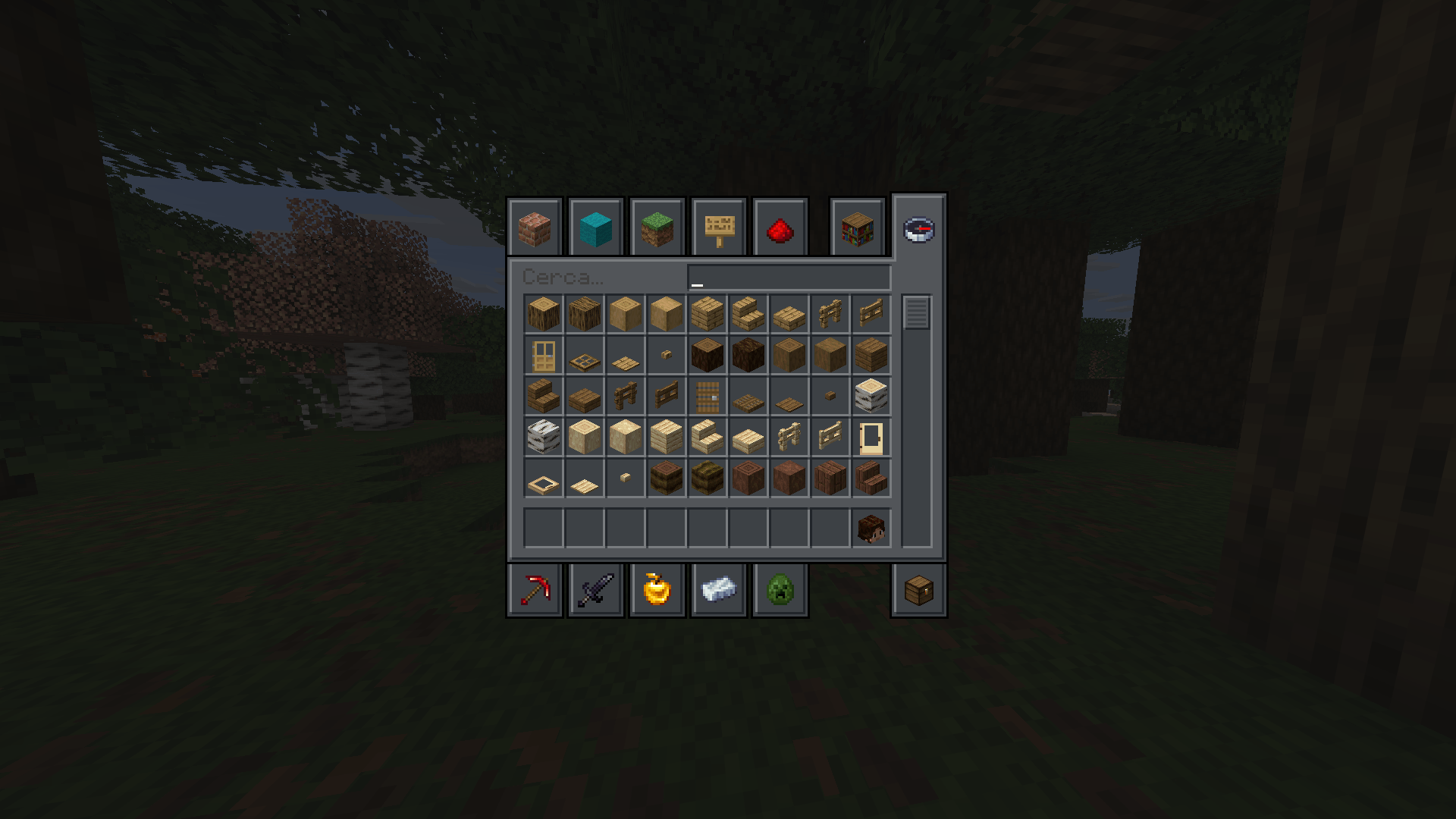
-Italian
-English (US)


THESE FEATURES REQUIRE OPTIFINE [no longer worked on, but still functional for items]

There are some easter eggs found by renaming items and mobs (i'll list them at the end of the description) and some colors change (mainly the loading screen and some spawn eggs)

- (if you know how to change enderman particles without the nether portal changing, let me now and I'll update the resource packs; I wasn't able to do it for the release) -


IF you want to see these changes (and more) in action, I suggest using the resource pack and observe by yourself :)


Note: The resource packs made for 1.16 and 1.19 also work for other versions: the 1.16 version works from 1.14 to 1.17, and the 1.19 version works from 1.18 to 1.21 (and some changes DO occur in these latest versions)
I didn't want to create seperate file for each because they are essentially the same repeated with one variable changed to fit one version in particular. (Maybe I will do this in the future, but for now these are the only ones)


Easter eggs by renaming:

  • FNF "Boyfriend Cap" by renaming a Leather helmet
  • Pizza tower "Peppino Sword" by renaming an Iron sword
  • Undetale "Gaster Blaster" by renaming a Crossbow
  • "Rifle" by renaming a Bow
  • Netherite and Diamond armors have a "Strengthen" variant (put the word at the end of the item name)
  • there are 3 versions of the Totem of Undying -"Aku Aku" (with a variant if you put "Gilded" at the start) from Crash bandicoot
  • "Totem of Lying" from Among Us
  • "No u Totem" reverse card from Uno

Easter eggs by name tags:

Note: in the new versions it doesn't work (I'm looking for a solution), but it will for the 2 original packs.


  • "Technoblade" or "Techno" given to a pig will give the Technoblade youtuber skin to it
  • "Scott" and "Kora" will give a wolf the appearance of my 2 dogs (these are separate skins)
Magrootoo's pack 3.1 [fixed-reupload]
MC 26.3
Release 2026-09-17 Get
Magrootoo's pack 3.0
MC 26.1, 26.1.1, 26.1.2, 26.2
Release 2026-08-19 Get
Magrootoo's pack 1.21.5
MC 1.21.5
Release 2025-07-03 Get
Magrootoo's pack 1.21.7
MC 1.21.6, 1.21.7
Release 2025-07-03 Get
Magrootoo's pack 1.21.4
MC 1.21.4
Release 2025-03-19 Get
Magrootoo's pack 1.16
MC 1.17.1, 1.16.3, 1.16.1, 1.14.4, 1.14.1, 1.17, 1.14.3, 1.15, 1.16, 1.16.5, 1.15.2, 1.14, 1.16.4, 1.14.2, 1.16.2, 1.15.1
Release 2024-07-05 Get
Magrootoo's pack 1.19
MC 1.19.3, 1.20.2, 1.21, 1.18.1, 1.20.5, 1.19.4, 1.18.2, 1.19.2, 1.20.3, 1.20.1, 1.20, 1.20.6, 1.19.1, 1.20.4, 1.18, 1.19
Release 2024-07-05 Get

Requirements & install

How to use this resource pack in Minecraft
Resolution
16x
Minecraft
1.21.5 – 26.3
Install folder
.minecraft/resourcepacks

How to install resource packs

  1. Download the resource pack .zip file (do not extract it).
  2. In Minecraft open Options → Resource Packs → Open Pack Folder.
  3. Drop the .zip into the resourcepacks folder (.minecraft/resourcepacks).
  4. Move the pack to the Selected column and click Done.
Browse more: 16x resource packs 32x resource packs 64x resource packs 128x resource packs 256x resource packs 512x+ resource packs Resource Packs for 26.3 All resource packs
Advertisement Remove ads with Premium →

You Might Also Like