❓ About this:
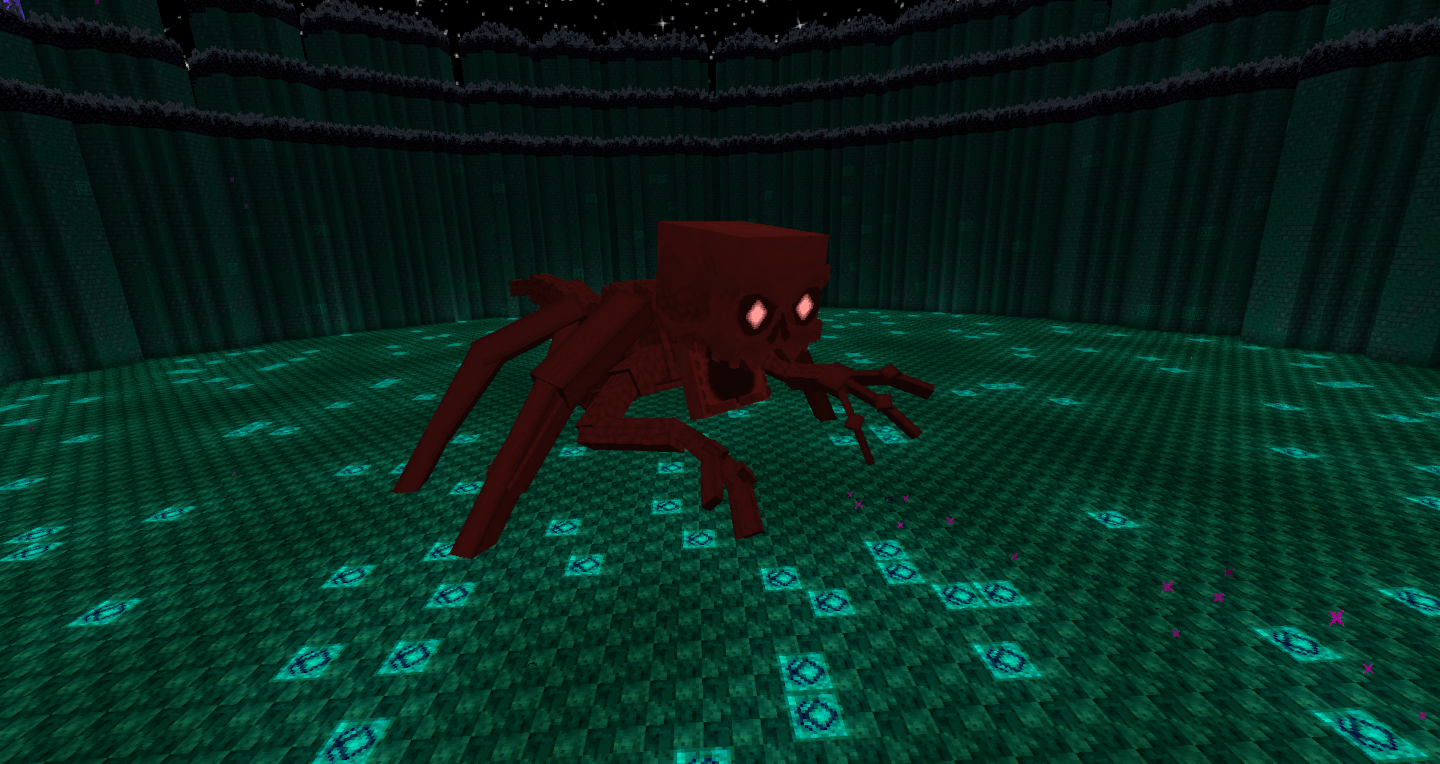
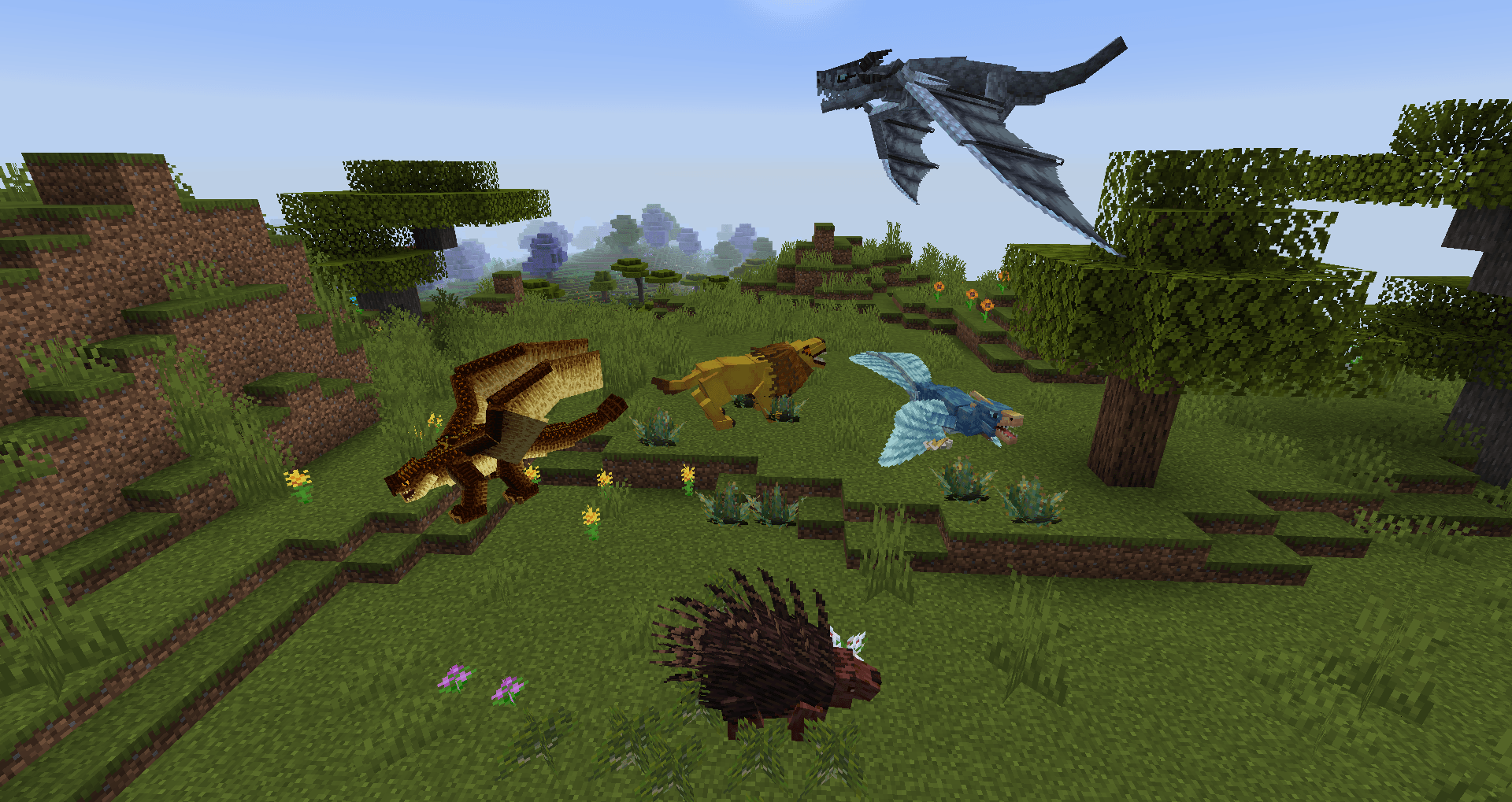
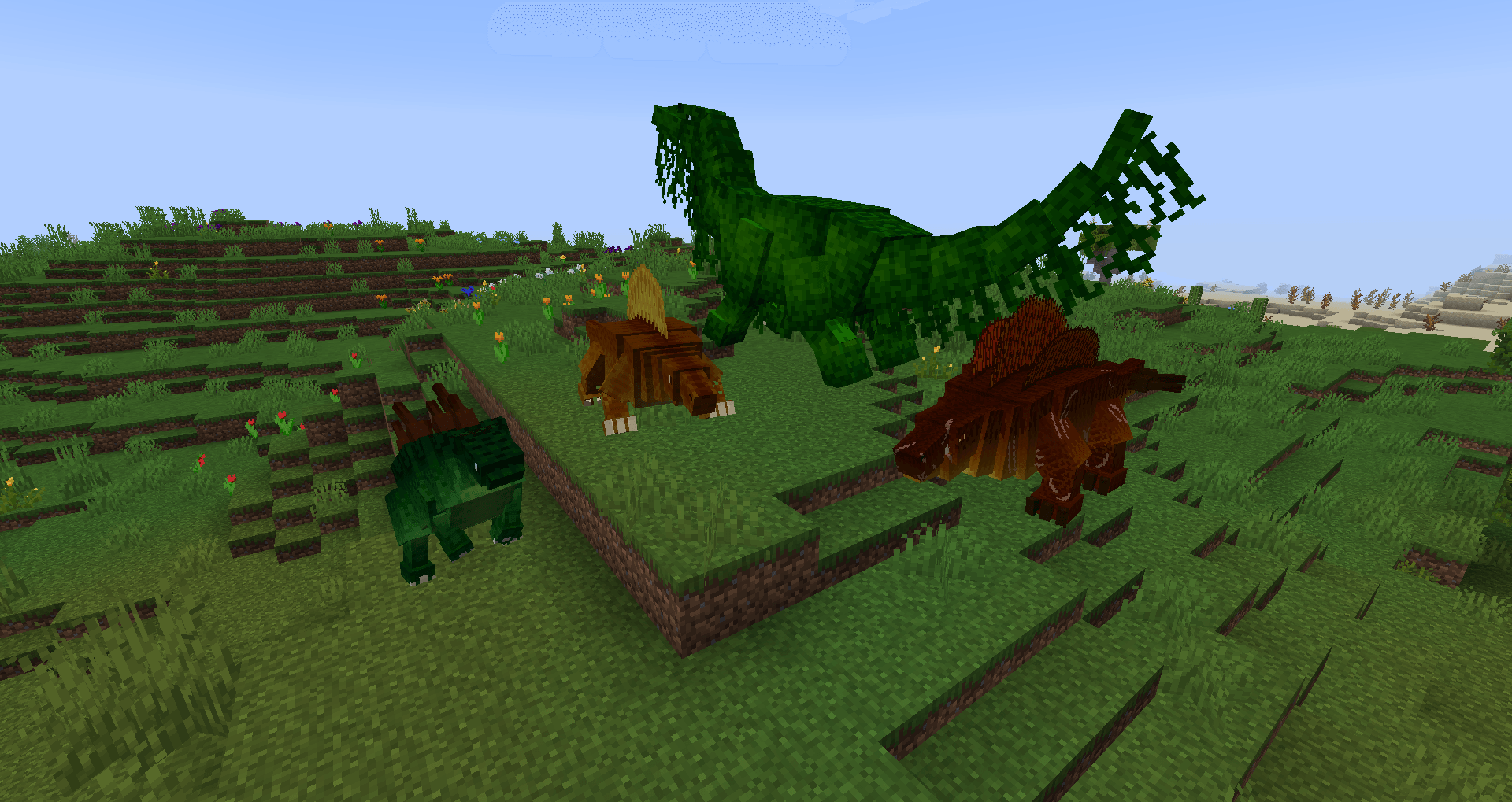
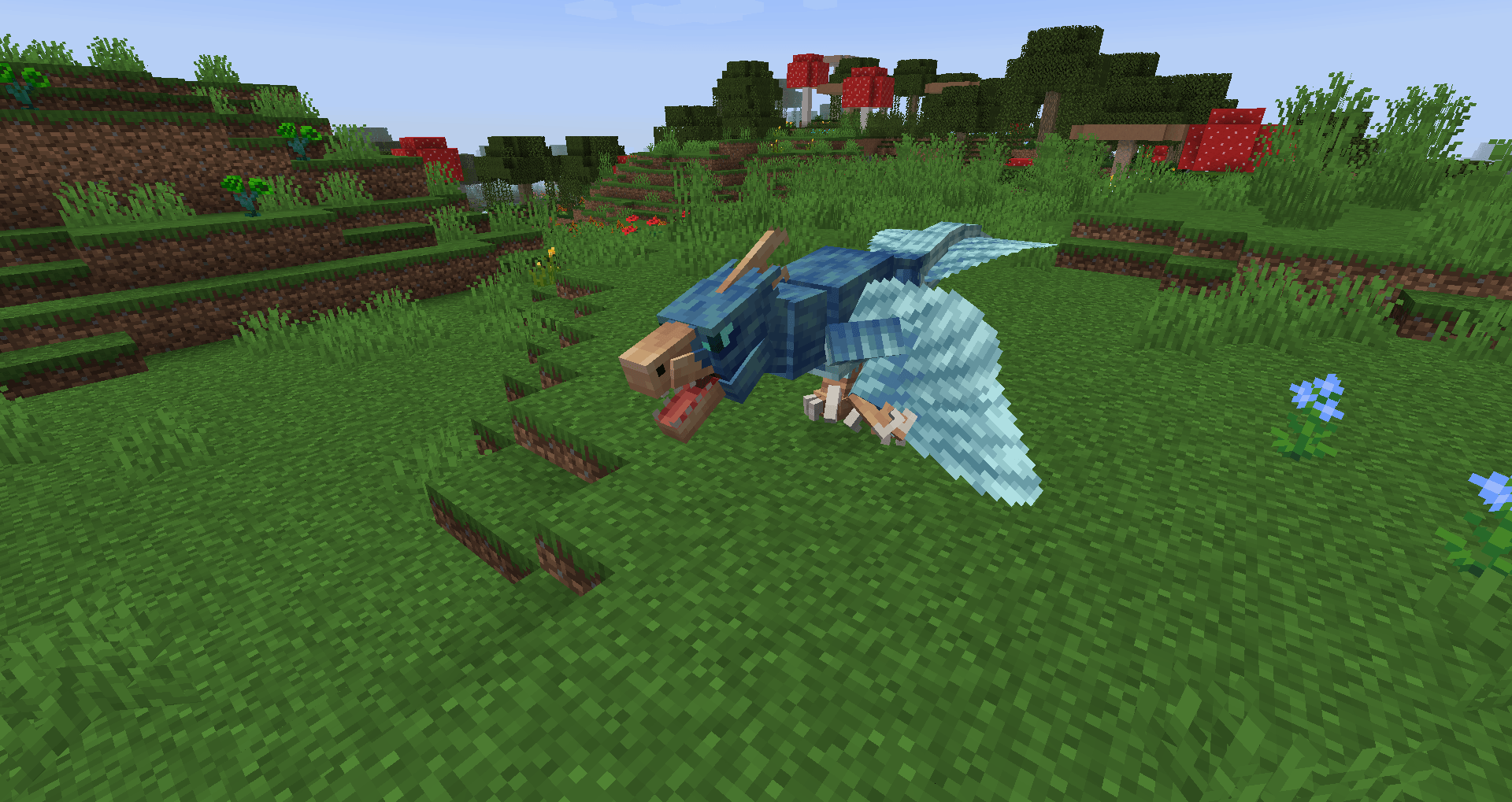
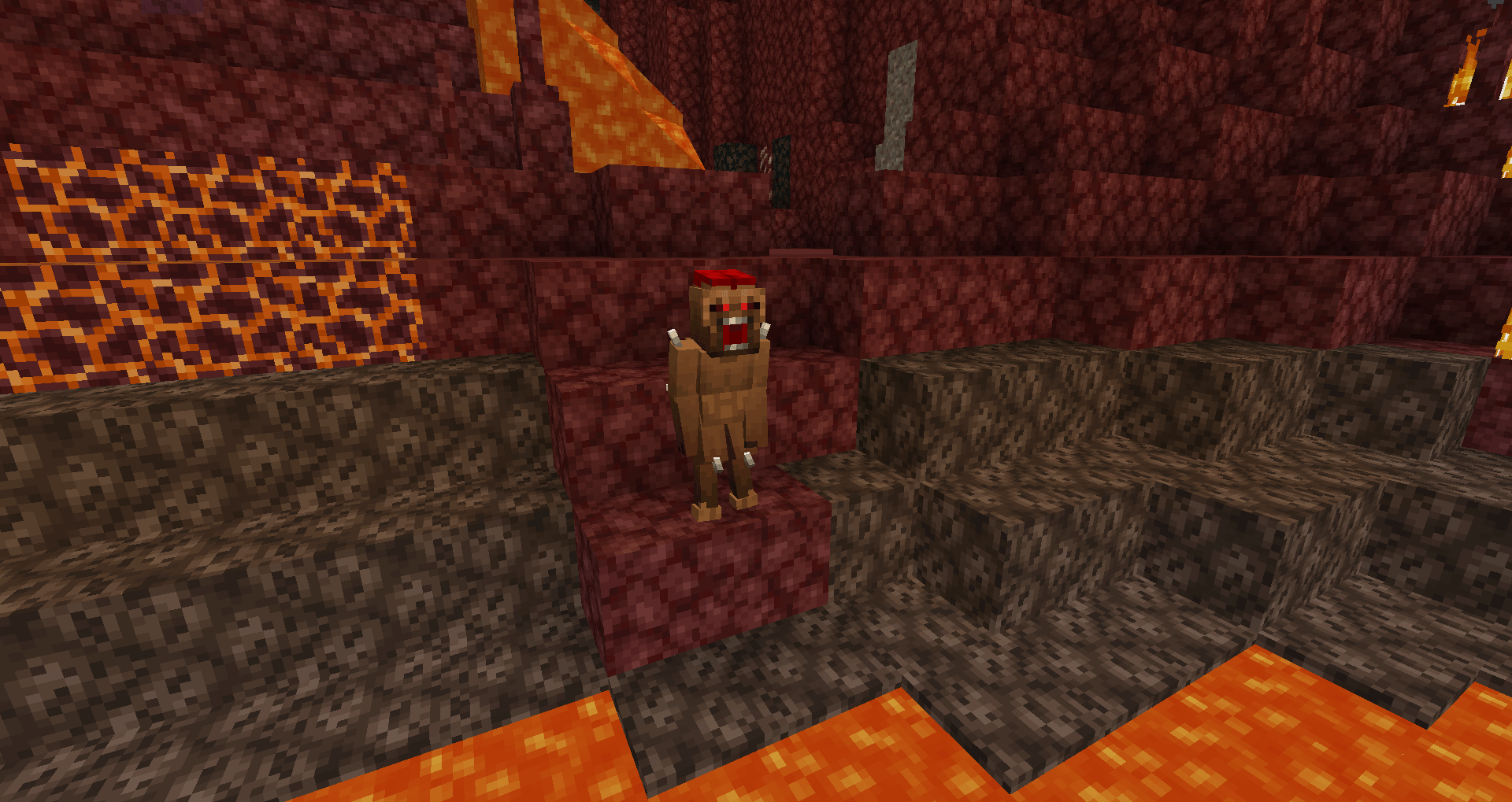
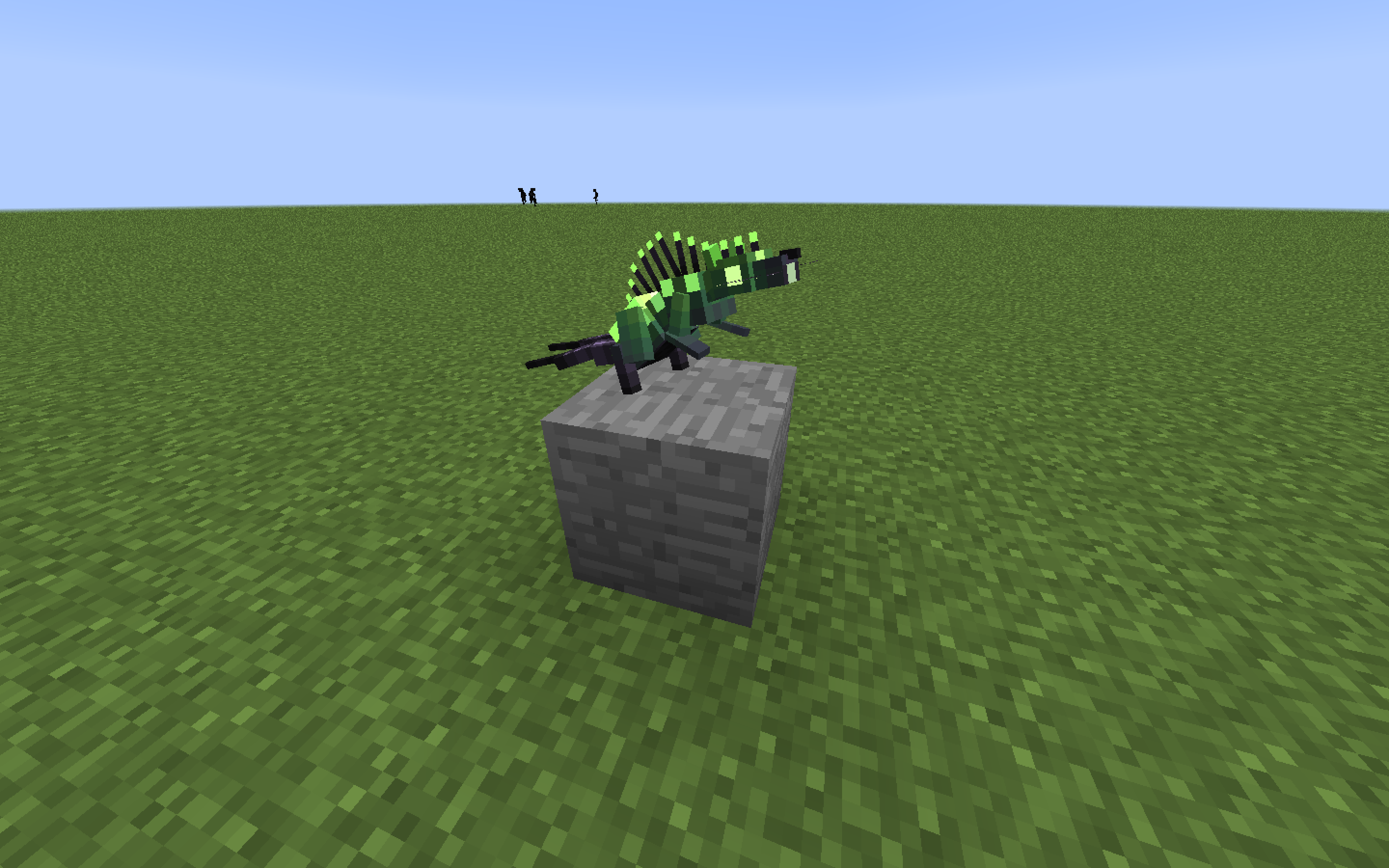
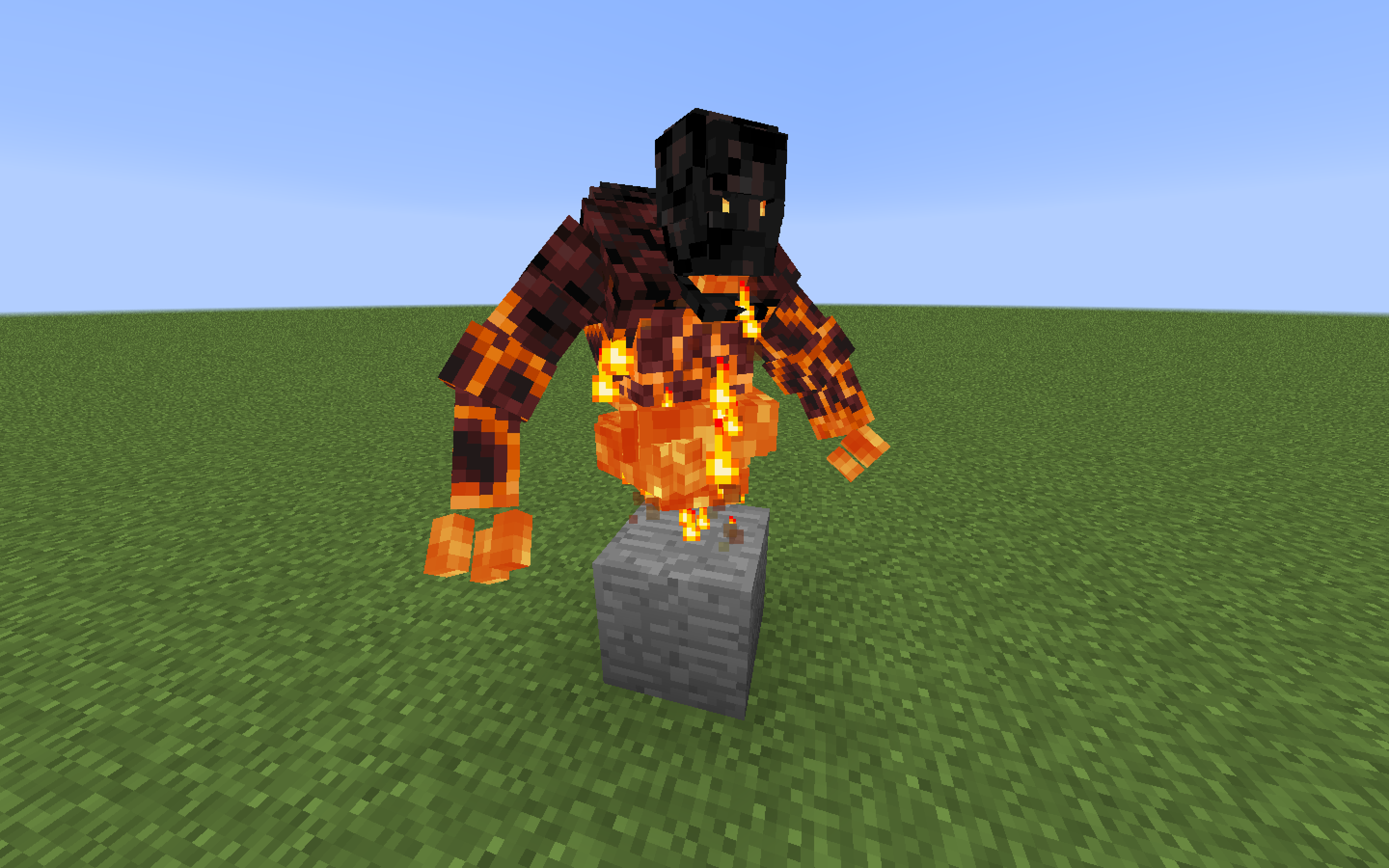
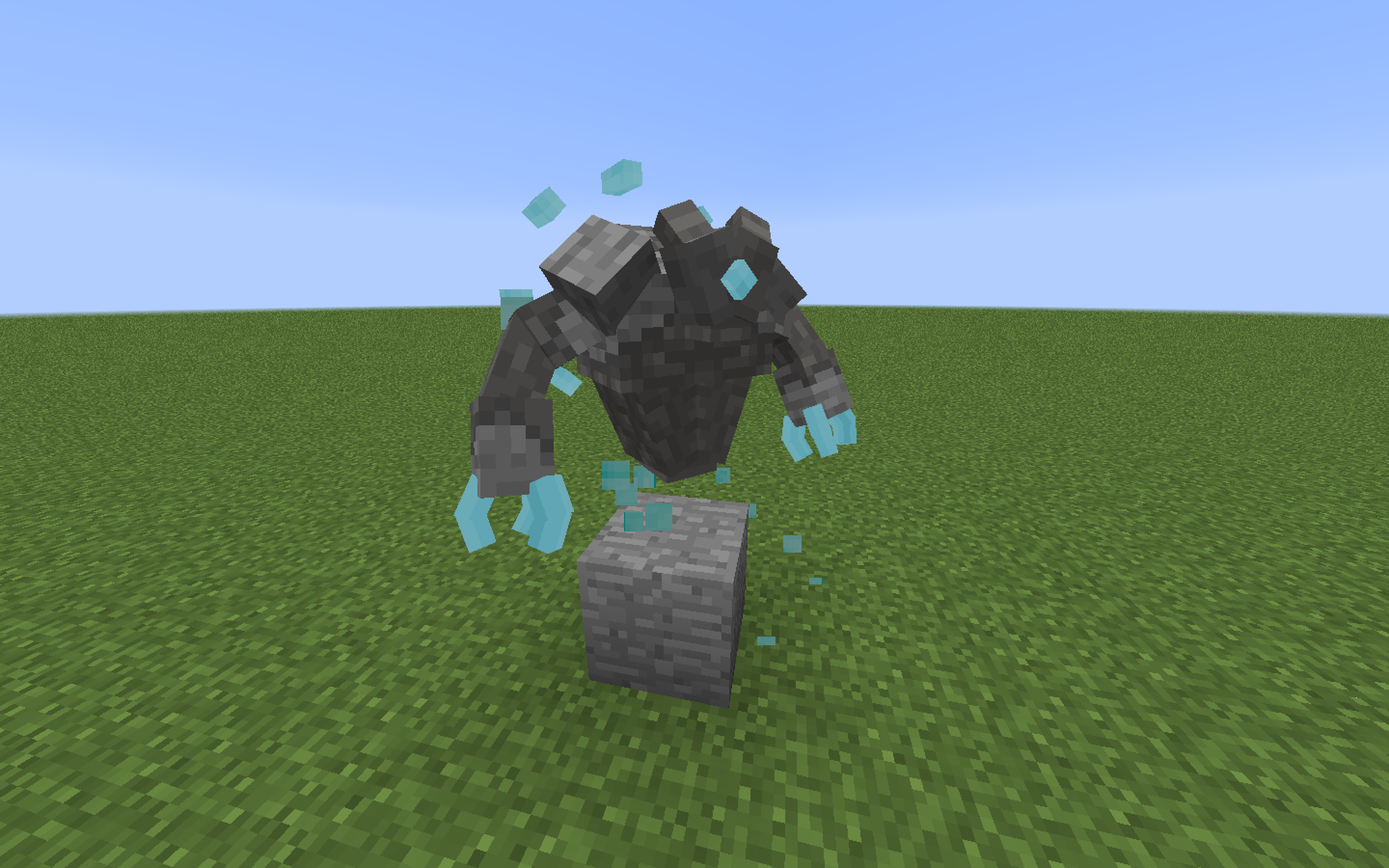
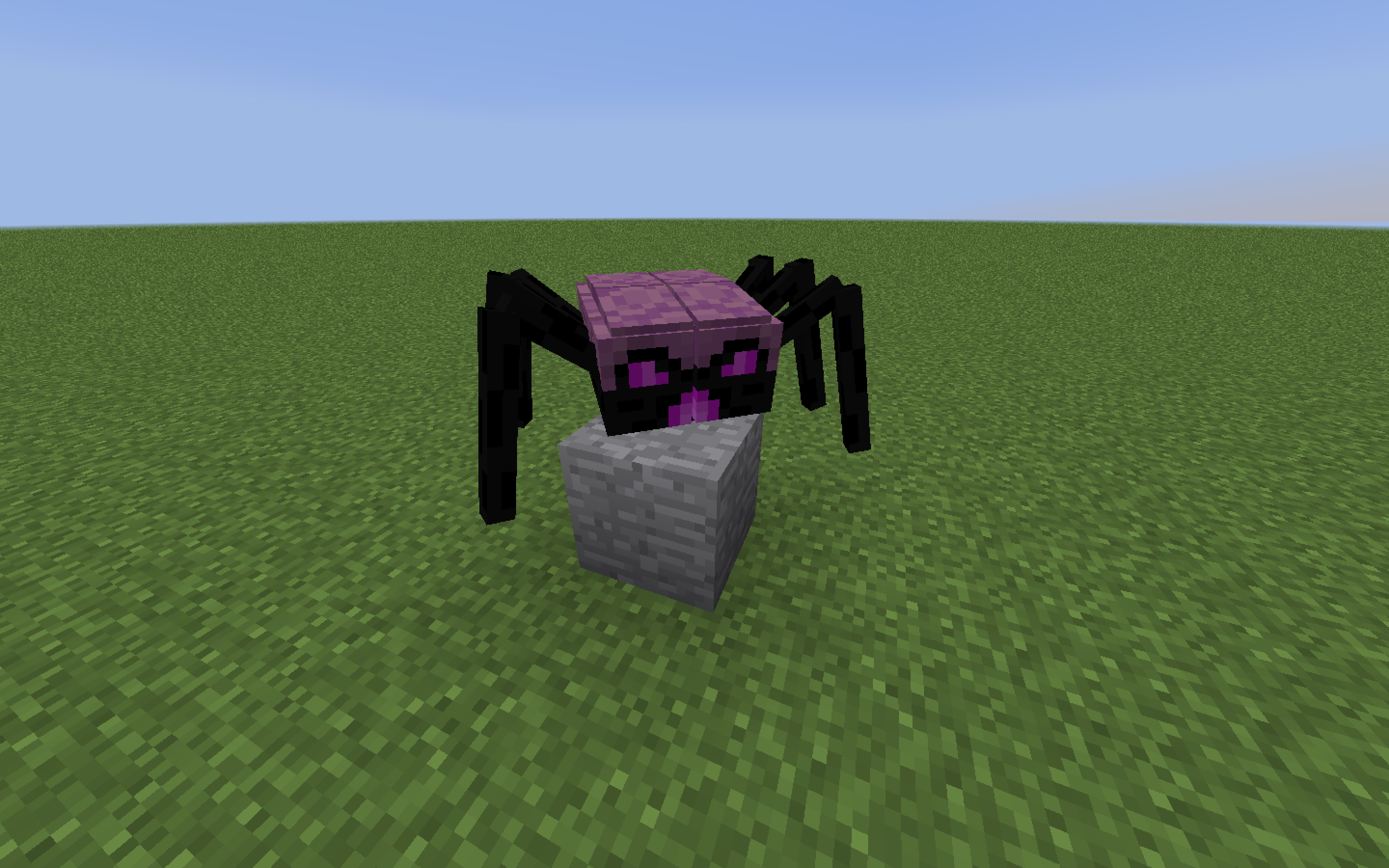
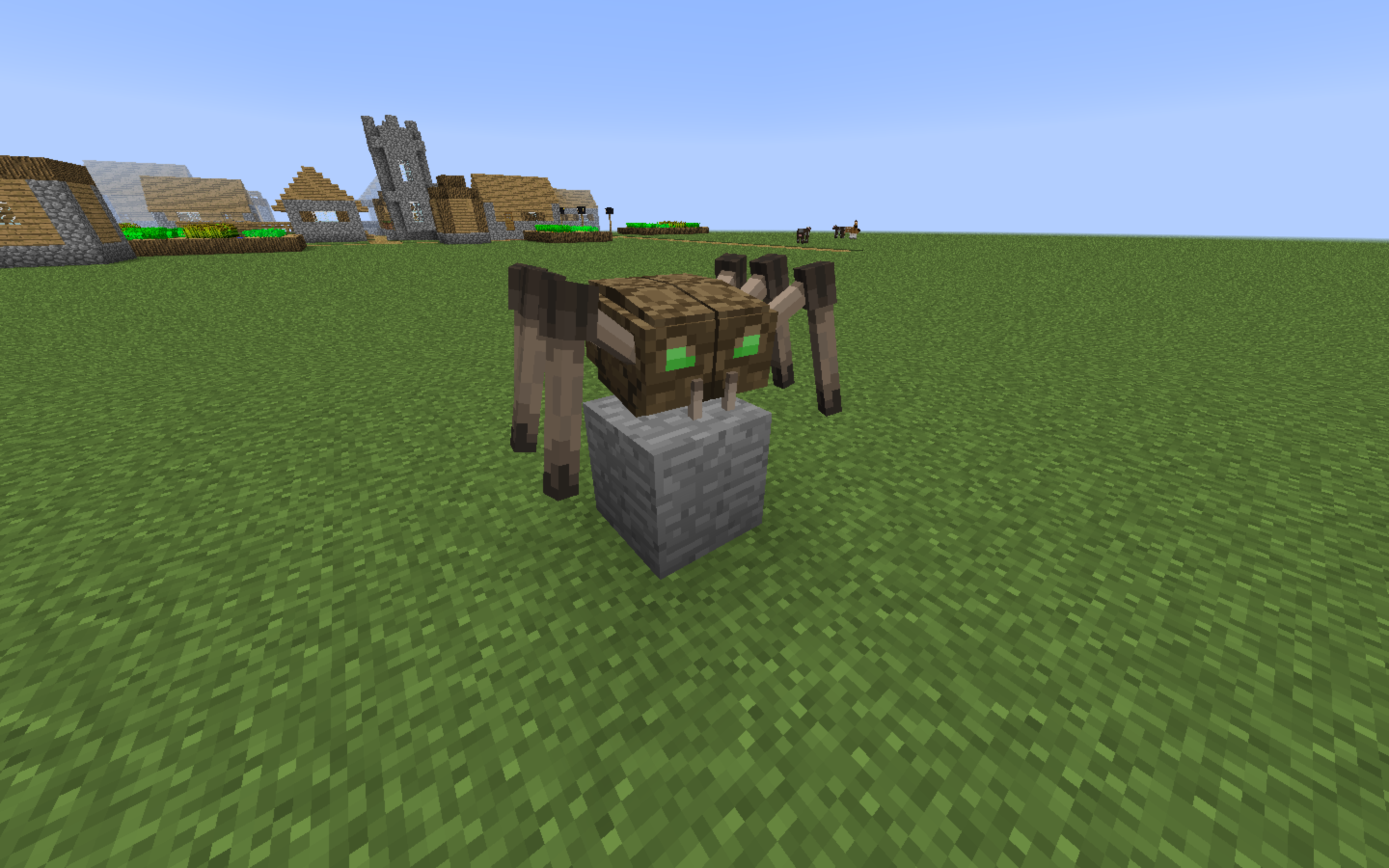
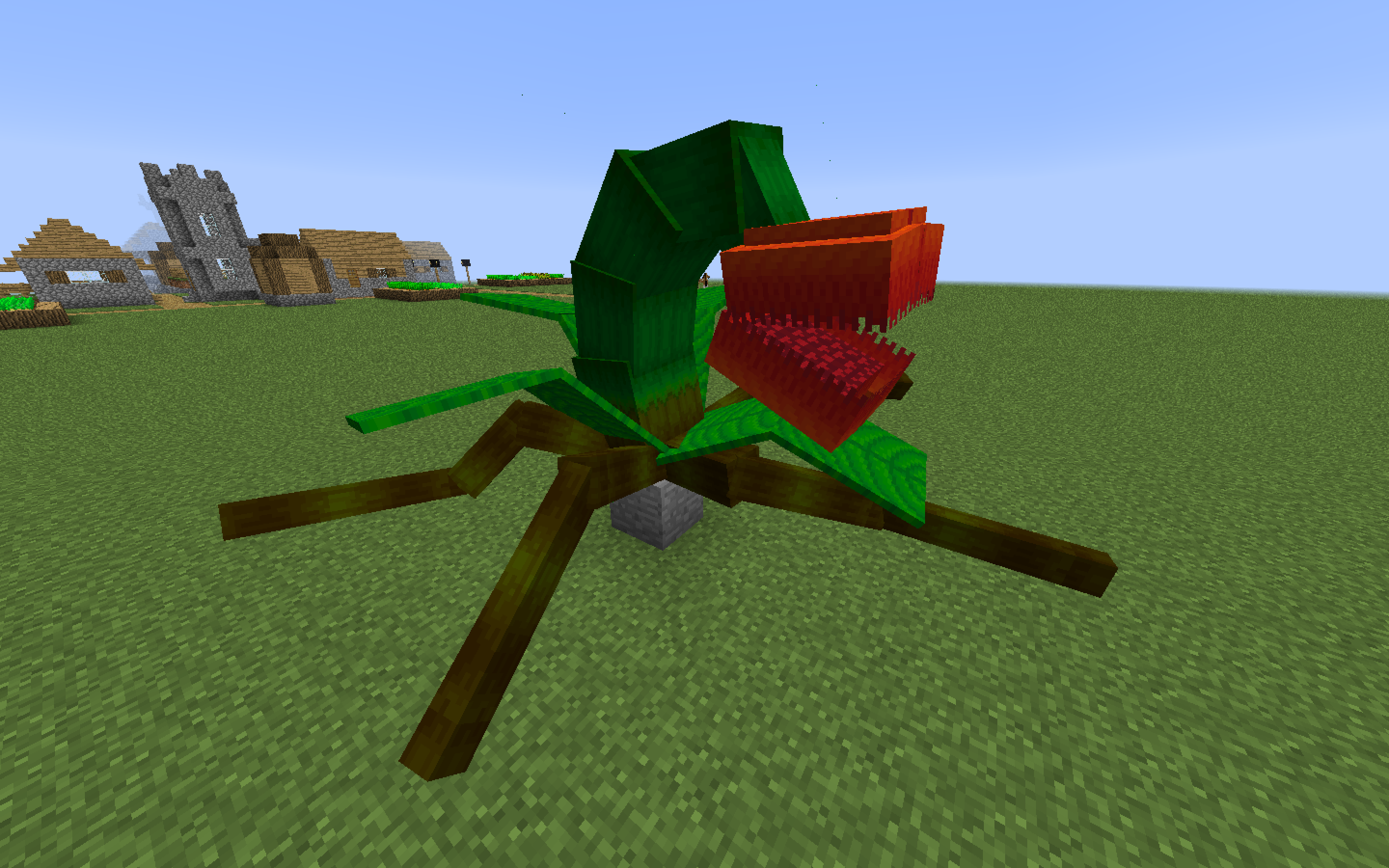
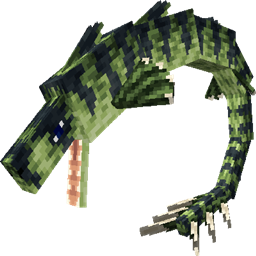
Having been around for a good while, Lycanites Mobs have since become a classic and staple in the Minecraft modding community, but have you ever felt that the models weren't very... Minecrafty?
Well good for you! Because we thought the same thing too, with this resource pack we aim to change that and bring to you Lycanites with more cubes than you've ever seen it with. And this isn't just limited to mobs.
Equipment, blocks, sprites, everything is on the table, and more!
You can join the discord server for more details.

📖INSTALLATION NOTES: READ IF YOU'RE GOING TO USE THIS:
1-You NEED to restart your game after activating the resource pack, otherwise, it won't work!
2-Make sure that the pack version you're downloading supports the correct Minecraft release, and always use the latest update of Lycanies Mobs.
As long as you downloaded the right version of the pack, you should not encounter Minecraft's "incompatible pack version!" warning.
Most importantly, have fun, and of course, thanks to Lycanite for allowing this amazing resource pack to be possible! And more special thanks to every single one of our supporters and friends for being with us along the way!