Mineuniverse
Resource Packs
LunarGUI

LunarGUI

RESOURCE PACK
Make your GUI look better
by Deyodo
Download Claim this project
56 downloads
0 likes
Updated Oct 14, 2026
0 hypes
Data Packs Modern Photo Realistic
Advertisement Remove ads with Premium →

✨ Improved Description

This resource pack enhances the visual experience of Minecraft by redesigning multiple core elements to create a cleaner, brighter, and more modern interface style.

It changes:

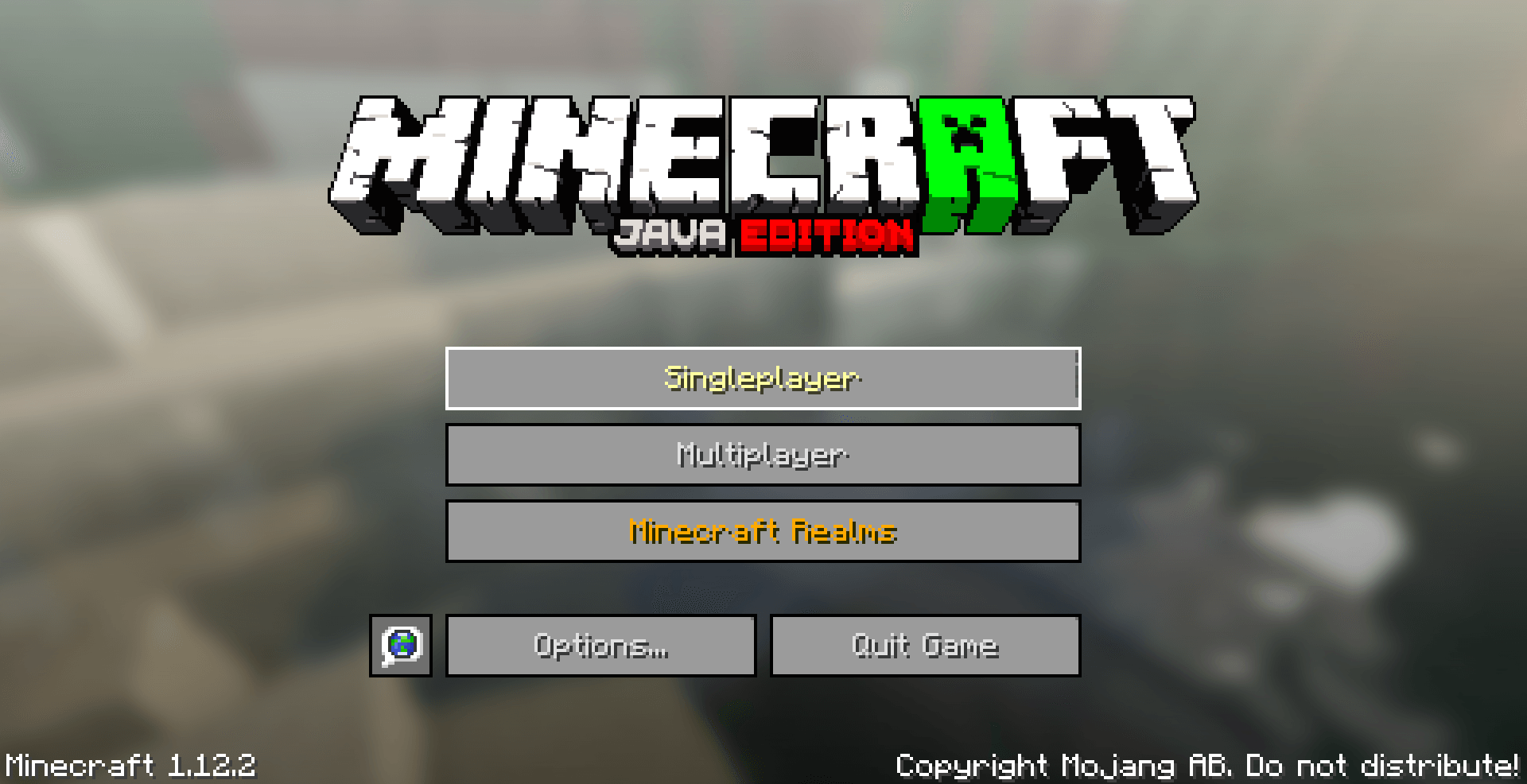
  • Custom panoramas for a refreshed main menu look
  • Several UI and text colors for better readability and visual consistency
  • Various textures to improve overall visual clarity
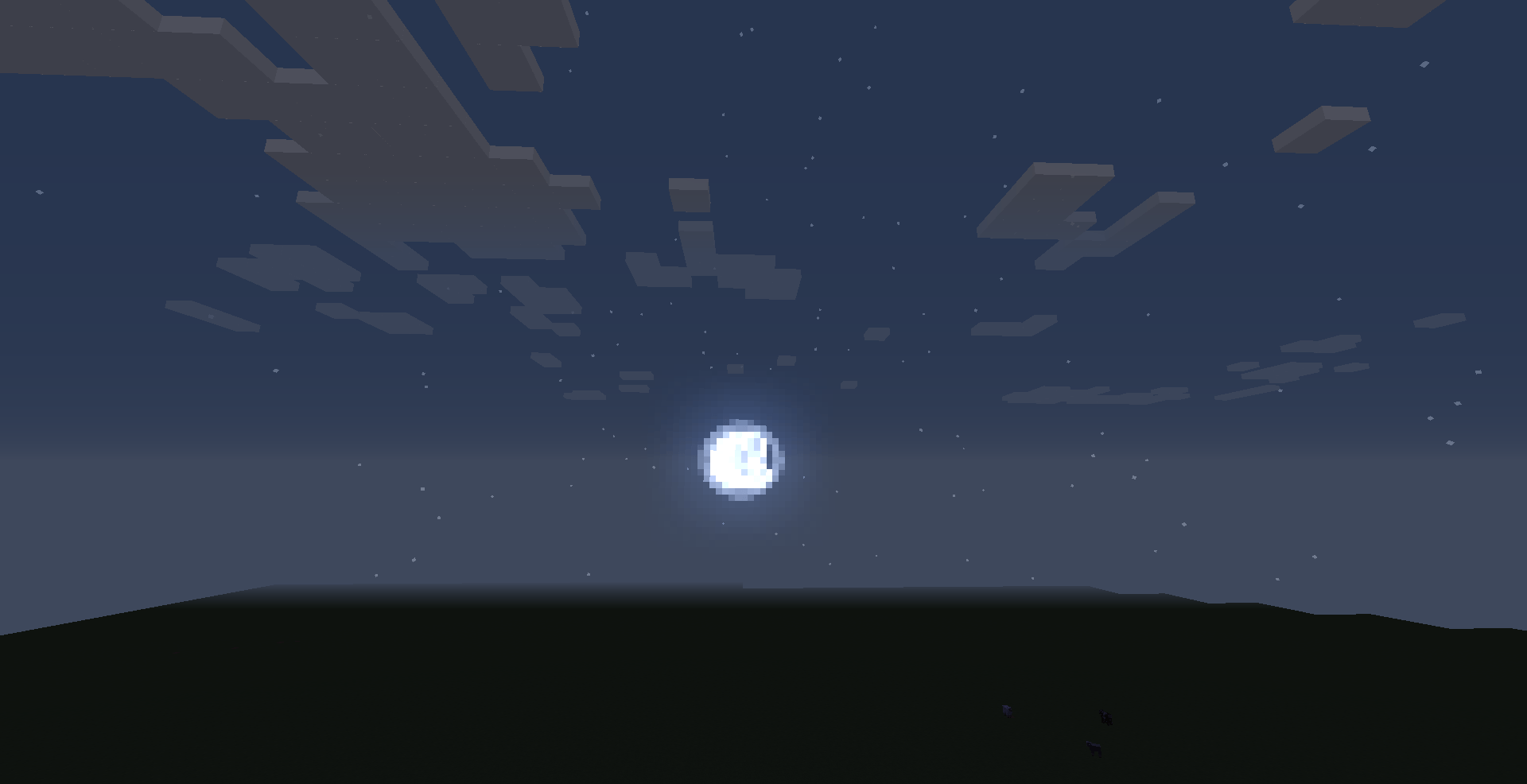
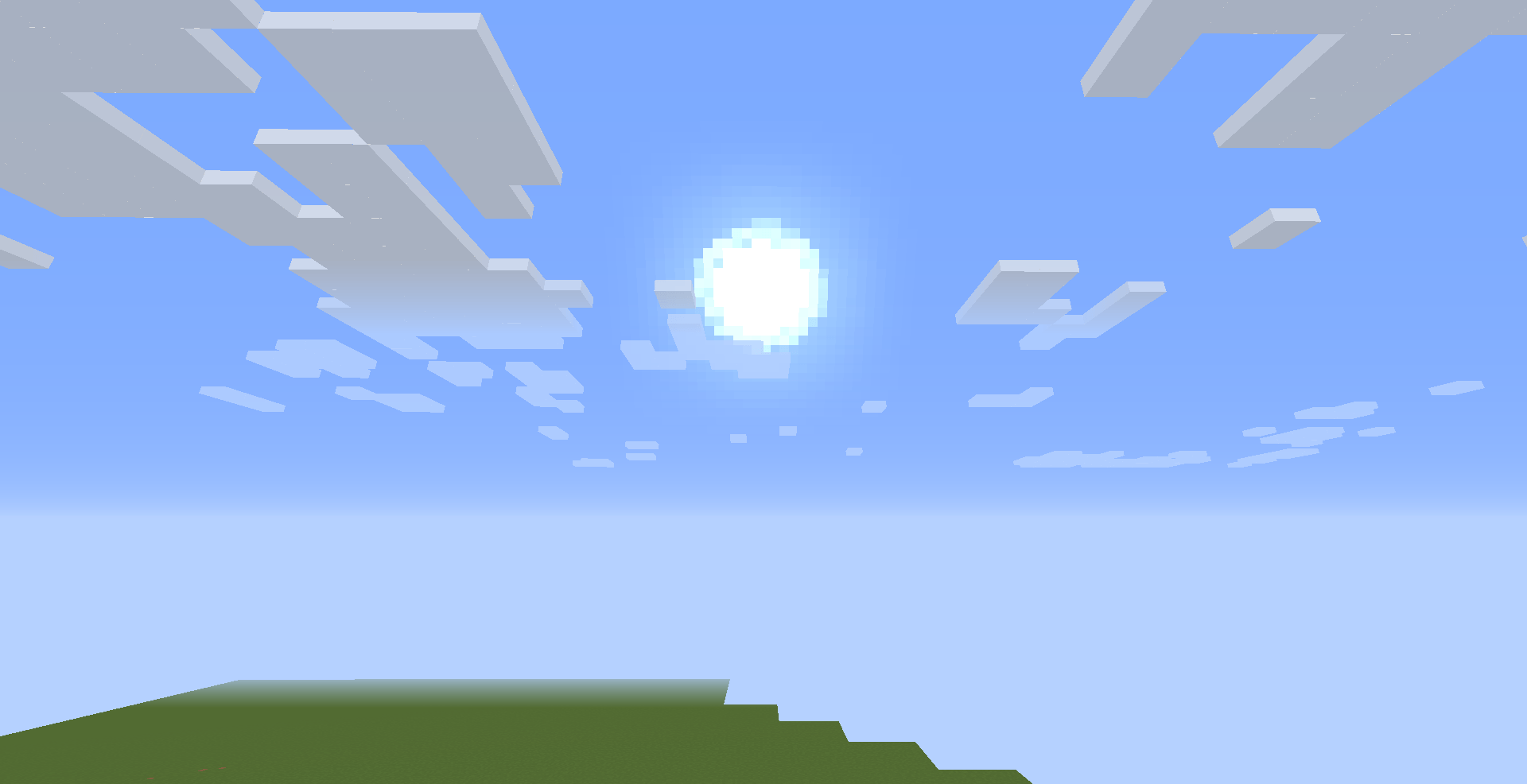
  • Sun and moon models, turning them into smooth circular designs

The goal of this pack is to provide a clean and visually improved “Vanilla+” experience while still keeping the original Minecraft feel intact.


⚙️ Compatibility

This resource pack supports:

  • Minecraft Java Edition 1.12.2
  • Forge
  • Fabric
  • Vanilla
  • and other compatible mod loaders

💡 Notes

This pack focuses on visual improvements only and does not affect gameplay mechanics. It is designed to be lightweight, simple, and performance-friendly.

LunarGUI1.2.zip
MC 1.12.2
Release 2026-05-10 Get
LunarGUI1.1.zip
MC 1.12.2
Alpha 2026-05-10 Get

Requirements & install

How to use this resource pack in Minecraft
Resolution
Not specified
Minecraft
1.12.2
Install folder
.minecraft/resourcepacks

How to install resource packs

  1. Download the resource pack .zip file (do not extract it).
  2. In Minecraft open Options → Resource Packs → Open Pack Folder.
  3. Drop the .zip into the resourcepacks folder (.minecraft/resourcepacks).
  4. Move the pack to the Selected column and click Done.
Browse more: 16x resource packs 32x resource packs 64x resource packs 128x resource packs 256x resource packs 512x+ resource packs Resource Packs for 1.12.2 All resource packs
Advertisement Remove ads with Premium →

You Might Also Like