Mineuniverse
Resource Packs
Luna's Better Netherite Textures

Luna's Better Netherite Textures

RESOURCE PACK
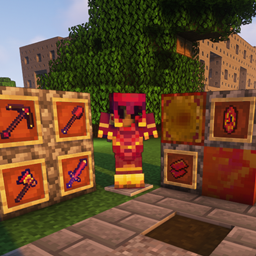
This pack makes all netherite related textures more spicy!
by Lancewer
Download Claim this project
Add a badge to your pageLink to Luna's Better Netherite Textures from a README, website or forum post.
Preview: Badge

Badges update automatically and link to the resource pack page on MineUniverse.

589 downloads
0 likes
0 followers
Updated Oct 14, 2026
0 hypes
Follow0
16x Traditional
Advertisement Remove ads with Premium →

Back when Minecraft 1.16 was coming out, hearing that there was a new ore coming to Minecraft was big, especially since it would be stronger than Diamond. When 1.16 came out, I'd say everything about Netherite was/is perfect, except for one thing. The textures/models for the Netherite items were a bit... underwhelming in most people's eyes. The color of the weapons and the armor was so drab.


If you were to go back to the average Minecrafter pre-1.16 and ask them to design a set of armor and tools that would be made from an ore you got in the Nether, most wouldn't think of the dark greys and blacks of Netherite, rather most would likely think of fire-y reds and oranges with vibrant designs. 


That is exactly what I aimed to create for this resource pack.


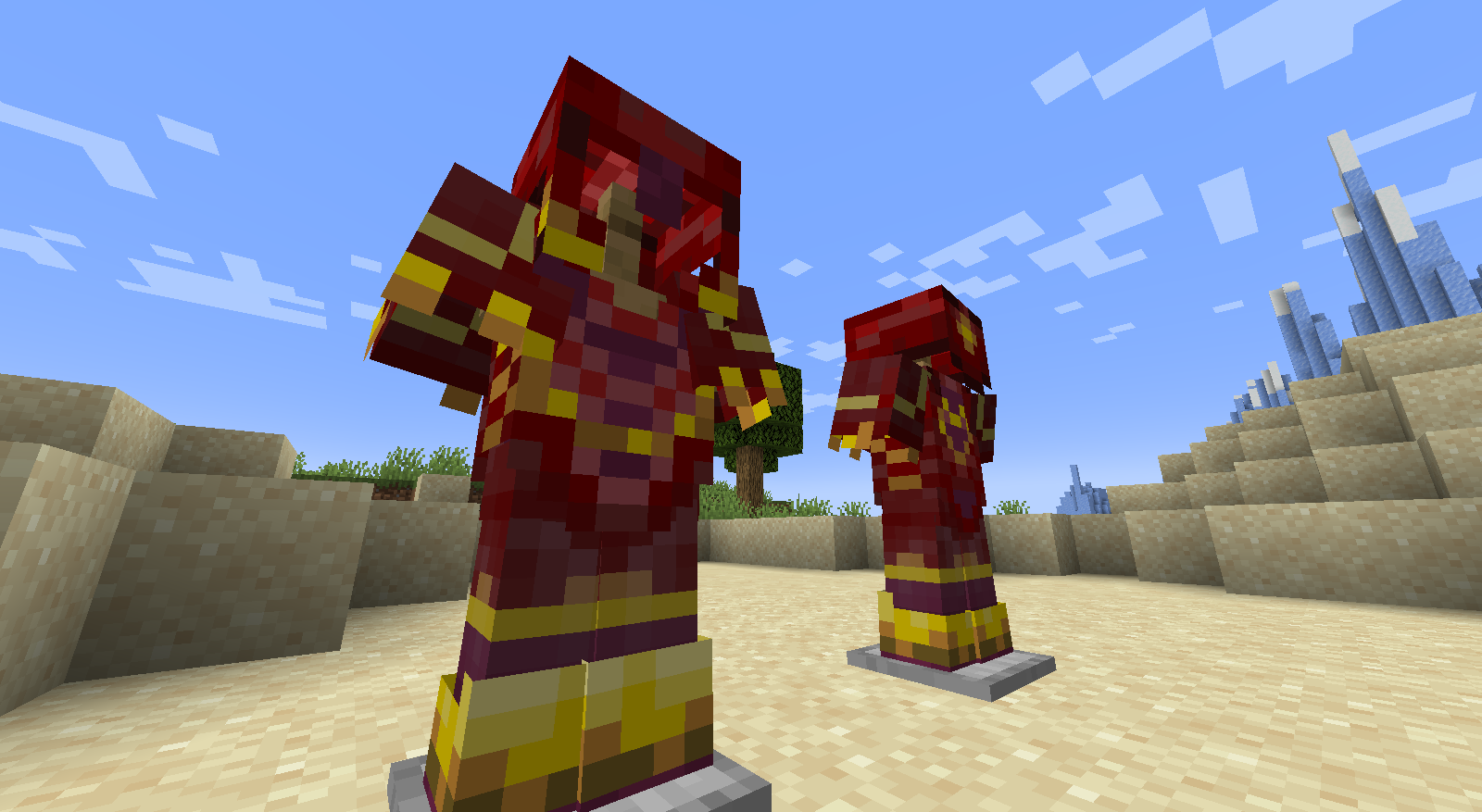
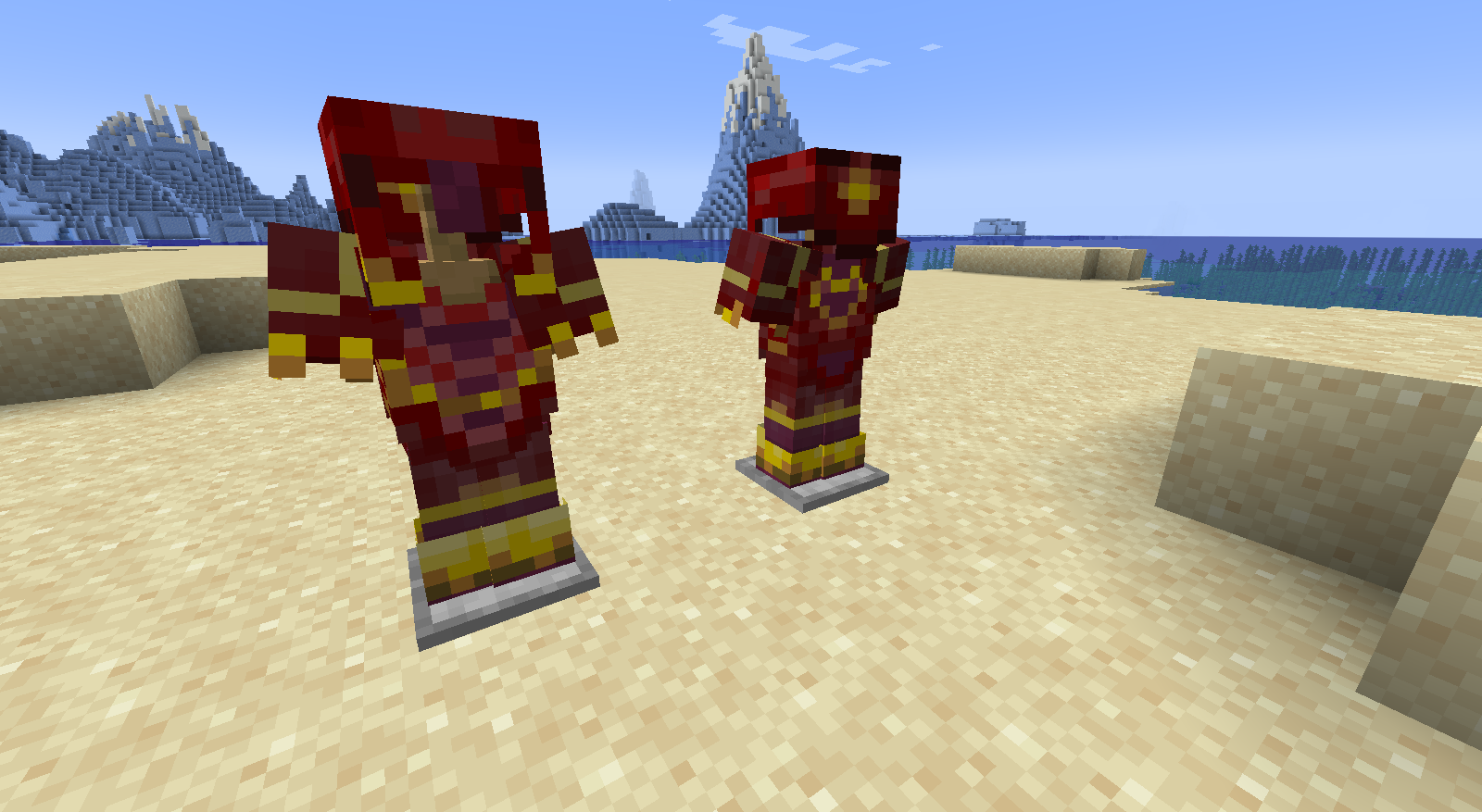
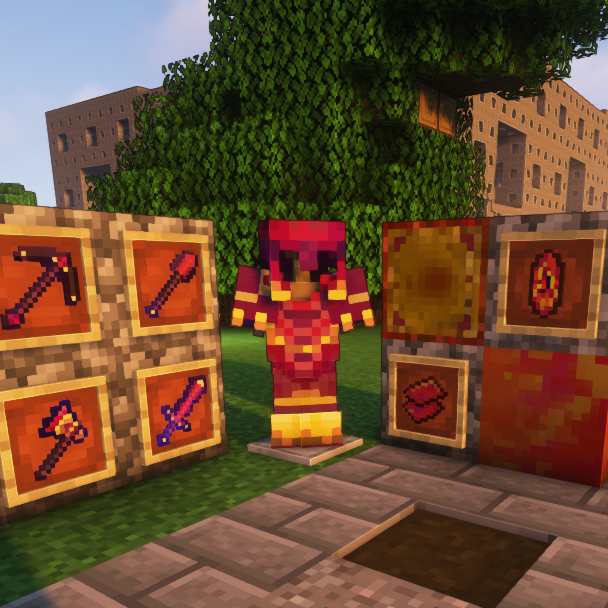
I redesigned some Netherite items while trying to stay in the vanilla Minecraft style, and recolored all of them from their dark grey colors to a vibrant red-pink-orange color pallet as well as having hints of yellow since gold is needed in the crafting recipe for the ingots.


Changes to each texture: 
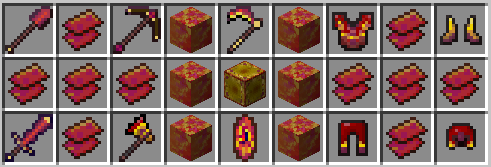
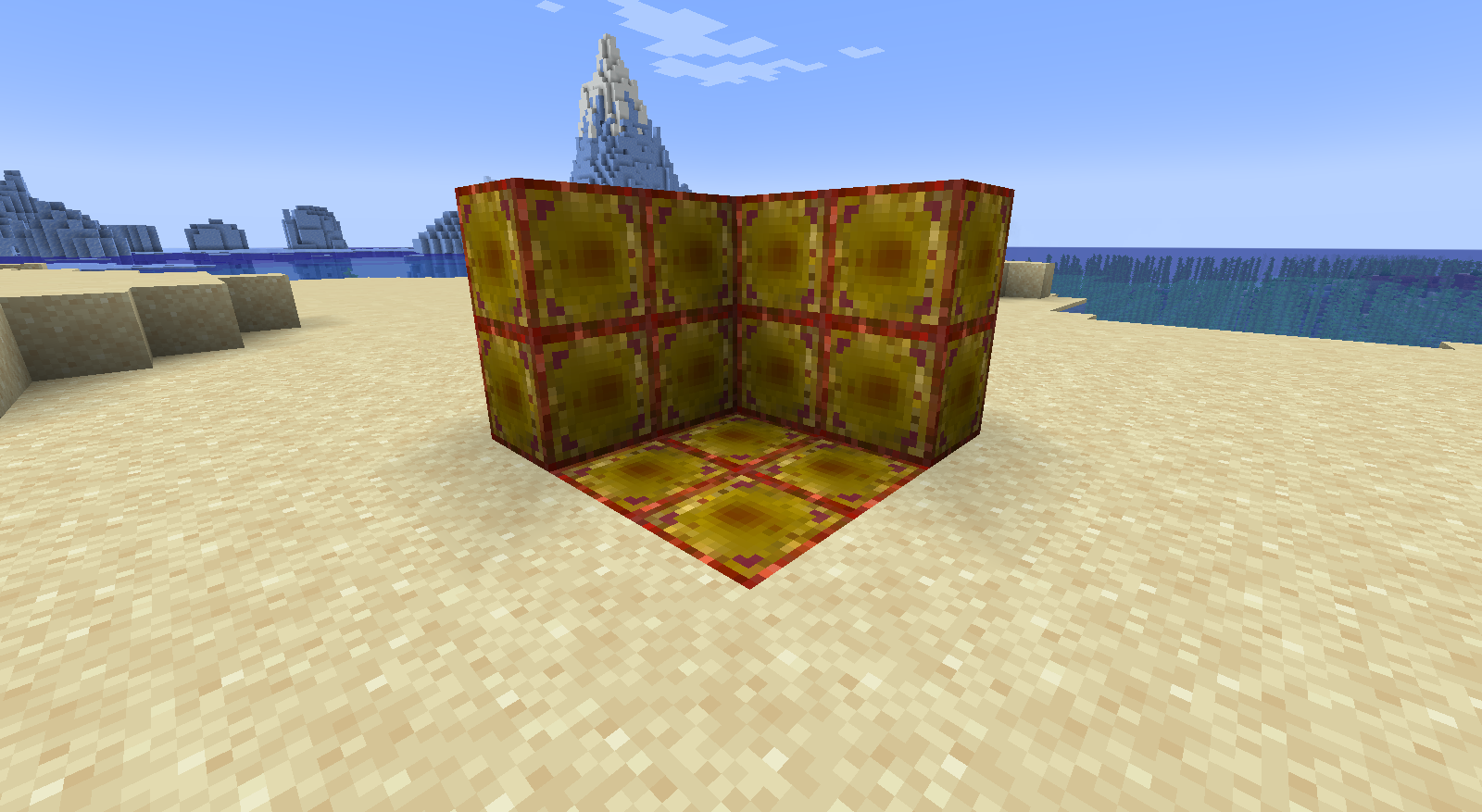
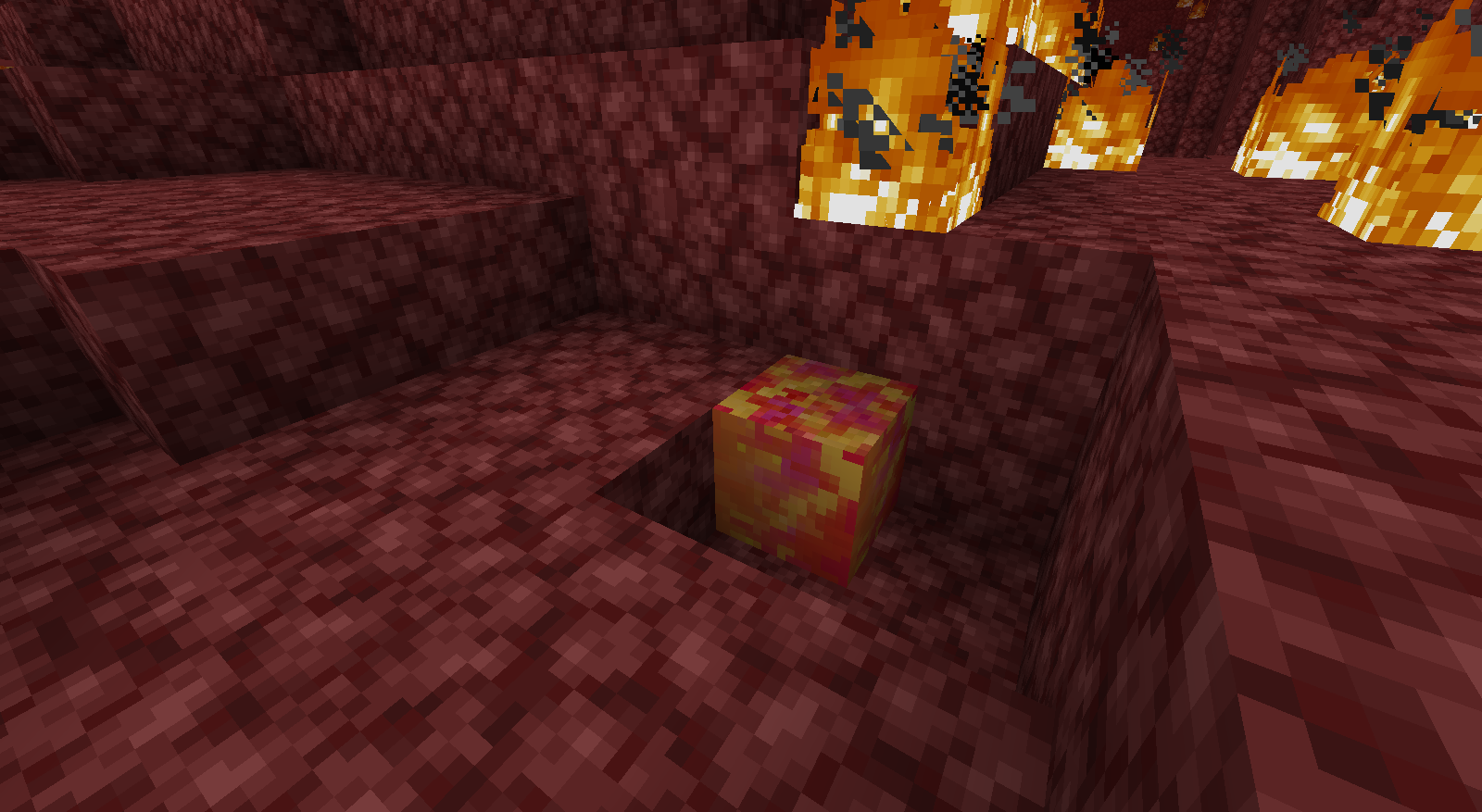
  • Ancient Debris is now a vibrant and fire-y red
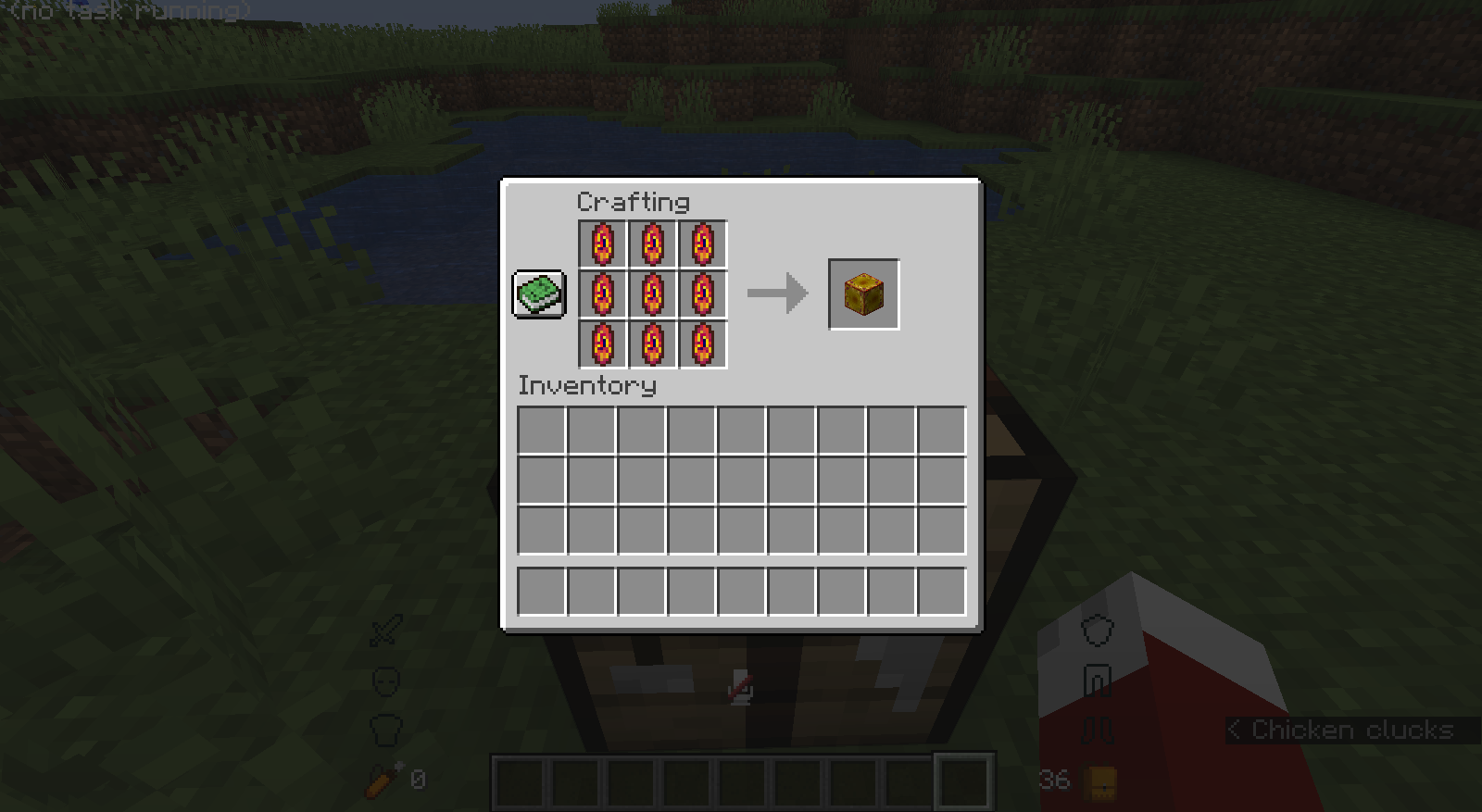
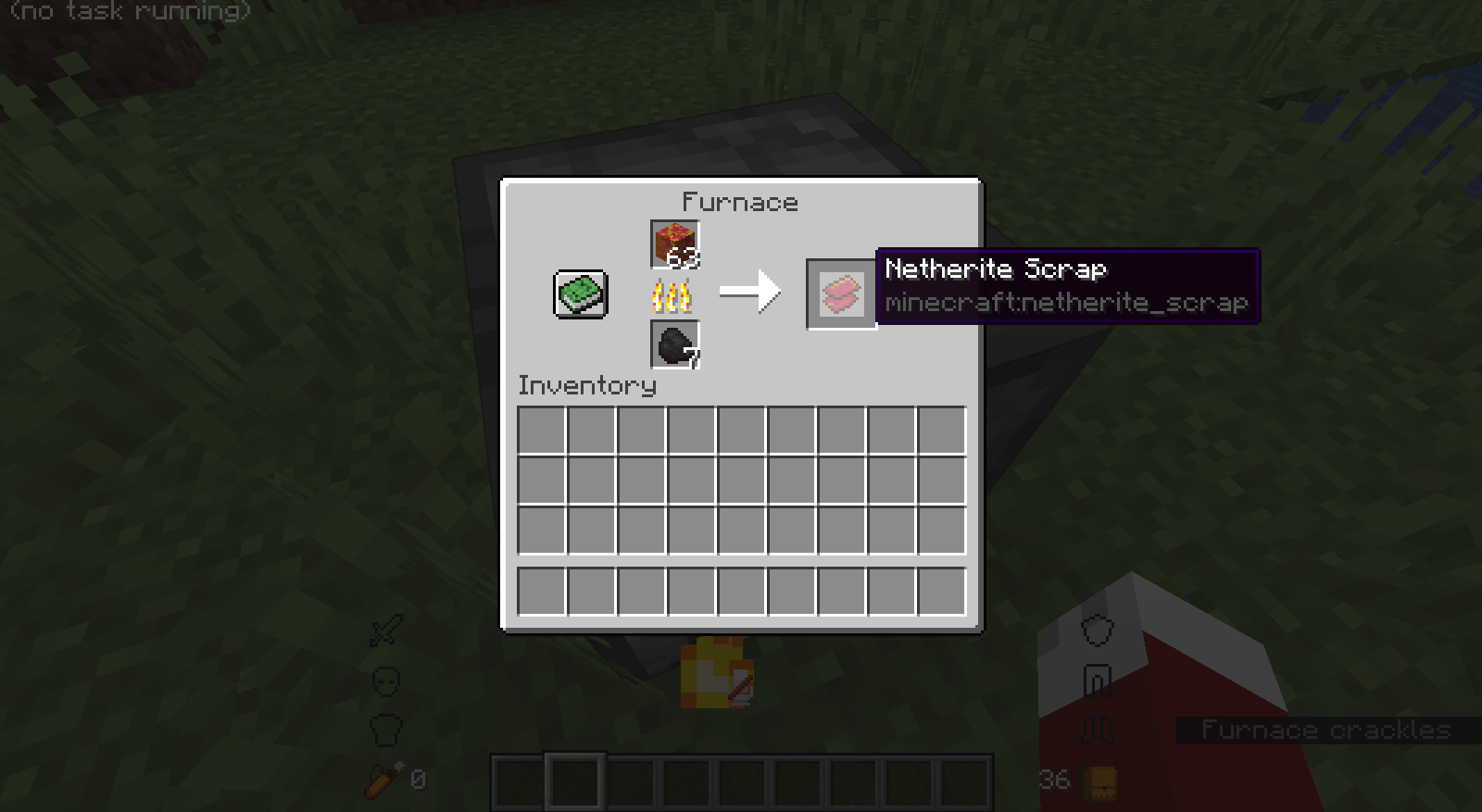
  • Netherite scraps are now red-orang with hints of pink
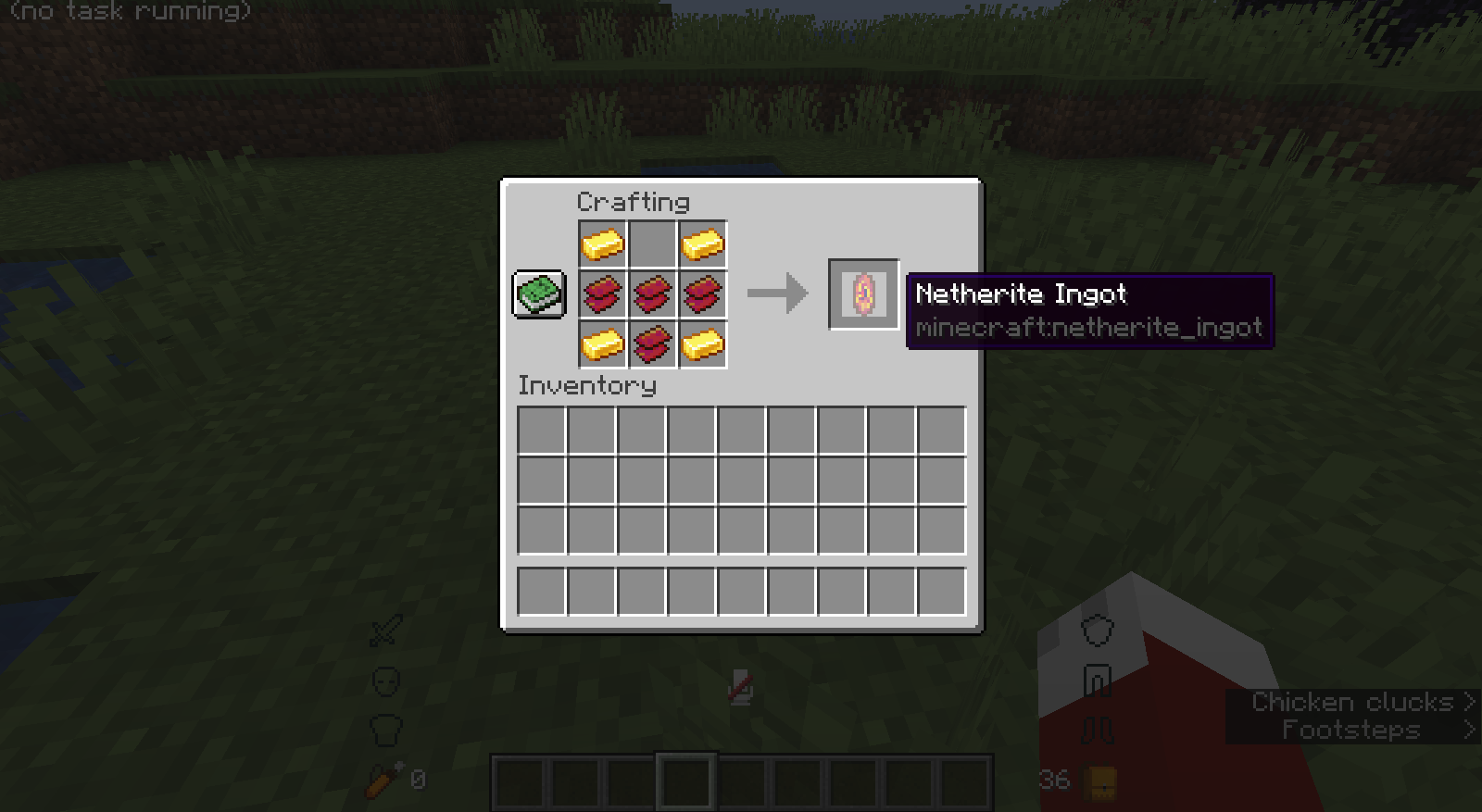
  • Netherite ingots have a completely different Shape and have a Red-orange-yellow color pallet with much more yellow since you craft the ingots using gold
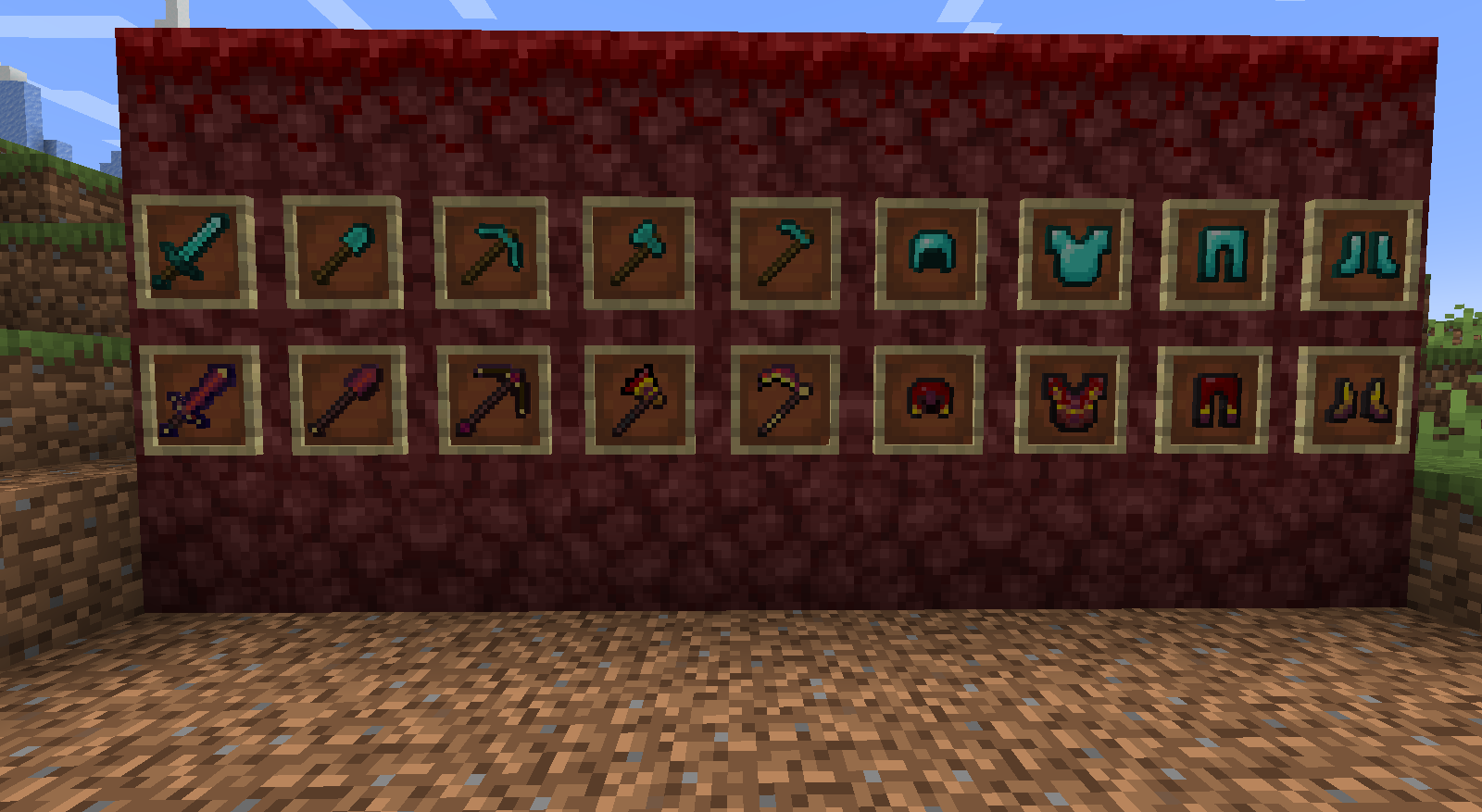
  • All the tools and armor pieces are recolored


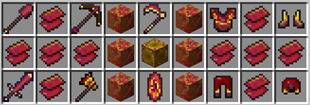
All the textures in the pack

Luna's Better Netherite.zip
MC 1.16-Snapshot, 1.17.1, 1.16.3, 1.16.1, 1.18.1, 1.17, 1.16, 1.16.5, 1.17-Snapshot, 1.18, 1.16.4, 1.18-Snapshot, 1.16.2
Release 2022-02-15 Get

Requirements & install

How to use this resource pack in Minecraft
Resolution
16x
Minecraft
1.16.4 – 1.18.1
Install folder
.minecraft/resourcepacks

How to install resource packs

  1. Download the resource pack .zip file (do not extract it).
  2. In Minecraft open Options → Resource Packs → Open Pack Folder.
  3. Drop the .zip into the resourcepacks folder (.minecraft/resourcepacks).
  4. Move the pack to the Selected column and click Done.
Browse more: 16x resource packs 32x resource packs 64x resource packs 128x resource packs 256x resource packs 512x+ resource packs Resource Packs for 1.18.1 All resource packs
Advertisement Remove ads with Premium →

You Might Also Like