Mineuniverse
Resource Packs
Low On Textures [MOBS&EFFECTS]

Low On Textures [MOBS&EFFECTS]

RESOURCE PACK
Fewer colors on textures.
by VentaBlack
Download Claim this project
271 downloads
0 likes
Updated Oct 14, 2026
0 hypes
16x
Advertisement Remove ads with Premium →

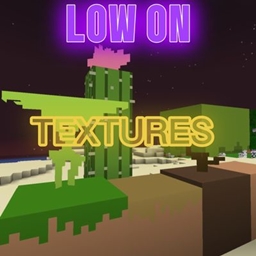
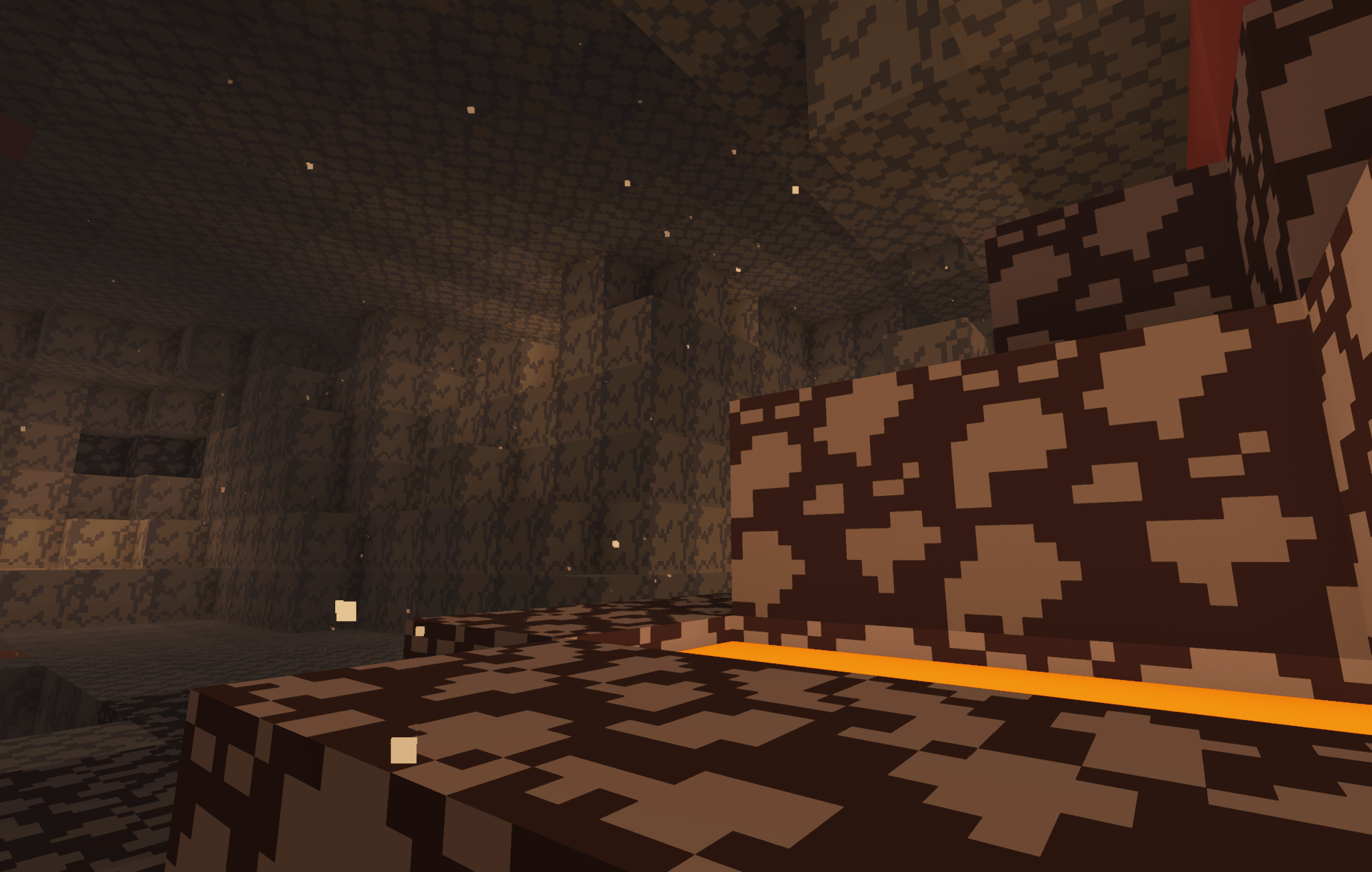
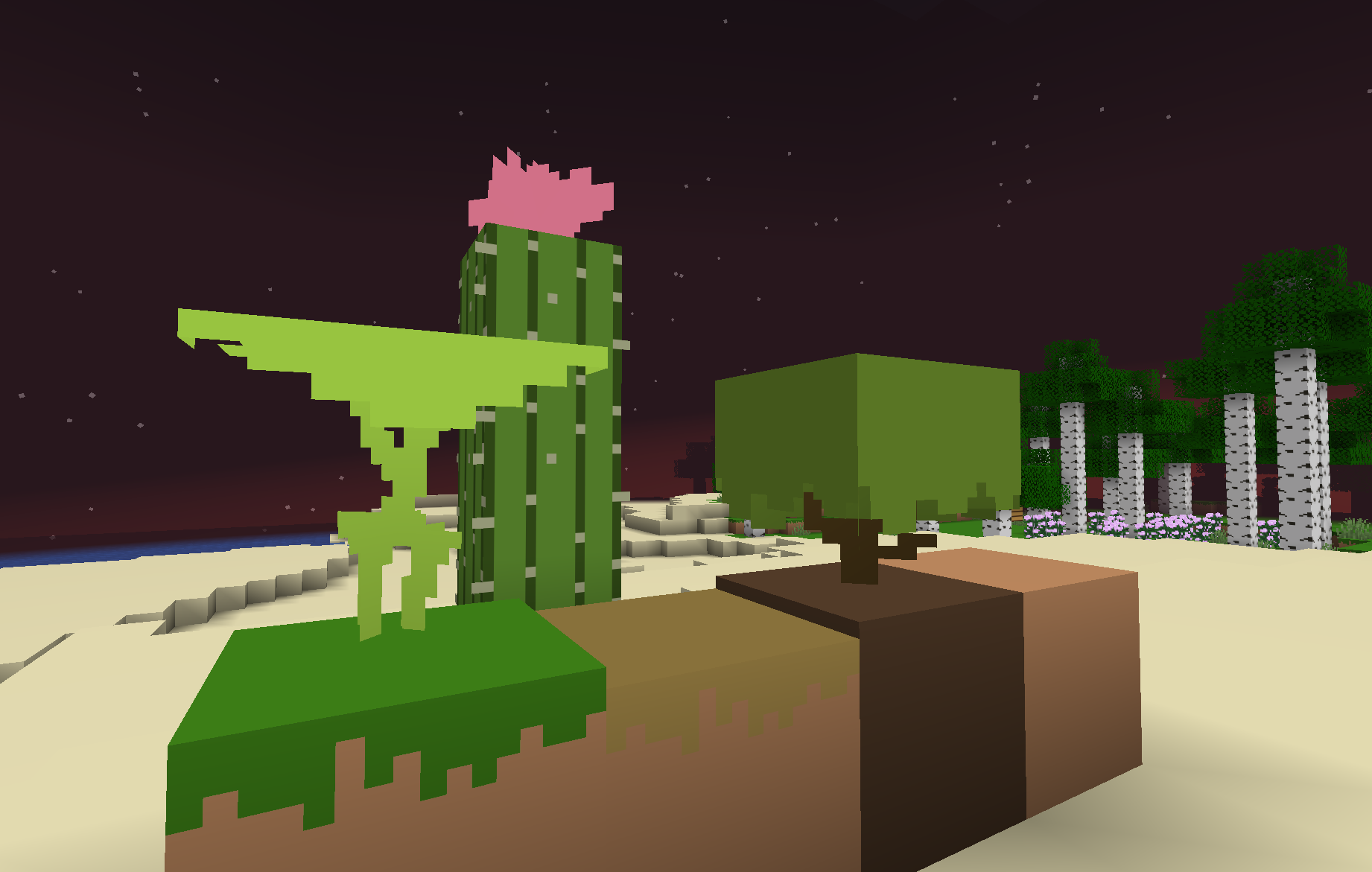
Fewer colors on textures (only blocks).

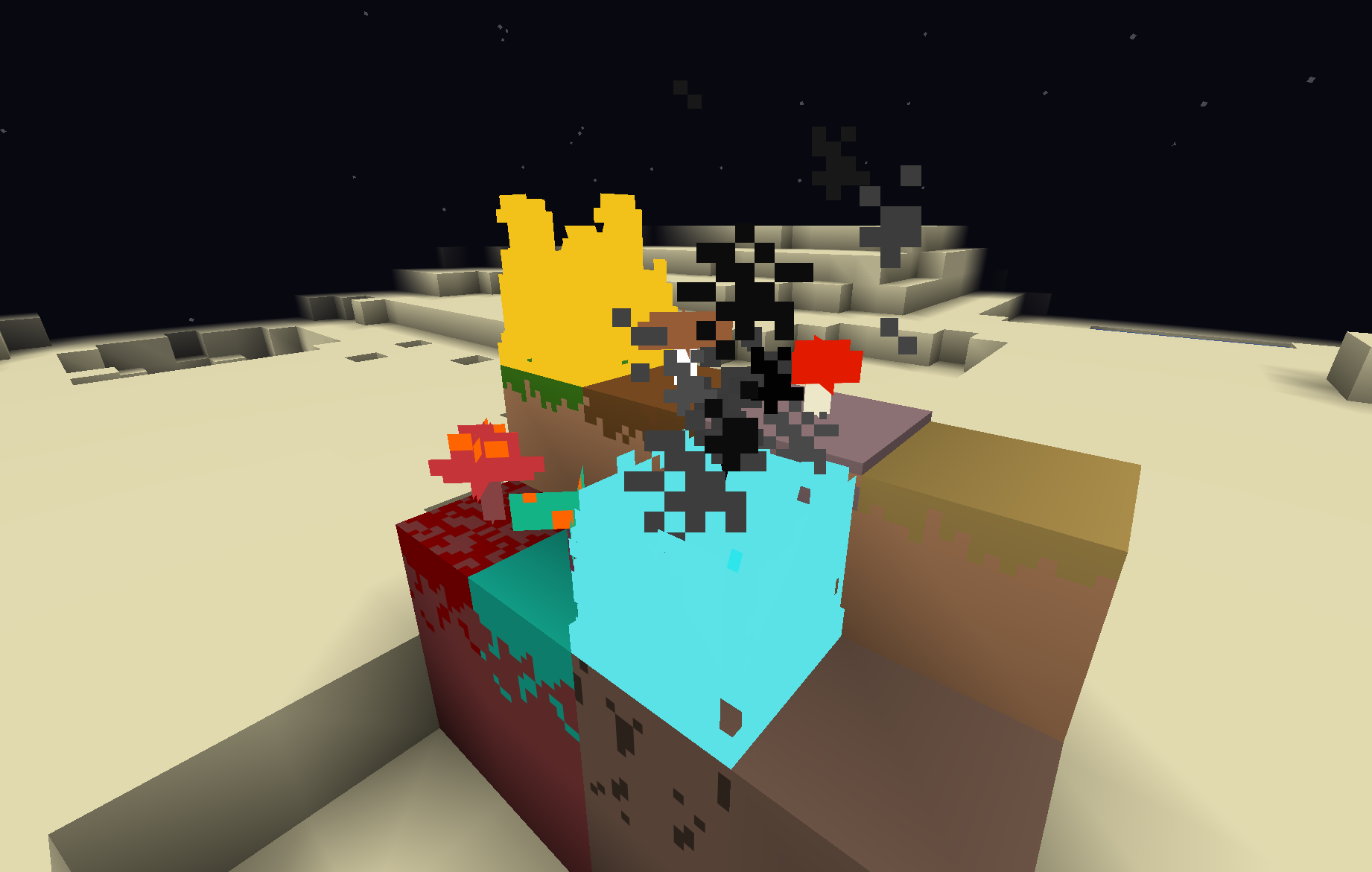
This texture pack removes unnecessary shades from block textures, for example: the grass block (in the original game) contains a lot of shades of green, brown, and gray, but with this texture pack, it only contains two colors (green and brown).

Due to these changes, the game with this texture pack looks more cartoonish.


IMPORTANT: We recommend using this texture pack together with Fresh Animations and shaders

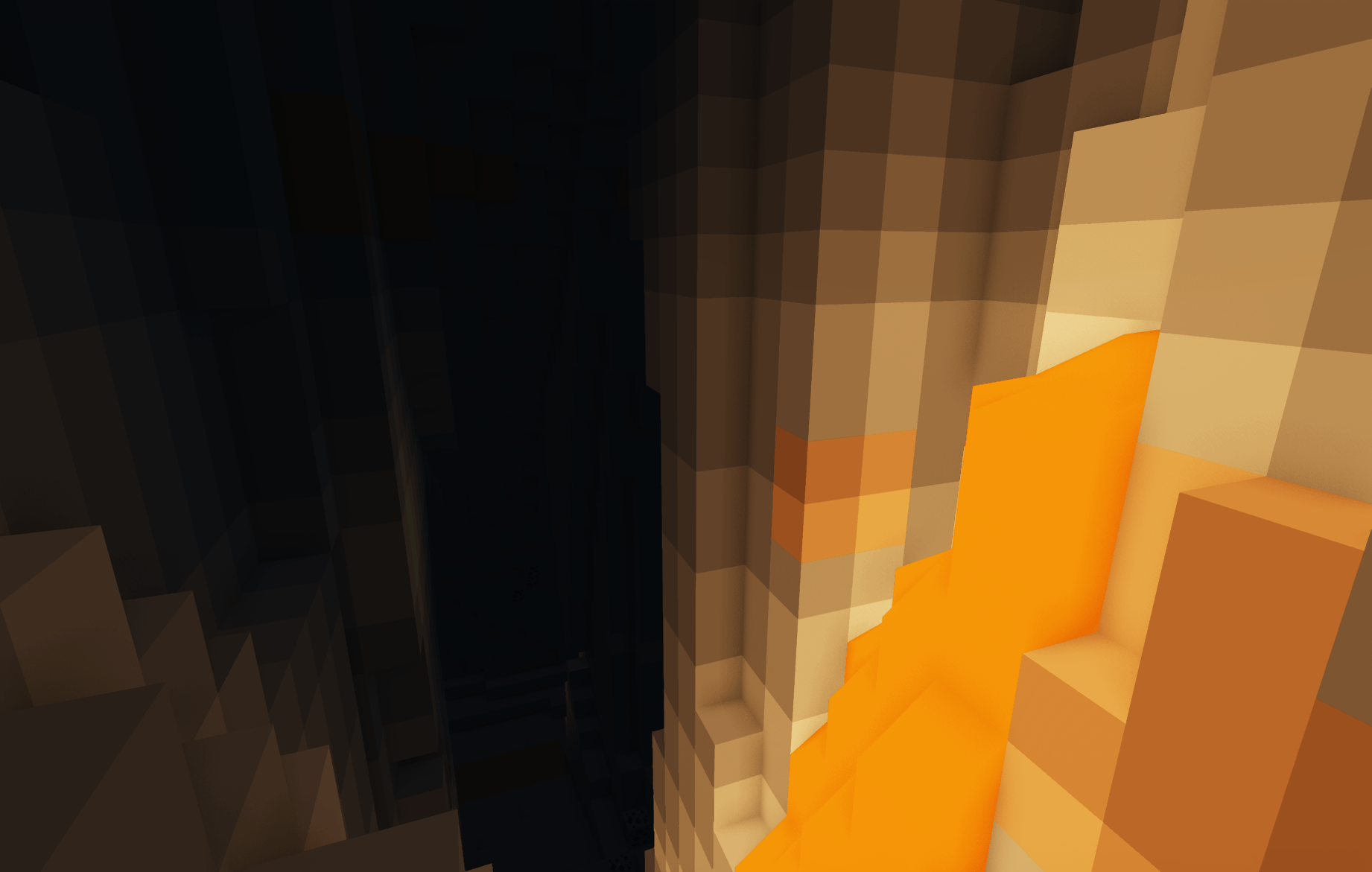
(1.2) What was changed: the textures of lava, fire, and basic tools (sword, axe, pickaxe, and hoe) were changed

(1.3) What was changed: the textures of lava, soul fire and spears were changed

(1.4) What was changed: the textures of enderman, creaking and end crystal were changed

(1.5) What was changed: small gaps have been fixed

(1.6) What was changed: textures of mobs, sun, moon and effects were changed

Low_On_Textures_1_6.zip
MC 26.1, 26.1.1, 26.1.2
Release 2026-06-15 Get
Low_On_Textures_1_5.zip
MC 26.1, 26.1.1, 26.1.2
Release 2026-06-12 Get
Low_On_Textures_1_4.zip
MC 26.1, 26.1.1, 26.1.2
Release 2026-06-10 Get
Low_On_Textures_LIGHT_FIGHT_1_4.zip
MC 26.1, 26.1.1, 26.1.2
Release 2026-06-06 Get
Low_On_Textures_1_3.zip
MC 26.1, 26.1.1, 26.1.2
Release 2026-06-05 Get
Low_On_Textures_1_2.zip
MC 26.1, 26.1.1, 26.1.2
Release 2026-06-04 Get
Low_On_Textures_1_1.zip
MC 26.1, 26.1.1, 26.1.2
Release 2026-06-03 Get
Low_On_Textures_BETA_.zip
MC 26.1, 26.1.1, 26.1.2
Release 2026-06-01 Get

Requirements & install

How to use this resource pack in Minecraft
Resolution
16x
Minecraft
26.1 – 26.1.2
Install folder
.minecraft/resourcepacks

How to install resource packs

  1. Download the resource pack .zip file (do not extract it).
  2. In Minecraft open Options → Resource Packs → Open Pack Folder.
  3. Drop the .zip into the resourcepacks folder (.minecraft/resourcepacks).
  4. Move the pack to the Selected column and click Done.
Browse more: 16x resource packs 32x resource packs 64x resource packs 128x resource packs 256x resource packs 512x+ resource packs Resource Packs for 26.1.2 All resource packs

More from VentaBlack

Advertisement Remove ads with Premium →

You Might Also Like