Mineuniverse
Resource Packs
LotsMaybeNothing BETA

LotsMaybeNothing BETA

RESOURCE PACK
A texture pack that makes everything very simple.
by RedCreeperHP
Download Claim this project
482 downloads
0 likes
0 followers
Updated Oct 14, 2026
0 hypes
Follow0
16x Miscellaneous
Advertisement Remove ads with Premium →

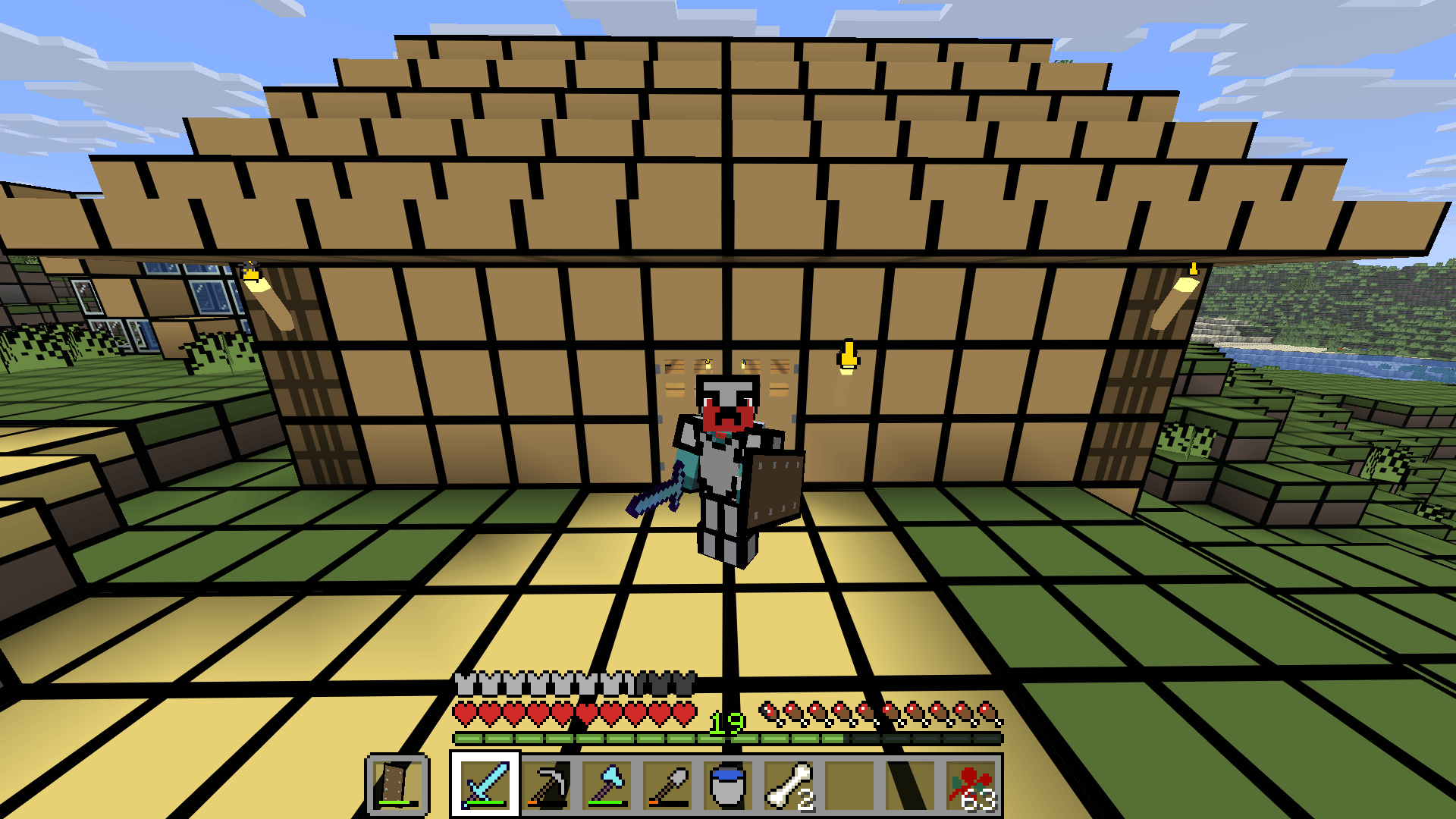
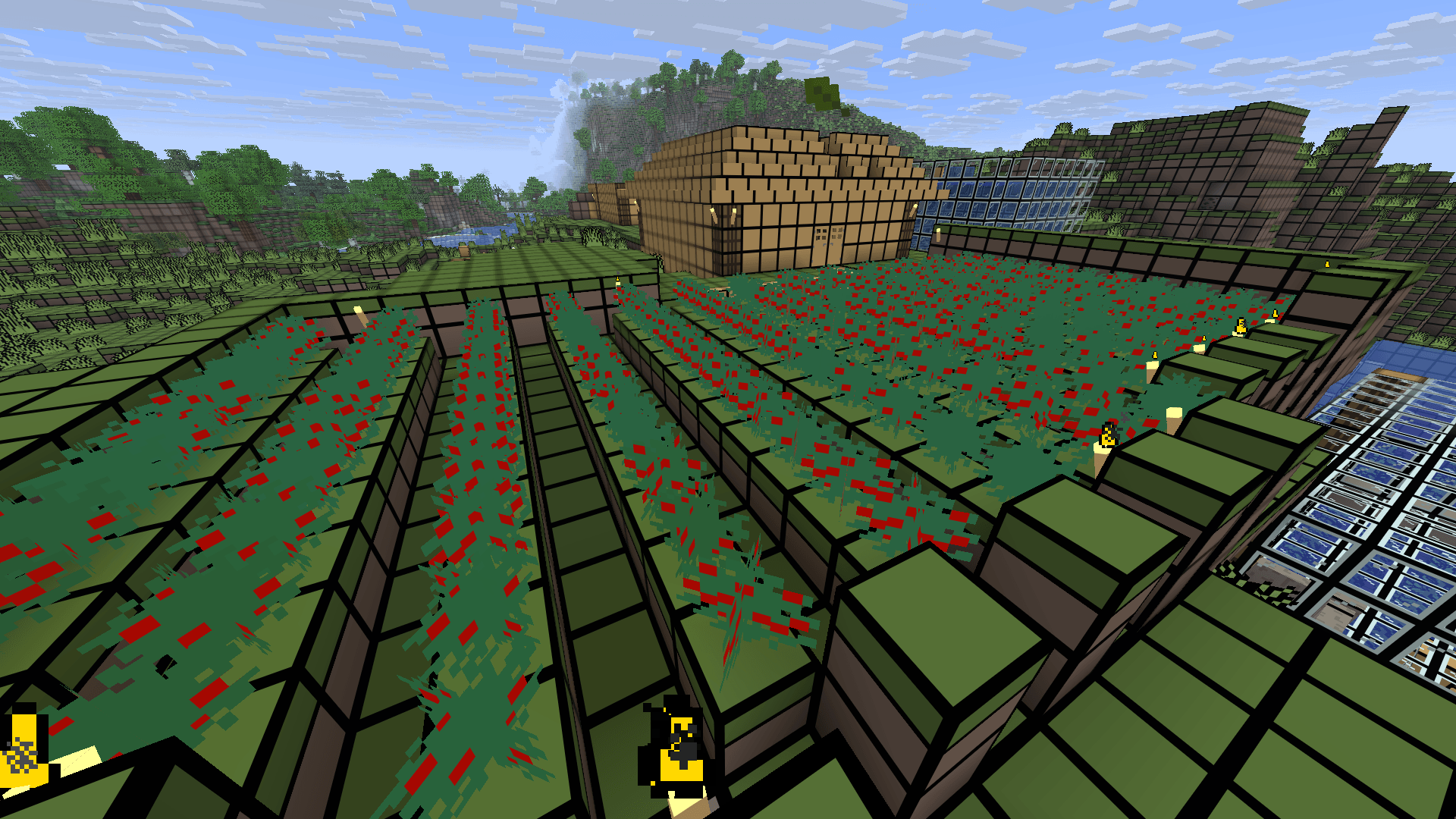
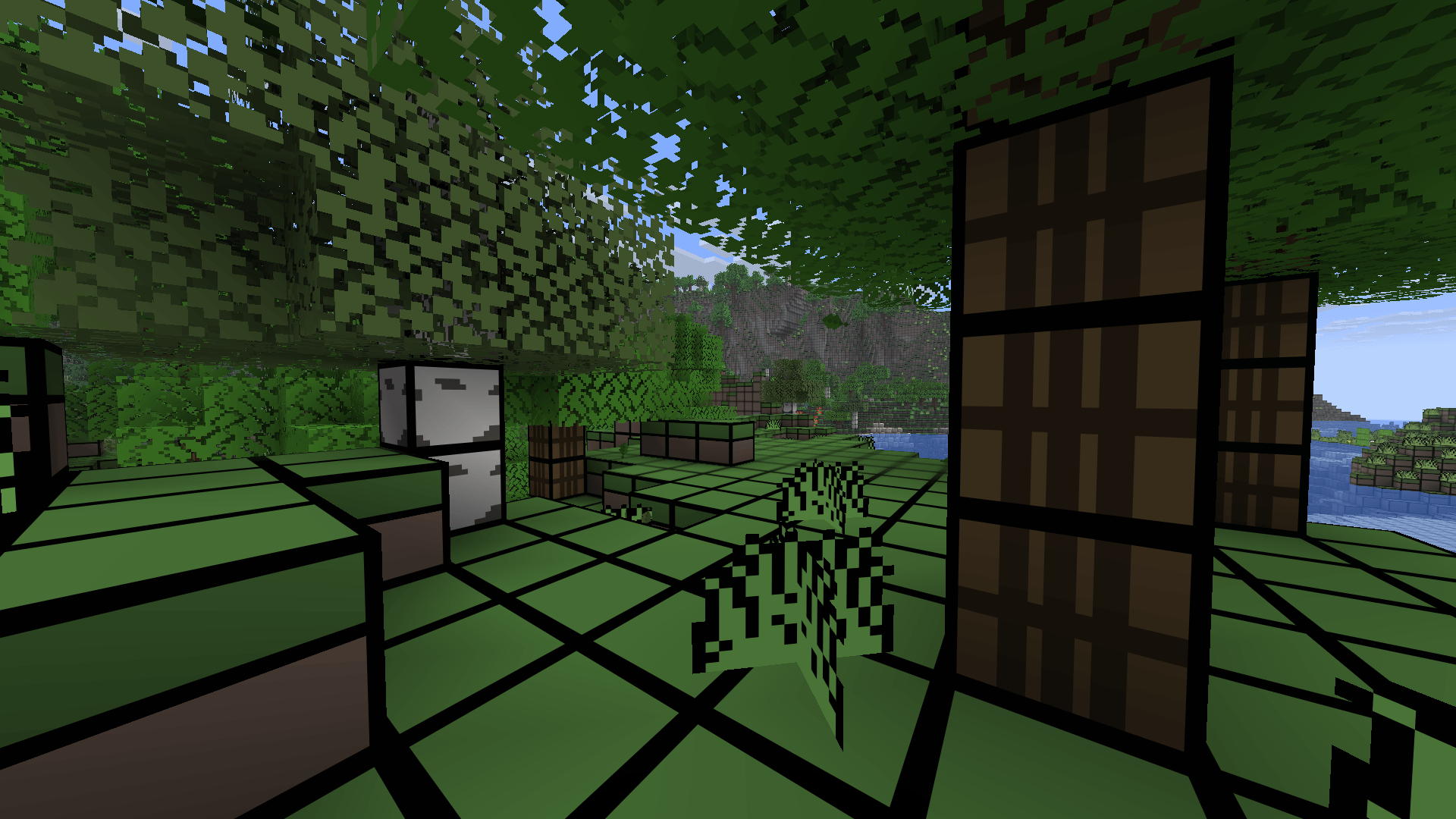
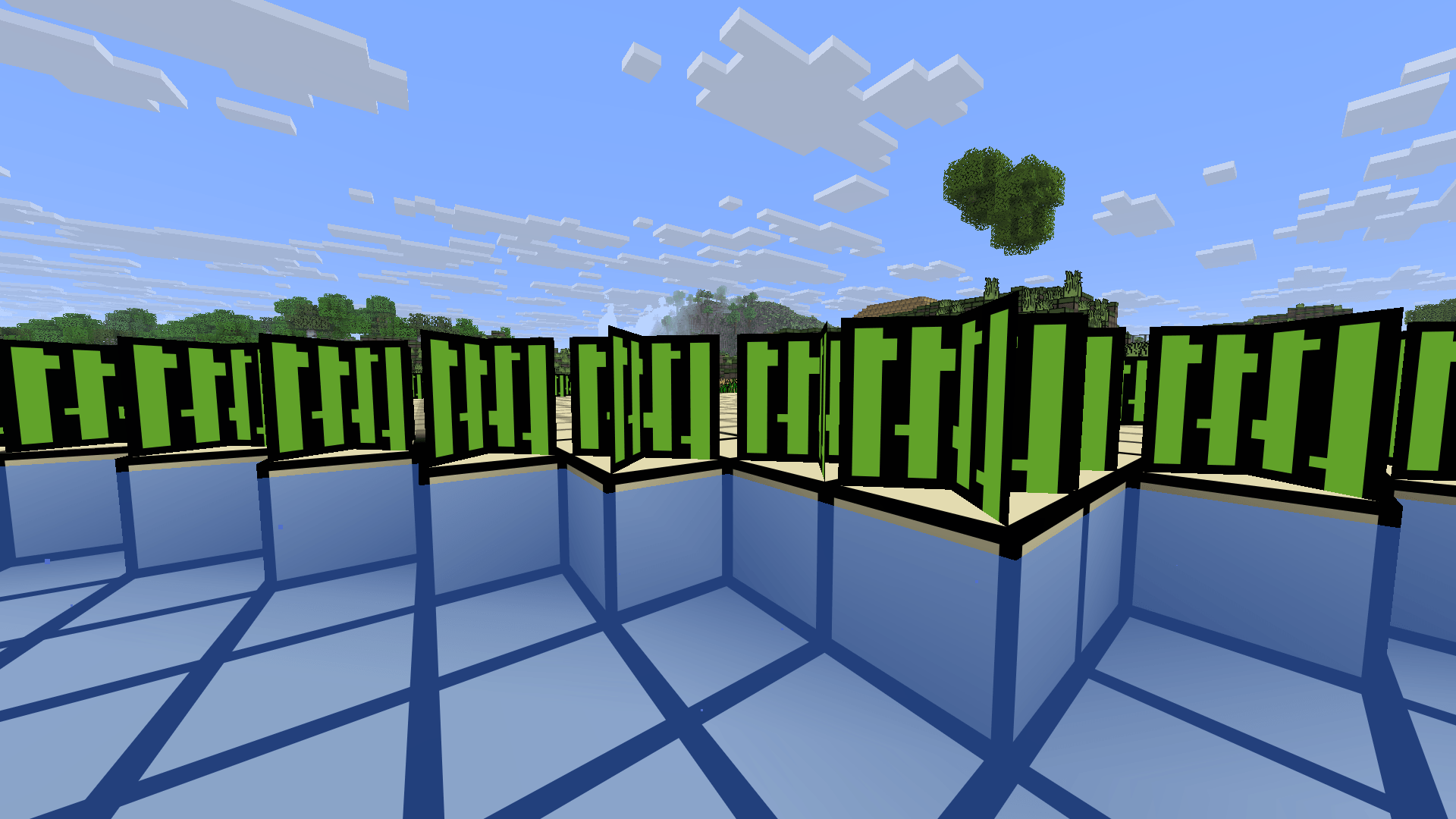
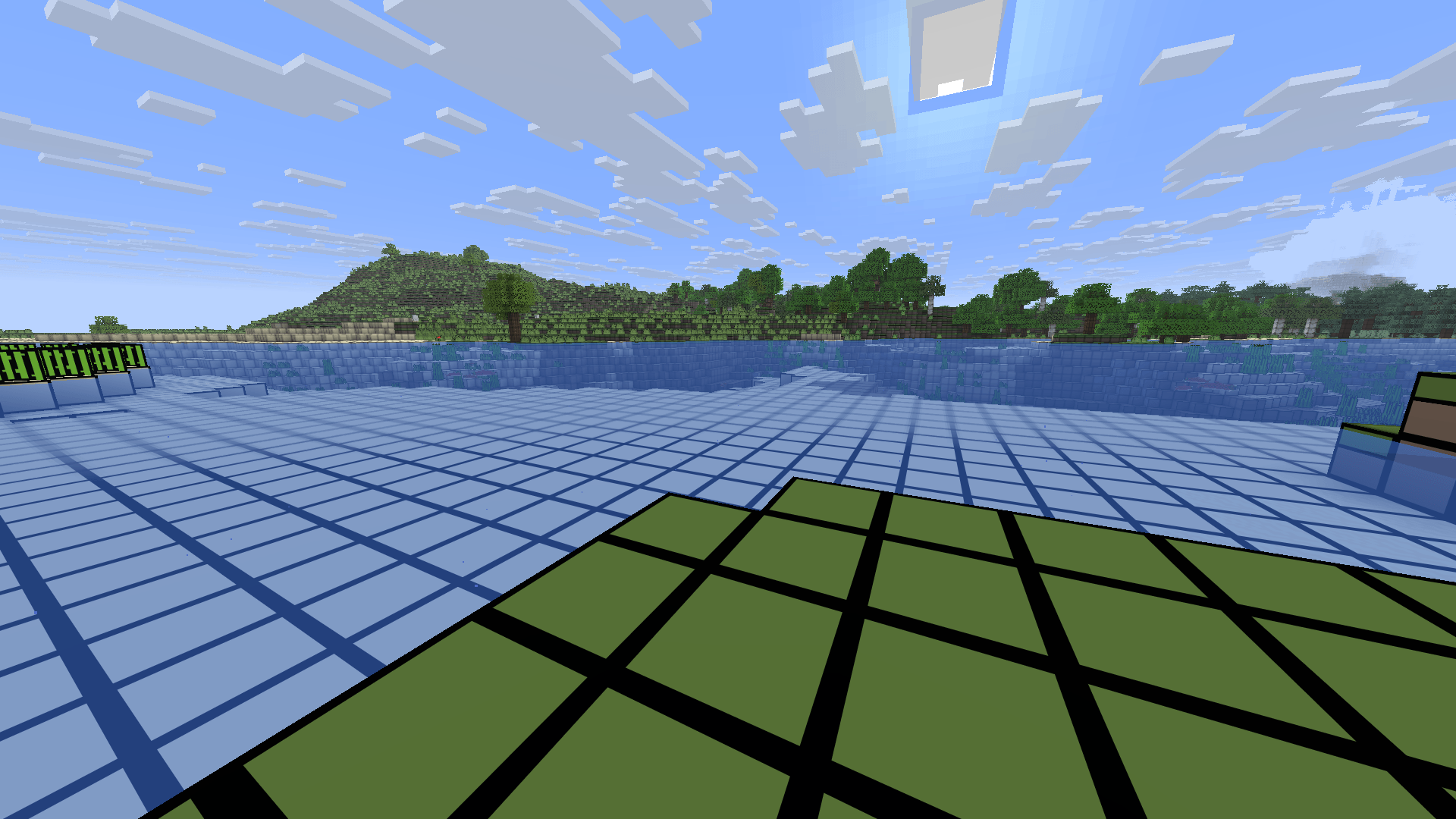
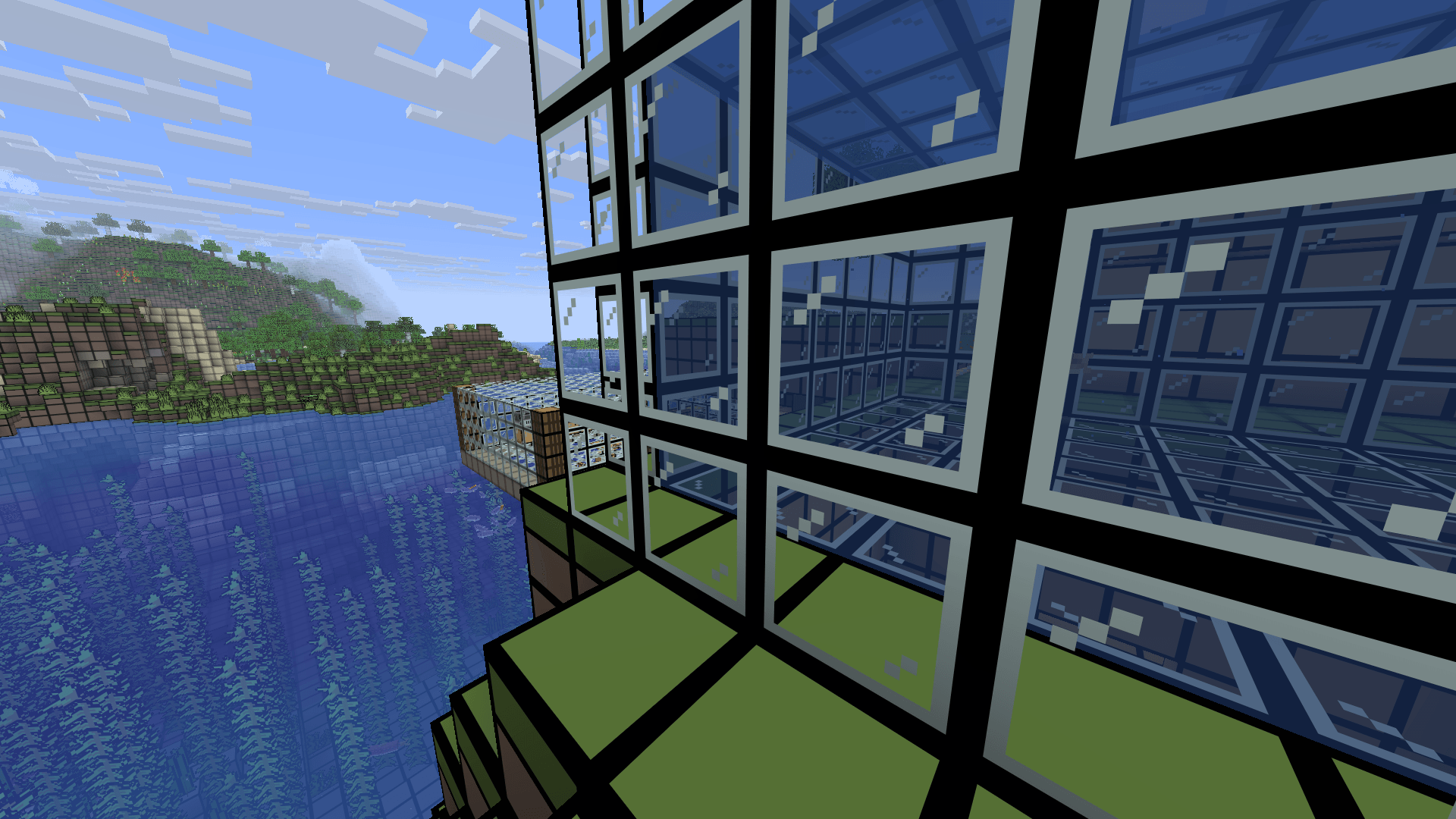
Welcome to LotsMaybeNothing! This is a simplistic texture pack that makes everything very simple.

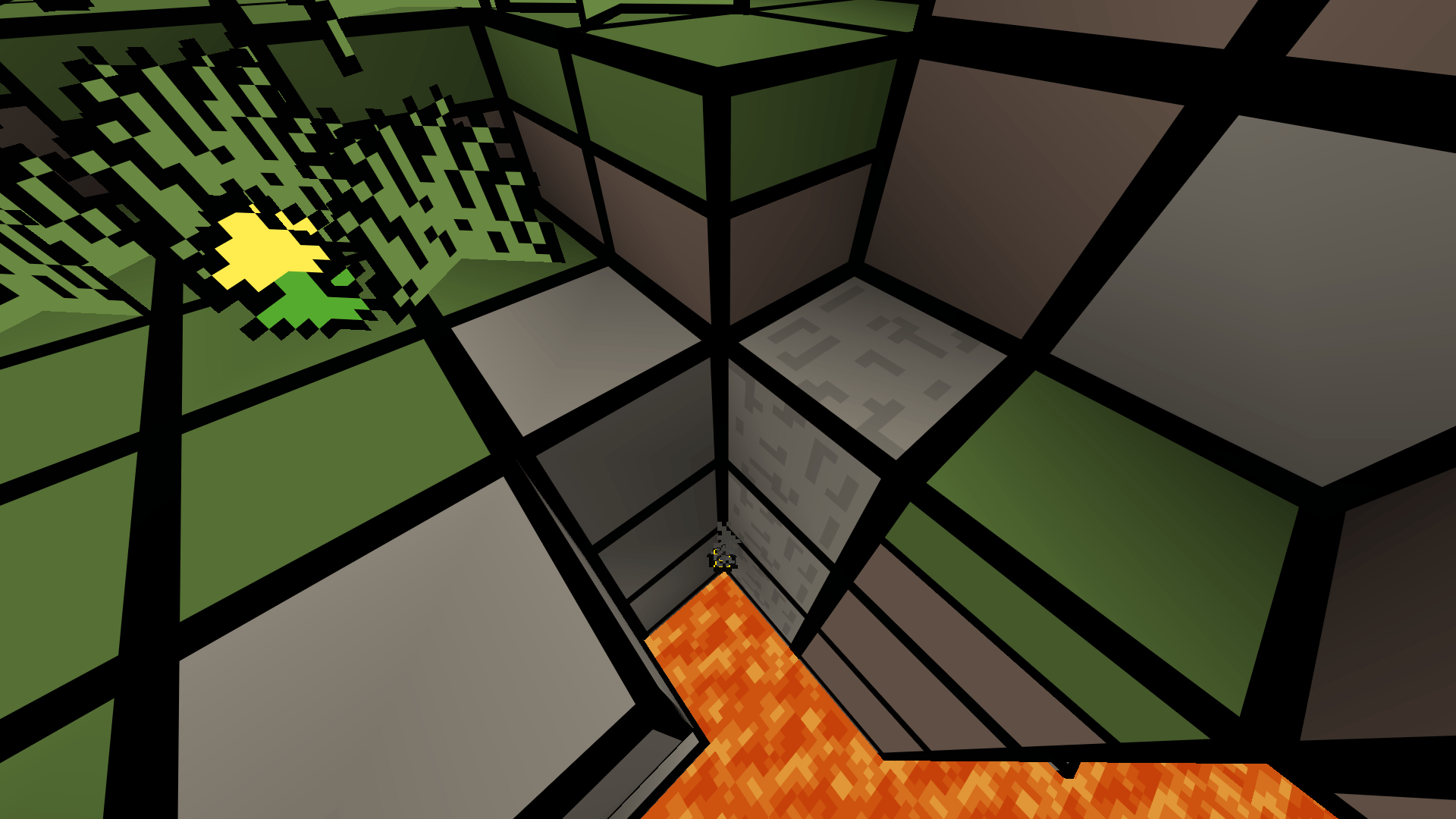
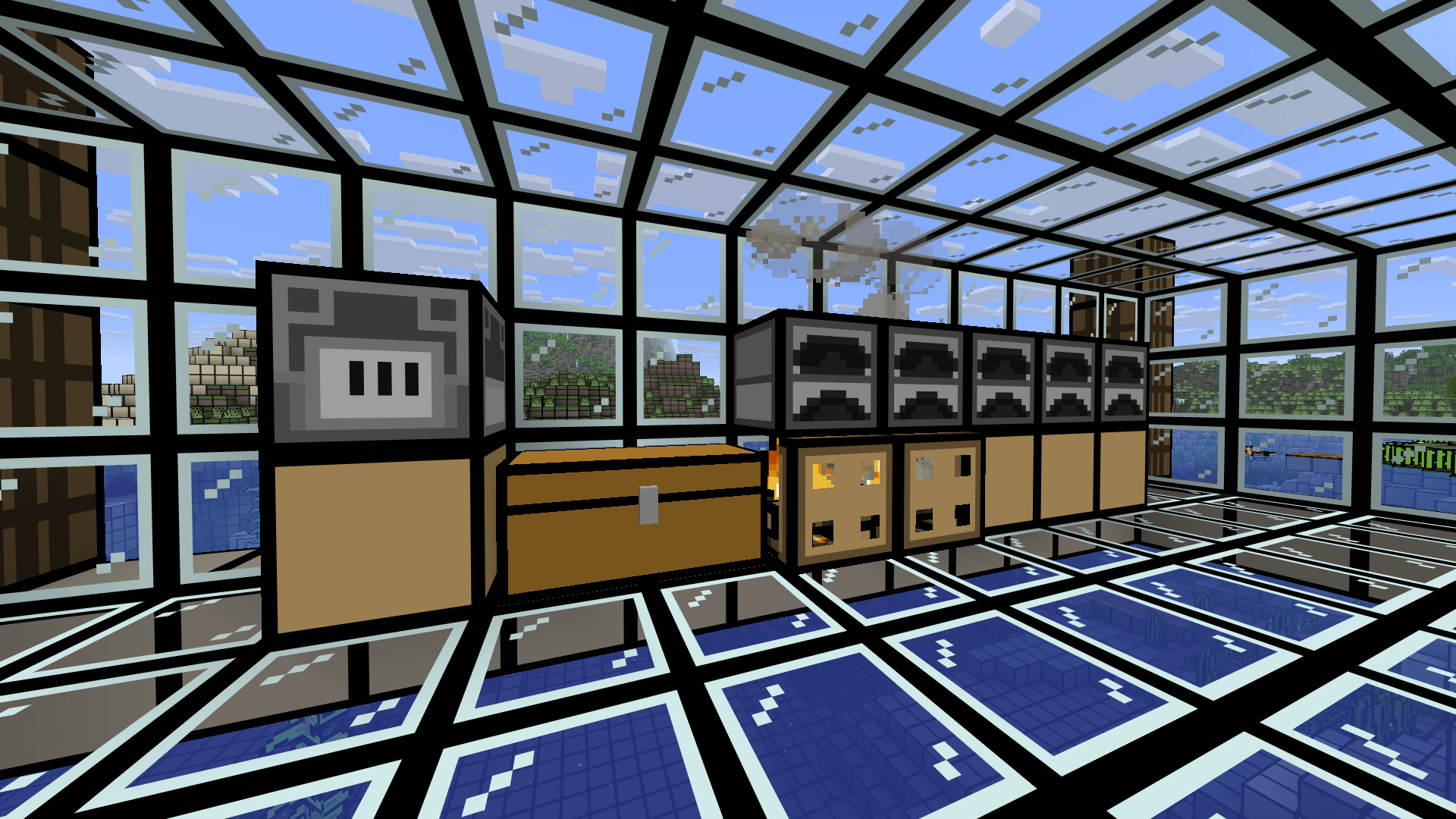
LMN makes your world feel like a cartoon with it's simple textures and black borders on blocks!

That's about it. Right now it's in beta so not everything is textured yet. Be sure to stick around to see it to completion!

Here is a simple roadmap I made so y'all know when a update should come out! And also the images at the bottom of a box is a hint of what that update has instore!

*Updates may release late if I can't finish it in time.

LMN Roadmap (JAVA)

LotsMaybeNothing BETA 3.4
MC 1.21.9, 1.21.10, 1.21.11, 26.1, 26.1.1, 26.1.2, 26.2
Beta 2026-08-29 Get
LotsMaybeNothing BETA 3.3
MC 1.21.9, 1.21.10, 1.21.11, 26.1, 26.1.1, 26.1.2, 26.2
Beta 2026-06-20 Get
LotsMaybeNothing BETA 3.2
MC 1.21.9, 1.21.10, 1.21.11, 26.1, 26.1.1, 26.1.2
Beta 2026-04-24 Get
LotsMaybeNothing BETA Anniversary 3.1
MC 1.21.9, 1.21.10, 1.21.11
Beta 2026-01-29 Get
LotsMaybeNothing BETA 3.0
MC 1.21.9, 1.21.10, 1.21.11
Beta 2026-01-10 Get
LotsMaybeNothing BETA Christmas 2.9
MC 1.21.9, 1.21.10, 1.21.11
Beta 2025-12-14 Get
LotsMaybeNothing BETA Halloween 2.8.1
MC 1.21.9, 1.21.10
Beta 2025-10-19 Get
LotsMaybeNothing BETA 2.8
MC 1.21.9, 1.21.10
Beta 2025-10-17 Get
LotsMaybeNothing BETA 2.7
MC 1.21.8, 1.21.9
Beta 2025-10-05 Get
LotsMaybeNothing BETA 2.6
MC 1.21.5, 1.21.8, 1.21.7, 1.21.6
Beta 2025-08-07 Get
LotsMaybeNothing BETA 2.5
MC 1.21.5, 1.21.8, 1.21.7, 1.21.6
Beta 2025-07-18 Get

Requirements & install

How to use this resource pack in Minecraft
Resolution
16x
Minecraft
1.21.8 – 26.2
Install folder
.minecraft/resourcepacks

How to install resource packs

  1. Download the resource pack .zip file (do not extract it).
  2. In Minecraft open Options → Resource Packs → Open Pack Folder.
  3. Drop the .zip into the resourcepacks folder (.minecraft/resourcepacks).
  4. Move the pack to the Selected column and click Done.
Browse more: 16x resource packs 32x resource packs 64x resource packs 128x resource packs 256x resource packs 512x+ resource packs Resource Packs for 26.2 All resource packs

More from RedCreeperHP

Advertisement Remove ads with Premium →

You Might Also Like