Resourcespack modifying the Advanced compass mod gui to make it look like the interface from Lololoshka's spacesuit from Point of No Return!
The resourcepack modifies the :
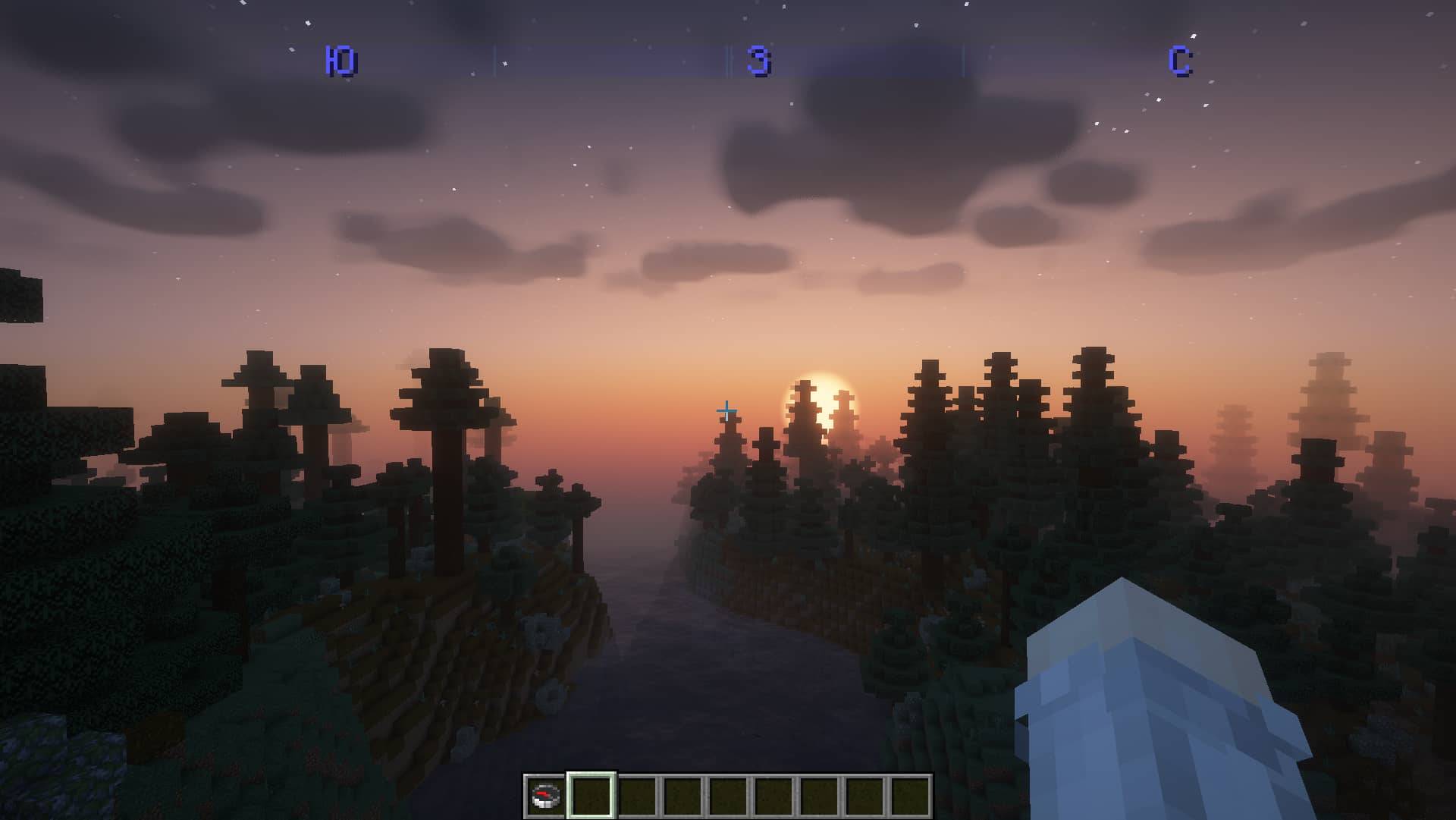
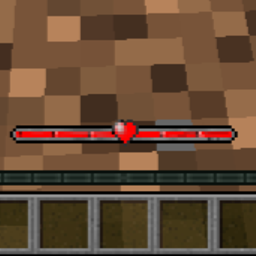
- Modified compass interface.
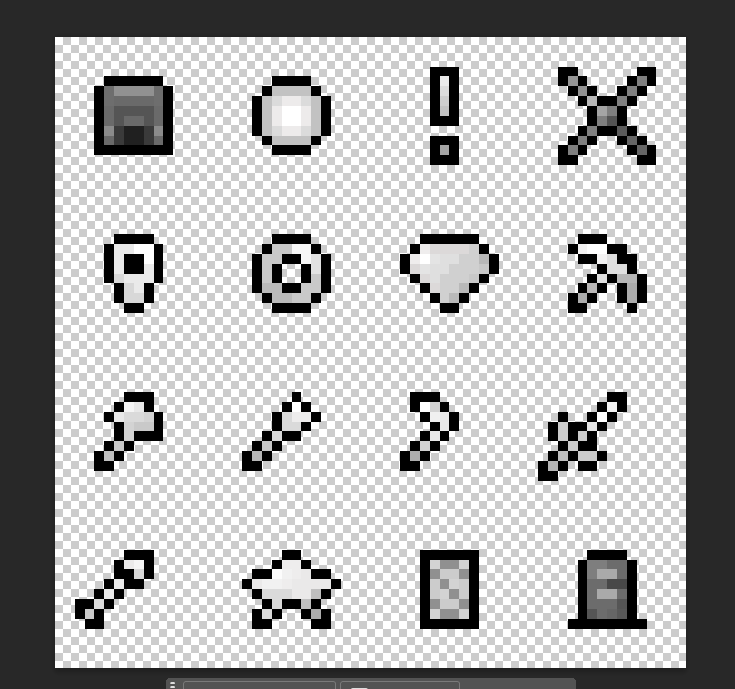
- Modified icons for labels (it is recommended to put the size of icons 1.75x, or insert config file from my telegram channel).
- Changed translation (Letters denoting the sides of the world became blue.).
- If you're reading this, throw a cat emoji 🐈 in the comments.
This is one of my first resourcepack, so criticism (adequate), as well as suggestions are welcome.
Contact :
Discord
Telegram channel
Ресурспак видоизменяющий гуи мода Advanced compass, дабы сделать его похожим на интерфейс из скафандра Лололошки из Точки невозврата!
Ресурспак изменяет :
- Видоизменённый интерфейс компаса.
- Видоизменённые значки для меток (рекомендуется поставить размер иконок 1.75х, либо же вставить конфиг файл из моего телеграмм канала.)
- Изменение перевода (Буковки обозначающие стороны света стали голубыми.)
- Если вы это читаете, то киньте в комментарии эмодзи кота 🐈.
Это один из моих первых ресурспаков, поэтому критика (адекватная), а так же предложения приветствуются.
Связь :
Дискорд
Телеграмм канал