Mineuniverse
Resource Packs
Loading Backgrounds - Default Images

Loading Backgrounds - Default Images

RESOURCE PACK
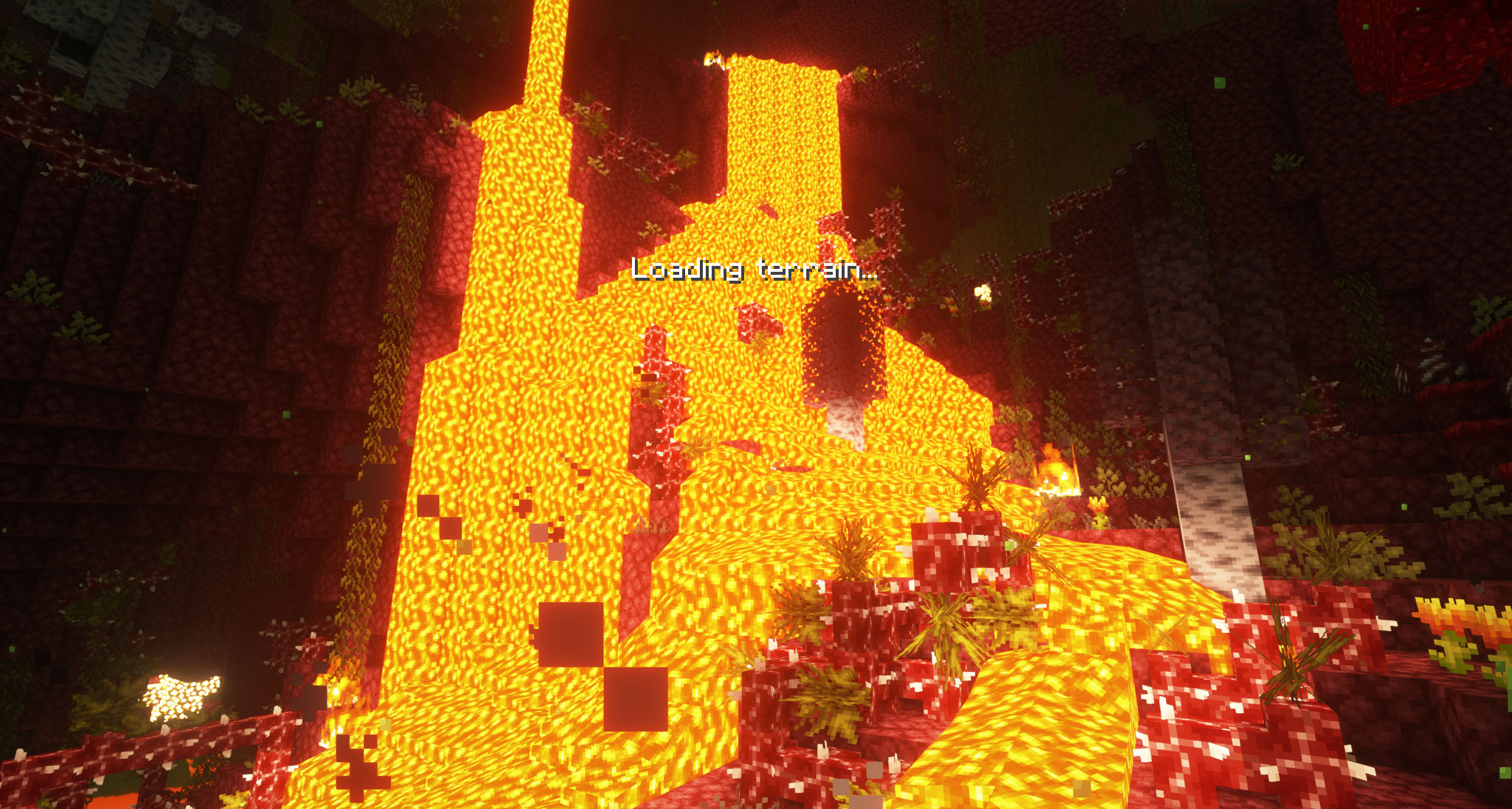
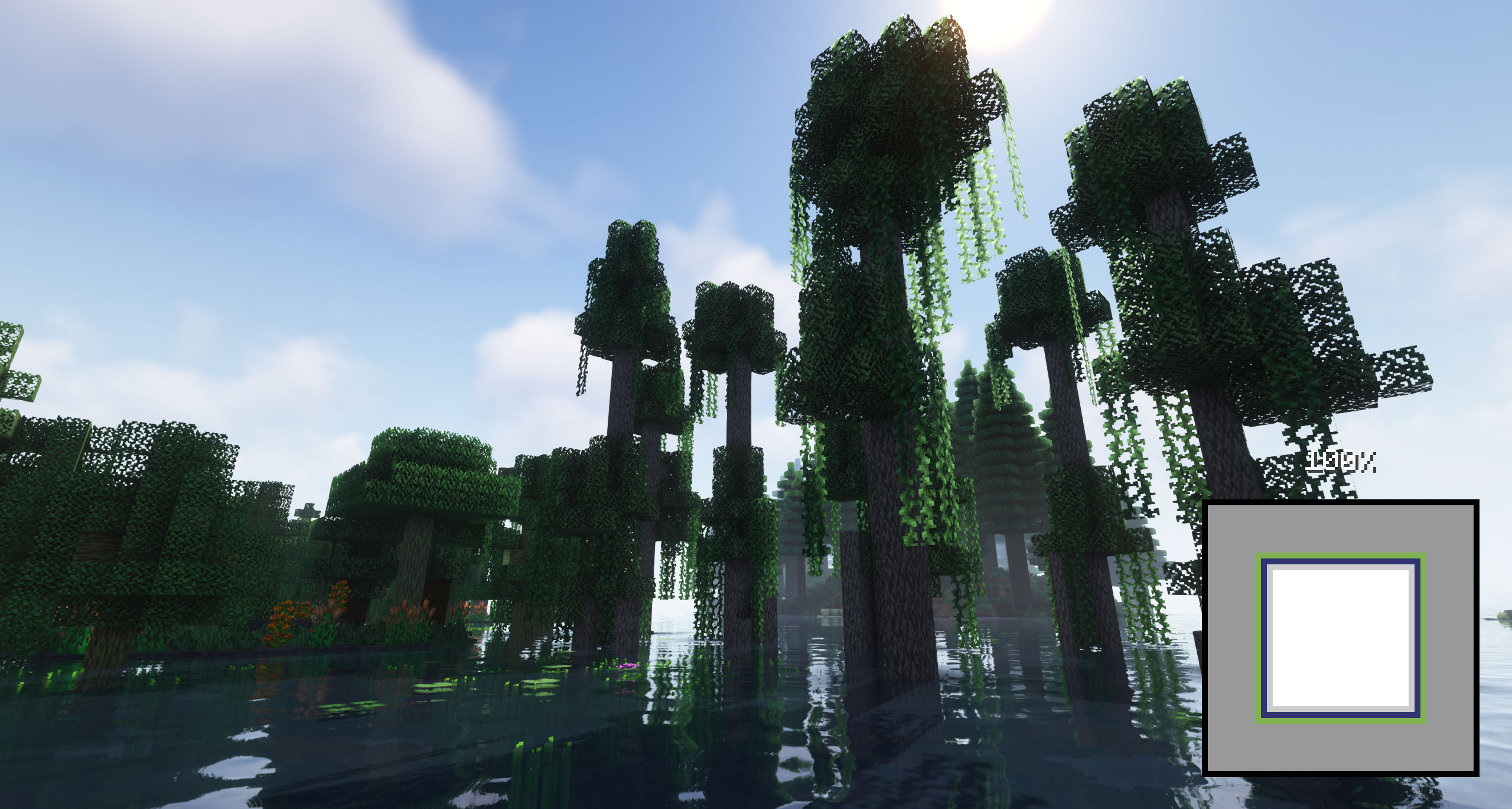
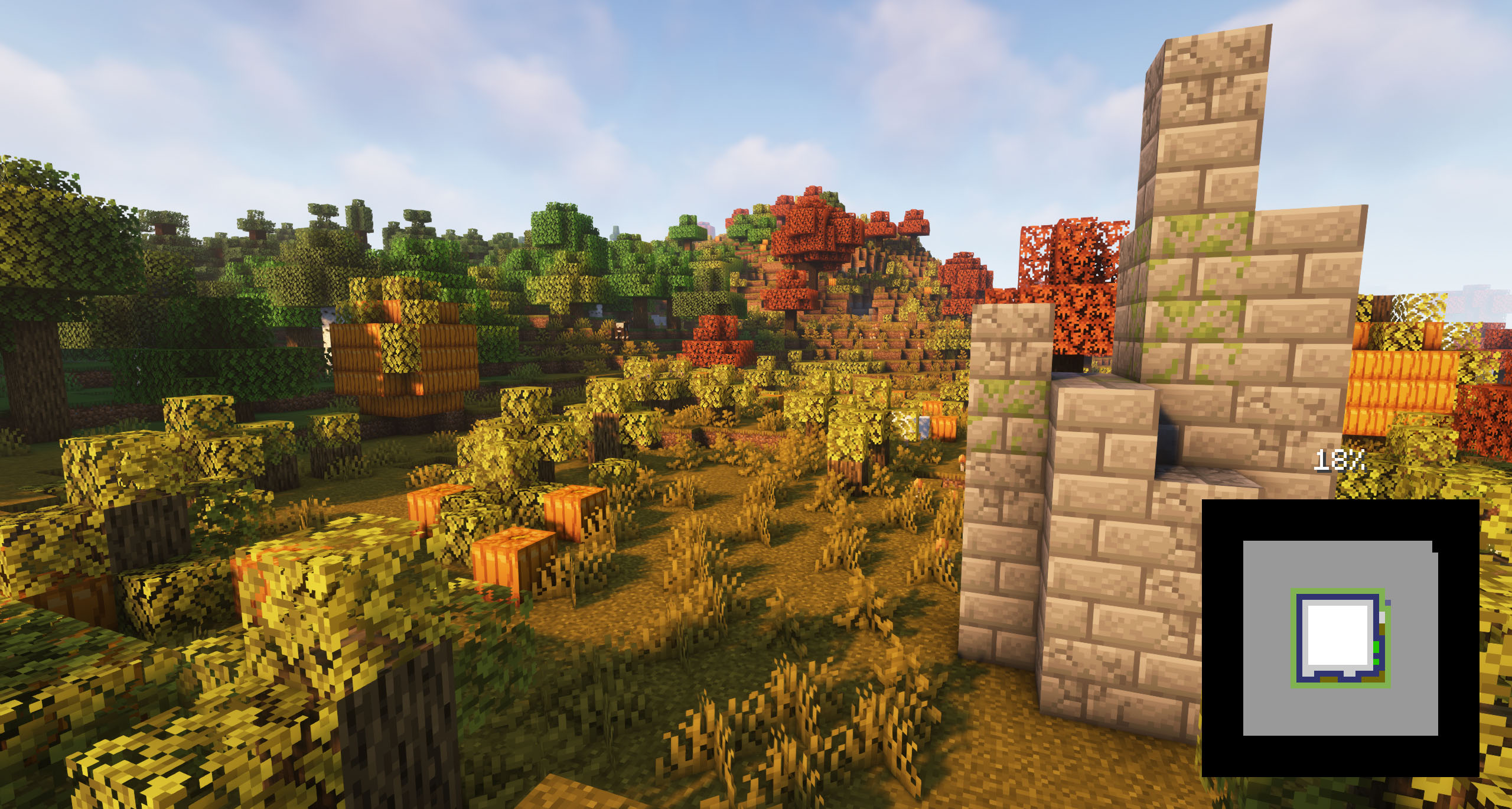
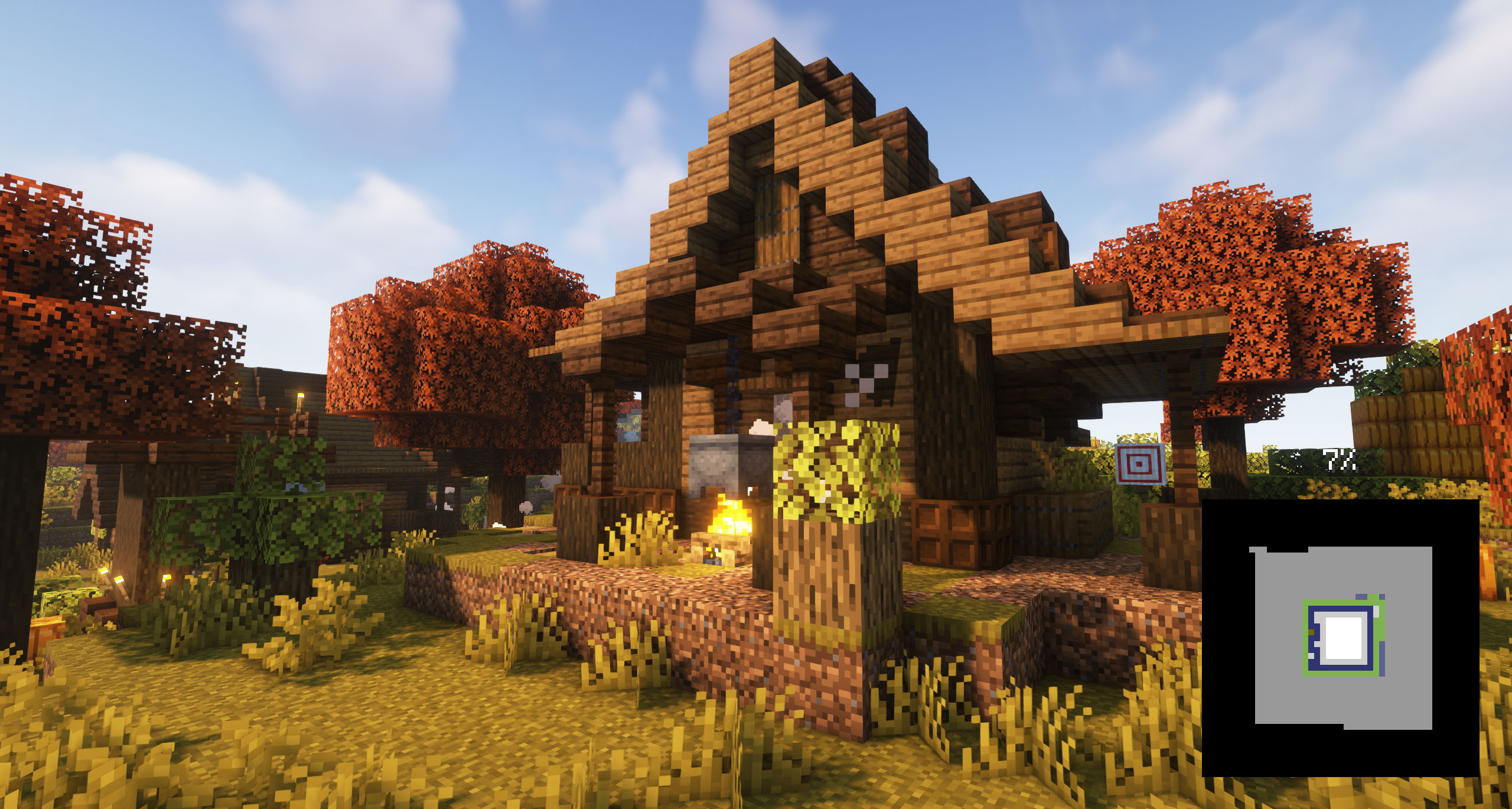
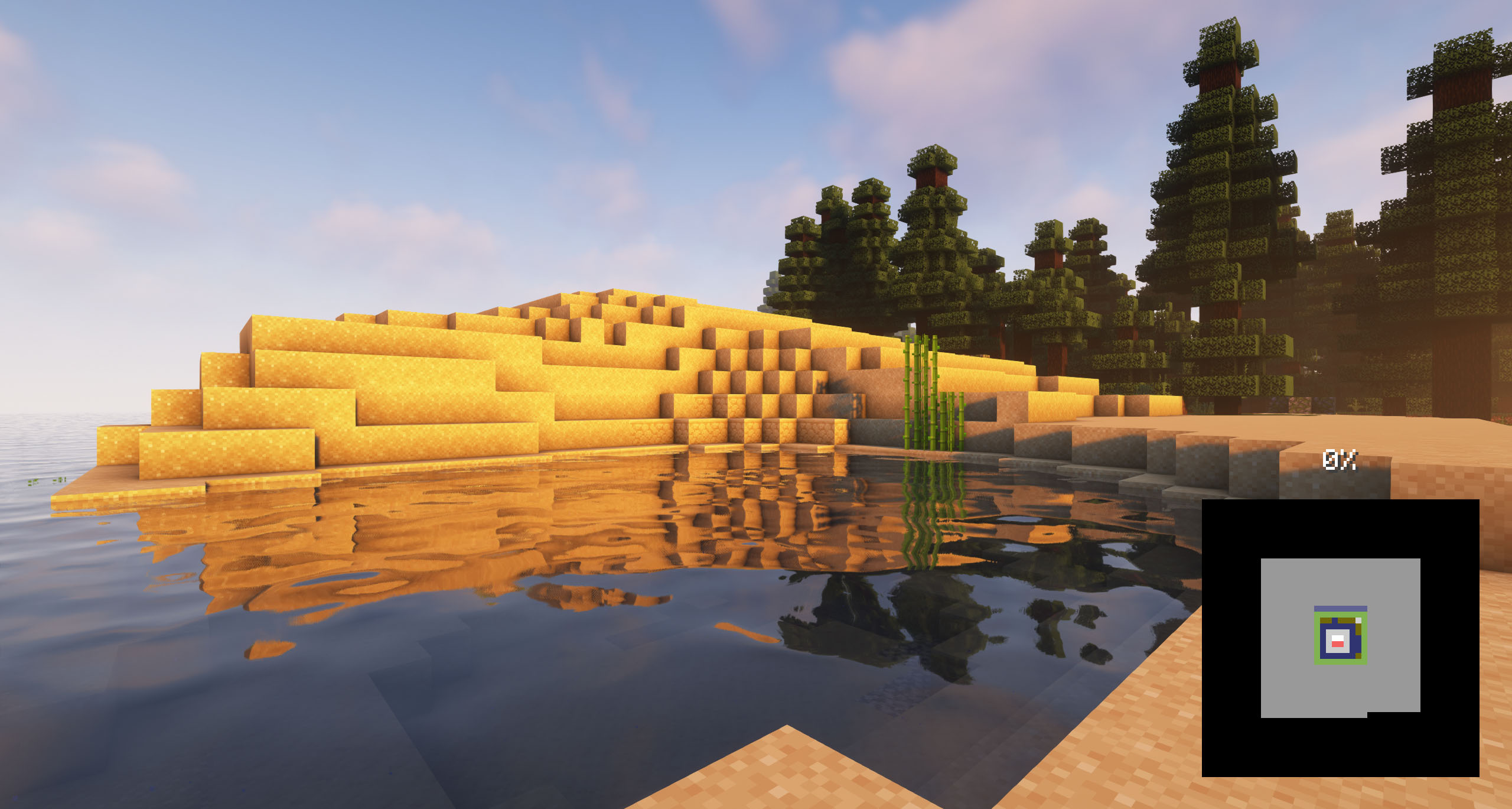
Customize your game’s loading screen with any image. Includes a default pack, fully customizable and easy to use.
by Lupin
Download Claim this project
2,556,503 downloads
0 likes
Updated Oct 14, 2026
0 hypes
Data Packs Miscellaneous Mod Support Photo Realistic
Advertisement Remove ads with Premium →

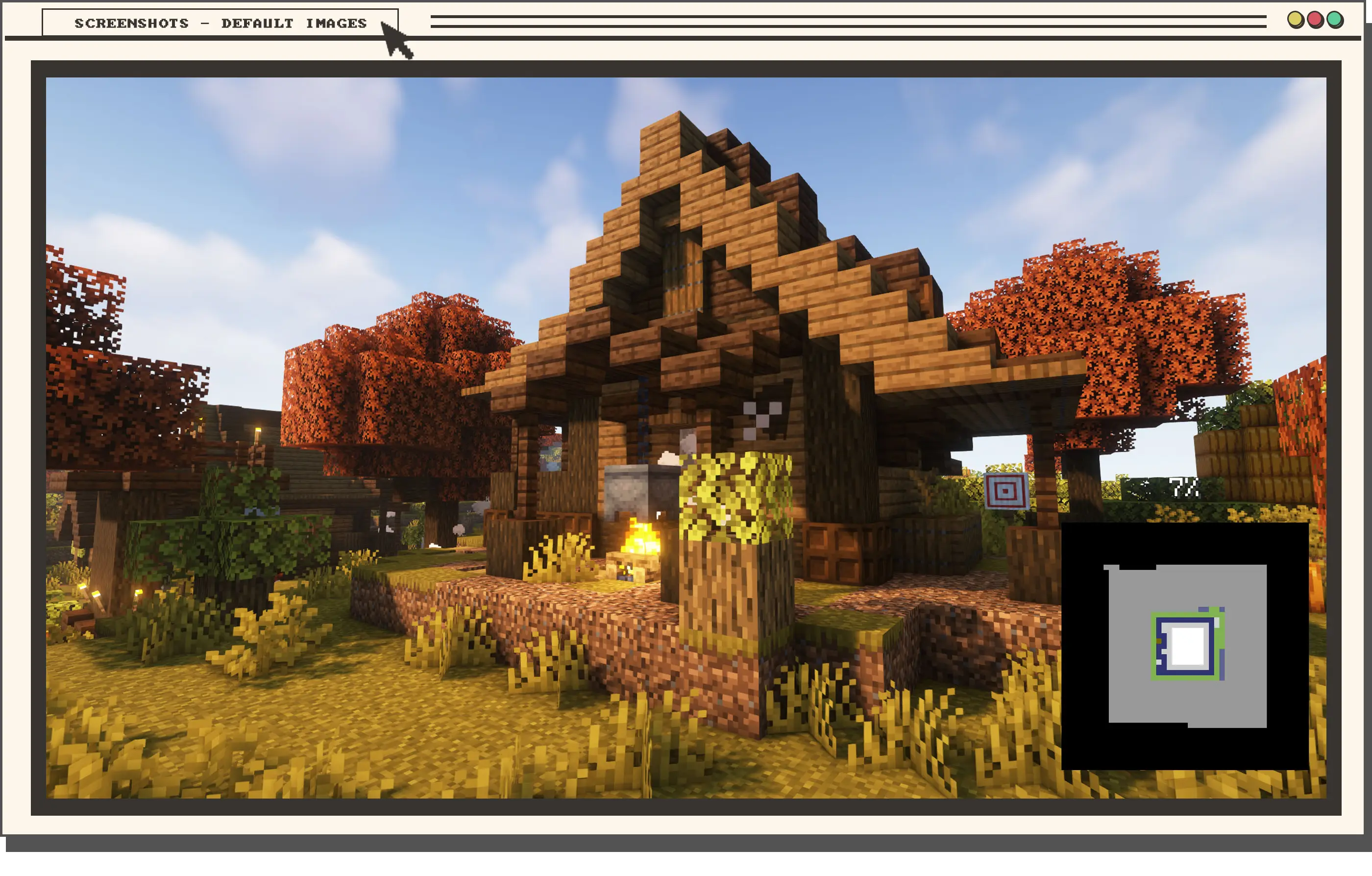
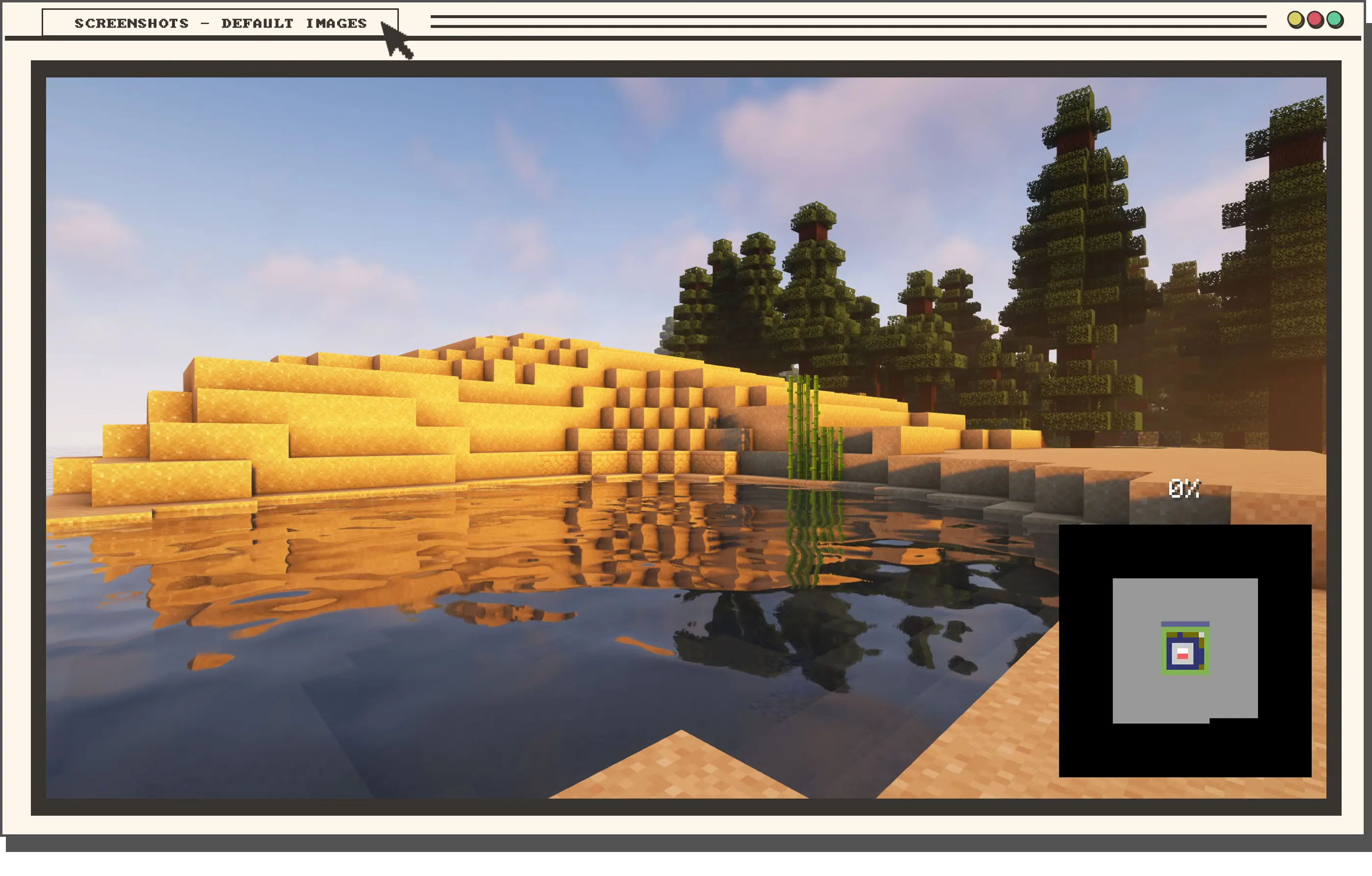
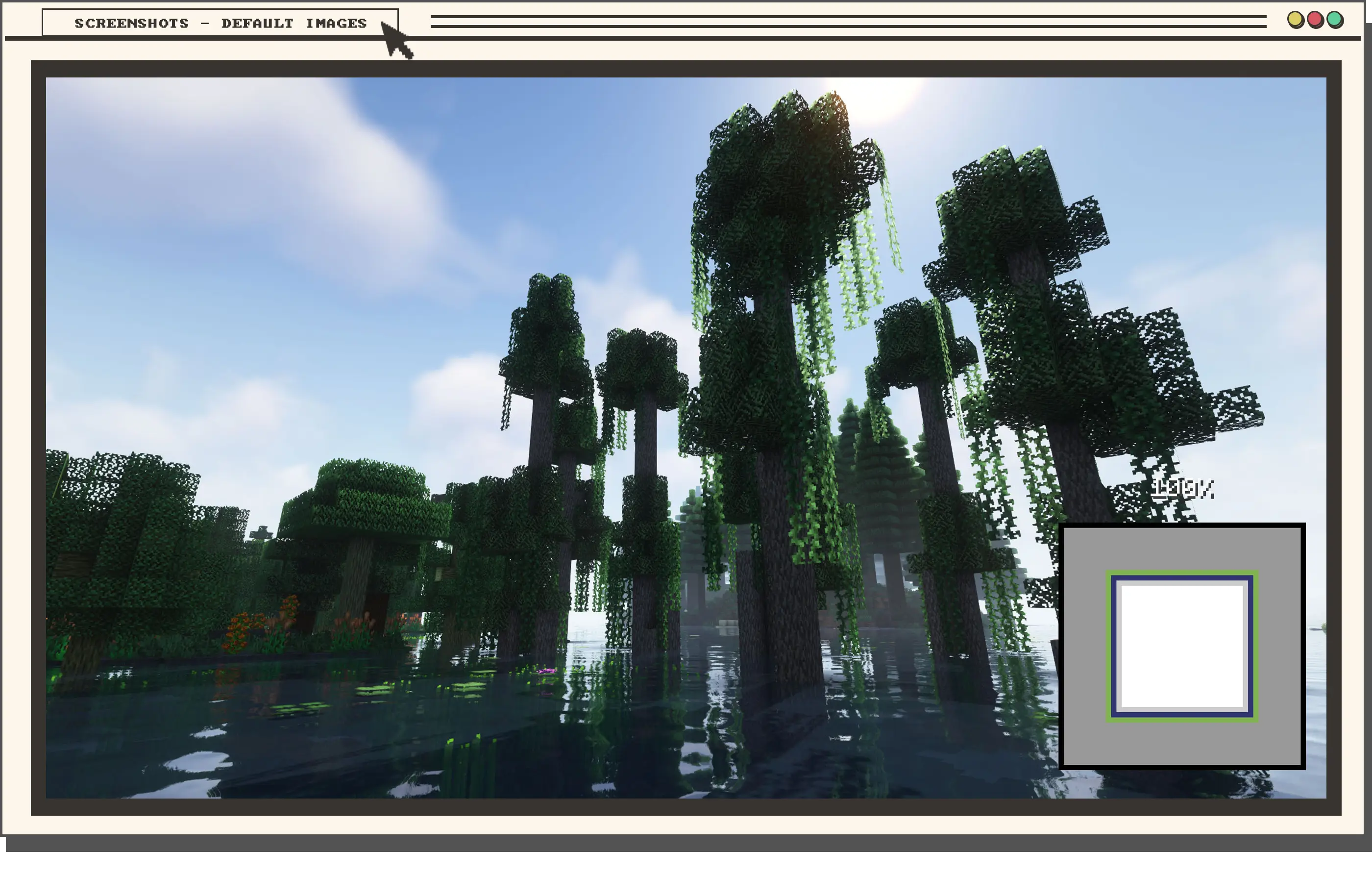
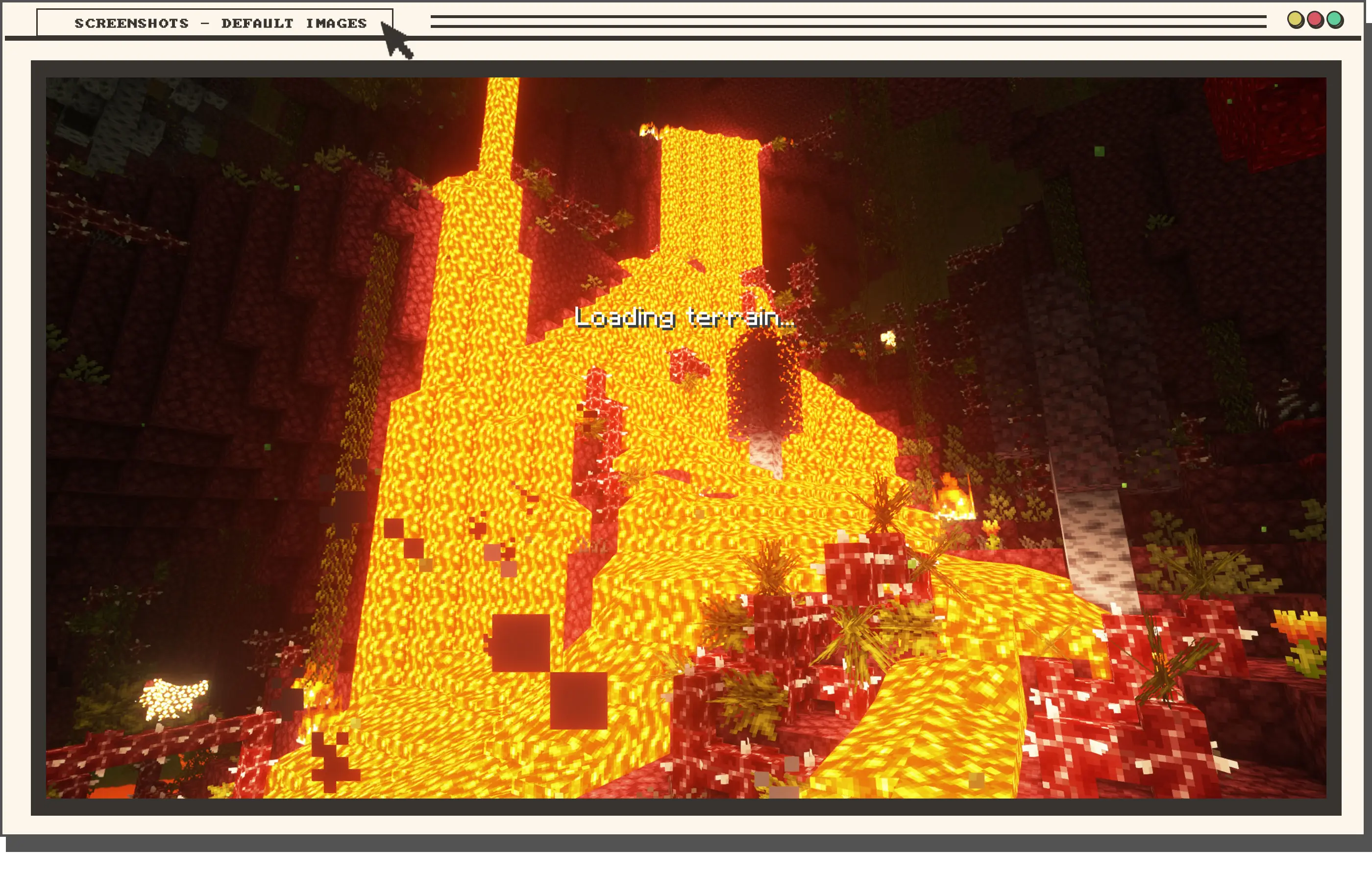
Loading Backgrounds is a mod that lets you fully customize your game’s loading screens with any images you like — whether from Minecraft or your own collection. We’ve included a default resource pack with in-game images, but you can easily replace them to create your own personalized loading experience.

Requires the mod: Loading Backgrounds.

Do you need a server to play with your friends?

If you are looking for a server to play any mod or modpack with your friends, Bisect Hosting is your solution! They have the best quality-price Minecraft servers, and if you click on this link you will get a 25% discount, using the code "Lupin".

Does it work on servers?

Sure! It works perfectly! Remember that the best way to play with mods and friends is with BisectHosting, and by clicking on this link you can get a 25% discount.

Can this resourcepack be used in modpacks?

Of course! As long as it is published only on Modrinth or CurseForge. Uploading it to any other platform would be violating our rights and is not allowed at all.

However, we are really grateful if you consider adding it to your Modrinth or CurseForge modpack. If you need any small changes or have any questions, contact us!

Can I record a video of this mod and show it on my channel?

Sure, you are free to play this mod or any of our modpacks on your channel and make a video about it, in fact, we would be very grateful for it!
Loading Backgrounds - Default Images - MC 1.20.1 - 4.0.0
MC 1.20.2, 1.20.5, 1.20.1, 1.20, 1.20.6, 1.20.4, 1.20.3
Release 2025-11-16 Get
Loading Backgrounds - Default Images - MC 1.21.X - 4.0.0
MC 1.21, 1.21.8, 1.21.5, 1.21.4, 1.21.1, 1.21.6, 1.21.3, 1.21.7, 1.21.2, 1.21.9, 1.21.10, 1.21.11, 26.1, 26.1.1, 26.1.2, 26.2, 26.3
Release 2025-11-16 Get
Loading Backgrounds - Loading Images - 3.0.0
MC 1.20.2, 1.21, 1.20.5, 1.21.4, 1.20.3, 1.20.1, 1.20, 1.20.6, 1.20.4, 1.21.3, 1.21.1, 1.21.2
Release 2024-08-19 Get
Loading Backgrounds - Loading Images - 2.0.1
MC 1.20.2, 1.21, 1.20.5, 1.20.3, 1.20.1, 1.20, 1.20.6, 1.20.4, 1.21.1
Release 2023-07-13 Get
Loading Backgrounds - Loading Images - 1.0.0
MC 1.20.1, 1.20
Release 2023-07-09 Get

Requirements & install

How to use this resource pack in Minecraft
Resolution
Not specified
Minecraft
1.21.9 – 26.3
Install folder
.minecraft/resourcepacks

How to install resource packs

  1. Download the resource pack .zip file (do not extract it).
  2. In Minecraft open Options → Resource Packs → Open Pack Folder.
  3. Drop the .zip into the resourcepacks folder (.minecraft/resourcepacks).
  4. Move the pack to the Selected column and click Done.
Browse more: 16x resource packs 32x resource packs 64x resource packs 128x resource packs 256x resource packs 512x+ resource packs Resource Packs for 26.3 All resource packs

More from Lupin

Advertisement Remove ads with Premium →

You Might Also Like