Mineuniverse
Resource Packs
LJ's Pack [16x][1.9]

LJ's Pack [16x][1.9]

RESOURCE PACK
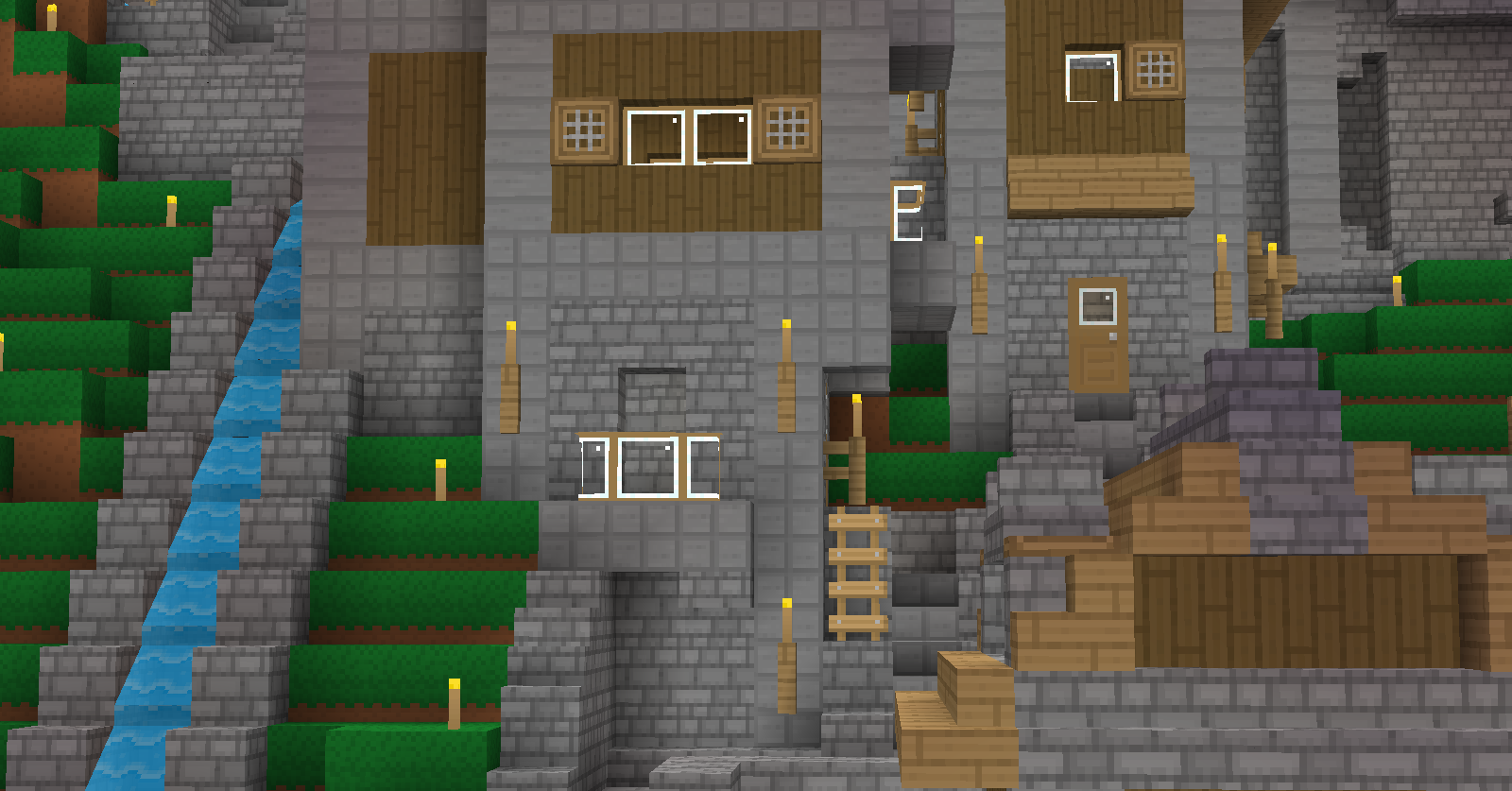
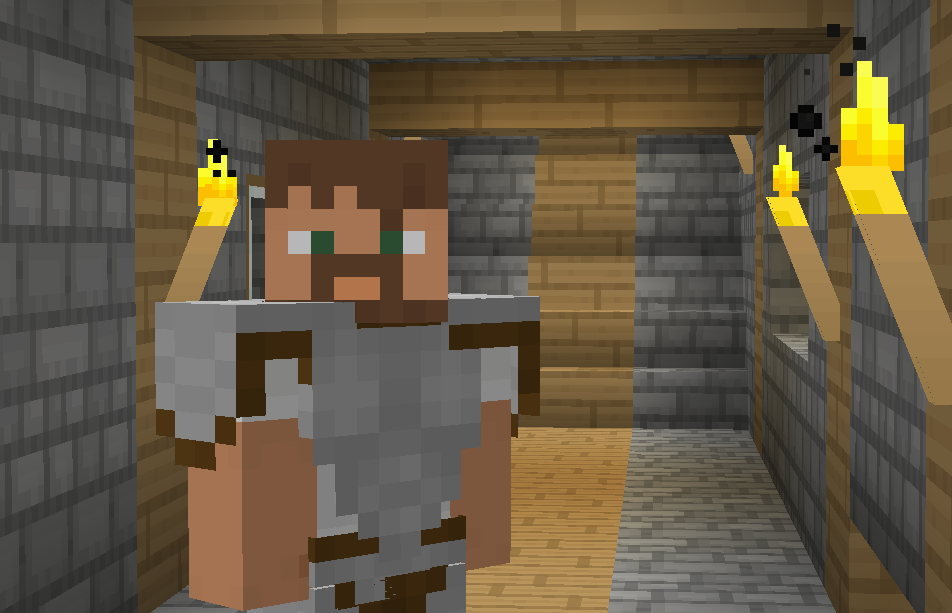
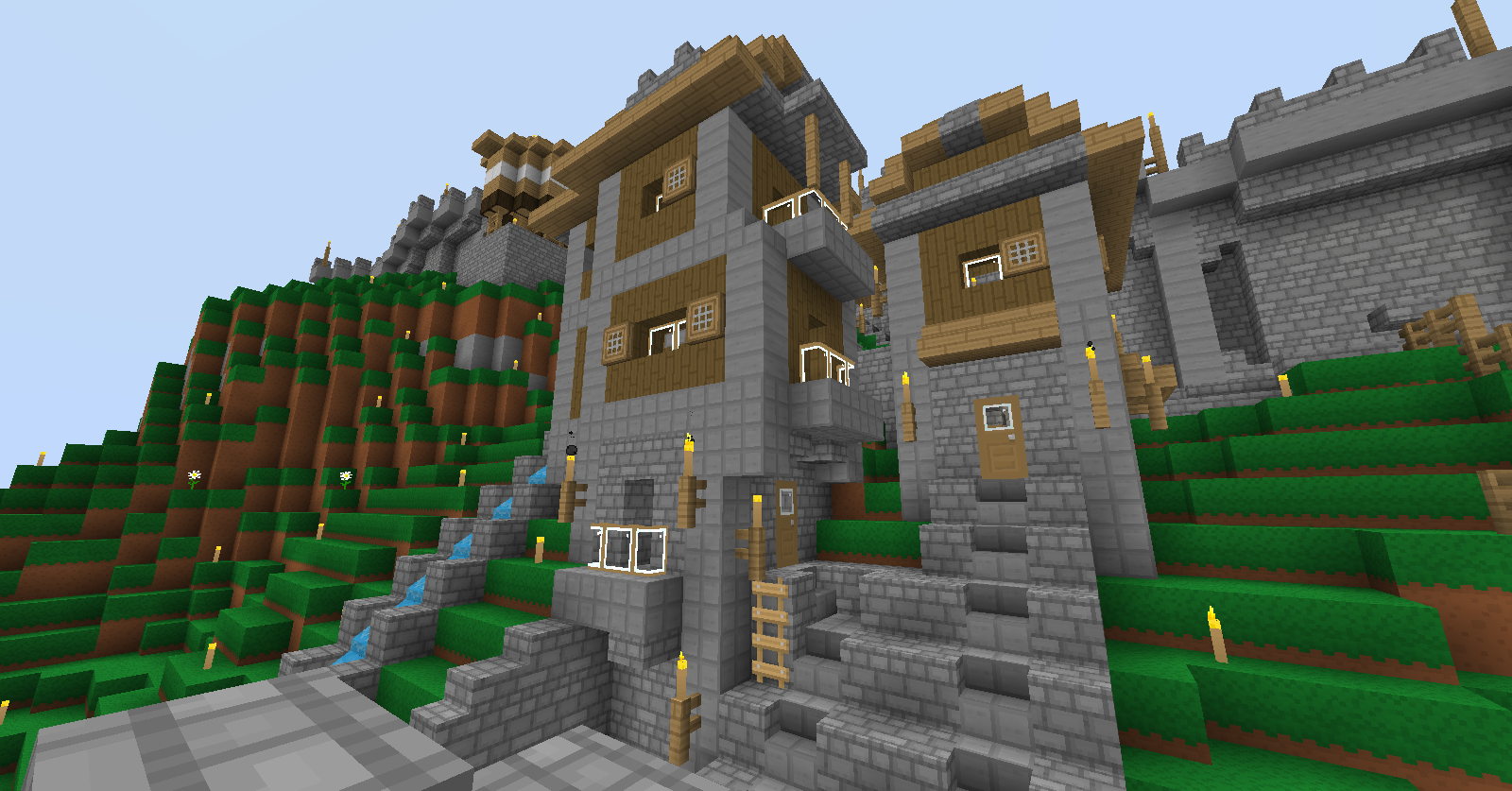
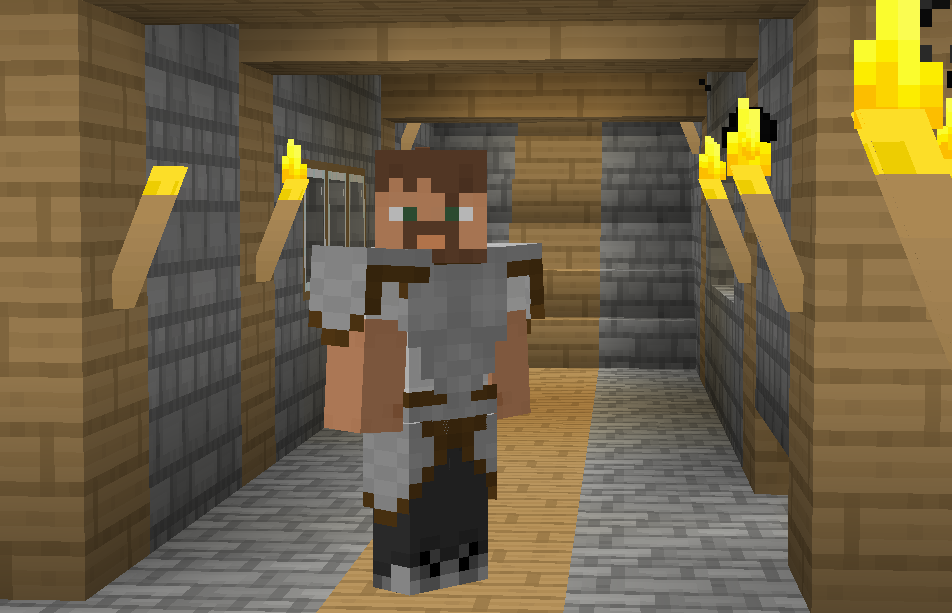
A clean, bright, cartoony texture pack by IsaacLJ
by _ForgeUser6866436
Download Claim this project
Add a badge to your pageLink to LJ's Pack [16x][1.9] from a README, website or forum post.
Preview: Badge

Badges update automatically and link to the resource pack page on MineUniverse.

4,657 downloads
0 likes
0 followers
Updated Oct 14, 2026
0 hypes
Follow0
16x Animated Traditional
Advertisement Remove ads with Premium →

~PLEASE DONATE if you do enjoy! This has been a great 4 year project and is still going! Thank you for your support!~

With the 16x16 pixel aspect ratio, I felt it was necessary to work with the limitations and compliment them through that. Therefore, this texture pack is simplistic in feel, yet does not stray away from realism and accuracy. With bold UI, easily-read items, and a fun twist on the vanilla textures, this pack feels all its own and extremely enjoyable. The rich colors bring Minecraft to vibrant life, and the relatable textures make you feel comfortable to know what materials you're using. No trickery, no confusion, this texture pack feels natural and lively. Give it a whirl and perhaps you'll find it so as well!

My texture pack has been in the making since Beta 1.2_02! And, as always, your download is much appreciated!
~Please do not redistribute as your own, thank you.~

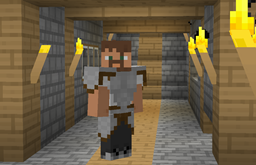
LJ's Pack [16x][1.9]
MC 1.8.8, 1.9-Snapshot
Beta 2015-11-21 Get
LJ's Resource Pack [16x][WIP].zip
MC 1.8-Snapshot
Beta 2014-07-27 Get
LJ_s_Resource_Pack__16x__1.7.2_.zip
MC 1.7.4
Release 2014-01-28 Get
LJ_s_Pack_1.5.zip
MC 1.5.1
Release 2013-03-24 Get
LJ_s_Pack_1.5.zip
MC 1.4.6
Release 2013-03-10 Get

Requirements & install

How to use this resource pack in Minecraft
Resolution
16x
Minecraft
1.4.6 – 1.9-Snapshot
Install folder
.minecraft/resourcepacks

How to install resource packs

  1. Download the resource pack .zip file (do not extract it).
  2. In Minecraft open Options → Resource Packs → Open Pack Folder.
  3. Drop the .zip into the resourcepacks folder (.minecraft/resourcepacks).
  4. Move the pack to the Selected column and click Done.
Browse more: 16x resource packs 32x resource packs 64x resource packs 128x resource packs 256x resource packs 512x+ resource packs Resource Packs for 1.9-Snapshot All resource packs
Advertisement Remove ads with Premium →

You Might Also Like