Mineuniverse
Resource Packs
LivesCraft

LivesCraft

RESOURCE PACK
Semi-Hardcore Minecraft gamemode with limited lives. Enchanted golden apples give extra lives, providing a thrilling challenge without the intensity of hardcore mode
by Eianex
Download Claim this project
187 downloads
0 likes
Updated Oct 14, 2026
0 hypes
Data Packs Medieval Miscellaneous Mod Support Traditional
Advertisement Remove ads with Premium →
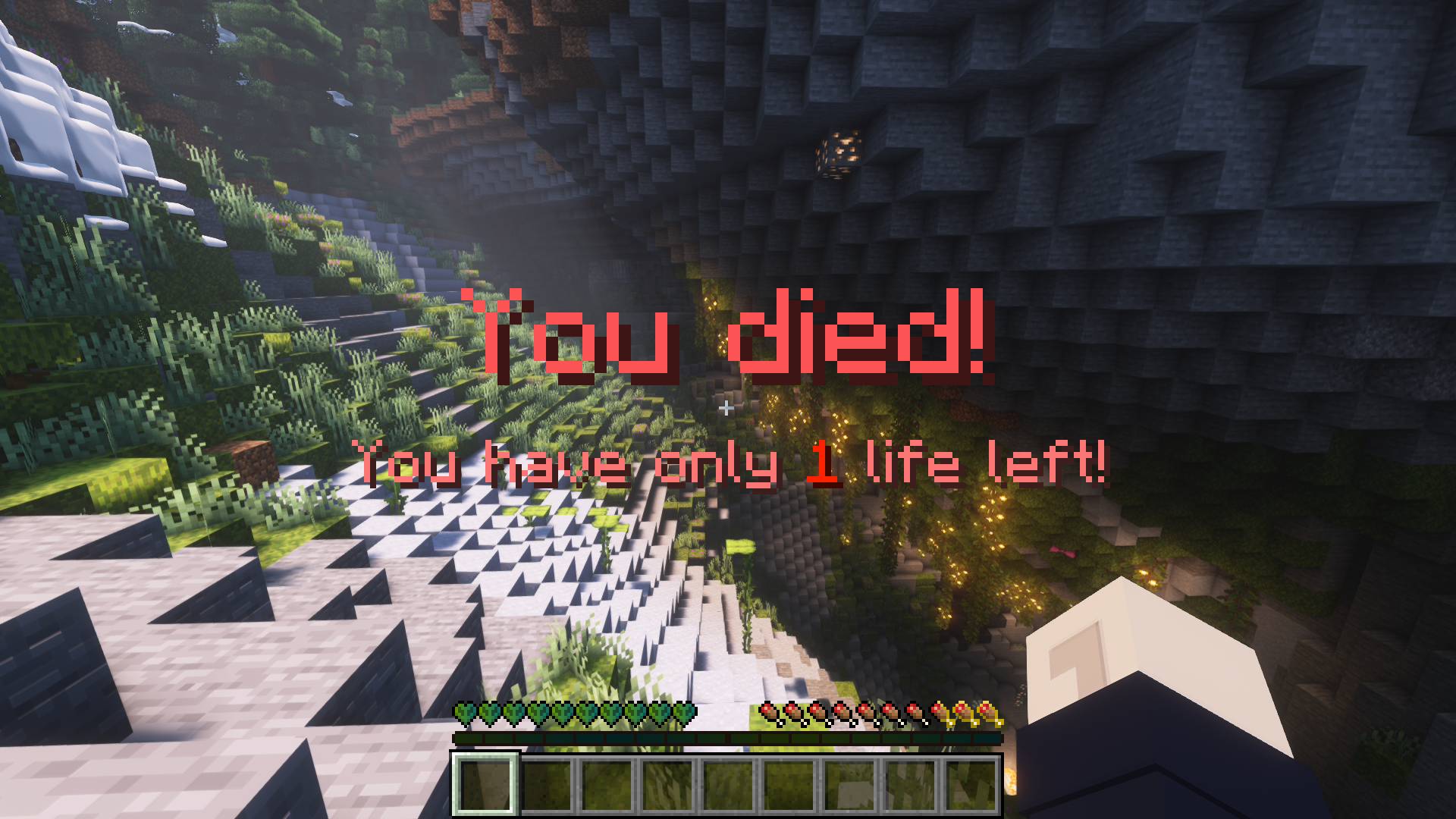
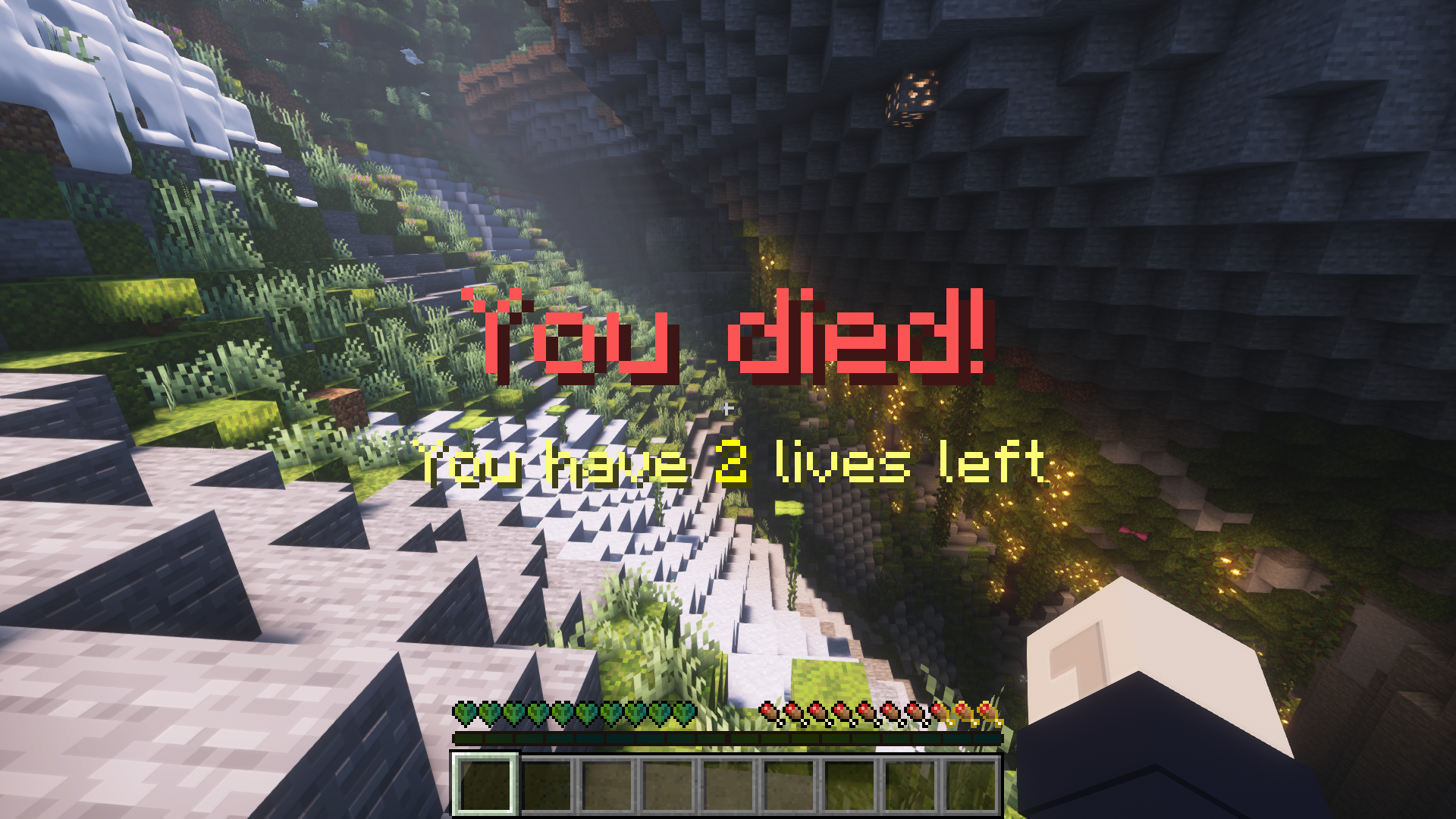
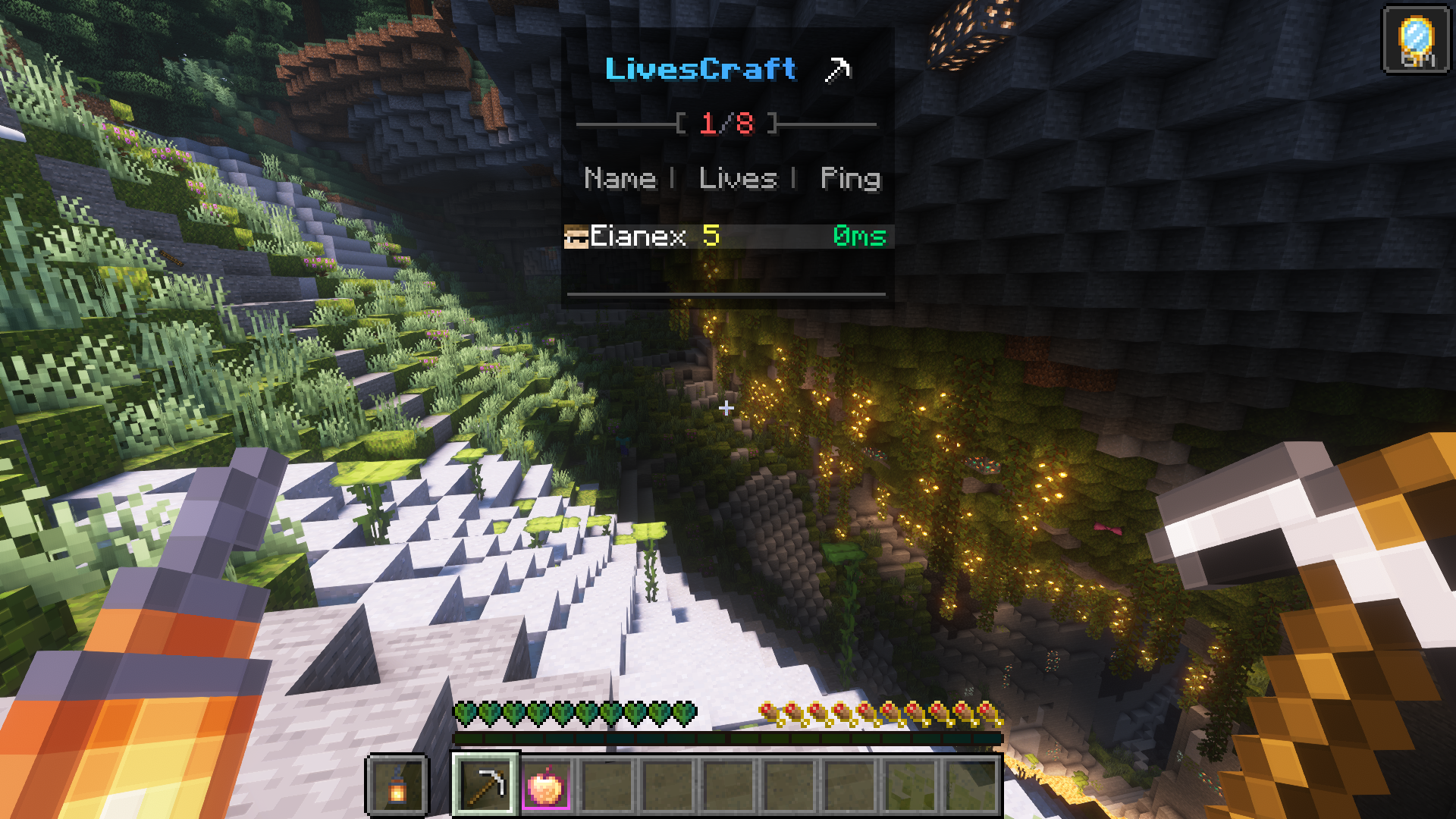
LivesCraft is a datapack that brings a new gamemode with Lives into Minecraft. Players are given a limited number of lives at the beginning, making every in-game decision count. Get ready to strategize, plan, and test your skills in a thrilling and challenging Minecraft adventure!


  • Limited Lives System: Players start with a default of 5 lives, making every action and decision in the game more meaningful and exhilarating.
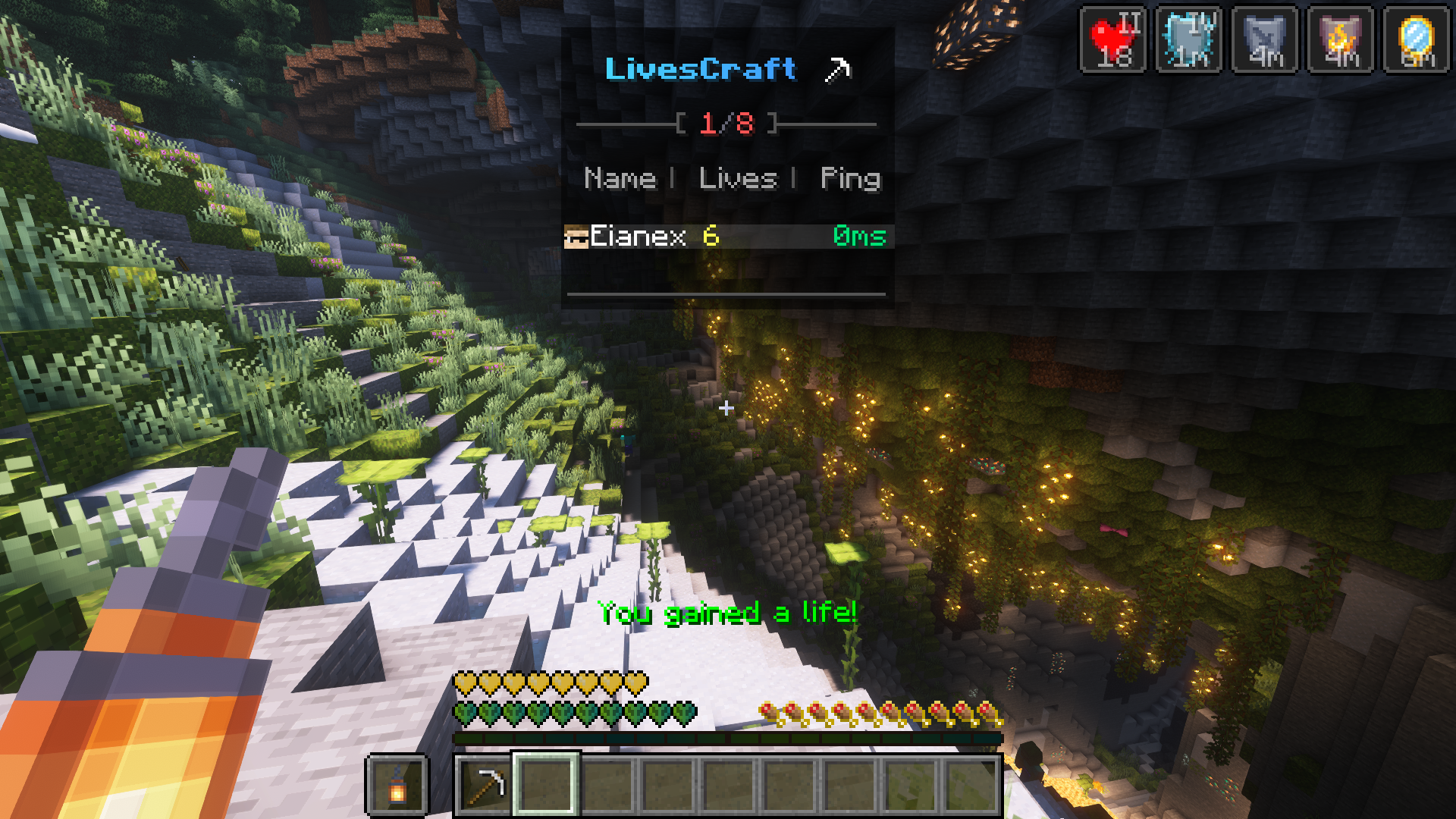
  • Enchanted Golden Apples: Players can gain an extra life by consuming enchanted golden apples, adding a rewarding aspect to exploration and resource gathering.
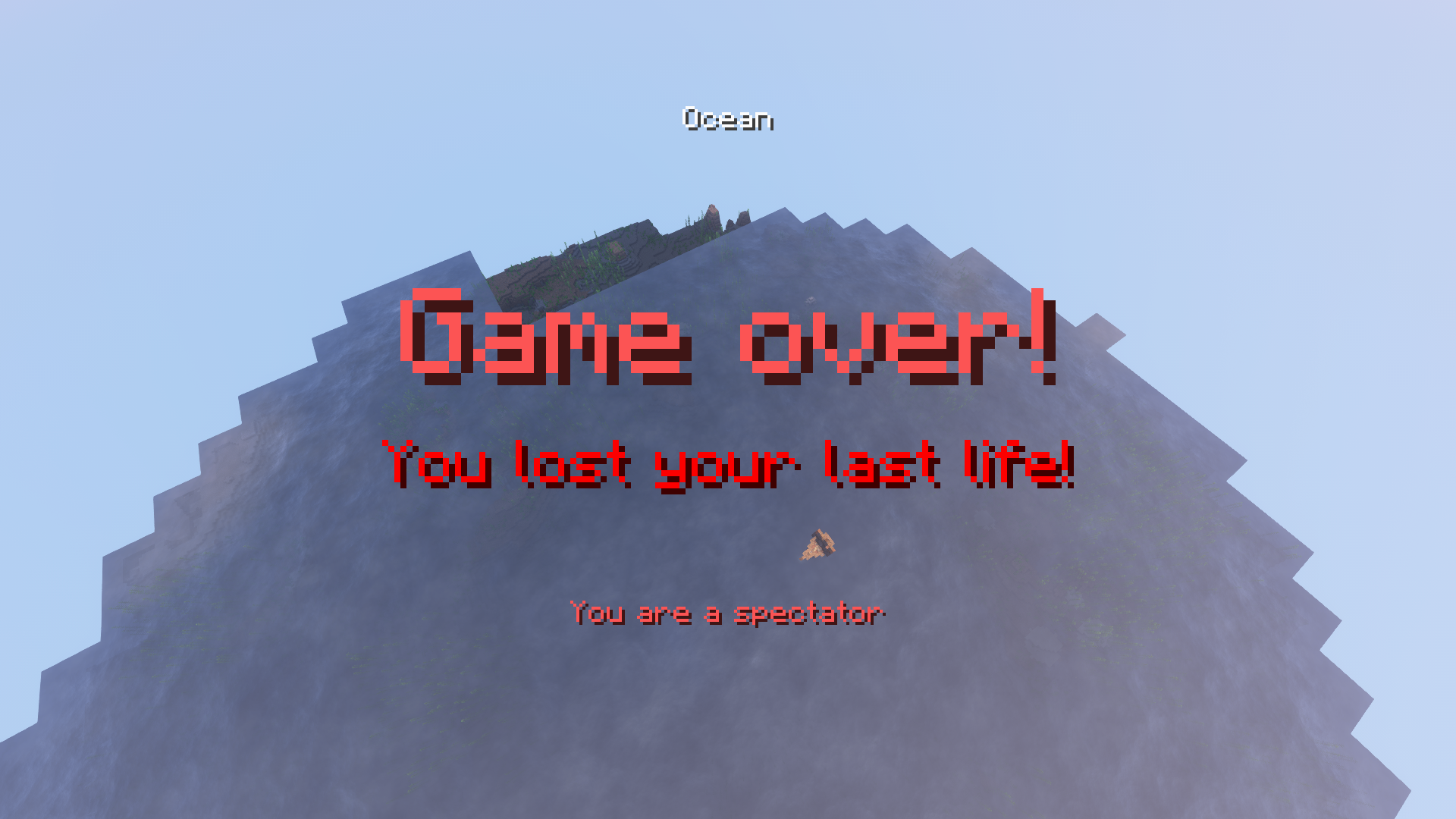
  • Spectator Game Over: When a player loses their last life, they will be switched to spectator mode, allowing them to observe the world from a fixed position in the sky.
  • Singleplayer and Multiplayer increases the stakes and the need for cooperation and strategy among players.
  • Easy Installation: User-friendly LivesCraft is simple to install and seamlessly integrates with your Minecraft world. Once installed, just type /reload and you will be ready to go!

 
I recommend using the Styled Player List Mod in addition to the LivesCraft Datapack for an enhanced experience, but it is optional and purely cosmetic.
If you want to simplify your gameplay even more, you can also add craftable notch apples pack by Vanilla Tweaks.


LivesCraft+1.16.5
MC 1.16.5
Release 2023-04-07 Get
LivesCraft+1.18.2
MC 1.18.2
Release 2023-04-07 Get
LivesCraft+1.19
MC 1.19.2
Release 2023-04-07 Get

Requirements & install

How to use this resource pack in Minecraft
Resolution
Not specified
Minecraft
1.16.5 – 1.19.2
Install folder
.minecraft/resourcepacks

How to install resource packs

  1. Download the resource pack .zip file (do not extract it).
  2. In Minecraft open Options → Resource Packs → Open Pack Folder.
  3. Drop the .zip into the resourcepacks folder (.minecraft/resourcepacks).
  4. Move the pack to the Selected column and click Done.
Browse more: 16x resource packs 32x resource packs 64x resource packs 128x resource packs 256x resource packs 512x+ resource packs Resource Packs for 1.19.2 All resource packs

More from Eianex

Advertisement Remove ads with Premium →

You Might Also Like