Mineuniverse
Resource Packs
Lightview

Lightview

RESOURCE PACK
Shows where mobs can spawn, in vanilla!
by Shock_Micro
Download Claim this project
1,187 downloads
0 likes
Updated Oct 14, 2026
0 hypes
16x Miscellaneous
Advertisement Remove ads with Premium →

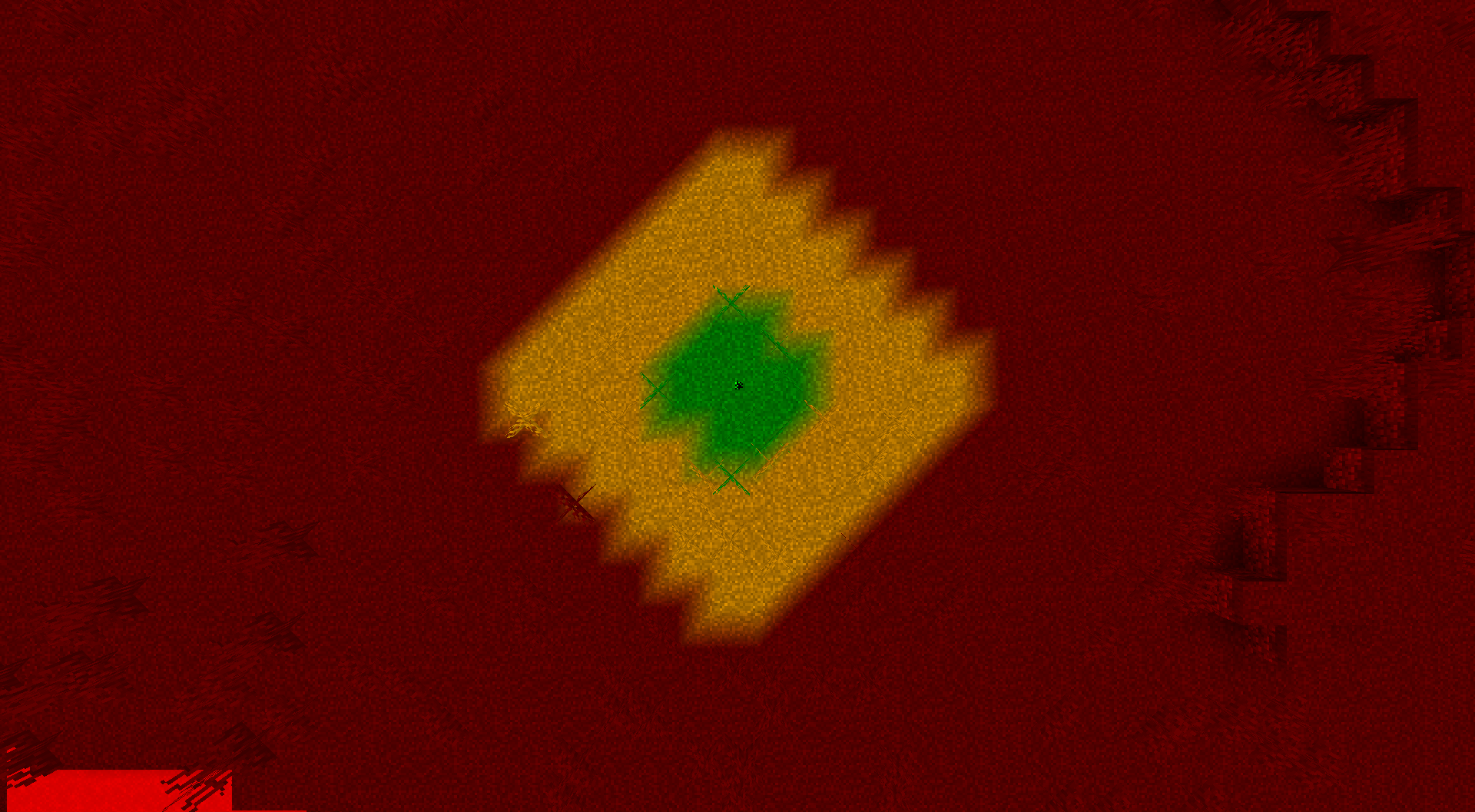
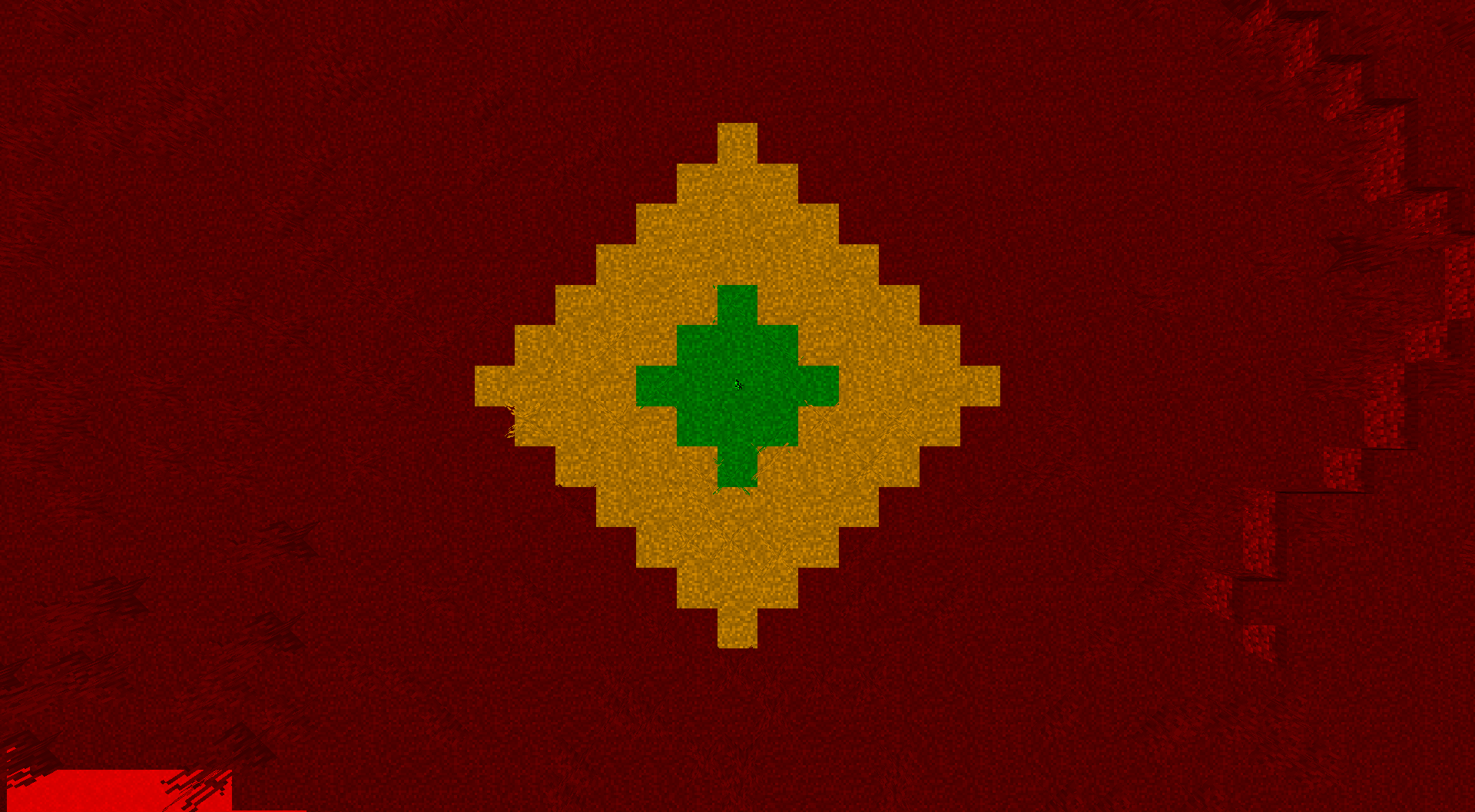
Have you ever had a Creeper blow up your building just because you missed a single spot? Worry no longer! This resource pack will allow you to see exactly where mobs can spawn.

Color code:

Green = Safe! Mobs won't spawn and Spiders are neutral.

Yellow = Be careful! Mobs won't spawn naturally, but Blazes and Silverfish will come from Spawners. Spiders are hostile and the undead won't burn if out of daylight!

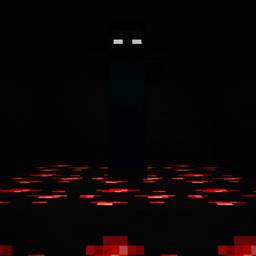
Red = Light it up!! Hostile mobs will spawn naturally!

Note: This does not factor in skylight, due to how night is differentiated from day. All of the colors treat it as if it were nighttime, but I may find a way for this to change in the future. See images tab for pics!


If you want to get updated about this pack and many others, make sure to join my Discord and follow my Twitter!

Lightview
MC 1.18.2
Release 2022-03-09 Get
Lightview
MC 1.18.1
Release 2021-12-18 Get
Lightview
MC 1.17, 1.17-Snapshot
Release 2021-07-02 Get
Lightview.zip
MC 1.17, 1.17-Snapshot
Release 2021-06-23 Get

Requirements & install

How to use this resource pack in Minecraft
Resolution
16x
Minecraft
1.17-Snapshot – 1.18.2
Install folder
.minecraft/resourcepacks

How to install resource packs

  1. Download the resource pack .zip file (do not extract it).
  2. In Minecraft open Options → Resource Packs → Open Pack Folder.
  3. Drop the .zip into the resourcepacks folder (.minecraft/resourcepacks).
  4. Move the pack to the Selected column and click Done.
Browse more: 16x resource packs 32x resource packs 64x resource packs 128x resource packs 256x resource packs 512x+ resource packs Resource Packs for 1.18.2 All resource packs

More from Shock_Micro

Advertisement Remove ads with Premium →

You Might Also Like