Mineuniverse
Resource Packs
LightStone

LightStone

RESOURCE PACK
A better than Default Texture pack 16x
by _ForgeUser16599592
Download Claim this project
884 downloads
0 likes
Updated Oct 14, 2026
0 hypes
16x Medieval Miscellaneous Traditional
Advertisement Remove ads with Premium →

A basic beta version has been created by me but I would like help, if you are interested please add me on discord at Raiden_Rex #3228 or email me at [email protected] for additional contact information. I will take people that can texture of any skill level as for I myself am quite an Amateur .. Thanks


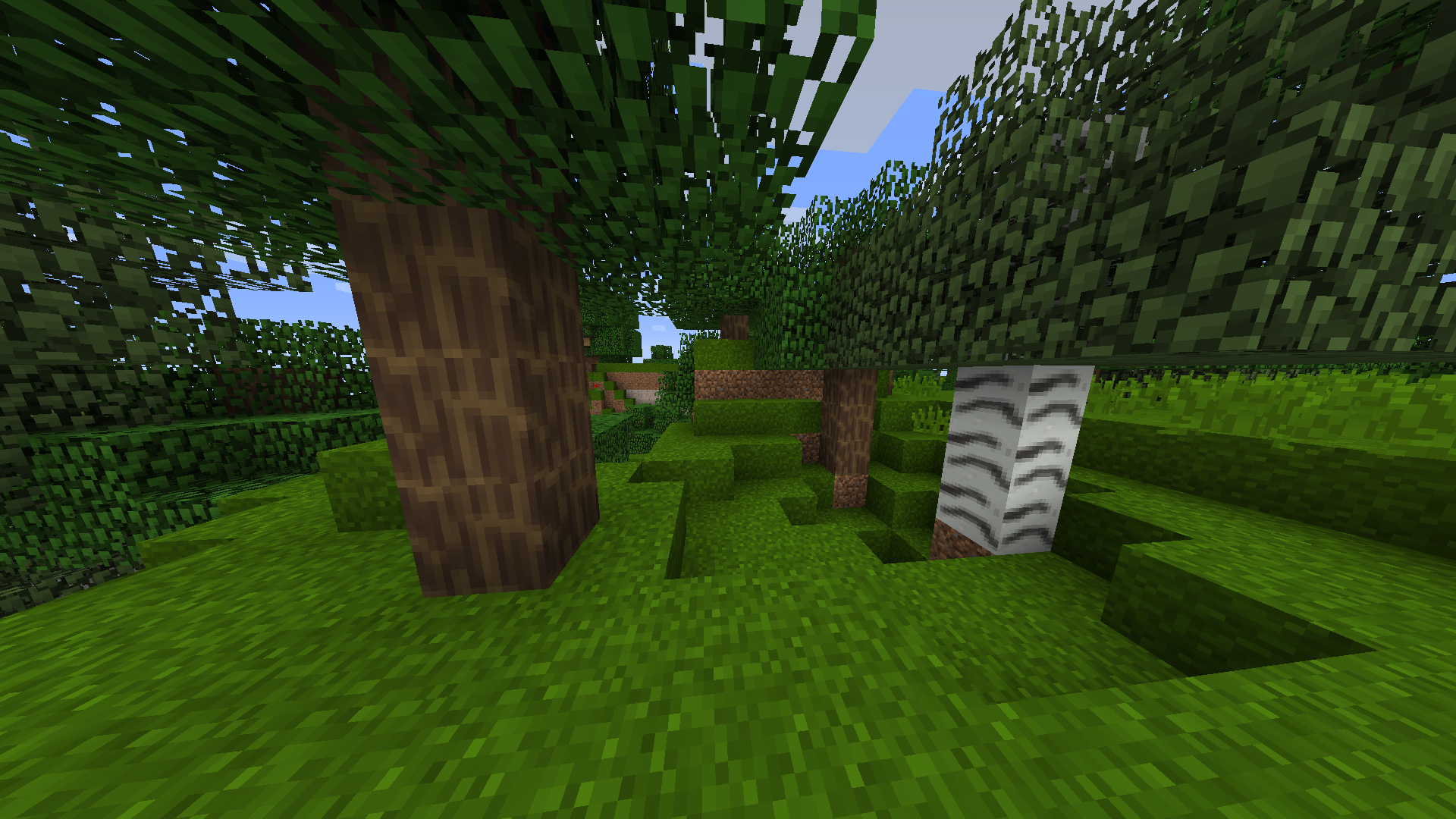
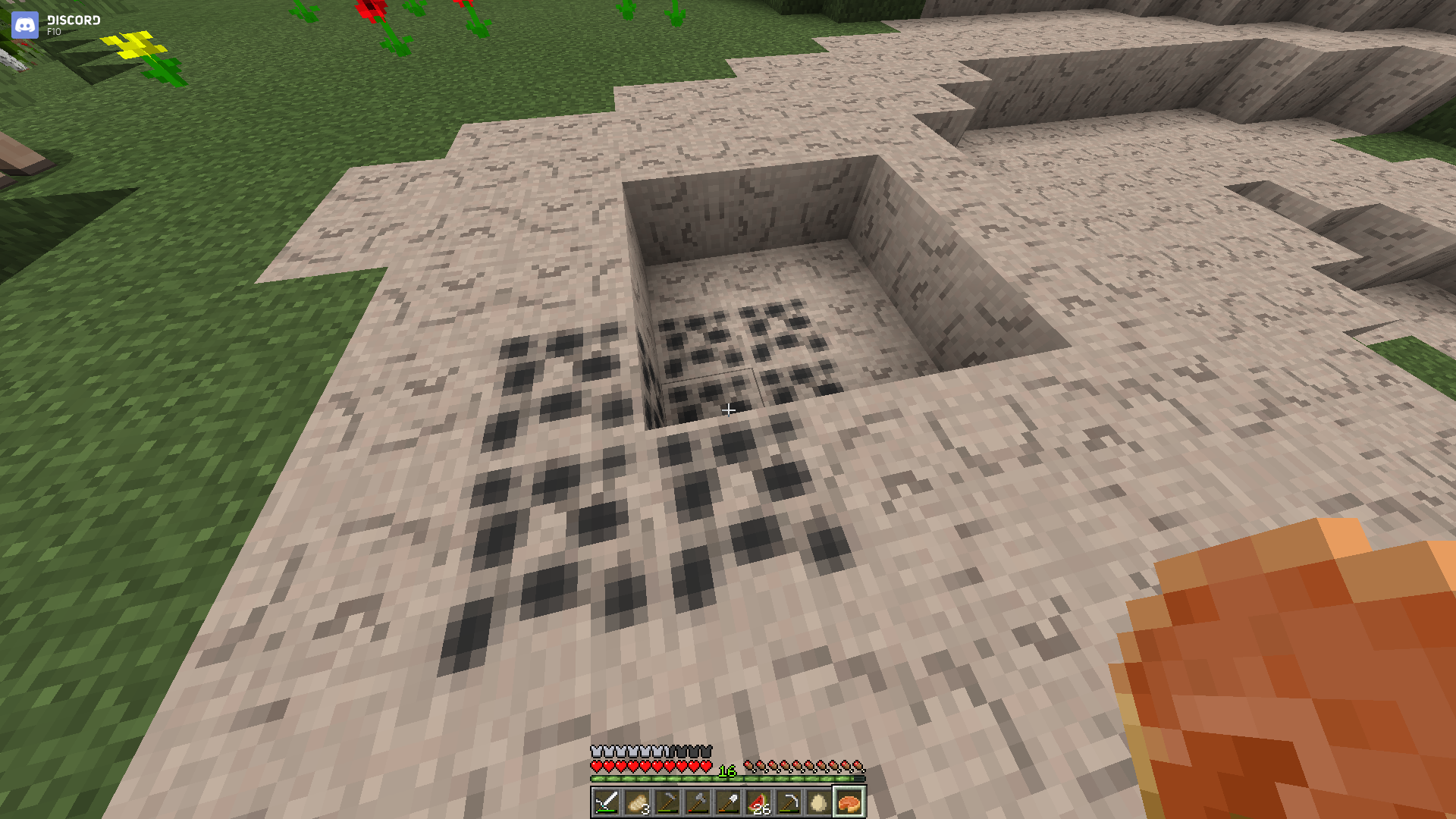
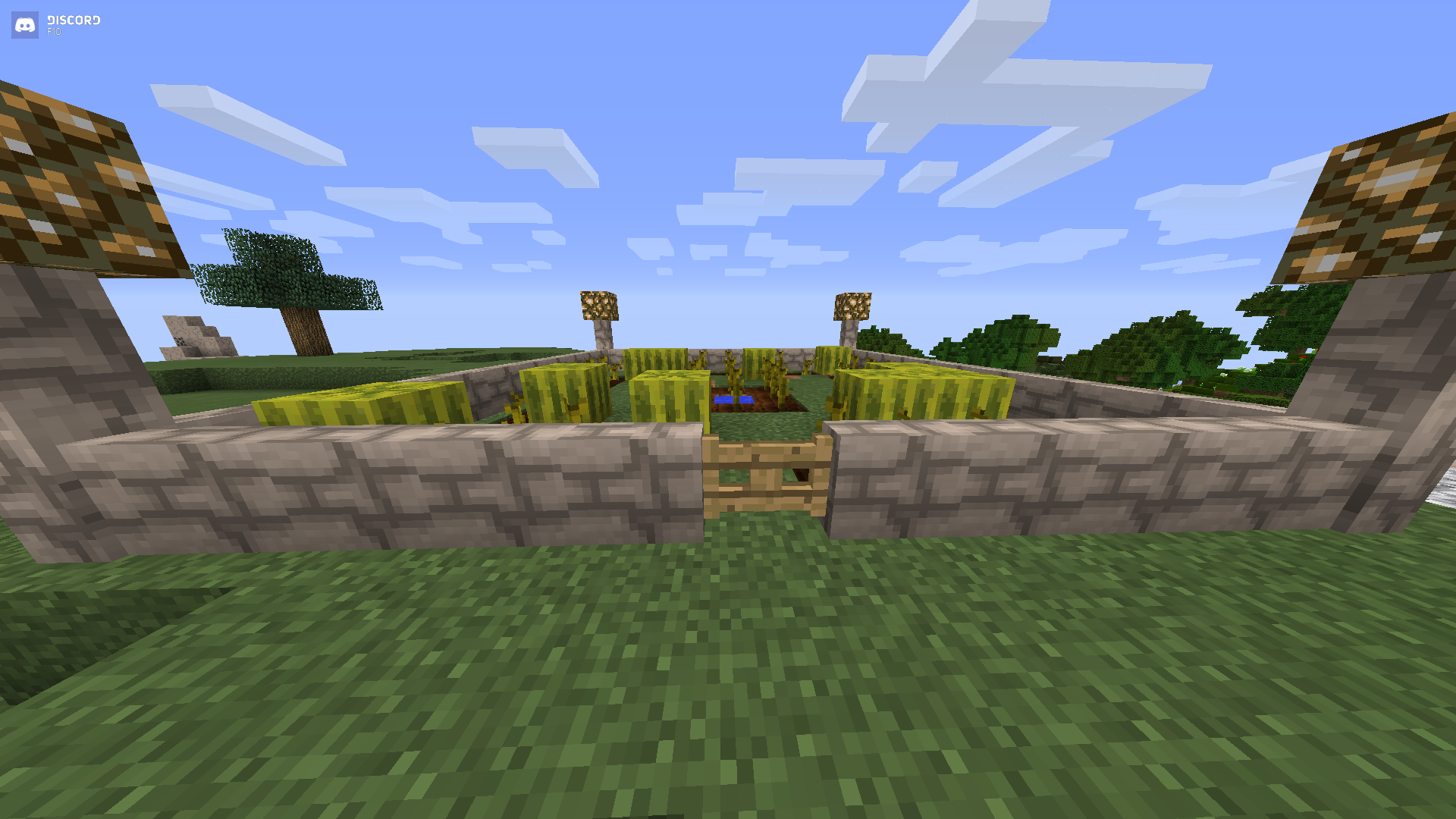
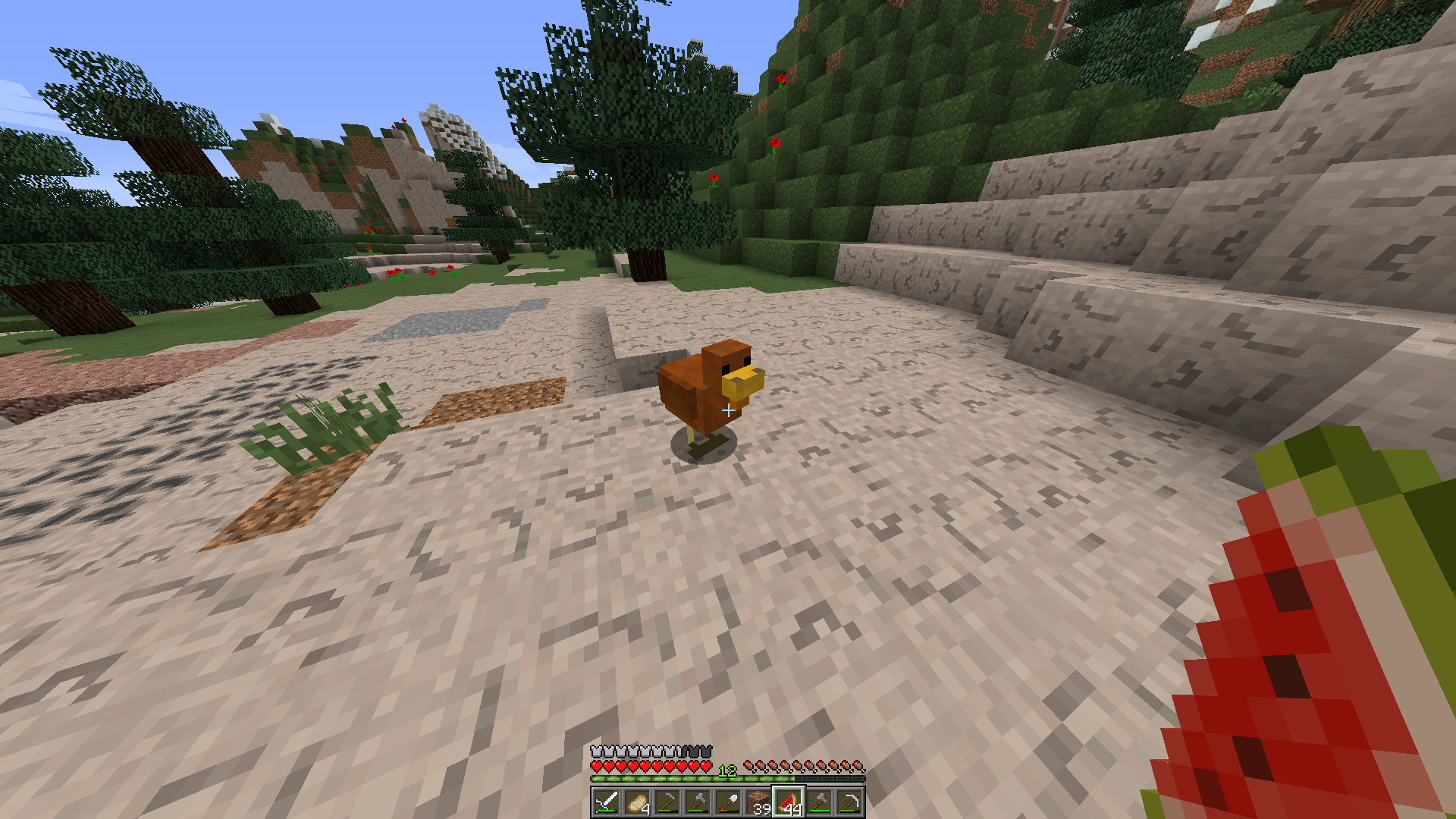
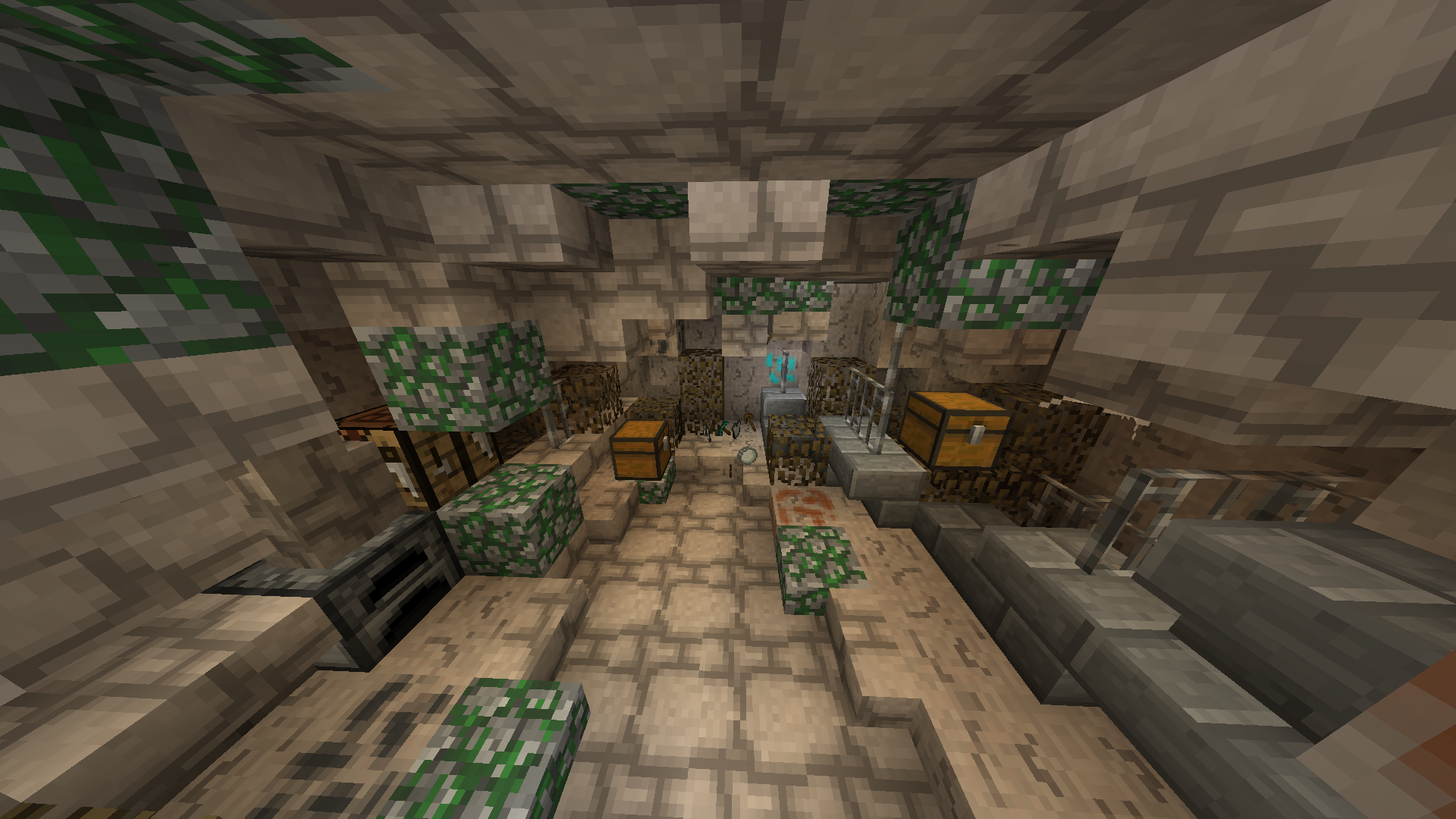
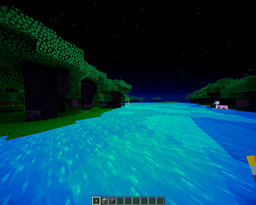
This texture pack is an 16x enhanced version of the basic minecraft textures but they will also be more "rustic" looking. The texture pack will be suitable for many medieval and rustic builds as well as PvP. The paragraph is still in Beta stage however it is available to the public for use, but ALL textures are owned by the creators of the project and cannot be used in other texture packs without the permission of the owner. However feel free to use the texture pack in any video,recording, or stream.


As stated in the first paragraph before the project must continue I will need support from other people with experience of texturing.

Lightstone 0.2 Beta Release
MC 1.7.6, 1.8.7, 1.7.4, 1.7.7, 1.7.5, 1.8.4, 1.7.9, 1.8.8, 1.7.2, 1.8-Snapshot, 1.8.3, 1.8.6, 1.7.8, 1.7.10, 1.8, 1.9-Snapshot, 1.8.2, 1.9, 1.8.5, 1.8.9, 1.8.1
Beta 2016-04-03 Get
LightStone 16x Default Texture Pack 0.1 Beta
MC 1.7.6, 1.8.7, 1.7.4, 1.7.7, 1.7.5, 1.8.4, 1.7.9, 1.8.8, 1.7.2, 1.8-Snapshot, 1.8.3, 1.8.6, 1.7.8, 1.7.10, 1.8, 1.9-Snapshot, 1.8.2, 1.9, 1.8.5, 1.8.9, 1.8.1
Beta 2016-04-01 Get
Lightstone 0.1 Ore fix
MC 1.7.6, 1.8.7, 1.7.4, 1.7.7, 1.7.5, 1.8.4, 1.7.9, 1.8.8, 1.7.2, 1.8-Snapshot, 1.8.3, 1.8.6, 1.7.8, 1.7.10, 1.8, 1.9-Snapshot, 1.8.2, 1.9, 1.8.5, 1.8.9, 1.8.1
Beta 2016-04-01 Get

Requirements & install

How to use this resource pack in Minecraft
Resolution
16x
Minecraft
1.8.4 – 1.9
Install folder
.minecraft/resourcepacks

How to install resource packs

  1. Download the resource pack .zip file (do not extract it).
  2. In Minecraft open Options → Resource Packs → Open Pack Folder.
  3. Drop the .zip into the resourcepacks folder (.minecraft/resourcepacks).
  4. Move the pack to the Selected column and click Done.
Browse more: 16x resource packs 32x resource packs 64x resource packs 128x resource packs 256x resource packs 512x+ resource packs Resource Packs for 1.9 All resource packs

More from _ForgeUser16599592

Advertisement Remove ads with Premium →

You Might Also Like