Mineuniverse
Resource Packs
Lightsabers Pack

Lightsabers Pack

RESOURCE PACK
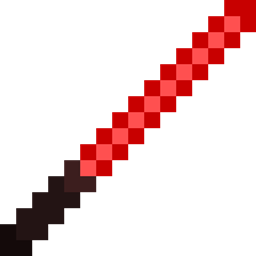
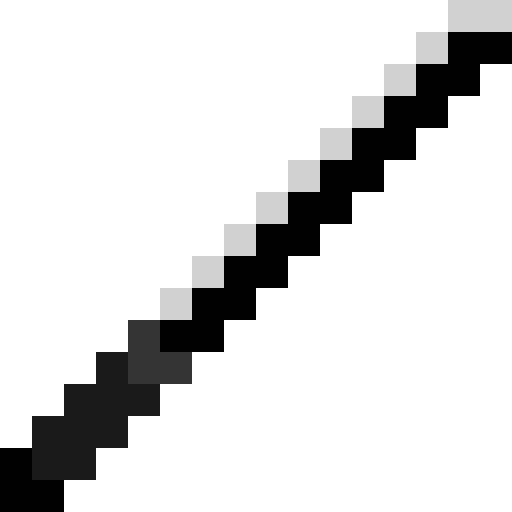
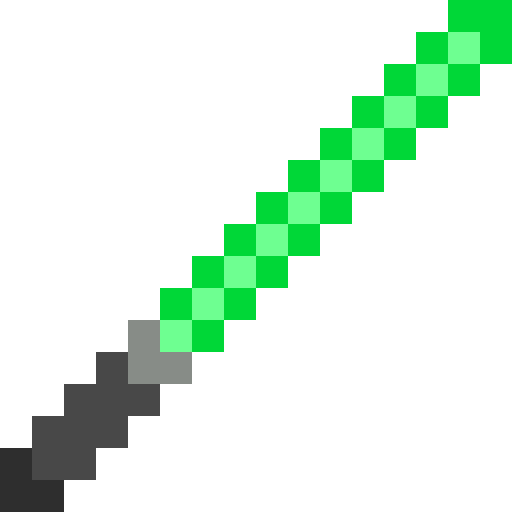
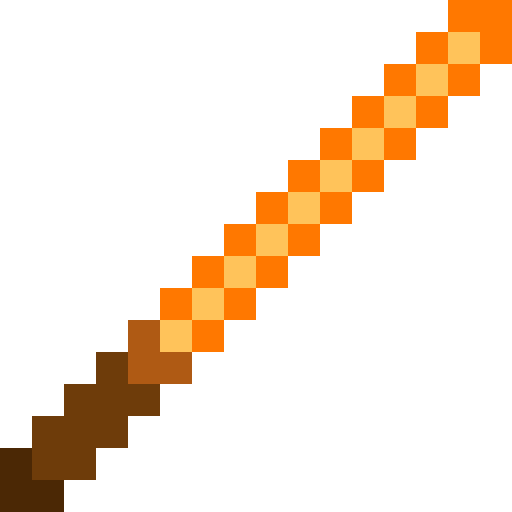
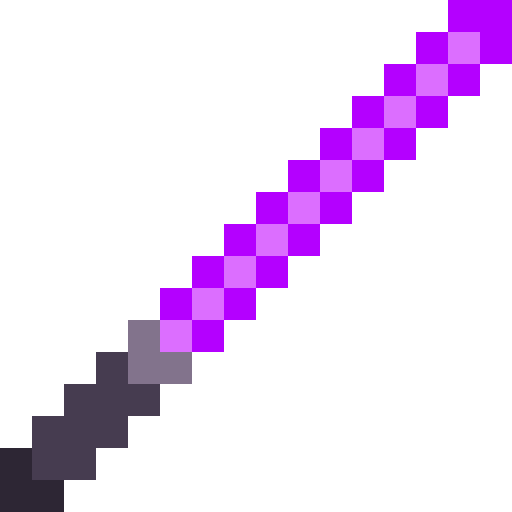
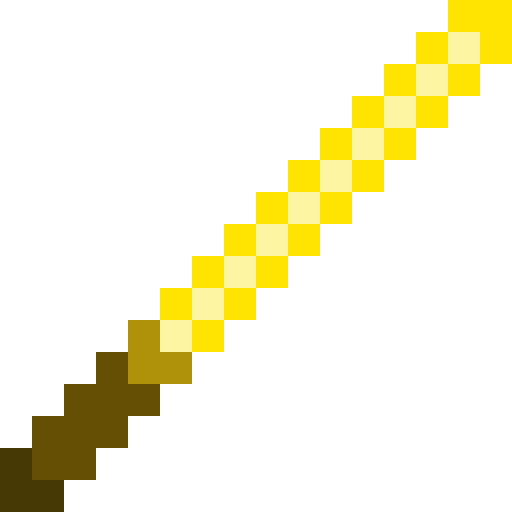
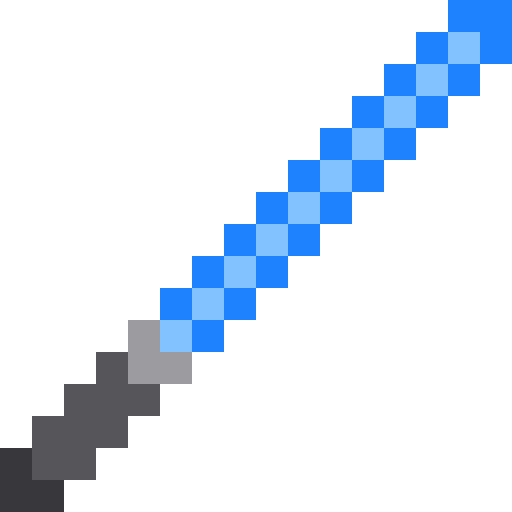
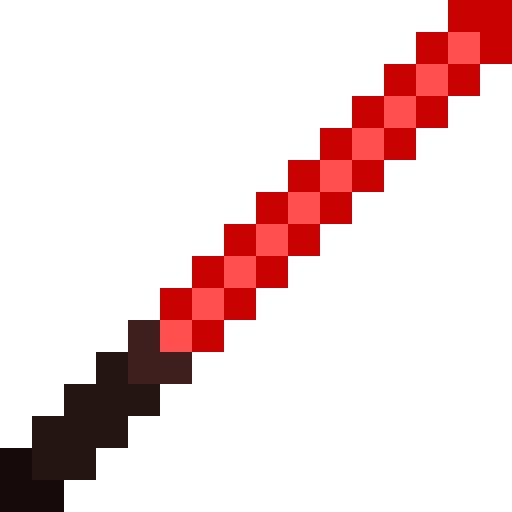
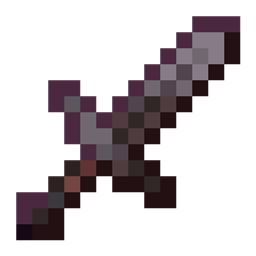
Lightsaber Pack replaces all swords with lightsabers from the Star Wars universe. Each sword type has its own unique blade color — from the dark Darksaber to the iconic red Sith blade.
by Buky50_
Download Claim this project
665 downloads
0 likes
Updated Oct 14, 2026
0 hypes
16x
Advertisement Remove ads with Premium →

Have you ever wanted to wield a lightsaber in Minecraft? This texture pack replaces every sword in the game with an iconic lightsaber from the Star Wars universe, each with its own unique color and design.
Built for the classic 16x16 Minecraft art style, the pack supports versions 1.8.9 and 1.21.0 through 1.21.11. Each version comes as a separate ready-to-use ZIP. No mods required — just drop it into your resourcepacks folder, activate it in settings, and you're good to go.
Only sword textures are changed. Everything else stays untouched.

Made by Buky50_

LightsaberPack 26.1.x
MC 26.1, 26.1.1, 26.1.2
Release 2026-09-09 Get
LightsaberPack 26.2.x
MC 26.2
Release 2026-09-09 Get
LightsaberPack 1.8.x
MC 1.8.7, 1.8.8, 1.8.4, 1.8.3, 1.8, 1.8.6, 1.8.9, 1.8.1, 1.8.5, 1.8.2
Release 2026-05-16 Get
LightsaberPack 1.21.0
MC 1.21
Release 2026-05-16 Get
LightsaberPack 1.21.1
MC 1.21.1
Release 2026-05-16 Get
LightsaberPack 1.21.2
MC 1.21.2
Release 2026-05-16 Get
LightsaberPack 1.21.3
MC 1.21.3
Release 2026-05-16 Get
LightsaberPack 1.21.4
MC 1.21.4
Release 2026-05-16 Get
LightsaberPack 1.21.5
MC 1.21.5
Release 2026-05-16 Get
LightsaberPack 1.21.6
MC 1.21.6
Release 2026-05-16 Get
LightsaberPack 1.21.7
MC 1.21.7
Release 2026-05-16 Get
LightsaberPack 1.21.8
MC 1.21.8
Release 2026-05-16 Get
LightsaberPack 1.21.9
MC 1.21.9
Release 2026-05-16 Get
LightsaberPack 1.21.10
MC 1.21.10
Release 2026-05-16 Get
LightsaberPack 1.21.11
MC 1.21.11
Release 2026-05-16 Get

Requirements & install

How to use this resource pack in Minecraft
Resolution
16x
Minecraft
1.21.8 – 26.2
Install folder
.minecraft/resourcepacks

How to install resource packs

  1. Download the resource pack .zip file (do not extract it).
  2. In Minecraft open Options → Resource Packs → Open Pack Folder.
  3. Drop the .zip into the resourcepacks folder (.minecraft/resourcepacks).
  4. Move the pack to the Selected column and click Done.
Browse more: 16x resource packs 32x resource packs 64x resource packs 128x resource packs 256x resource packs 512x+ resource packs Resource Packs for 26.2 All resource packs

More from Buky50_

Advertisement Remove ads with Premium →

You Might Also Like